Qtip2
Description




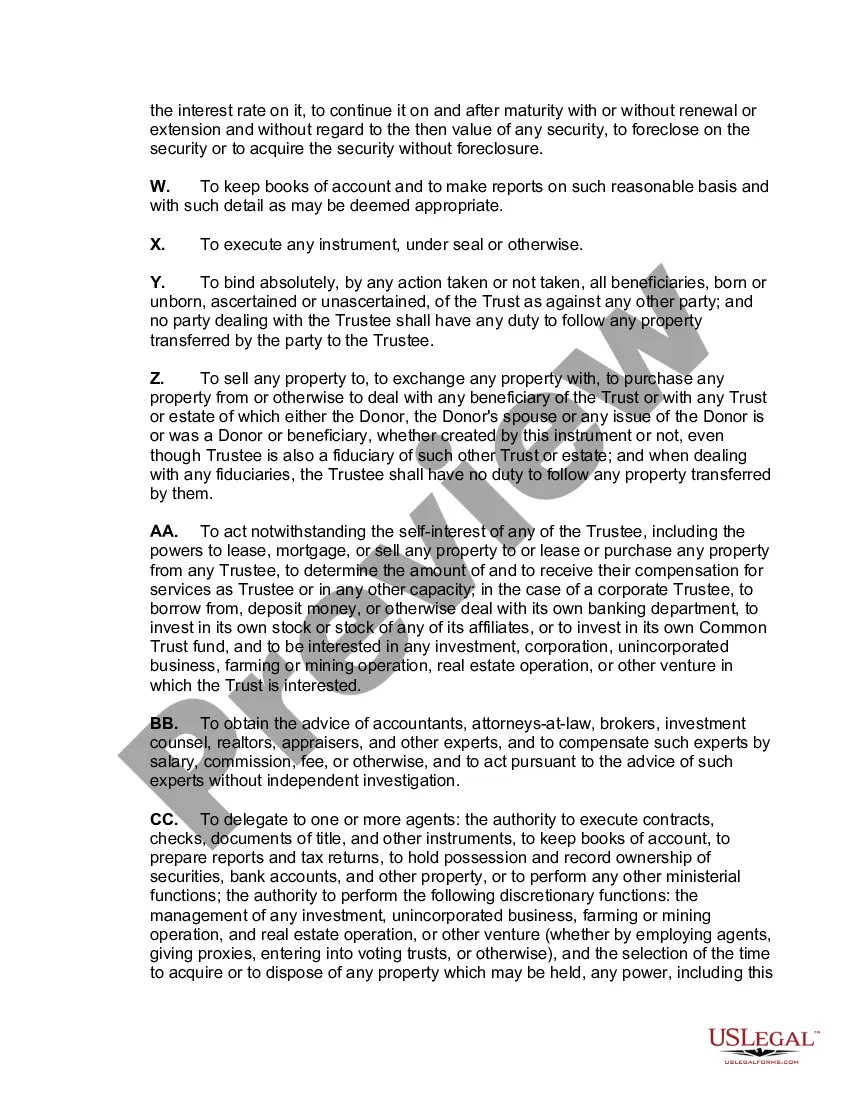
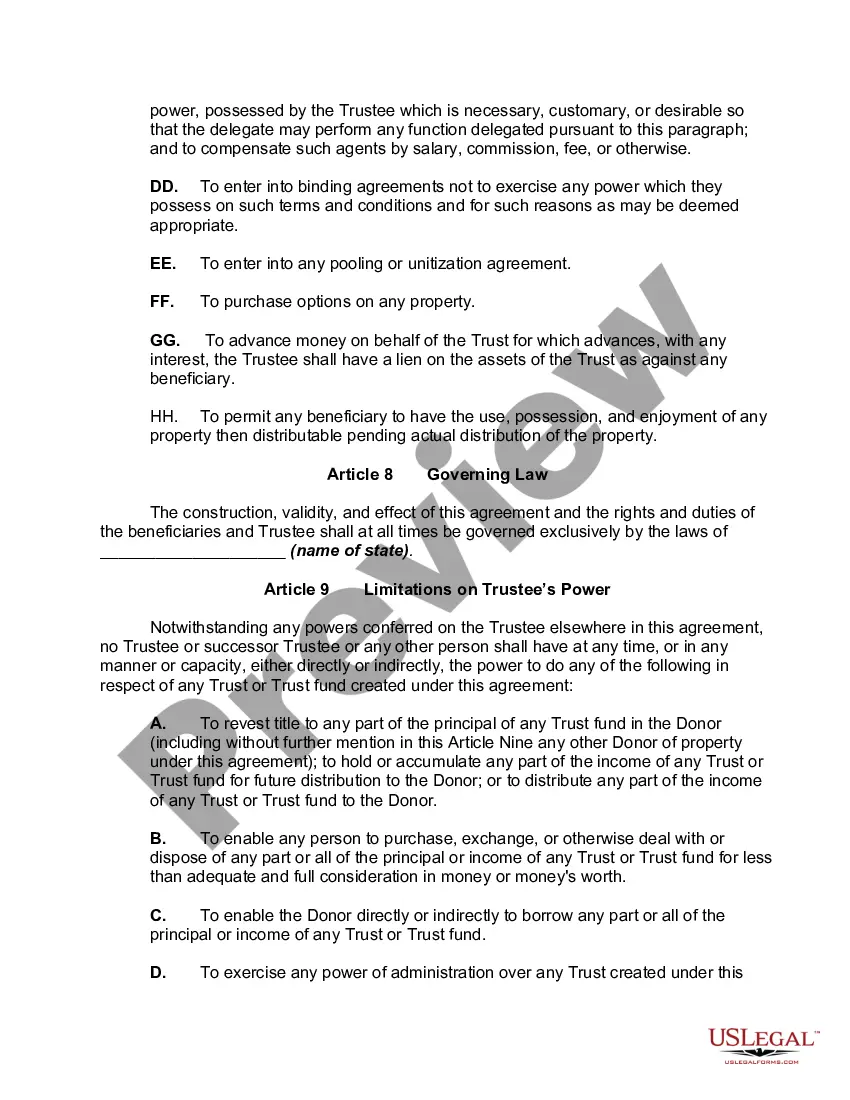


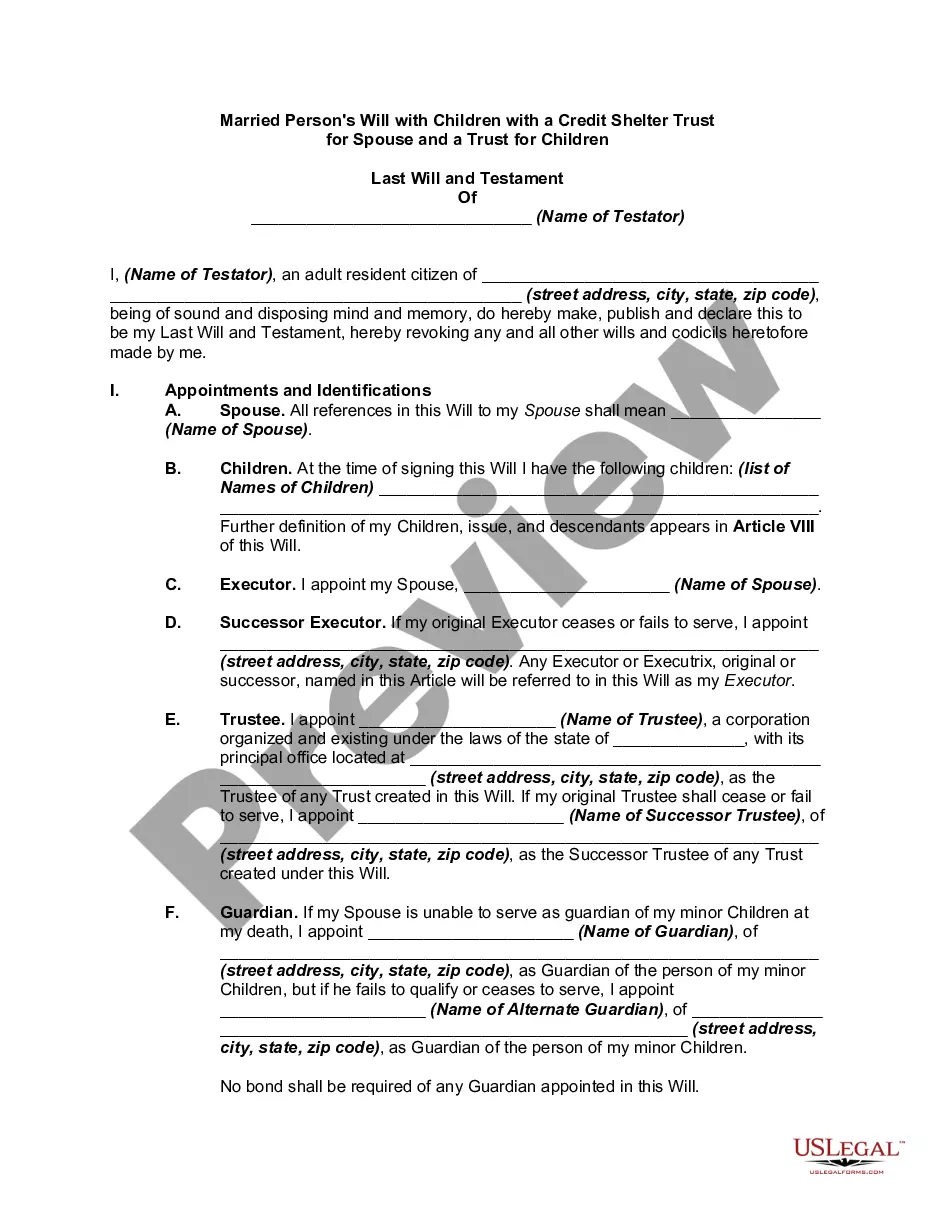

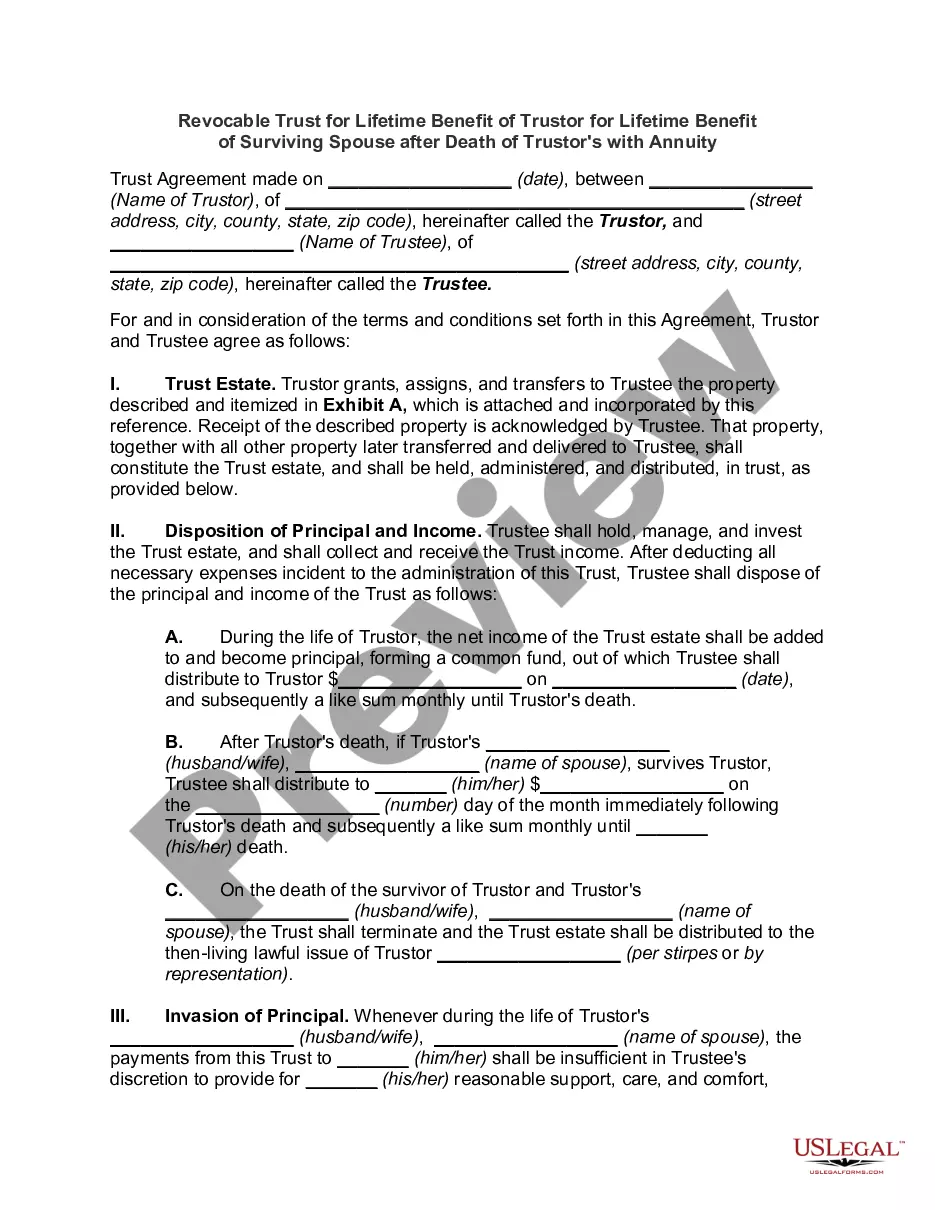
Get your form ready online
Our built-in tools help you complete, sign, share, and store your documents in one place.
Make edits, fill in missing information, and update formatting in US Legal Forms—just like you would in MS Word.
Download a copy, print it, send it by email, or mail it via USPS—whatever works best for your next step.
Sign and collect signatures with our SignNow integration. Send to multiple recipients, set reminders, and more. Go Premium to unlock E-Sign.
If this form requires notarization, complete it online through a secure video call—no need to meet a notary in person or wait for an appointment.
We protect your documents and personal data by following strict security and privacy standards.

Make edits, fill in missing information, and update formatting in US Legal Forms—just like you would in MS Word.

Download a copy, print it, send it by email, or mail it via USPS—whatever works best for your next step.

Sign and collect signatures with our SignNow integration. Send to multiple recipients, set reminders, and more. Go Premium to unlock E-Sign.

If this form requires notarization, complete it online through a secure video call—no need to meet a notary in person or wait for an appointment.

We protect your documents and personal data by following strict security and privacy standards.
Looking for another form?







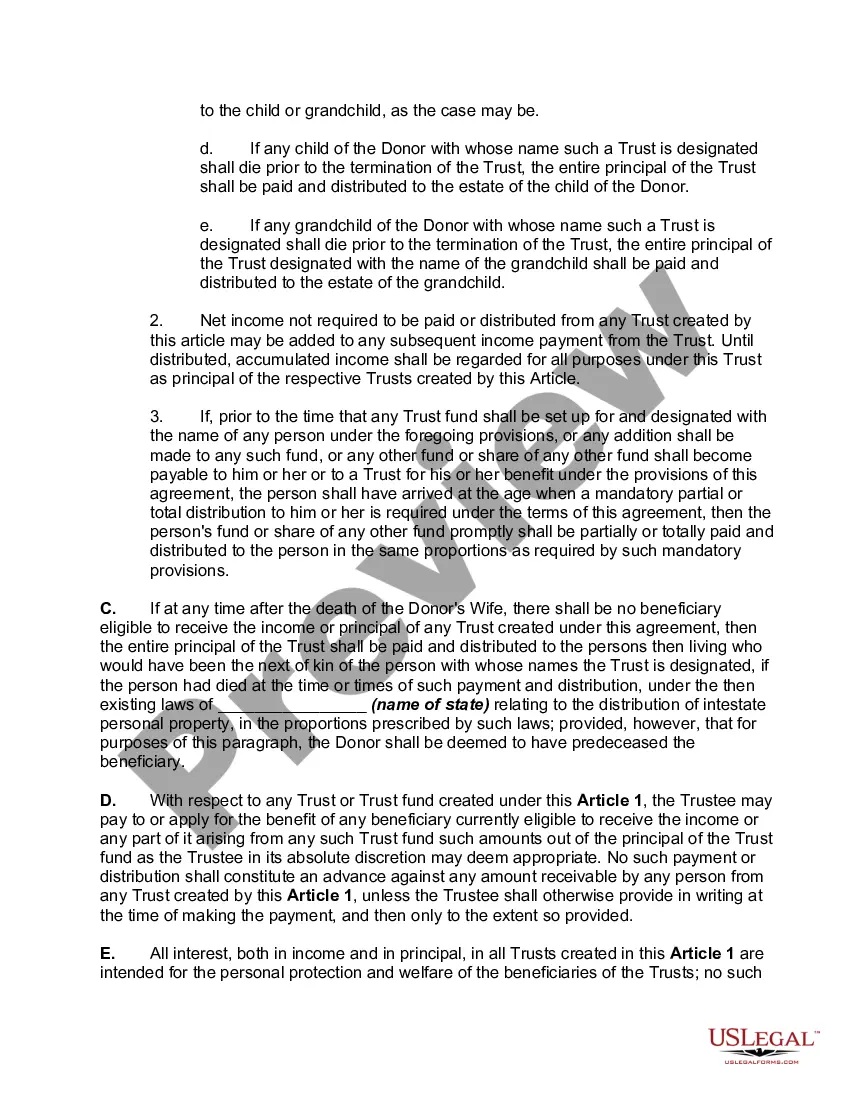
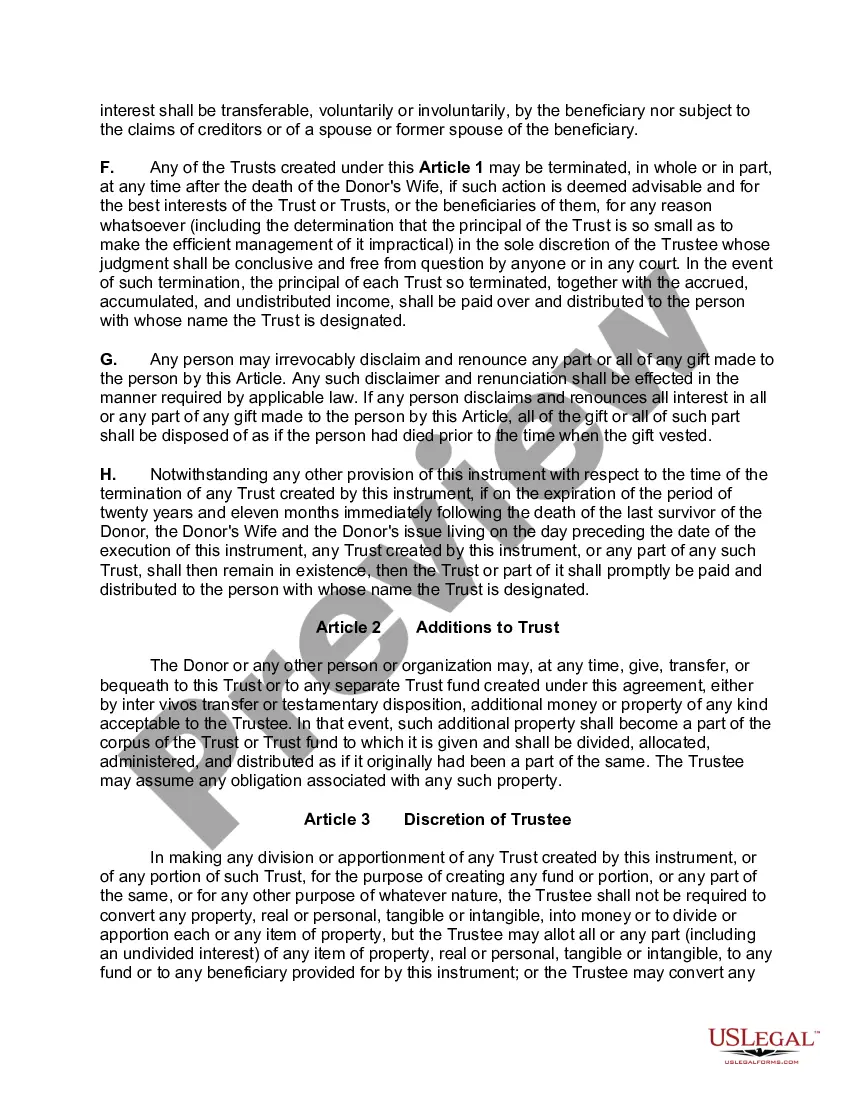
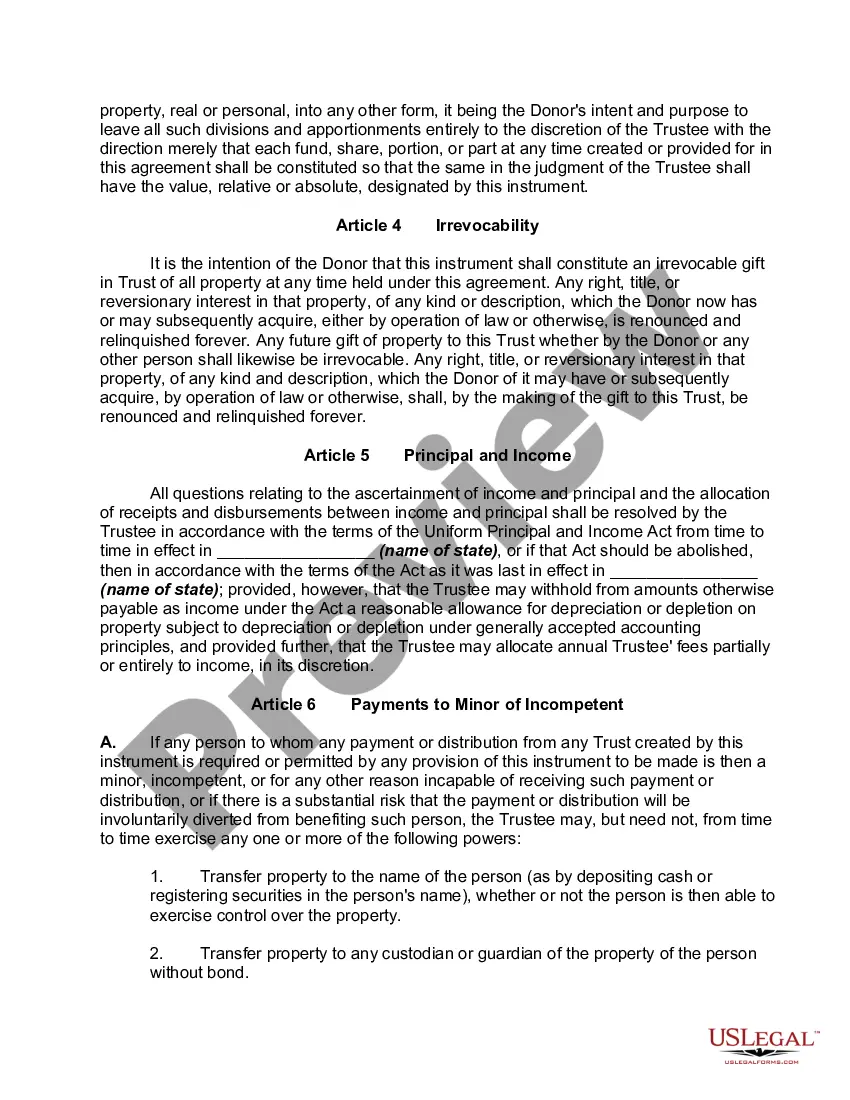
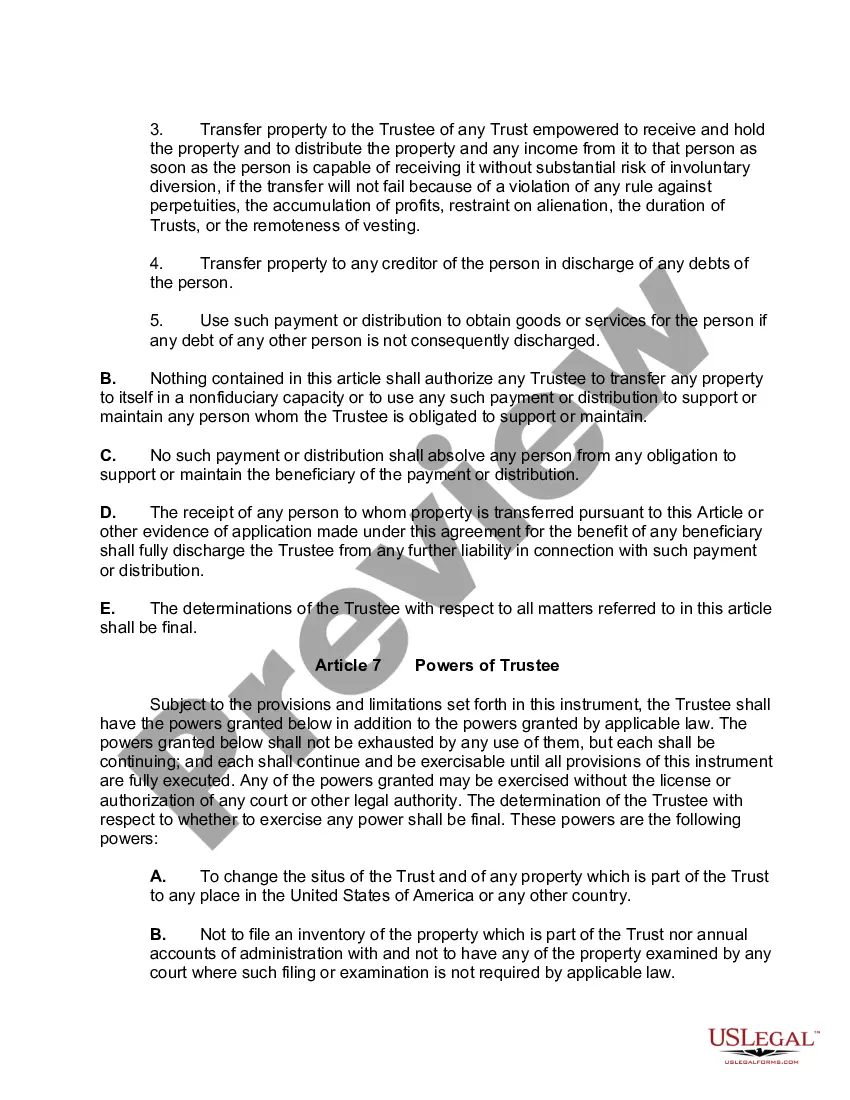
How to fill out Inter Vivos QTIP Trust With Principal To Donor's Children On Spouse's Death?
- If you're a returning user, log in to your account and access your needed form by clicking the Download button. Ensure your subscription is current; renew if necessary.
- For first-time users, start by reviewing the form preview and description to find the right document that adheres to your local jurisdiction requirements.
- Should you need a different template, utilize the Search tab to locate the right one. If it fits your criteria, move on to the next step.
- Proceed to purchase your selected document by clicking the Buy Now button. Choose your preferred subscription plan and create an account for access.
- Complete your purchase by entering your credit card details or using your PayPal account to finalize your subscription.
- Finally, download your form and save it on your device. You can access it anytime in the My Forms section of your profile.
In conclusion, US Legal Forms simplifies the legal document creation process with its extensive resources and user-friendly platform. Whether you are a seasoned user or a newcomer, following these steps will ensure you find the exact forms you need.
Start benefiting from US Legal Forms today and navigate your legal processes with confidence!
Form popularity
FAQ
Creating a file in RStudio is straightforward. Open RStudio, navigate to 'File' in the menu, and select 'New File,' then choose the type of file you want to create, such as R Script or R Markdown. This functionality makes your coding process efficient. If you need assistance, Qtip2 offers resources to leverage RStudio's capabilities effectively.
To create a Renviron file, you simply need to open a text editor and write your environment variables. Save this file as .Renviron in your home directory to ensure it's recognized by R. This file is essential for personalizing your R setup. Qtip2 can help you understand the specific variables that can enhance your workflow.
You can create a new R file by opening R or RStudio and selecting 'New File' from the File menu. From there, choose 'R Script' to start a new script. This method allows you to write and save your R code efficiently. Qtip2 can provide tips for managing multiple R files seamlessly.
To create a Renviron file, open a text editor and save the new file as .Renviron in your home directory. It's essential to ensure that the file name begins with a dot, as that designates it as a hidden file. Including environment variables in this file optimizes your R environment. Using Qtip2 can aid in managing such variables effortlessly.
You can typically find the .renviron file in your home directory. This file may be hidden, so ensure your file explorer settings allow for viewing hidden files. If the file doesn't already exist, you can create one to customize your R environment conveniently. Utilizing Qtip2 can streamline your environment settings for better performance.
Filling out a W-8BEN form is straightforward. First, provide your name and country of citizenship at the top of the form. Then, fill in your permanent address, mailing address, and any relevant taxpayer identification numbers. Finally, make sure to sign and date the form, ensuring that all information is accurate. Utilizing Qtip2 could help streamline this process for efficiency.
If you want to show a tooltip programmatically using Qtip2, you can easily achieve this by calling the show method on your tooltip instance. This enables you to control when the tooltip appears based on specific events or conditions, thereby improving user interaction. Keep in mind that you should have the necessary triggers set up to create a seamless experience for your users.
To set a tooltip title in jQuery with Qtip2, you simply need to use the title option within your initialization code. You can either provide a static title or set it dynamically using a function. This flexibility allows you to deliver precise context to your users, enhancing the clarity of information presented through your tooltips.
Creating a dynamic tooltip using Qtip2 is straightforward and intuitive. You can use data attributes or AJAX calls to pull in content dynamically. When setting up your tooltip, specify the content option with a function that generates the tooltip's content based on user interaction or other conditions, ensuring that it updates in real-time to provide relevant information to users.
To use a tooltip in jQuery effectively, you can integrate the Qtip2 plugin. This plugin offers a user-friendly way to display tooltips by simply selecting the desired element and initializing Qtip2 with your custom options. Begin by including the necessary Qtip2 library files in your project, and then apply the tooltip functionality by calling it on your target elements for an enhanced user experience.