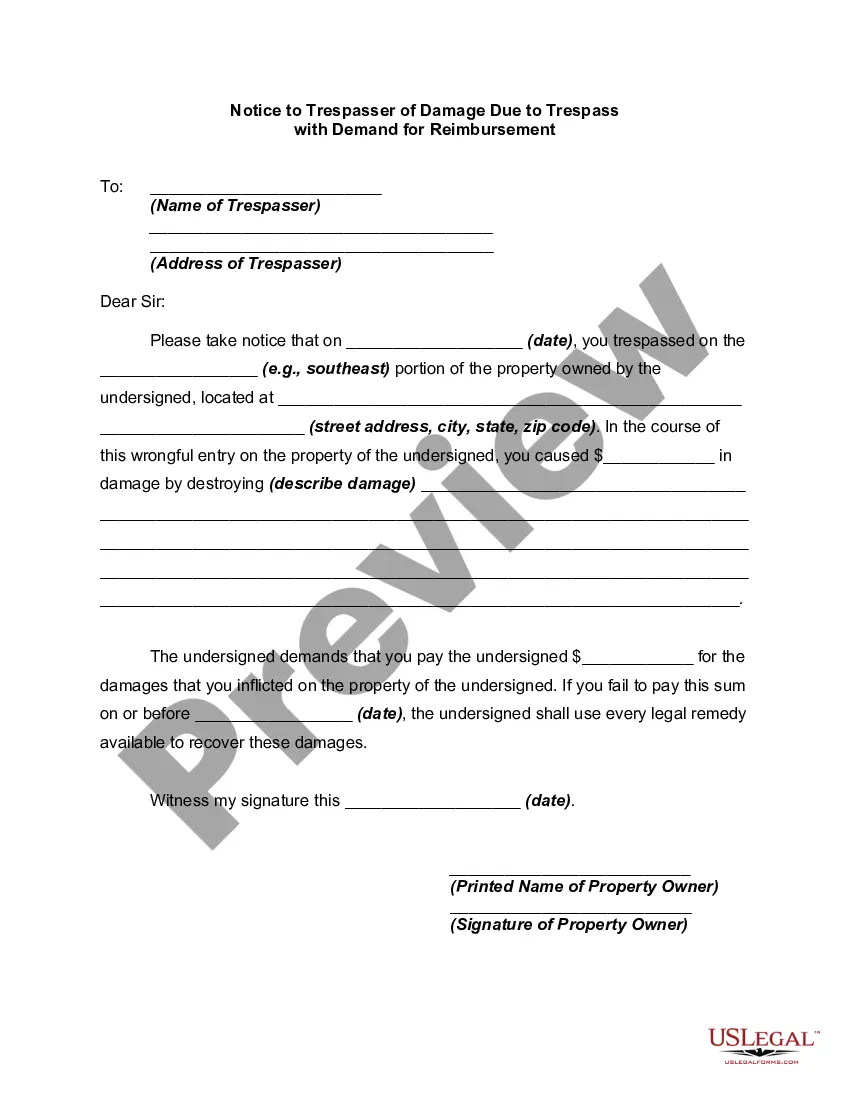
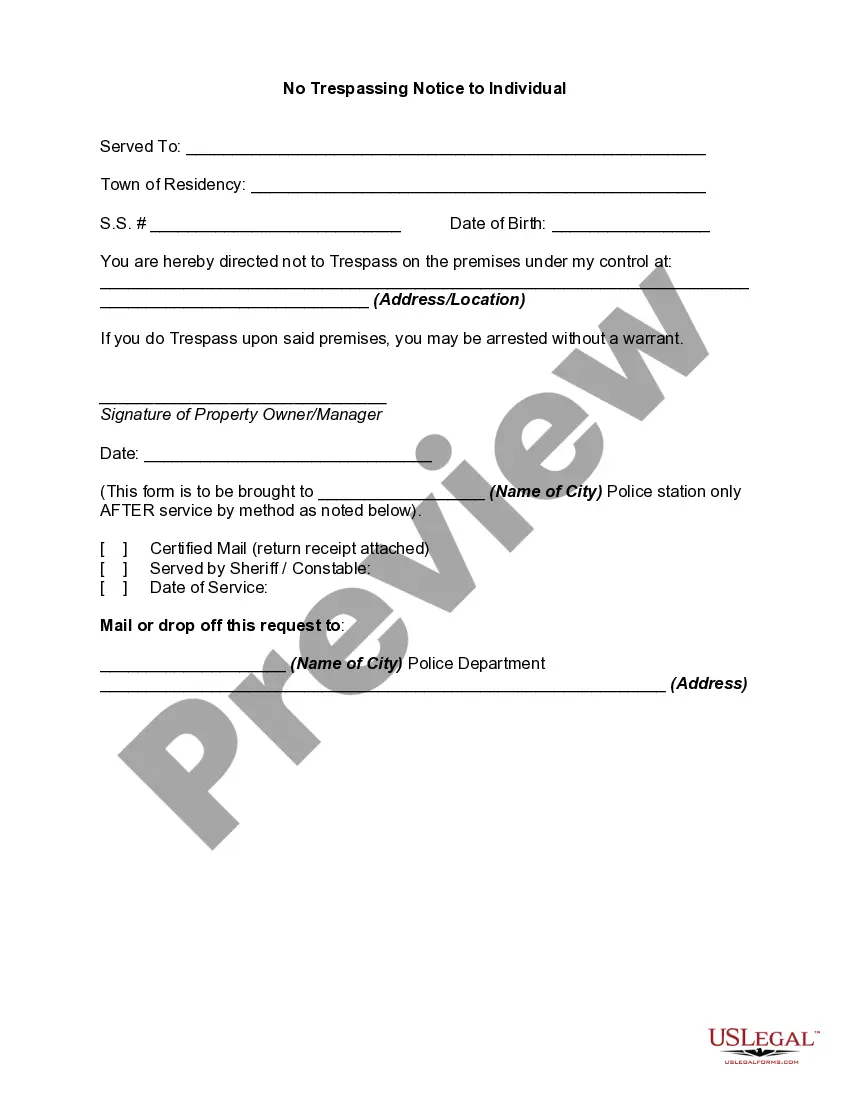
Notice Trespass Template For California
Description
Get your form ready online
Our built-in tools help you complete, sign, share, and store your documents in one place.
Make edits, fill in missing information, and update formatting in US Legal Forms—just like you would in MS Word.
Download a copy, print it, send it by email, or mail it via USPS—whatever works best for your next step.
Sign and collect signatures with our SignNow integration. Send to multiple recipients, set reminders, and more. Go Premium to unlock E-Sign.
If this form requires notarization, complete it online through a secure video call—no need to meet a notary in person or wait for an appointment.
We protect your documents and personal data by following strict security and privacy standards.

Make edits, fill in missing information, and update formatting in US Legal Forms—just like you would in MS Word.

Download a copy, print it, send it by email, or mail it via USPS—whatever works best for your next step.

Sign and collect signatures with our SignNow integration. Send to multiple recipients, set reminders, and more. Go Premium to unlock E-Sign.

If this form requires notarization, complete it online through a secure video call—no need to meet a notary in person or wait for an appointment.

We protect your documents and personal data by following strict security and privacy standards.
Looking for another form?
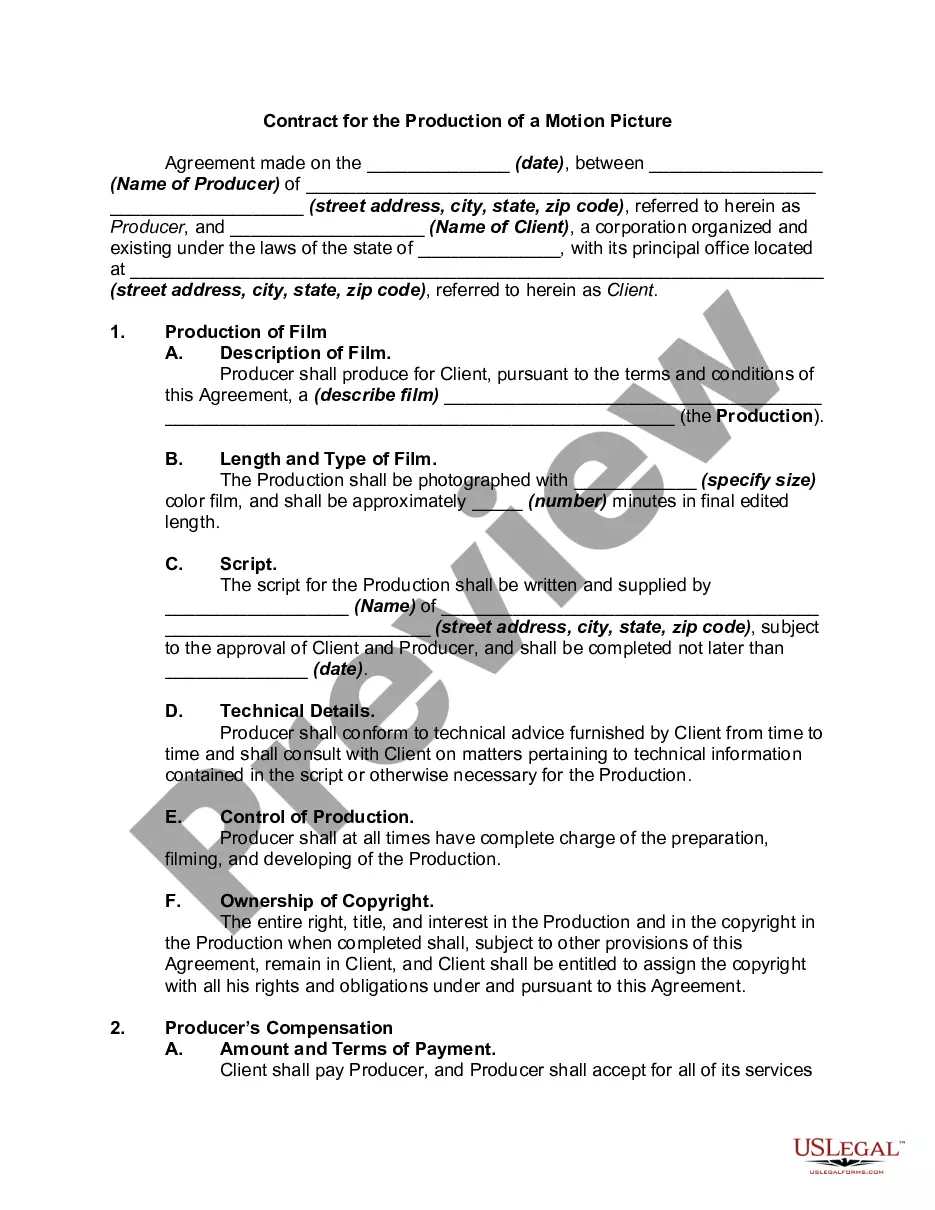
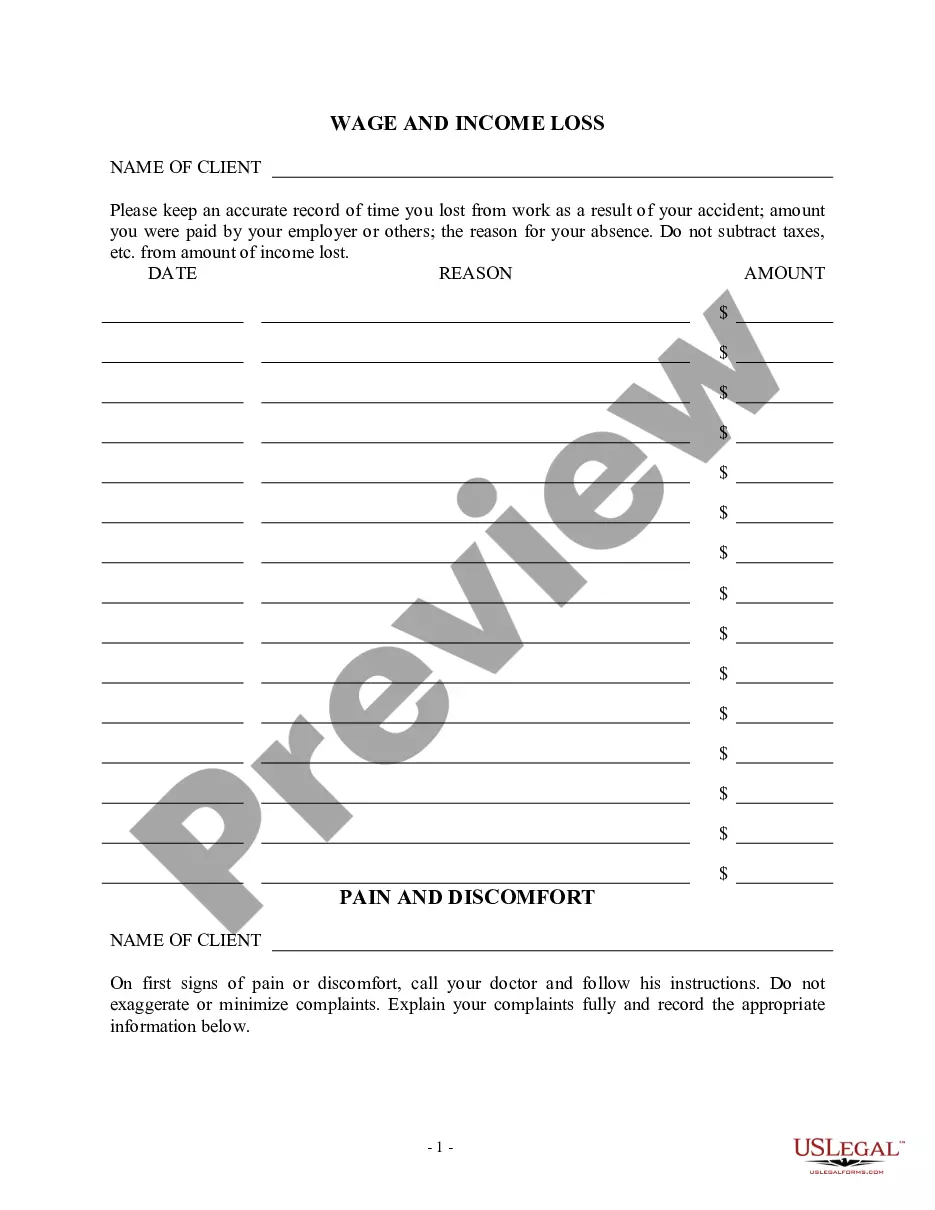

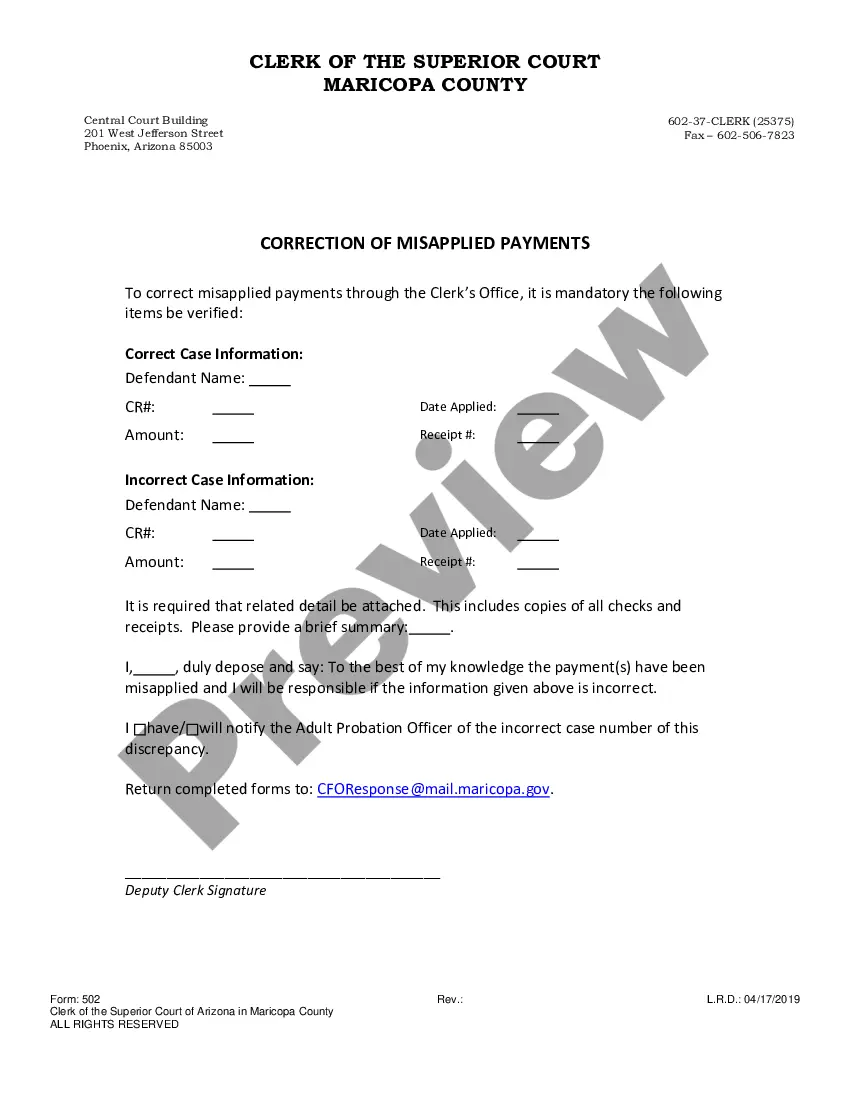
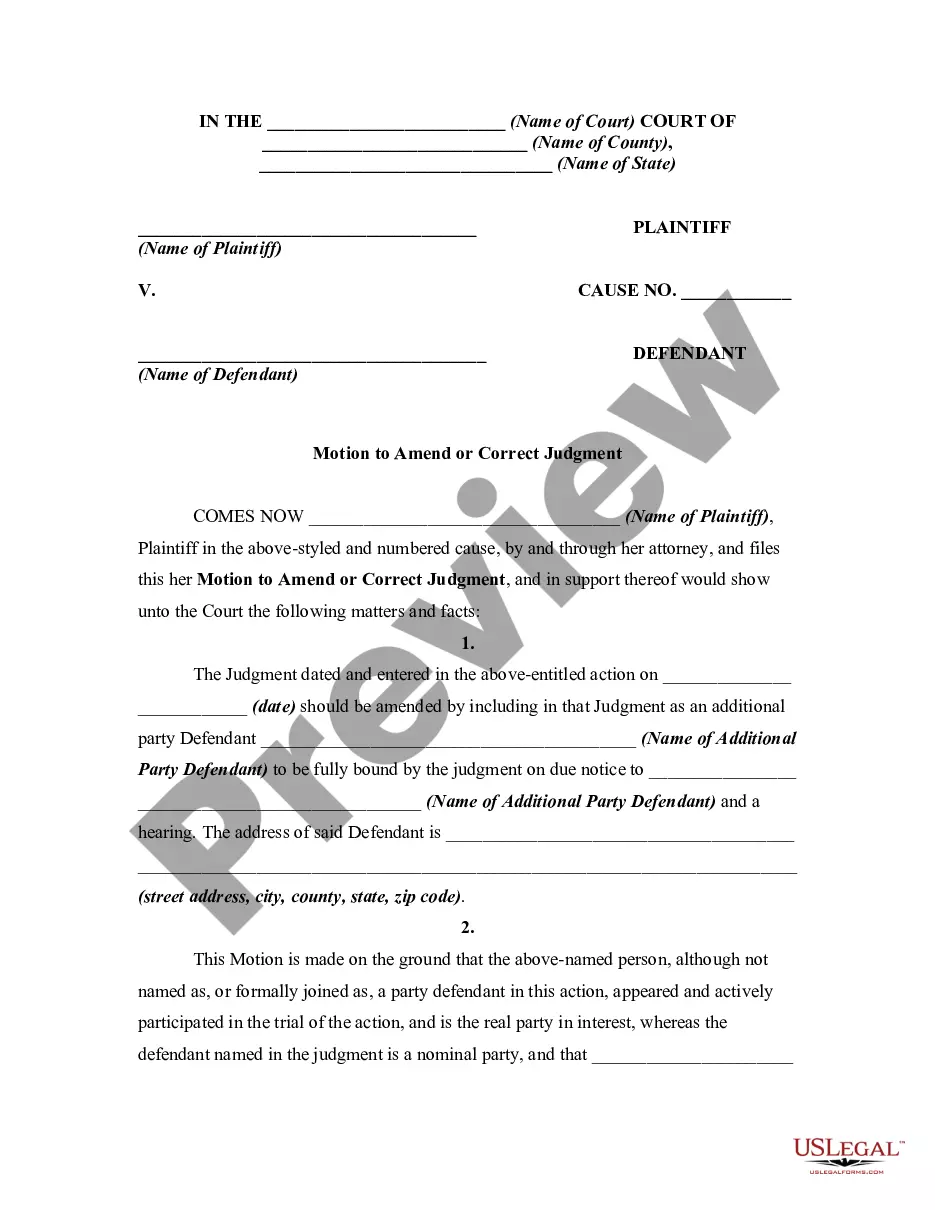
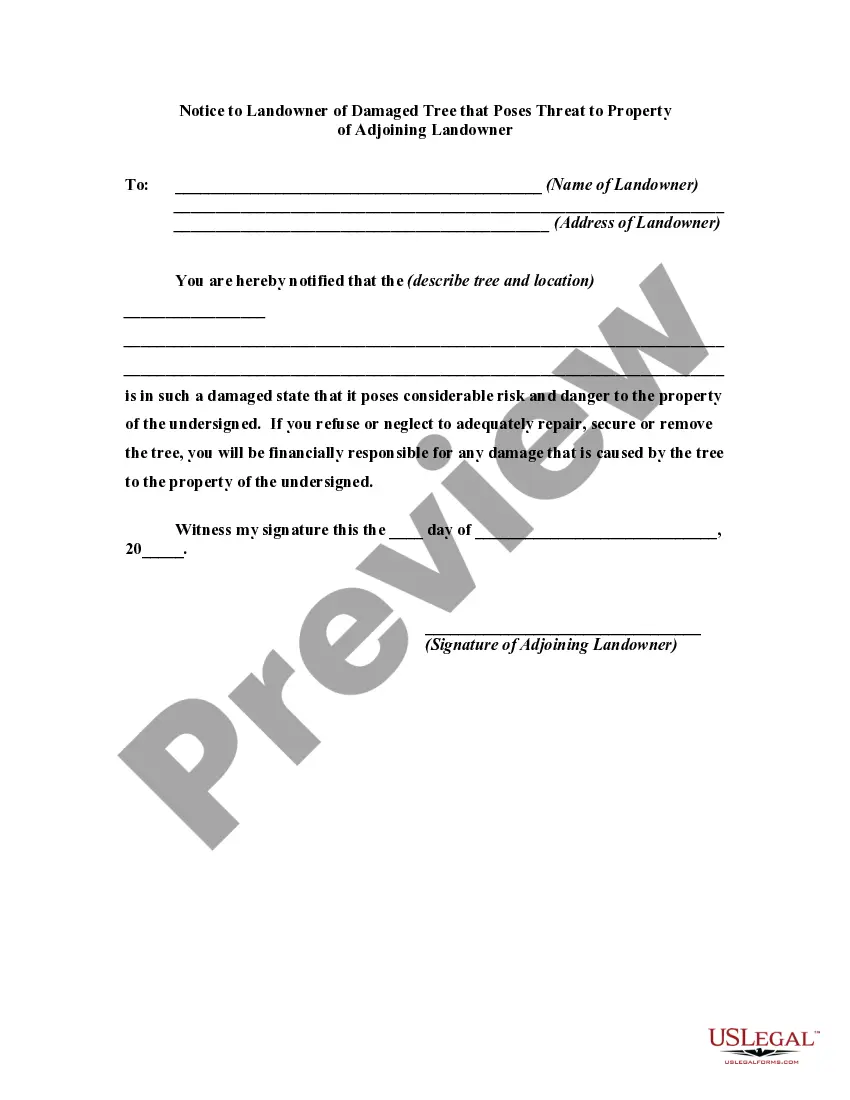
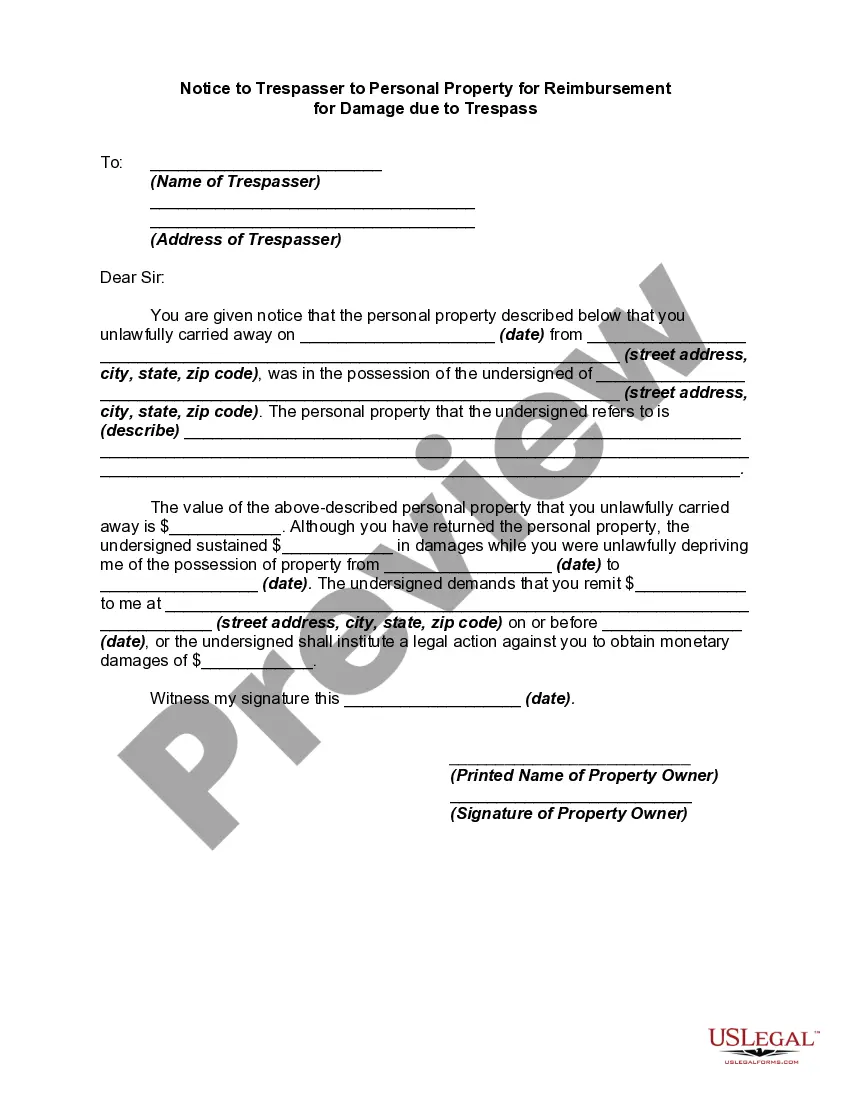
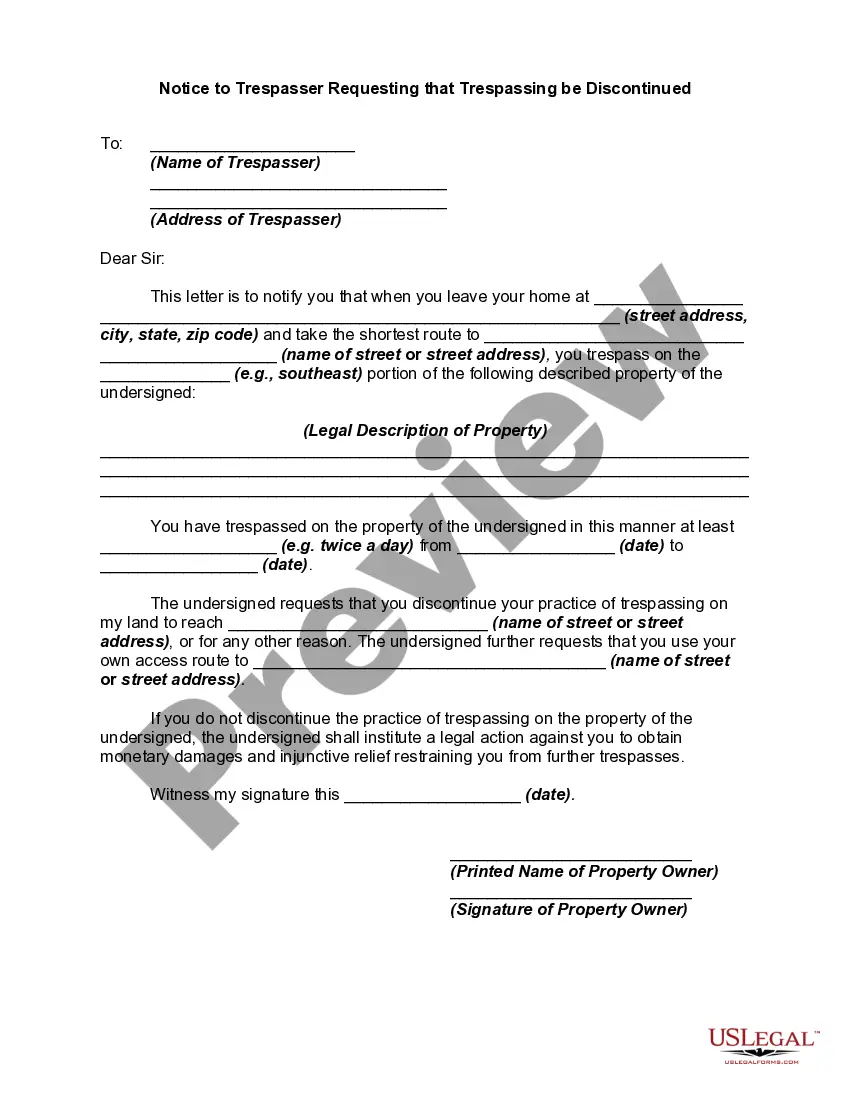
How to fill out Notice To Trespasser Of Damage Due To Trespass With Demand For Reimbursement?
The Notice Trespass Template For California presented on this site is a reusable formal document created by expert attorneys in alignment with federal and local regulations.
For over 25 years, US Legal Forms has supplied individuals, entities, and legal experts with more than 85,000 authenticated, state-specific documents for any business and personal circumstance. It’s the quickest, easiest, and most reliable method to access the forms you require, as the service ensures the utmost level of data confidentiality and anti-malware safeguards.
Subscribe to US Legal Forms to have authenticated legal templates for every situation in life at your fingertips.
- Search for the document you require and review it.
- Browse through the sample you found and preview it or read the form details to ensure it fits your requirements. If it does not, use the search feature to find the correct document. Click Buy Now once you have discovered the template you need.
- Register and Log In.
- Select the payment plan that fits you and create an account. Use PayPal or a credit card for a quick transaction. If you already have an account, Log In and verify your subscription to proceed.
- Obtain the fillable template.
- Choose the format you wish for your Notice Trespass Template For California (PDF, Word, RTF) and save the document on your device.
- Complete and sign the document.
- Print out the template to fill it in manually. Alternatively, utilize an online multifunctional PDF editor to rapidly and accurately fill out and sign your form with an electronic signature.
- Redownload your document.
- Use the same file again when necessary. Navigate to the My documents tab in your profile to retrieve any previously saved documents.
Form popularity
FAQ
Out-of-state clergy must get special authorization. Any person 18+ may register with the secretary of state to become a temporary officiant for one Vermont marriage for $100.
If you are at least 18 years old, you can apply to the Vermont secretary of state for authorization to become a temporary officiant. The authorization will be limited to a specific civil marriage of a specific couple. Your authority will expire once the couple has received their marriage license.
How much do couples typically spend on a wedding in Vermont - (State)? The average wedding cost in Vermont - (State) for 2022 was $25,952 and Vermont - (State) ranks 23 out of 51 States in average wedding cost.
Current City of Residence In fact, ing to our study, 56% of couples married where they currently live. Not only is this more convenient for your crew of friends who live nearby, marrying in your current location will also make your wedding planning experience a breeze.
The wedding planning process is only as complicated as you make it, and plenty of couples have memorable, beautiful weddings without the help of a wedding planner. "Not every couple needs or wants a wedding planner," says Jamie Chang, wedding planner at Mango Muse Events.
Non-resident couples can go to any town or city in Vermont to apply for a marriage license. Vermont residents must get a marriage license from the town clerk of the town where either party resides. Non-residents may go to any town clerk in the state to obtain a marriage license.
What do you need to get a marriage license in Vermont? A certified copy of your birth certificates. Both parents' places of birth. Mother's maiden name. Proof of identity (i.e. a valid driver's license, state-issued ID card, military ID, passport (card), permanent resident card or foreign government-issued passport)
If the officiate does not reside in Vermont, or is not recognized by the State of Vermont, they must file for a permit from a Probate Court in the county where the marriage will take place. In addition, any person over the age of 18 may register with the Secretary of State to become a temporary officiant to a marriage.