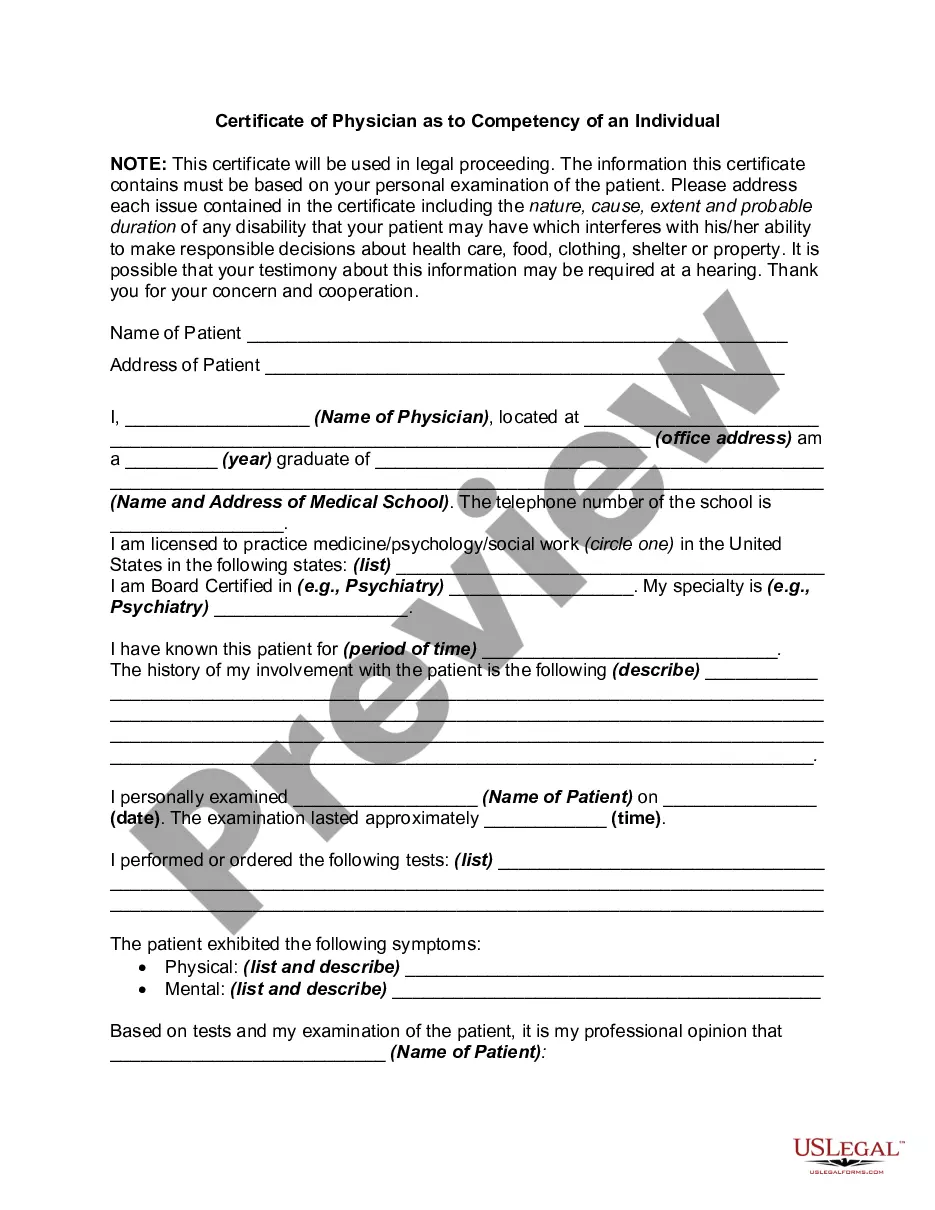
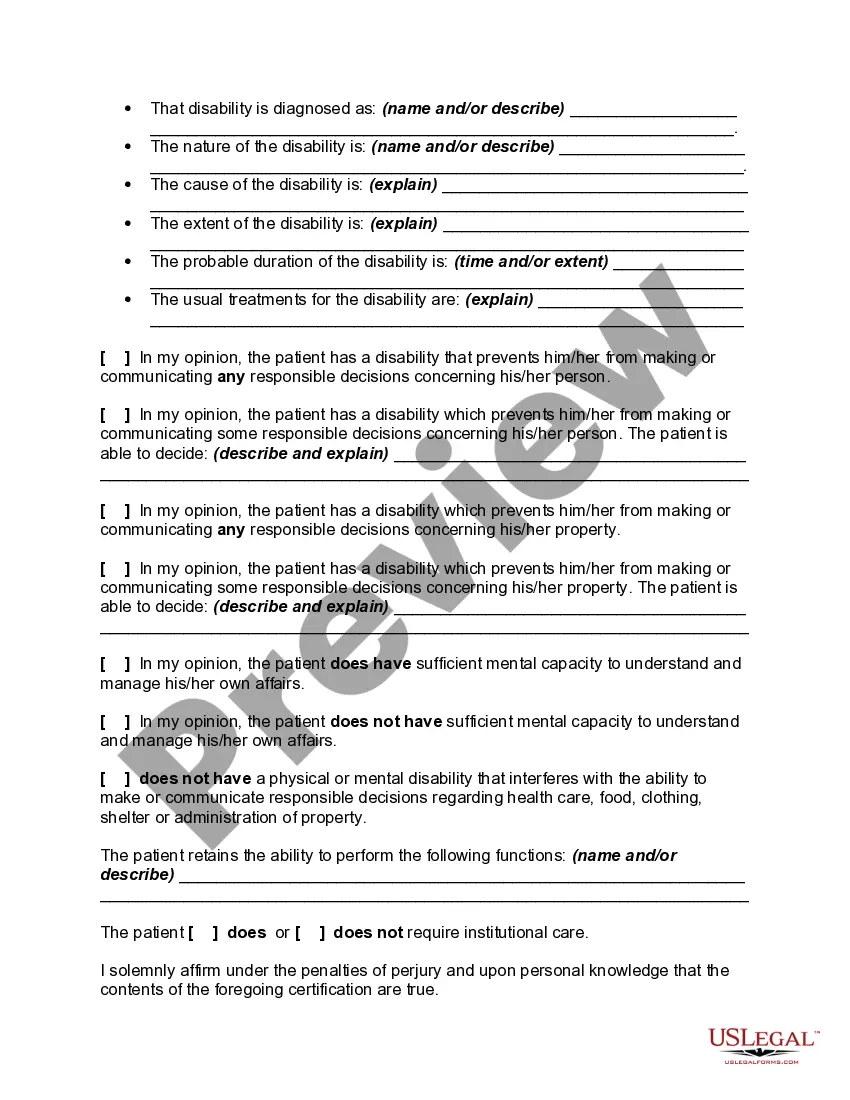
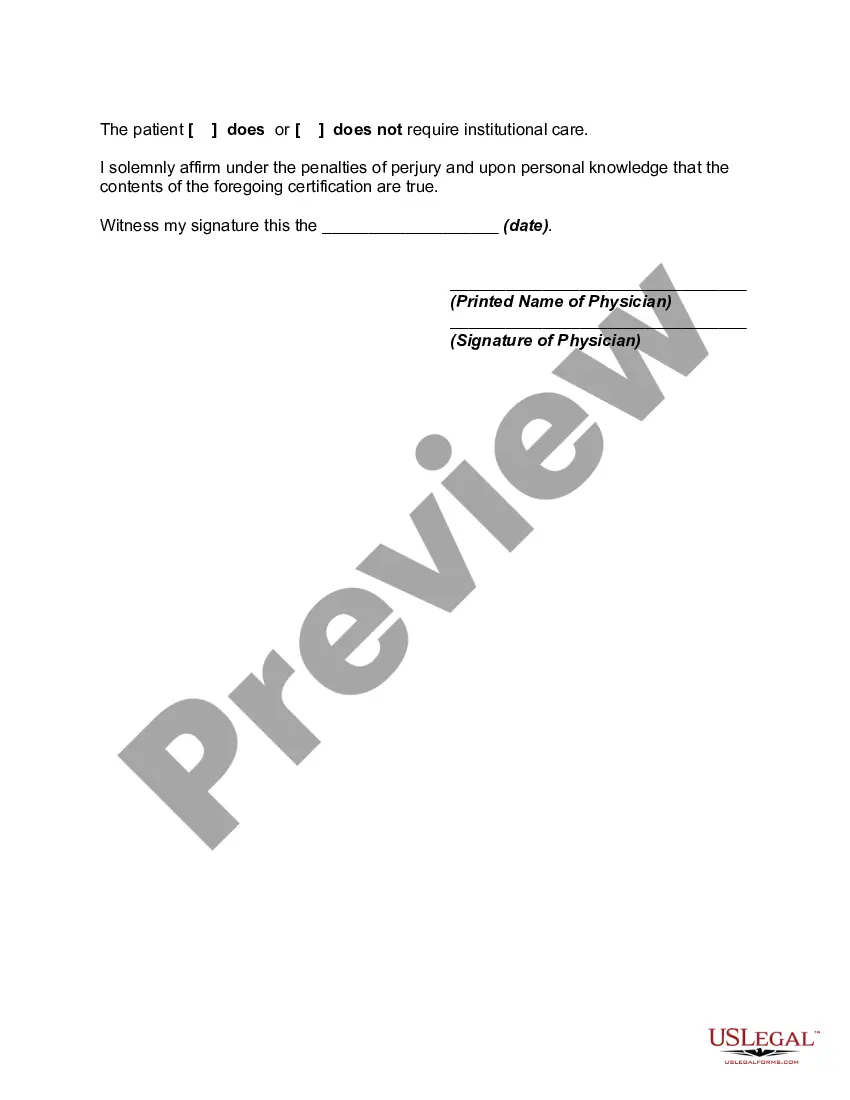
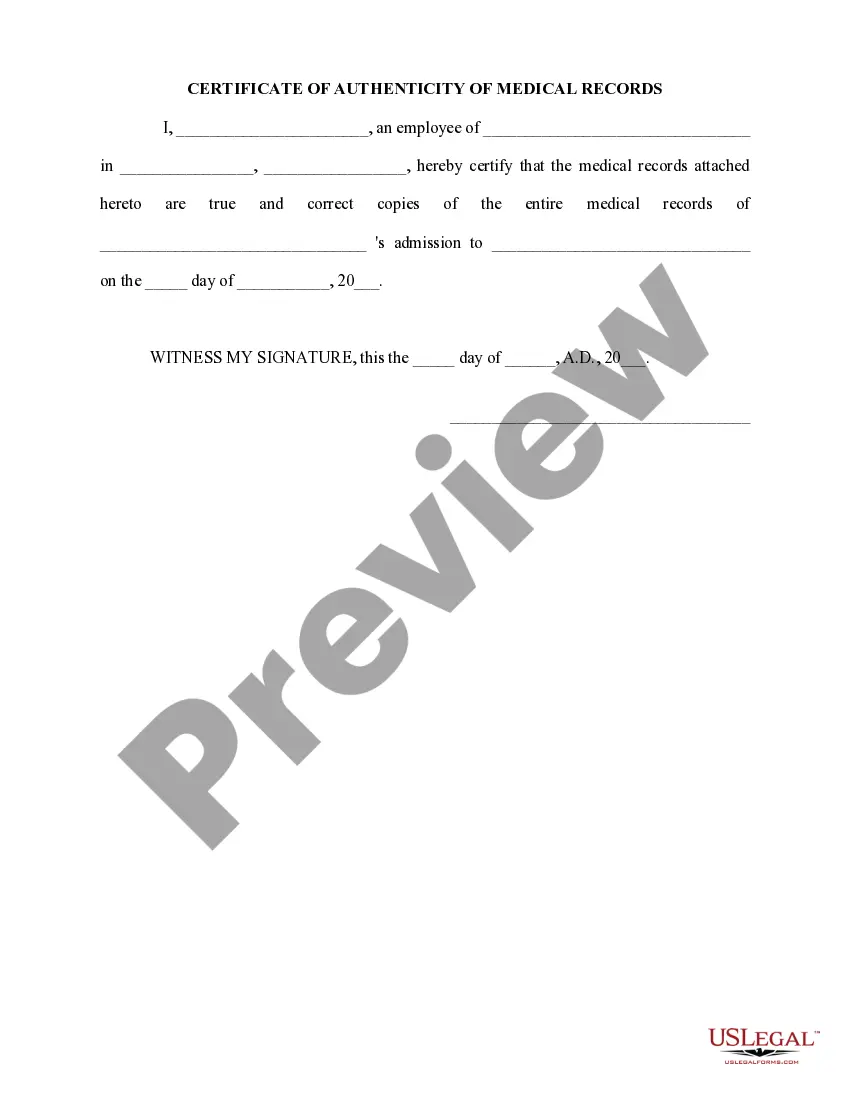
Letter Of Mental Competency Template With Answers
Description
Get your form ready online
Our built-in tools help you complete, sign, share, and store your documents in one place.
Make edits, fill in missing information, and update formatting in US Legal Forms—just like you would in MS Word.
Download a copy, print it, send it by email, or mail it via USPS—whatever works best for your next step.
Sign and collect signatures with our SignNow integration. Send to multiple recipients, set reminders, and more. Go Premium to unlock E-Sign.
If this form requires notarization, complete it online through a secure video call—no need to meet a notary in person or wait for an appointment.
We protect your documents and personal data by following strict security and privacy standards.

Make edits, fill in missing information, and update formatting in US Legal Forms—just like you would in MS Word.

Download a copy, print it, send it by email, or mail it via USPS—whatever works best for your next step.

Sign and collect signatures with our SignNow integration. Send to multiple recipients, set reminders, and more. Go Premium to unlock E-Sign.

If this form requires notarization, complete it online through a secure video call—no need to meet a notary in person or wait for an appointment.

We protect your documents and personal data by following strict security and privacy standards.
Looking for another form?
How to fill out Certificate Of Physician As To Competency Of An Individual?
Finding a reliable source for the most up-to-date and suitable legal templates is a significant part of dealing with bureaucracy.
Identifying the correct legal documents requires meticulousness and a keen eye, which is why it’s essential to obtain Letter Of Mental Competency Template With Answers exclusively from trustworthy providers, such as US Legal Forms. An incorrect template could waste your time and prolong your current situation. With US Legal Forms, you can rest easy.
Once the form is on your device, you can modify it using the editor or print it out to fill it in manually. Eliminate the stress associated with your legal documents. Explore the extensive collection at US Legal Forms, where you can search for legal templates, verify their fit for your needs, and download them immediately.
- Use the library navigation or search bar to find your template.
- Check the form’s description to ensure it meets the criteria of your state and area.
- Preview the form, if available, to confirm it is indeed the one you need.
- If the Letter Of Mental Competency Template With Answers does not fit your needs, return to the search for the appropriate template.
- Once you are confident in the document’s applicability, download it.
- If you are a registered user, click Log in to verify and access your selected templates in My documents.
- If you do not have an account yet, click Buy now to obtain the template.
- Choose the payment plan that suits your needs.
- Finish the registration process to complete your purchase.
- Conclude your purchase by selecting a payment method (credit card or PayPal).
- Select the file format for downloading the Letter Of Mental Competency Template With Answers.
Form popularity
FAQ
If there are any questions regarding this filing, including whether it should be done, one should consult an attorney prior to Signing. Once this form is completed, it must be signed and notarized then, submitted to the South Carolina Registrar of Deeds serving the County where the property is located.
The Town Clerk's Office in the town/city in which the property is located. Any documents recorded in the land records in Connecticut can be copied for $1.00 per page, and if needed, certified for $2.00 by the Town Clerk in the town where the property is located. You can also print a copy online.
Go to the county recorder's office and get a quitclaim form. Fill out the form and sign it before a notary to make the transfer legal. Go back to your county recorder's office to get the deed recorded so it becomes part of the official property record.
How do you add someone to a deed in CT? Adding someone to your house deed requires the filing of a legal form known as a quitclaim deed. When executed and docHubd, the quitclaim deed legally overrides the current deed to your home.
Recording ? A quit claim with the Registry of Deeds where the property is located. Signing ? The quit claim deed is required to be notarized AND signed with two (2) witnesses. If the notary public agrees, he or she may act as one (1) of the witnesses as well as the notary.
It must be signed before a notary and two witnesses. The notary may be a witness, but the person receiving the ownership right cannot be a witness. In addition to the Deed, you will need a conveyance tax form. Although no tax will be due, you still need to complete the form.
To be eligible for recording, Connecticut real estate deeds must meet statutory content and format requirements: - Real estate deeds must be in writing ( 47-5). - The grantor or an authorized representative must sign the deed, and the signature must be witnessed by two people who are not involved with the transaction.