Year End Evaluation Examples
Description

Get your form ready online
Our built-in tools help you complete, sign, share, and store your documents in one place.
Make edits, fill in missing information, and update formatting in US Legal Forms—just like you would in MS Word.
Download a copy, print it, send it by email, or mail it via USPS—whatever works best for your next step.
Sign and collect signatures with our SignNow integration. Send to multiple recipients, set reminders, and more. Go Premium to unlock E-Sign.
If this form requires notarization, complete it online through a secure video call—no need to meet a notary in person or wait for an appointment.
We protect your documents and personal data by following strict security and privacy standards.

Make edits, fill in missing information, and update formatting in US Legal Forms—just like you would in MS Word.

Download a copy, print it, send it by email, or mail it via USPS—whatever works best for your next step.

Sign and collect signatures with our SignNow integration. Send to multiple recipients, set reminders, and more. Go Premium to unlock E-Sign.

If this form requires notarization, complete it online through a secure video call—no need to meet a notary in person or wait for an appointment.

We protect your documents and personal data by following strict security and privacy standards.
Looking for another form?







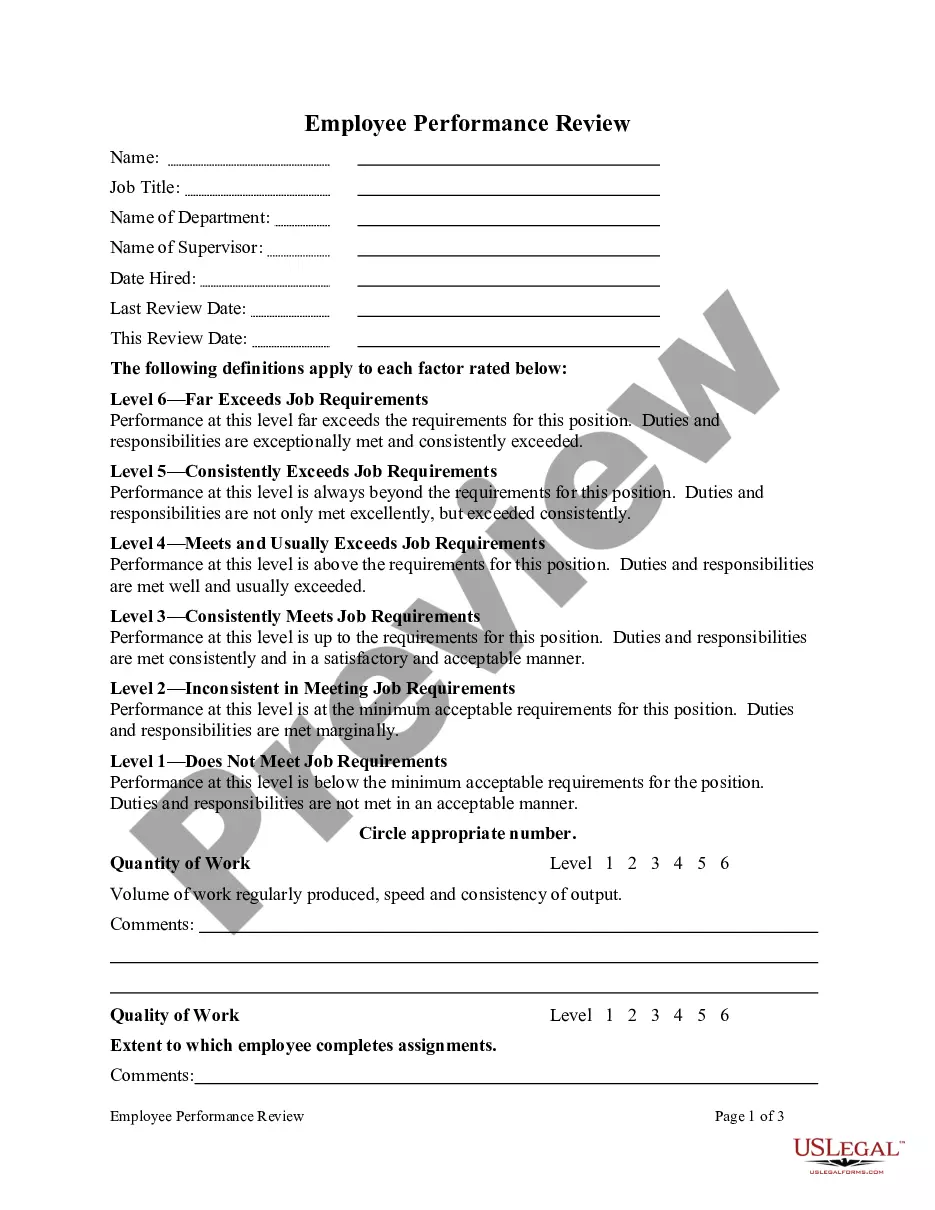
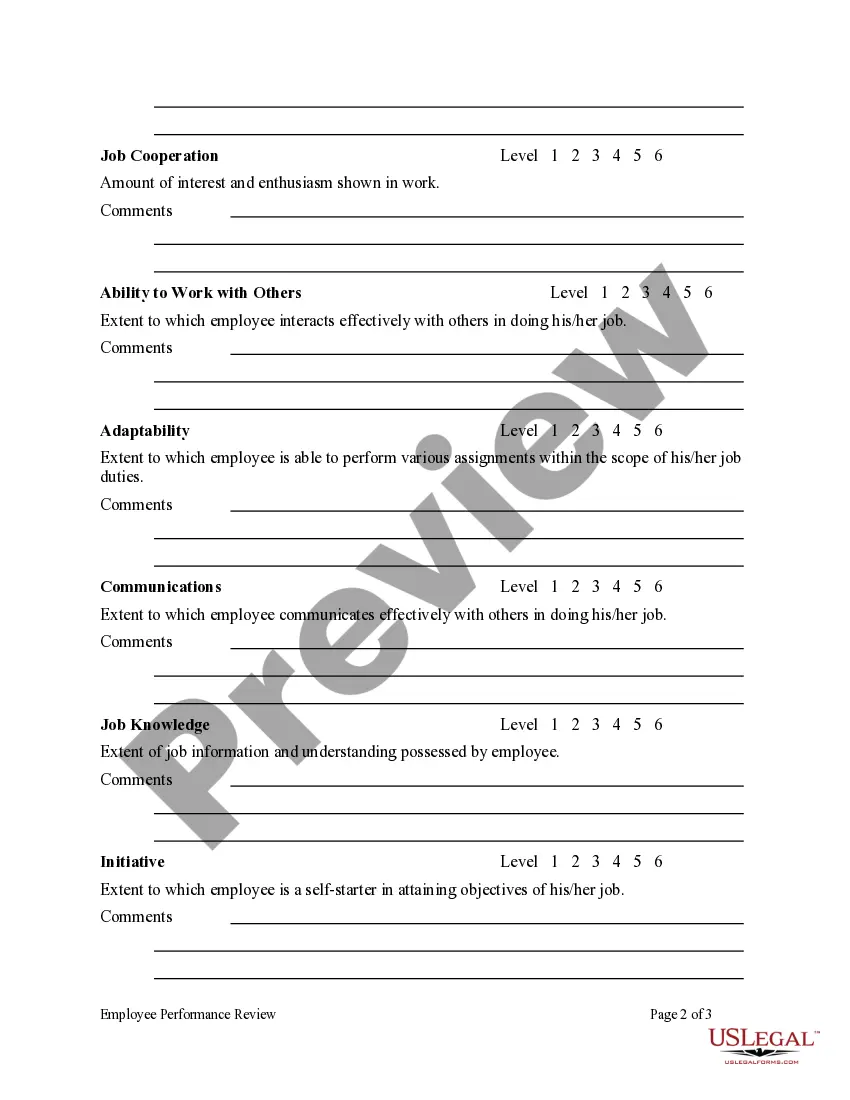
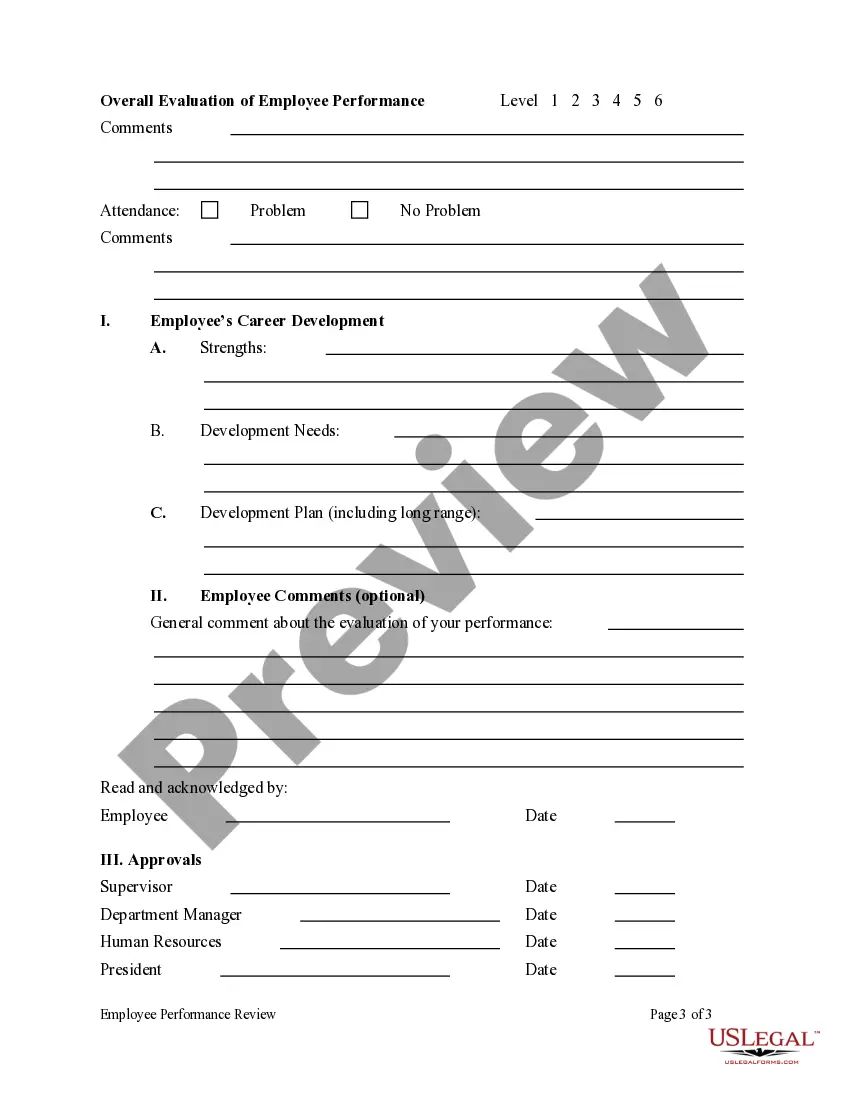
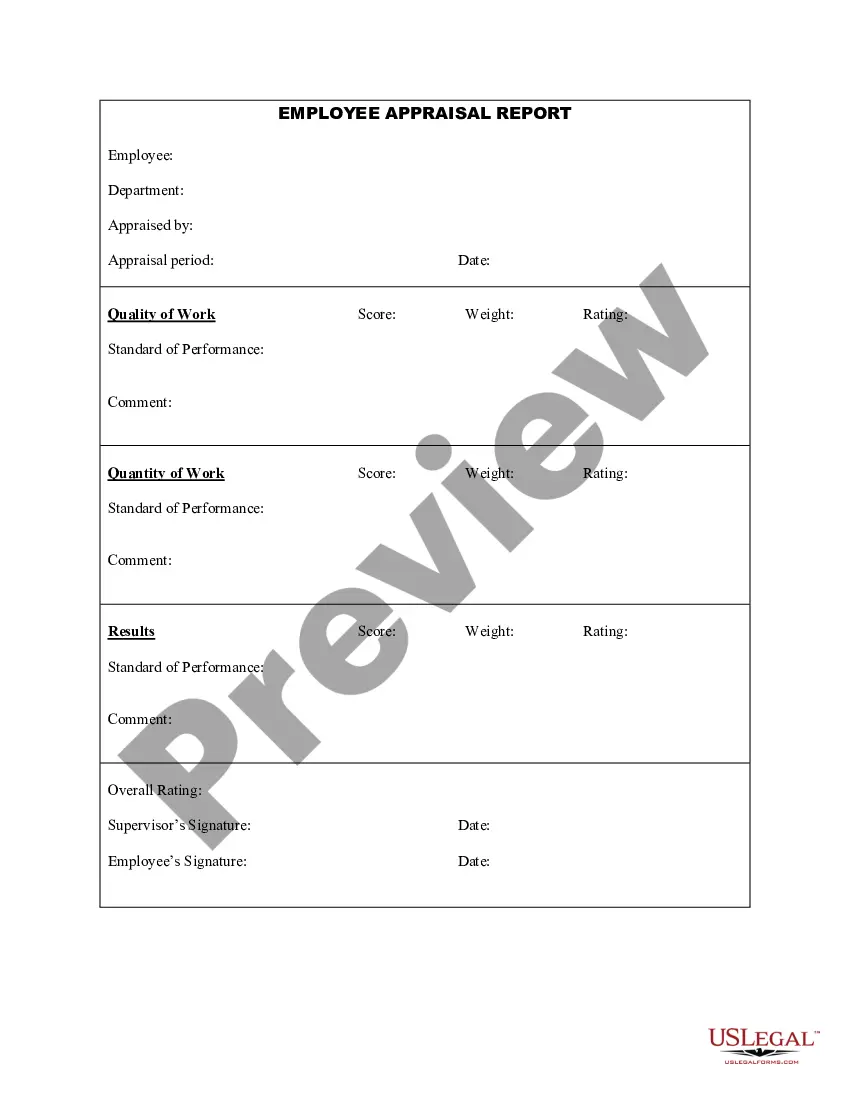
How to fill out Employee Performance Review?
It’s well-known that you cannot become a legal expert instantly, nor can you easily learn how to swiftly create Year End Evaluation Examples without possessing a specific skill set.
Drafting legal paperwork is an extensive procedure that demands particular education and expertise. So why not entrust the development of the Year End Evaluation Examples to the specialists.
With US Legal Forms, one of the most comprehensive collections of legal documents, you can find everything from court filings to templates for internal business communication.
If you need a different form, restart your search.
Create a free account and select a subscription option to purchase the template.
- We recognize how essential compliance and adherence to federal and state regulations are.
- That’s why, on our platform, all documents are region-specific and current.
- Here’s how to begin with our website and obtain the document you require in just minutes.
- Locate the form you need using the search bar at the top of the page.
- Preview it (if this option is available) and read the accompanying description to determine if Year End Evaluation Examples is what you’re looking for.
Form popularity
FAQ
Year-end review example: "I successfully met or exceeded my goals and took the unexpected role of interim leader." This statement shows that you not only achieved your goals but also took on a new responsibility and handled it well. It sets the tone for a positive review and communicates a sense of accomplishment.
How to Fill Out an Employee Evaluation Form Step 1: Gather Employee Information. ... Step 2: Assess Employee Responsibilities and Performance. ... Step 3: Use Objective Language. ... Step 4: Use Action Verbs. ... Step 5: Compare Performance Ratings. ... Step 6: Ask Open-Ended Questions. ... Step 7: Use a Point System.
Make sure you reference your accomplishments in your review and highlight what you did well. For areas that need improvement, provide additional context for any questions you think your manager might ask, and share any details about how you approached a project or situation that shed light on its outcome.
What you should cover in your end review summary Your accomplishments. ... Your everyday responsibilities. ... Skills and qualities areas to improve. ... Priorities of the company. ... Your career's next steps. ... Inquire about who to network with. ... Suggest new practices. ... Suggest tools you require to improve your work.
"I am proud of my ability to lead by example and consistently demonstrate a positive attitude and strong work ethic. I have inspired my team to work towards common goals, increasing productivity and morale." "I have successfully led multiple projects this year, ensuring they were completed on time and within budget.