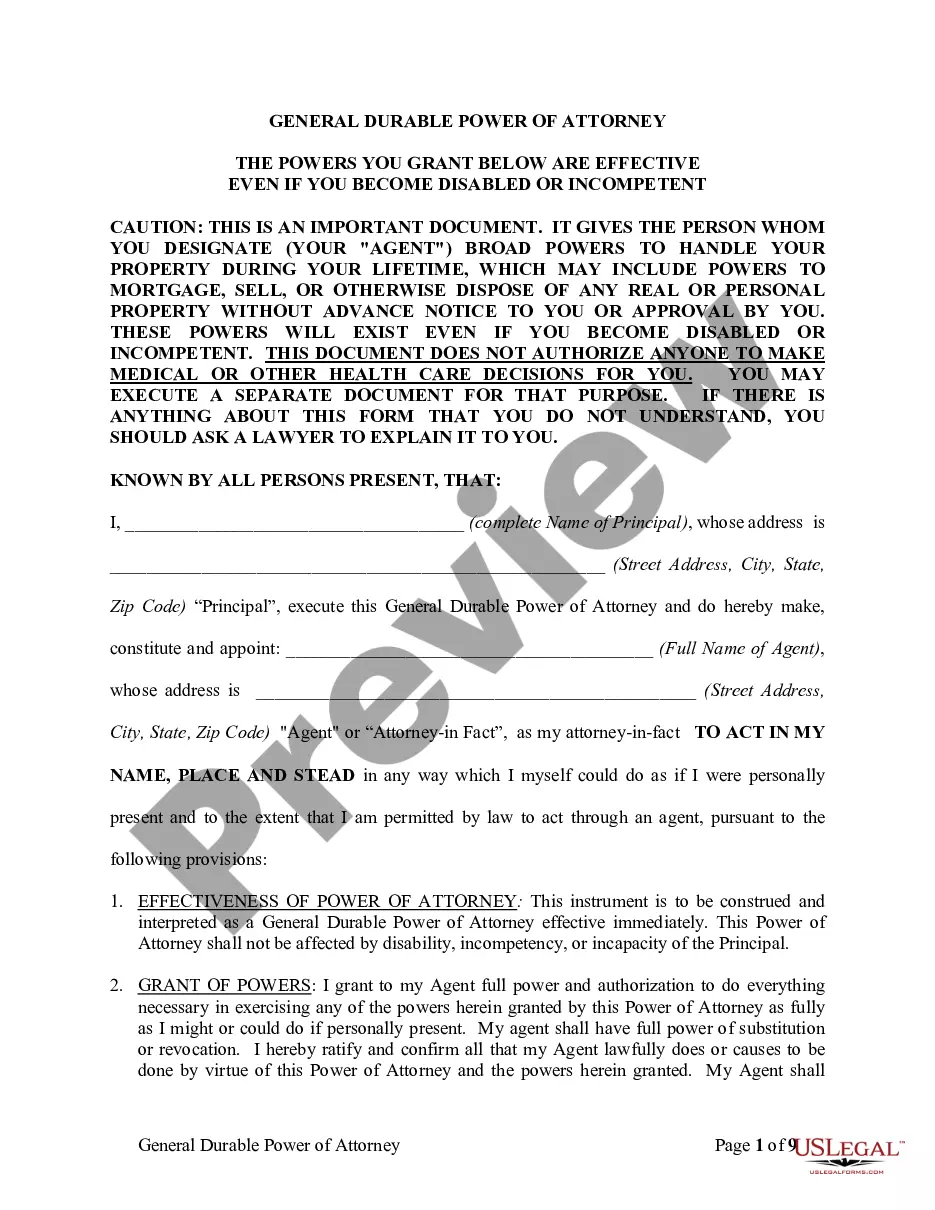
Medical Release Form Child Traveling Without Parent
Description
Get your form ready online
Our built-in tools help you complete, sign, share, and store your documents in one place.
Make edits, fill in missing information, and update formatting in US Legal Forms—just like you would in MS Word.
Download a copy, print it, send it by email, or mail it via USPS—whatever works best for your next step.
Sign and collect signatures with our SignNow integration. Send to multiple recipients, set reminders, and more. Go Premium to unlock E-Sign.
If this form requires notarization, complete it online through a secure video call—no need to meet a notary in person or wait for an appointment.
We protect your documents and personal data by following strict security and privacy standards.

Make edits, fill in missing information, and update formatting in US Legal Forms—just like you would in MS Word.

Download a copy, print it, send it by email, or mail it via USPS—whatever works best for your next step.

Sign and collect signatures with our SignNow integration. Send to multiple recipients, set reminders, and more. Go Premium to unlock E-Sign.

If this form requires notarization, complete it online through a secure video call—no need to meet a notary in person or wait for an appointment.

We protect your documents and personal data by following strict security and privacy standards.
Looking for another form?






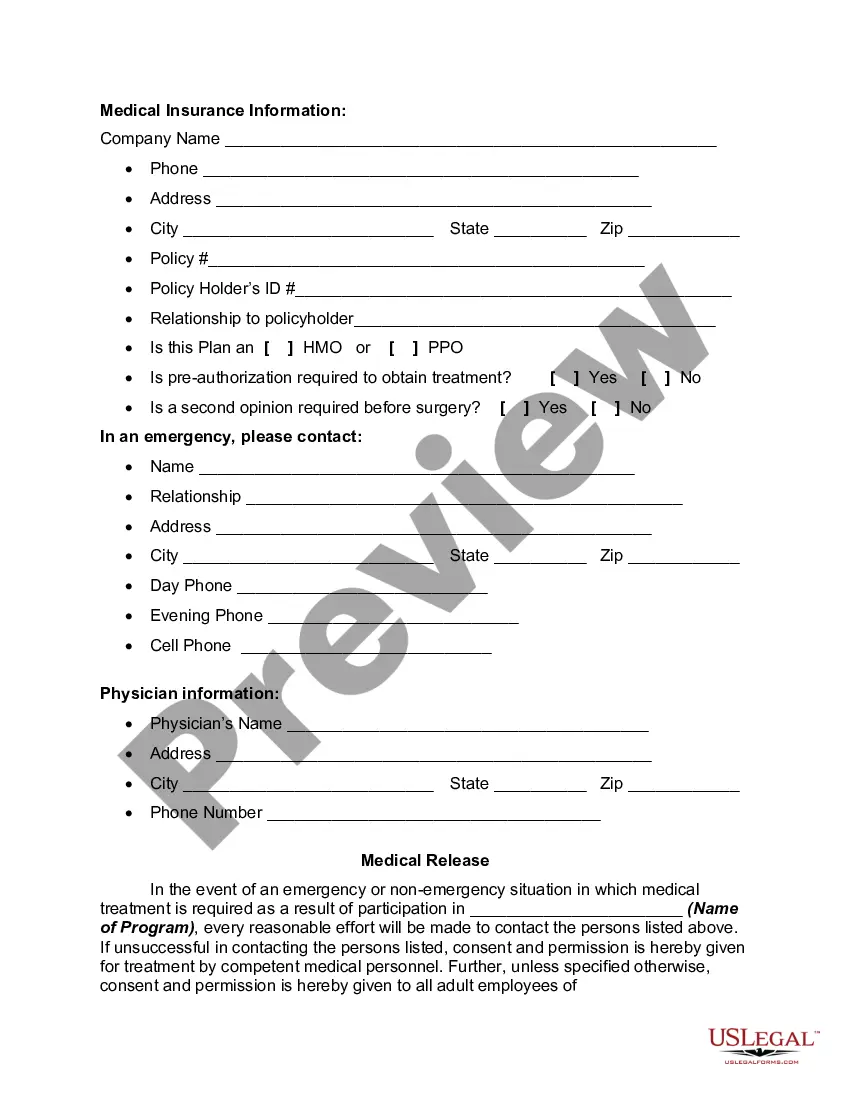
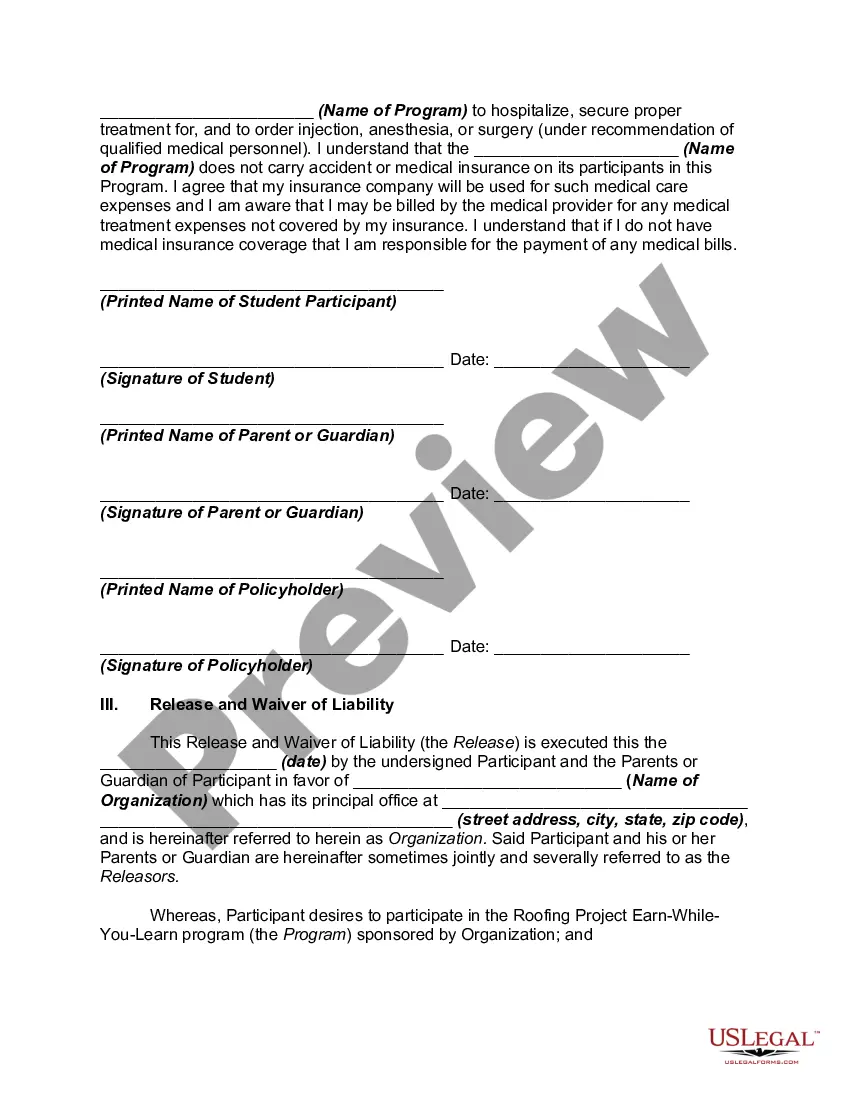
How to fill out Registration And Medical Release Form For Minors To Participate In Roofing Earn-While-You-Learn Program?
What is the most dependable service to obtain the Medical Release Form for a Child Traveling Without Parent and other updated versions of legal documents? US Legal Forms is the answer!
It boasts the largest assortment of legal papers for any application. Every template is expertly crafted and verified for adherence to federal and local laws and regulations. They are categorized by field and state of usage, making it a breeze to locate the one you need.
US Legal Forms is an excellent solution for anyone who needs to handle legal documentation. Premium users can receive even more benefits as they complete and approve previously saved documents electronically at any time using the integrated PDF editing tool. Try it out today!
- Experienced users of the platform simply need to Log In to the system, confirm if their subscription is active, and click the Download button next to the Medical Release Form for a Child Traveling Without Parent to access it.
- After saving, the template remains accessible for future use within the My documents section of your profile.
- If you haven't created an account with us yet, here are the steps to follow to establish one.
- Form compliance check. Before acquiring any template, ensure it aligns with your use case requirements and your state or county's regulations. Review the form description and utilize the Preview option if provided.
Form popularity
FAQ
How do I write a consent letter for my child to travel?List your child's name, birth date/place, and passport details.Include allergies and any special needs.Provide the parent's/guardian's name, custody information, and passport details.Add contact information for the non-traveling parents/guardians.More items...?
I First and last name of the parent authorize my child The child's first and last name and their date of birth to travel with Full name of the individual or organization that's accompanying the child on the travel to Travel location from Date to Date. You should then sign the letter and get it notarized.
Minors under the age of 18 may require additional documentation if leaving the country of residence. Kindly contact the nearest Consulate for any further details on the points given below : Consent ( no objection ) letter / affidavit signed by both parents. draft of consent ( no objection ) letter is attached.
The permission letter should give the child's name, date of birth, the dates of travel, the name of the adult companion, the allowed travel destinations and the reason for travel. Contact phone numbers for both parents, their full names and their signatures should also be included.
United States Customs and Border Protection (CBP) requests written consent from both parents or the parent who is not accompanying the minor for minors (those less than 18 years of age) traveling to the U.S. alone or accompanied by only one parent. This written consent must be in English.