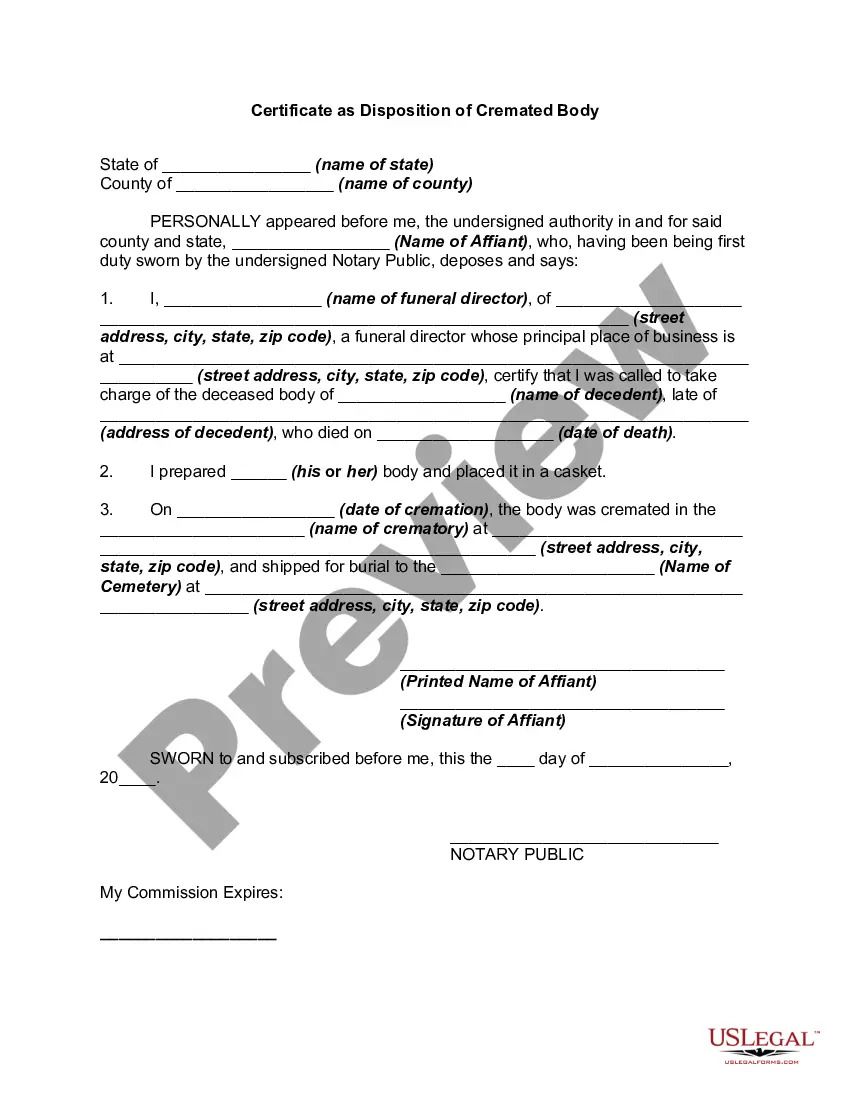
Certificate Of Disposition Texas
Description
Get your form ready online
Our built-in tools help you complete, sign, share, and store your documents in one place.
Make edits, fill in missing information, and update formatting in US Legal Forms—just like you would in MS Word.
Download a copy, print it, send it by email, or mail it via USPS—whatever works best for your next step.
Sign and collect signatures with our SignNow integration. Send to multiple recipients, set reminders, and more. Go Premium to unlock E-Sign.
If this form requires notarization, complete it online through a secure video call—no need to meet a notary in person or wait for an appointment.
We protect your documents and personal data by following strict security and privacy standards.

Make edits, fill in missing information, and update formatting in US Legal Forms—just like you would in MS Word.

Download a copy, print it, send it by email, or mail it via USPS—whatever works best for your next step.

Sign and collect signatures with our SignNow integration. Send to multiple recipients, set reminders, and more. Go Premium to unlock E-Sign.

If this form requires notarization, complete it online through a secure video call—no need to meet a notary in person or wait for an appointment.

We protect your documents and personal data by following strict security and privacy standards.
Looking for another form?


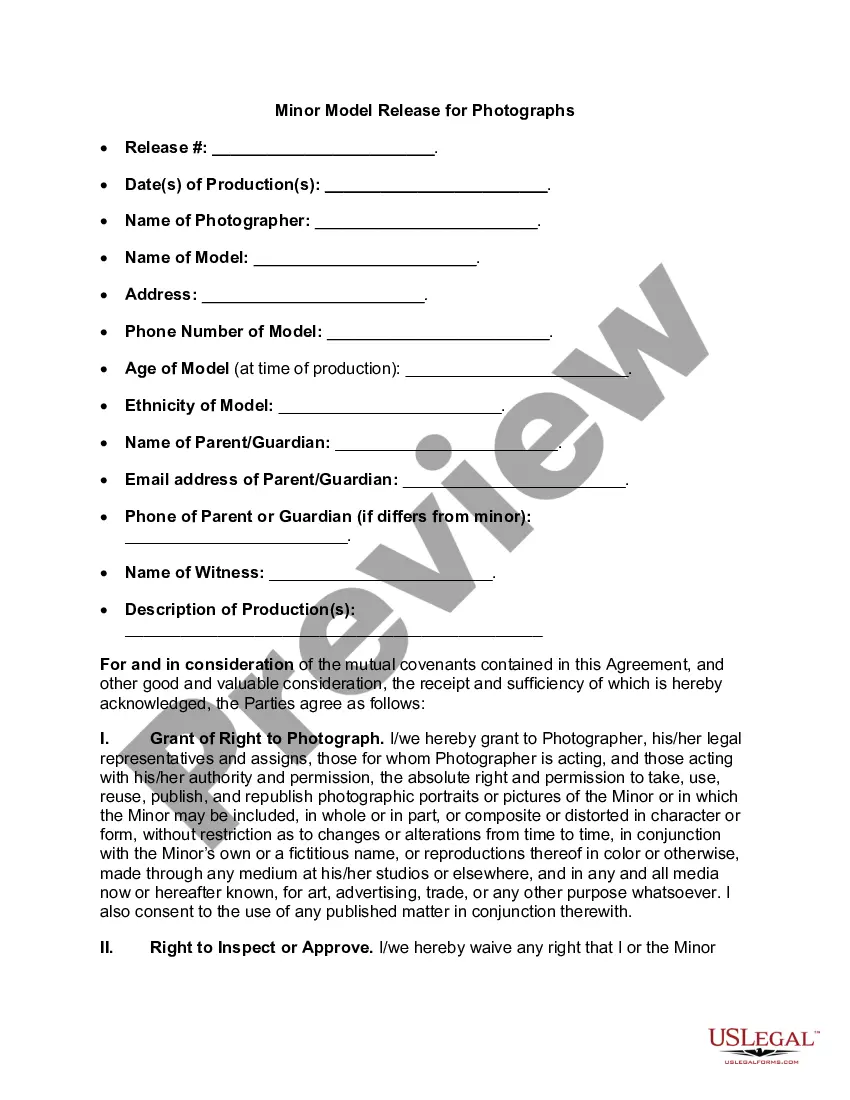
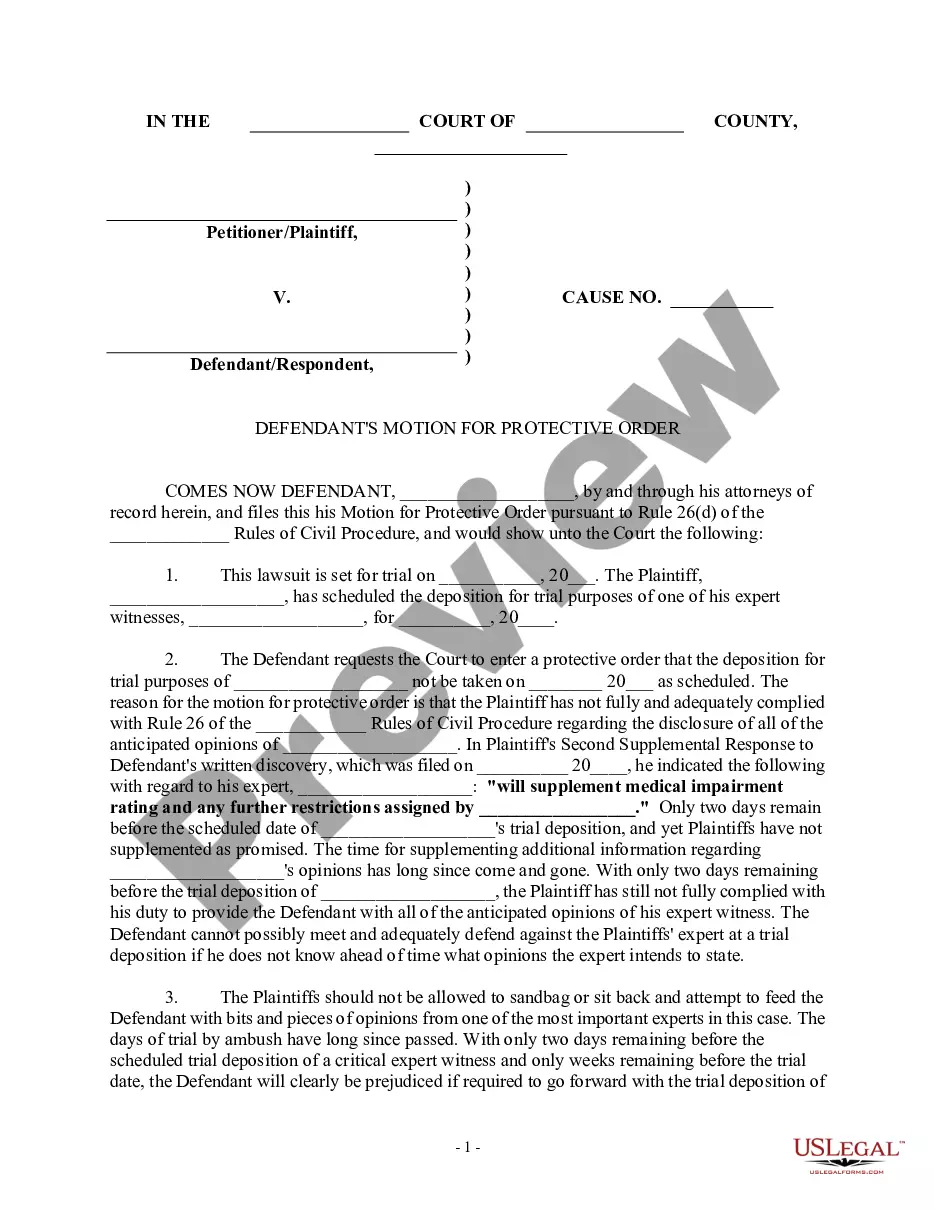

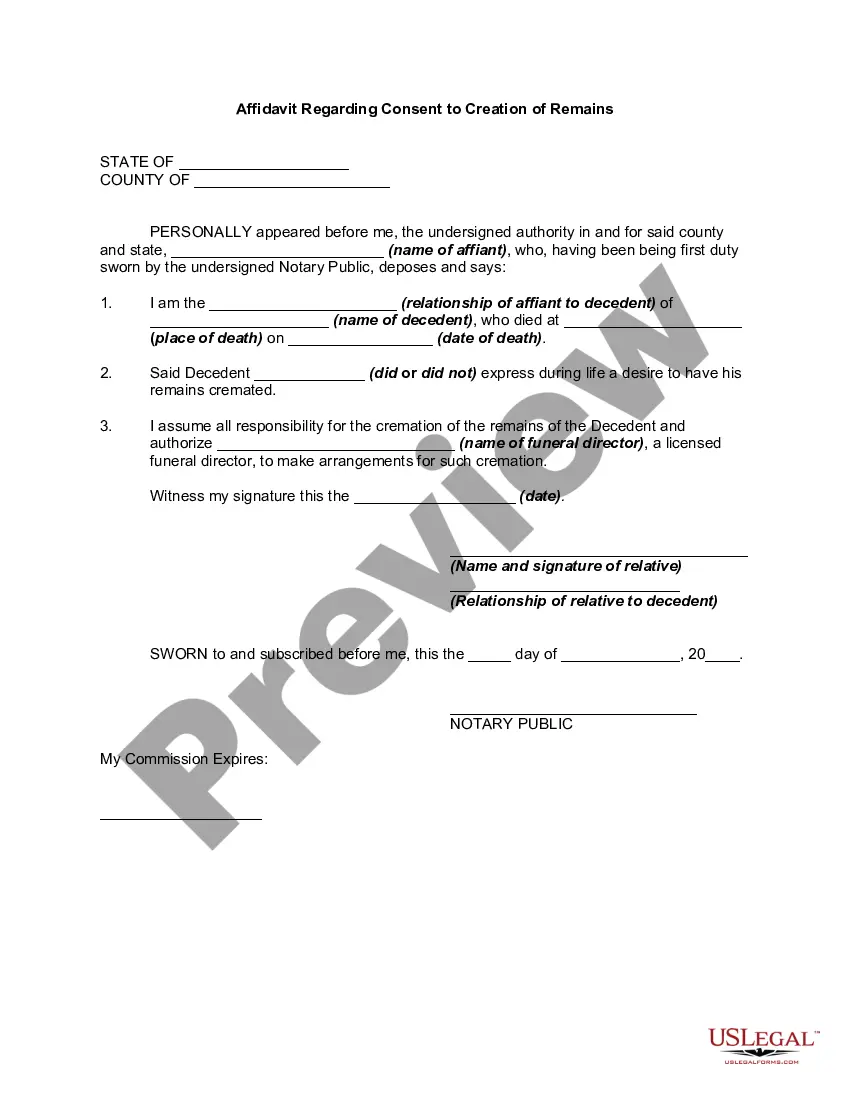
How to fill out Certificate As Disposition Of Cremated Body?
Whether for corporate matters or personal issues, everyone must confront legal challenges at some point in their lifetime.
Completing legal paperwork requires meticulous attention, starting from selecting the correct form template.
With a vast assortment of US Legal Forms available, there’s no need to waste time searching for the right template online. Take advantage of the library's straightforward navigation to find the appropriate form for any circumstance.
- Acquire the template you require by utilizing the search bar or catalog navigation.
- Examine the description of the form to ensure it aligns with your case, state, and region.
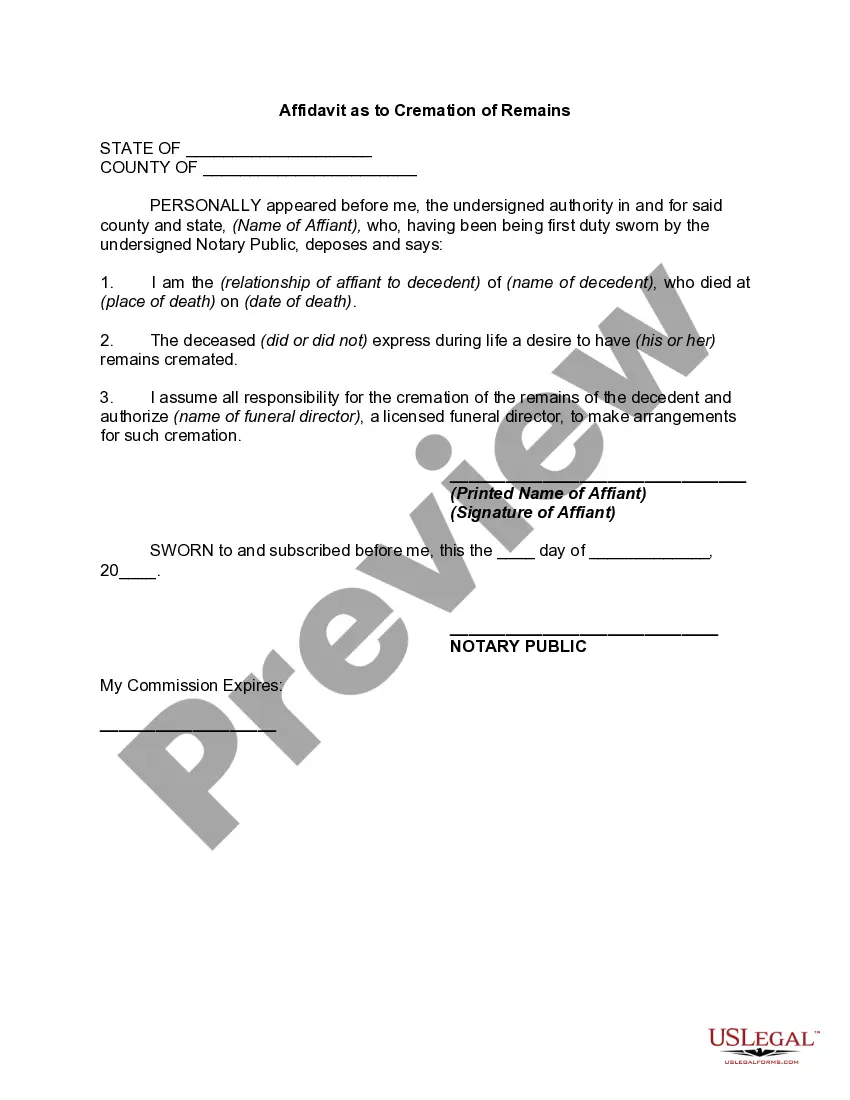
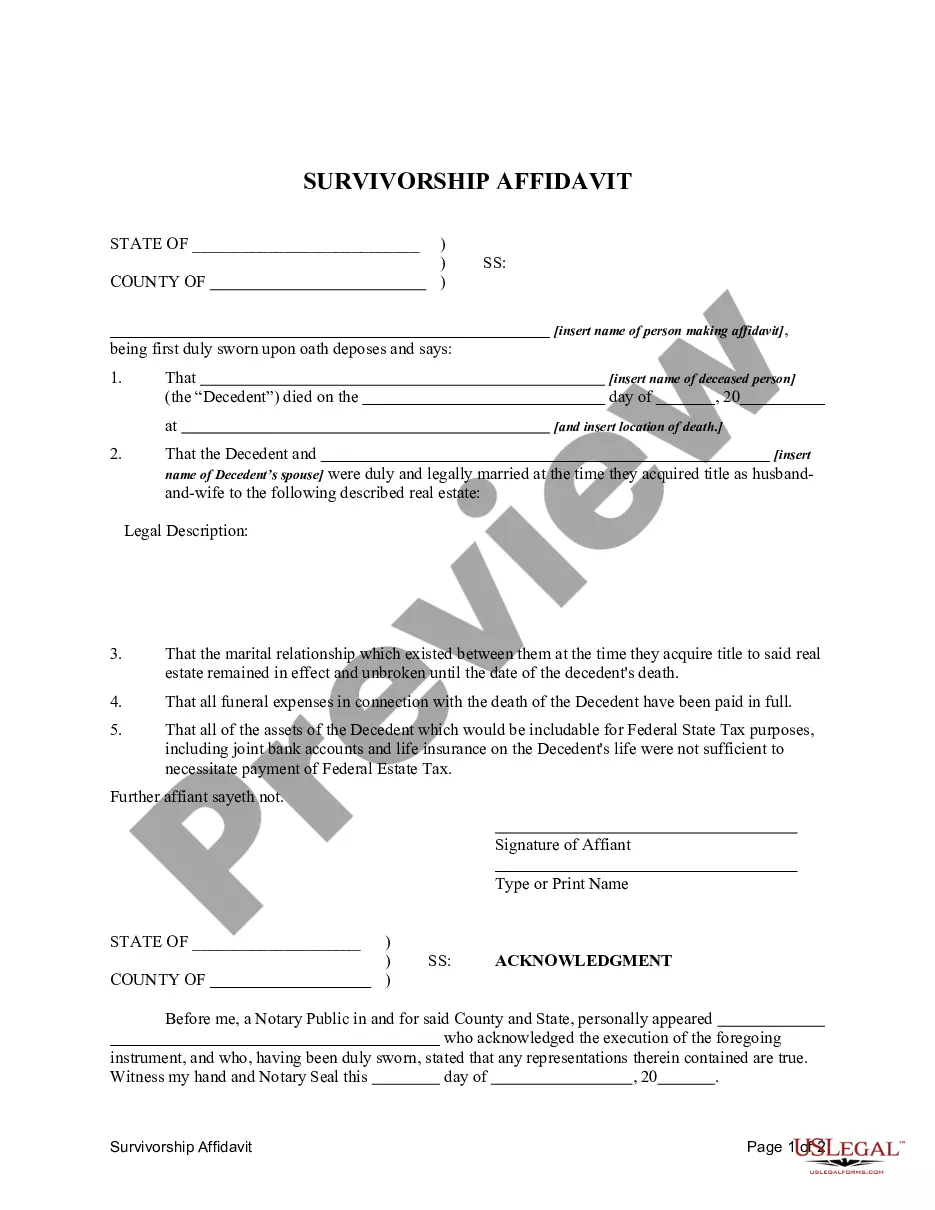
- Click on the form's preview to review it.
- If it is the incorrect form, return to the search feature to locate the Certificate Of Disposition Texas template you need.
- Obtain the file if it suits your requirements.
- If you possess a US Legal Forms account, simply click Log in to access documents you’ve previously saved in My documents.
- Should you not have an account, you can download the form by clicking Buy now.
- Select the suitable pricing plan.
- Complete the account registration form.
- Choose your preferred payment option: a credit card or PayPal account.
- Select the file format you prefer and download the Certificate Of Disposition Texas.
- Once downloaded, you can fill out the form using editing software or print it and complete it by hand.
Form popularity
FAQ
The details of forms used in Patent Registration are given below: Form 1: Application for Grant of Patent. It Contains, ... Form 2: Provisional / Complete Specification. ... Form 3: Statement and Undertaking under Section 8. ... Form 5: Declaration as to Inventor-ship. ... Form 26: Power of Attorney (if filed through Patent Agent)
Search results will appear at the bottom of the page. ?Preview? will provide a pop-up view of the front page of the patent or published patent application. Select ?PDF? to view the entire pdf file in a new browser tab. Use the download or print buttons on the right to download or print a copy of the pdf.
Provisional application for patent filing date requirements the application as a provisional application for patent; the name(s) of all inventors; inventor residence(s); title of the invention; name and registration number of attorney or agent and docket number (if applicable); correspondence address; and.
(1) A provisional application must also include the cover sheet required by § 1.51(c)(1), which may be an application data sheet (§ 1.76), or a cover letter identifying the application as a provisional application. Otherwise, the application will be treated as an application filed under paragraph (b) of this section.
A provisional patent application (PPA) is a document issued by the U.S. Patent and Trademark Office (USPTO) that helps protect a new invention from being copied during the 12-month period before a formal patent application is filed.
While the use of an application data sheet is not always required (see MPEP §§ 601.05(a) and 601.05(b)), the Office prefers its use in all applications to help facilitate the electronic capturing of important data.
How to file. The provisional application papers (written description and drawings), filing fee and cover sheet can be filed electronically using EFS-Web or filed by mail. Electronically Using EFS-Web: The provisional application can be filed electronically only if EFS-Web is used.
However, the Patent Office does require you to file the ADS or application data sheet in order to claim priority back to a prior-filed patent application such as a provisional or a parent nonprovisional application.