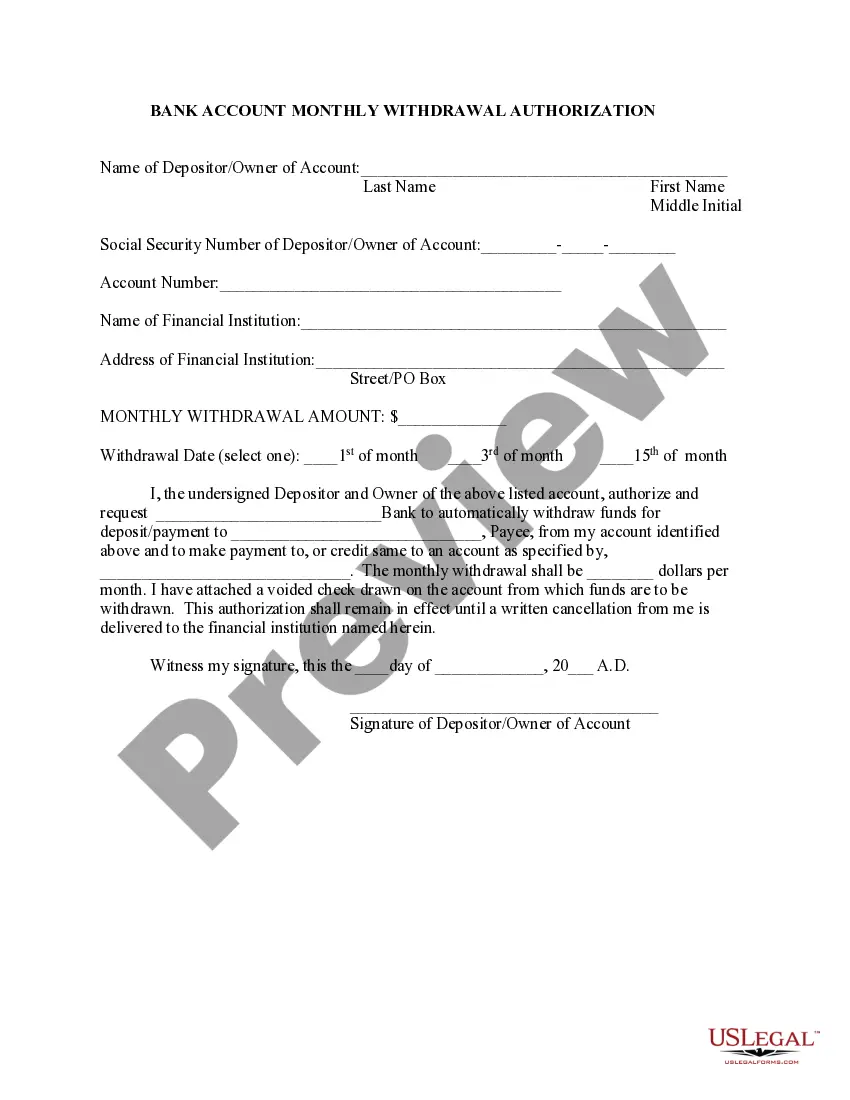
Bank Draft Authorization Form With Chase
Description
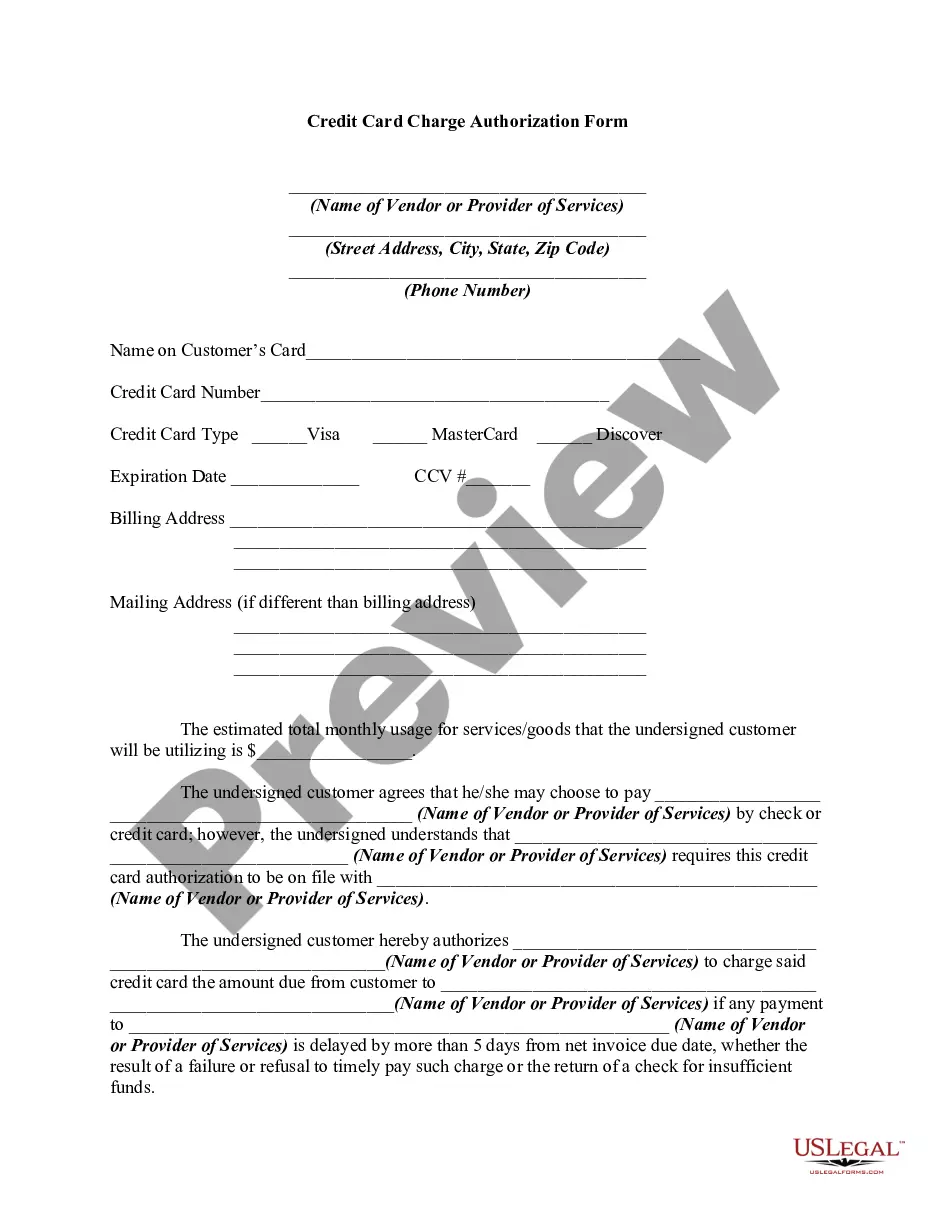
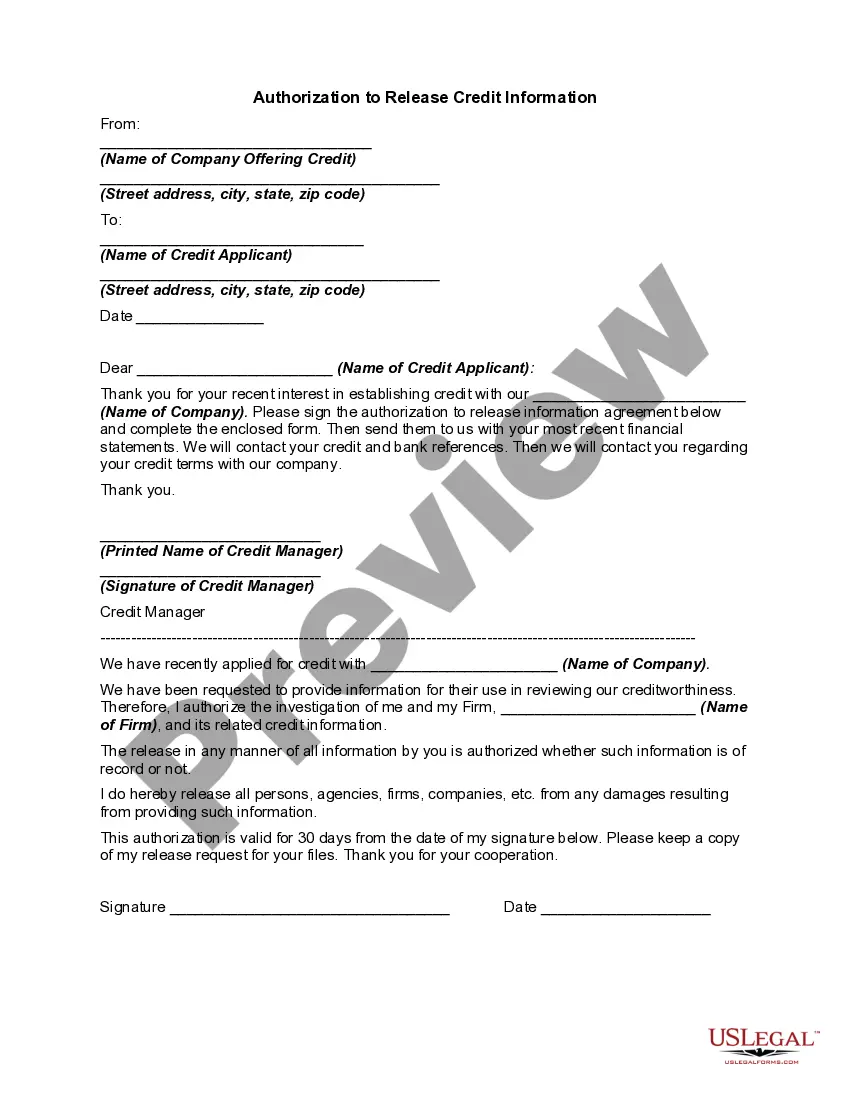
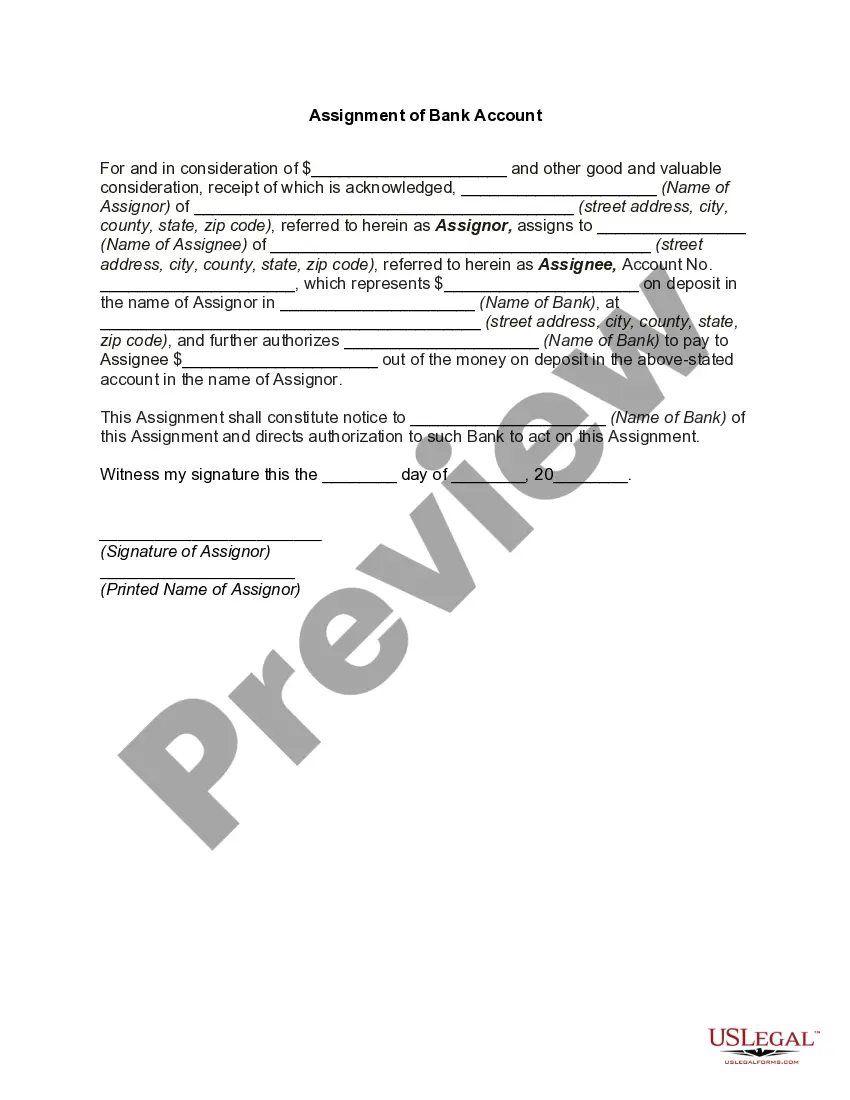
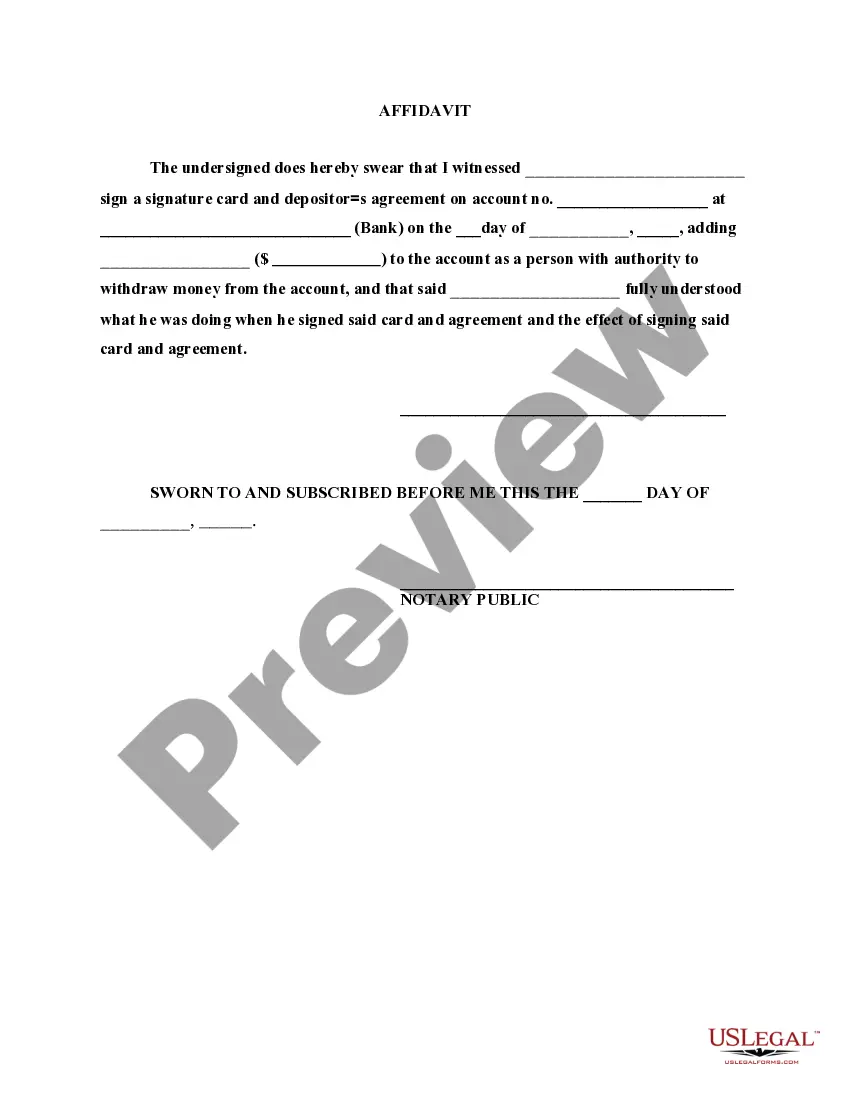
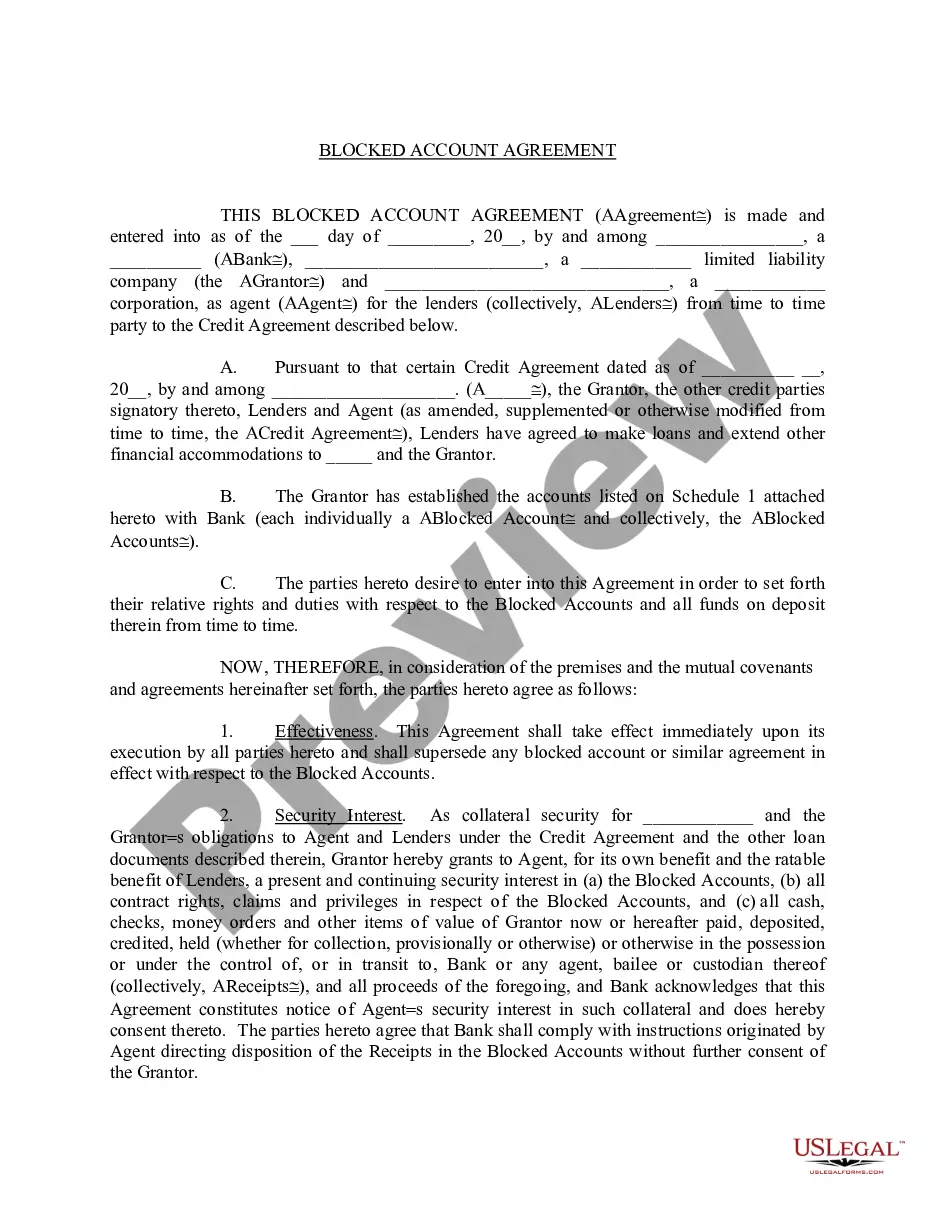
Get your form ready online
Our built-in tools help you complete, sign, share, and store your documents in one place.
Make edits, fill in missing information, and update formatting in US Legal Forms—just like you would in MS Word.
Download a copy, print it, send it by email, or mail it via USPS—whatever works best for your next step.
Sign and collect signatures with our SignNow integration. Send to multiple recipients, set reminders, and more. Go Premium to unlock E-Sign.
If this form requires notarization, complete it online through a secure video call—no need to meet a notary in person or wait for an appointment.
We protect your documents and personal data by following strict security and privacy standards.

Make edits, fill in missing information, and update formatting in US Legal Forms—just like you would in MS Word.

Download a copy, print it, send it by email, or mail it via USPS—whatever works best for your next step.

Sign and collect signatures with our SignNow integration. Send to multiple recipients, set reminders, and more. Go Premium to unlock E-Sign.

If this form requires notarization, complete it online through a secure video call—no need to meet a notary in person or wait for an appointment.

We protect your documents and personal data by following strict security and privacy standards.
Looking for another form?
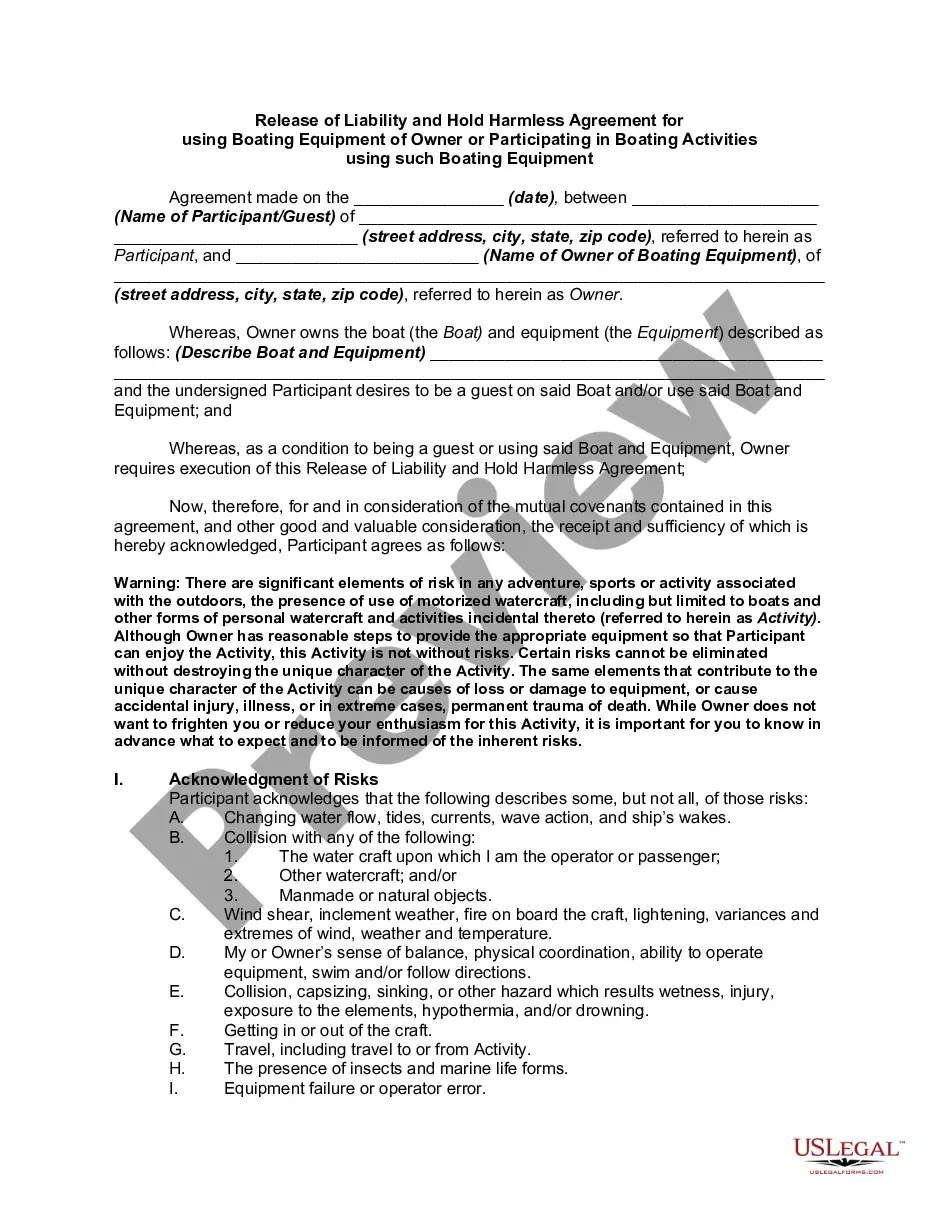
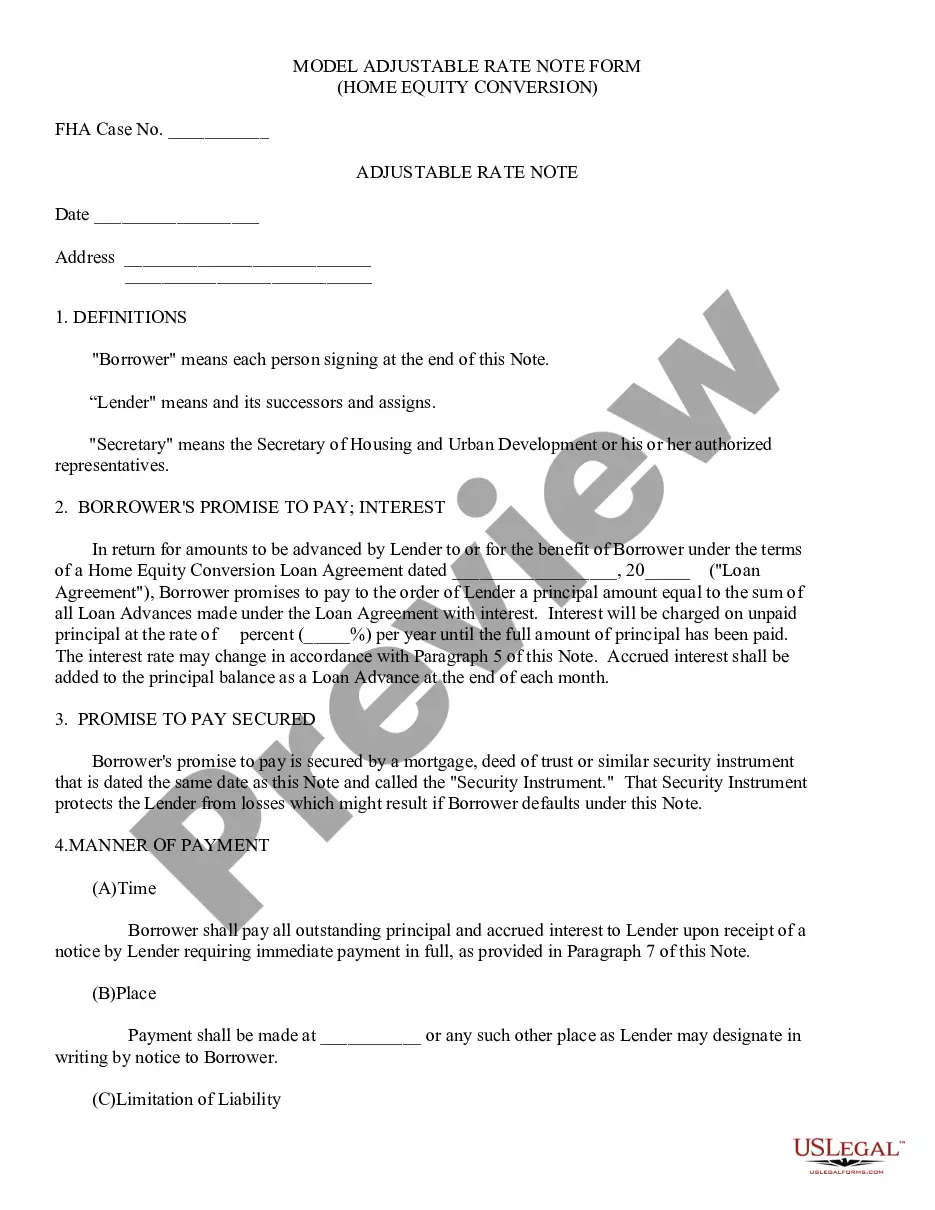






How to fill out Bank Account Monthly Withdrawal Authorization?
Whether for business purposes or for individual matters, everyone has to handle legal situations sooner or later in their life. Filling out legal paperwork needs careful attention, starting with selecting the proper form sample. For instance, when you choose a wrong edition of a Bank Draft Authorization Form With Chase, it will be rejected once you send it. It is therefore essential to get a dependable source of legal papers like US Legal Forms.
If you have to get a Bank Draft Authorization Form With Chase sample, follow these simple steps:
- Find the sample you need using the search field or catalog navigation.
- Check out the form’s description to ensure it matches your situation, state, and region.
- Click on the form’s preview to see it.
- If it is the incorrect form, get back to the search function to find the Bank Draft Authorization Form With Chase sample you require.
- Get the template when it matches your needs.
- If you have a US Legal Forms account, just click Log in to gain access to previously saved files in My Forms.
- If you don’t have an account yet, you can obtain the form by clicking Buy now.
- Select the appropriate pricing option.
- Complete the account registration form.
- Select your payment method: you can use a credit card or PayPal account.
- Select the file format you want and download the Bank Draft Authorization Form With Chase.
- When it is saved, you can complete the form by using editing software or print it and complete it manually.
With a vast US Legal Forms catalog at hand, you do not need to spend time seeking for the appropriate sample across the web. Utilize the library’s easy navigation to find the correct form for any situation.
Form popularity
FAQ
To obtain a bank confirmation letter from your bank you may request in-person at a bank branch from one of the bankers, by a phone call to the bank, and depending on the financial institution, through their online platform.
Get your personalized pre-filled direct deposit form Sign in to chase.com or the Chase Mobile® app. Choose the checking account you want to receive your direct deposit. Navigate to 'Account services' by scrolling up in the mobile app or in the drop down menu on chase.com. Click or tap on 'Set up direct deposit form'
You can deposit a check with someone else's name on it if they've signed it and either made it payable to you or written ?For deposit only? under their signature on the back.
Get your personalized pre-filled direct deposit form Sign in to chase.com or the Chase Mobile® app. Choose the checking account you want to receive your direct deposit. Navigate to 'Account services' by scrolling up in the mobile app or in the drop down menu on chase.com. Click or tap on 'Set up direct deposit form'
?I hereby authorize?? Statement. Include a paragraph sharing all the information and permissions that the employee is signing for. Foremost, it should state that by signing, the employee is authorizing the employer to directly deposit their pay into their listed bank account(s).