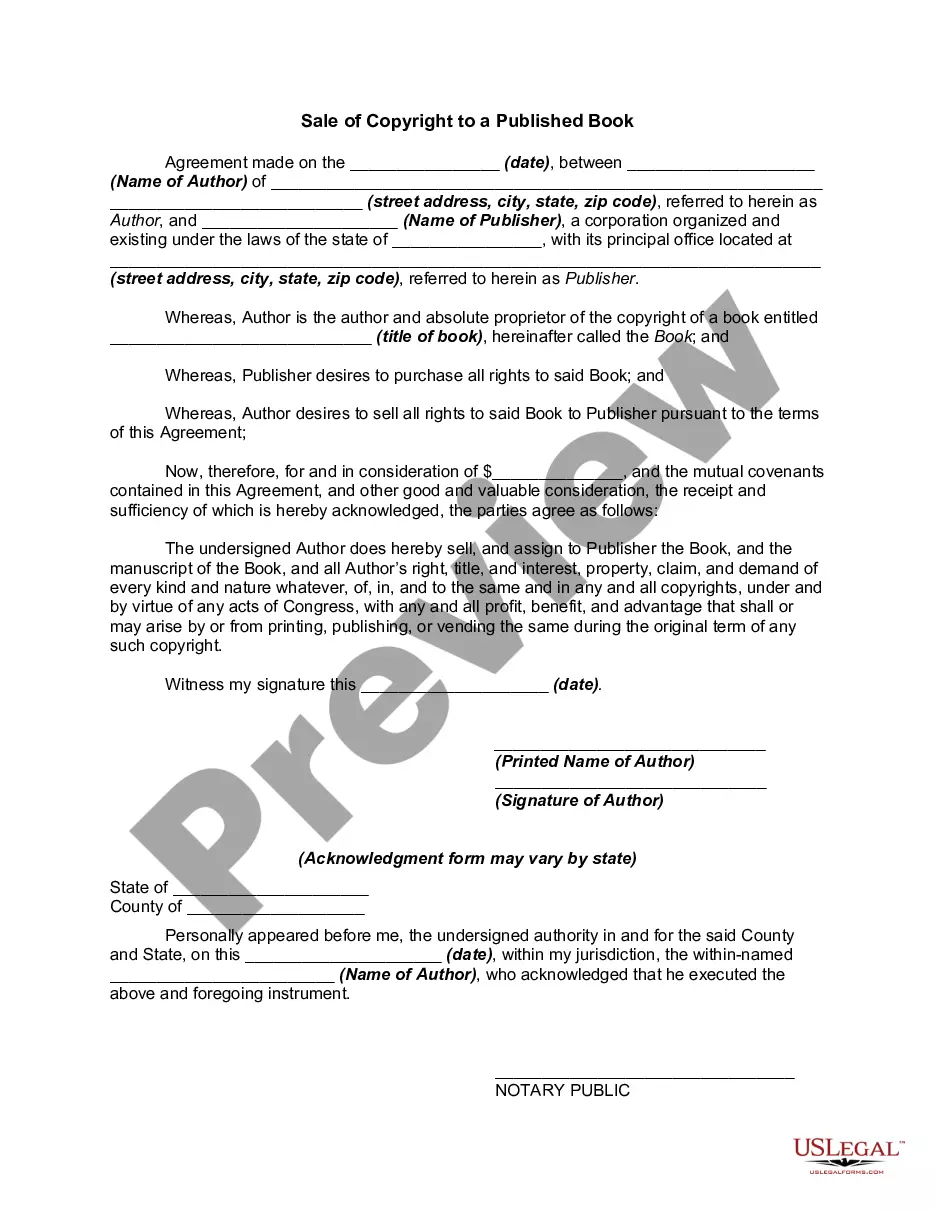
Copyright Book Rights With Cps
Description
Get your form ready online
Our built-in tools help you complete, sign, share, and store your documents in one place.
Make edits, fill in missing information, and update formatting in US Legal Forms—just like you would in MS Word.
Download a copy, print it, send it by email, or mail it via USPS—whatever works best for your next step.
Sign and collect signatures with our SignNow integration. Send to multiple recipients, set reminders, and more. Go Premium to unlock E-Sign.
If this form requires notarization, complete it online through a secure video call—no need to meet a notary in person or wait for an appointment.
We protect your documents and personal data by following strict security and privacy standards.

Make edits, fill in missing information, and update formatting in US Legal Forms—just like you would in MS Word.

Download a copy, print it, send it by email, or mail it via USPS—whatever works best for your next step.

Sign and collect signatures with our SignNow integration. Send to multiple recipients, set reminders, and more. Go Premium to unlock E-Sign.

If this form requires notarization, complete it online through a secure video call—no need to meet a notary in person or wait for an appointment.

We protect your documents and personal data by following strict security and privacy standards.
Looking for another form?
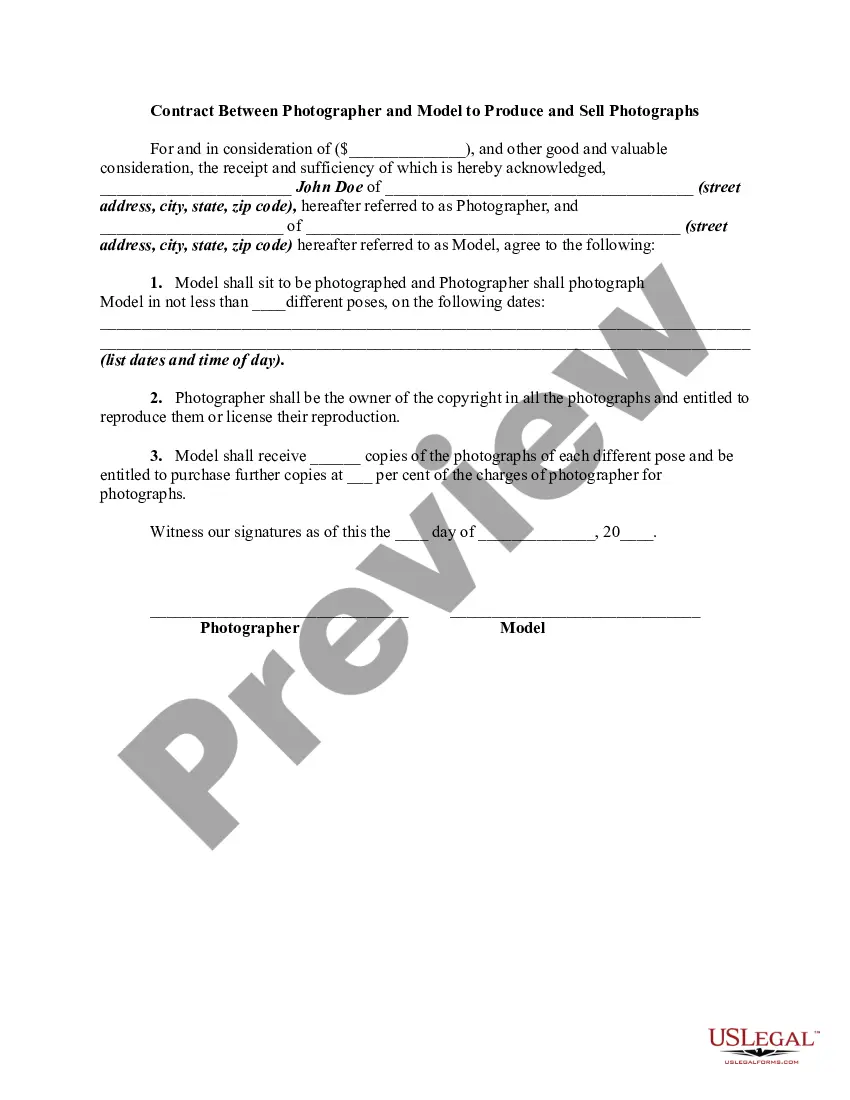







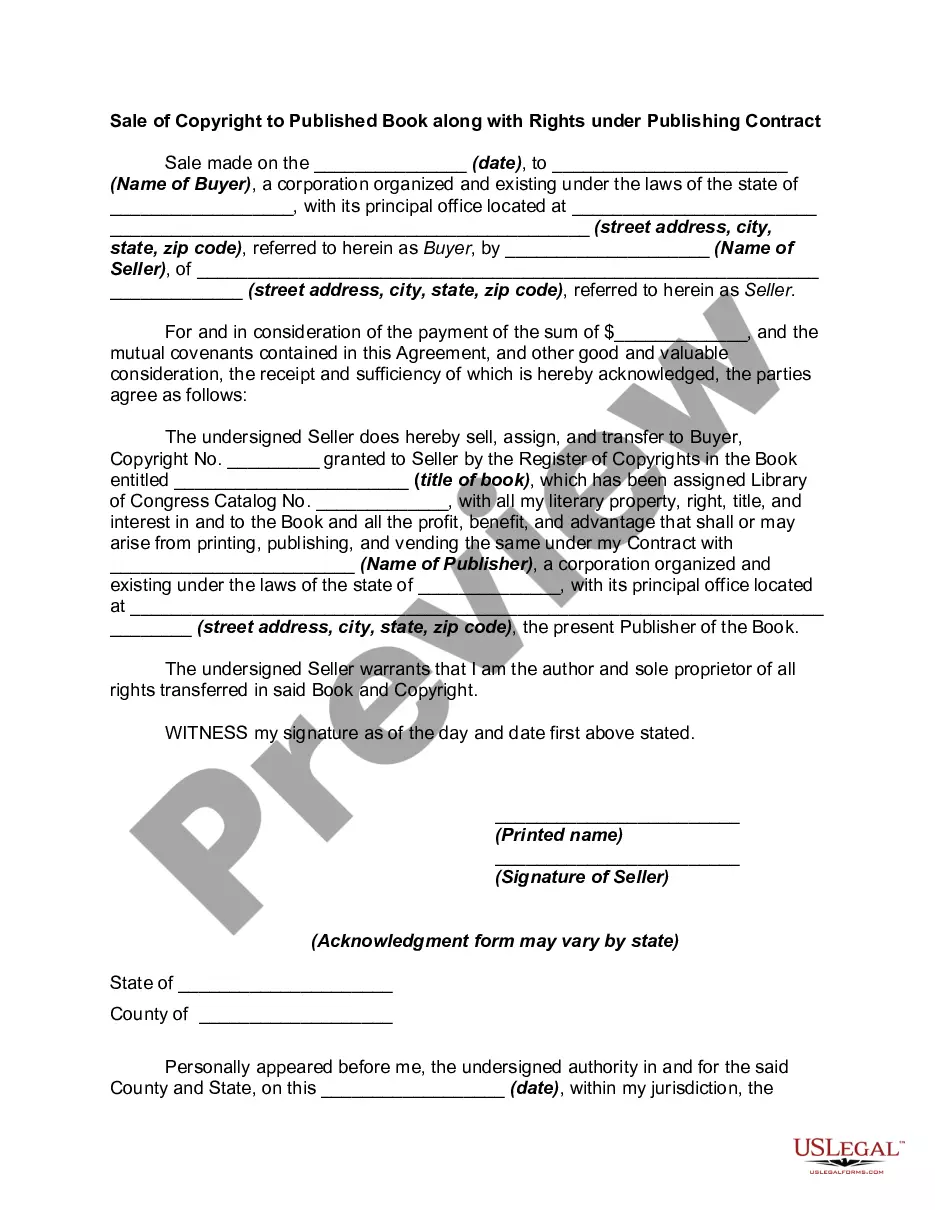
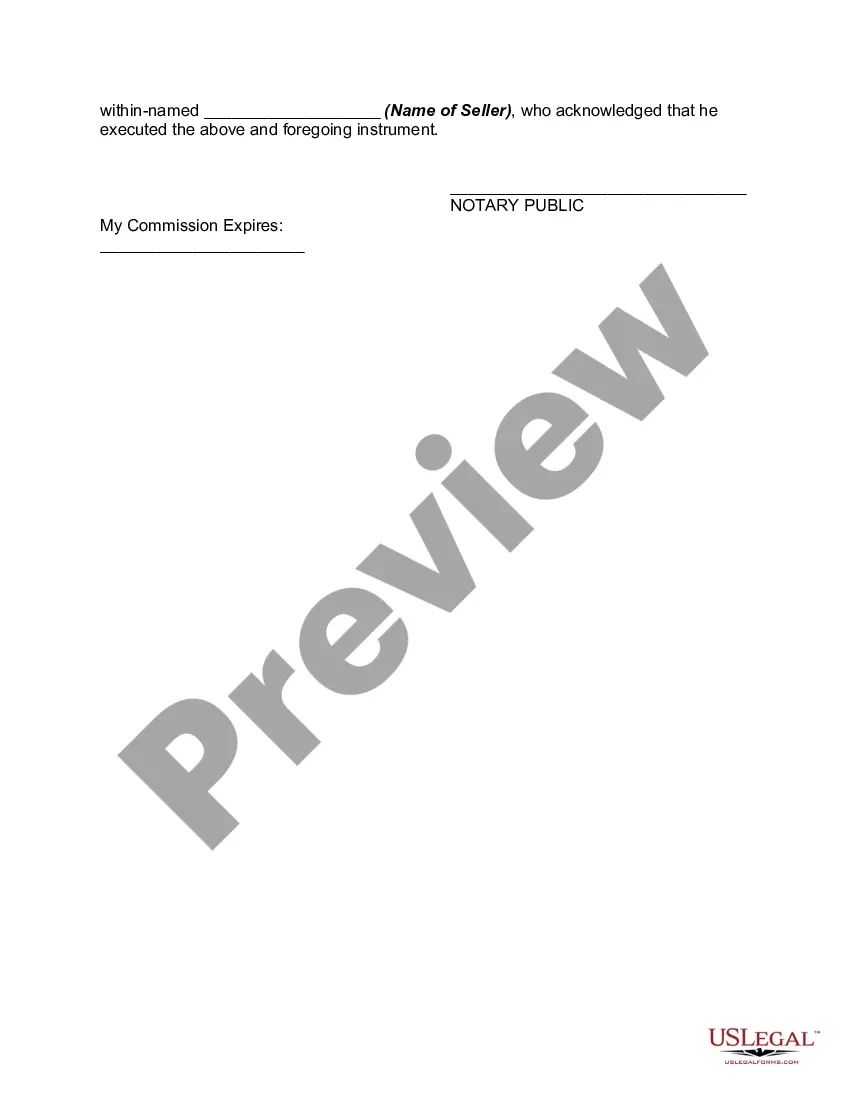
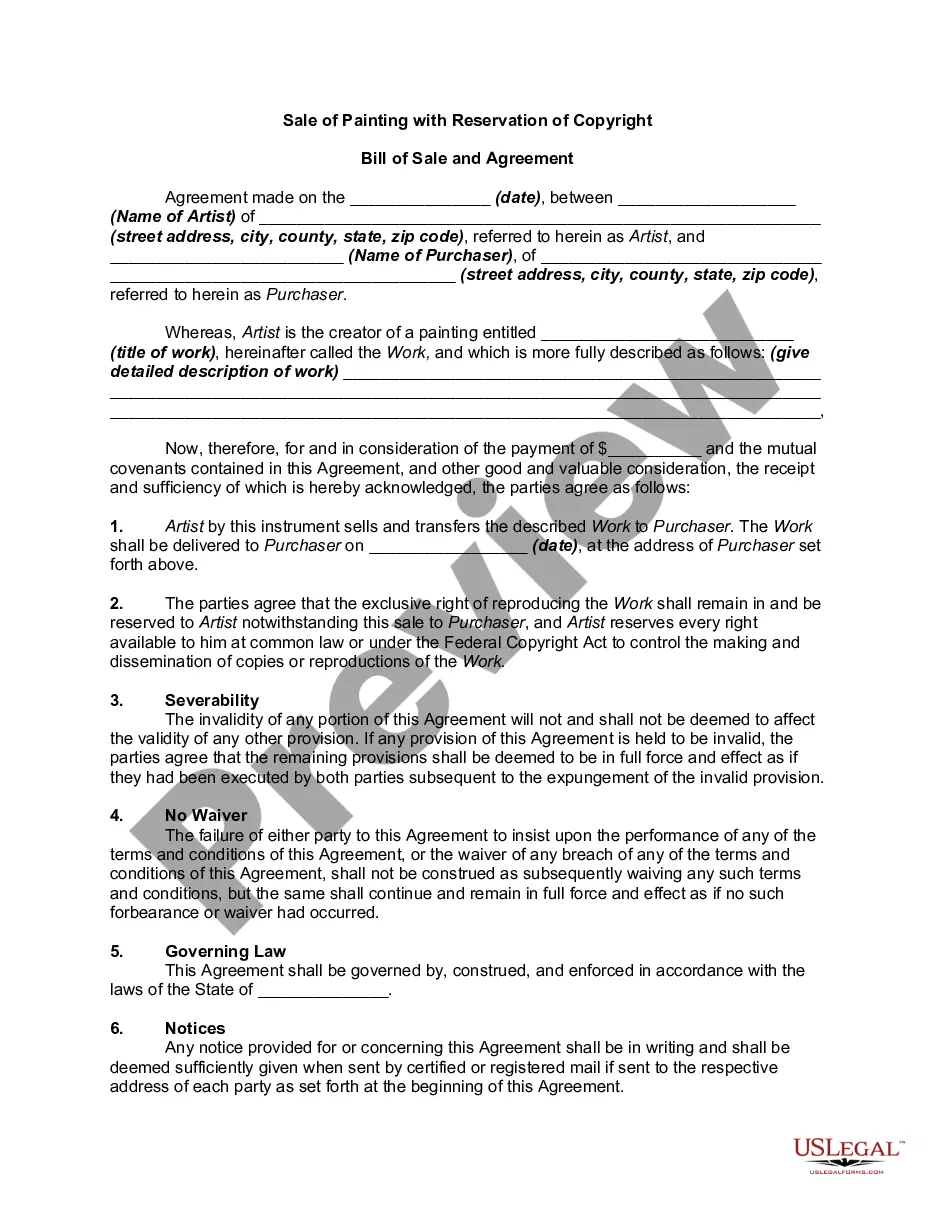
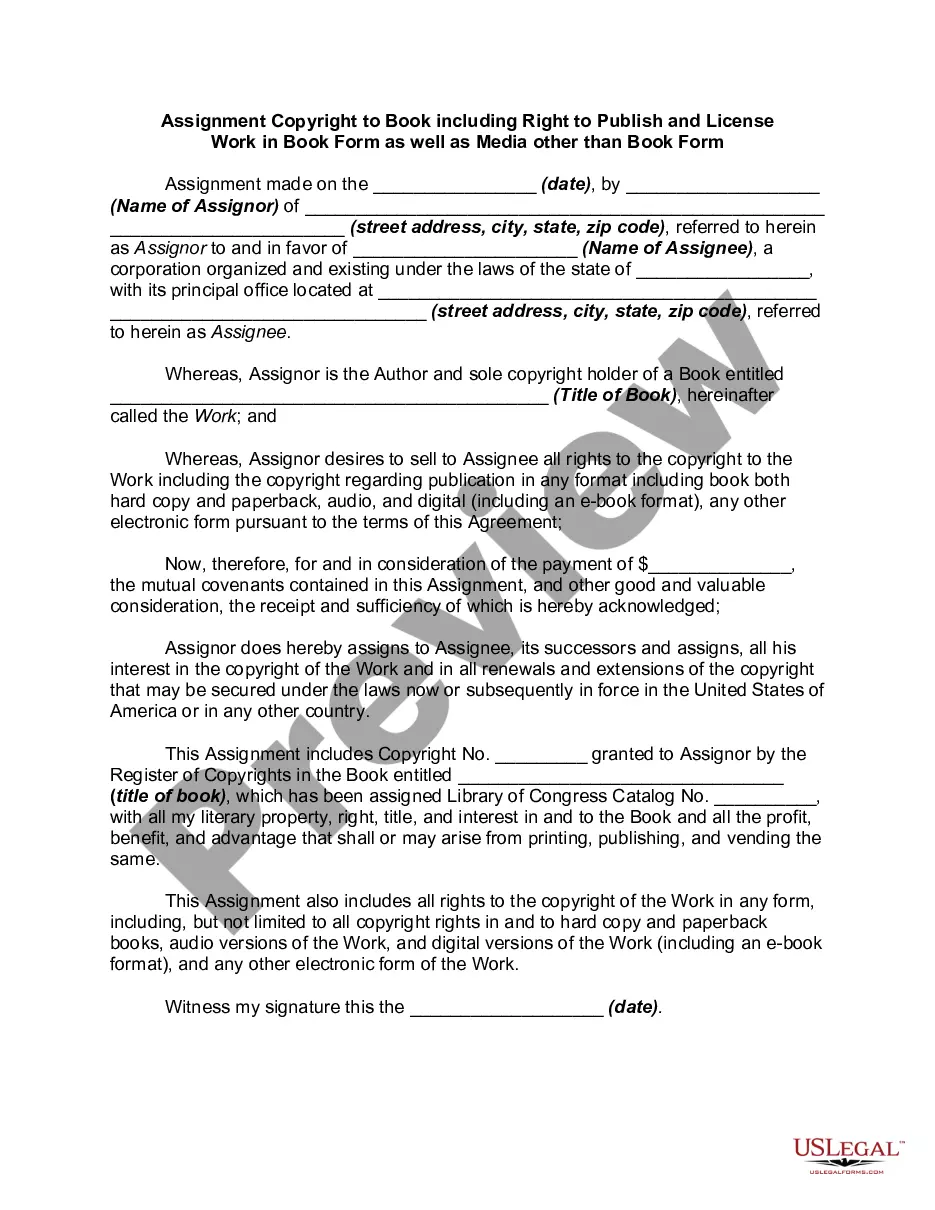
How to fill out Sale Of Copyright To Published Book Along With Rights Under Publishing?
Locating a reliable source to acquire the most up-to-date and suitable legal documents is a significant part of navigating red tape.
Identifying the appropriate legal paperwork requires accuracy and meticulousness, which is why it's crucial to obtain samples of Copyright Book Rights With Cps solely from trusted providers, such as US Legal Forms.
Eliminate the stress related to your legal documentation. Explore the vast US Legal Forms collection to find legal templates, verify their suitability for your circumstances, and download them without delay.
- Utilize the library navigation or search bar to locate your template.
- Review the document's information to ensure it meets the criteria of your state and county.
- Examine the document preview, if available, to verify that it is the correct template you are looking for.
- Return to the search and seek the suitable document if the Copyright Book Rights With Cps does not meet your specifications.
- Once you are certain about the document's applicability, download it.
- If you are a registered user, click Log in to verify your identity and access your selected templates in My documents.
- If you do not have an account yet, click Buy now to acquire the template.
- Select the payment plan that aligns with your needs.
- Continue to the registration to complete your order.
- Conclude your transaction by choosing a payment option (credit card or PayPal).
- Select the file format for downloading Copyright Book Rights With Cps.
- Once the document is on your device, you can modify it with the editor or print it out and fill it in by hand.
Form popularity
FAQ
How to write a copyright disclaimer the copyright symbol (©); your name as author and your website's name. It can also be the name of an organization, a business, or a corporate name; a current year or year range; a statement of ownership (?All Rights Reserved?).
What Does a Book Copyright Page Include? A copyright notice and year. ... Rights reserved notice. ... ISBN. ... Library of Congress Control Number. ... Disclaimer. ... Permissions notice. ... Credits to editors, photographers, and illustrators. ... Country of printer/printing edition.
What to include on your copyright page Copyright notice. First bit of information to include in a copyright page is the copyright notice. ... ISBN. ... Rights and permissions. ... Disclaimer. ... Edition information. ... Design, production, editing, and illustration credits. ... Publisher's address. ... Ordering information.
The long copyright page should include the following: A copyright notice and year. ... Rights reserved notice. ... ISBN. ... Library of Congress Control Number. ... Disclaimer. ... Permissions notice. ... Credits to editors, photographers, and illustrators. ... Country of printer/printing edition.
To register a claim for the copyright for your work: Go to the Electronic Copyright Office (or eCO) website. Login if you already have an account or register a new account. On the left side, under ?Register a Work,? click ?Standard Application.? Click ?Start Registration? at the top.