Copyright Book Rights For Youtube
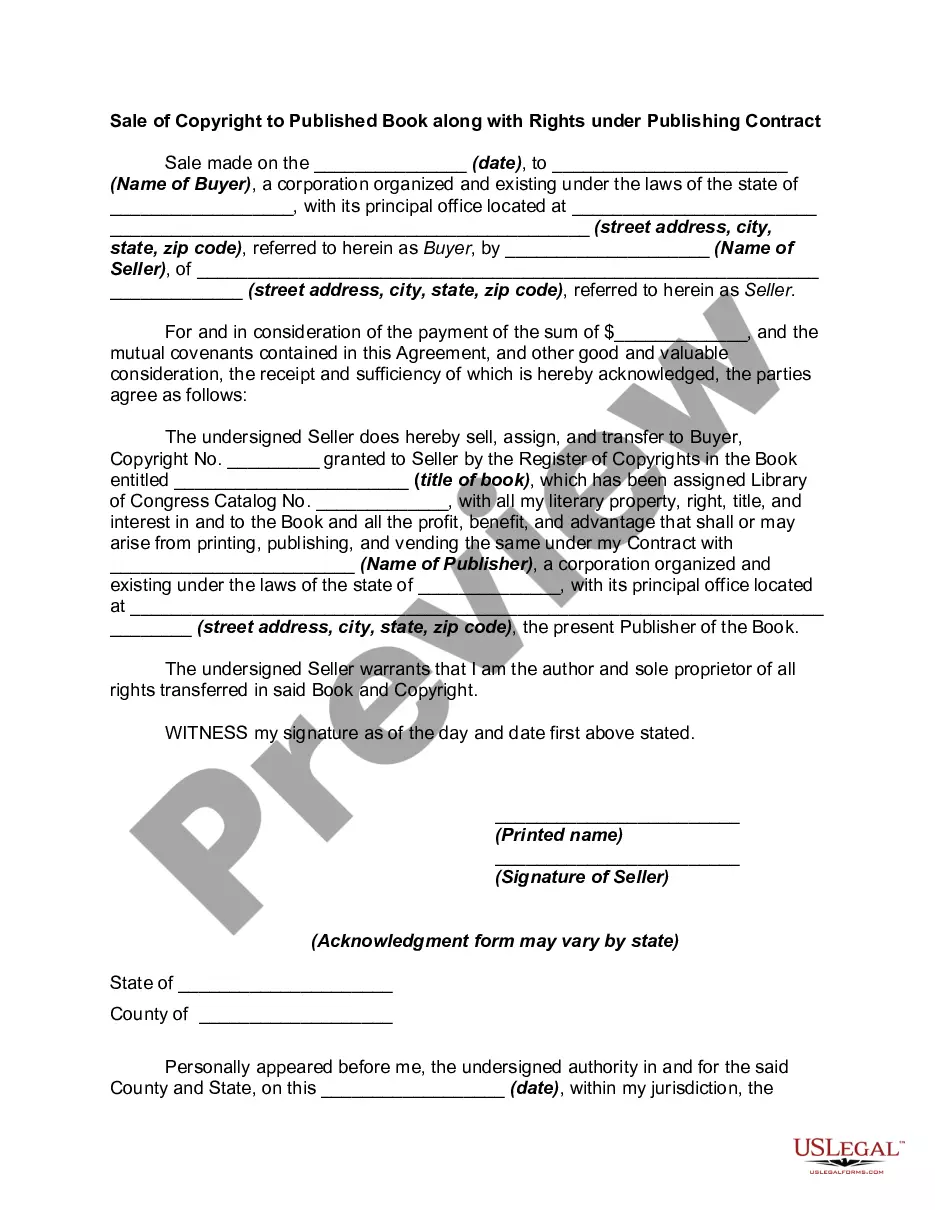
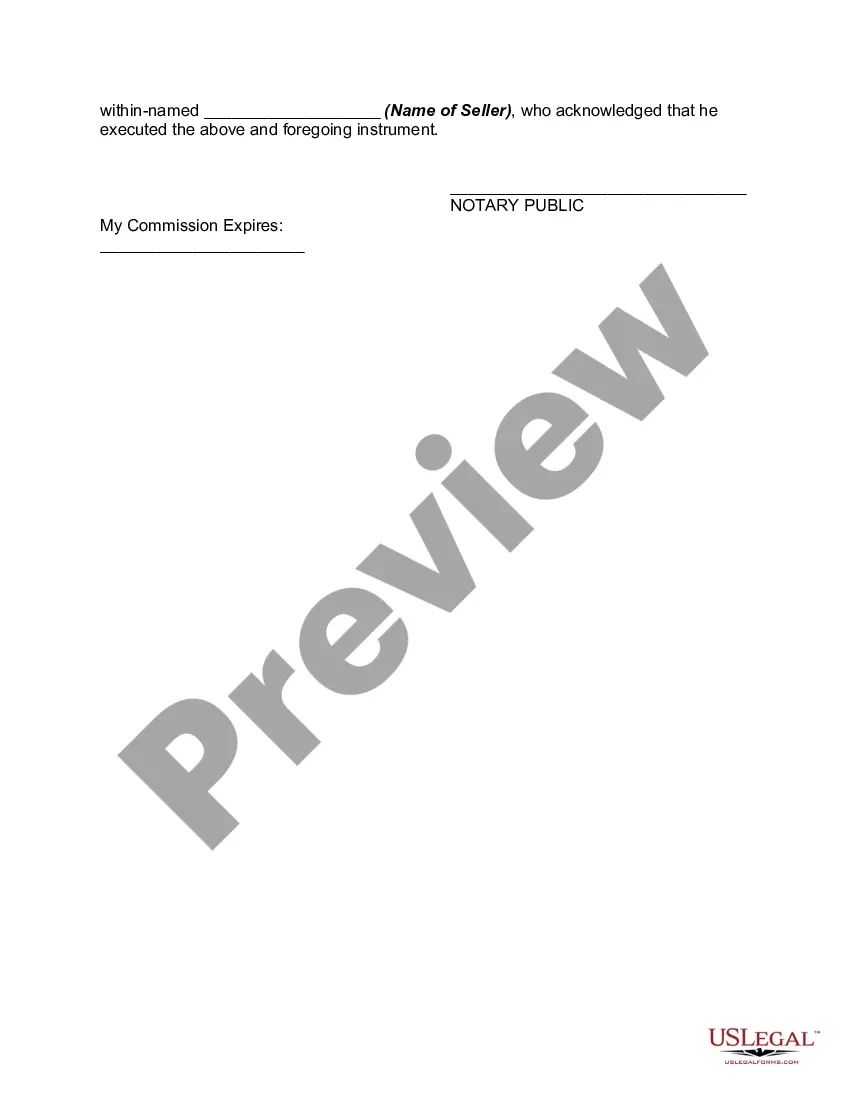
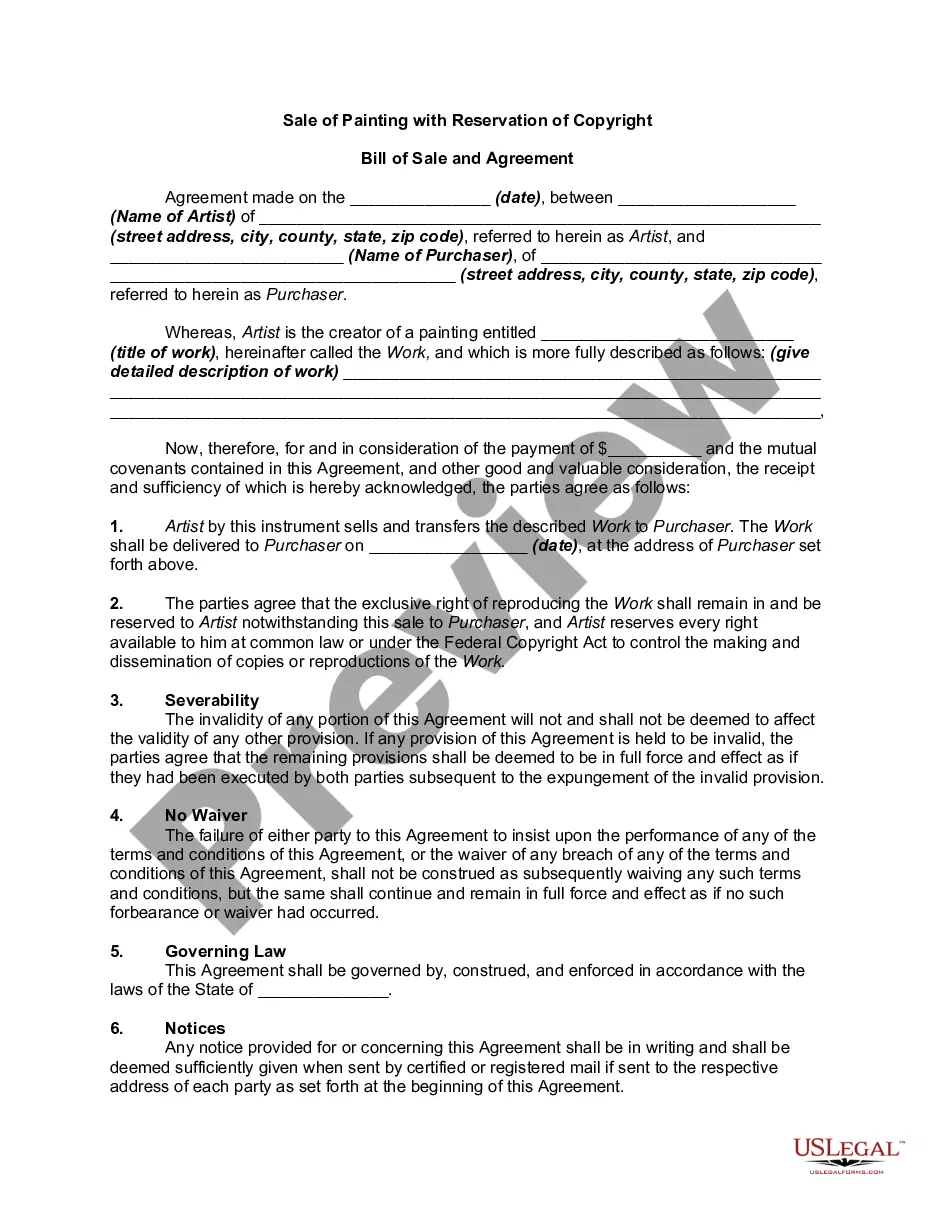
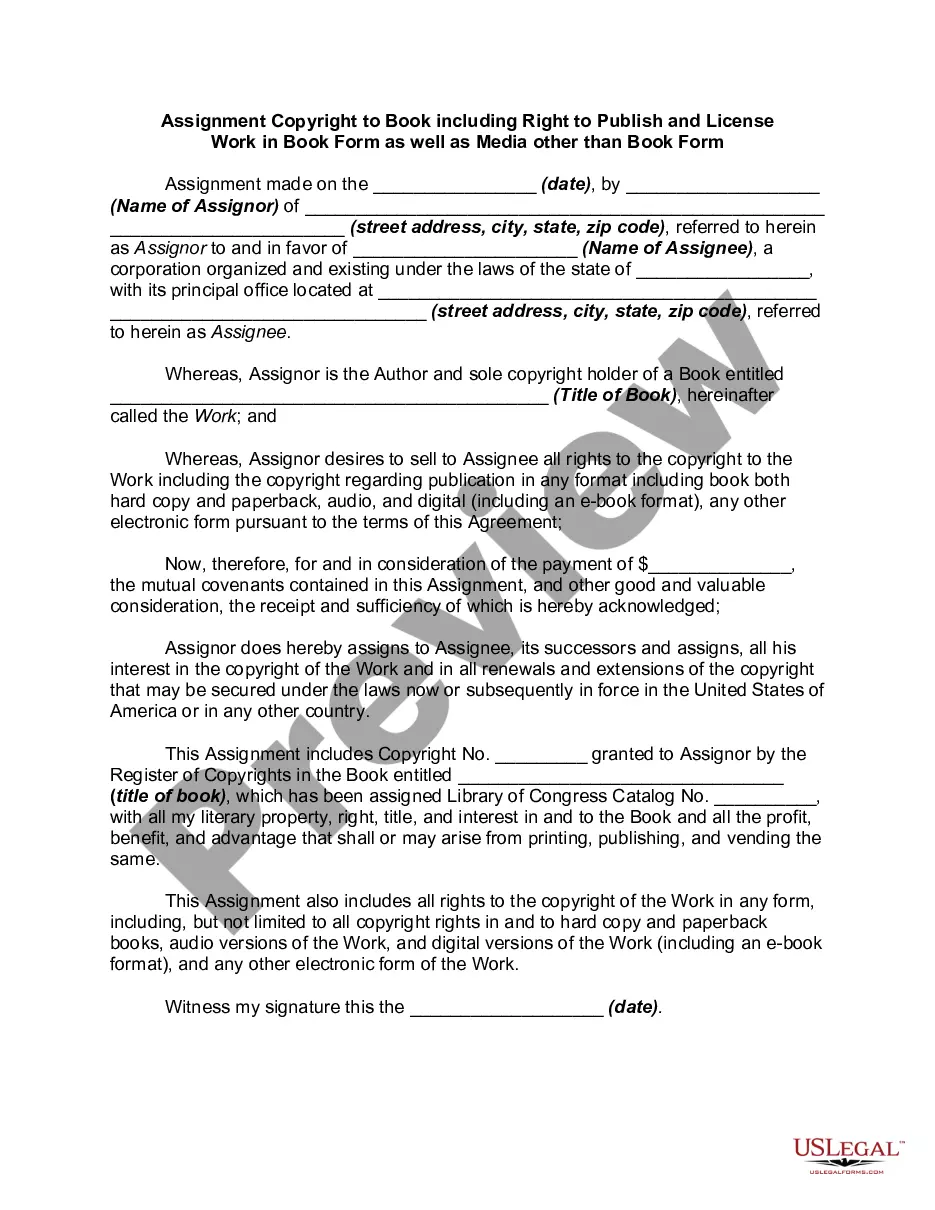
Description
Get your form ready online
Our built-in tools help you complete, sign, share, and store your documents in one place.
Make edits, fill in missing information, and update formatting in US Legal Forms—just like you would in MS Word.
Download a copy, print it, send it by email, or mail it via USPS—whatever works best for your next step.
Sign and collect signatures with our SignNow integration. Send to multiple recipients, set reminders, and more. Go Premium to unlock E-Sign.
If this form requires notarization, complete it online through a secure video call—no need to meet a notary in person or wait for an appointment.
We protect your documents and personal data by following strict security and privacy standards.

Make edits, fill in missing information, and update formatting in US Legal Forms—just like you would in MS Word.

Download a copy, print it, send it by email, or mail it via USPS—whatever works best for your next step.

Sign and collect signatures with our SignNow integration. Send to multiple recipients, set reminders, and more. Go Premium to unlock E-Sign.

If this form requires notarization, complete it online through a secure video call—no need to meet a notary in person or wait for an appointment.

We protect your documents and personal data by following strict security and privacy standards.
Looking for another form?





How to fill out Sale Of Copyright To Published Book Along With Rights Under Publishing?
Regardless of whether for commercial reasons or personal issues, everyone must confront legal matters at some point in their lives.
Filling out legal papers requires meticulous care, beginning with selecting the right template sample.
With an extensive US Legal Forms library available, you won’t need to waste time hunting for the correct template online. Utilize the library’s simple navigation to find the suitable form for any situation.
- For example, if you select an incorrect edition of a Copyright Book Rights For Youtube, it will be turned down once submitted.
- Thus, it is vital to have a reliable source of legal documents such as US Legal Forms.
- If you need to acquire a Copyright Book Rights For Youtube sample, follow these straightforward steps.
- Utilize the search bar or browse the catalog to find the template you require.
- Review the details of the form to confirm it aligns with your needs, location, and circumstances.
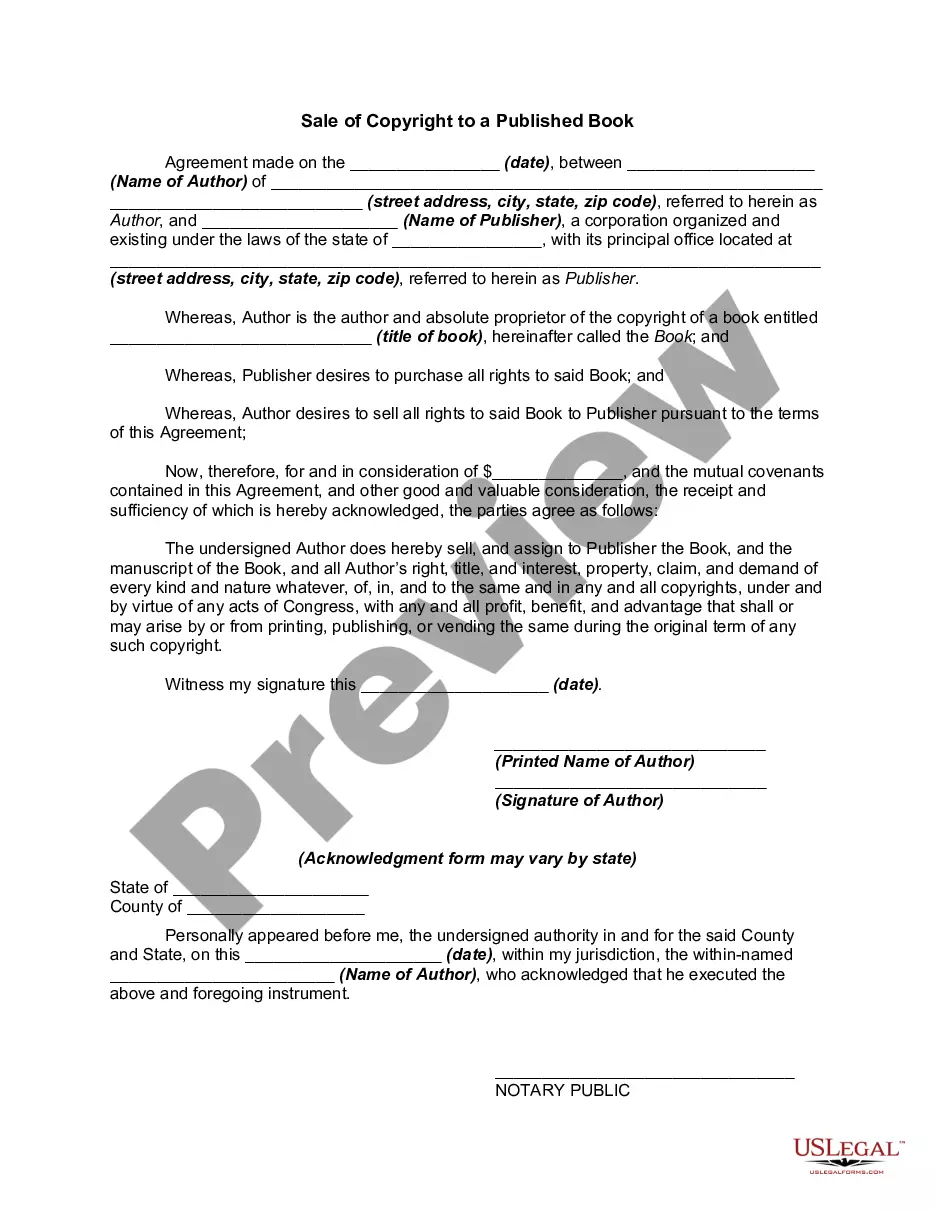
- Click on the form’s preview to inspect it.
- If it’s the wrong document, return to the search feature to find the necessary Copyright Book Rights For Youtube sample.
- Obtain the template if it meets your specifications.
- If you already possess a US Legal Forms account, simply click Log in to access previously saved documents in My documents.
- Should you not have an account yet, you can acquire the form by clicking Buy now.
- Choose the appropriate pricing option.
- Fill out the account registration form.
- Decide on your payment method: a bank card or PayPal account.
- Select the desired file format and download the Copyright Book Rights For Youtube.
- Upon download, you can either fill out the form using editing software or print it out and complete it manually.
Form popularity
FAQ
Some ideal statements to add in the description of your video, in case you are using someone else's content in it can be: ?All the videos, songs, images, and graphics used in the video belong to their respective owners and I or this channel does not claim any right over them.
The page should contain your name, the year of publication, an International Standard Book Number (ISBN) for identification, a reservation of rights, the book edition, the copyright symbol, and a disclaimer that informs the reader that any advice or information taken from their book is entirely at their own discretion.
It's never a bad idea to reach out to an author or publisher for permission to read their book on YouTube. Depending on the author or publisher, they might look at your proposal as an opportunity to get more exposure for their book. In this case, you would almost always be permitted to read their book on YouTube.
Some ideal statements to add in the description of your video, in case you are using someone else's content in it can be: ?All the videos, songs, images, and graphics used in the video belong to their respective owners and I or this channel does not claim any right over them.
Prepare a counter notification Sign in to YouTube Studio. From the left menu, select Content . In the Videos tab, click the filter bar. Copyright claims. Find the video in question. In the Restrictions column, hover over Copyright claim. ... Click SEE DETAILS.