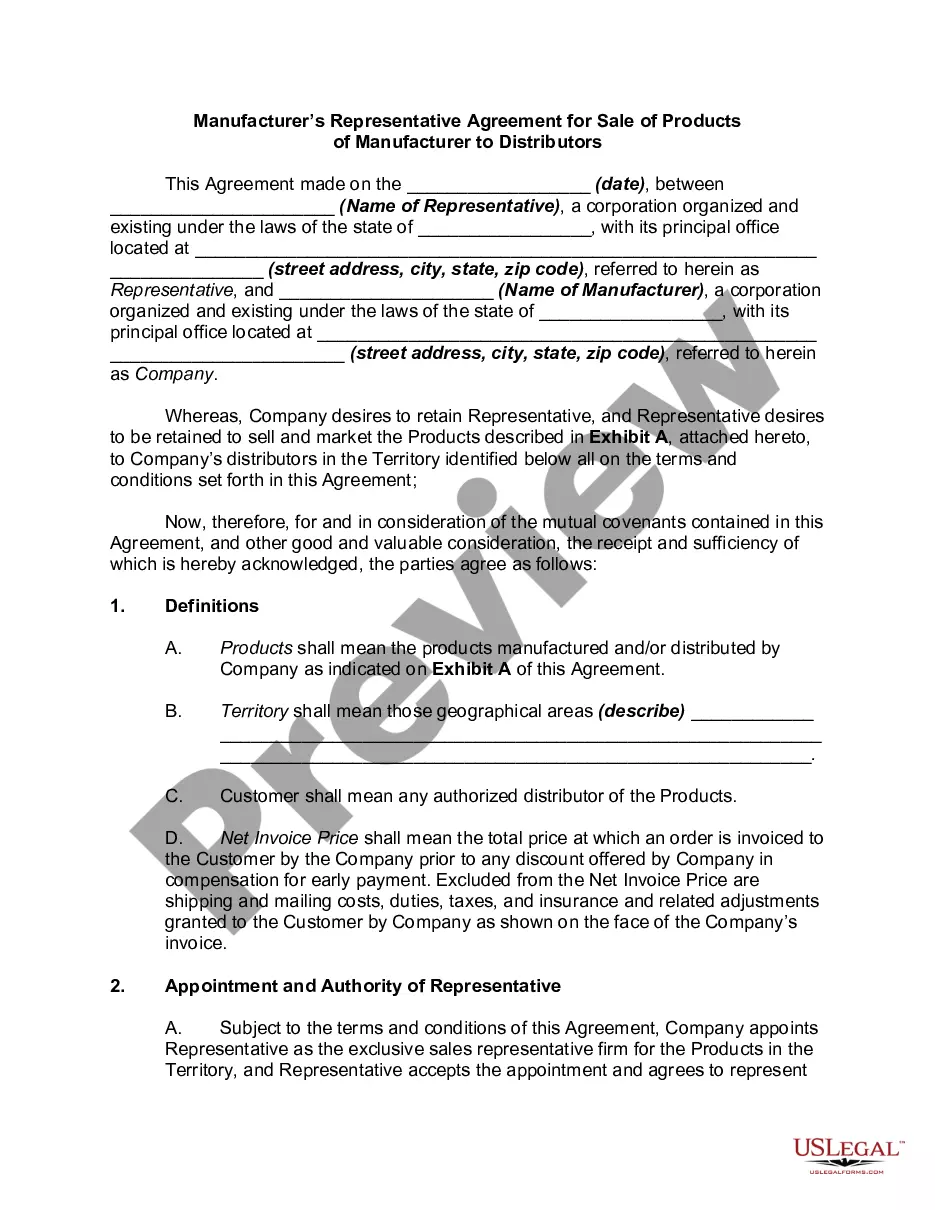
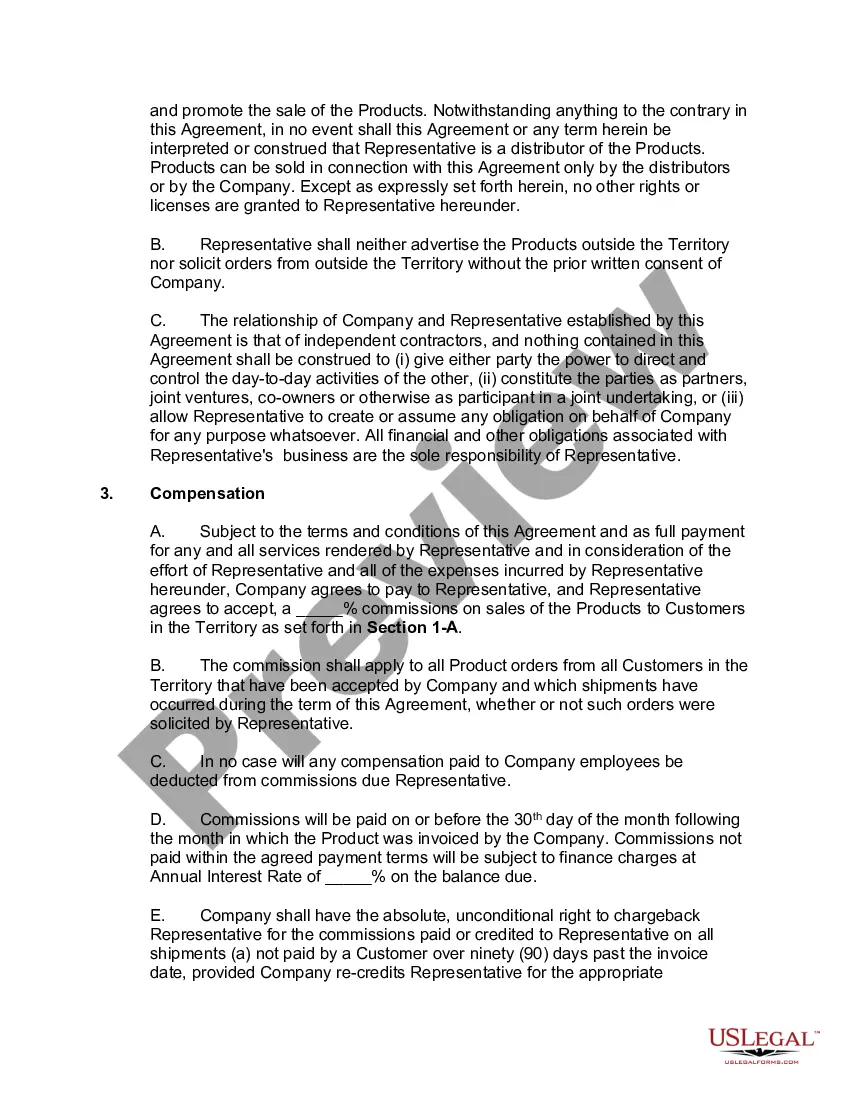
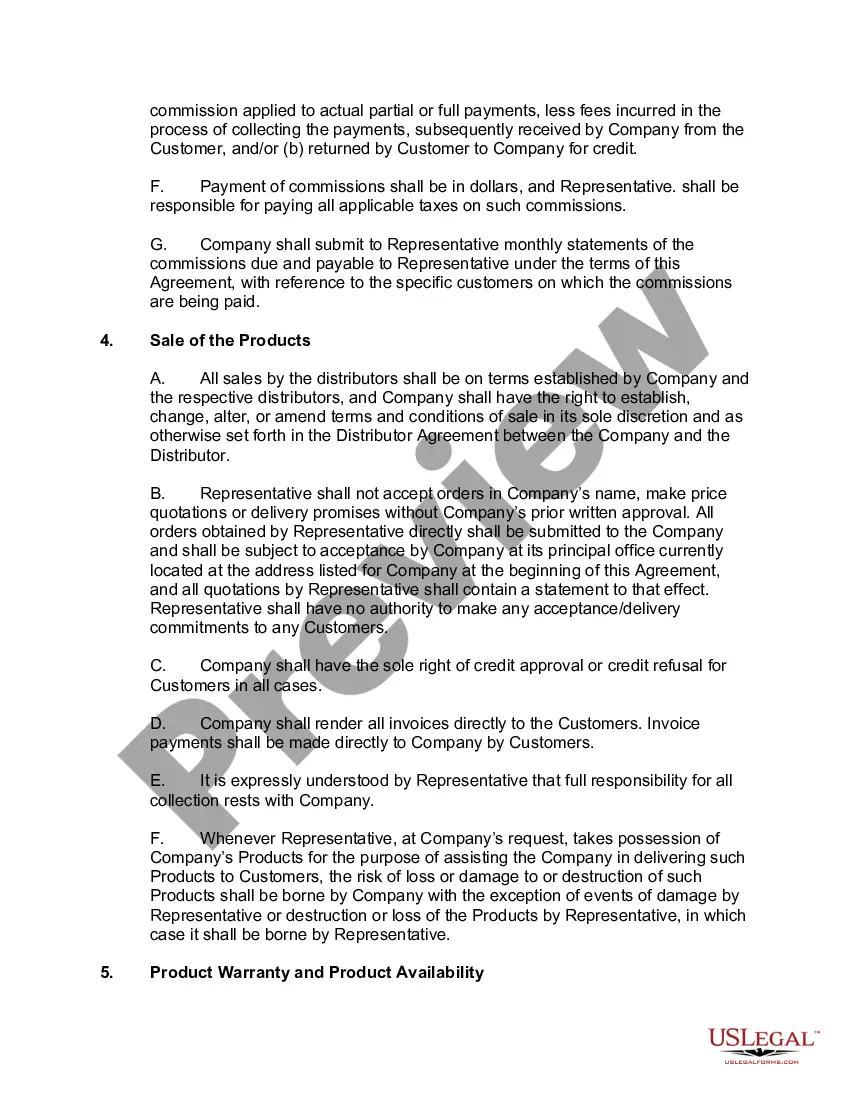
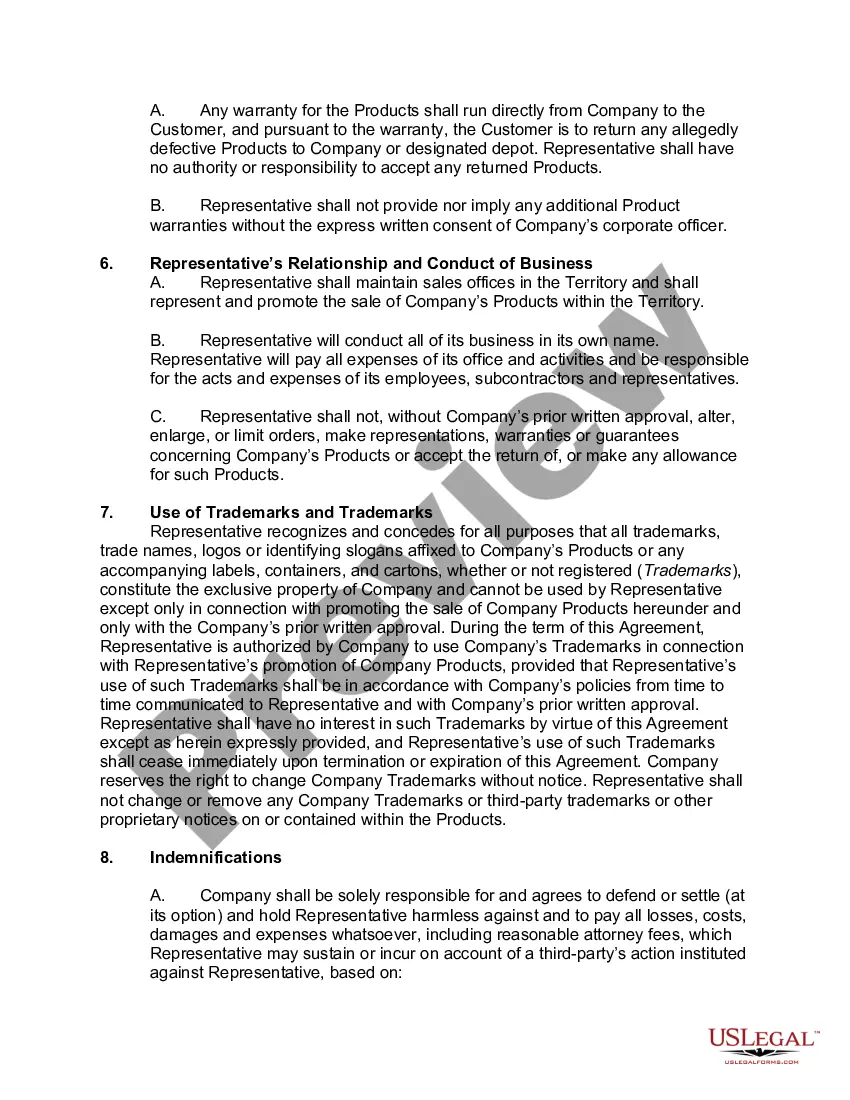
Vendor Contract Agreement Format
Description
Get your form ready online
Our built-in tools help you complete, sign, share, and store your documents in one place.
Make edits, fill in missing information, and update formatting in US Legal Forms—just like you would in MS Word.
Download a copy, print it, send it by email, or mail it via USPS—whatever works best for your next step.
Sign and collect signatures with our SignNow integration. Send to multiple recipients, set reminders, and more. Go Premium to unlock E-Sign.
If this form requires notarization, complete it online through a secure video call—no need to meet a notary in person or wait for an appointment.
We protect your documents and personal data by following strict security and privacy standards.

Make edits, fill in missing information, and update formatting in US Legal Forms—just like you would in MS Word.

Download a copy, print it, send it by email, or mail it via USPS—whatever works best for your next step.

Sign and collect signatures with our SignNow integration. Send to multiple recipients, set reminders, and more. Go Premium to unlock E-Sign.

If this form requires notarization, complete it online through a secure video call—no need to meet a notary in person or wait for an appointment.

We protect your documents and personal data by following strict security and privacy standards.
Looking for another form?
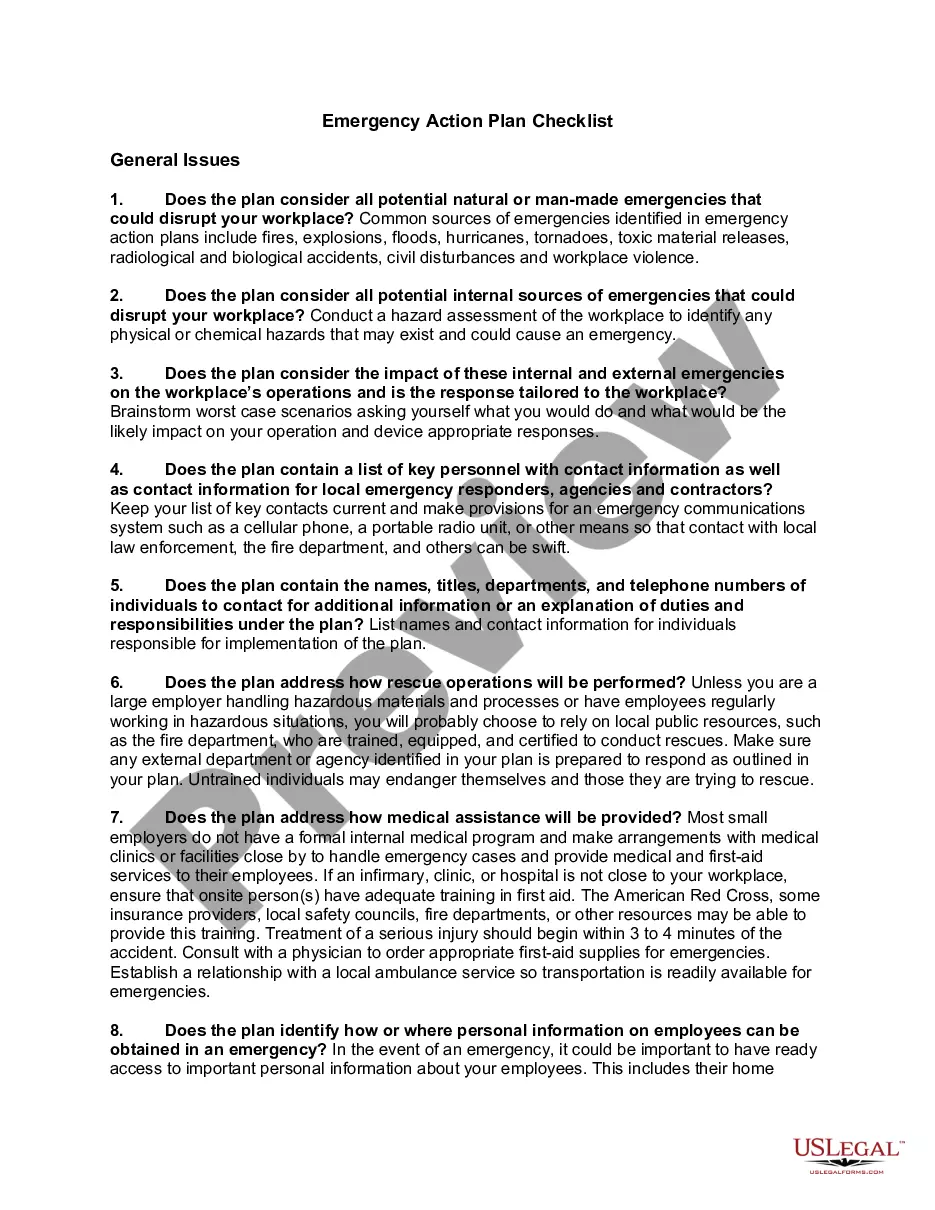




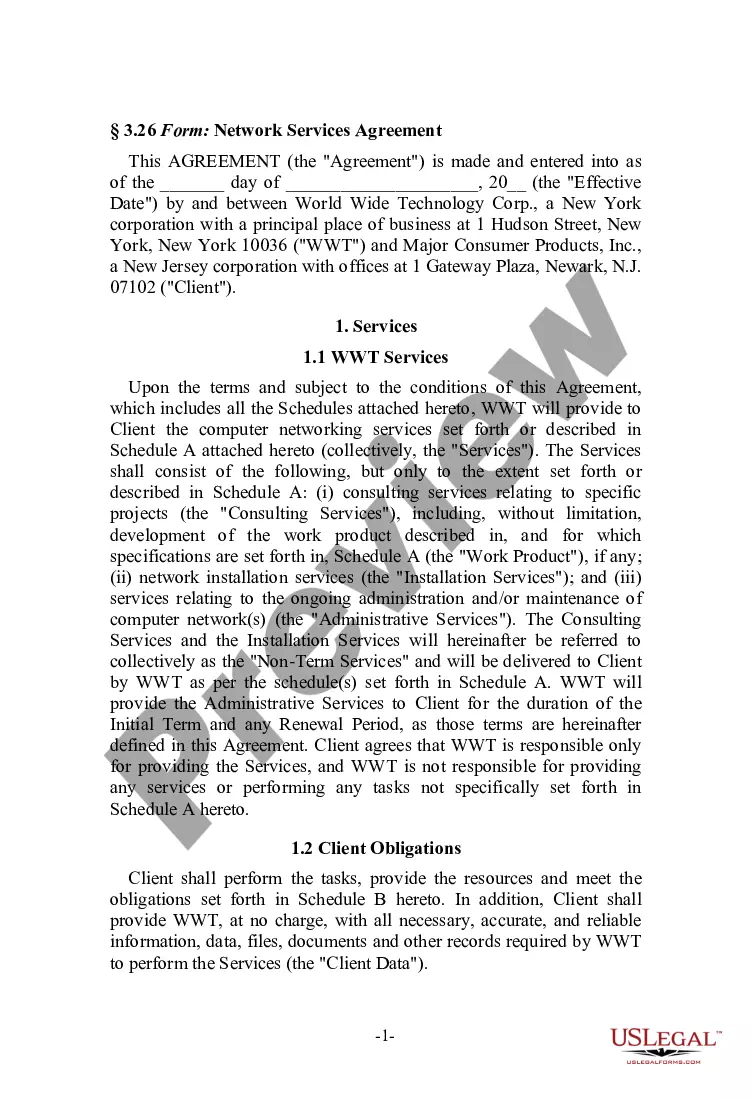
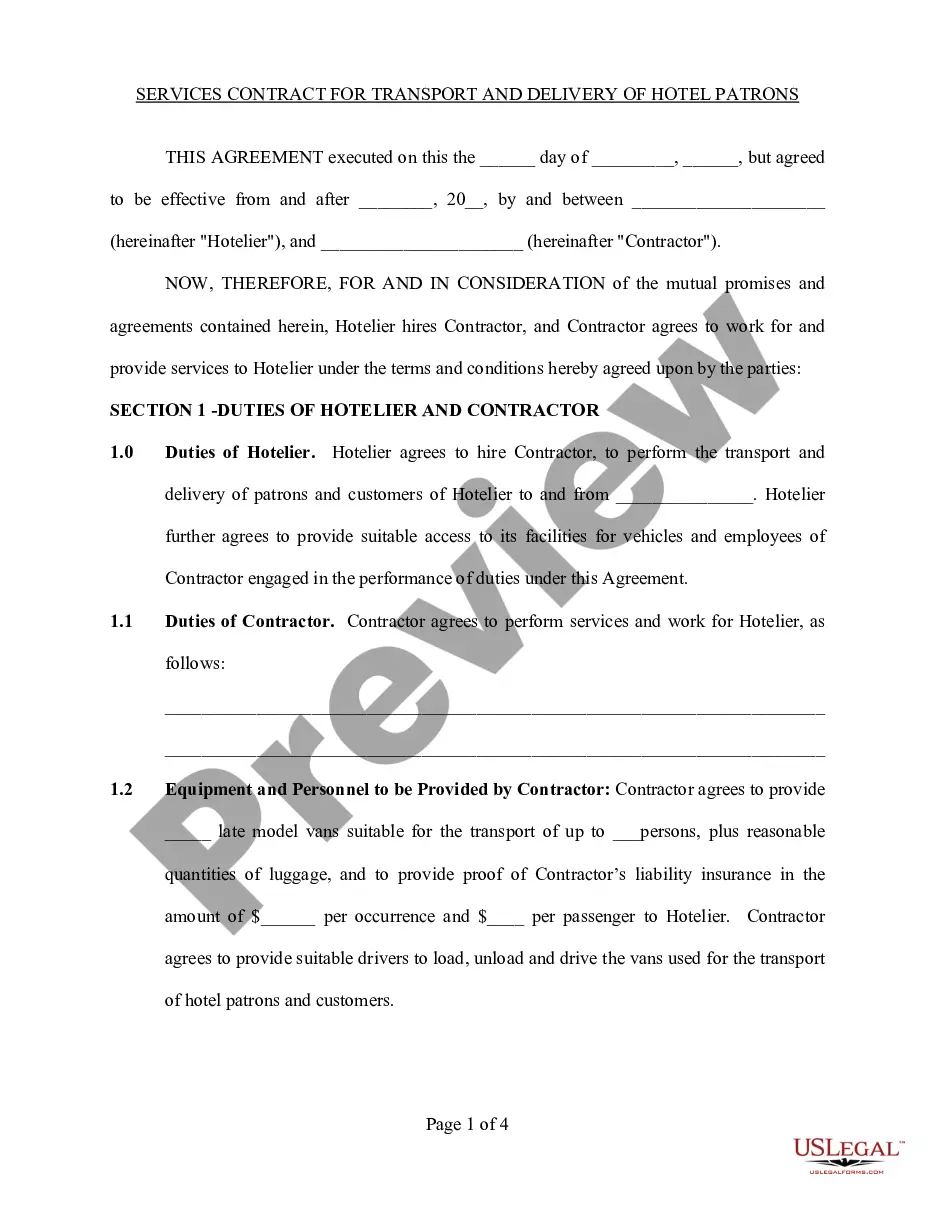

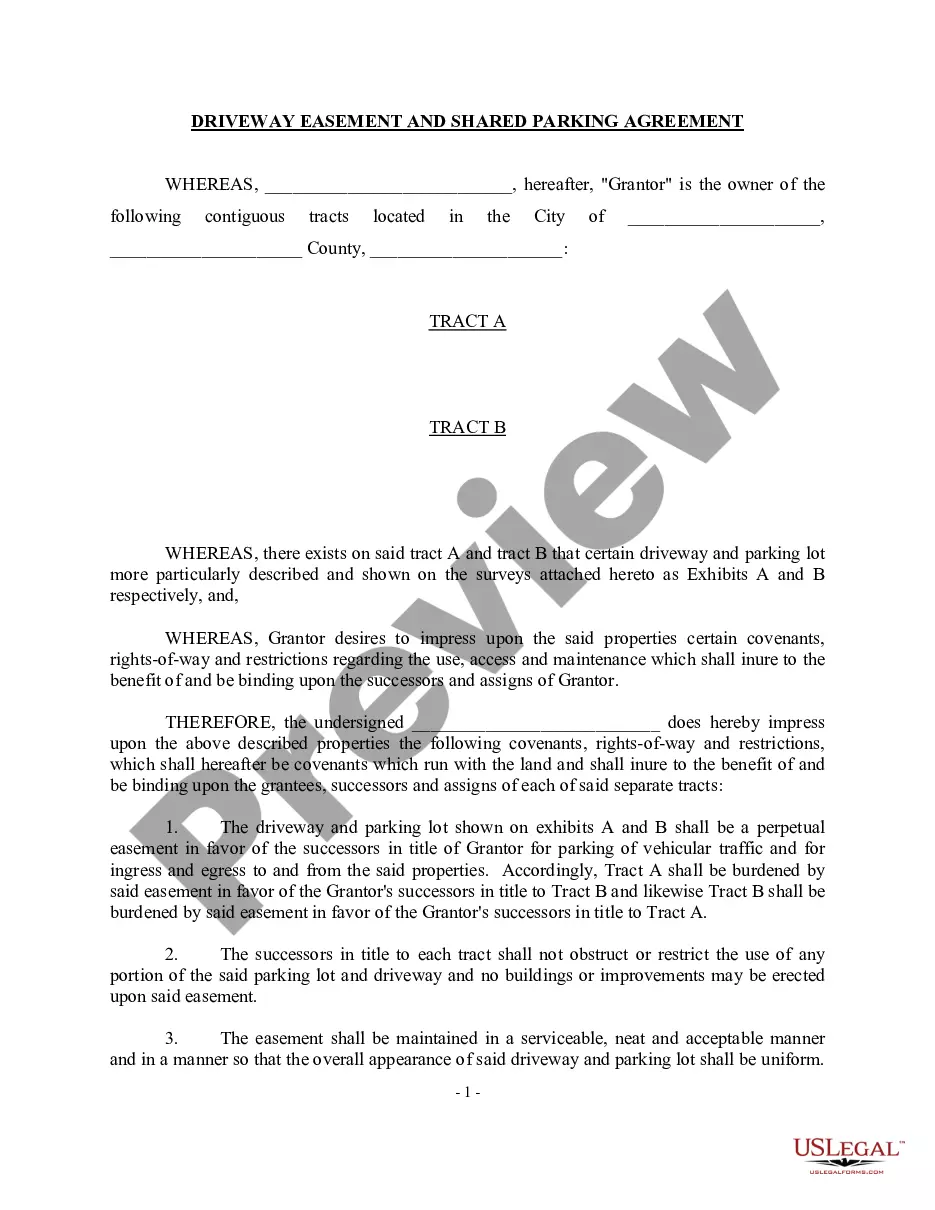

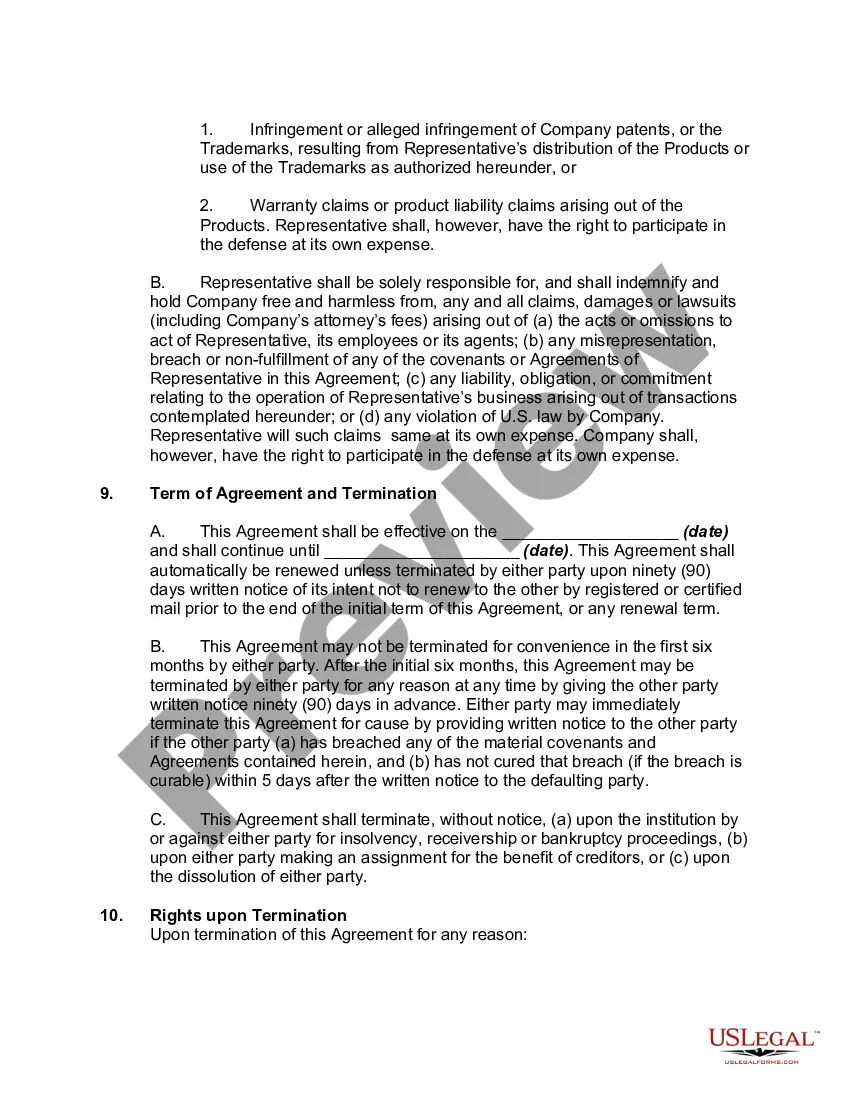
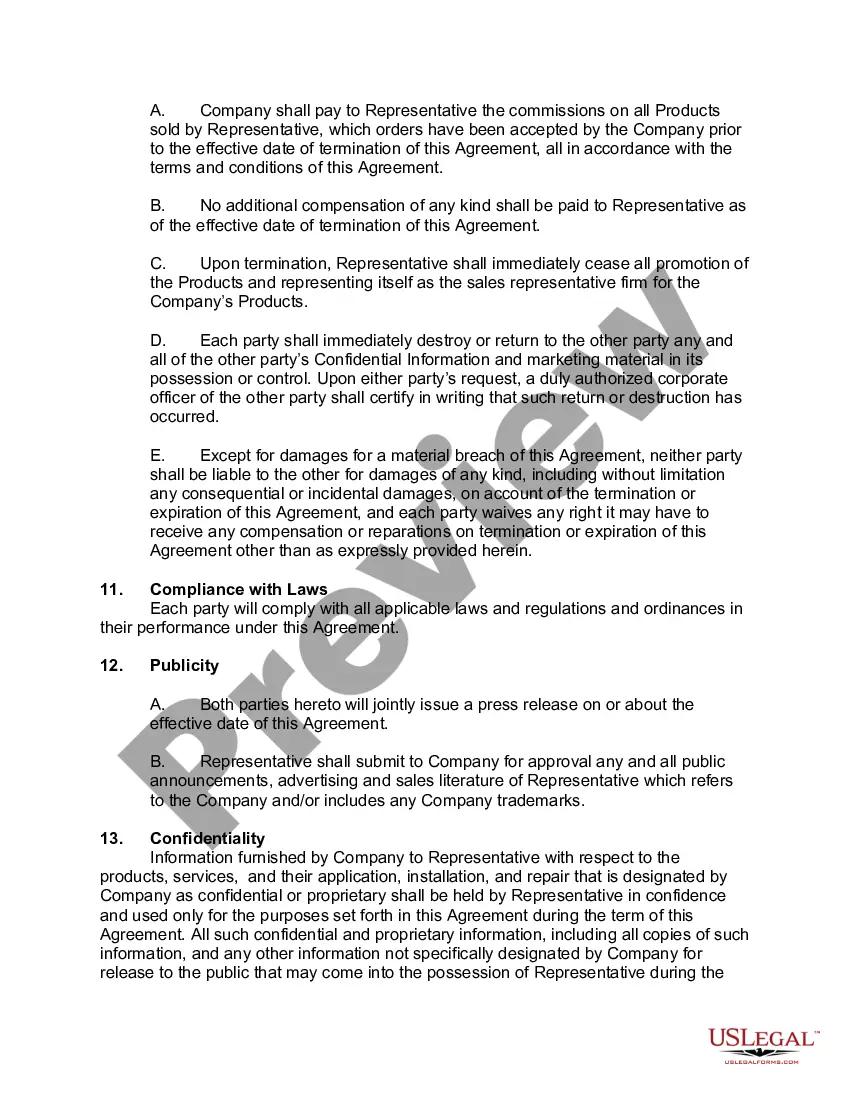
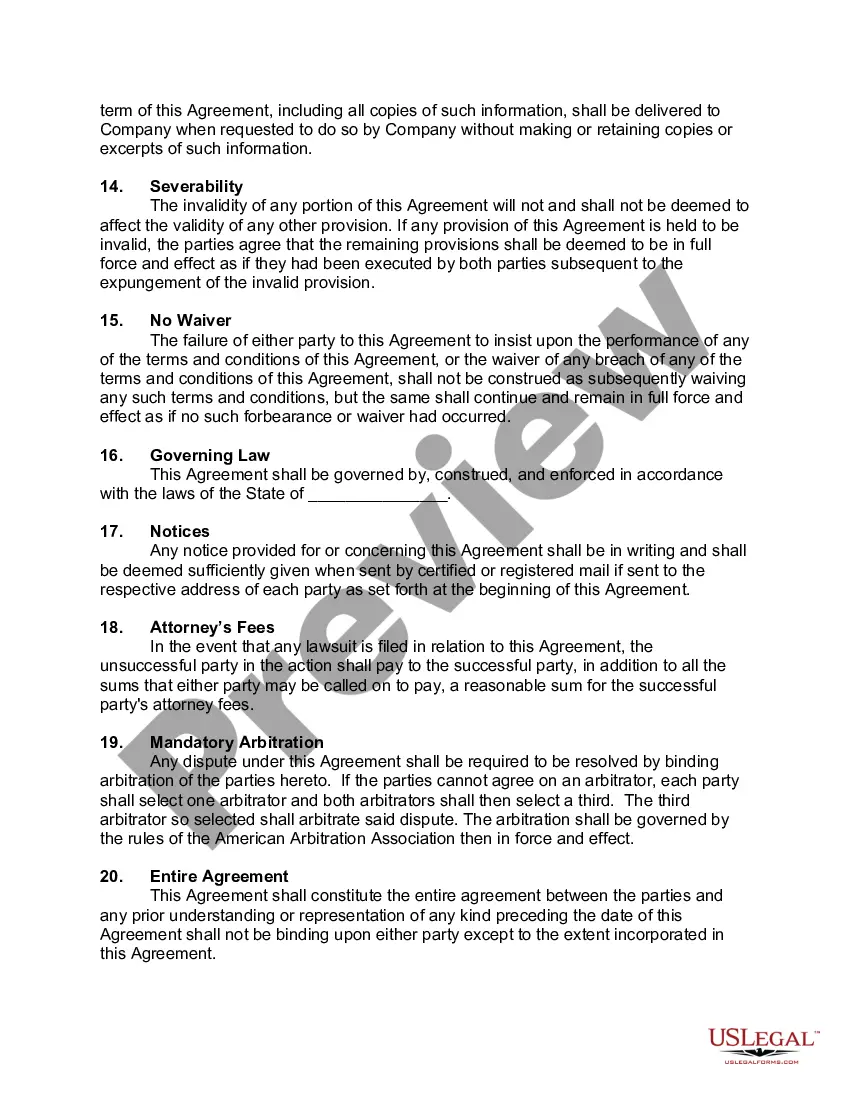
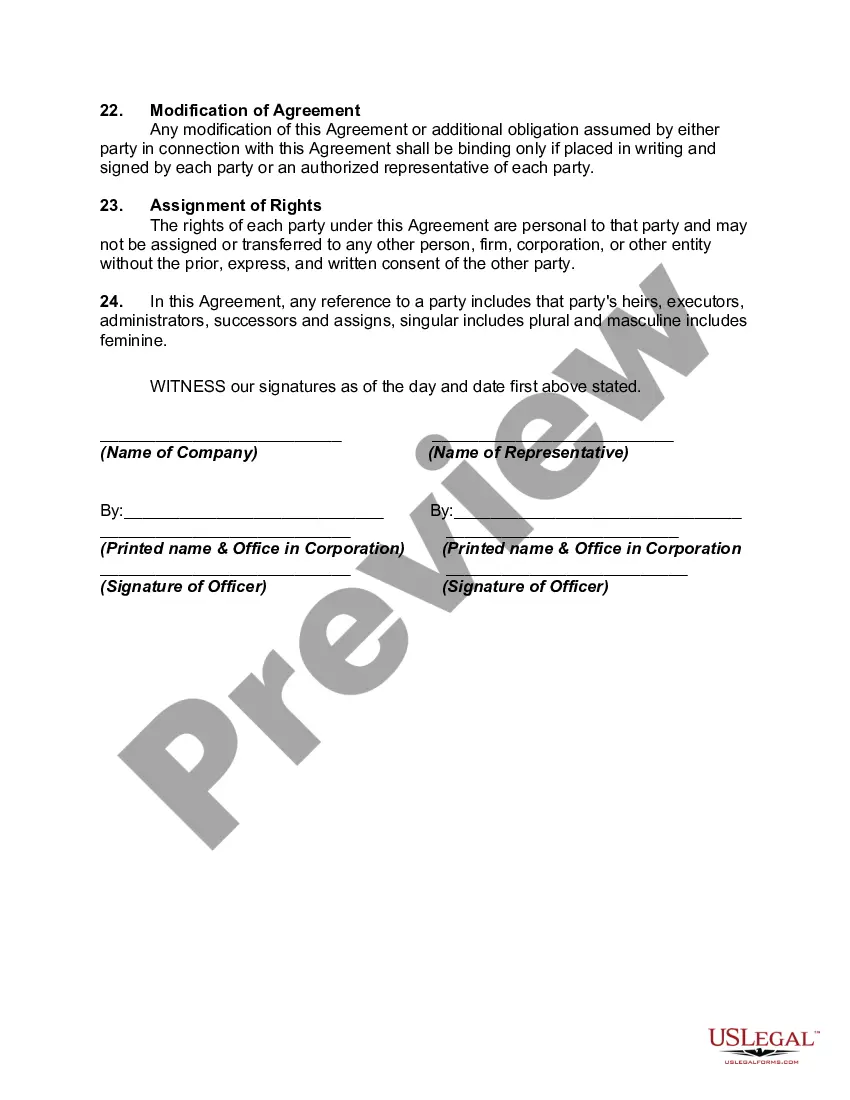
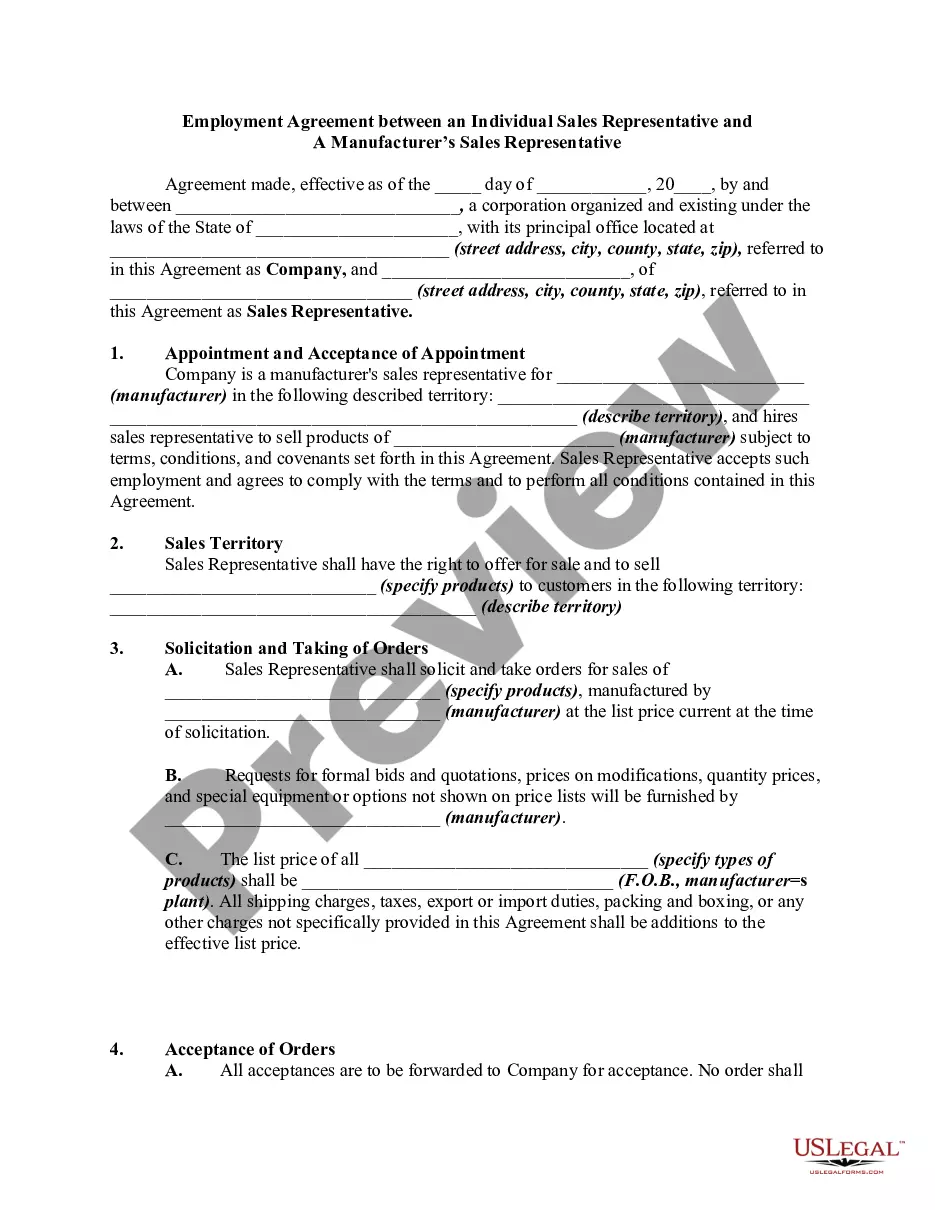
How to fill out Manufacturer's Representative Agreement For Sale Of Products Of Manufacturer To Distributors?
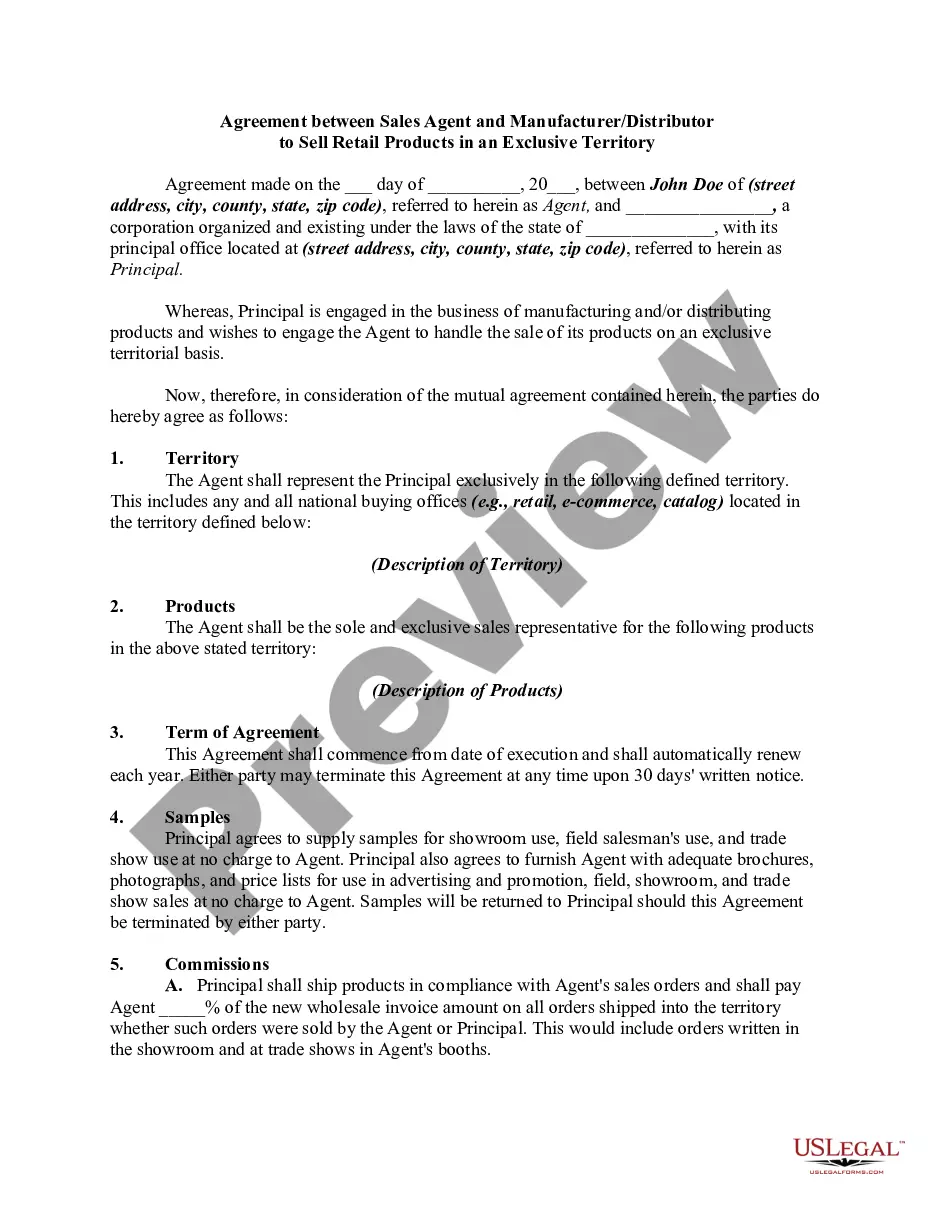
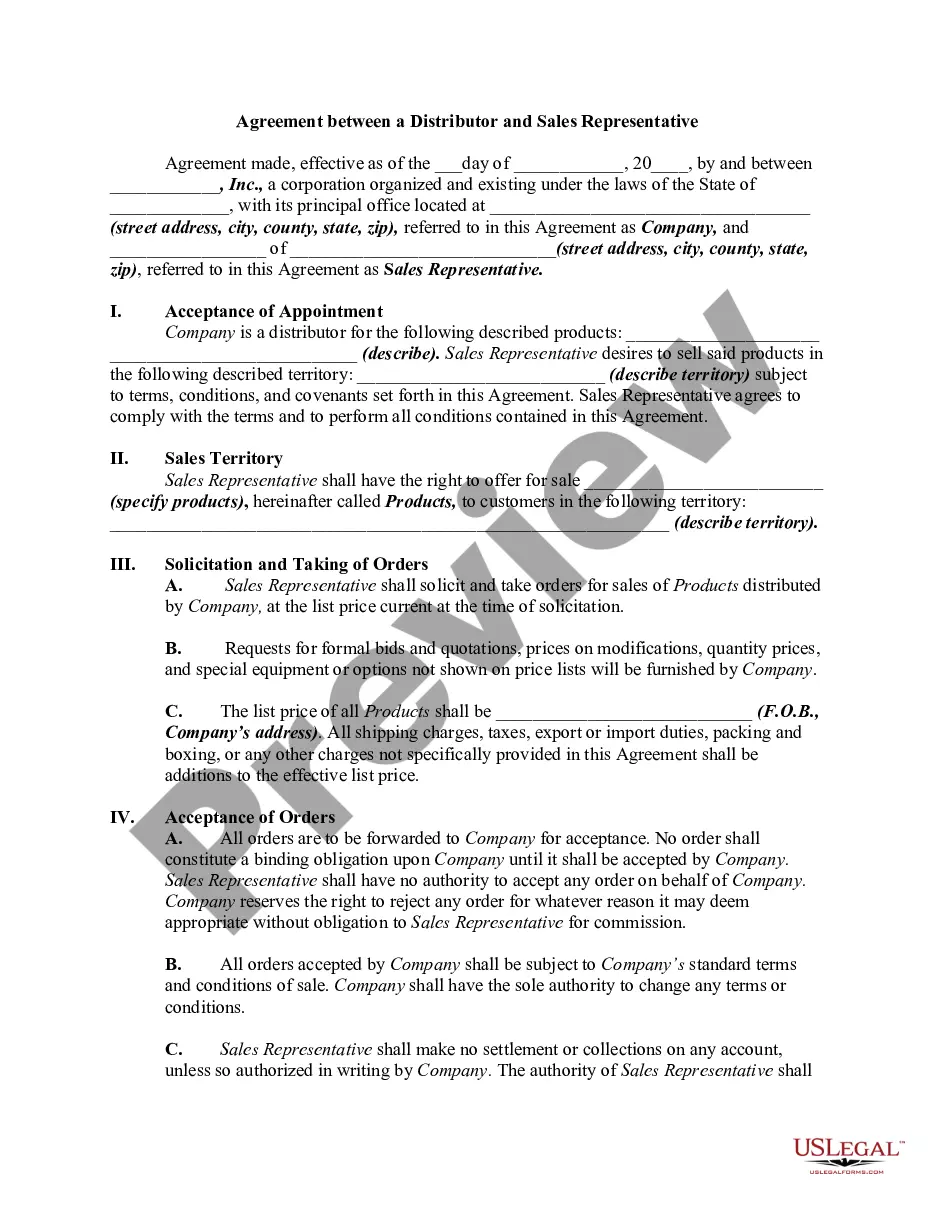
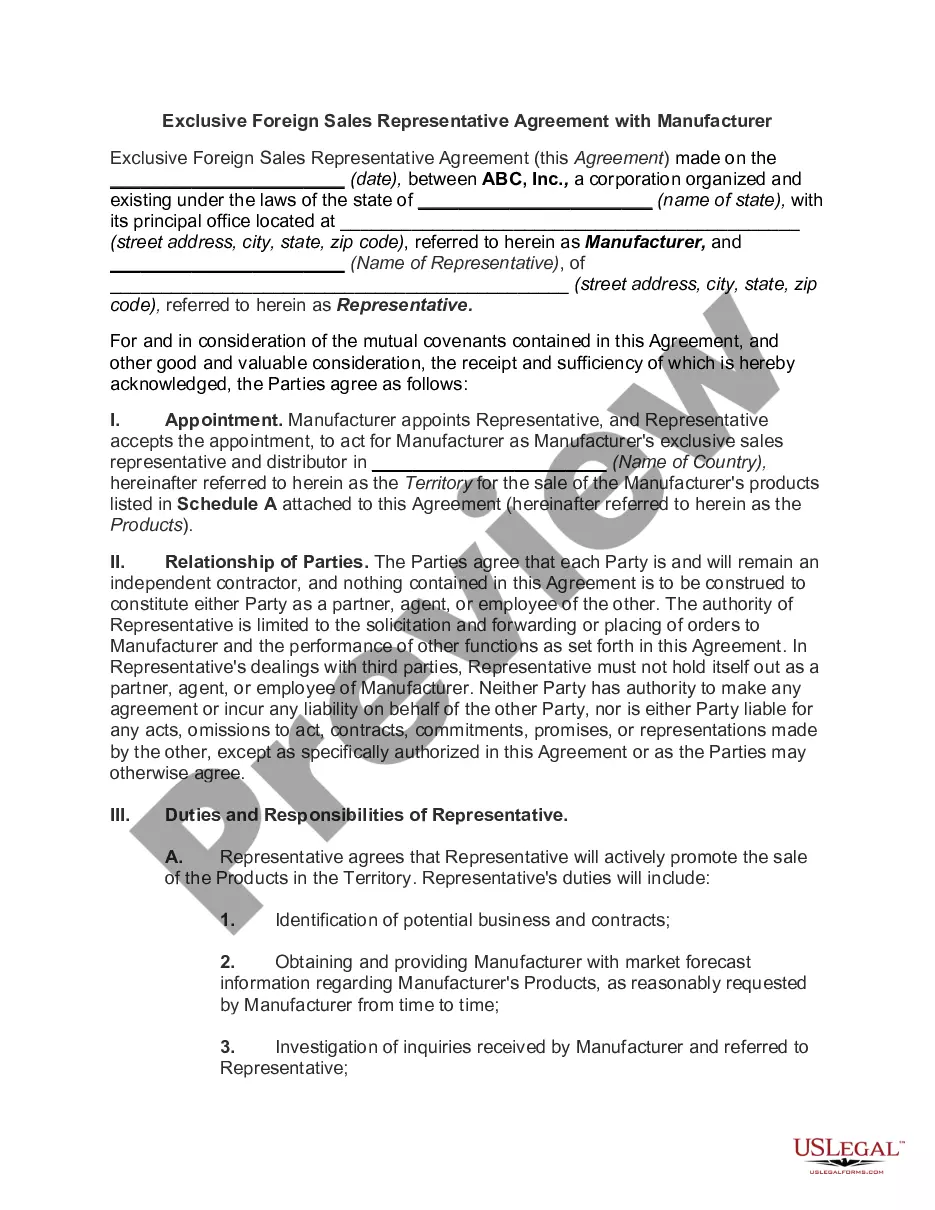
The Vendor Contract Agreement Template showcased on this page is a versatile legal framework formulated by experienced attorneys in accordance with federal and state legislation and regulations.
For over 25 years, US Legal Forms has assisted individuals, businesses, and legal experts by providing over 85,000 validated, state-specific documents for every business and personal situation.
Use the same document again when necessary. Go to the 'My documents' section in your profile to redownload any previously saved documents.
- Search for the document you require and examine it.
- Browse the sample you looked for and preview it or assess the form description to confirm it meets your needs. If it doesn’t, utilize the search function to locate the accurate one. Click 'Purchase Now' once you have identified the template you wish to acquire.
- Choose a pricing plan that best fits you and set up an account. Use PayPal or a credit card for a quick transaction. If you possess an existing account, Log In and check your subscription to continue.
- Select the file type you prefer for your Vendor Contract Agreement Template (PDF, Word, RTF) and store the sample on your device.
- Print the template to fill it out manually. Alternatively, use an online versatile PDF editor to swiftly and correctly complete and sign your form with an electronic signature.
Form popularity
FAQ
How to Write Winning Contracts with Your Vendors Term and Termination. The term of your contract is always negotiable. ... Definitions. ... Scope of Products, Services and Support. ... Pricing. ... Ordering, Delivery, Invoicing and Payment. ... Account Management and Reporting. ... Title, Risk of Loss and Warranty. ... Data Privacy and Protection.
Write the contract in six steps Start with a contract template. ... Open with the basic information. ... Describe in detail what you have agreed to. ... Include a description of how the contract will be ended. ... Write into the contract which laws apply and how disputes will be resolved. ... Include space for signatures.
How to Create a Vendor Agreement? (Steps) Scope of Goods and Services. A vendor agreement should have the detailed descriptions of the goods and services that are to be delivered to you. ... Terms of Payment. ... Duration and Termination of Contract. ... Terms of Delivery. ... Flexibility to Change. ... Confidentiality. ... Indemnity.
A standard vendor agreement has to include detailed information about the entrance and withdrawal conditions. The scope of goods/services, the exchange conditions, the contract duration and territorial validity, as well as commissions and ways to pay them ? these are typical must-haves.
Simply put, yes, you can write your own legal contract. You just need to be sure to include key components such as an offer, an acceptance, an exchange of value, and the willingness of both parties to enter into a contract. Legally binding contracts can be done both in writing or orally.