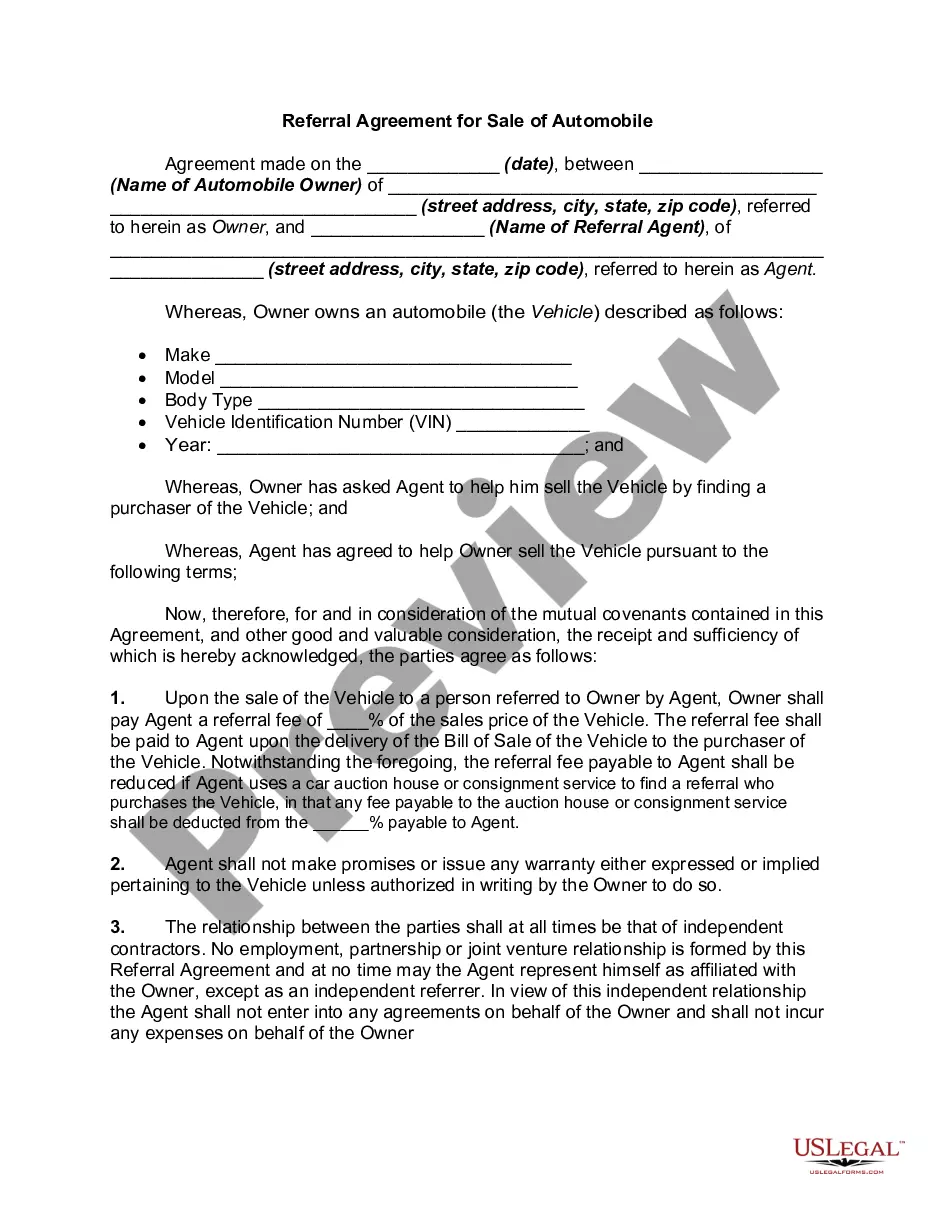
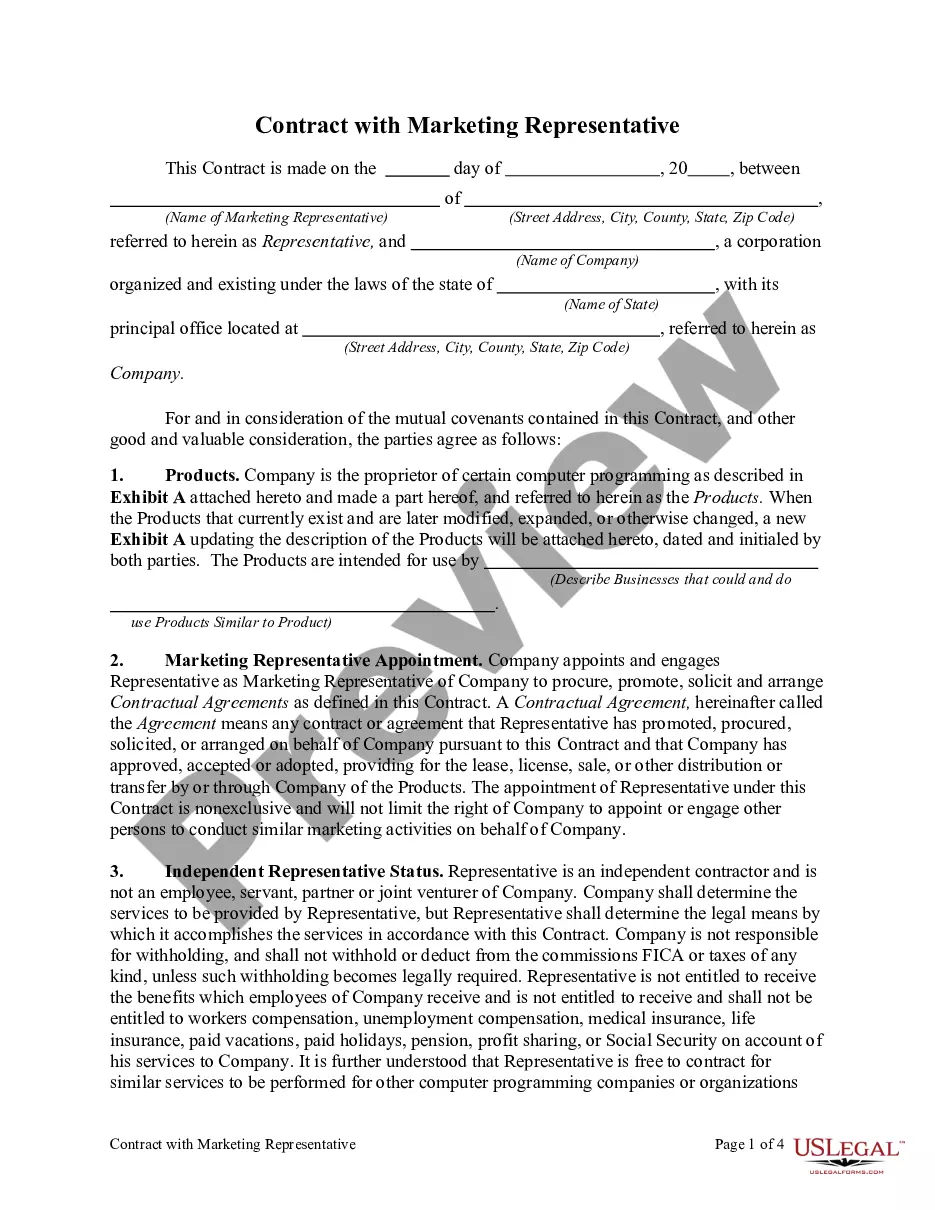
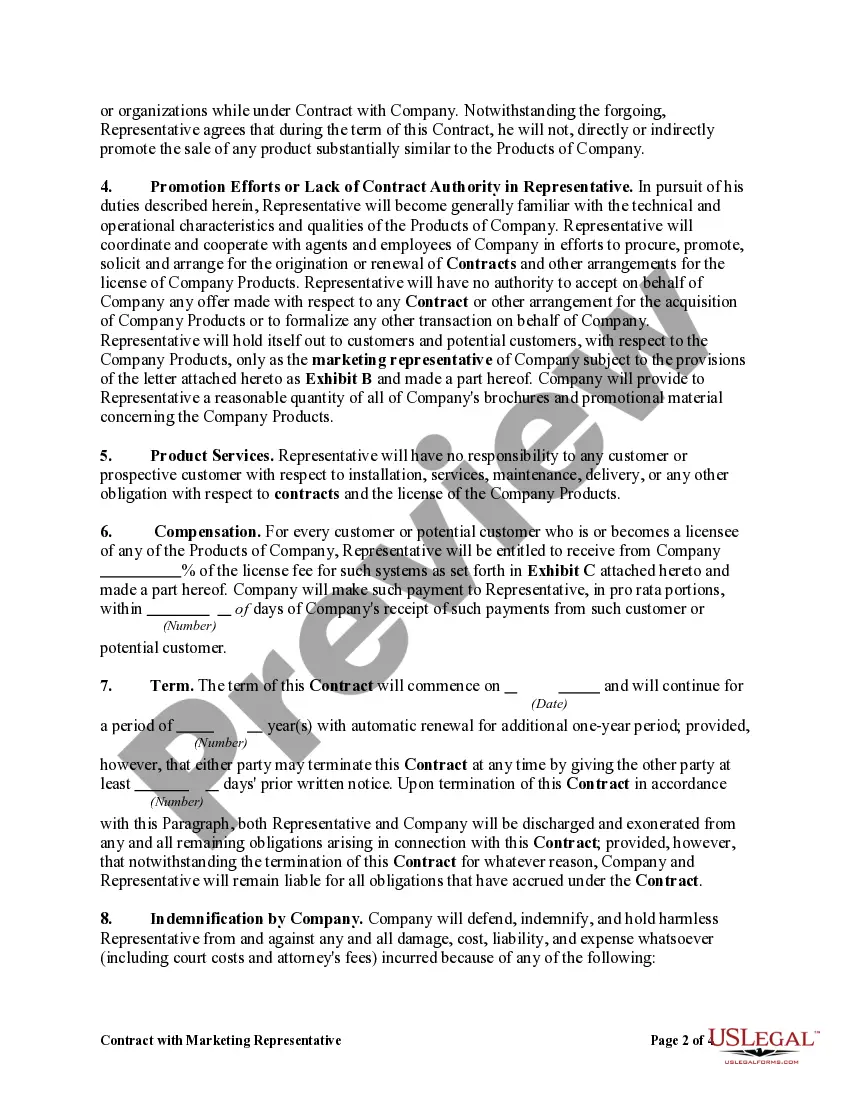
Contract Marketing Agreement With Customer
Description
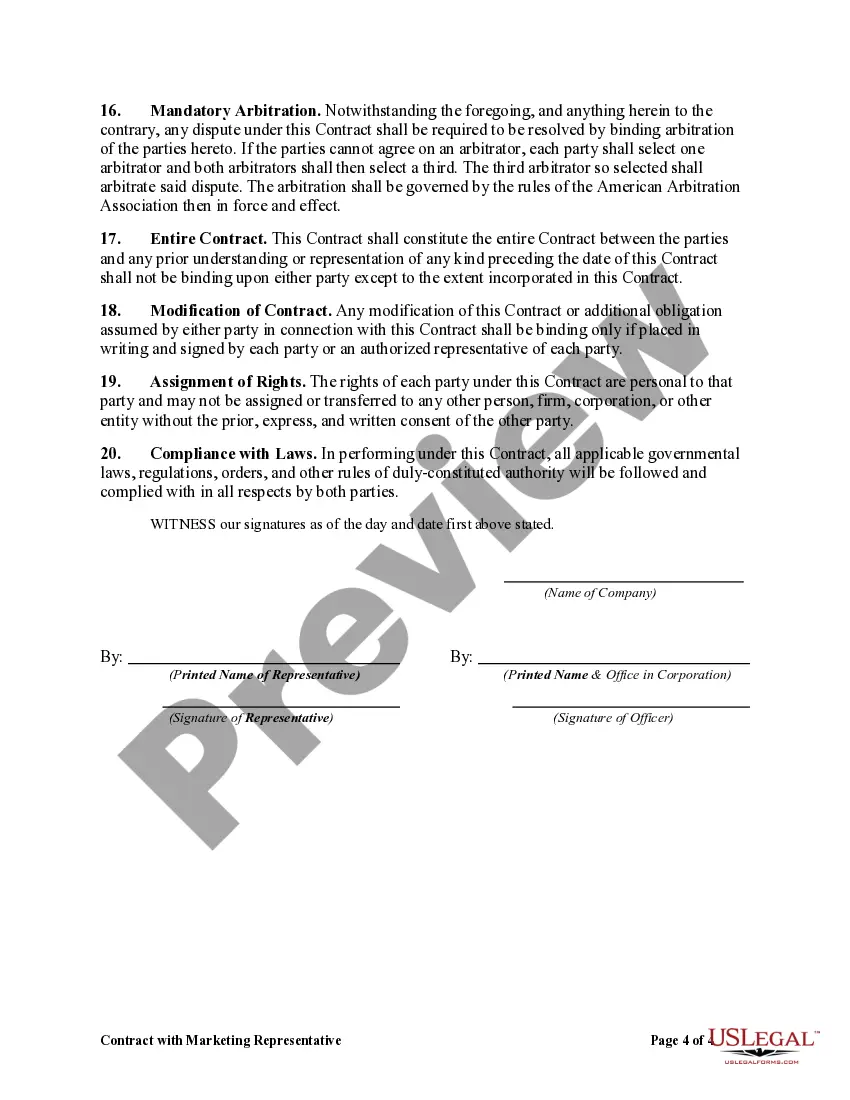
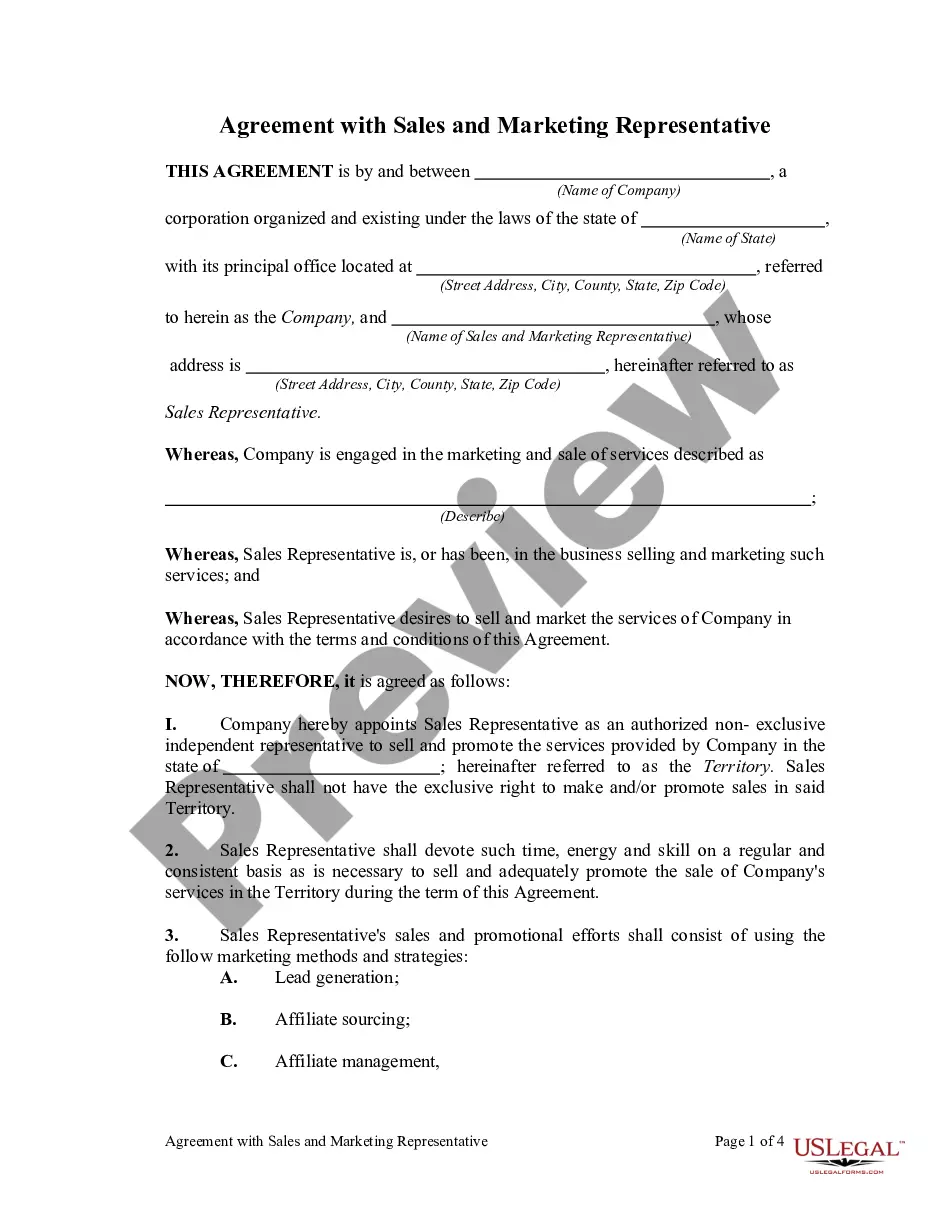
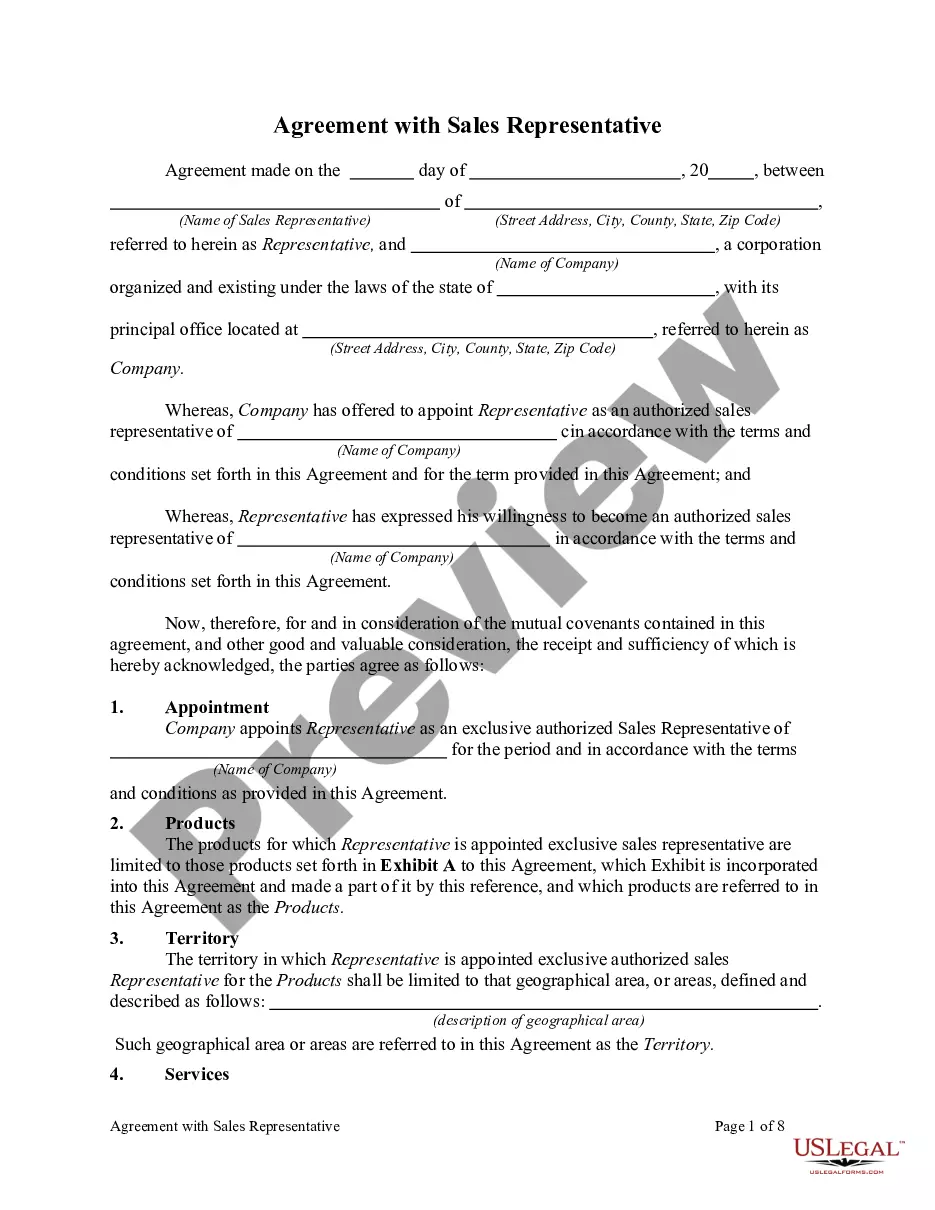
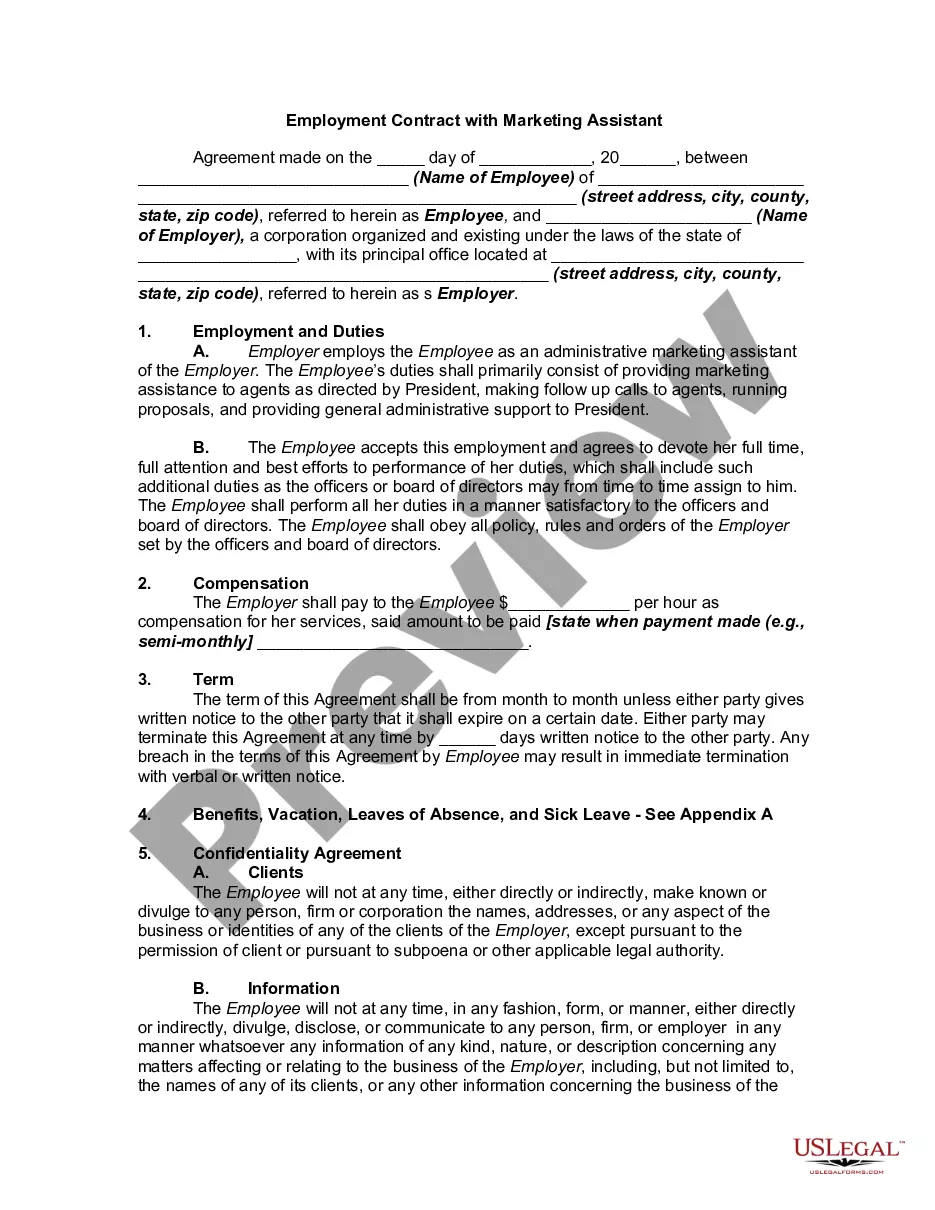
Get your form ready online
Our built-in tools help you complete, sign, share, and store your documents in one place.
Make edits, fill in missing information, and update formatting in US Legal Forms—just like you would in MS Word.
Download a copy, print it, send it by email, or mail it via USPS—whatever works best for your next step.
Sign and collect signatures with our SignNow integration. Send to multiple recipients, set reminders, and more. Go Premium to unlock E-Sign.
If this form requires notarization, complete it online through a secure video call—no need to meet a notary in person or wait for an appointment.
We protect your documents and personal data by following strict security and privacy standards.

Make edits, fill in missing information, and update formatting in US Legal Forms—just like you would in MS Word.

Download a copy, print it, send it by email, or mail it via USPS—whatever works best for your next step.

Sign and collect signatures with our SignNow integration. Send to multiple recipients, set reminders, and more. Go Premium to unlock E-Sign.

If this form requires notarization, complete it online through a secure video call—no need to meet a notary in person or wait for an appointment.

We protect your documents and personal data by following strict security and privacy standards.
Looking for another form?









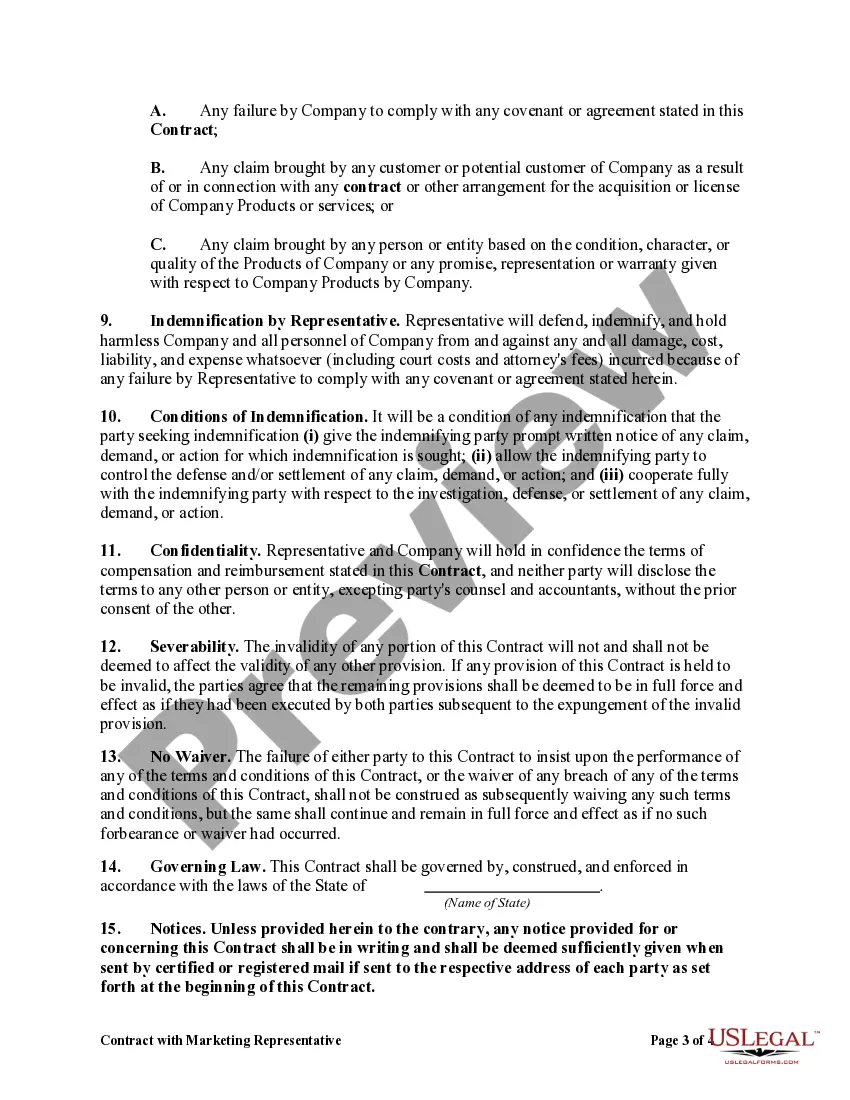
How to fill out Contract With Marketing Representative?
How to locate professional legal documents that comply with your state’s laws and create the Contract Marketing Agreement With Customer without resorting to a lawyer? Numerous online services offer templates for various legal scenarios and requirements.
However, it may require some time to identify which of the available samples meet both your needs and legal standards.
US Legal Forms is a trusted resource that assists you in locating formal documents crafted in alignment with the latest updates to state law and helps you save on legal fees.
If you do not have an account with US Legal Forms, follow the guide below: Examine the webpage you’ve accessed and ensure the form meets your requirements. Utilize the form description and preview options if available. Search for another template in the header providing your state if necessary. Click the Buy Now button once the appropriate document is found. Select the most suitable pricing plan, then sign in or create an account. Choose the payment method (credit card or PayPal). Select the file format for your Contract Marketing Agreement With Customer and click Download. The documents you acquire remain yours: you can always refer back to them in the My documents section of your profile. Register for our library and create legal documents yourself, just like a seasoned legal expert!
- US Legal Forms is not merely a typical online library.
- It consists of over 85,000 verified templates for a wide range of business and personal situations.
- All documents are organized by category and state to expedite and simplify your search.
- It also provides integration with advanced tools for PDF editing and electronic signatures, allowing users with a Premium subscription to swiftly finalize their documentation online.
- Acquiring the necessary paperwork requires minimal time and effort.
- If you already possess an account, Log In and verify that your subscription is active.
- Download the Contract Marketing Agreement With Customer using the relevant button adjacent to the file name.
Form popularity
FAQ
A Marketing Agreement, also known as a Joint Marketing Agreement, sets forth the terms and conditions under which a Marketer will assist a Client in selling their goods and/or services by creating materials that promote their products and engaging in activities to introduce the Client's products to new customers.
Here's a look at the basic steps you'll need to take to create a simple and effective client contract:Include Contact Information of Both Parties.Specify Project Terms and Scope.Establish Payment Terms.Set the Schedule.Decide What Happens If a Contract Is Terminated.Determine Who Owns Final Copyrights.More items...
To be used by your business, an agreement needs to include the following:Discussion of exclusivity.Timeline details.Payment and cost details.Project-specific details.Timeline for completion.Guarantees.Any legal disclaimers, insurance information, confidentiality, or similar.
Select / confirm the contract due date and/or shoot date.Save the contract!Review your contract.Click the "Send to Client" button in the top right, (if you are using a second signer you can choose to send the document to both or only one of the clients on the contract), edit the email as you wish, and click "Send."
How to Prepare a Sales Contract in 7 Steps (+ Free Template)Clarify Customer Needs.Agree on a Solution.Establish Terms.Provide a Proposal for Review.Allow Time for Revisions.Use a Sales Contract Template.Submit Contract for Electronic Signatures.