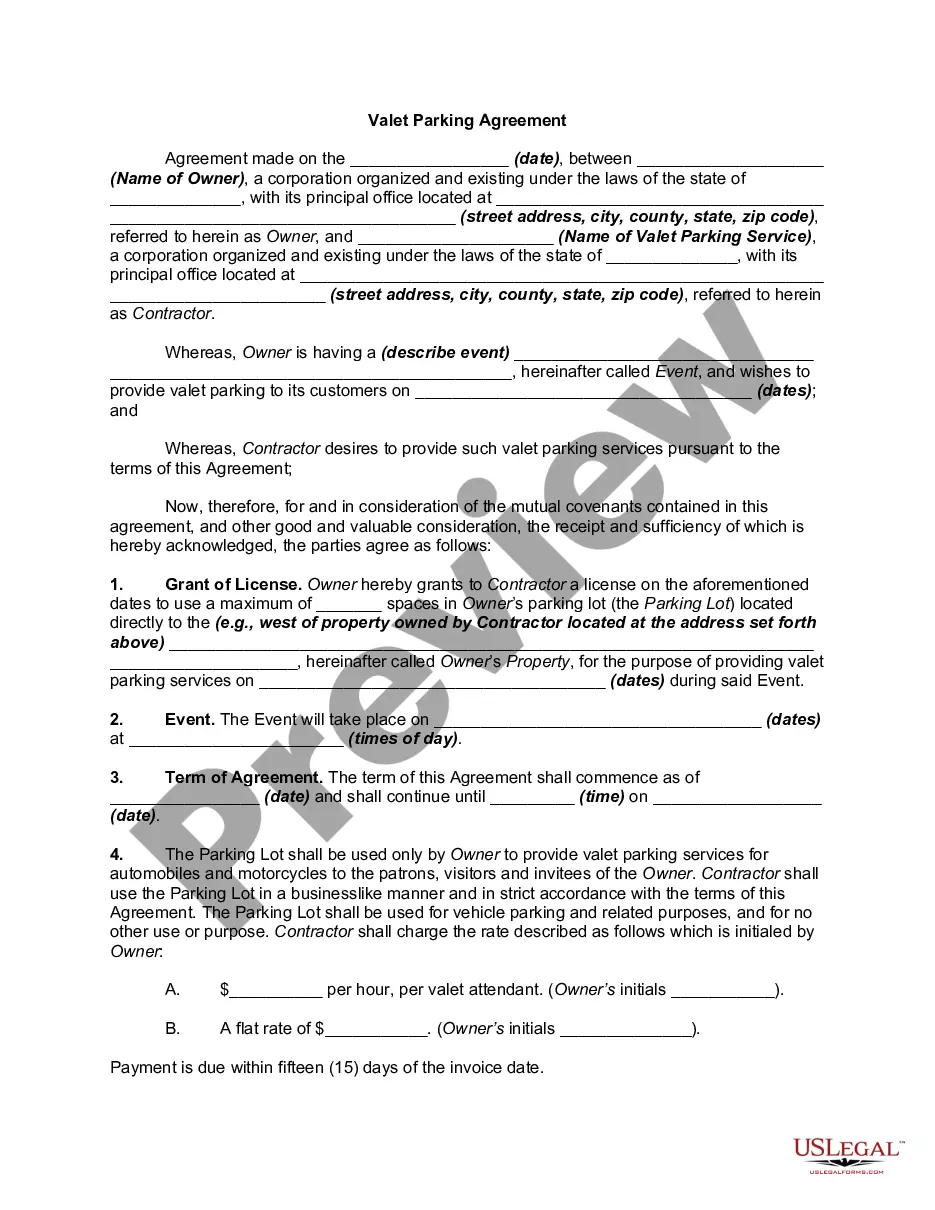
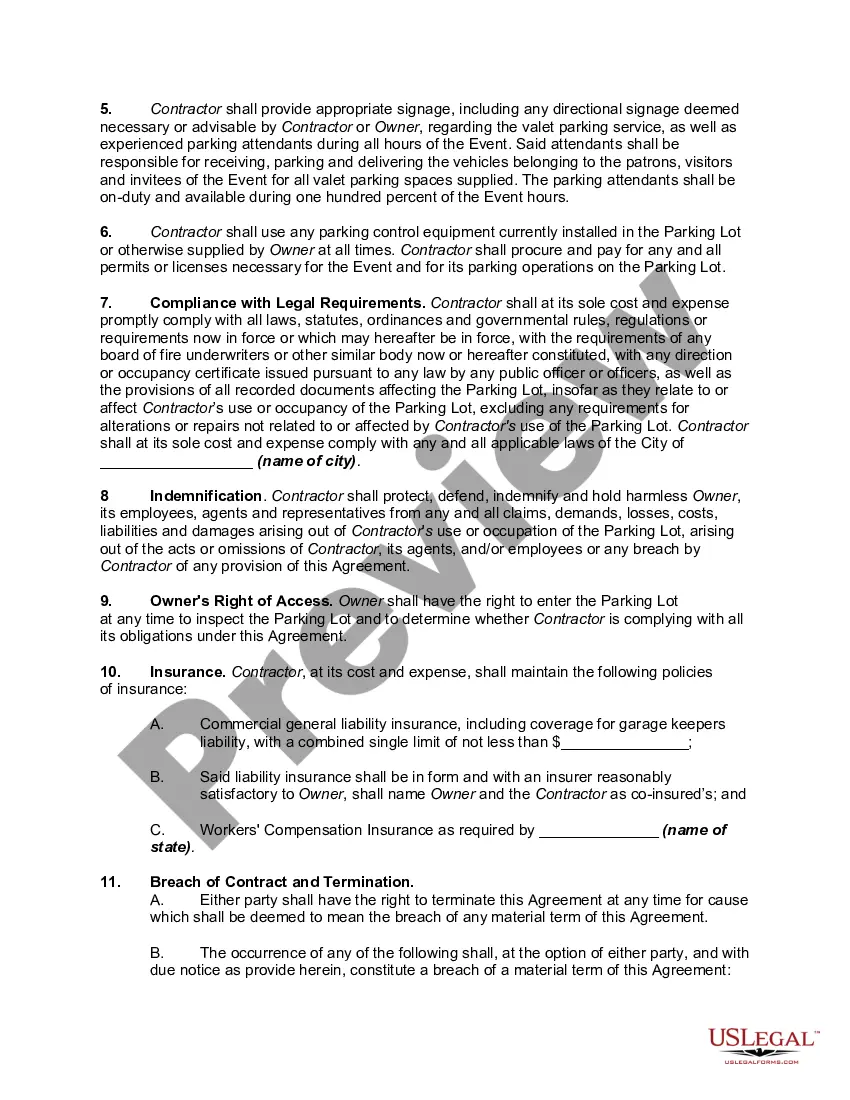
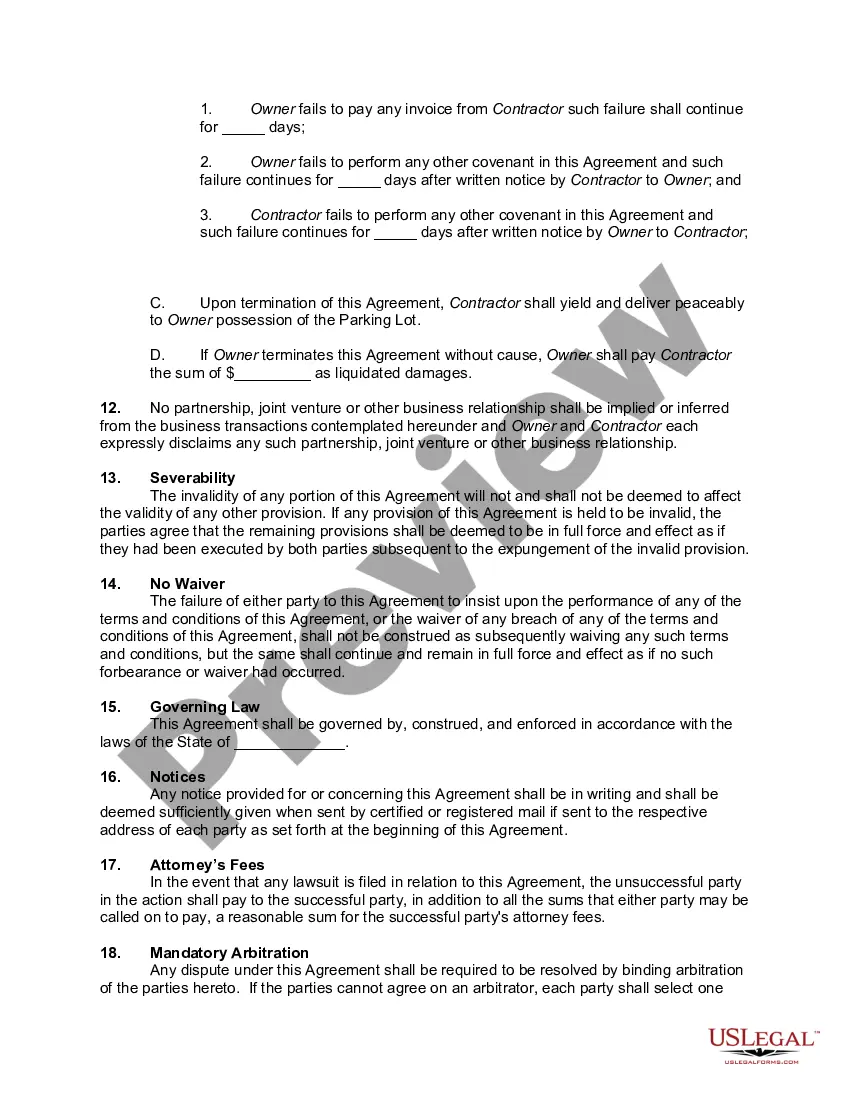
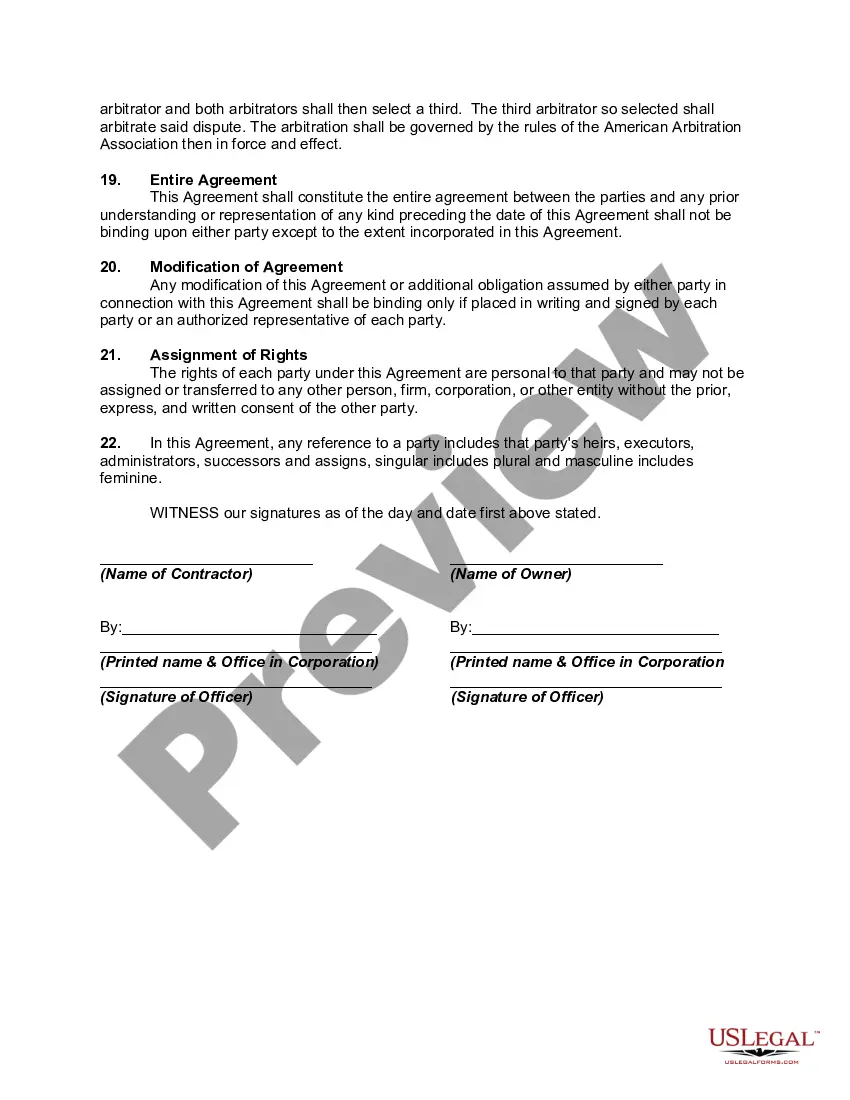
Valet Service Contract With Tesla
Description
Get your form ready online
Our built-in tools help you complete, sign, share, and store your documents in one place.
Make edits, fill in missing information, and update formatting in US Legal Forms—just like you would in MS Word.
Download a copy, print it, send it by email, or mail it via USPS—whatever works best for your next step.
Sign and collect signatures with our SignNow integration. Send to multiple recipients, set reminders, and more. Go Premium to unlock E-Sign.
If this form requires notarization, complete it online through a secure video call—no need to meet a notary in person or wait for an appointment.
We protect your documents and personal data by following strict security and privacy standards.

Make edits, fill in missing information, and update formatting in US Legal Forms—just like you would in MS Word.

Download a copy, print it, send it by email, or mail it via USPS—whatever works best for your next step.

Sign and collect signatures with our SignNow integration. Send to multiple recipients, set reminders, and more. Go Premium to unlock E-Sign.

If this form requires notarization, complete it online through a secure video call—no need to meet a notary in person or wait for an appointment.

We protect your documents and personal data by following strict security and privacy standards.
Looking for another form?








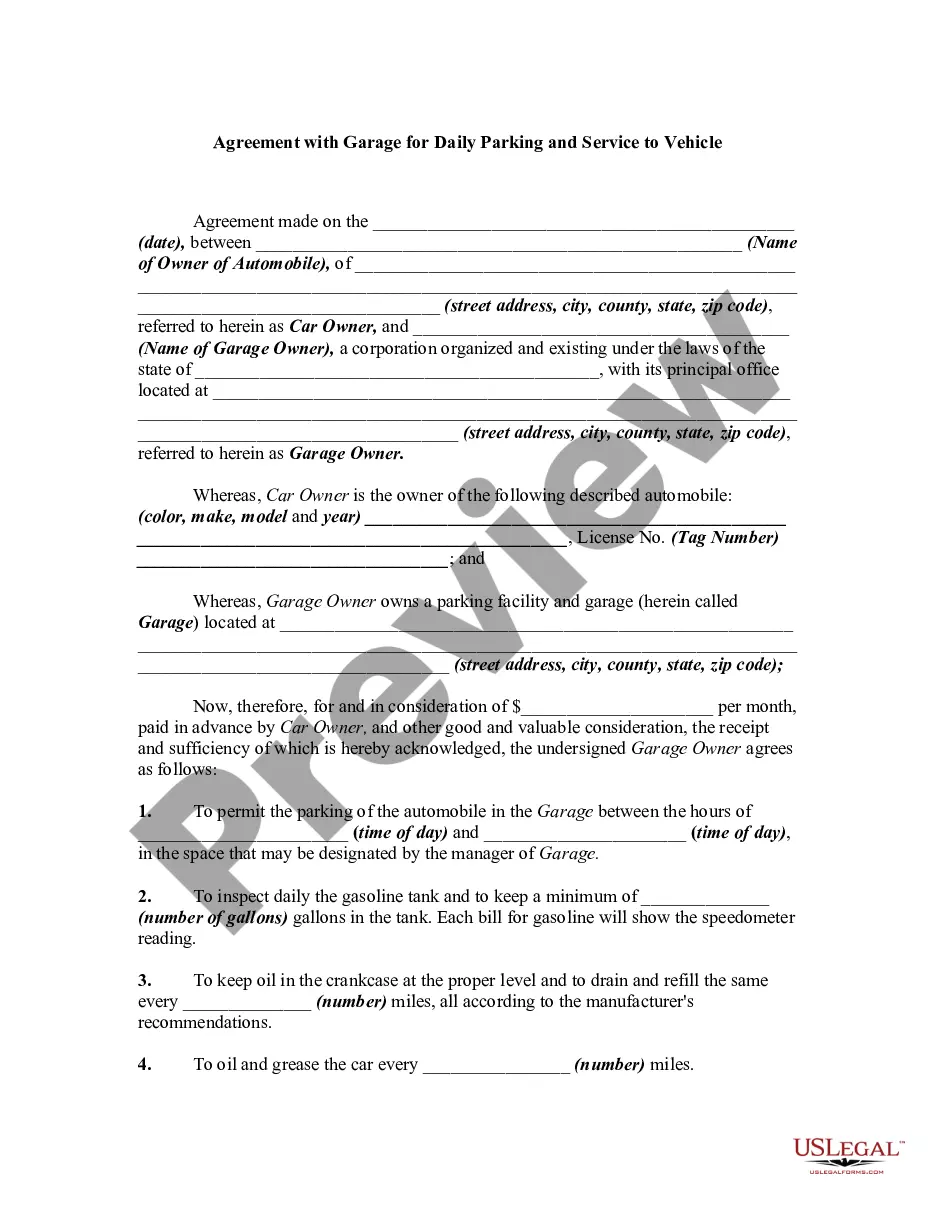
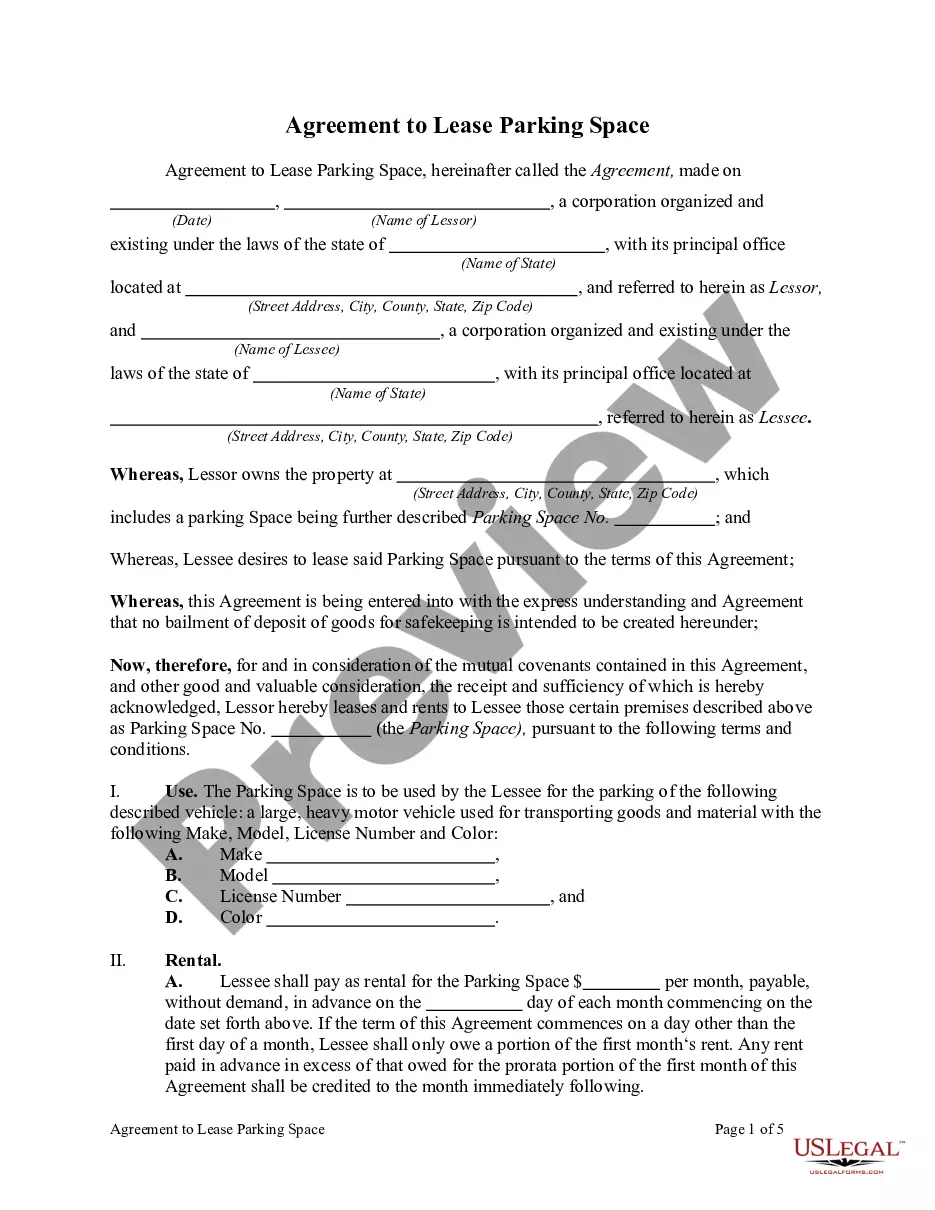
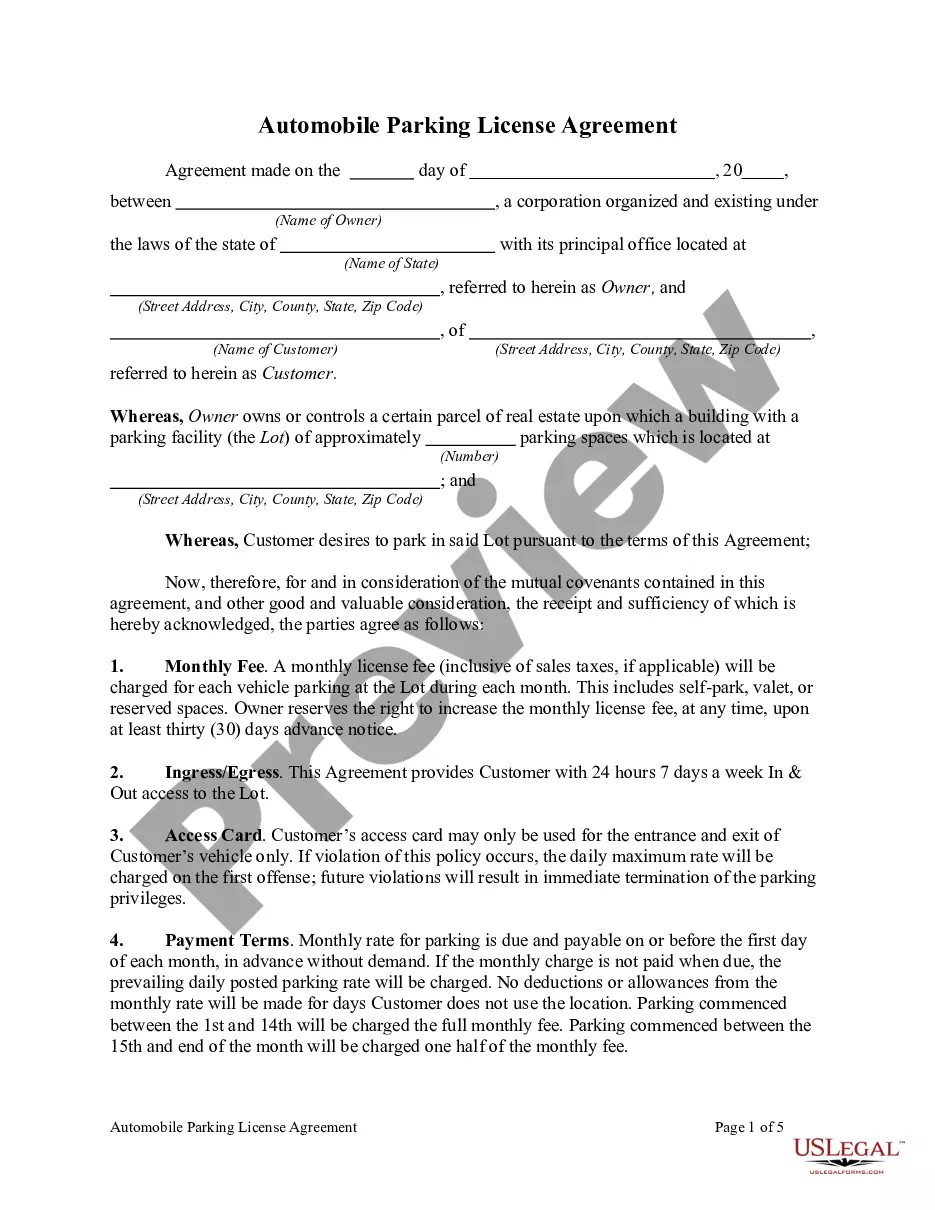
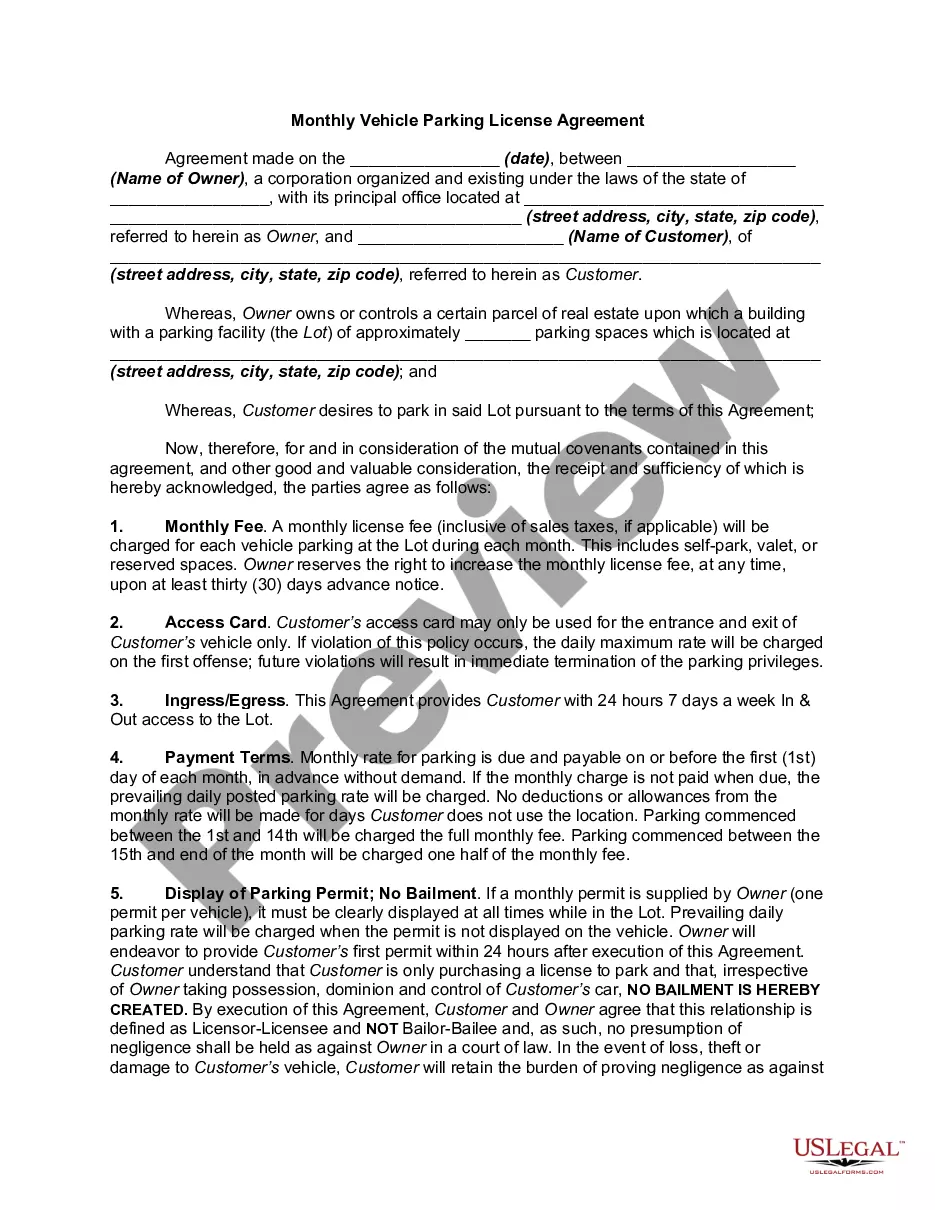
How to fill out Valet Parking Agreement?
Legal administration can be perplexing, even for experienced experts.
When you are looking for a Valet Service Agreement With Tesla and lack the time to invest in finding the correct and current version, the process can be overwhelming.
Tap into a resource hub of articles, guides, and manuals highly applicable to your situation and needs.
Save time and effort in locating the documents you require, and use US Legal Forms’ sophisticated search and Preview feature to find Valet Service Agreement With Tesla and obtain it.
Take advantage of the US Legal Forms online catalogue, backed by 25 years of expertise and reliability. Improve your daily document management in a simple and intuitive manner today.
- If you have an account, Log In to the US Legal Forms platform, search for the form, and acquire it.
- Check your My documents tab to see the documents you've previously saved and organize your folders as needed.
- If this is your first experience with US Legal Forms, create an account and enjoy unrestricted access to all the benefits of the library.
- Once you access the form you require, confirm that it is the correct document by previewing it and reviewing its description.
- Make certain that the form is accepted in your state or district.
- Click Buy Now when you are ready.
- Choose a monthly subscription plan.
- Select the format you need, and download, fill out, sign, print, and submit your paperwork.
- Access state- or county-specific legal and business documents.
- US Legal Forms caters to any requests you may have, ranging from personal to corporate papers, all in one location.
- Leverage advanced tools to complete and oversee your Valet Service Agreement With Tesla.
Form popularity
FAQ
To provide your Tesla for valet parking, simply park it in the designated area and engage valet mode via the app. This process ensures your valet has limited access to your car’s features, while you enjoy peace of mind. If you’re looking for a reliable valet service contract with Tesla, consider platforms like uslegalforms to streamline your arrangements.
No, you do not need to leave a physical key when using valet mode for your Tesla. The vehicle can be accessed and operated without a key, thanks to the advanced technology integrated into the car. This makes it easier for valets to park your vehicle while maintaining your security.
Yes, you can activate valet mode from the Tesla app. This feature allows you to set limits on speed, prevent access to personal data, and manage certain functions. By using valet mode, you can confidently hand over your keys, knowing your settings remain secure.
Valet parking with a Tesla offers a seamless experience. When you arrive at a venue, you can simply hand over your vehicle to the valet. The valet will then use the Tesla's built-in systems to park your car safely, without the need for physical keys, ensuring a smooth process.
To submit a Tesla service request, start by logging into your Tesla account on the official website or app. Navigate to the 'Service' section, and select 'Schedule Service' or 'Request Service.' Fill in the necessary details about your vehicle and the specific issues you are experiencing. Remember, if you're interested, a valet service contract with Tesla can enhance your experience by simplifying the process of scheduling service appointments and accessing vehicle maintenance.
Charging. Although Tesla limits many features while the vehicle is in Valet Mode to protect your privacy and your vehicle, it does not limit the ability to charge. This can be useful when you visit a valet location with chargers on site. The valet can plug your Tesla in to charge while it is parked.
Valet Mode | Bluelink® | Hyundai - YouTube YouTube Start of suggested clip End of suggested clip And also view vehicle information when turned on it locks a valet or guest driver out of personalMoreAnd also view vehicle information when turned on it locks a valet or guest driver out of personal information stored in navigation. And other electronic.
Starting Valet Mode With Model 3 in Park, touch the driver profile icon at the top of the Controls screen, then touch Valet Mode. The first time you enter Valet mode, the touchscreen prompts you to create a 4-digit PIN you will use to cancel Valet mode.
When Valet Mode is activated, Tesla's operating system restricts some of the car's functionality. Valet Mode will limit the car's maximum speed to 70 mph, reduce acceleration by about 50 percent and disable the use of autopilot.
In order to drive your car while it is in Valet Mode, you must use the Tesla key card, and the vehicle's maximum speed is limited to 70 mph.