Billing Form Template With Time
Description
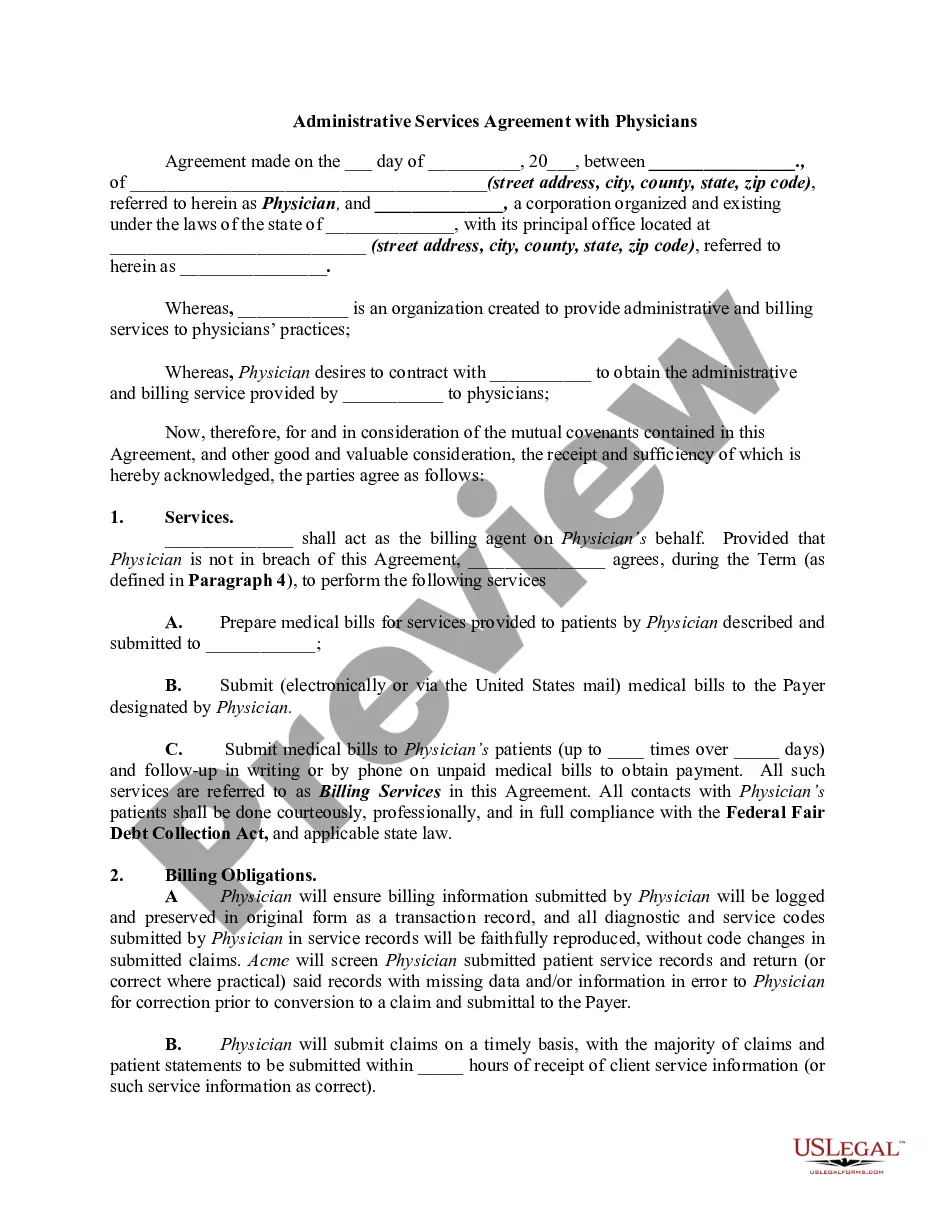
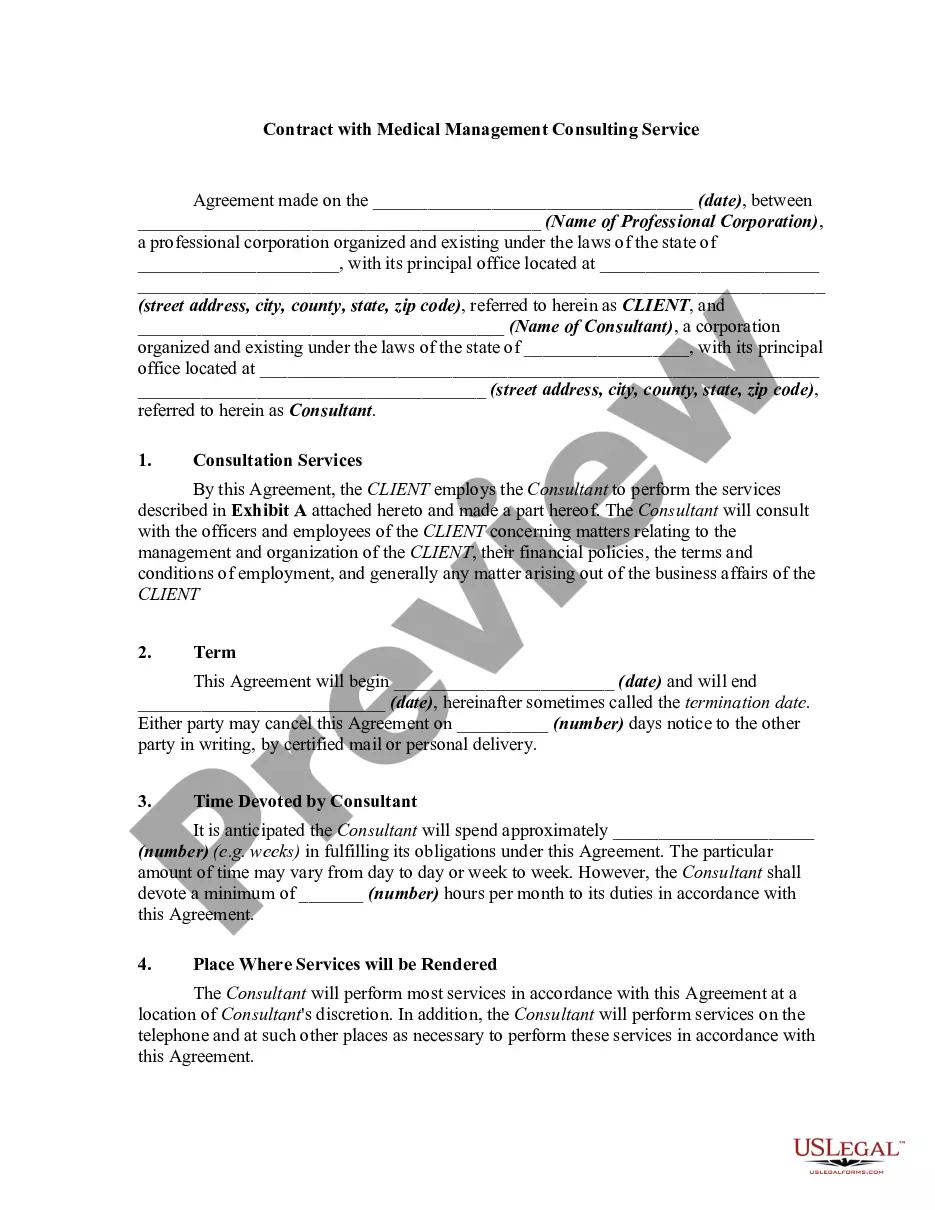
Get your form ready online
Our built-in tools help you complete, sign, share, and store your documents in one place.
Make edits, fill in missing information, and update formatting in US Legal Forms—just like you would in MS Word.
Download a copy, print it, send it by email, or mail it via USPS—whatever works best for your next step.
Sign and collect signatures with our SignNow integration. Send to multiple recipients, set reminders, and more. Go Premium to unlock E-Sign.
If this form requires notarization, complete it online through a secure video call—no need to meet a notary in person or wait for an appointment.
We protect your documents and personal data by following strict security and privacy standards.

Make edits, fill in missing information, and update formatting in US Legal Forms—just like you would in MS Word.

Download a copy, print it, send it by email, or mail it via USPS—whatever works best for your next step.

Sign and collect signatures with our SignNow integration. Send to multiple recipients, set reminders, and more. Go Premium to unlock E-Sign.

If this form requires notarization, complete it online through a secure video call—no need to meet a notary in person or wait for an appointment.

We protect your documents and personal data by following strict security and privacy standards.
Looking for another form?






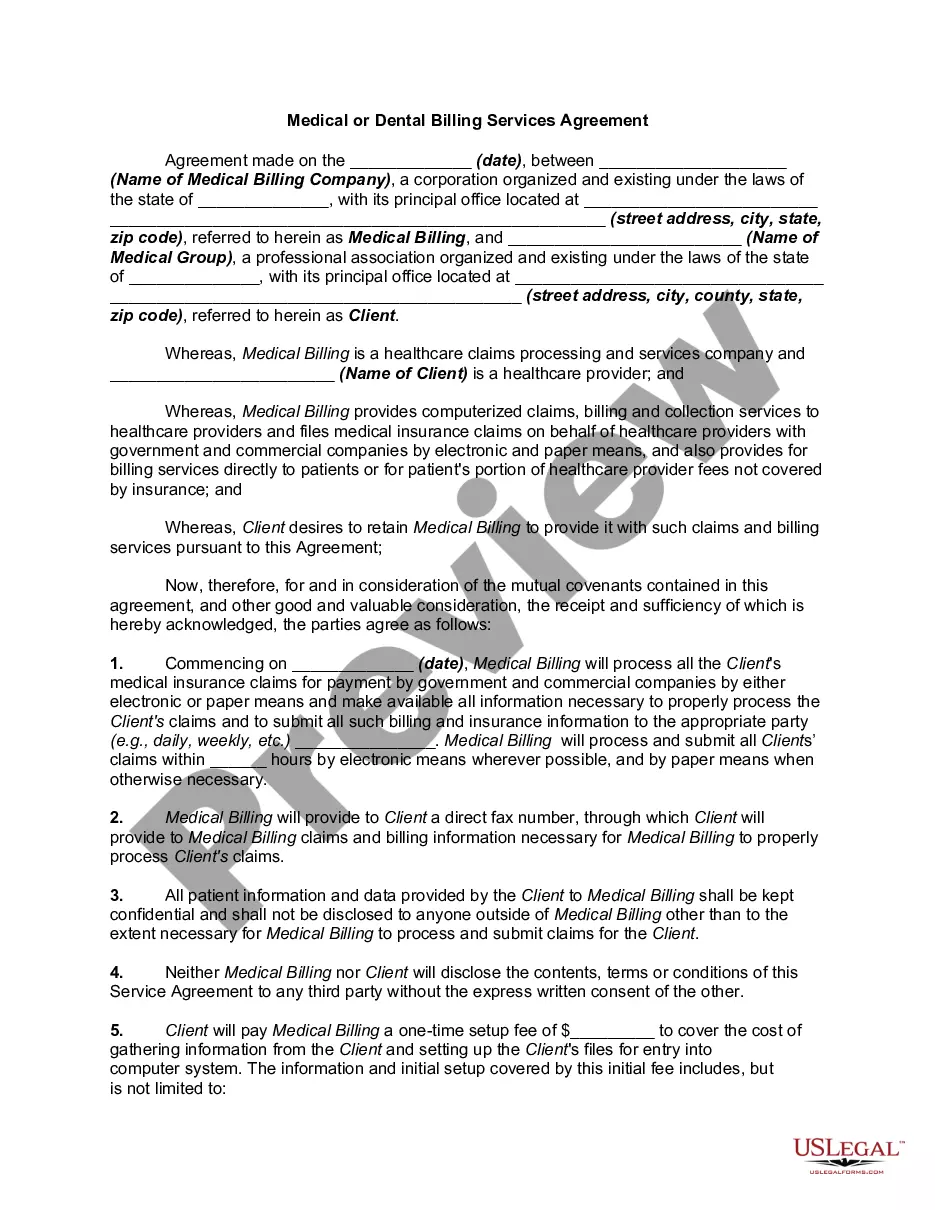
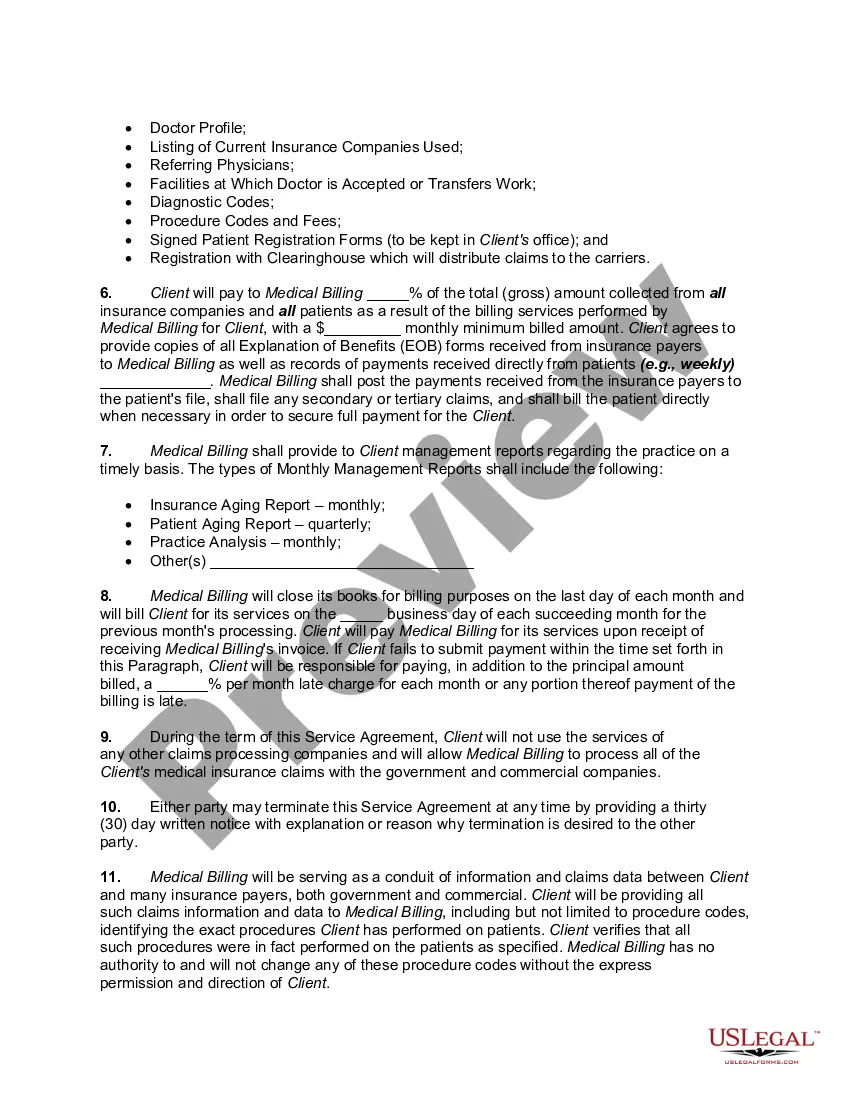
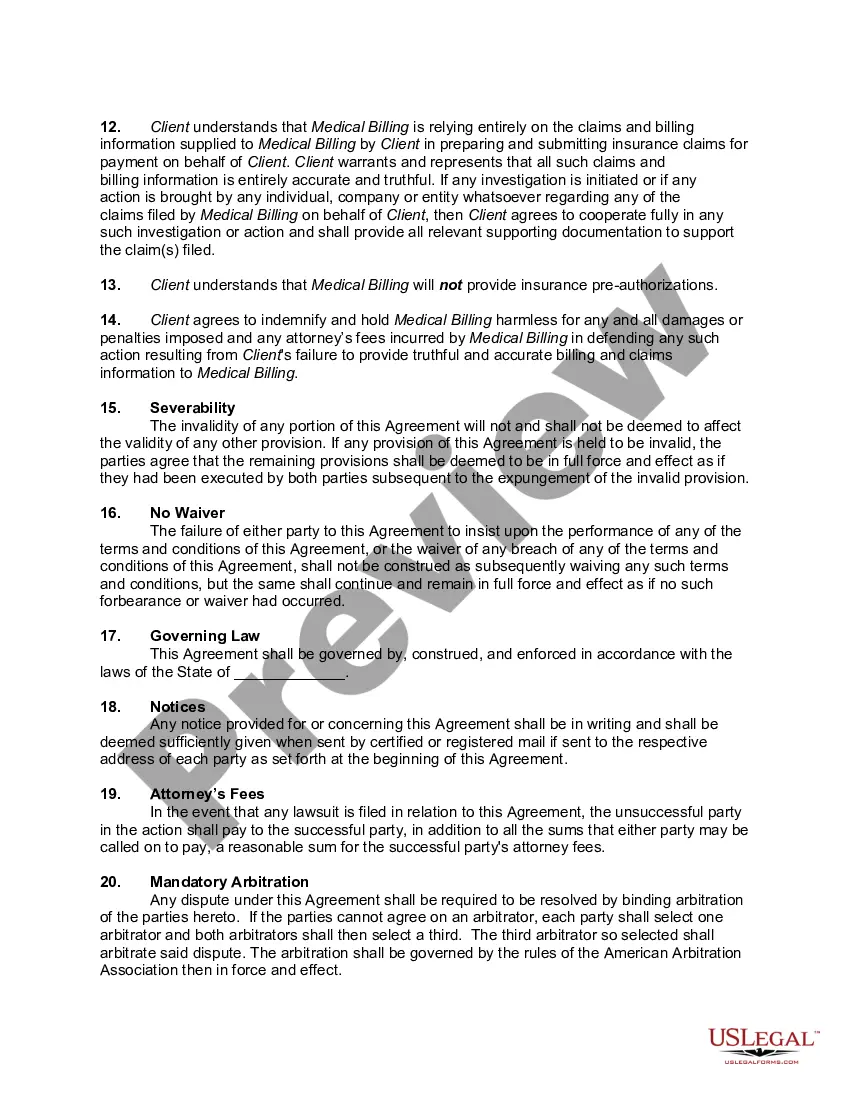
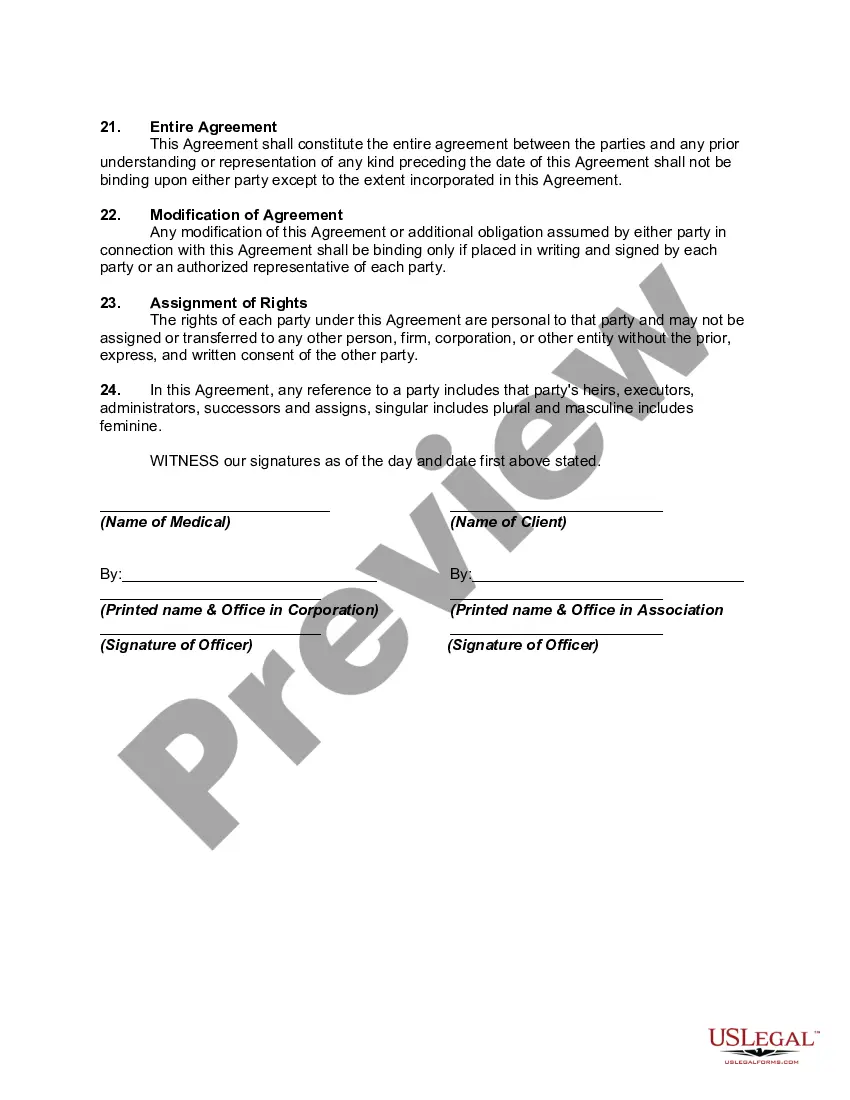
How to fill out Medical Or Dental Billing Services Agreement?
Getting a go-to place to access the most recent and appropriate legal samples is half the struggle of handling bureaucracy. Finding the right legal papers needs accuracy and attention to detail, which explains why it is crucial to take samples of Billing Form Template With Time only from reliable sources, like US Legal Forms. An improper template will waste your time and hold off the situation you are in. With US Legal Forms, you have little to worry about. You can access and view all the information concerning the document’s use and relevance for your circumstances and in your state or county.
Consider the following steps to finish your Billing Form Template With Time:
- Use the catalog navigation or search field to locate your sample.
- Open the form’s information to check if it suits the requirements of your state and county.
- Open the form preview, if there is one, to ensure the template is the one you are interested in.
- Resume the search and locate the appropriate template if the Billing Form Template With Time does not fit your requirements.
- When you are positive about the form’s relevance, download it.
- When you are an authorized customer, click Log in to authenticate and gain access to your selected forms in My Forms.
- If you do not have an account yet, click Buy now to get the form.
- Choose the pricing plan that suits your preferences.
- Go on to the registration to finalize your purchase.
- Complete your purchase by selecting a payment method (credit card or PayPal).
- Choose the file format for downloading Billing Form Template With Time.
- Once you have the form on your device, you may alter it with the editor or print it and finish it manually.
Remove the hassle that accompanies your legal paperwork. Discover the extensive US Legal Forms catalog to find legal samples, check their relevance to your circumstances, and download them immediately.
Form popularity
FAQ
Here's a checklist of the information that you should include in an hourly invoice: Label as an invoice. Your name and contact information. Invoice number. Date of the invoice. Billing period. Client name and address. A breakdown of services rendered. Hourly rates.
How do I make an hourly invoice? Your business name and logo. Your complete contact details. Your client's full contact details. Description of the work undertaken, hours worked, and hourly rates. Invoice number to keep organized. Payment due date. Tax rates, if applicable. Terms and conditions.
Always appear professional by including: Your business information. (name, logo, email address, phone number) Your customer's information. (name, email address) The invoice number. Sent and due dates. Notes or payment terms. Itemized rows for your job description. Applicable tax and discount information.
A billing statement, also known as an invoice or bill, is a financial document issued by a service provider or seller to a customer or buyer. It details the goods or services provided, the charges for those goods or services, any applicable taxes and fees, and the total amount due for payment.
How to create a billing statement? Gather necessary information. ... Choose a template. ... Add the client or customer information. ... Add details about the products or services provided. ... Calculate the total amount due. ... Add payment details. ... Proofread and review. ... Send the billing statement.