Notice Car Sale For Owner
Description
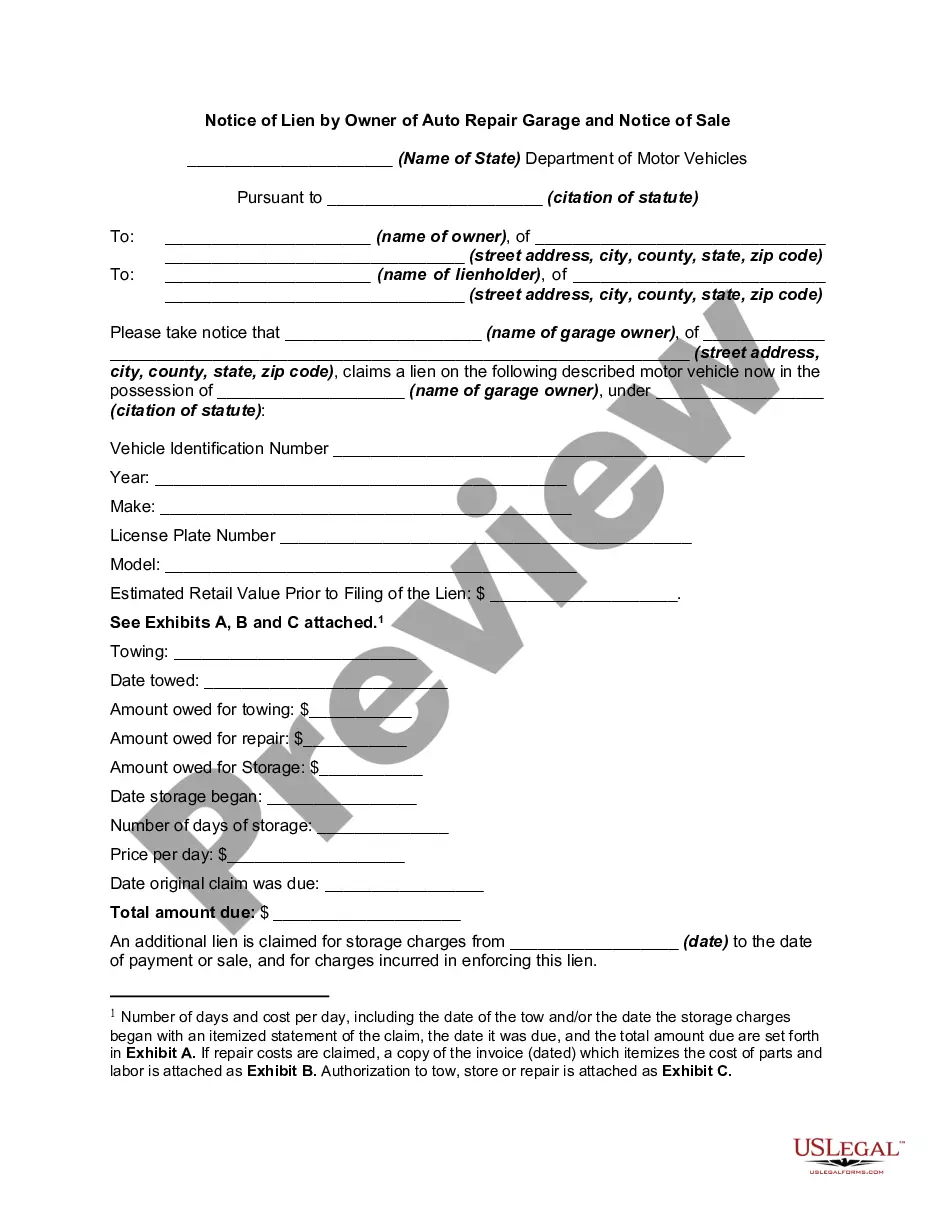
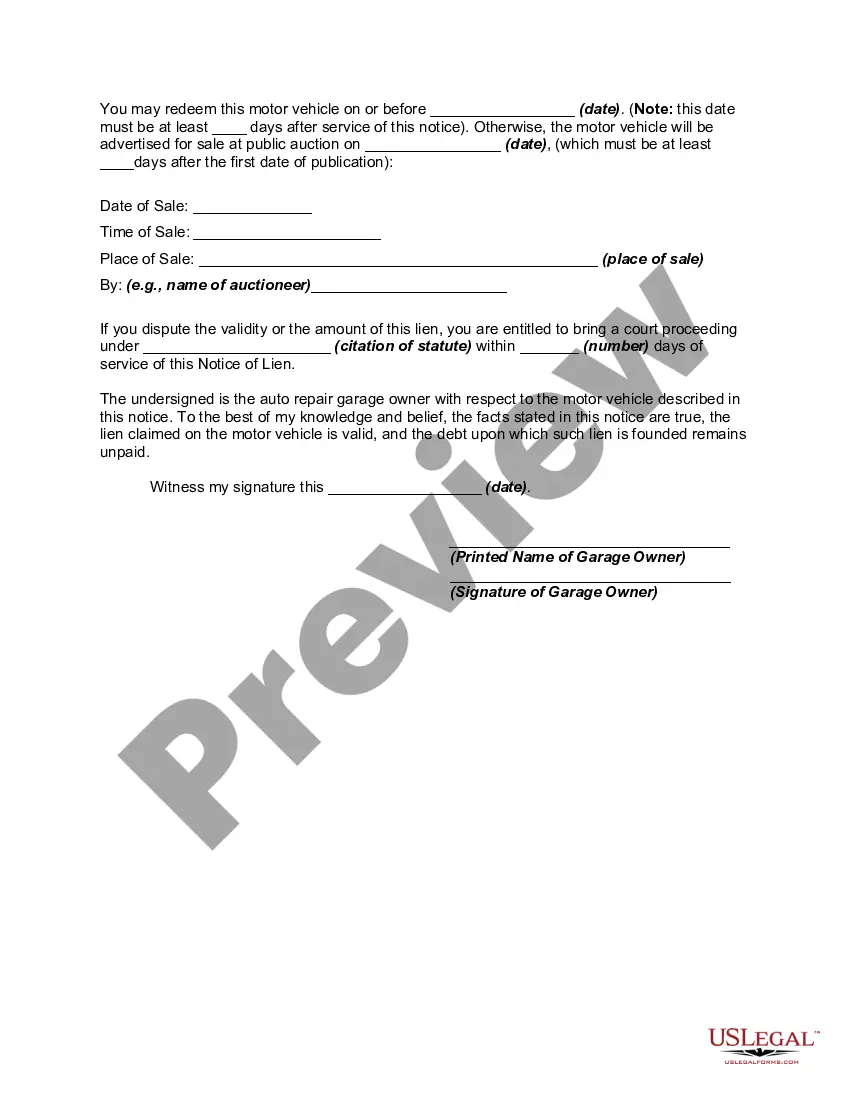
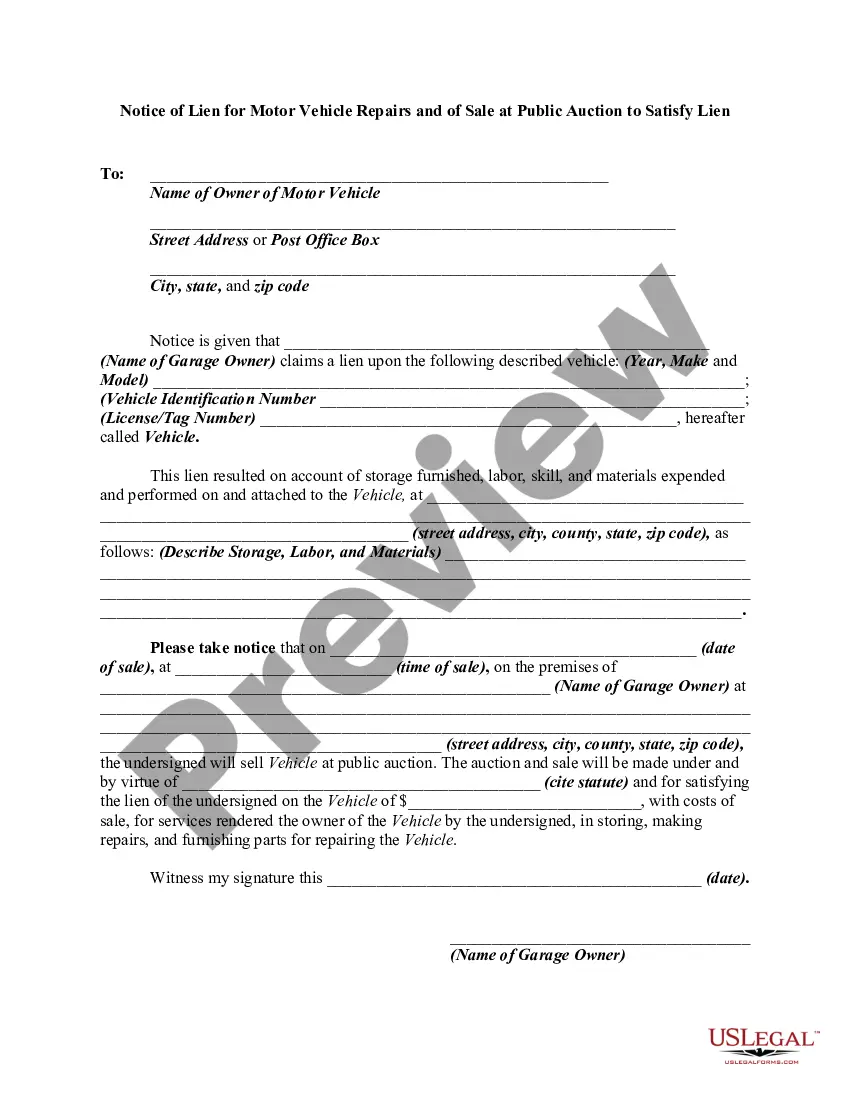
Get your form ready online
Our built-in tools help you complete, sign, share, and store your documents in one place.
Make edits, fill in missing information, and update formatting in US Legal Forms—just like you would in MS Word.
Download a copy, print it, send it by email, or mail it via USPS—whatever works best for your next step.
Sign and collect signatures with our SignNow integration. Send to multiple recipients, set reminders, and more. Go Premium to unlock E-Sign.
If this form requires notarization, complete it online through a secure video call—no need to meet a notary in person or wait for an appointment.
We protect your documents and personal data by following strict security and privacy standards.

Make edits, fill in missing information, and update formatting in US Legal Forms—just like you would in MS Word.

Download a copy, print it, send it by email, or mail it via USPS—whatever works best for your next step.

Sign and collect signatures with our SignNow integration. Send to multiple recipients, set reminders, and more. Go Premium to unlock E-Sign.

If this form requires notarization, complete it online through a secure video call—no need to meet a notary in person or wait for an appointment.

We protect your documents and personal data by following strict security and privacy standards.
Looking for another form?

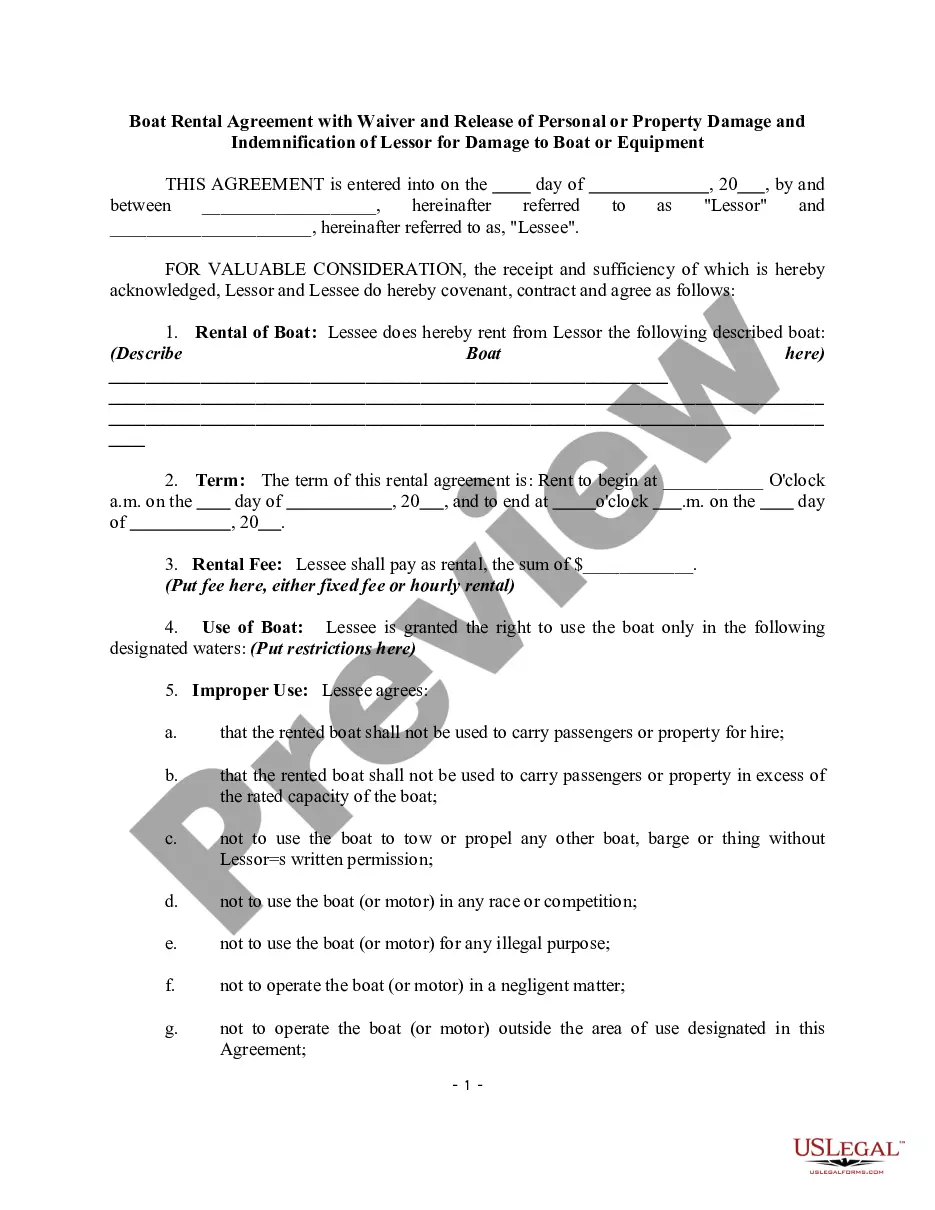






How to fill out Notice Of Lien By Owner Of Auto Or Car Repair Garage And Notice Of Sale?
Drafting legal documents from scratch can often be a little overwhelming. Some cases might involve hours of research and hundreds of dollars spent. If you’re searching for a simpler and more affordable way of creating Notice Car Sale For Owner or any other documents without the need of jumping through hoops, US Legal Forms is always at your disposal.
Our virtual catalog of more than 85,000 up-to-date legal forms addresses almost every aspect of your financial, legal, and personal affairs. With just a few clicks, you can instantly get state- and county-specific forms carefully prepared for you by our legal professionals.
Use our platform whenever you need a trustworthy and reliable services through which you can quickly find and download the Notice Car Sale For Owner. If you’re not new to our website and have previously created an account with us, simply log in to your account, select the template and download it away or re-download it anytime later in the My Forms tab.
Don’t have an account? No worries. It takes little to no time to set it up and explore the library. But before jumping directly to downloading Notice Car Sale For Owner, follow these recommendations:
- Check the document preview and descriptions to make sure you have found the form you are searching for.
- Check if template you select conforms with the regulations and laws of your state and county.
- Pick the best-suited subscription option to get the Notice Car Sale For Owner.
- Download the form. Then fill out, certify, and print it out.
US Legal Forms boasts a good reputation and over 25 years of expertise. Join us today and transform document completion into something easy and streamlined!
Form popularity
FAQ
Here's why. Registration. ... Transfer of Ownership. ... Sales Tax. ... Vehicle Identification Number (VIN) ... Make, Model, Year, Colour, Body Type, Mileage, and Engine. ... Purchase Date. ... Purchase or Sale Price. ... Names, Addresses, and Signatures of Buyer and Seller.
Required Documents The seller's vehicle registration permit (the seller must be the registered owner of the vehicle) A bill of sale and/or a sworn affidavit. A completed and signed insurance declaration (found on the reverse of the seller's vehicle registration permit)
How Do You Transfer Car Ownership For Buyers? Make sure the VIN matches the VIN number on the permit. Complete the bill of sale portion of the Used Vehicle Inspection Package. Complete the Application for Transfer. Bring the UVIP and vehicle permit to Service Ontario within 6 days of the sale. Pay the retail sales tax.
In order to complete the transfer you will need the following items: Proof of auto insurance in Ontario. A valid drivers license for the new owner. The vehicle ownership permit. A safety standard certificate within the last 36 days (please note: this is not required if the transfer is to a spouse) Emissions test completed.
Give the registration to the buyer, making sure it has your signature on it. After you've been paid, fill out and sign the Transfer/Tax Form in full. Each of the four pages must have original signatures. To complete the transfer, take the registration and Transfer/Tax Form to an Autoplan broker.