File Police Report For Stolen Phone
Description

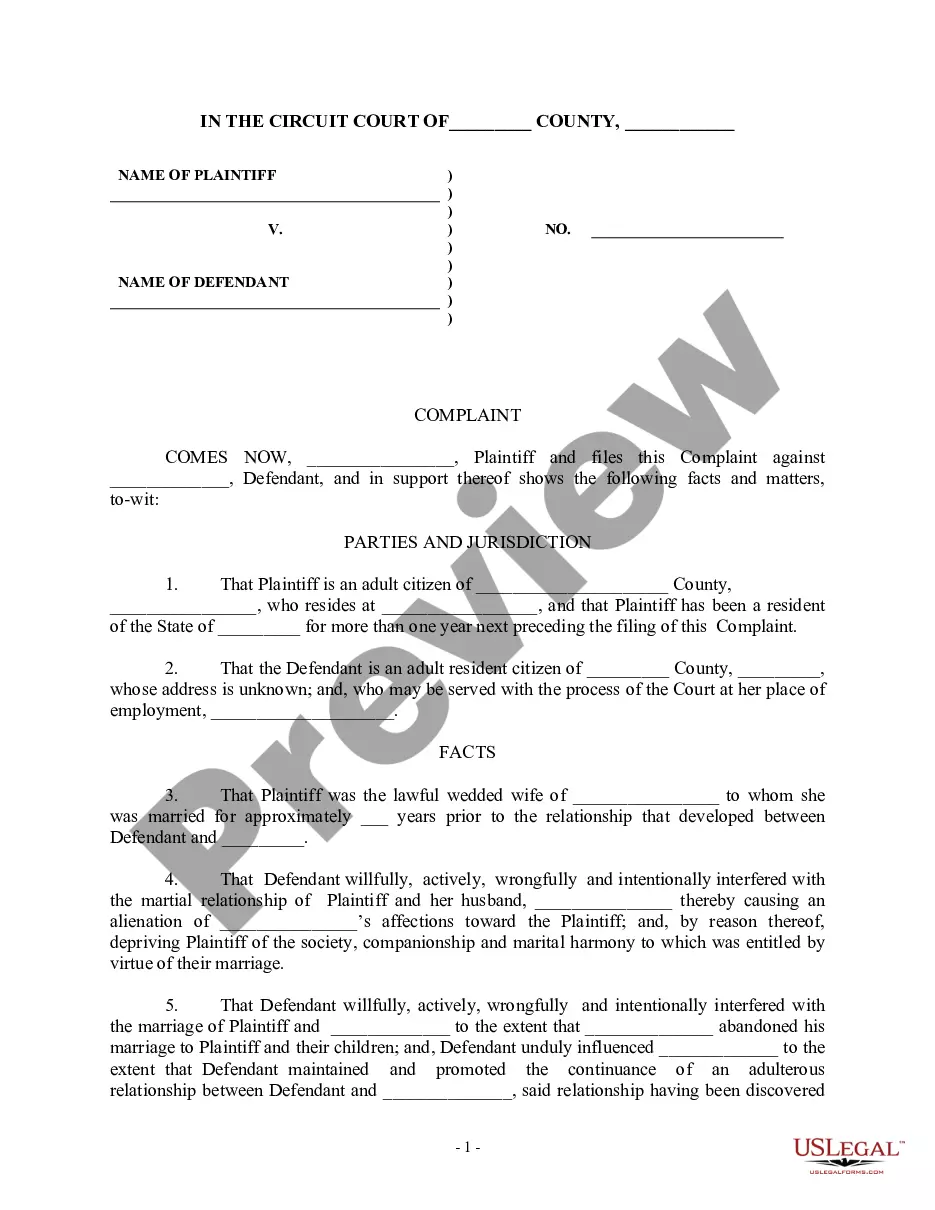
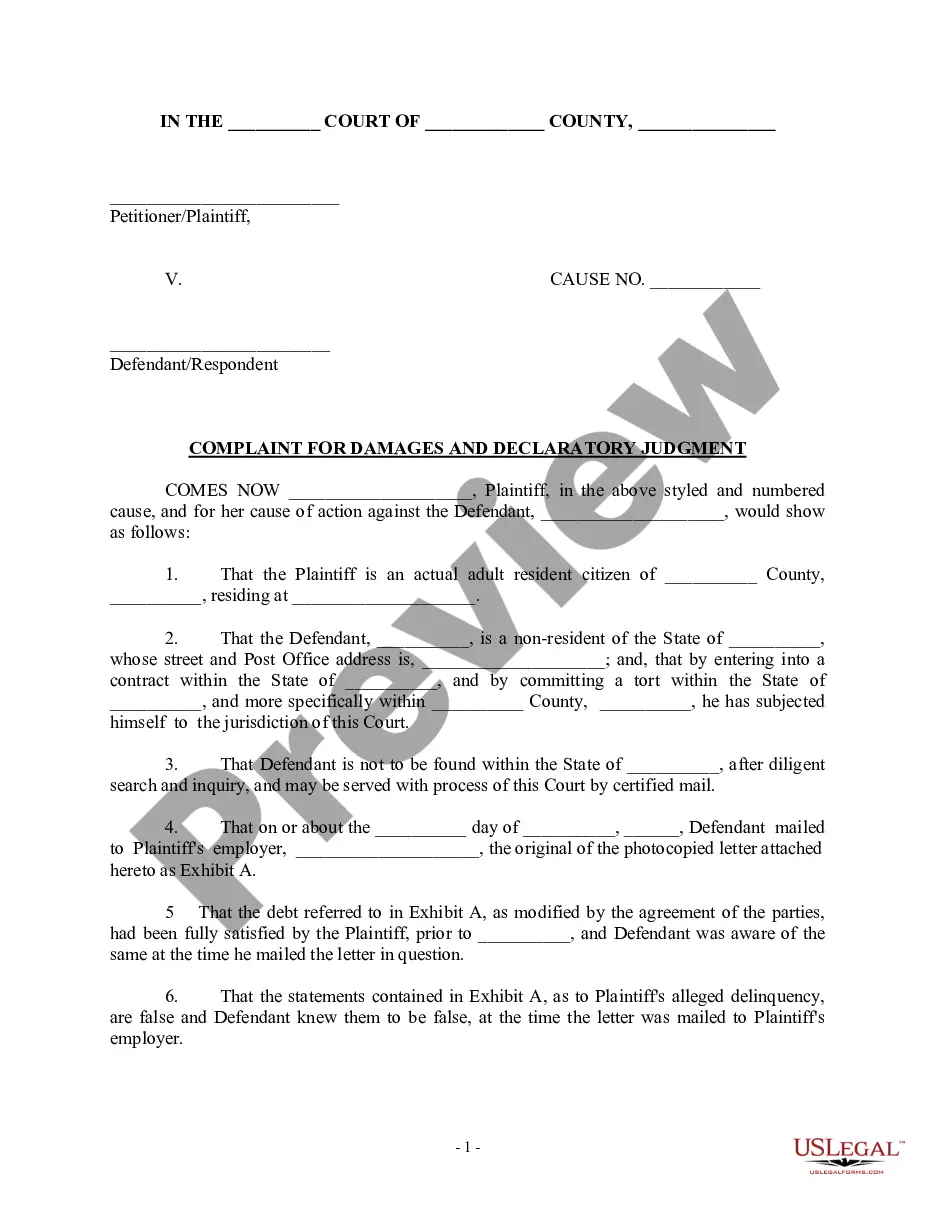
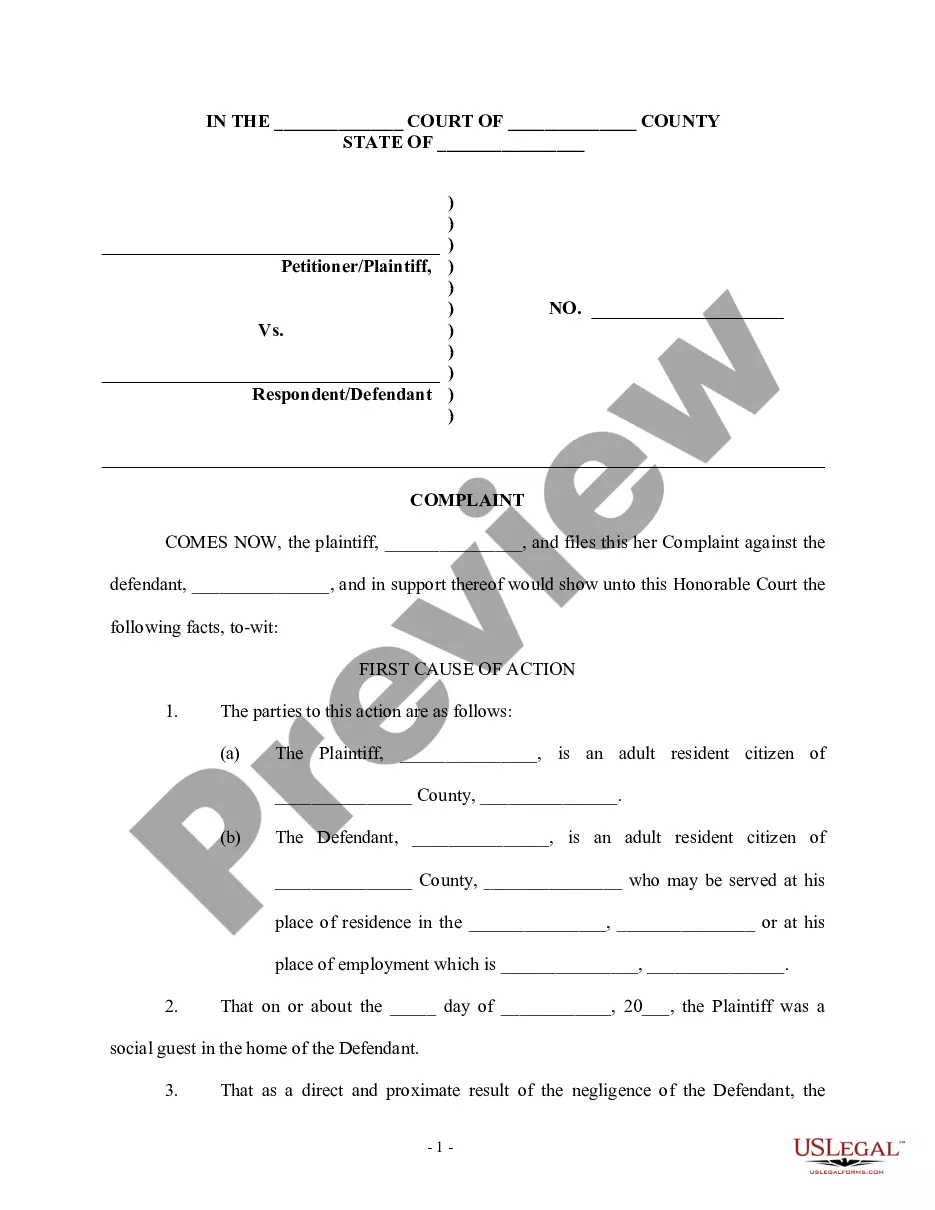
Get your form ready online
Our built-in tools help you complete, sign, share, and store your documents in one place.
Make edits, fill in missing information, and update formatting in US Legal Forms—just like you would in MS Word.
Download a copy, print it, send it by email, or mail it via USPS—whatever works best for your next step.
Sign and collect signatures with our SignNow integration. Send to multiple recipients, set reminders, and more. Go Premium to unlock E-Sign.
If this form requires notarization, complete it online through a secure video call—no need to meet a notary in person or wait for an appointment.
We protect your documents and personal data by following strict security and privacy standards.

Make edits, fill in missing information, and update formatting in US Legal Forms—just like you would in MS Word.

Download a copy, print it, send it by email, or mail it via USPS—whatever works best for your next step.

Sign and collect signatures with our SignNow integration. Send to multiple recipients, set reminders, and more. Go Premium to unlock E-Sign.

If this form requires notarization, complete it online through a secure video call—no need to meet a notary in person or wait for an appointment.

We protect your documents and personal data by following strict security and privacy standards.
Looking for another form?
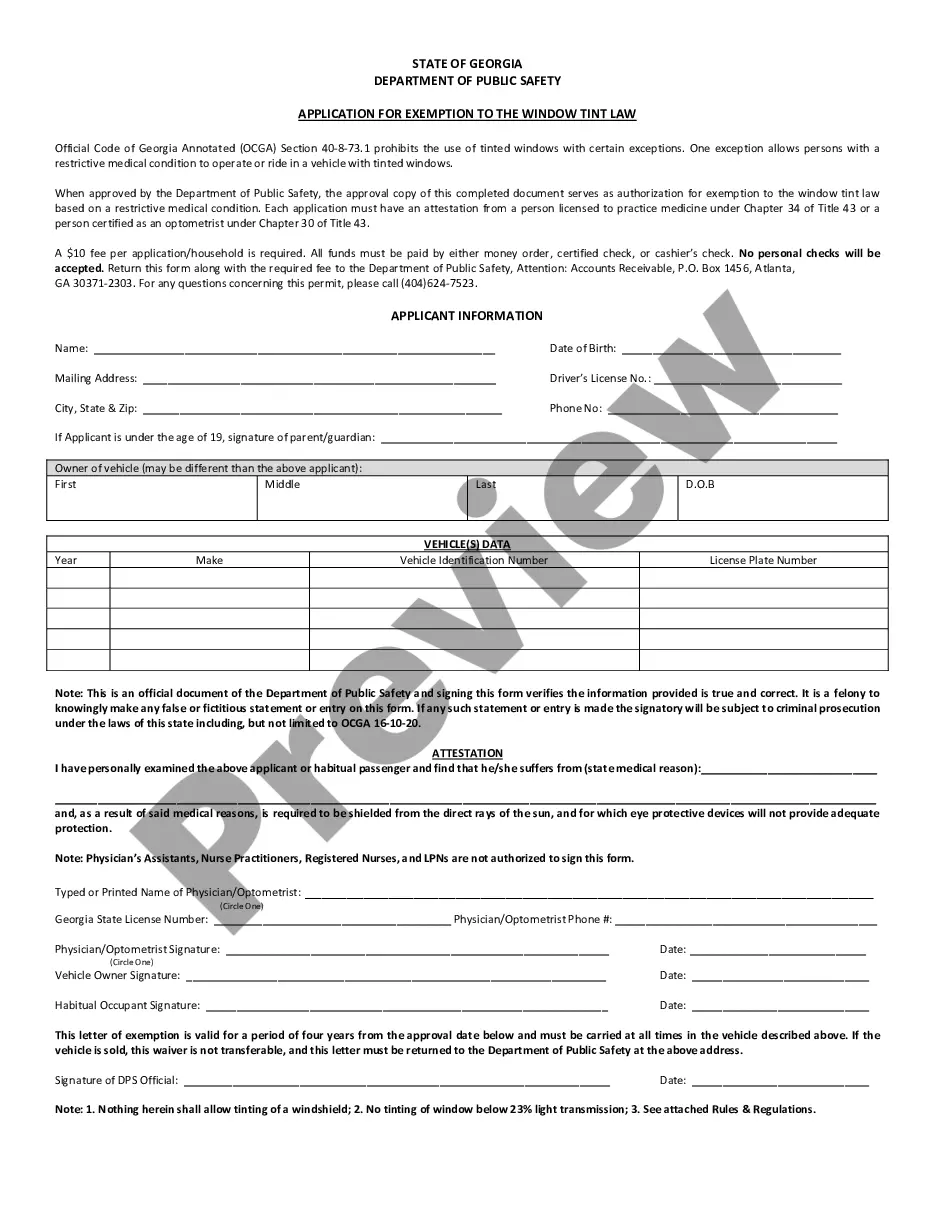
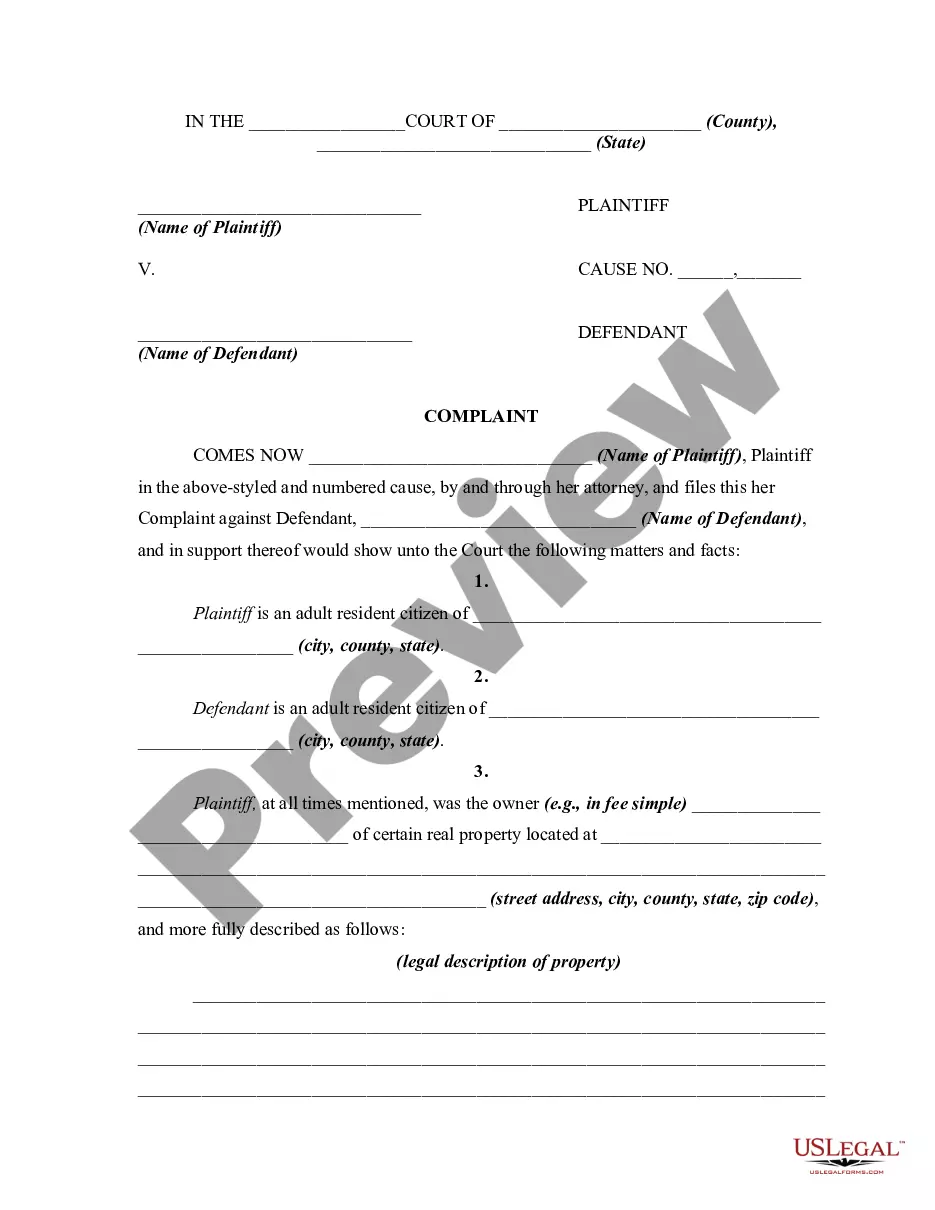
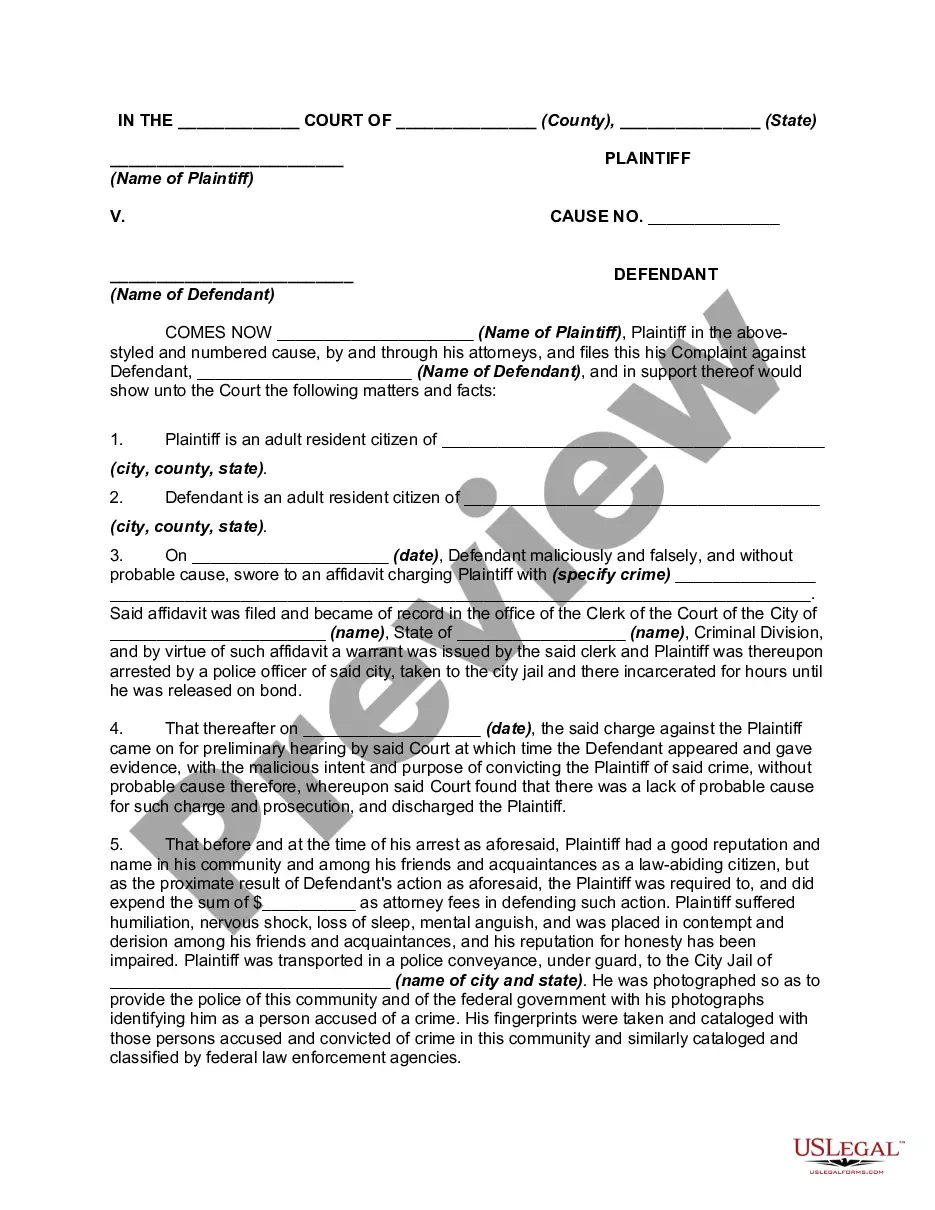
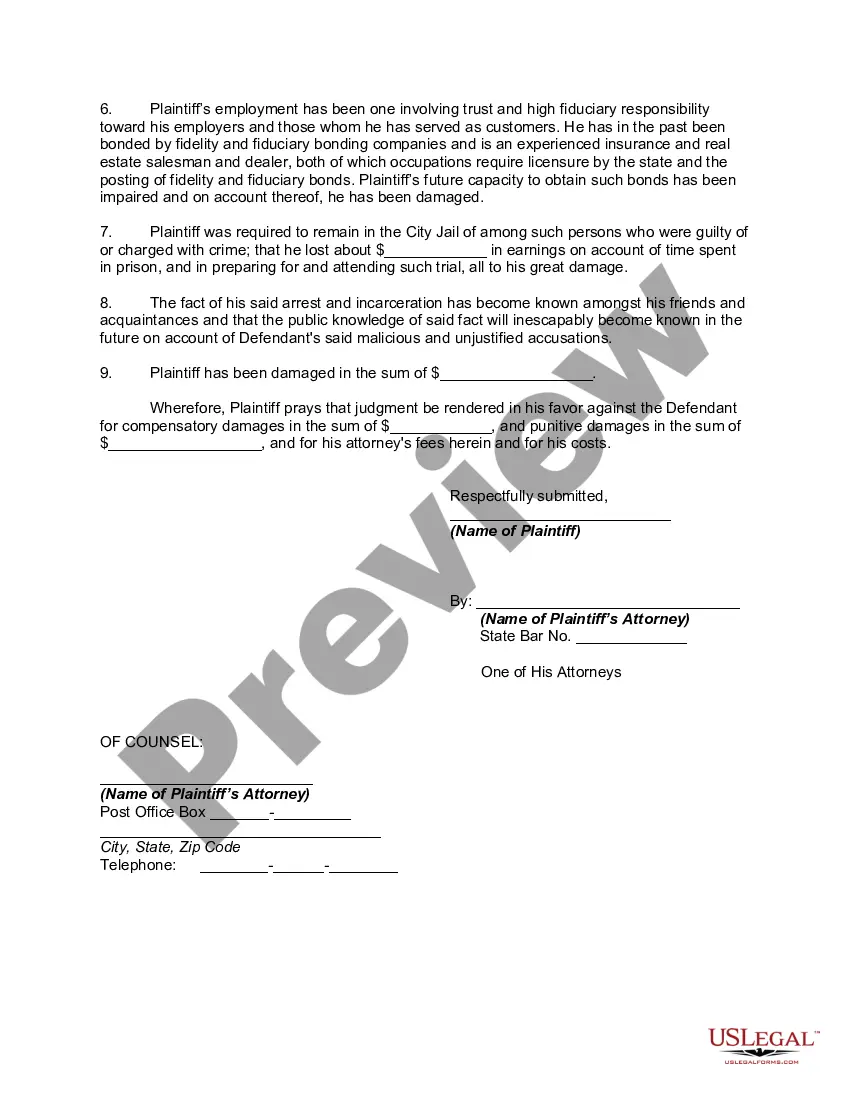
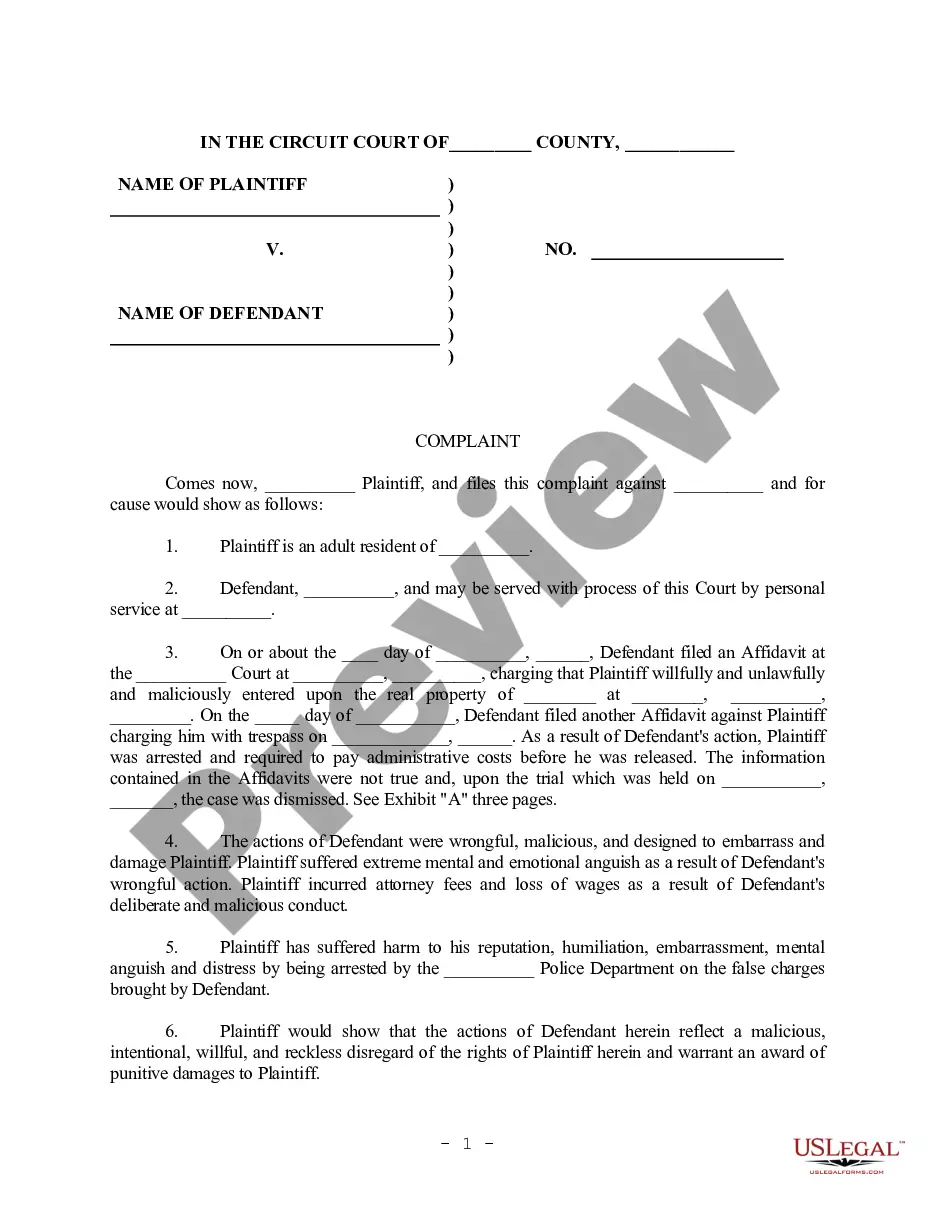
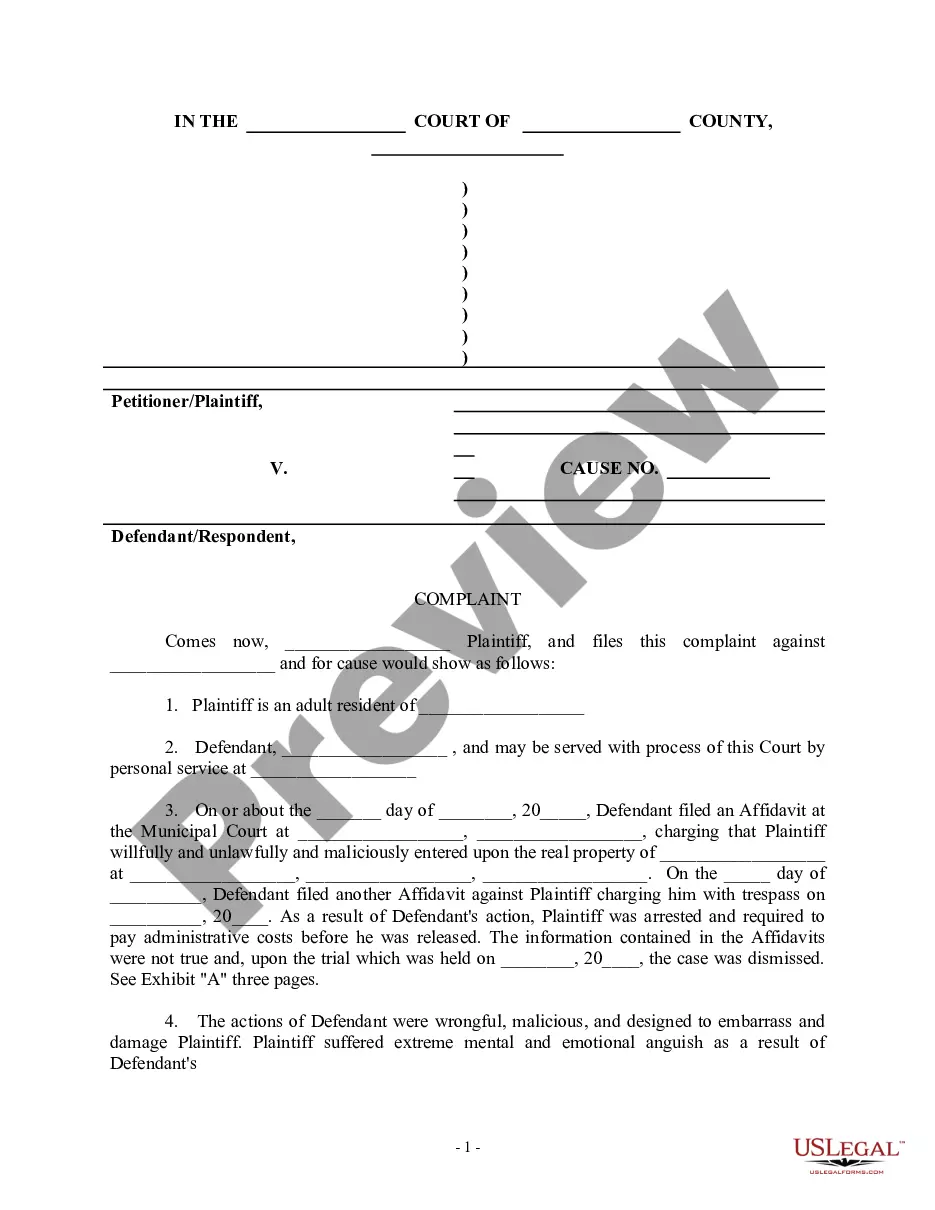
How to fill out Complaint For Malicious Prosecution Involving Filing A False Police Report?
Identifying a reliable location to obtain the most up-to-date and suitable legal templates is a significant part of navigating bureaucracy. Securing the appropriate legal documents requires accuracy and meticulousness, which is why it is essential to source templates for Filing a Police Report for a Stolen Phone exclusively from trustworthy providers, like US Legal Forms. An incorrect template can result in wasted time and prolong your current situation. With US Legal Forms, you can feel at ease. You have access to all the information concerning the document's application and suitability for your particular situation and locality.
Follow these steps to complete your Filing a Police Report for a Stolen Phone.
Once you have the document saved on your device, you may modify it with the editor or print it out to fill in manually. Eliminate the hassle associated with your legal documentation. Explore the extensive US Legal Forms catalog to find legal templates, verify their pertinence to your situation, and download them right away.
- Use the library navigation or search tool to locate the template.
- Check the document's details to confirm it meets your state's and county's requirements.
- Preview the document if an option exists to ensure the template is indeed the one you need.
- Return to the search results and find the correct template if the Filing a Police Report for a Stolen Phone does not match your criteria.
- When you are confident about the document's relevance, download it.
- If you are a registered user, click Log in to verify your account and access your chosen templates in My documents.
- If you do not have an account yet, click Buy now to purchase the form.
- Select the pricing plan that fits your needs.
- Proceed with registration to finalize your purchase.
- Complete your transaction by choosing a payment method (credit card or PayPal).
- Select the file format for downloading the Filing a Police Report for a Stolen Phone.
Form popularity
FAQ
Open the Google Docs template Contract Template and enter your company details and an image with your signature in the provided space, as well as the actual contract. Familiarize yourself with working with variables if you want to add more placeholders, conditions, or loops to your contract.
Sign leases quickly and easily with eSignature Simplify the paperwork by using electronic signatures to sign leases and home rental agreements with your tenants.
You can add an electronic signature to a Google Doc on a contract, offer letter or non-disclosure in just a few minutes.
In any standard lease agreement, including those in California, there are basic requirements, such as a description of the property, the rental amount, duration of the rental period, payment due dates, any deposits or fees, condition of the property at the beginning of the lease, maintenance expectations, and how the ...
With our website, you can have an effective rental agreement and easily hand it out to your new tenants confidently simply by downloading our Rental Agreement Template in Google Docs. They are professionally written by our legal team to strictly comply with the legalities it intends to bind.
Equipment Lease Types Operating Leases. An operating lease is a contract that permits one company to use another company's equipment in exchange for fixed monthly payments over a specific period of time. ... Finance Leases (or Capital Leases) ... $1 Buyout Lease. ... Purchase Option Lease. ... Sale-Leaseback (or Leaseback) ... TRAC Lease.
Yes, Microsoft Word has a free lease agreement template that you can customize to create your own contract and minimize any potential problems between tenant and landlord.
Does Google Docs have a lease agreement template? With our website, you can have an effective rental agreement and easily hand it out to your new tenants confidently simply by downloading our Rental Agreement Template in Google Docs.