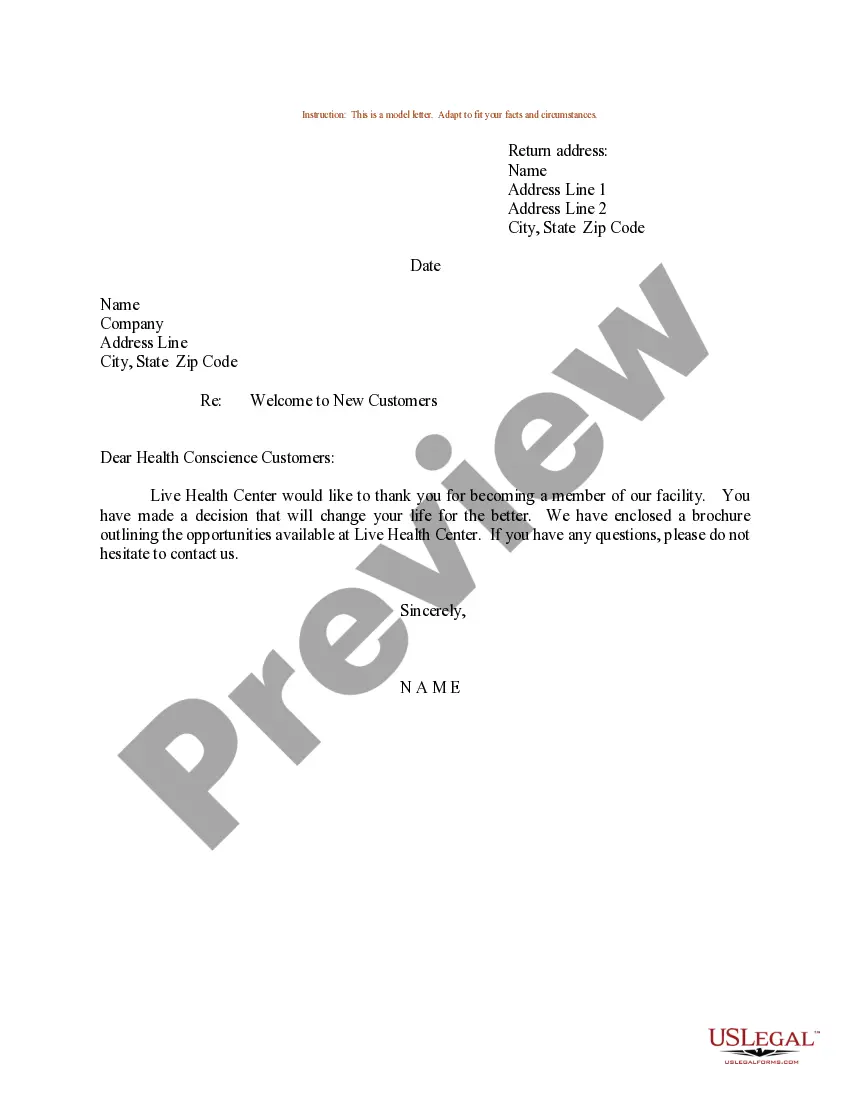
Welcome Form Letter For Employees
Description

Get your form ready online
Our built-in tools help you complete, sign, share, and store your documents in one place.
Make edits, fill in missing information, and update formatting in US Legal Forms—just like you would in MS Word.
Download a copy, print it, send it by email, or mail it via USPS—whatever works best for your next step.
Sign and collect signatures with our SignNow integration. Send to multiple recipients, set reminders, and more. Go Premium to unlock E-Sign.
If this form requires notarization, complete it online through a secure video call—no need to meet a notary in person or wait for an appointment.
We protect your documents and personal data by following strict security and privacy standards.

Make edits, fill in missing information, and update formatting in US Legal Forms—just like you would in MS Word.

Download a copy, print it, send it by email, or mail it via USPS—whatever works best for your next step.

Sign and collect signatures with our SignNow integration. Send to multiple recipients, set reminders, and more. Go Premium to unlock E-Sign.

If this form requires notarization, complete it online through a secure video call—no need to meet a notary in person or wait for an appointment.

We protect your documents and personal data by following strict security and privacy standards.
Looking for another form?








How to fill out Sample Letter For Welcome To New Customers Joining Health Club Or Gym?
Handling legal paperwork and processes can be a lengthy addition to your daily routine.
Welcome Form Letter For Employees and similar documents usually necessitate you to search for them and figure out how to fill them out correctly.
Consequently, if you are addressing financial, legal, or personal issues, having a comprehensive and functional online library of forms readily available will be highly beneficial.
US Legal Forms is the top online resource for legal templates, featuring over 85,000 state-specific forms along with various tools to help you complete your documents with ease.
If this is your first experience with US Legal Forms, register and create a free account in just a few minutes, granting you access to the form library and Welcome Form Letter For Employees. Then, follow the steps outlined below to finish your form.
- Explore the collection of relevant documents accessible to you with just a single click.
- US Legal Forms provides state- and county-specific forms available for download at any time.
- Streamline your document management procedures with premium support that enables you to prepare any form in mere minutes without any extra or concealed charges.
Form popularity
FAQ
You should always include the following information in your welcome letter: Congratulations and welcome to the team. Hiring manager's name and job title. Trainer's name and job title, if different. Onboarding buddy's name and job title. Start date and time. Address (include cross streets if the location is hard to find)
We're so glad you've decided to become a part of the [company name] family. Your skill and expertise are going to help us reach new heights. The management team here at [company name] want to wish you a warm welcome. Please let us know if there are any ways we can help you as you get acclimated to the new role.
?Welcome to the team! We know that starting a new job can be intimidating, so we just wanted to let you know that we support you and are here to help you in any way we can. You're part of the team now, and we know you'll do great things here. ?Warmest of welcomes, [Name]!
Dear [new employee name], Welcome to the [company name]! We're excited to welcome you to the [department name] in the [job title] role. I'm certain your [experience, skills, education, etc.] will be a valuable addition to our team and will help you thrive in your new position.
Write a warm introduction Start your letter by welcoming the employee to the company and team. Express your congratulations about their new role with your business and your excitement about all the wonderful qualities they'll bring to your team.