Uses-permission
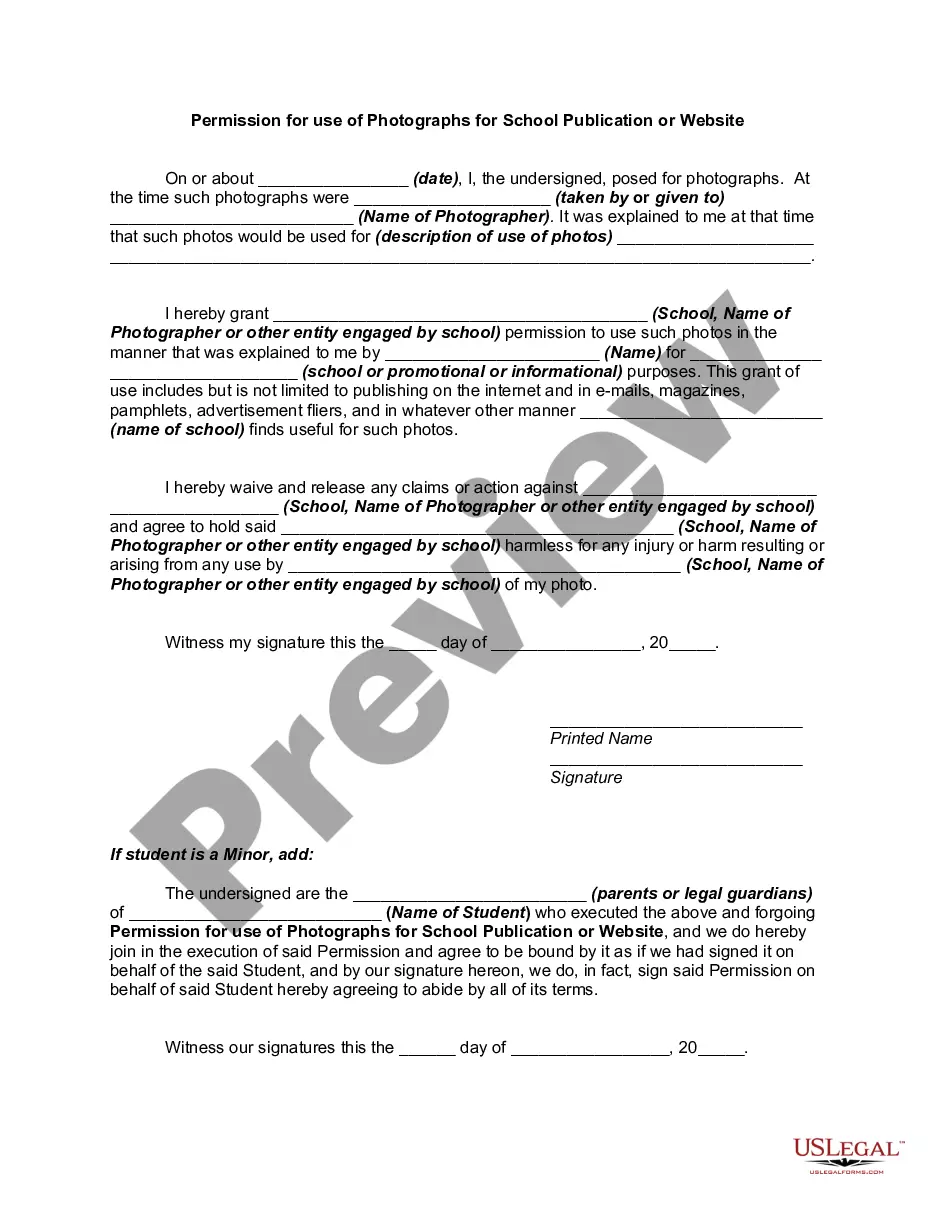
Description
Get your form ready online
Our built-in tools help you complete, sign, share, and store your documents in one place.
Make edits, fill in missing information, and update formatting in US Legal Forms—just like you would in MS Word.
Download a copy, print it, send it by email, or mail it via USPS—whatever works best for your next step.
Sign and collect signatures with our SignNow integration. Send to multiple recipients, set reminders, and more. Go Premium to unlock E-Sign.
If this form requires notarization, complete it online through a secure video call—no need to meet a notary in person or wait for an appointment.
We protect your documents and personal data by following strict security and privacy standards.

Make edits, fill in missing information, and update formatting in US Legal Forms—just like you would in MS Word.

Download a copy, print it, send it by email, or mail it via USPS—whatever works best for your next step.

Sign and collect signatures with our SignNow integration. Send to multiple recipients, set reminders, and more. Go Premium to unlock E-Sign.

If this form requires notarization, complete it online through a secure video call—no need to meet a notary in person or wait for an appointment.

We protect your documents and personal data by following strict security and privacy standards.
Looking for another form?
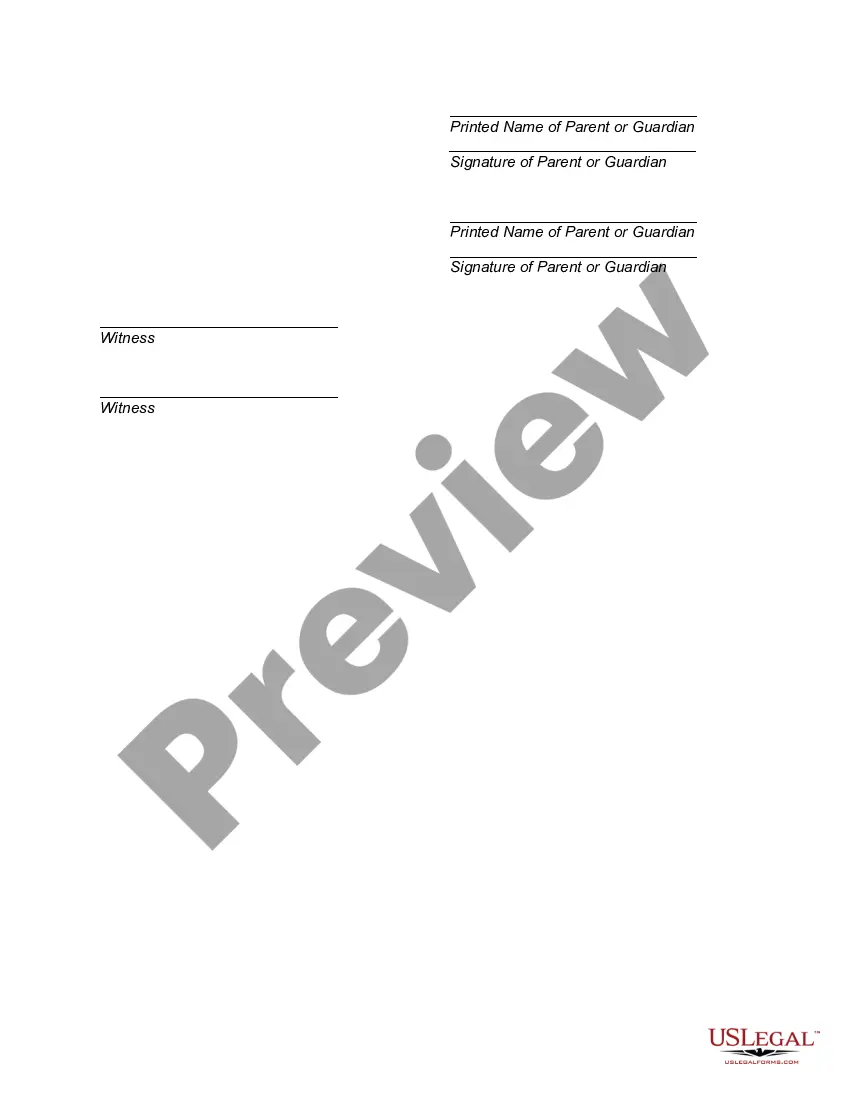
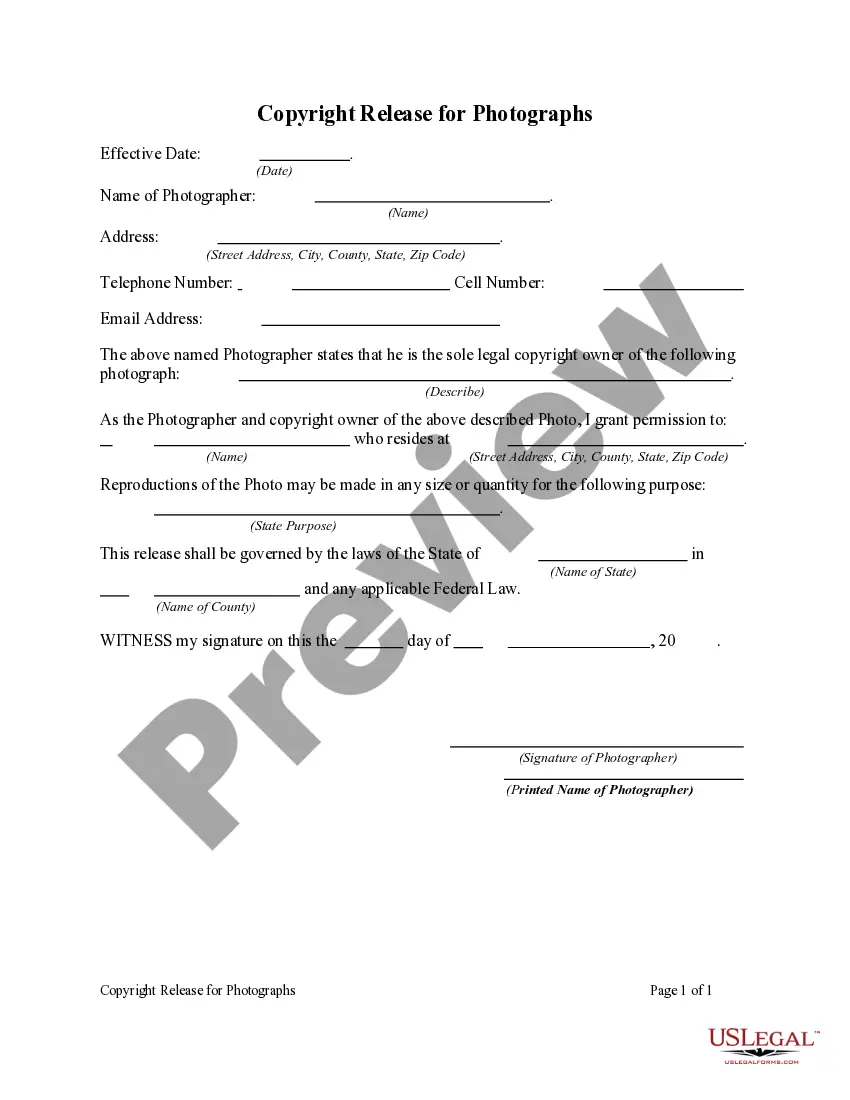
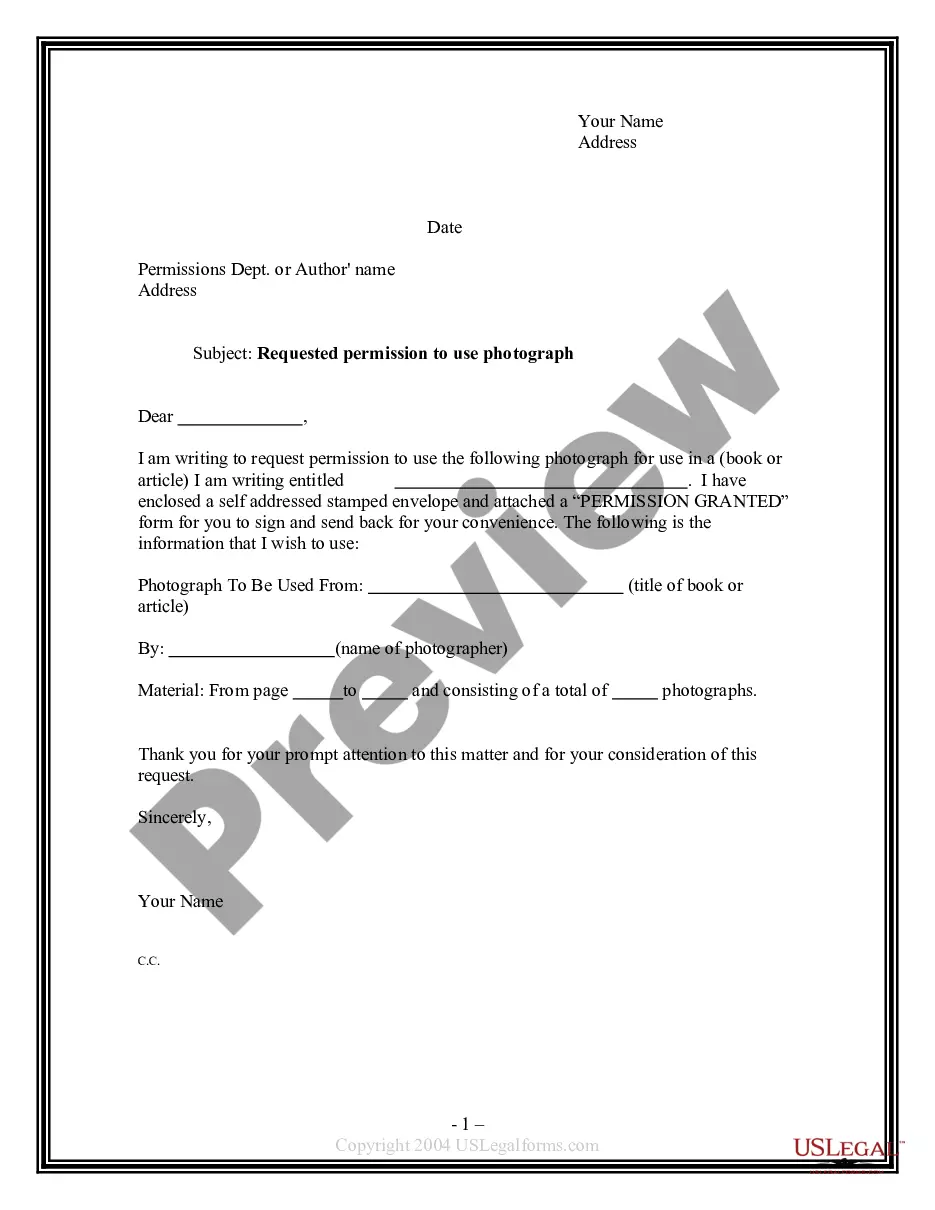
How to fill out Permission For Use Of Photographs For School Publication Or Website?
- If you're a returning user, log in to your account, verify your subscription status, and locate your desired form in the library.
- For first-time users, start by browsing the extensive collection of forms. Make sure to review the form descriptions and preview mode to ensure they meet your legal requirements.
- Should you find inconsistencies or need a different template, utilize the Search tab to explore other options that suit your needs.
- Once you've selected a suitable document, click the Buy Now button, choose your subscription plan, and register for an account to unlock full access.
- Proceed with your purchase by inputting your payment details, and then move on to download your completed form.
- Finally, save the document on your device, allowing for easy access in the My Forms section of your profile.
By following these steps, you can confidently navigate the US Legal Forms platform and take advantage of its extensive resources, including personalized assistance from experts.
Start accessing the comprehensive legal forms today and make your legal documentation process seamless!
Form popularity
FAQ
An example of a user permission is the ability to edit documents within a shared workspace. This specific uses-permission allows authorized users to make changes while keeping content secure from unauthorized access. When you set these permissions, you ensure that only designated individuals can alter important files, promoting accountability and preventing mishaps. Platforms like uslegalforms provide robust permission settings to help you manage user access efficiently.
Permissions are essential for defining what actions users can take within applications or systems. By specifying these uses-permission settings, you can control access to sensitive information and features, ensuring security and compliance. Additionally, clearly defined permissions enhance user experience by providing tailored access based on roles. Hence, effective permission management supports collaboration while safeguarding your data.
To give permission to an application, open the app and follow any prompts it provides regarding permissions. You can also manage permissions through your device settings by selecting the app and adjusting its uses-permission options. Make sure to review what the app is requesting and only grant permissions that are necessary for its operation. Balancing functionality and security is key to enjoying a safe user experience.
Filling out a letter of permission involves clearly stating your intent and the specific rights you are granting. Start by including your name, address, and date at the top of the letter, followed by a concise explanation of what you are permitting. Ensure you outline any conditions or limitations to emphasize clarity. If you're unsure about formatting, the uslegalforms platform can guide you through creating a professional letter of permission effortlessly.
When using an Android device, be cautious about granting permissions that seem excessive for an app's functionality. For instance, a standard game app should not require access to your location or contacts, which may compromise your personal data. Understanding the uses-permission helps you make informed decisions about the apps you choose to trust. Always evaluate whether the permissions requested align with the app's purpose.
To give an application accessibility permission, navigate to your device's settings, then find the section for apps or applications. Locate the specific app you want to modify and tap on it to access its permission settings. You will see an option to enable accessibility features under uses-permission, allowing the app to function effectively while respecting your privacy preferences.
Permission usage refers to the practice of an application requesting rights to access certain features or data on a device. Understanding uses-permission is crucial for users, as this instruction helps them manage their privacy and security. When applications seek permission, they aim to enhance user experience by accessing necessary functionality. Always check the list of permissions requested to ensure you feel comfortable granting access.
To enable user permissions, access the settings menu of the specific application or user account management. There, you can adjust the uses-permission for various roles within the application. This ensures that users have the appropriate access to tools they need.
Restoring permissions can often be done through your application's settings. Simply locate the app, go to its permissions settings, and enable the uses-permission that you want to restore. If the app has been updated, the requirements may have changed, so always check for any new settings.
To permit usage access, navigate to your device's settings and locate the app you want to adjust. Under the permissions section, you can manage the uses-permission granted to that application. Regularly checking these settings helps you maintain control over your data.