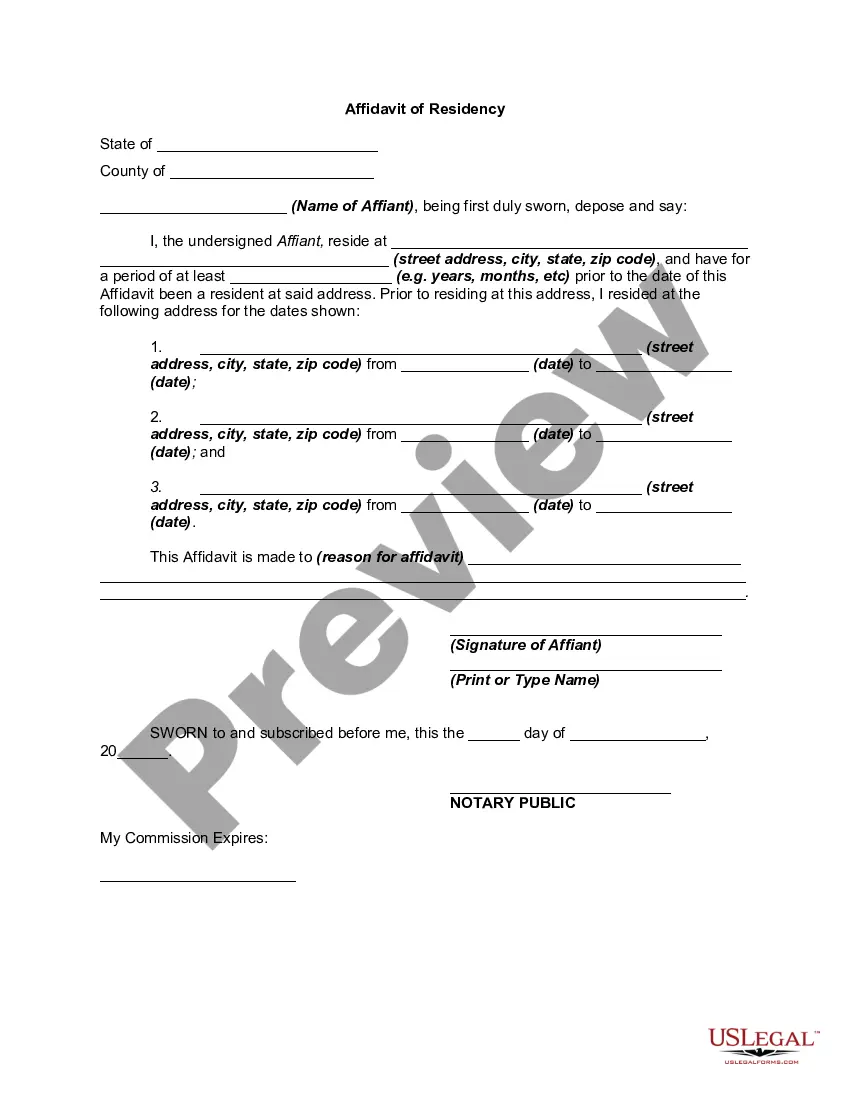
Proof Of Residency Letter For Snap Benefits
Description
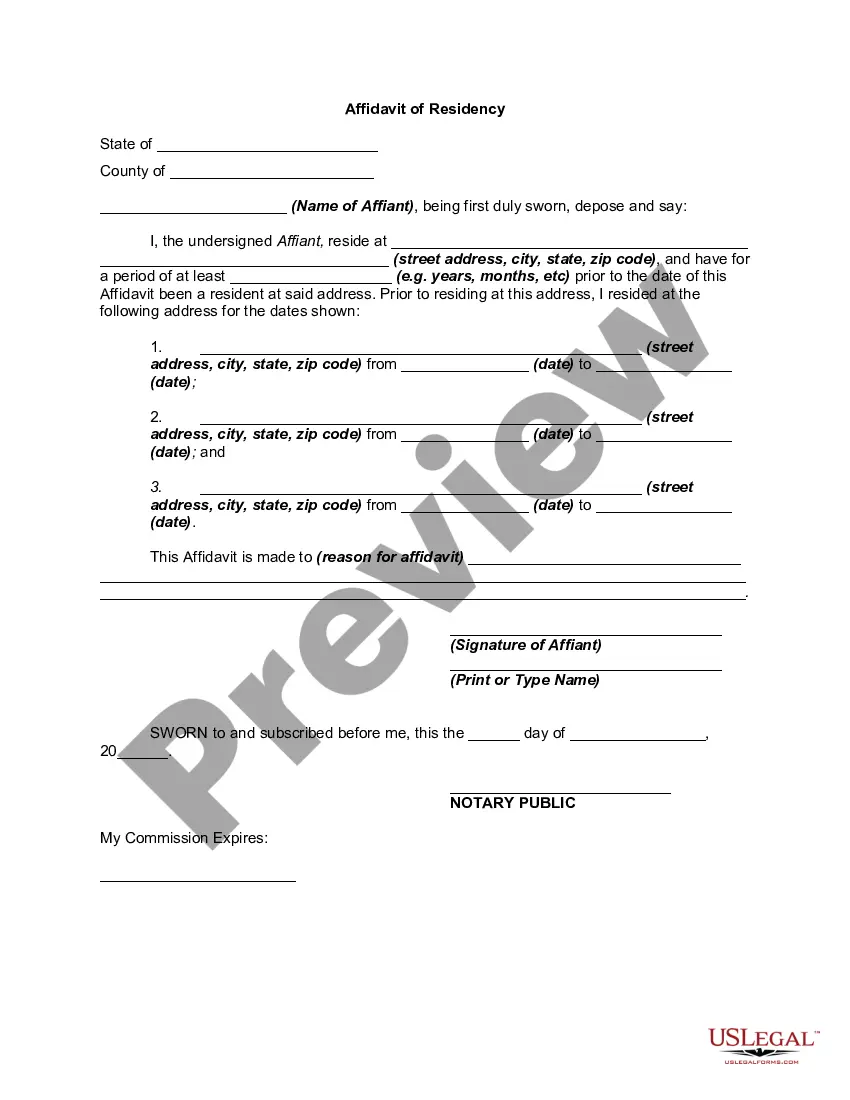
Get your form ready online
Our built-in tools help you complete, sign, share, and store your documents in one place.
Make edits, fill in missing information, and update formatting in US Legal Forms—just like you would in MS Word.
Download a copy, print it, send it by email, or mail it via USPS—whatever works best for your next step.
Sign and collect signatures with our SignNow integration. Send to multiple recipients, set reminders, and more. Go Premium to unlock E-Sign.
If this form requires notarization, complete it online through a secure video call—no need to meet a notary in person or wait for an appointment.
We protect your documents and personal data by following strict security and privacy standards.

Make edits, fill in missing information, and update formatting in US Legal Forms—just like you would in MS Word.

Download a copy, print it, send it by email, or mail it via USPS—whatever works best for your next step.

Sign and collect signatures with our SignNow integration. Send to multiple recipients, set reminders, and more. Go Premium to unlock E-Sign.

If this form requires notarization, complete it online through a secure video call—no need to meet a notary in person or wait for an appointment.

We protect your documents and personal data by following strict security and privacy standards.
Looking for another form?
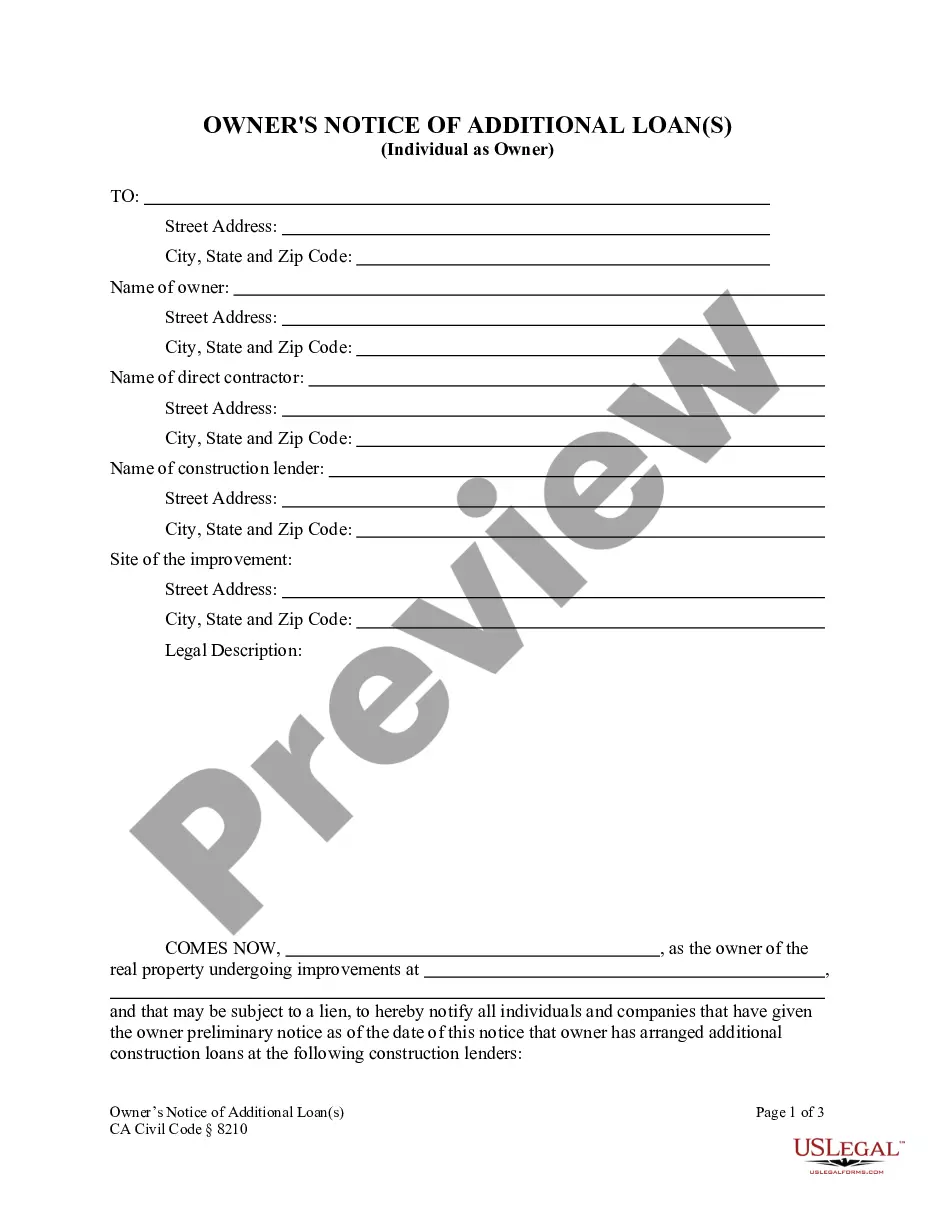
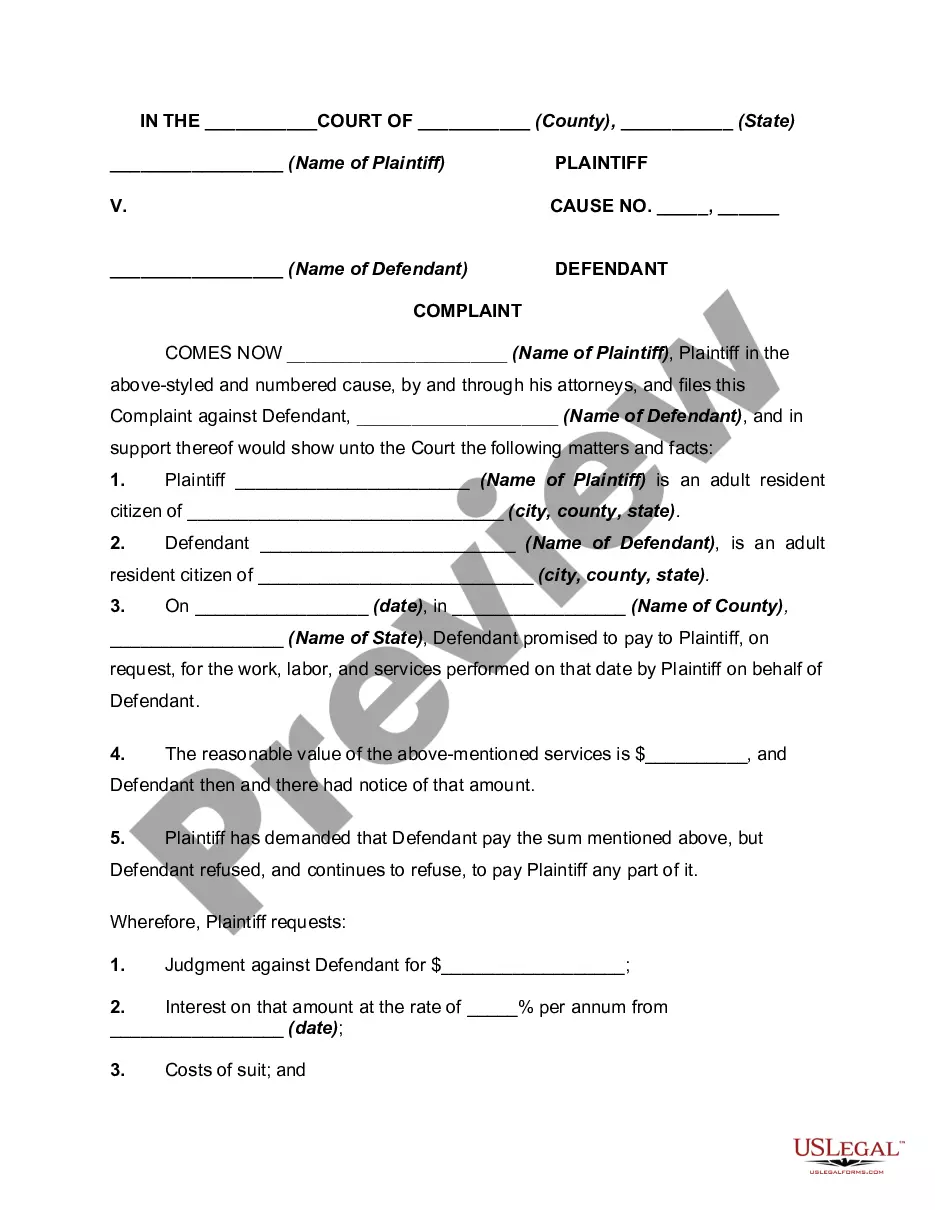

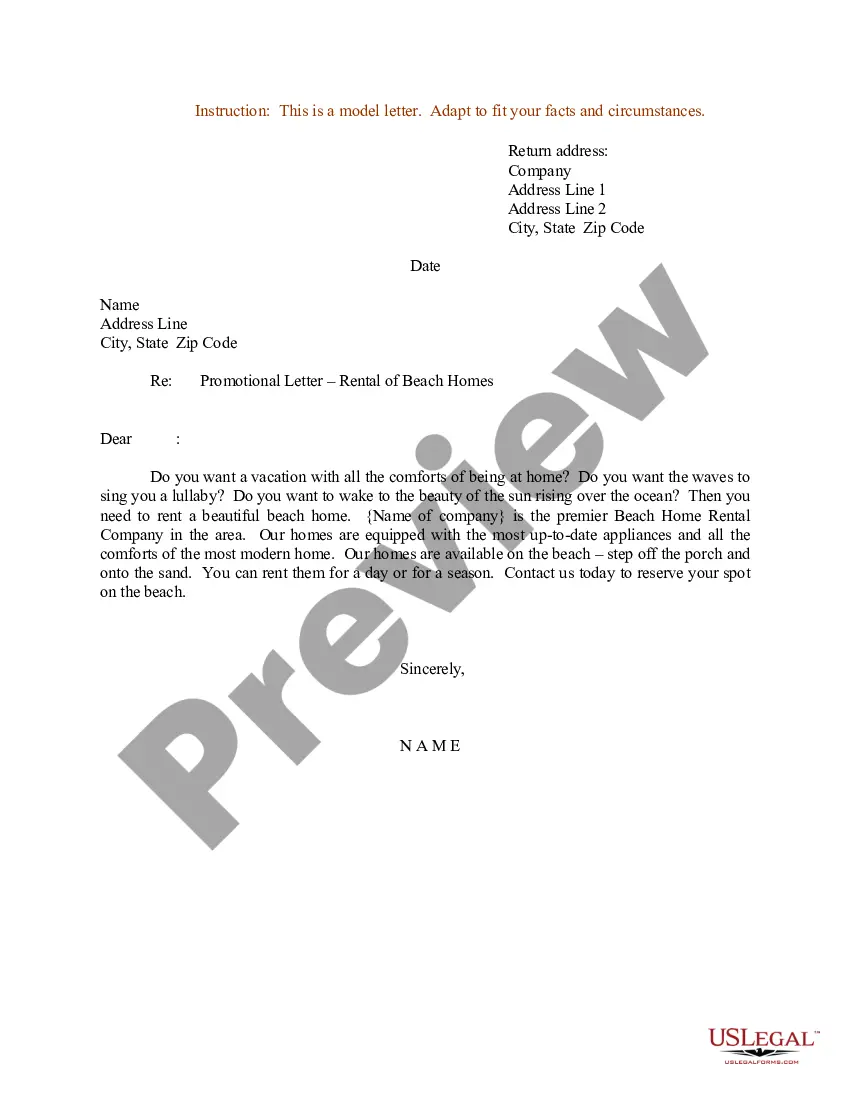
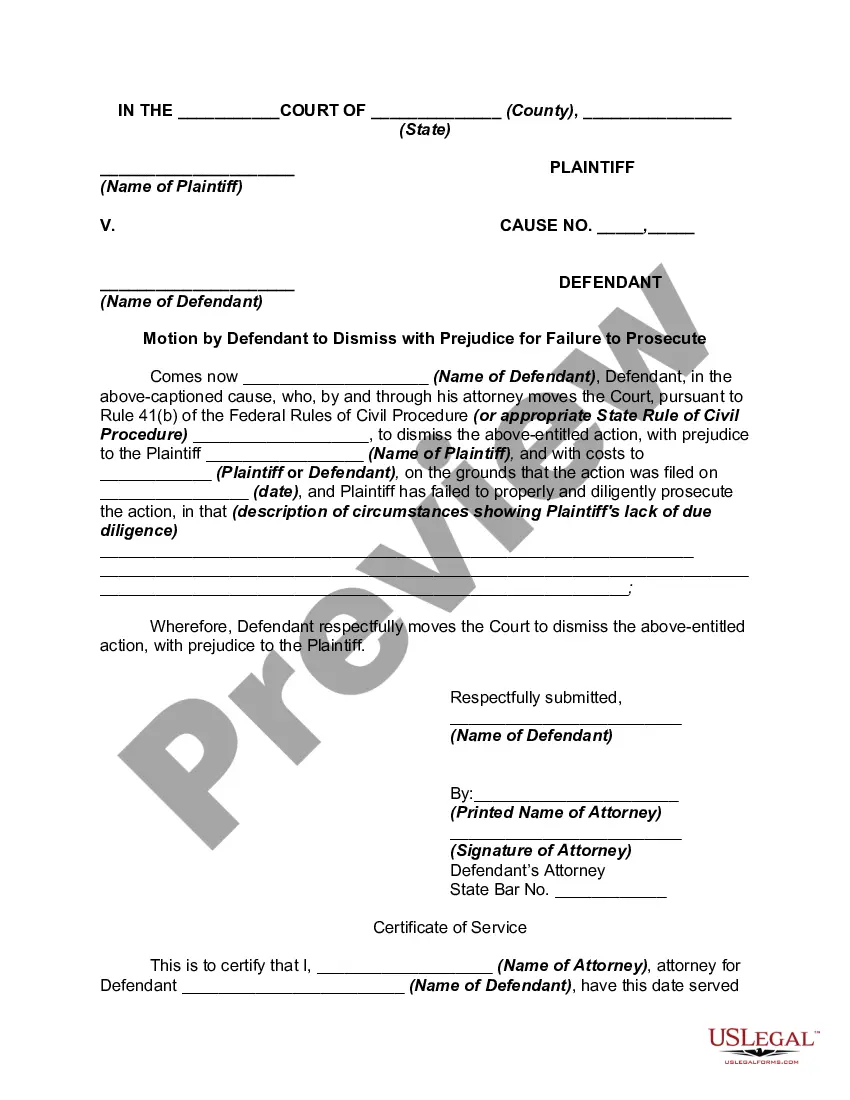
How to fill out Affidavit Of Residency?
Finding a reliable source for obtaining the most updated and suitable legal templates is a significant part of navigating bureaucracy.
Selecting the appropriate legal documents demands precision and meticulousness, which highlights the importance of obtaining Proof Of Residency Letter For Snap Benefits exclusively from trusted suppliers, such as US Legal Forms. An incorrect template can squander your time and delay your current situation. With US Legal Forms, you have minimal concerns to worry about. You can access and verify all the information concerning the document’s applicability and significance for your circumstances and location.
Eliminate the hassle associated with your legal paperwork. Explore the extensive US Legal Forms library to discover legal templates, assess their relevance to your needs, and download them instantly.
- Utilize the library navigation or search bar to find your template.
- View the form’s description to determine if it meets the criteria of your location.
- Preview the form, if available, to confirm it is indeed the document you seek.
- Return to the search function to locate the appropriate template if the Proof Of Residency Letter For Snap Benefits does not fulfill your needs.
- When you are certain about the form’s suitability, download it.
- If you are a registered user, click Log in to verify and access your chosen templates in My documents.
- If you do not possess an account yet, click Buy now to obtain the template.
- Choose the pricing plan that meets your requirements.
- Proceed with the registration to finalize your purchase.
- Complete your purchase by selecting a payment method (credit card or PayPal).
- Choose the document format to download the Proof Of Residency Letter For Snap Benefits.
- Once you have the form on your device, you can modify it using the editor or print it out and fill it in manually.
Form popularity
FAQ
If you can't find a file on your computer or you accidently modified or deleted a file, you can restore it from a backup (if you're using Windows backup) or you can try to restore it from a previous version. Previous versions are copies of files and folders that Windows automatically saves as part of a restore point.
Here are four of the most common deleted file recovery methods. Check Your Recycle Bin. Find the File. ... Use the Control Panel. If you can't find the file in the recycling bin, it could still be stored elsewhere on your computer. ... Use a Data Recovery Software. ... Hire a Data Recovery Service.
How to Restore Permanently Deleted Files Without Software Open the Start menu. Type restore files and hit Enter on your keyboard. Look for the folder where your deleted files were stored. Select the "Restore" button in the middle to undelete Windows 10 files to their original location.
These files are to be restored from history backups or restore points. It is very simple, but the outcome depends on the file history setting and the previous system backups. Note: Retrieve deleted files not in the recycle bin from previous versions only works if you turn on the file history backup.
How to restore files from the Recycle Bin: Open the Recycle Bin from either the desktop or the Start menu. Locate the missing file you want to restore. Highlight the file you need and click "Restore." If you require a bulk restore, you can select multiple files and click "Restore the selected items" in the top left.
Right-click the file or folder, and then select Restore previous versions. You'll see a list of available previous versions of the file or folder. The list will include files saved on a backup (if you're using Windows Backup to back up your files) as well as restore points, if both types are available.
Recuva is the very best free data recovery software tool available, hands down. It's very easy to use, but has many optional advanced features as well. It can recover files from hard drives, external drives (USB drives, etc.), BD/DVD/CD discs, and memory cards. This program can even undelete files from your iPod!
Restore Permanently Deleted Files via Backup and Restore If you have created a backup of all valuable files and folders on an external hard drive, you could effectively restore the lost files from the backup. Or, if you have turned on Windows Backup, you still have a chance.