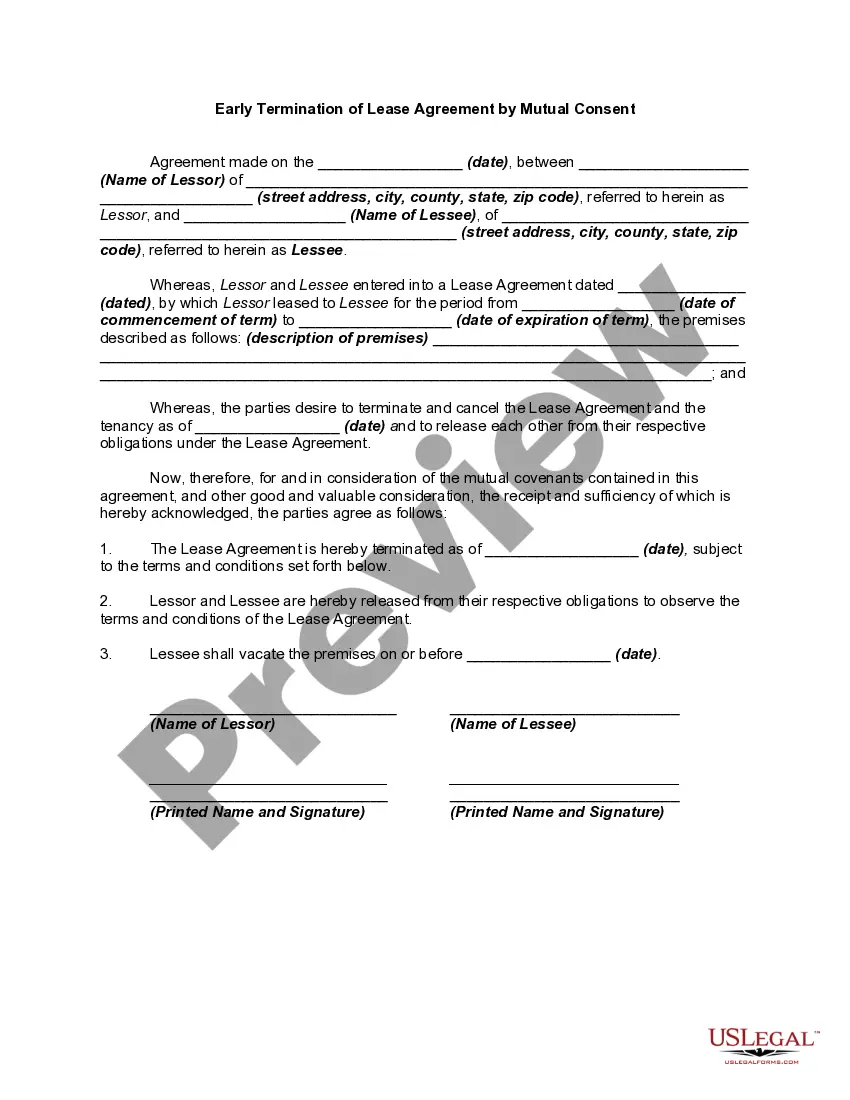
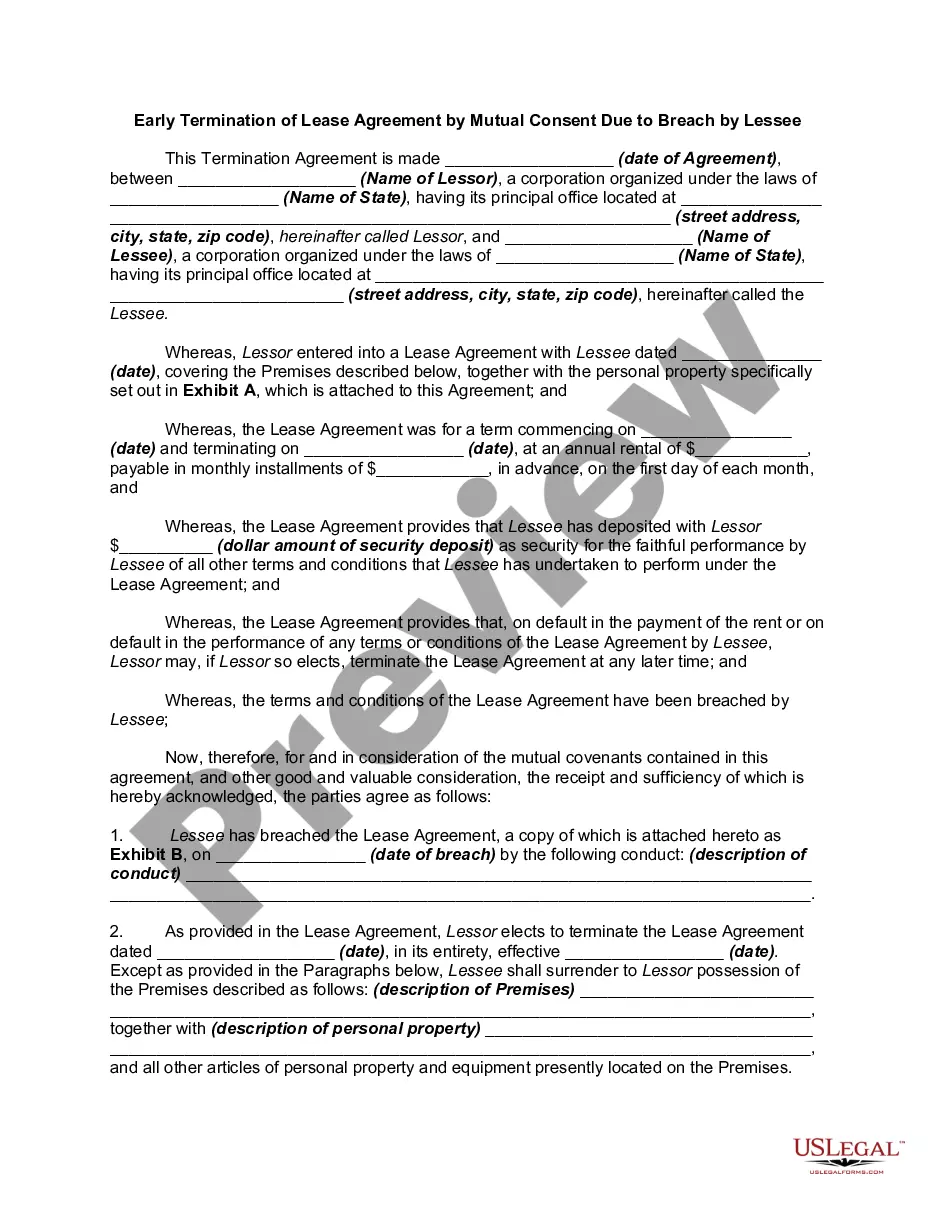
Rent Agreement Termination Format
Description
Get your form ready online
Our built-in tools help you complete, sign, share, and store your documents in one place.
Make edits, fill in missing information, and update formatting in US Legal Forms—just like you would in MS Word.
Download a copy, print it, send it by email, or mail it via USPS—whatever works best for your next step.
Sign and collect signatures with our SignNow integration. Send to multiple recipients, set reminders, and more. Go Premium to unlock E-Sign.
If this form requires notarization, complete it online through a secure video call—no need to meet a notary in person or wait for an appointment.
We protect your documents and personal data by following strict security and privacy standards.
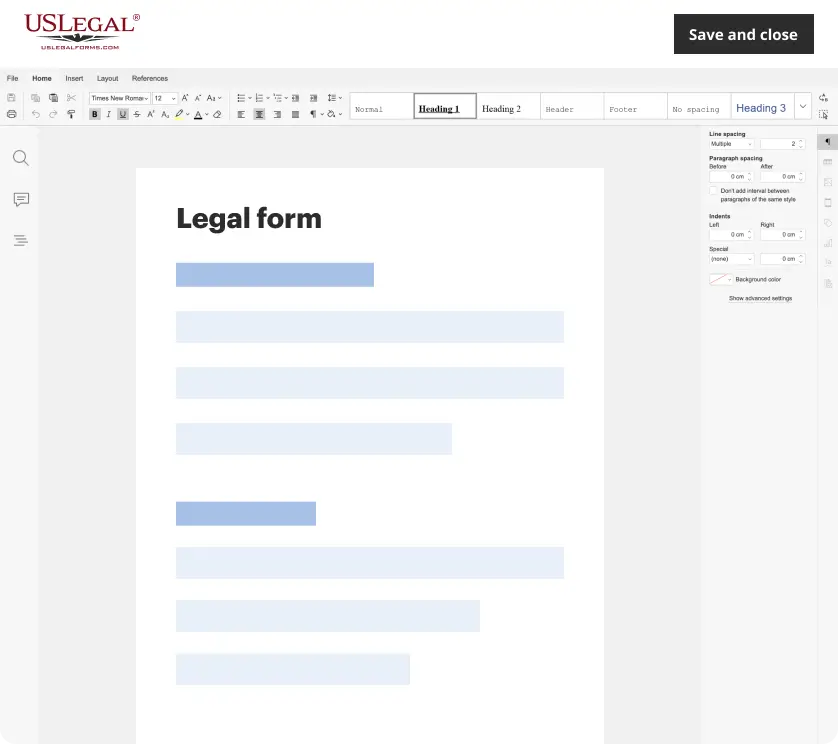
Make edits, fill in missing information, and update formatting in US Legal Forms—just like you would in MS Word.
Download a copy, print it, send it by email, or mail it via USPS—whatever works best for your next step.
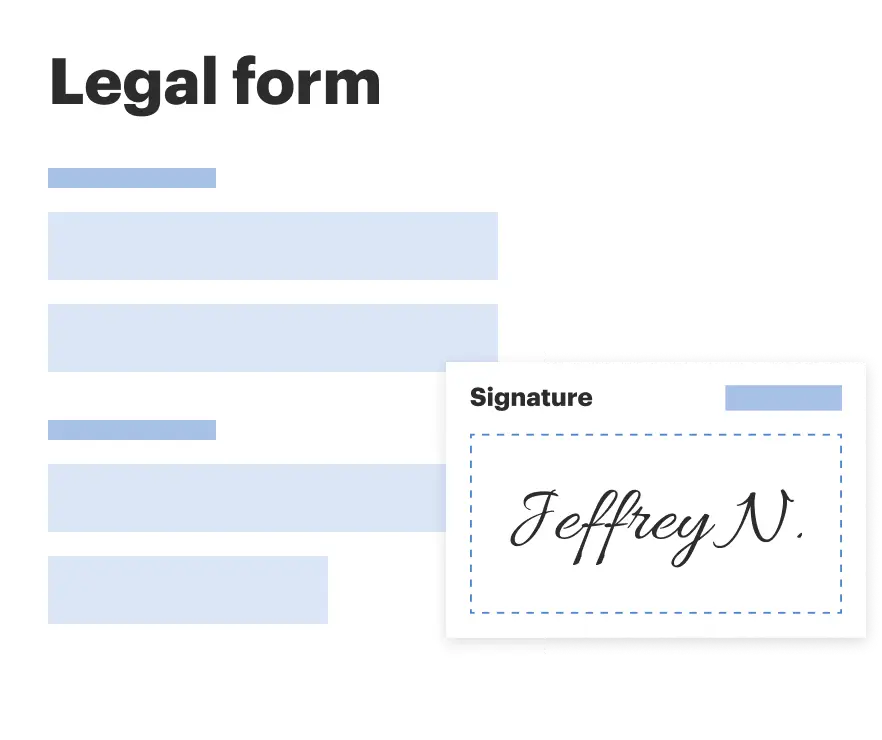
Sign and collect signatures with our SignNow integration. Send to multiple recipients, set reminders, and more. Go Premium to unlock E-Sign.
If this form requires notarization, complete it online through a secure video call—no need to meet a notary in person or wait for an appointment.
We protect your documents and personal data by following strict security and privacy standards.
Looking for another form?
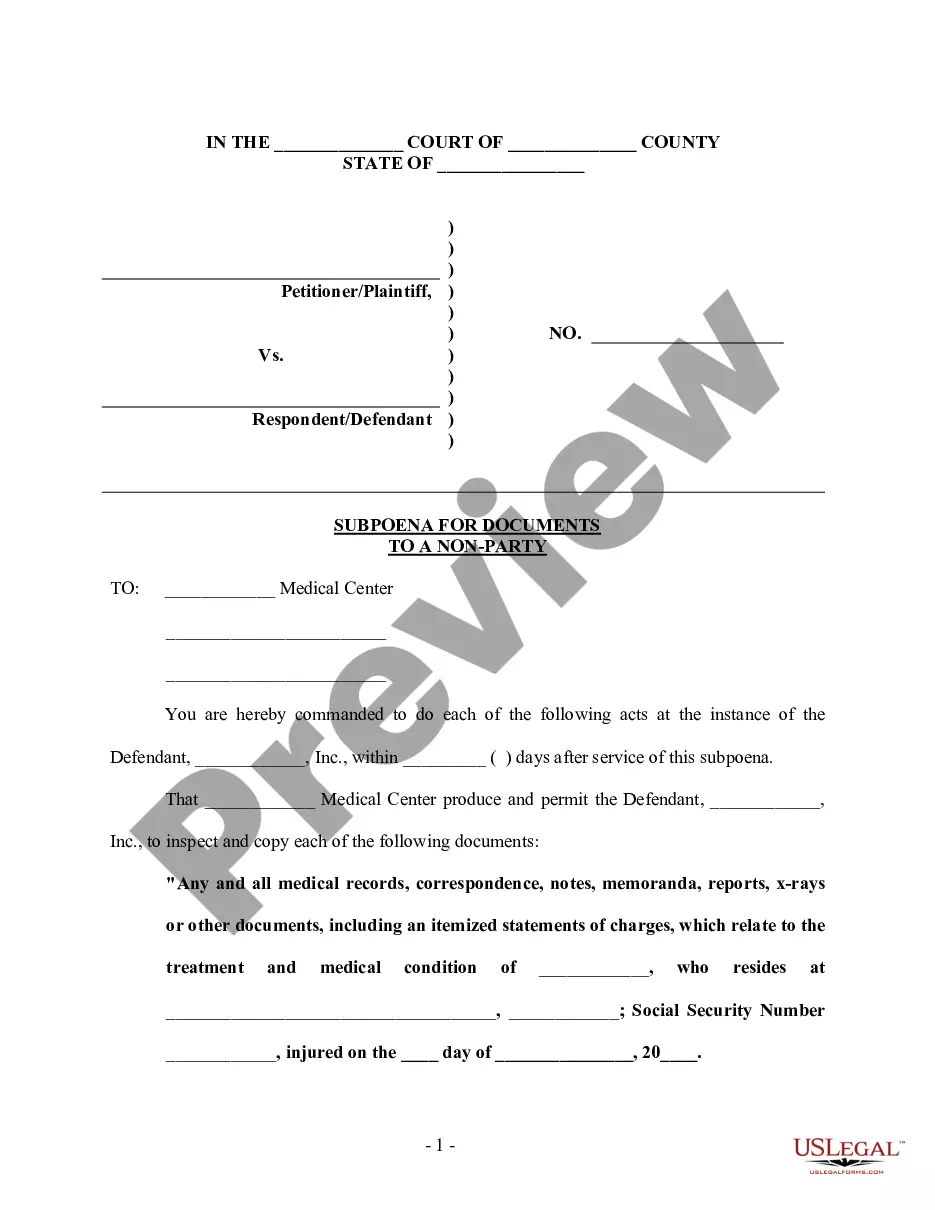
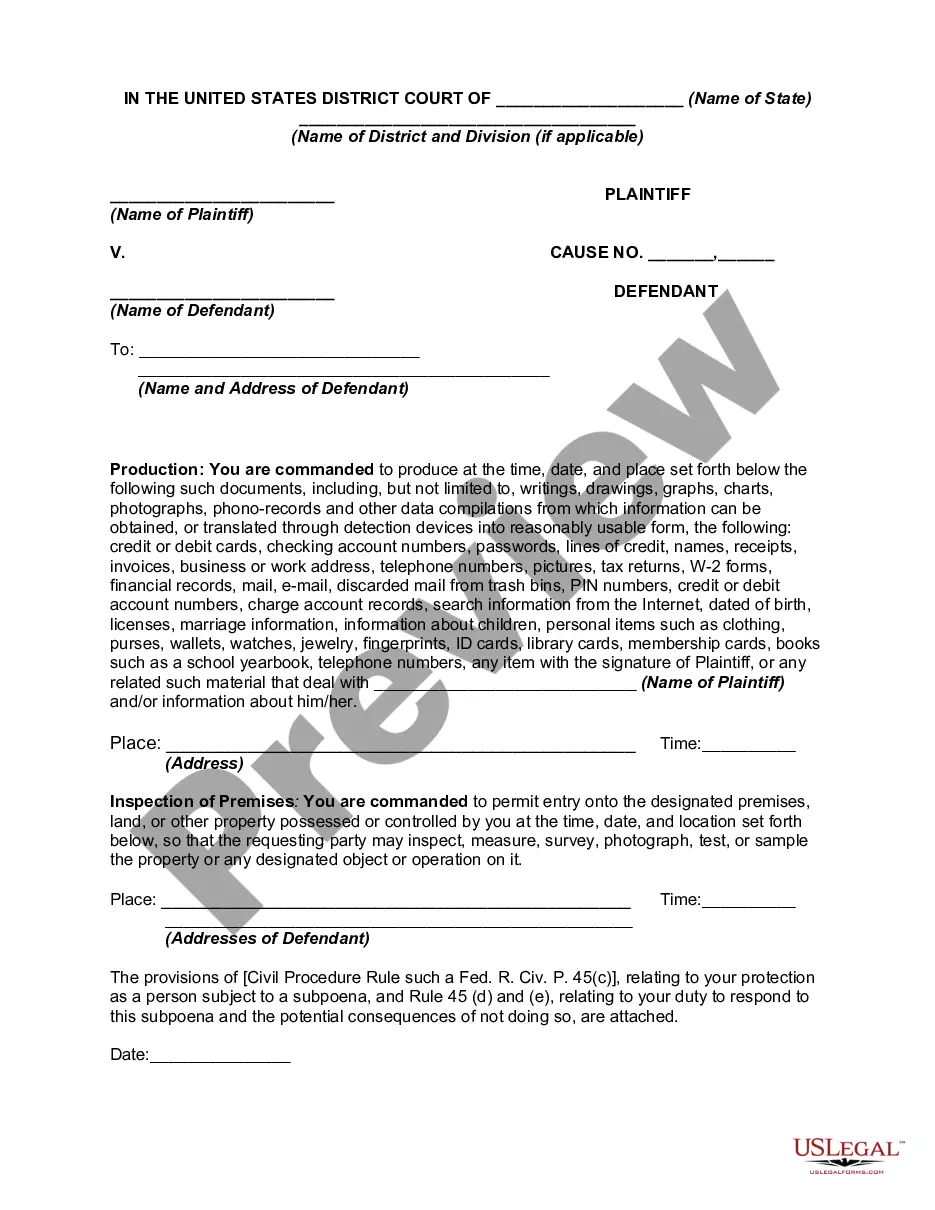
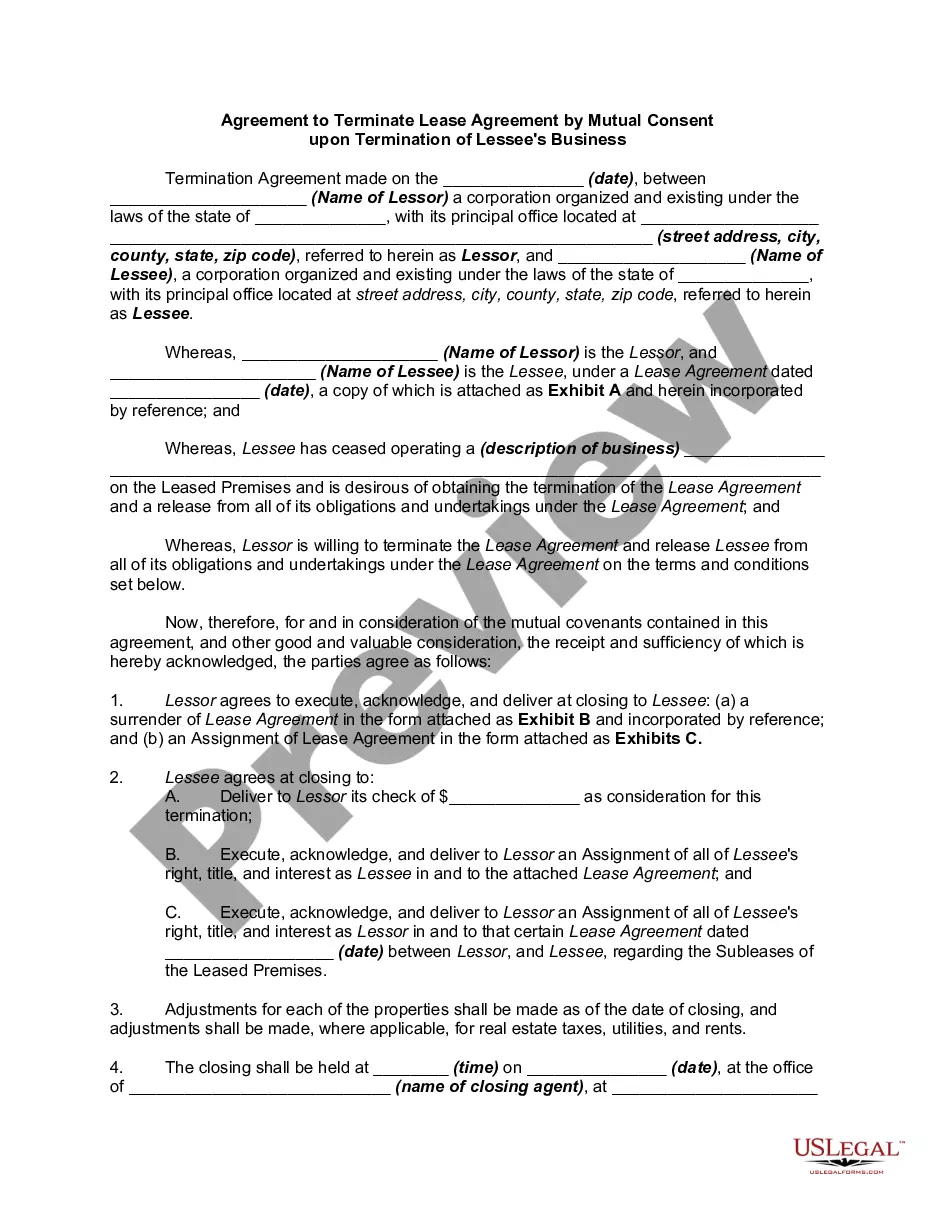
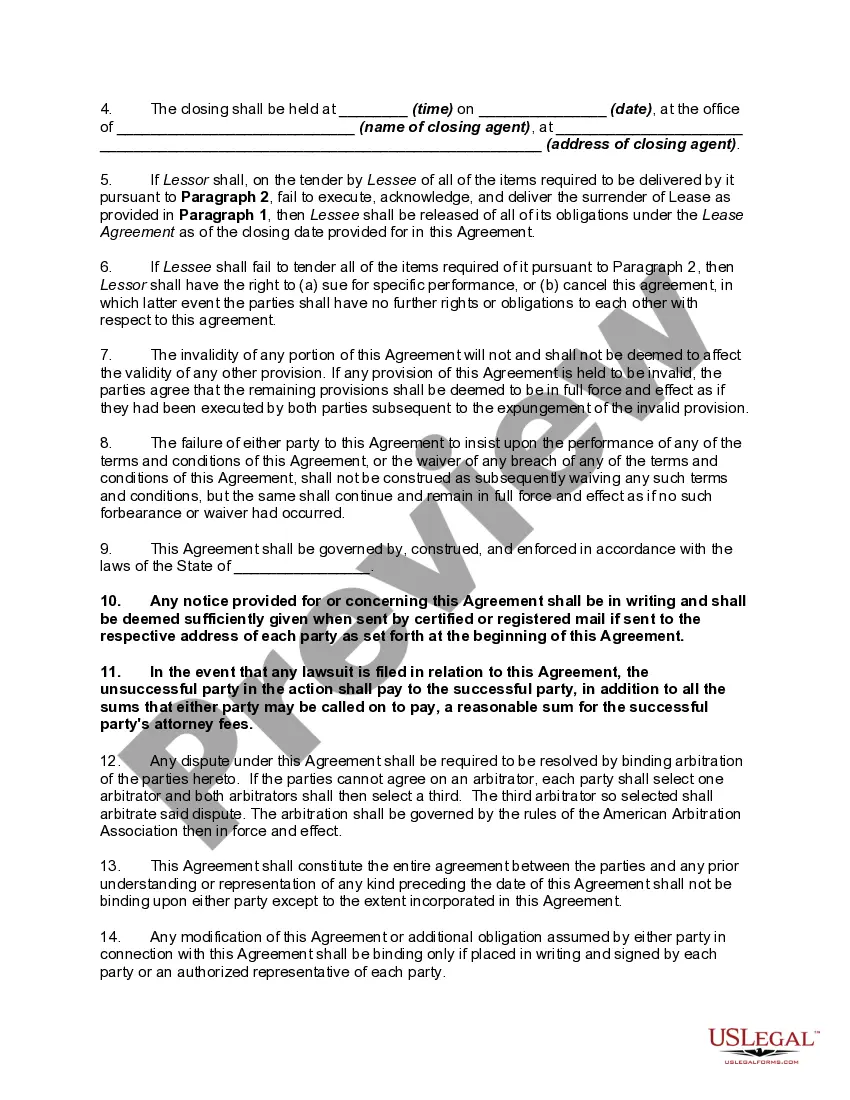
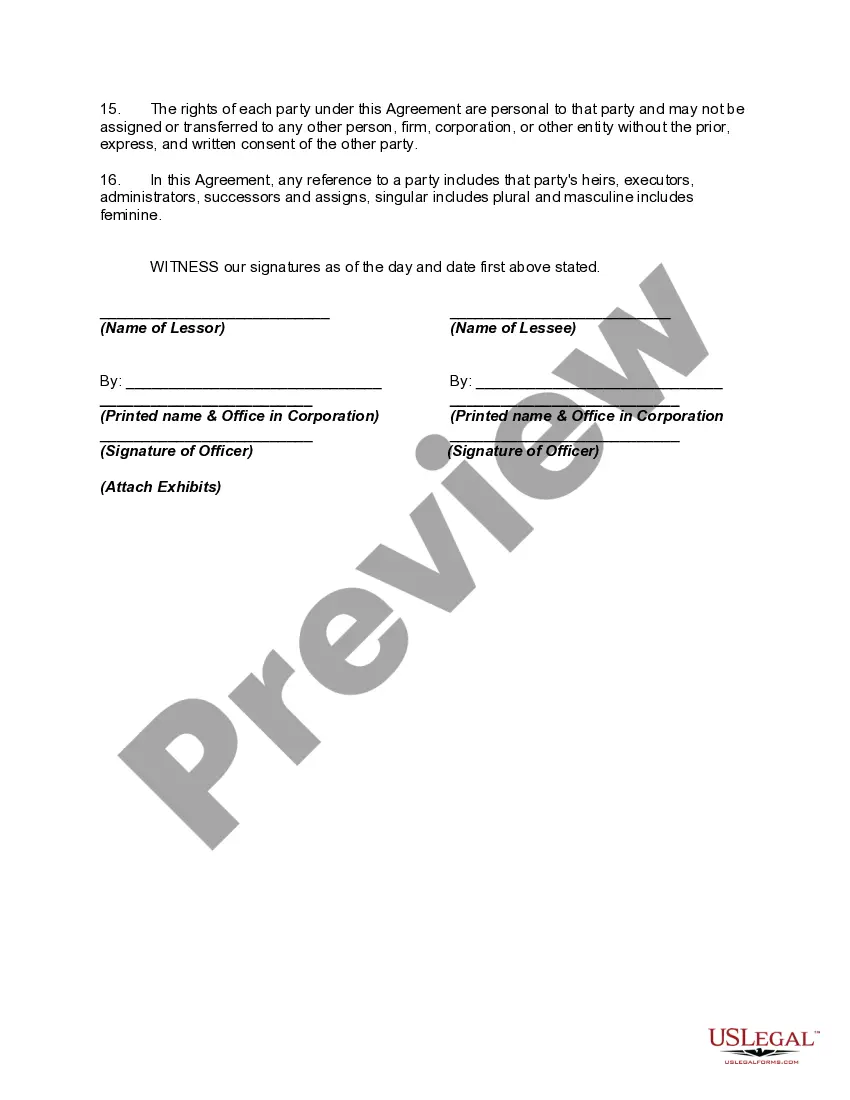
How to fill out Agreement To Terminate Lease Agreement By Mutual Consent Upon Termination Of Lessee's Business?
It’s clear that you cannot instantly become a legal authority, nor can you swiftly draft a Rent Agreement Termination Template without a specialized education.
Assembling legal documents is a lengthy endeavor that demands specific training and expertise.
So why not entrust the creation of the Rent Agreement Termination Template to the experts.
You can retrieve your forms from the My documents section at any time.
If you’re an existing client, you can simply Log In, and locate and download the template from the same section.
- Discover the document you require by utilizing the search function at the top of the site.
- Preview it (if this option is available) and review the accompanying description to verify if the Rent Agreement Termination Template is what you’re looking for.
- Start your search anew if you're in need of a different template.
- Create a free account and choose a subscription option to purchase the template.
- Select Buy now. Once the purchase is complete, you can download the Rent Agreement Termination Template, complete it, print it, and send it or mail it to the relevant parties or organizations.
Form popularity
FAQ
With all of that said, if you still feel it's worth getting people to sign an NDA, there's a really great way to ask someone politely to do it. Say this: "In the interest of maintaining good governance with future investors, we're asking that anyone closely involved with this project at this early stage sign an NDA."
You do not need a lawyer to create and sign a non-disclosure agreement. However, if the information you are trying to protect is important enough to warrant an NDA, you may want to have the document reviewed by someone with legal expertise.
While legal counsel is always recommended, you may navigate the process on your own as long as you follow the directions closely. Choose Your NDA Template. ... Select a Type of NDA: Unilateral or Mutual. ... Define ?Confidential Information? ... Enter the Consequences of a Breach. ... Sign the Non-Disclosure Agreement.
To be valid, a Non-Disclosure Agreement only needs two signatures ? the disclosing party and the receiving party. It doesn't need to be notarized or filed with any state or local administrative office.
To create a Non-Disclosure Agreement, include the following information: The parties' names and contact information. The length of the non-disclosure period. The scope and definition of the confidential information. The obligations of the Non-Disclosure Agreement. The ownership and return information.
To be valid, a Non-Disclosure Agreement only needs two signatures ? the disclosing party and the receiving party. It doesn't need to be notarized or filed with any state or local administrative office.
How to Write an NDA (6 steps) Choose Your NDA Template. Select a Type of NDA: Unilateral or Mutual. Define ?Confidential Information? Enter the Consequences of a Breach. Sign the Non-Disclosure Agreement. Disclose the Information.