Vendor Booth Form For Sale
Description
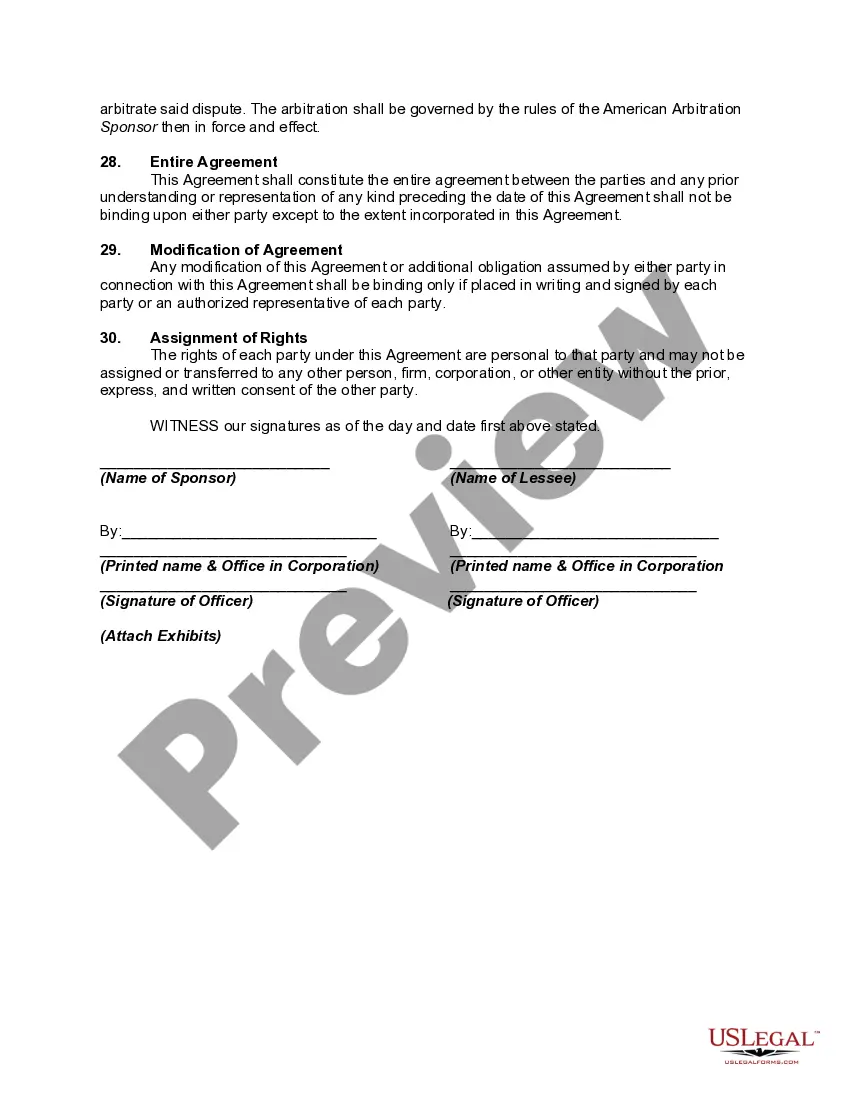
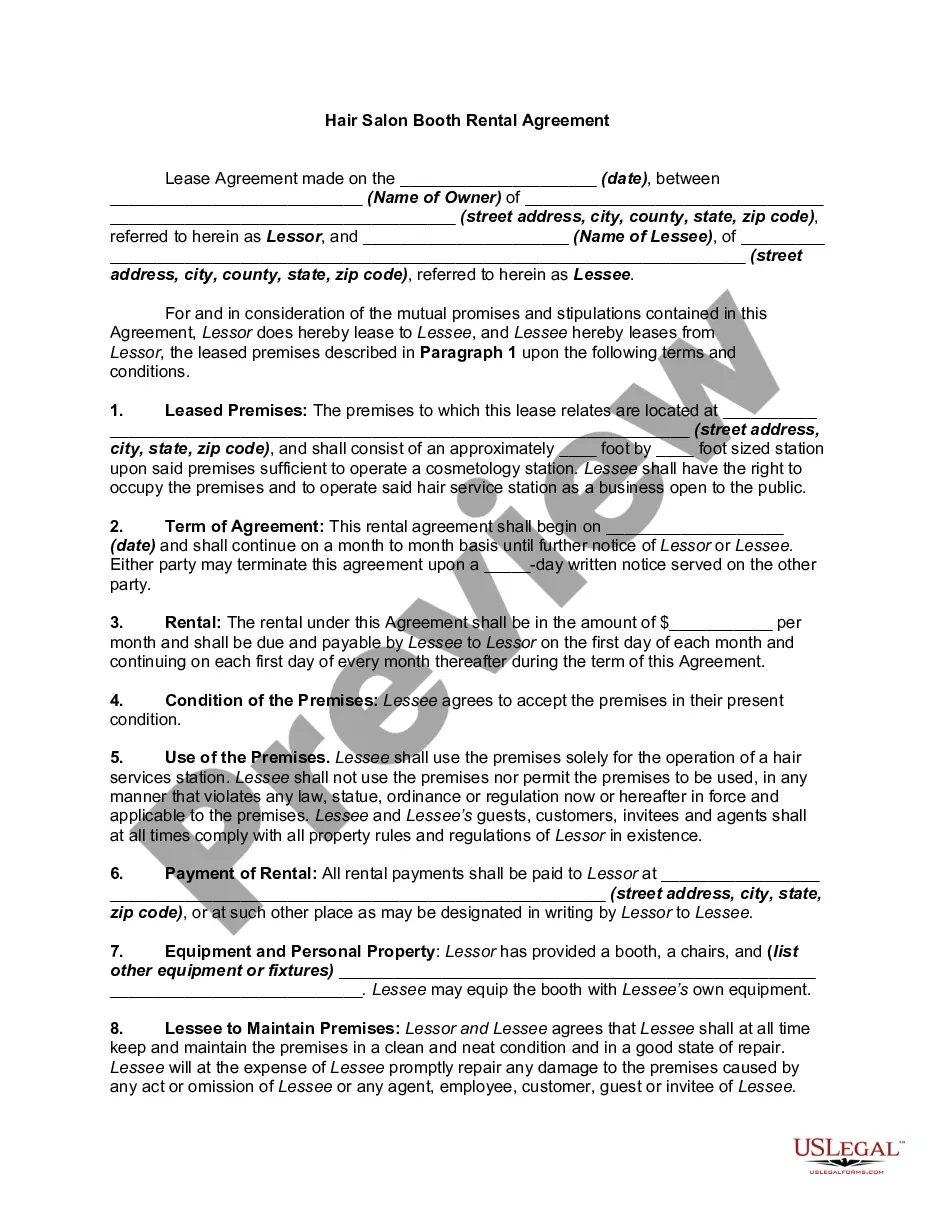
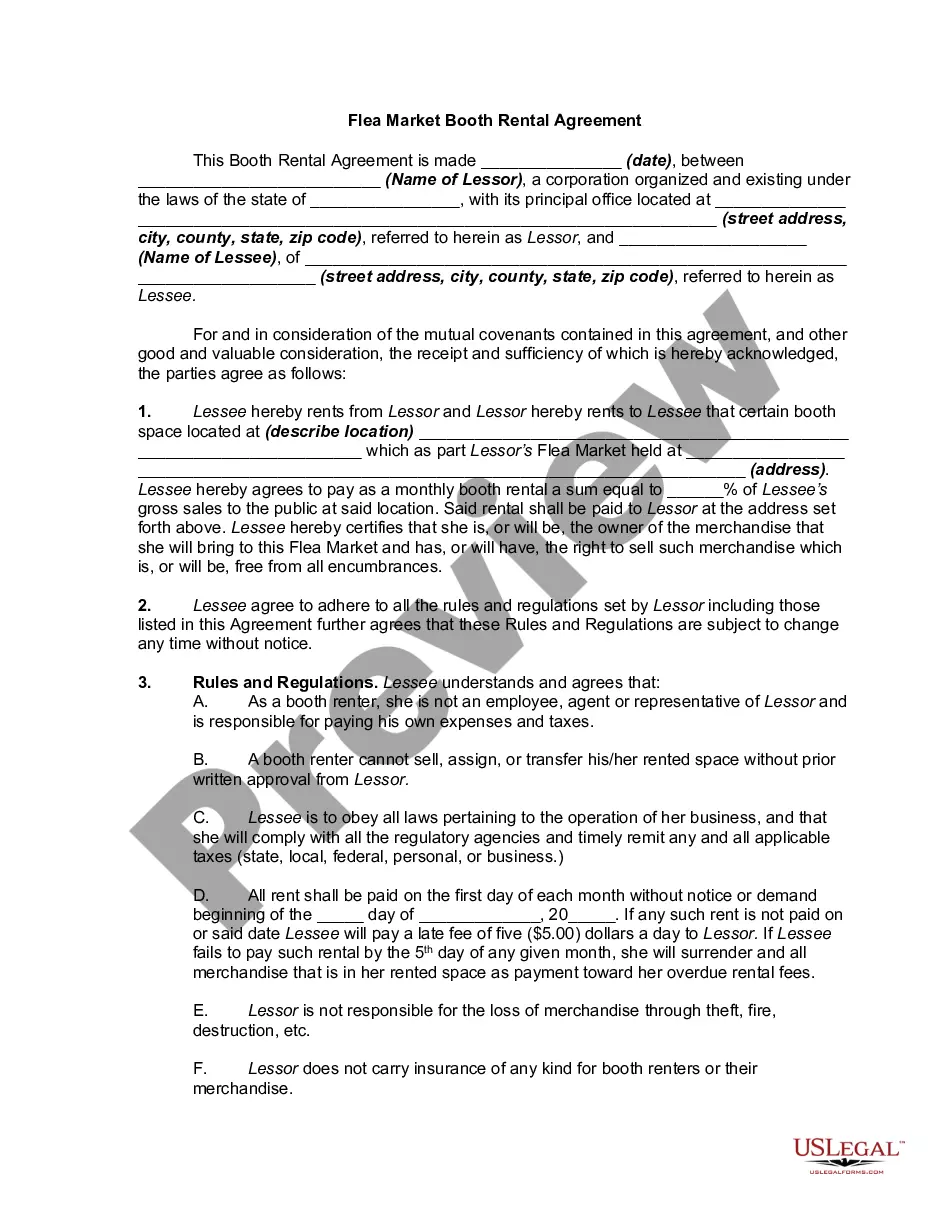
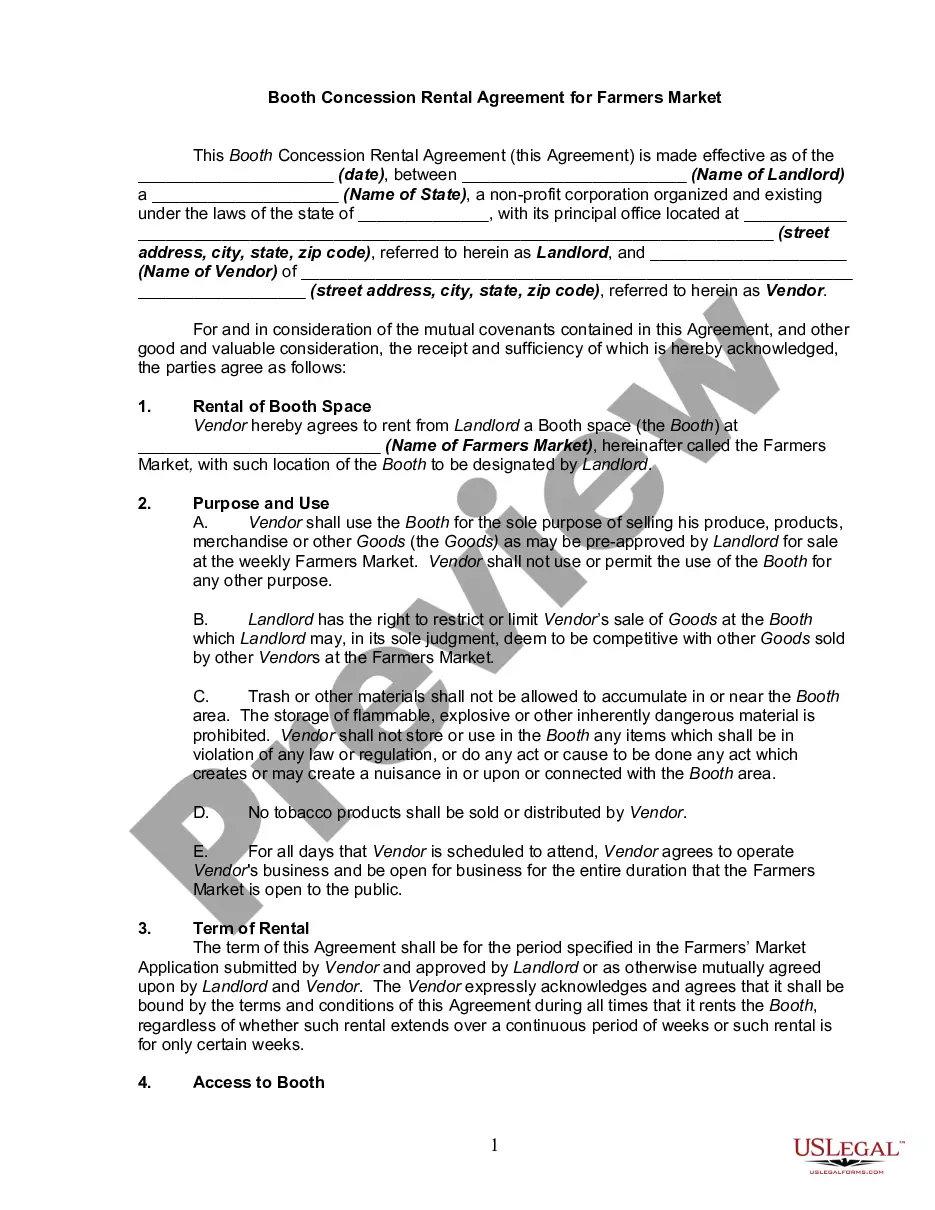
Get your form ready online
Our built-in tools help you complete, sign, share, and store your documents in one place.
Make edits, fill in missing information, and update formatting in US Legal Forms—just like you would in MS Word.
Download a copy, print it, send it by email, or mail it via USPS—whatever works best for your next step.
Sign and collect signatures with our SignNow integration. Send to multiple recipients, set reminders, and more. Go Premium to unlock E-Sign.
If this form requires notarization, complete it online through a secure video call—no need to meet a notary in person or wait for an appointment.
We protect your documents and personal data by following strict security and privacy standards.

Make edits, fill in missing information, and update formatting in US Legal Forms—just like you would in MS Word.

Download a copy, print it, send it by email, or mail it via USPS—whatever works best for your next step.

Sign and collect signatures with our SignNow integration. Send to multiple recipients, set reminders, and more. Go Premium to unlock E-Sign.

If this form requires notarization, complete it online through a secure video call—no need to meet a notary in person or wait for an appointment.

We protect your documents and personal data by following strict security and privacy standards.
Looking for another form?










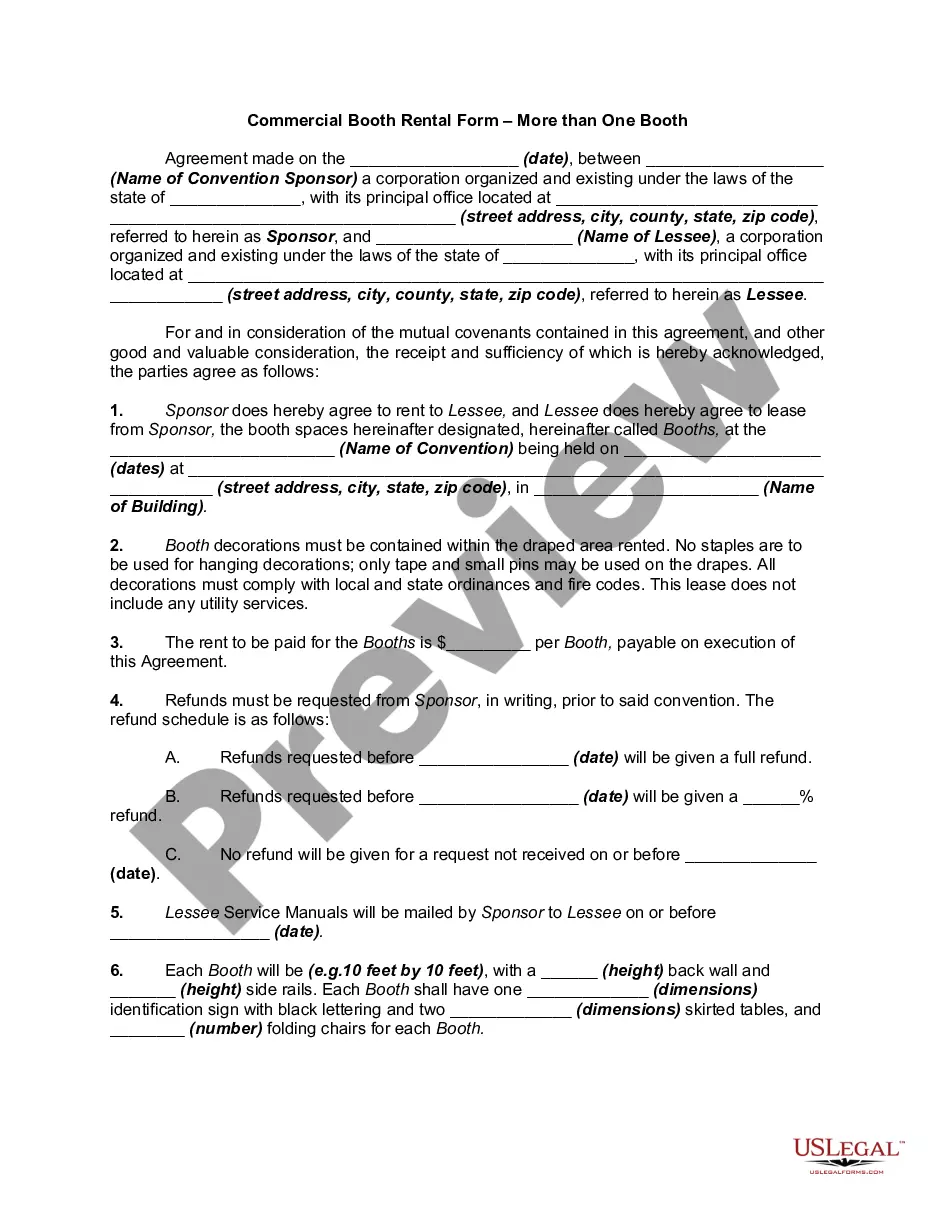
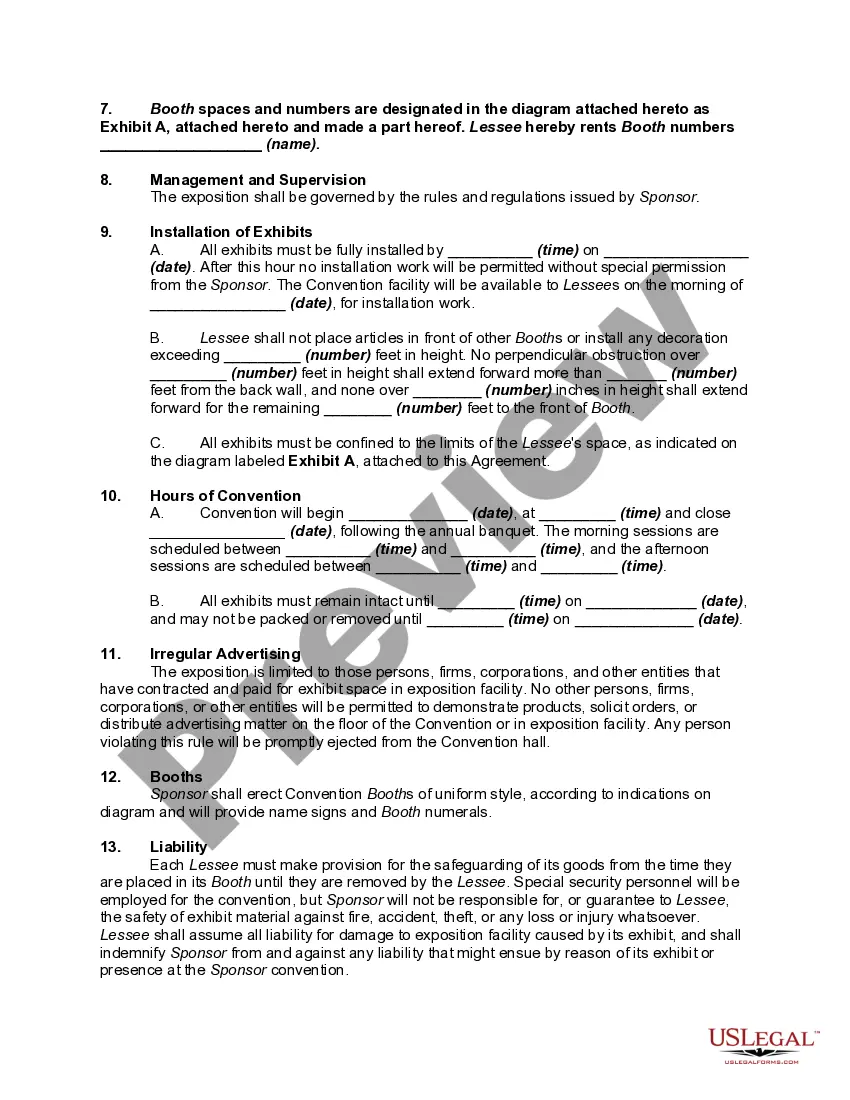
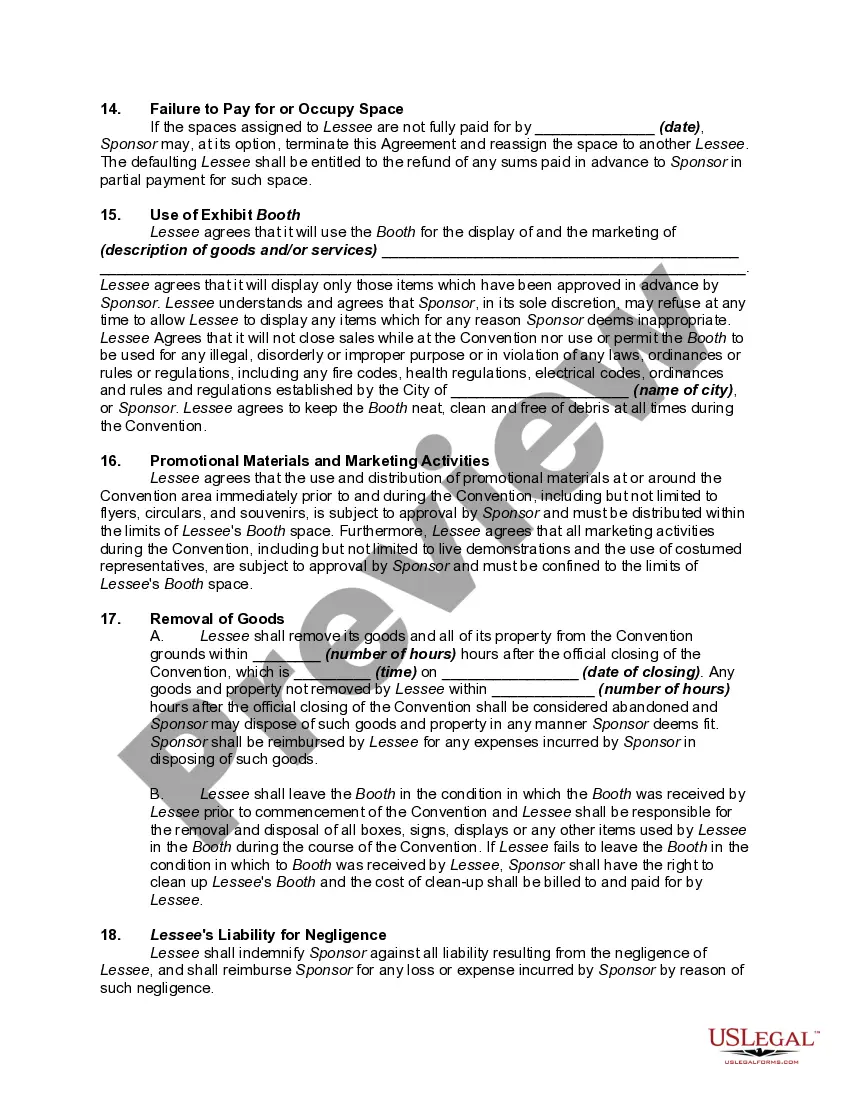
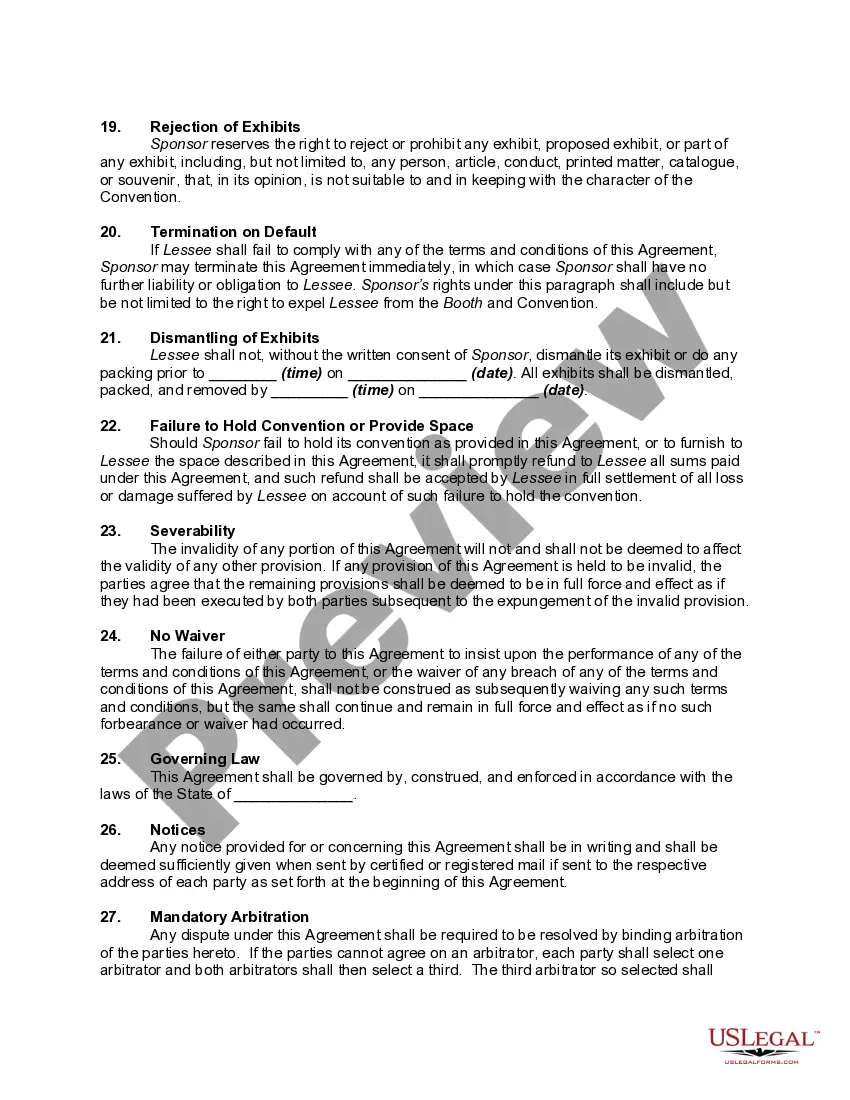
How to fill out Commercial Booth Rental Form - More Than One Booth - Conventions?
Creating legal documents from the ground up can frequently be overwhelming.
Specific situations may require extensive research and significant financial investment.
If you’re looking for a simpler and more economical approach to preparing the Vendor Booth Form For Sale or any other documents without unnecessary complications, US Legal Forms is always available to assist you.
- Our digital library features over 85,000 current legal documents that cover nearly all aspects of your financial, legal, and personal matters.
- With only a few clicks, you can promptly obtain state- and county-compliant templates meticulously drafted by our legal professionals.
- Utilize our website whenever you require dependable services through which you can effortlessly find and download the Vendor Booth Form For Sale.
- If you’re already familiar with our services and have set up an account with us previously, simply Log In, select your desired template, and download it or re-download it anytime later using the My documents section.
Form popularity
FAQ
A vendor setup form is a specific type of document used to establish a new vendor in a business's system. This form generally collects information about the vendor's services, payment preferences, and tax identification. By utilizing a vendor booth form for sale, you can easily streamline the vendor onboarding process.
What Is a Vendor Application Form? Vendors complete a vendor application form when they apply to sell products or services at a conference, festival, or fair. The form includes vendor names, contact information, tax ID, booth preferences, payment information (if applicable), and details on their offerings.
The vendor form typically includes basic information about the vendor, such as their business name and contact details, as well as more specific information related to the event or project at hand, such as proposed services and pricing terms.
What Is a Vendor Registration Form? A vendor registration form includes vendor names, contact information, banking information (if applicable), the products or services provided by the vendor, and a certification section that verifies the information on the form is true and accurate.
Start by accessing the new vendor form on the designated platform or website. Provide your personal information, such as your name, contact details, and company information. Fill in any required fields regarding your company's legal status, tax identification number, and business registration details.
The vendor list template gives everyone involved in ordering clear, consistent information about which vendors you use, the right person to contact, their current contact details, and the quality of service they provide.