Vendor Booth Form For Event
Description
Get your form ready online
Our built-in tools help you complete, sign, share, and store your documents in one place.
Make edits, fill in missing information, and update formatting in US Legal Forms—just like you would in MS Word.
Download a copy, print it, send it by email, or mail it via USPS—whatever works best for your next step.
Sign and collect signatures with our SignNow integration. Send to multiple recipients, set reminders, and more. Go Premium to unlock E-Sign.
If this form requires notarization, complete it online through a secure video call—no need to meet a notary in person or wait for an appointment.
We protect your documents and personal data by following strict security and privacy standards.

Make edits, fill in missing information, and update formatting in US Legal Forms—just like you would in MS Word.

Download a copy, print it, send it by email, or mail it via USPS—whatever works best for your next step.

Sign and collect signatures with our SignNow integration. Send to multiple recipients, set reminders, and more. Go Premium to unlock E-Sign.

If this form requires notarization, complete it online through a secure video call—no need to meet a notary in person or wait for an appointment.

We protect your documents and personal data by following strict security and privacy standards.
Looking for another form?





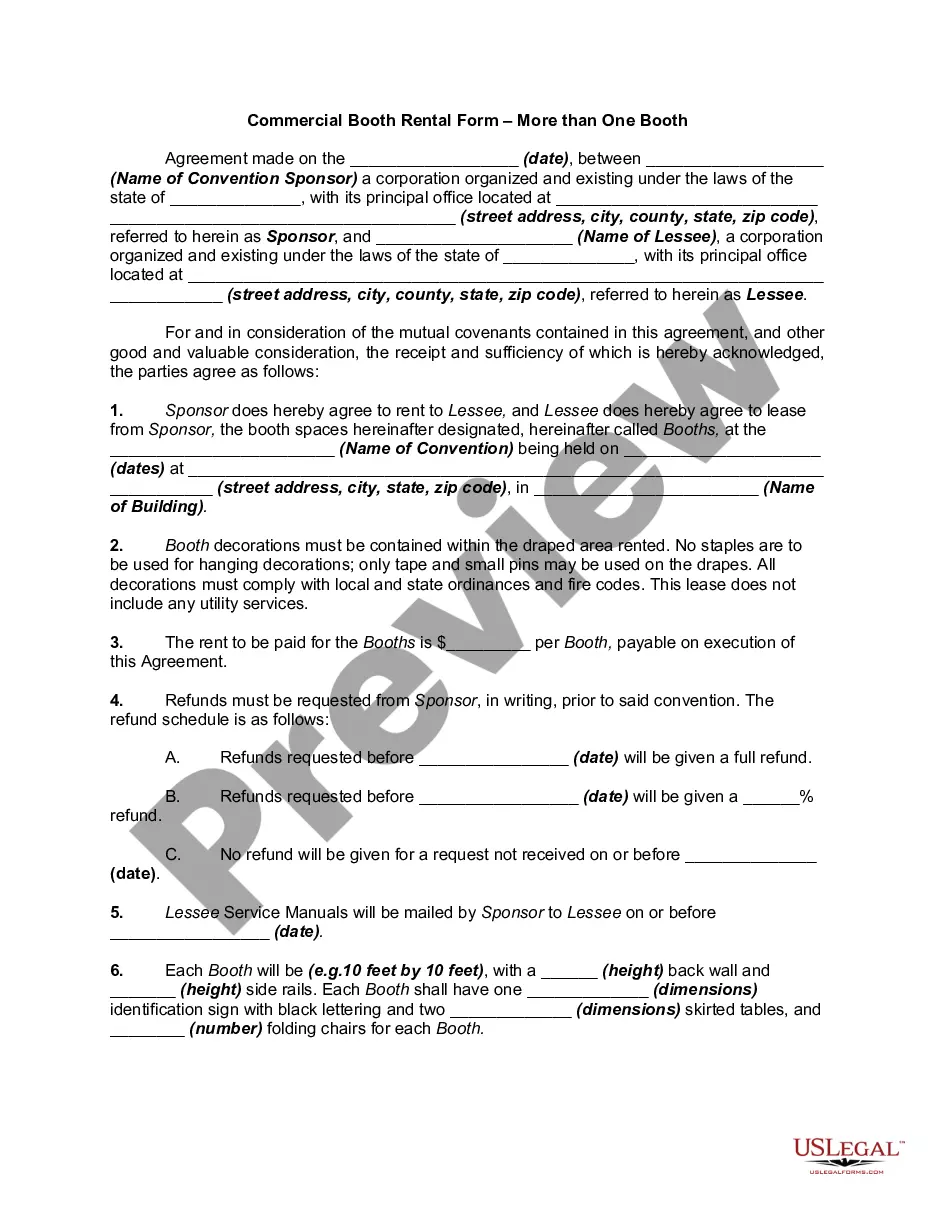
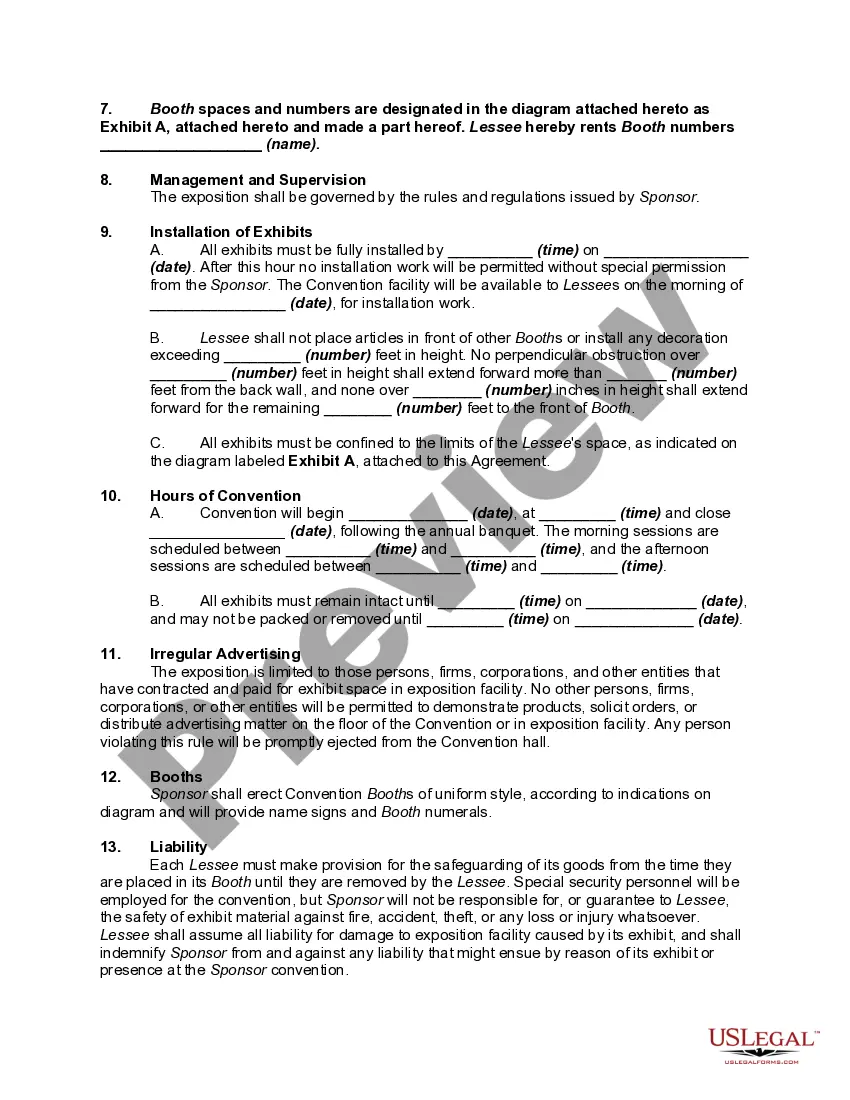
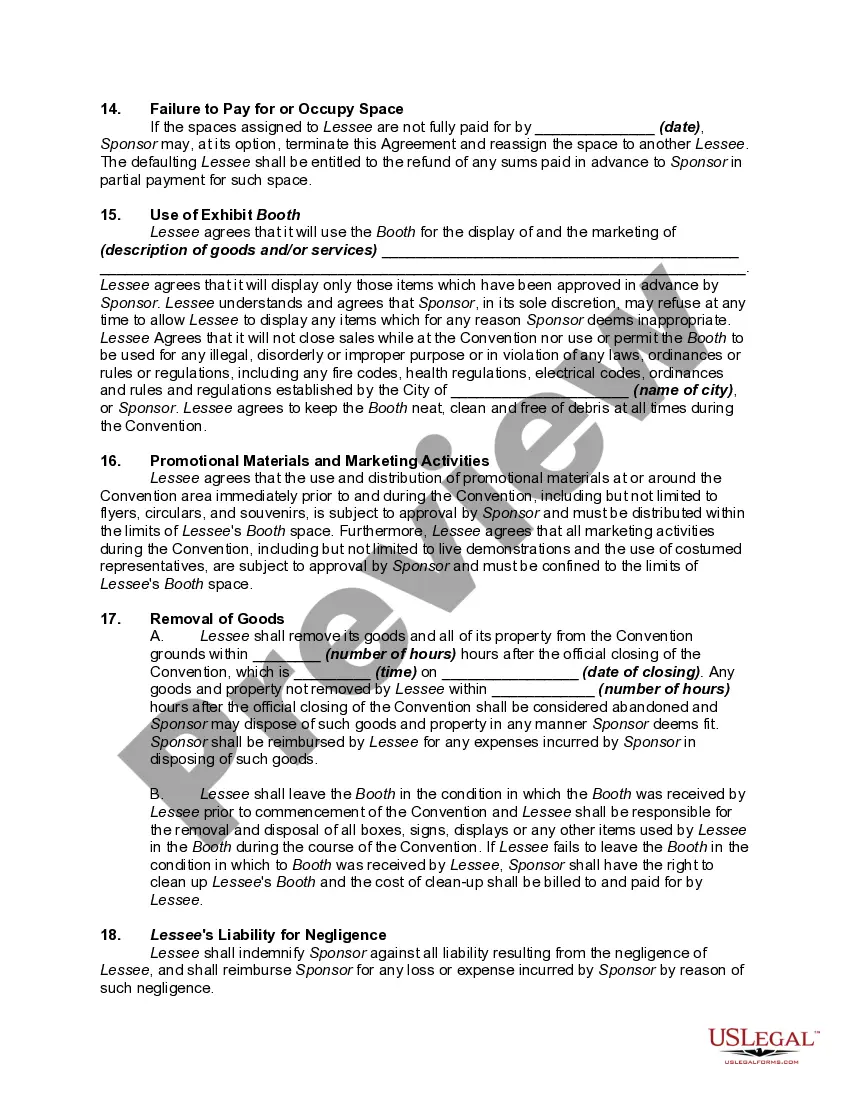
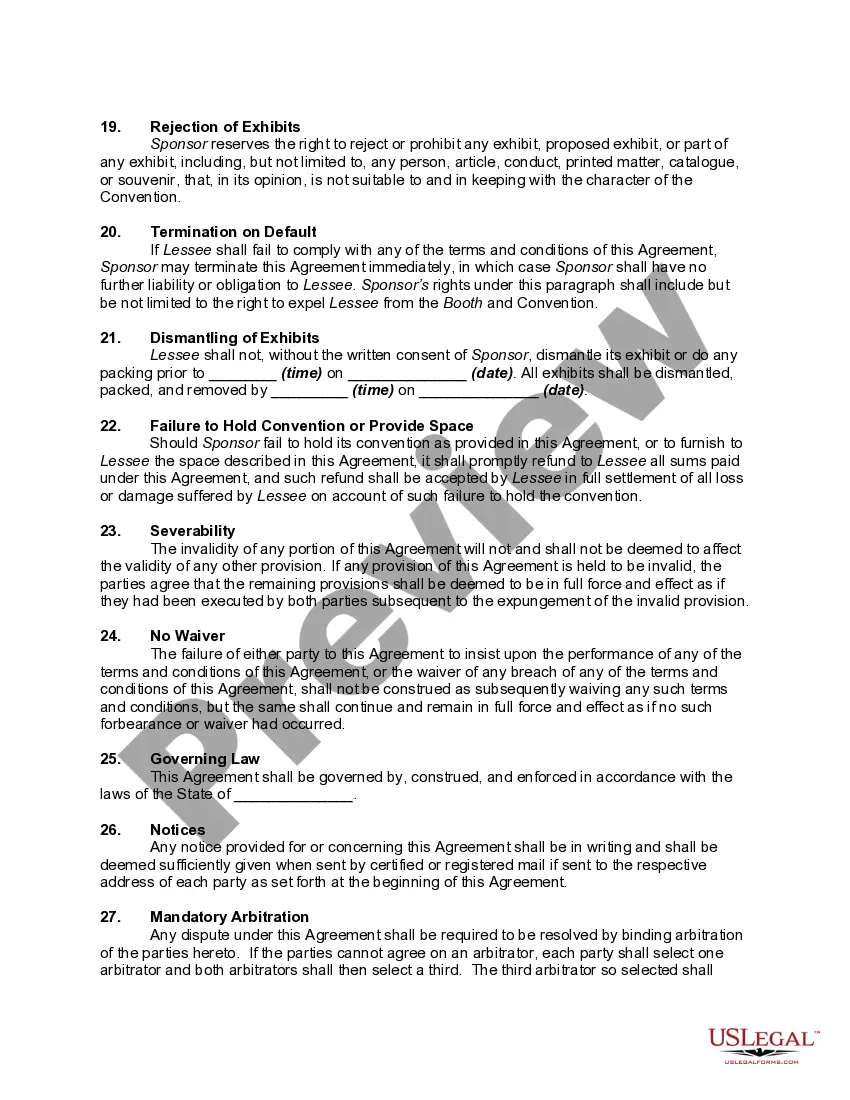
How to fill out Commercial Booth Rental Form - More Than One Booth - Conventions?
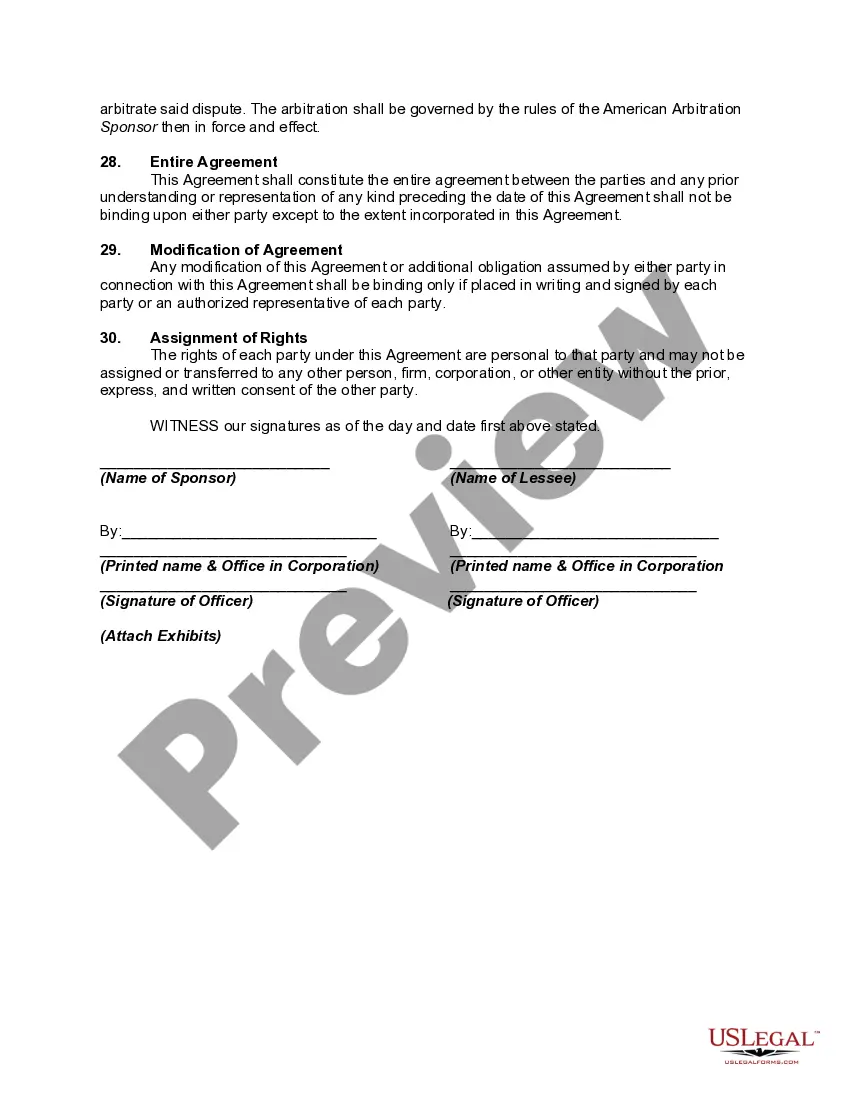
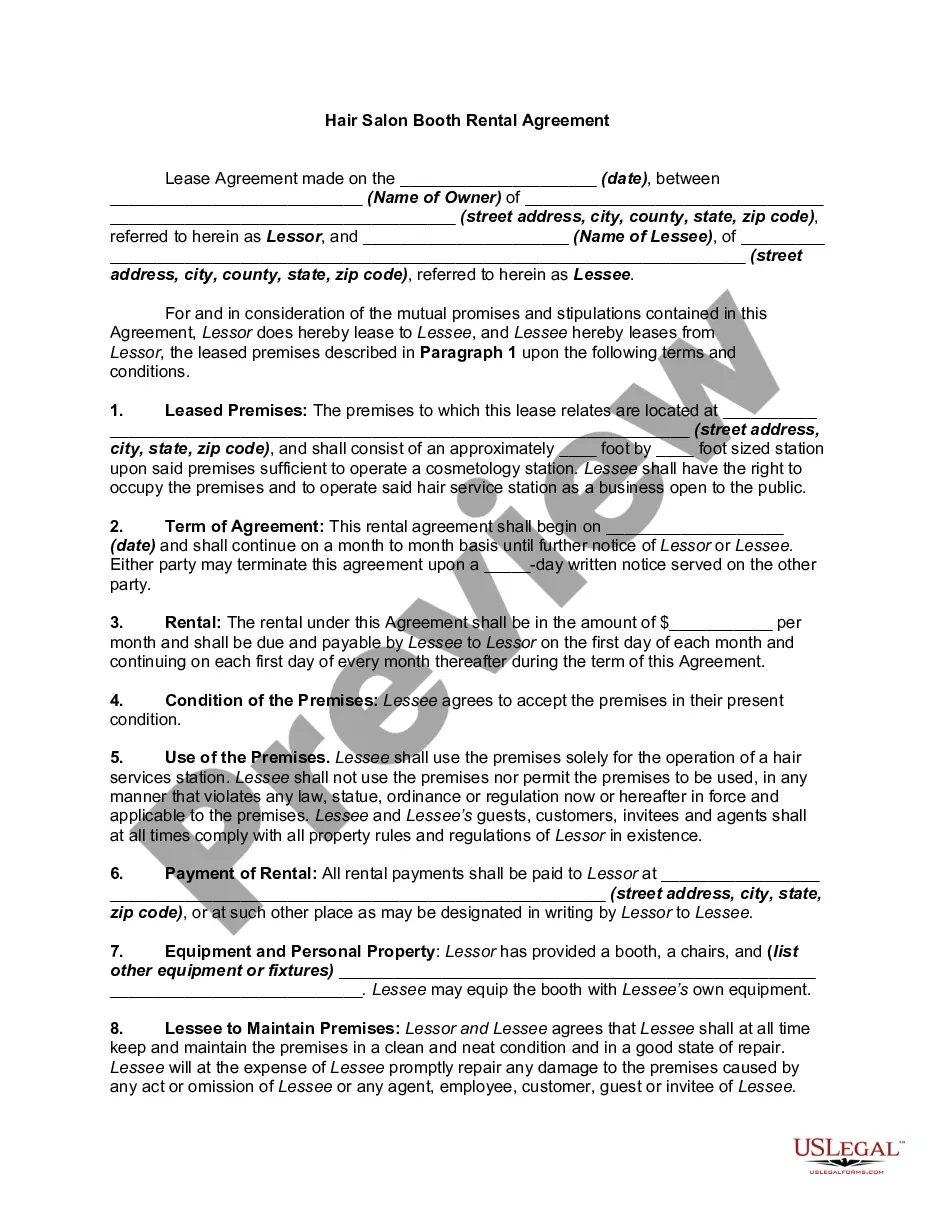
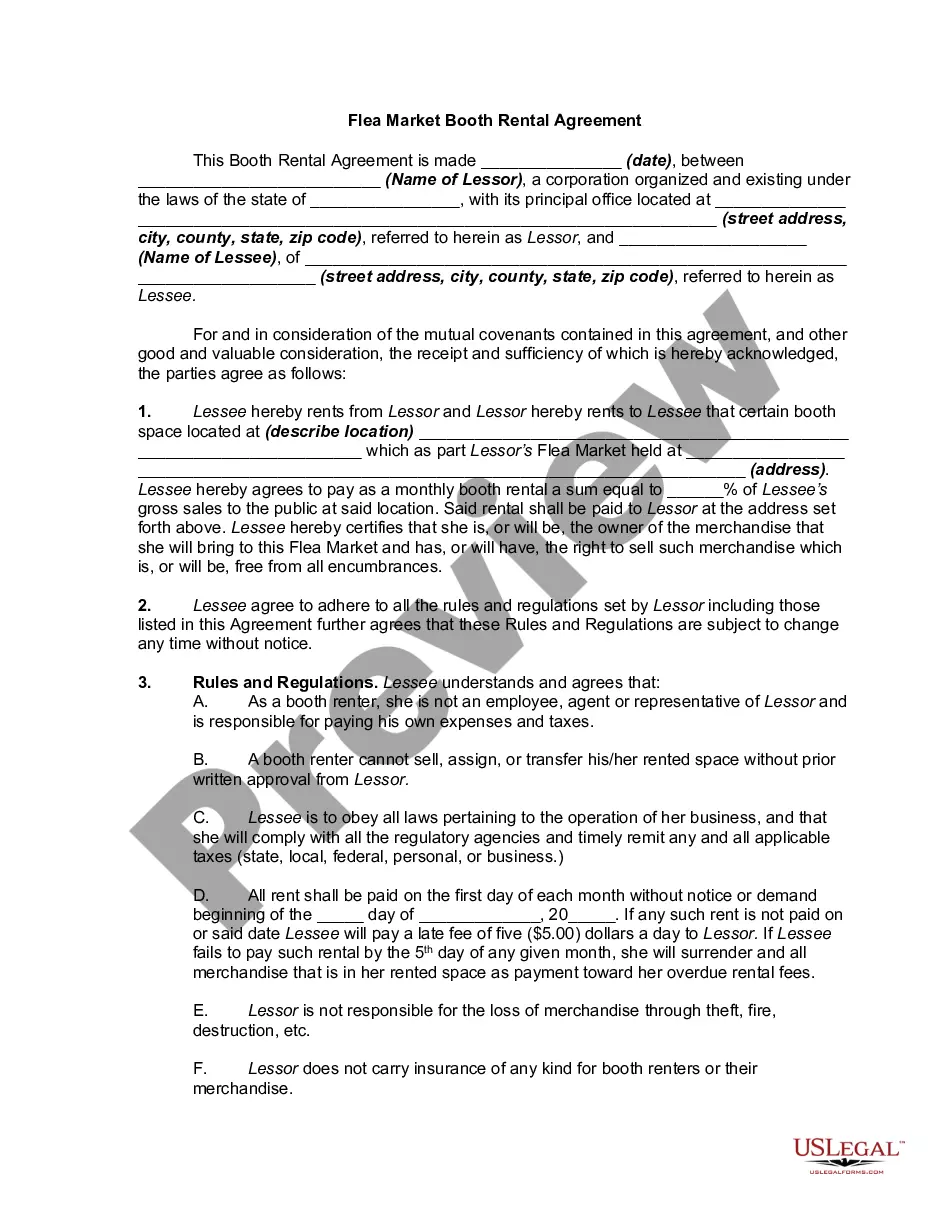
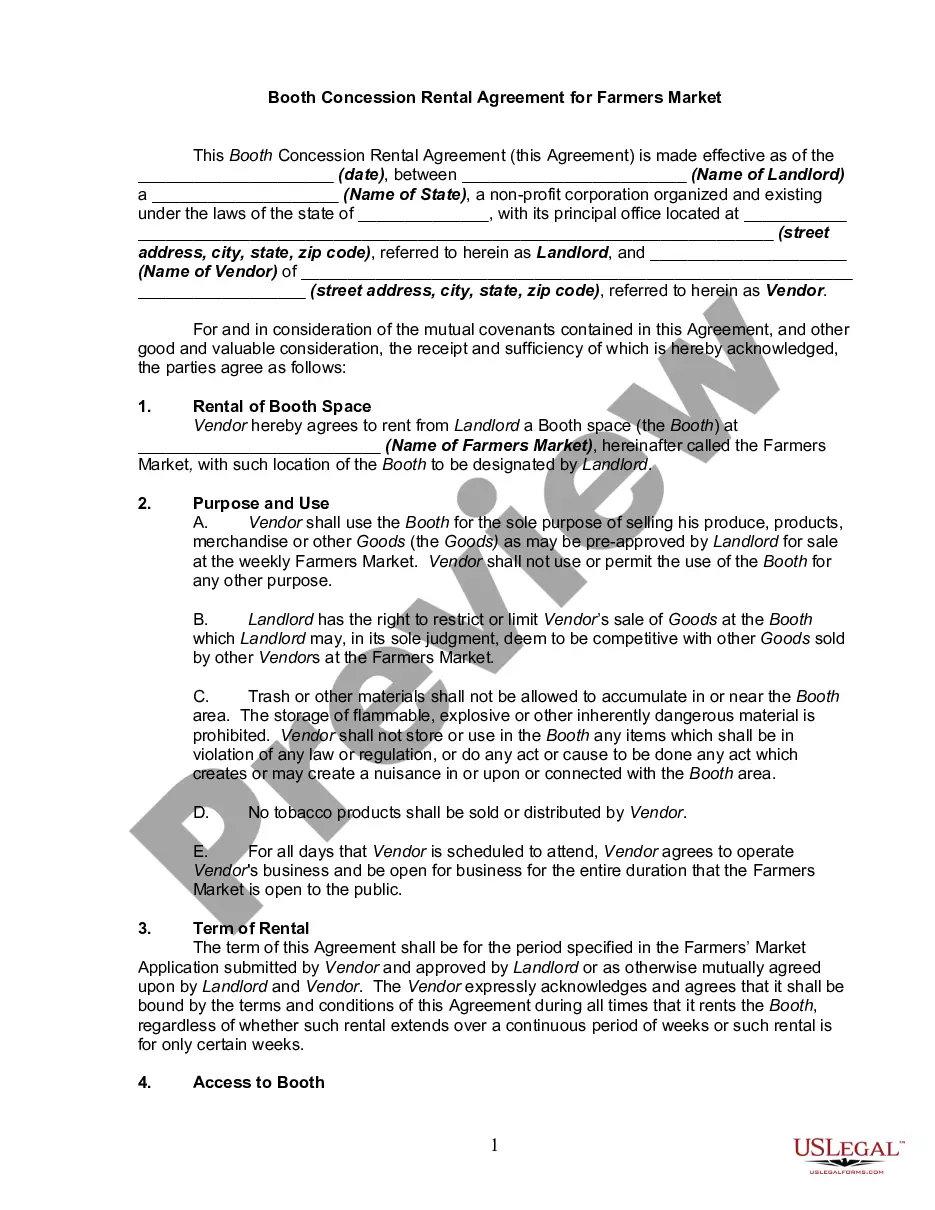
The Vendor Booth Template for Event displayed on this page is a reusable legal document crafted by expert attorneys in accordance with federal and state regulations.
For over 25 years, US Legal Forms has supplied individuals, enterprises, and legal practitioners with more than 85,000 validated, state-specific documents for any professional and personal situation. It’s the fastest, easiest, and most dependable method to acquire the documentation you require, as the service ensures bank-grade data protection and anti-malware safeguards.
Choose the format you prefer for your Vendor Booth Template for Event (PDF, Word, RTF) and store the sample on your device.
- Search for the document you require and examine it.
- Scan through the sample you looked for and preview it or review the form details to confirm it meets your requirements. If it doesn't, utilize the search function to find the correct one. Click Buy Now once you have identified the template you seek.
- Register and Log In.
- Select the pricing option that works for you and create an account. Use PayPal or a credit card to process a quick payment. If you already possess an account, Log In and verify your subscription to proceed.
- Acquire the editable template.
Form popularity
FAQ
To fill out a vendor booth form for event, start by gathering all necessary information about your business, including your contact details and a description of your products or services. Next, locate the appropriate vendor booth form on the US Legal Forms website. Complete the form by providing accurate information and ensure you review everything for clarity. Once finished, submit the vendor booth form for event as directed, and await confirmation from the event organizers.
Start by accessing the new vendor form on the designated platform or website. Provide your personal information, such as your name, contact details, and company information. Fill in any required fields regarding your company's legal status, tax identification number, and business registration details.
Event registration forms for general attendees should capture general information about them like their name, email address, payment details, and other details that will help you improve their experience at your event, be it dietary restrictions or activity preferences.
I am writing to request the opportunity to register as a vendor for your company. We believe that our [products/services] would be a valuable addition to your offerings, and we are eager to establish a partnership with you. [Include additional information about your company and why you would be a good vendor.]
What Is a Vendor Registration Form? A vendor registration form includes vendor names, contact information, banking information (if applicable), the products or services provided by the vendor, and a certification section that verifies the information on the form is true and accurate.
The vendor form typically includes basic information about the vendor, such as their business name and contact details, as well as more specific information related to the event or project at hand, such as proposed services and pricing terms.