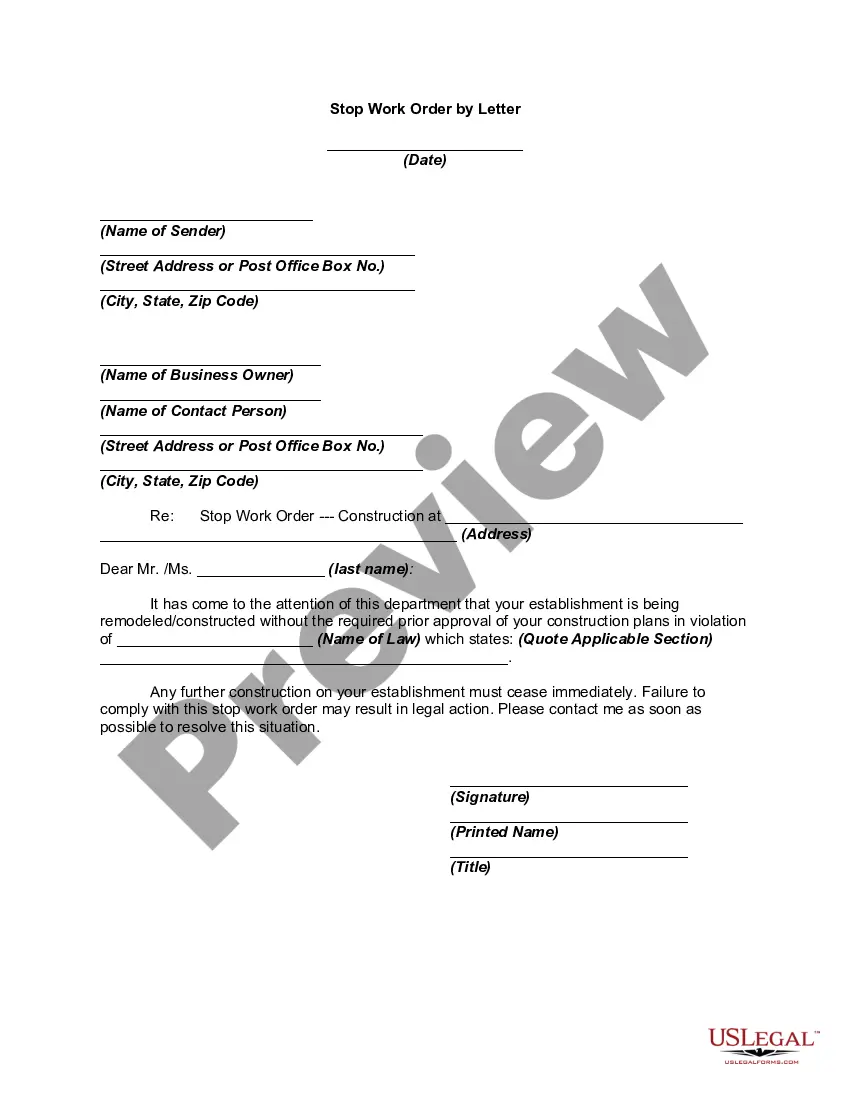
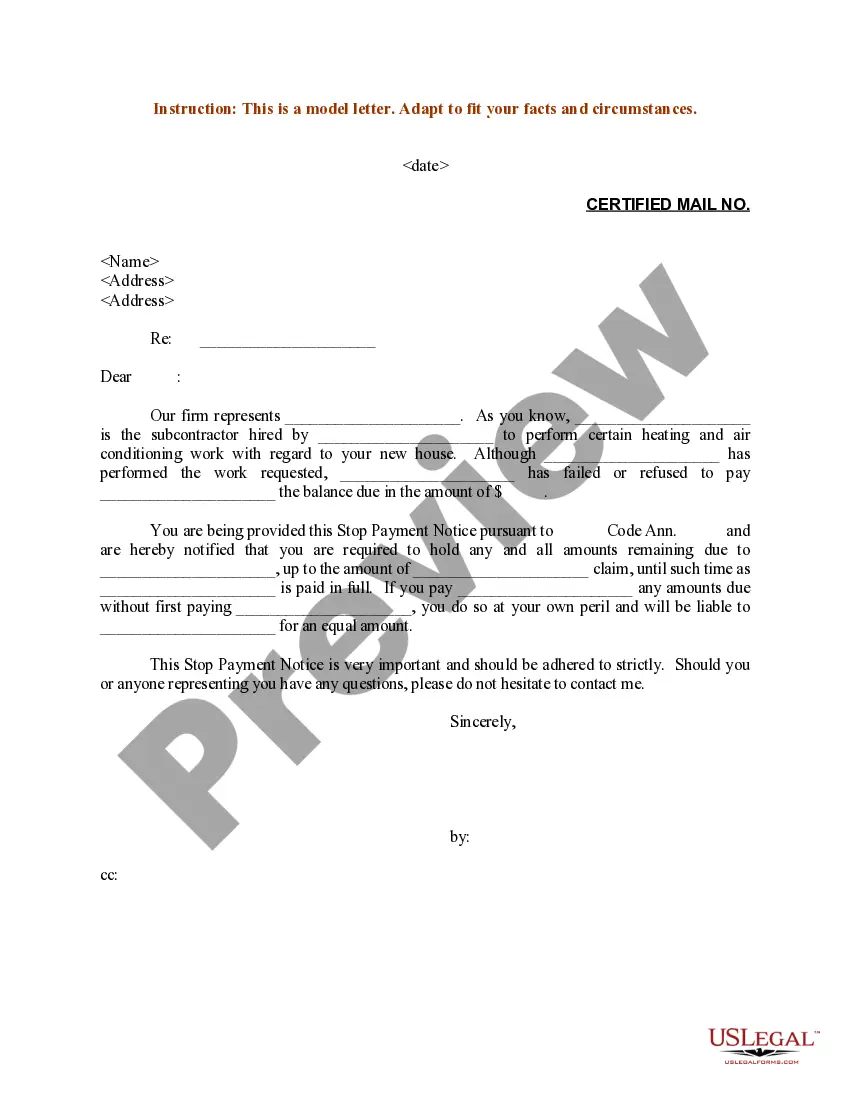
Stop Work Order Template For Apartment
Description
Get your form ready online
Our built-in tools help you complete, sign, share, and store your documents in one place.
Make edits, fill in missing information, and update formatting in US Legal Forms—just like you would in MS Word.
Download a copy, print it, send it by email, or mail it via USPS—whatever works best for your next step.
Sign and collect signatures with our SignNow integration. Send to multiple recipients, set reminders, and more. Go Premium to unlock E-Sign.
If this form requires notarization, complete it online through a secure video call—no need to meet a notary in person or wait for an appointment.
We protect your documents and personal data by following strict security and privacy standards.

Make edits, fill in missing information, and update formatting in US Legal Forms—just like you would in MS Word.

Download a copy, print it, send it by email, or mail it via USPS—whatever works best for your next step.

Sign and collect signatures with our SignNow integration. Send to multiple recipients, set reminders, and more. Go Premium to unlock E-Sign.

If this form requires notarization, complete it online through a secure video call—no need to meet a notary in person or wait for an appointment.

We protect your documents and personal data by following strict security and privacy standards.
Looking for another form?






How to fill out Stop Work Order By Letter?
Handling legal documentation and processes can be a lengthy addition to your schedule.
Stop Work Order Template For Apartment and similar forms generally require you to search for them and learn how to fill them out correctly.
Because of this, if you are managing financial, legal, or personal issues, having access to a comprehensive and useful online resource of forms will provide significant assistance.
US Legal Forms is the premier online service for legal templates, offering more than 85,000 state-specific forms and a variety of resources to help you complete your documentation effortlessly.
Is this your first time using US Legal Forms? Register and create an account in a few minutes, granting you access to the form library and Stop Work Order Template For Apartment. Next, follow these steps to complete your form.
- Explore the collection of relevant documents accessible to you with a single click.
- US Legal Forms equips you with state- and county-specific forms available for download at any time.
- Safeguard your document management activities with top-tier support that allows you to create any form within minutes, with no extra or hidden charges.
- Simply Log In to your account, search for Stop Work Order Template For Apartment, and download it immediately from the My documents section.
- You can also retrieve previously saved forms.
Form popularity
FAQ
For example, a machine operator might submit a work request when equipment breaks down. The work request is reviewed by a maintenance manager, who adds extra information, schedules the task, and assigns it to a technician. The work request is now a work order.
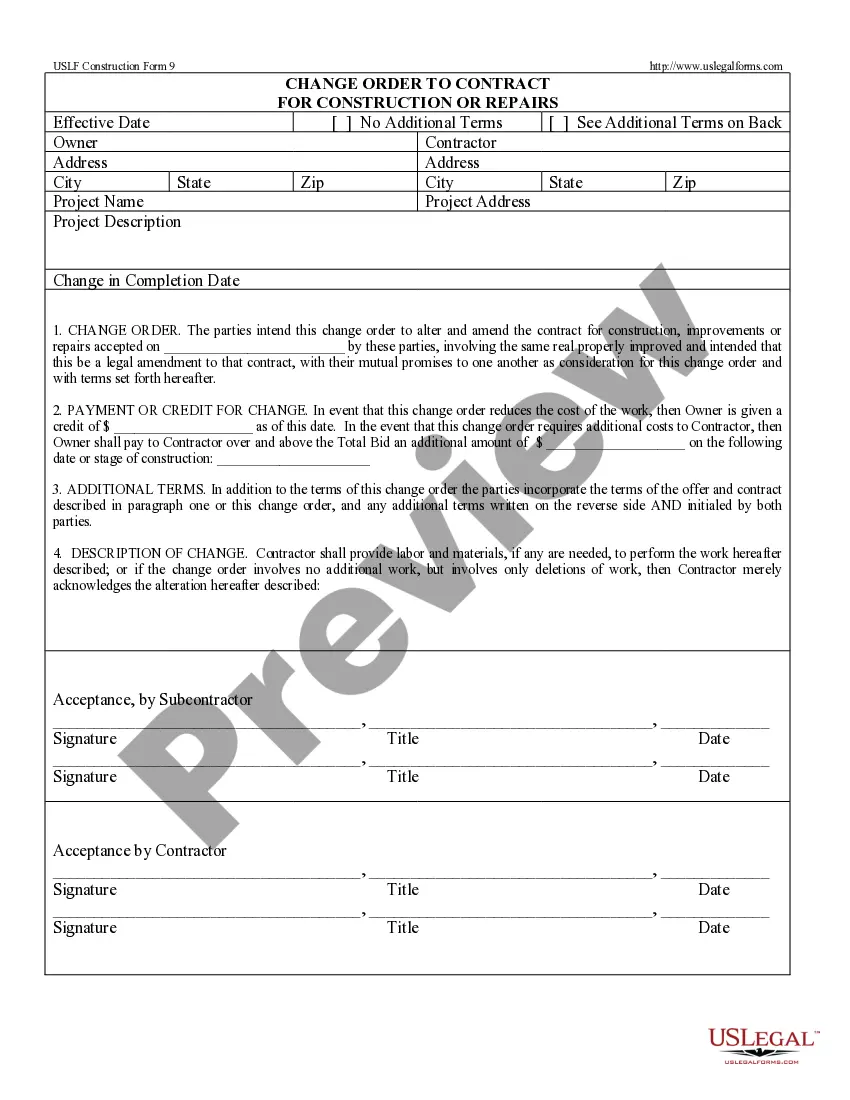
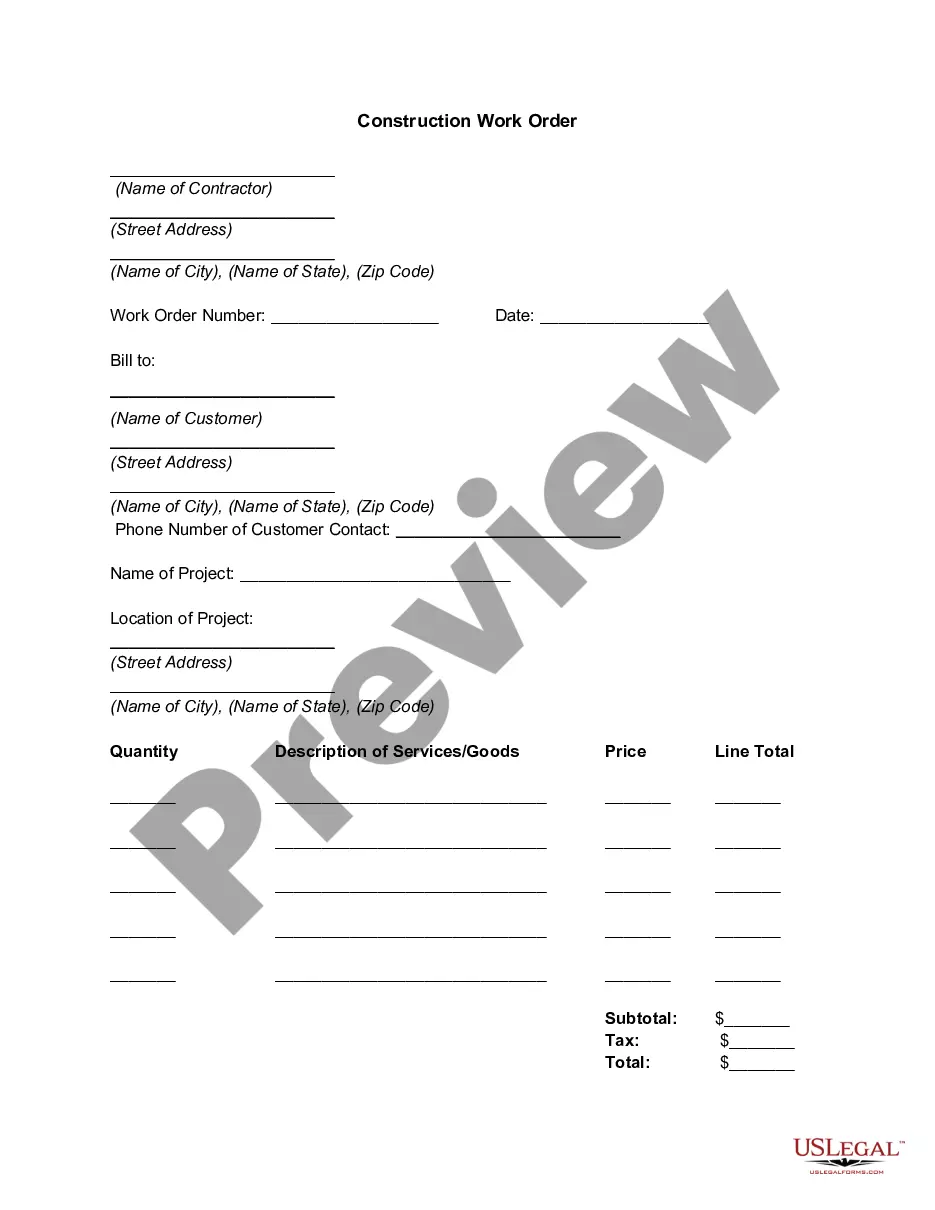
Essential fields for a work order form template. Company information. Deadlines. Job description. Billing and shipping details. Cost per unit and total cost. Line for electronic signatures.
How to Create an Effective Work Order Collect General Details of Maintenance Task. ... Identify Location of Asset in Need of Repair. ... Record Additional Asset Details and Information. ... Create a Work Order Description. ... Log the Work Summary and Closing Details.
What to include in a work order letter Company name. Start with your company name, typically in one of the upper corners. ... Company address. Below the company name, include your address. ... Work order number. Assign a number to the work order. ... Work order title. ... Work order description. ... Priority level. ... Work location. ... Worker's name.
A work order should include a description of the maintenance activities and information such as who requested and approved the work order, the maintenance technician responsible for executing the work and the associated due dates, costs and resources. Work orders can be either executed by an internal maintenance team.