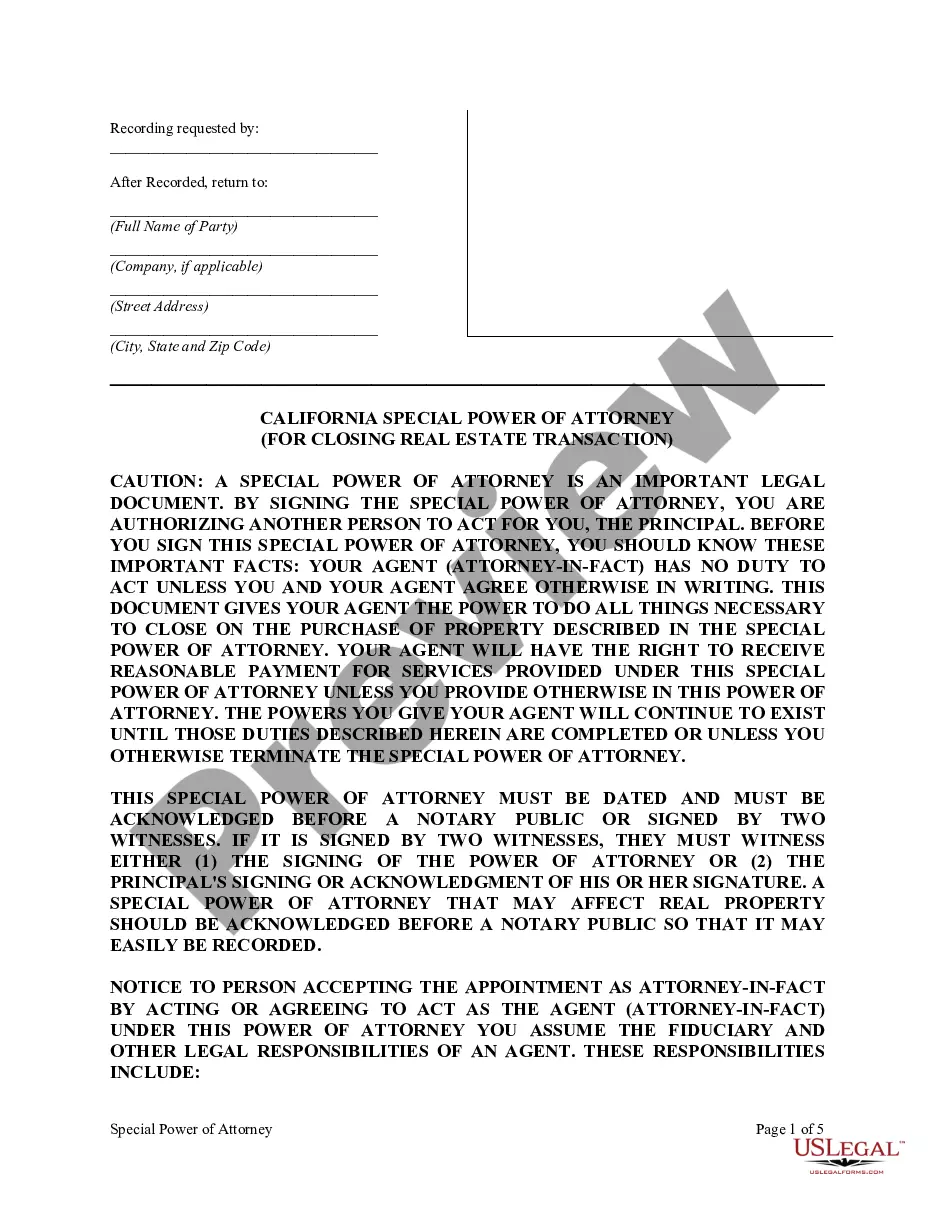
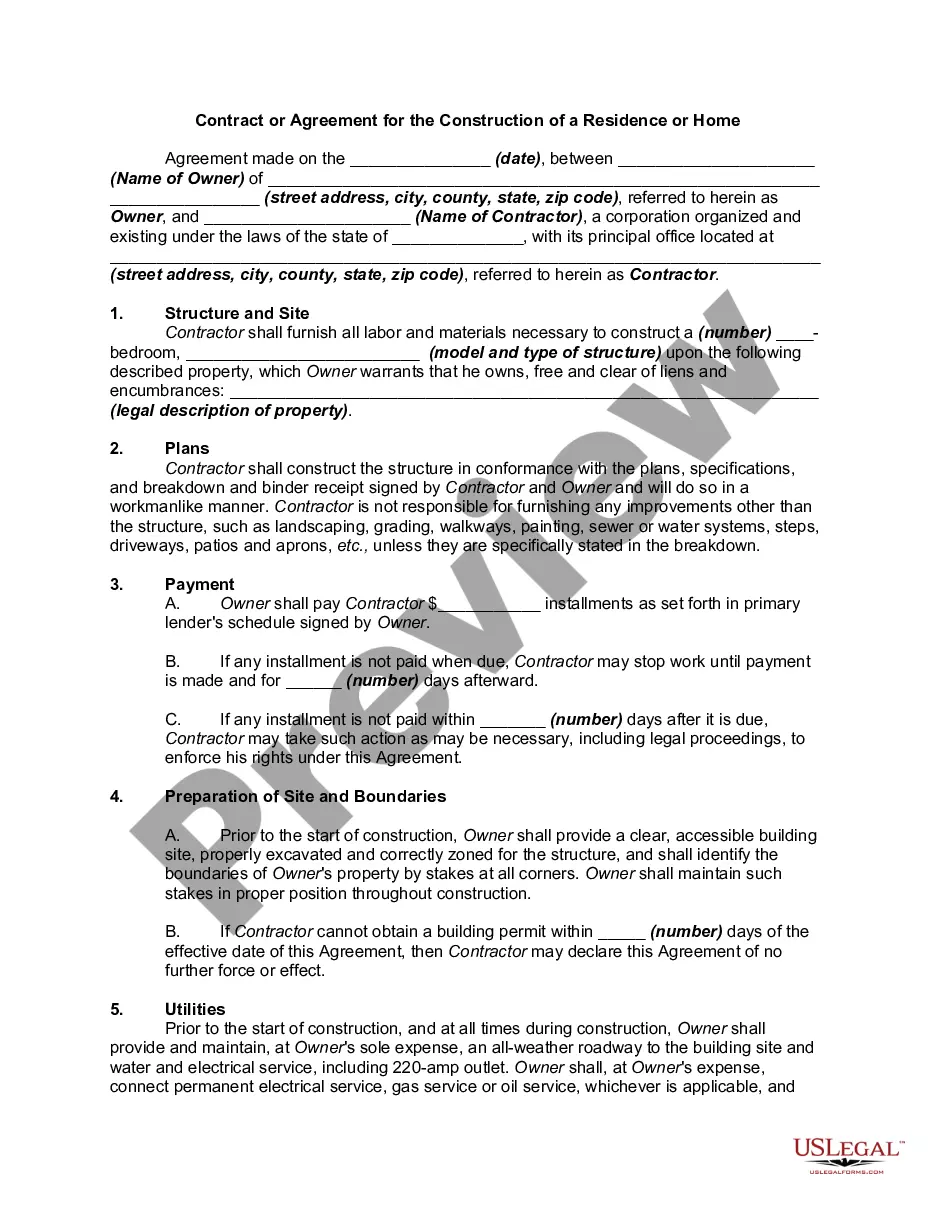
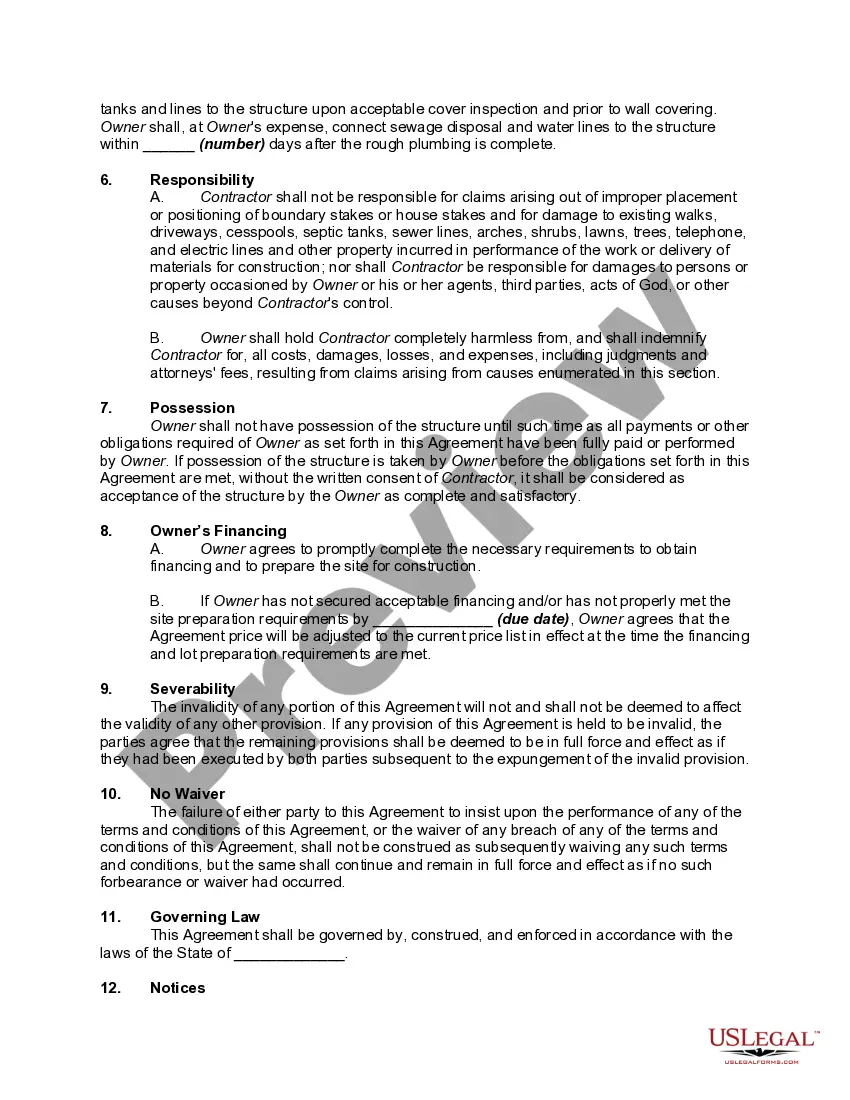
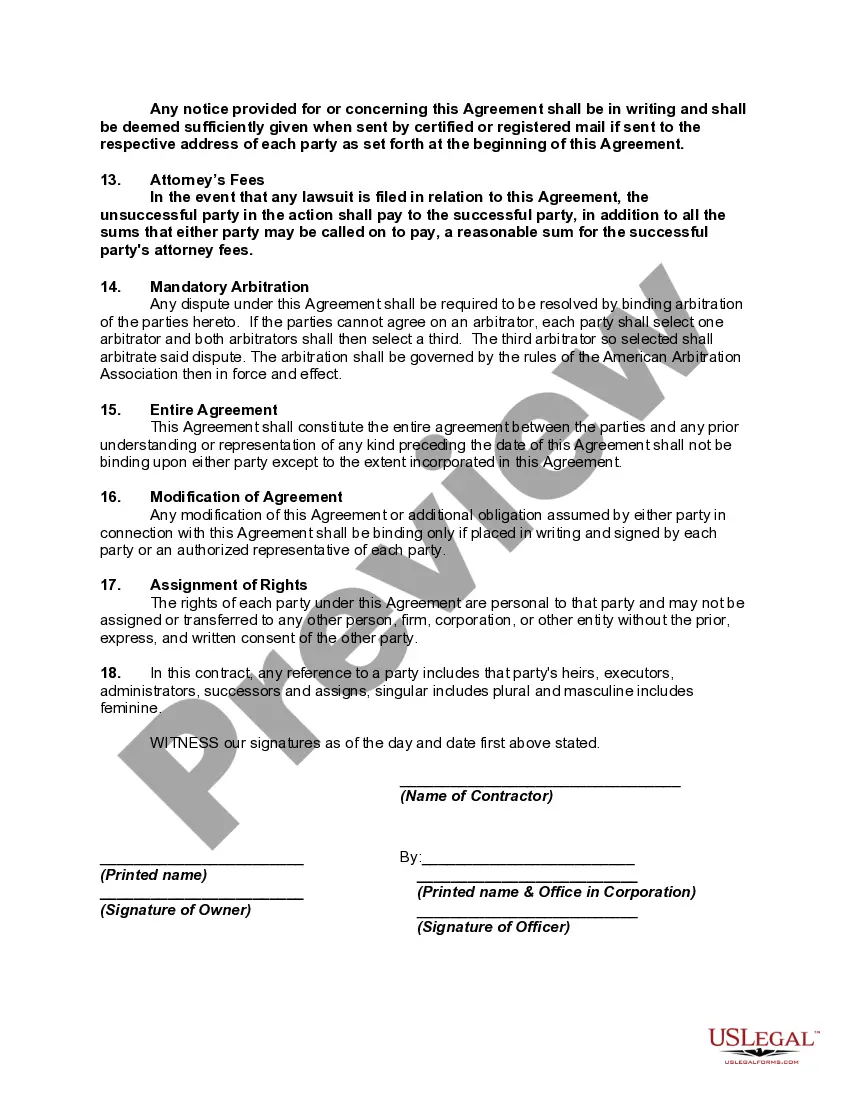
Contract Agreement Home With Customer
Description
Get your form ready online
Our built-in tools help you complete, sign, share, and store your documents in one place.
Make edits, fill in missing information, and update formatting in US Legal Forms—just like you would in MS Word.
Download a copy, print it, send it by email, or mail it via USPS—whatever works best for your next step.
Sign and collect signatures with our SignNow integration. Send to multiple recipients, set reminders, and more. Go Premium to unlock E-Sign.
If this form requires notarization, complete it online through a secure video call—no need to meet a notary in person or wait for an appointment.
We protect your documents and personal data by following strict security and privacy standards.

Make edits, fill in missing information, and update formatting in US Legal Forms—just like you would in MS Word.

Download a copy, print it, send it by email, or mail it via USPS—whatever works best for your next step.

Sign and collect signatures with our SignNow integration. Send to multiple recipients, set reminders, and more. Go Premium to unlock E-Sign.

If this form requires notarization, complete it online through a secure video call—no need to meet a notary in person or wait for an appointment.

We protect your documents and personal data by following strict security and privacy standards.
Looking for another form?






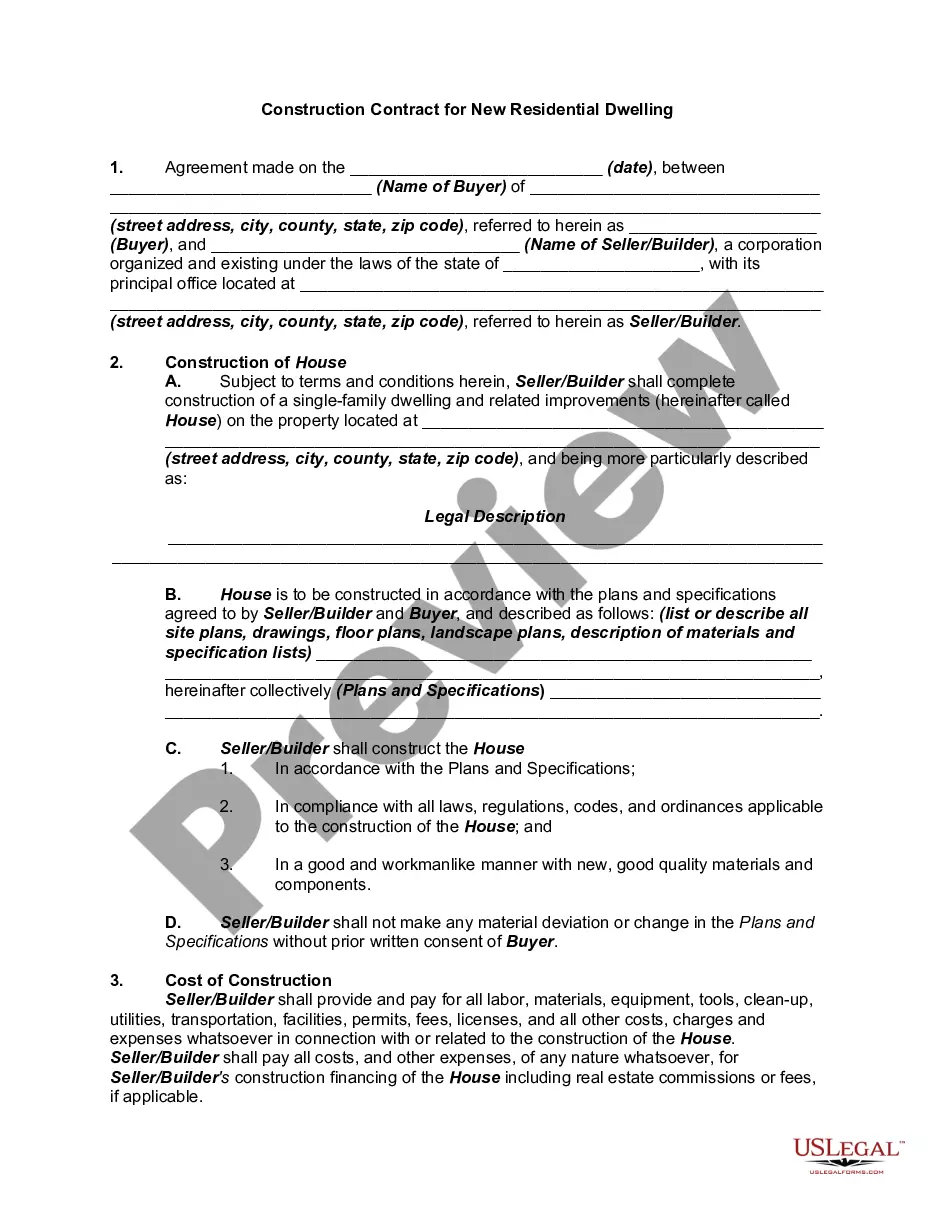
How to fill out Contract Or Agreement For The Construction Of A Residence Or Home?
When you need to finalize a Contract Agreement for a Home with a Customer that adheres to your local state's regulations and laws, there may be numerous options to select from.
There's no need to verify each document to ensure it meets all the legal requirements if you are a subscriber to US Legal Forms.
It is a trustworthy service that can assist you in acquiring a reusable and current template on any subject.
Using the US Legal Forms makes obtaining professionally drafted official documents effortless. Additionally, Premium users can also benefit from the robust integrated solutions for online document editing and signing. Experience it today!
- US Legal Forms is the largest online collection with an archive of over 85,000 ready-to-use documents for business and personal legal matters.
- All templates are verified to comply with the laws and regulations of each state.
- Therefore, when downloading a Contract Agreement for a Home with a Customer from our platform, you can be confident that you obtain a valid and current document.
- Acquiring the necessary template from our platform is quite simple.
- If you have an account, just Log In to the system, check that your subscription is active, and save the chosen file.
- Later, you can access the My documents tab in your profile to keep access to the Contract Agreement for a Home with a Customer at any time.
- If it’s your initial experience with our library, please adhere to the instructions below.
- Review the suggested page and confirm it meets your needs.
Form popularity
FAQ
Here's a look at the basic steps you'll need to take to create a simple and effective client contract:Include Contact Information of Both Parties.Specify Project Terms and Scope.Establish Payment Terms.Set the Schedule.Decide What Happens If a Contract Is Terminated.Determine Who Owns Final Copyrights.More items...
Ten Tips for Making Solid Business Agreements and ContractsGet it in writing.Keep it simple.Deal with the right person.Identify each party correctly.Spell out all of the details.Specify payment obligations.Agree on circumstances that terminate the contract.Agree on a way to resolve disputes.More items...
The simple answer is YES. You can write your own contracts. There is no requirement that they must be written by a lawyer. There is no requirement that they have to be a certain form or font.
How to Fill Out a Residential Purchase AgreementPlace the name(s) of the seller(s) on the contract.Write the date of the offer on the agreement.Add the purchase price to the contract.Include a request for the seller to provide a clear title and deed for the property.More items...
Select / confirm the contract due date and/or shoot date.Save the contract!Review your contract.Click the "Send to Client" button in the top right, (if you are using a second signer you can choose to send the document to both or only one of the clients on the contract), edit the email as you wish, and click "Send."