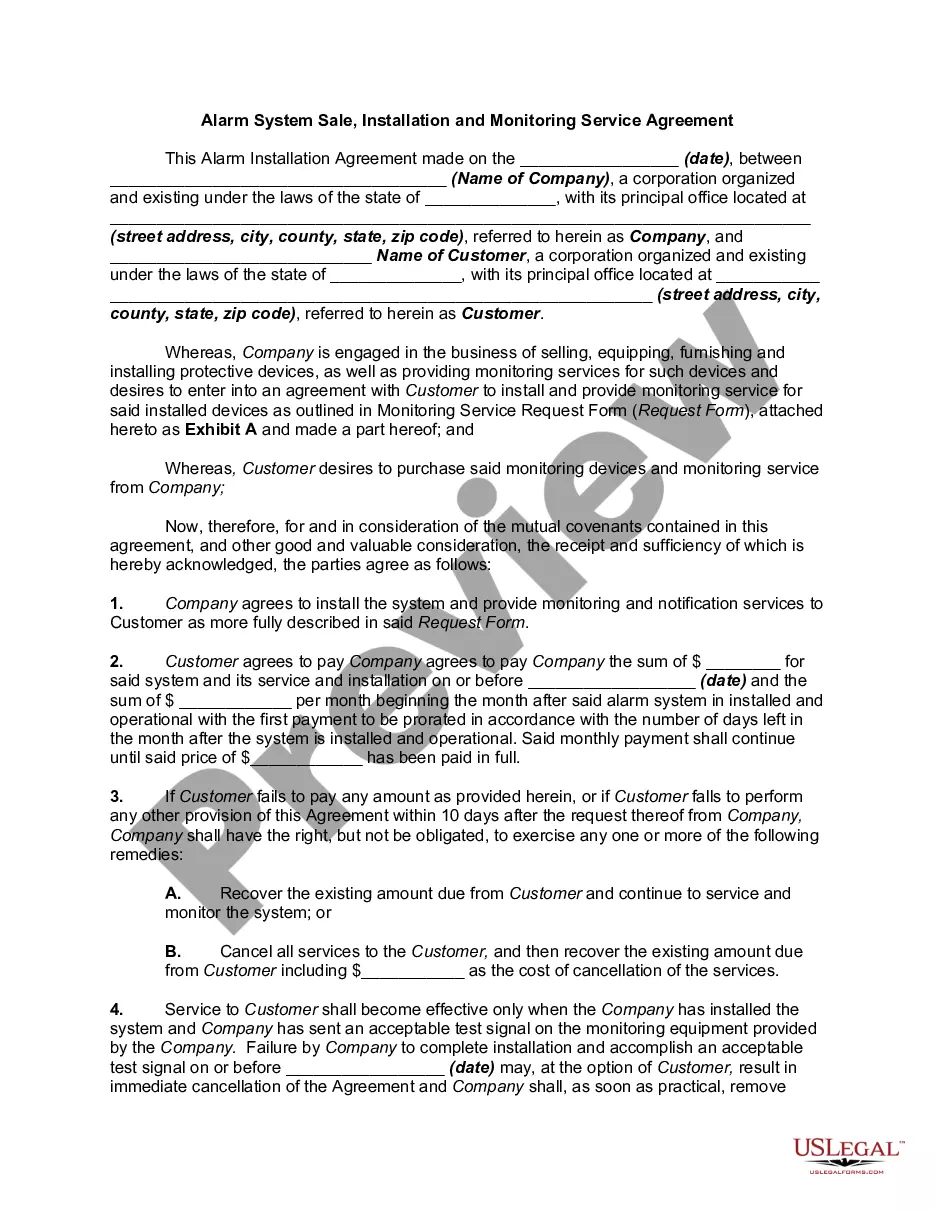
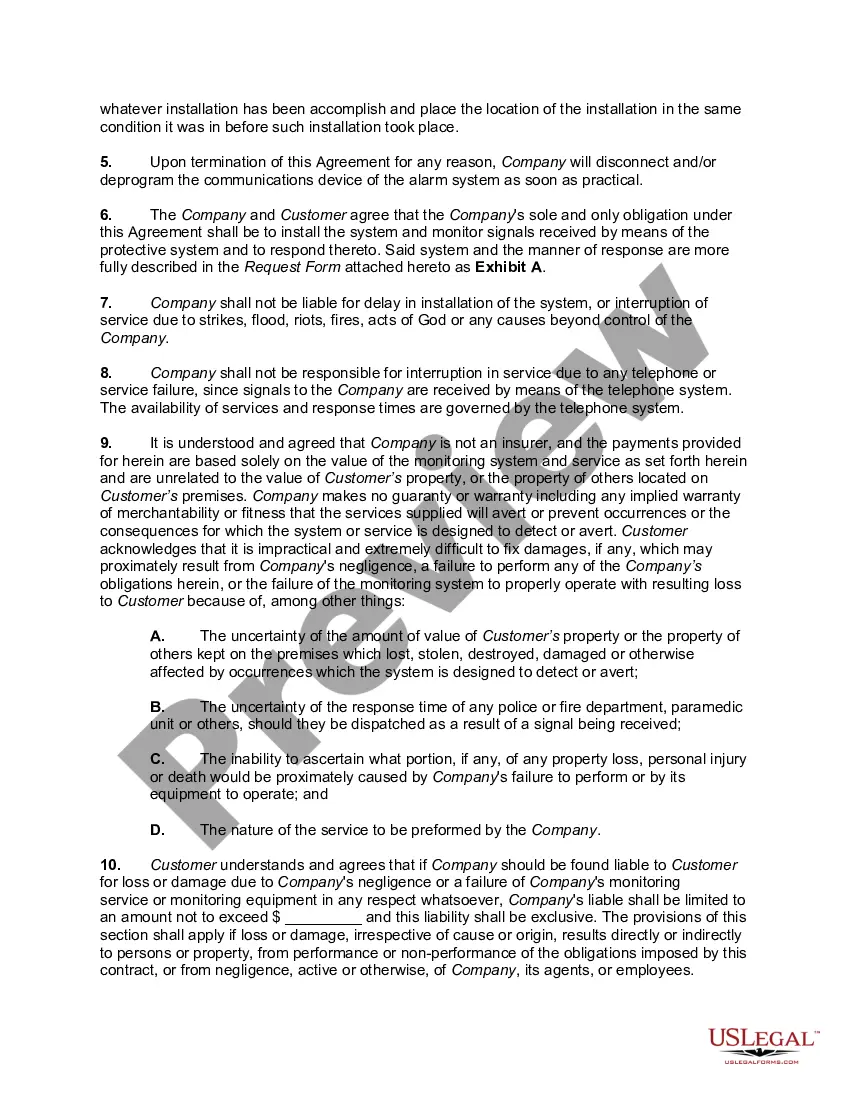
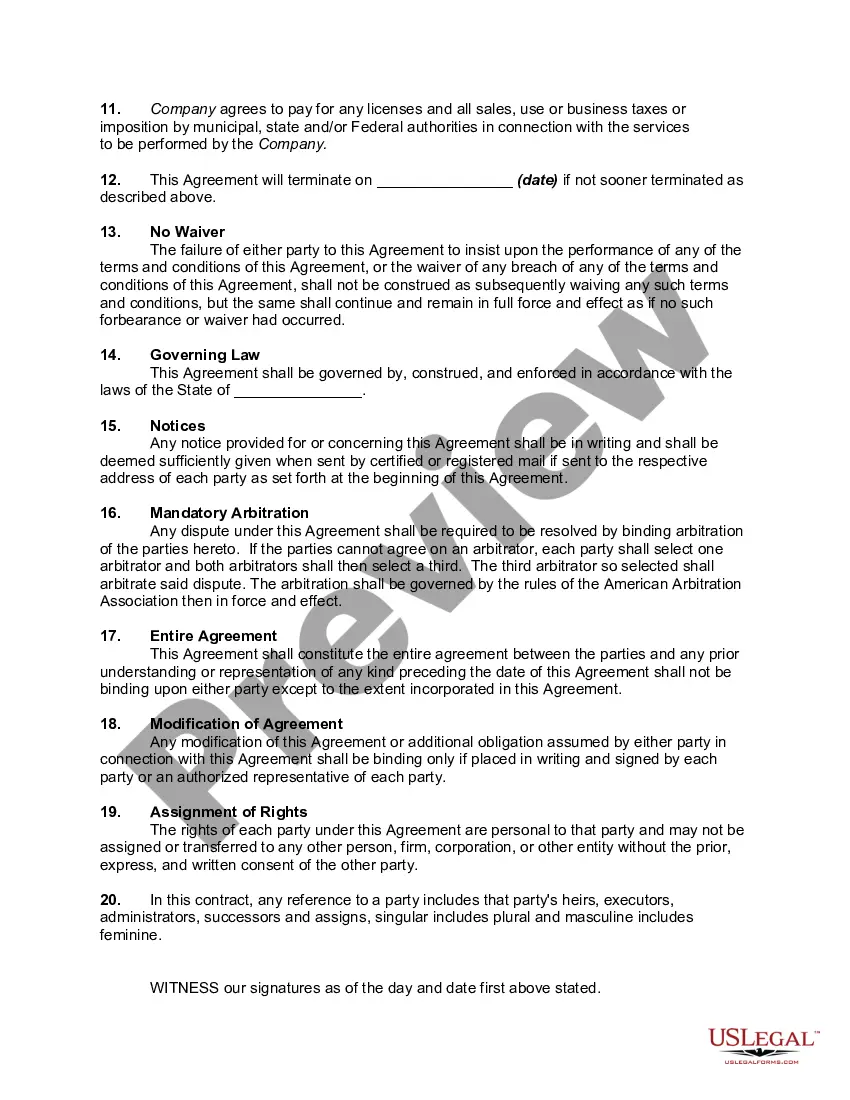
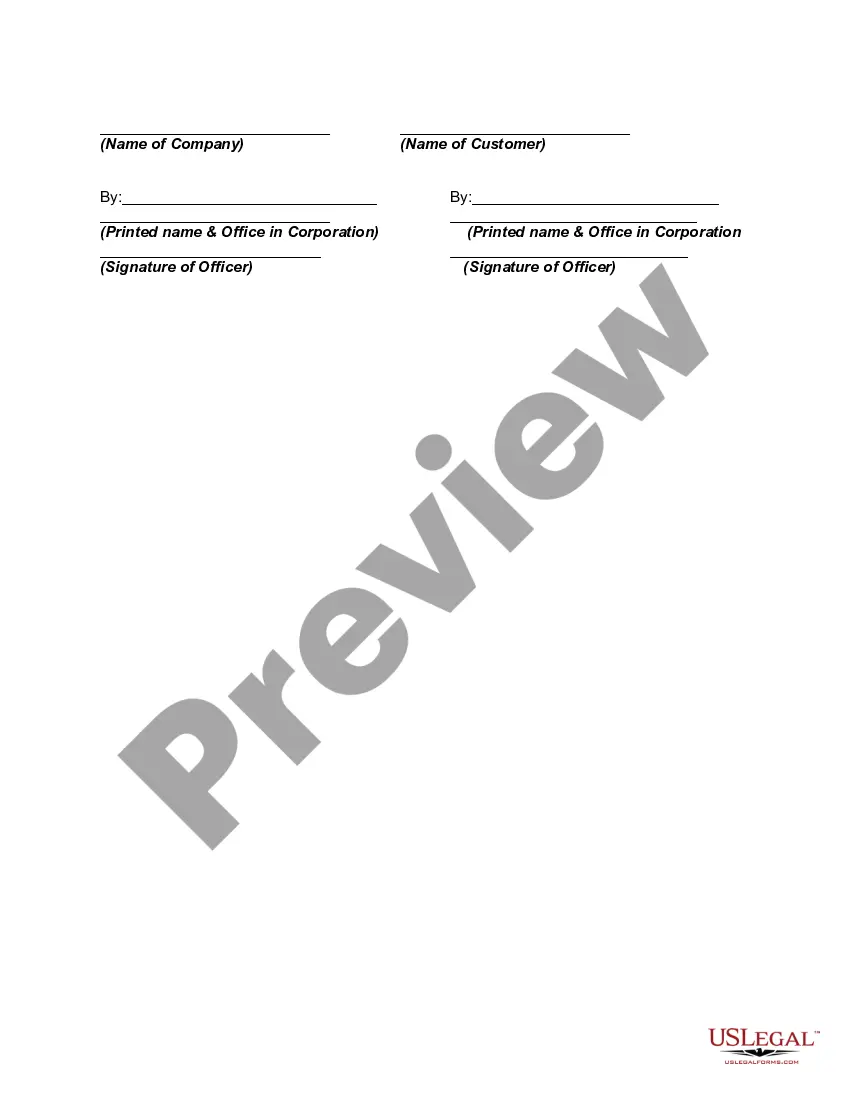
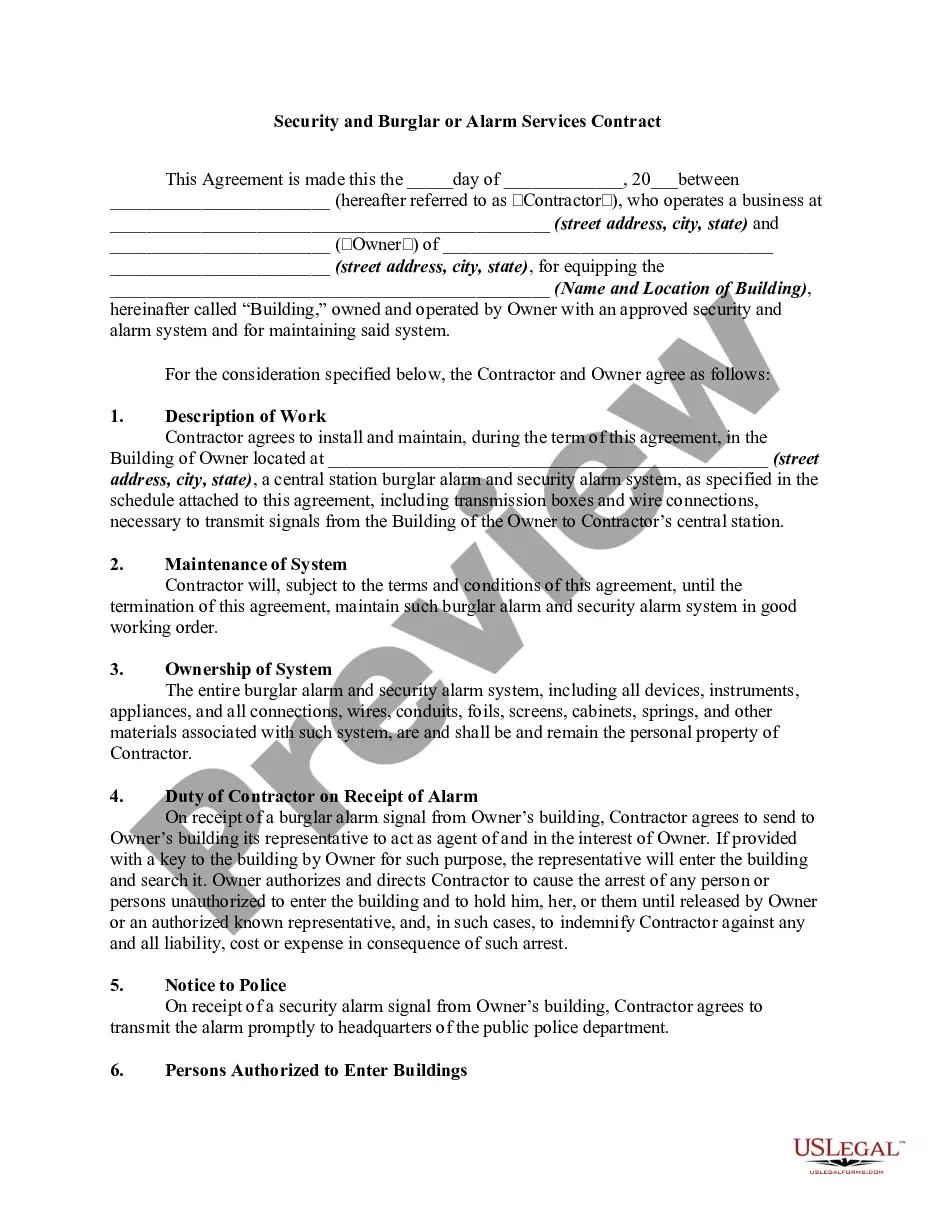
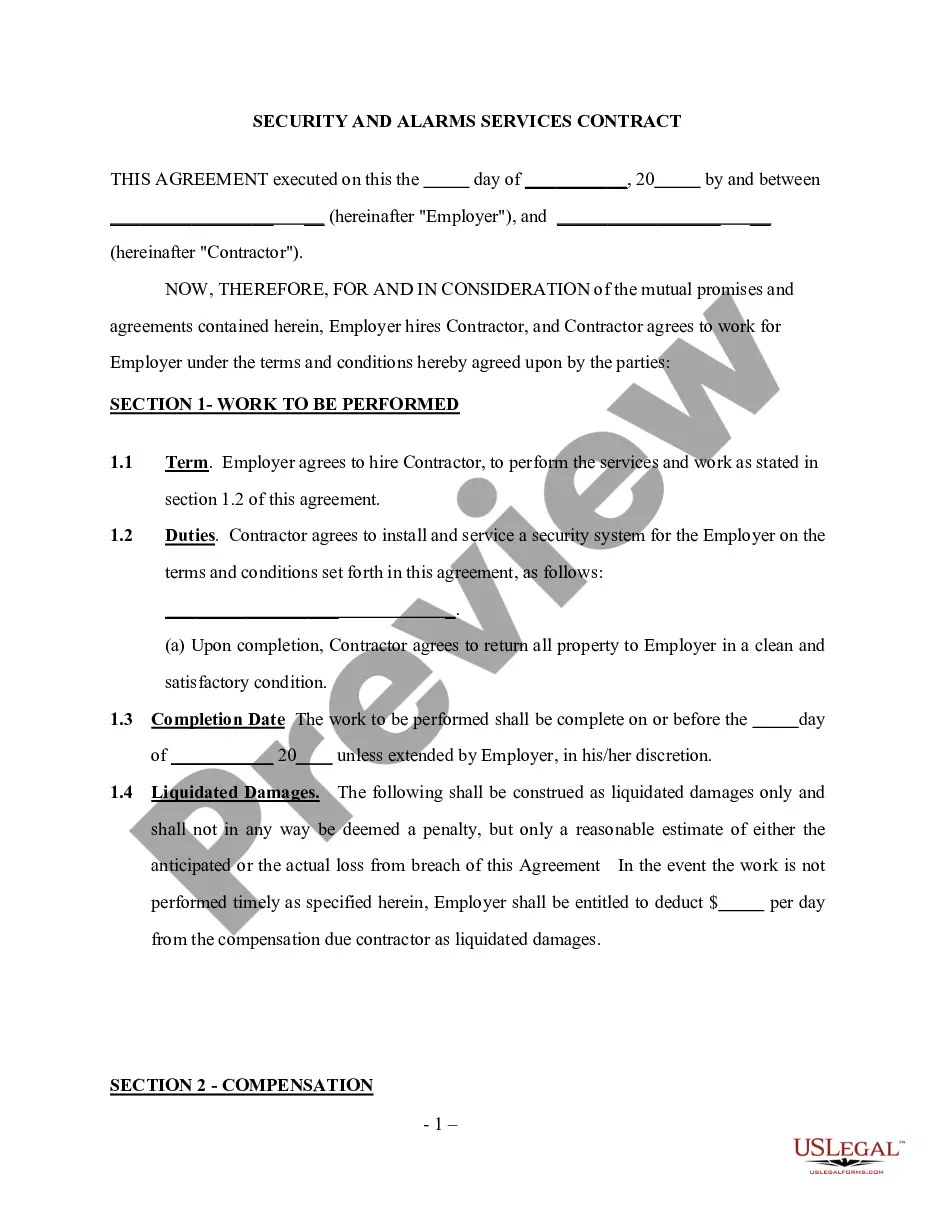
Fire Alarm Monitoring Contract Template With Contract
Description
Get your form ready online
Our built-in tools help you complete, sign, share, and store your documents in one place.
Make edits, fill in missing information, and update formatting in US Legal Forms—just like you would in MS Word.
Download a copy, print it, send it by email, or mail it via USPS—whatever works best for your next step.
Sign and collect signatures with our SignNow integration. Send to multiple recipients, set reminders, and more. Go Premium to unlock E-Sign.
If this form requires notarization, complete it online through a secure video call—no need to meet a notary in person or wait for an appointment.
We protect your documents and personal data by following strict security and privacy standards.

Make edits, fill in missing information, and update formatting in US Legal Forms—just like you would in MS Word.

Download a copy, print it, send it by email, or mail it via USPS—whatever works best for your next step.

Sign and collect signatures with our SignNow integration. Send to multiple recipients, set reminders, and more. Go Premium to unlock E-Sign.

If this form requires notarization, complete it online through a secure video call—no need to meet a notary in person or wait for an appointment.

We protect your documents and personal data by following strict security and privacy standards.
Looking for another form?
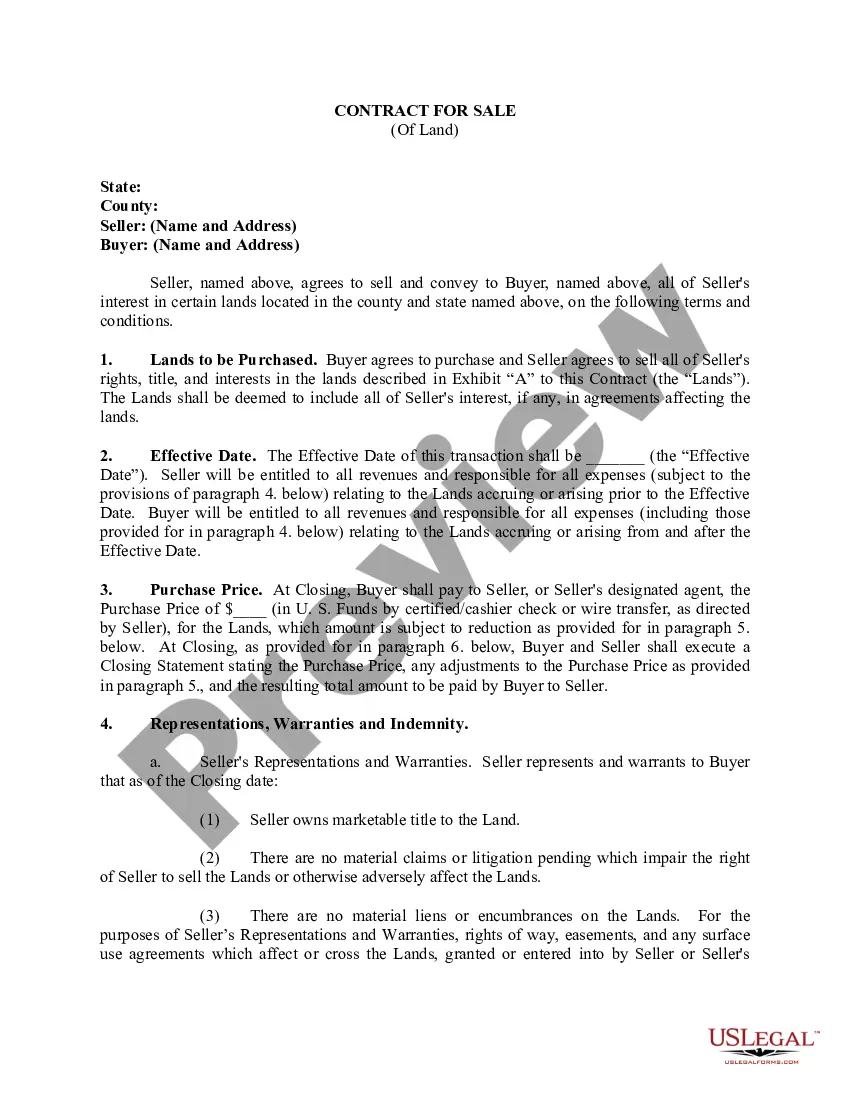
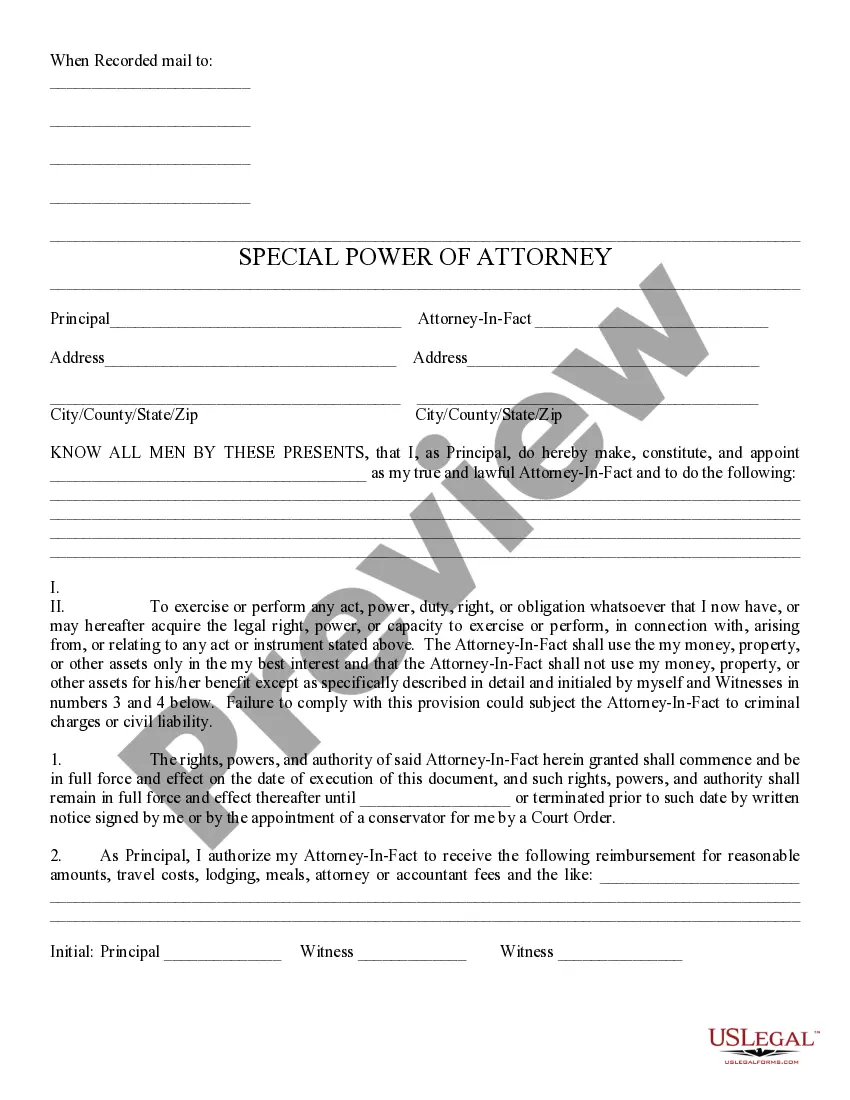
How to fill out Alarm System Sale, Installation And Monitoring Service Agreement?
Acquiring legal document templates that adhere to federal and state regulations is essential, and the web provides numerous alternatives to select from.
However, what’s the purpose of spending time searching for the appropriate Fire Alarm Monitoring Contract Template With Contract sample online if the US Legal Forms digital library already curates such templates in one location.
US Legal Forms is the largest virtual legal repository featuring over 85,000 editable templates created by lawyers for any business and personal situation.
Review the template using the Preview feature or through the text description to ensure it fulfills your needs. Search for an alternative sample using the search bar at the top of the page if required. Click Buy Now when you’ve identified the appropriate form and select a subscription plan. Create an account or Log In and complete your payment via PayPal or credit card. Choose the format for your Fire Alarm Monitoring Contract Template With Contract and download it. All templates available through US Legal Forms are reusable. To re-download and complete previously acquired forms, access the My documents section in your account. Take advantage of the most comprehensive and user-friendly legal document service!
- They are straightforward to navigate with all documents categorized by state and intended use.
- Our experts keep abreast of legislative changes, so you can always be assured that your form is current and compliant when obtaining a Fire Alarm Monitoring Contract Template With Contract from our site.
- Acquiring a Fire Alarm Monitoring Contract Template With Contract is rapid and easy for both existing and new users.
- If you already possess an account with an active subscription, Log In and download the document sample you need in your desired format.
- If you are new to our platform, follow the steps below.
Form popularity
FAQ
If either party is interested in changing the parenting agreement after it is signed by the parties and Judge, a motion must be filed. It is the responsibility of the party filing the motion to have the other party served with the modification.
§ 50-13.7. Modification of order for child support or custody. (a) An order of a court of this State for support of a minor child may be modified or vacated at any time, upon motion in the cause and a showing of changed circumstances by either party or anyone interested subject to the limitations of G.S. 50-13.10.
If either party is interested in changing the parenting agreement after it is signed by the parties and Judge, a motion must be filed. It is the responsibility of the party filing the motion to have the other party served with the modification.
A consent order must be submitted to the appropriate court in North Carolina to get the judge's signature. Essentially, a consent order is similar to a court order in terms of its enforceability. A consent order is enforceable because it shows the consent of both parties and contains the signature of the judge.
To change a permanent custody order, you must show that there has been a substantial change in circumstances affecting the child since the permanent order was entered.
If child custody is part of a court order, the parent seeking modification needs to file a motion to modify the custody order with the court. The parents can, of course, agree on a modification and submit it to the judge for approval. This is commonly referred to as a consent order and is often the best approach.
Filing the Documents Take the original and two (2) copies of the Motion to the Civil Division of the Clerk of Superior Court's office in the county where your case is filed. The Clerk will stamp each Motion ?filed,? place the original in the Court file and return two (2) copies of the ?filed? document to you.
In civil court You can file for child support on your own, with a lawyer that you retain, or the Division of Social Services (DSS) can file the child support case for you. Even if you file on your own, you can still get the help of DSS at a later point in the case.