Title With Ownership
Description
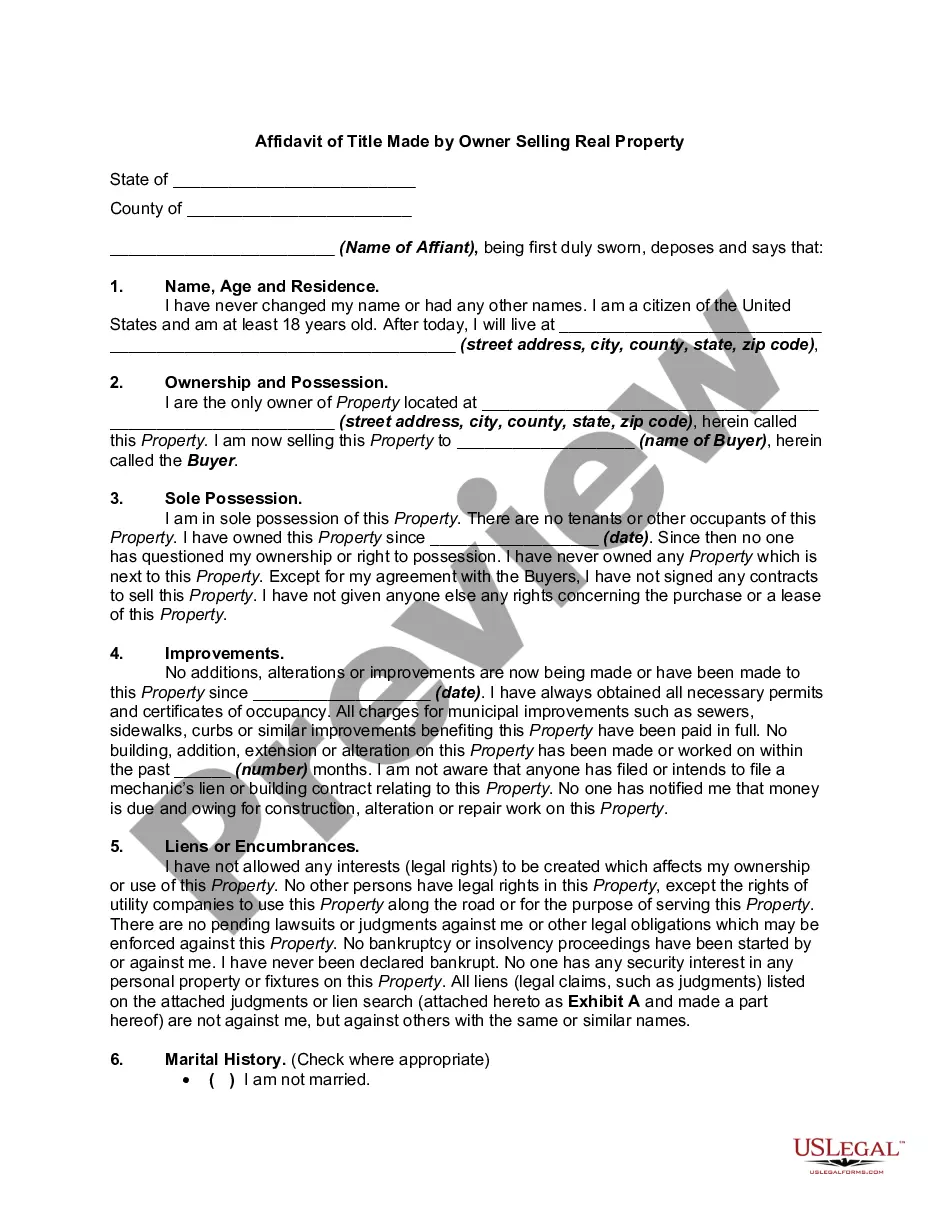
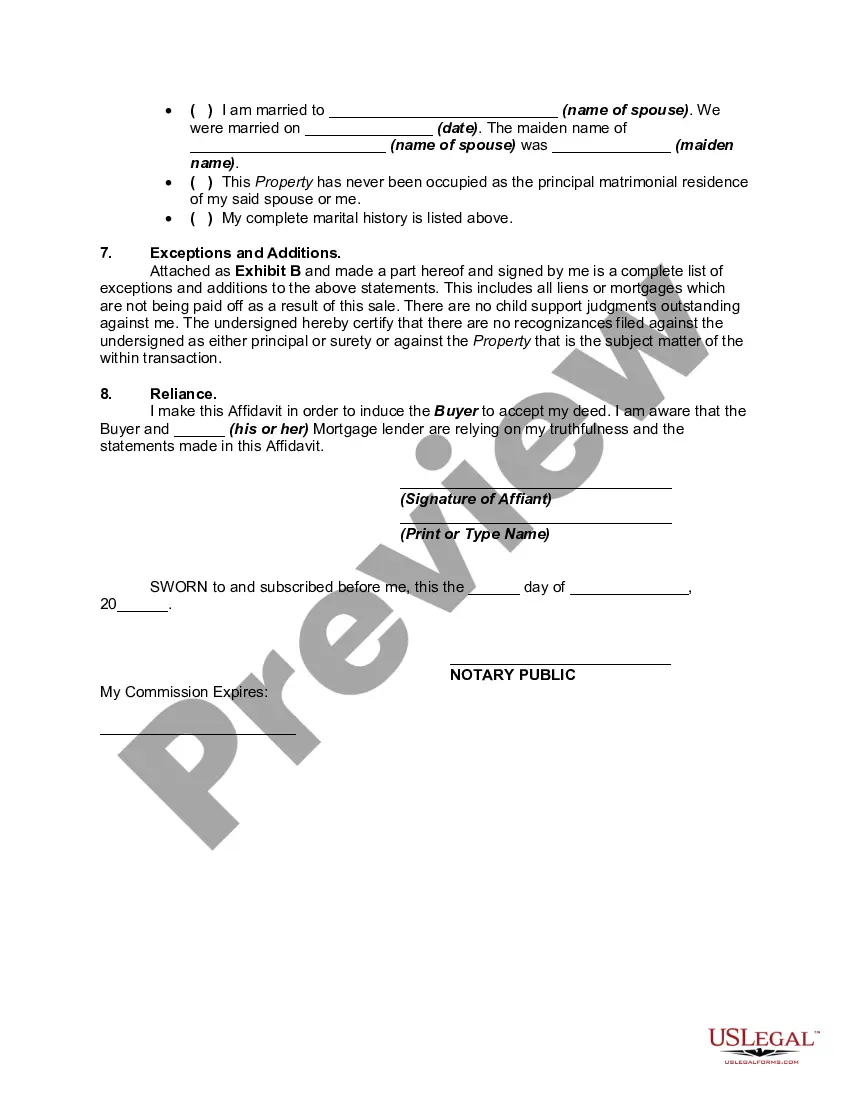
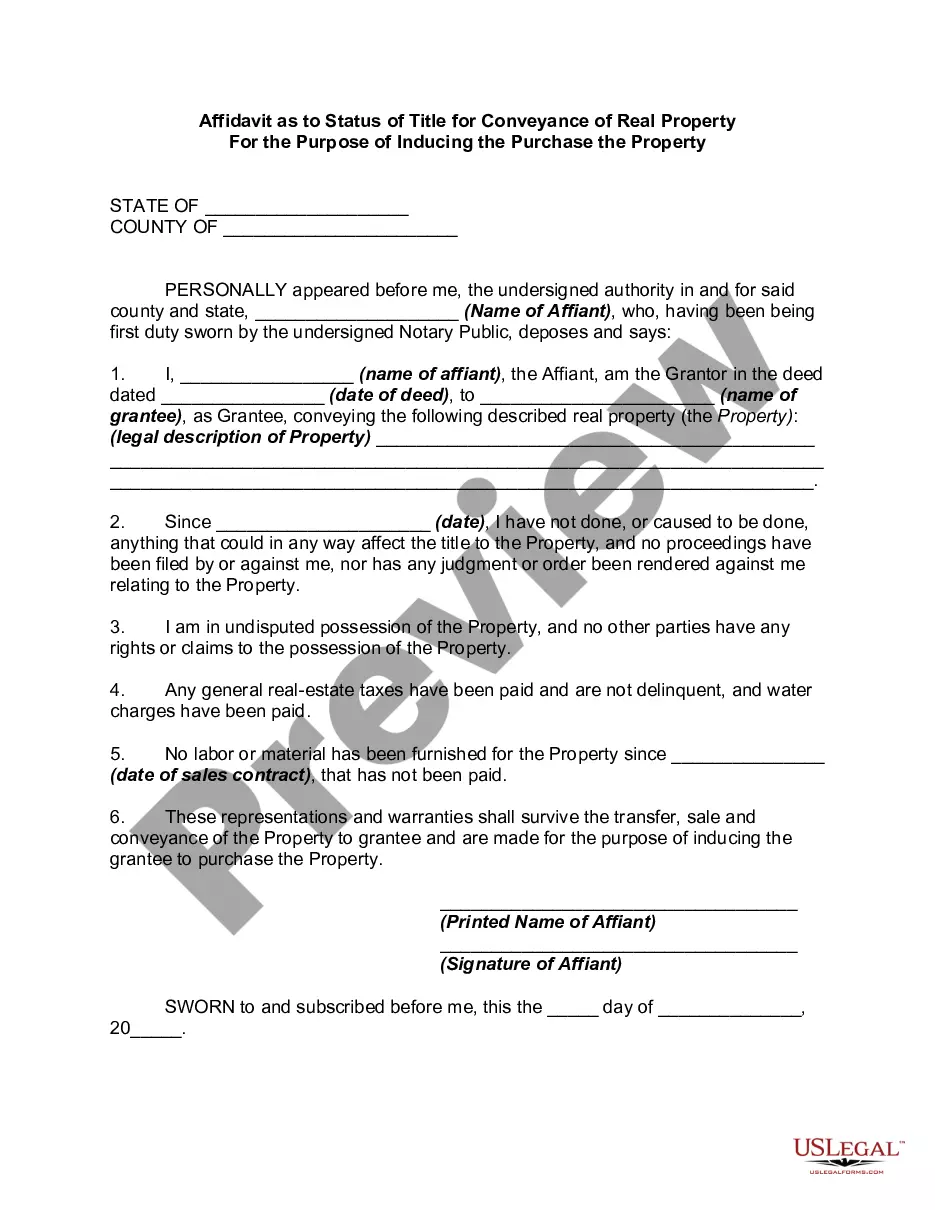

Get your form ready online
Our built-in tools help you complete, sign, share, and store your documents in one place.
Make edits, fill in missing information, and update formatting in US Legal Forms—just like you would in MS Word.
Download a copy, print it, send it by email, or mail it via USPS—whatever works best for your next step.
Sign and collect signatures with our SignNow integration. Send to multiple recipients, set reminders, and more. Go Premium to unlock E-Sign.
If this form requires notarization, complete it online through a secure video call—no need to meet a notary in person or wait for an appointment.
We protect your documents and personal data by following strict security and privacy standards.

Make edits, fill in missing information, and update formatting in US Legal Forms—just like you would in MS Word.

Download a copy, print it, send it by email, or mail it via USPS—whatever works best for your next step.

Sign and collect signatures with our SignNow integration. Send to multiple recipients, set reminders, and more. Go Premium to unlock E-Sign.

If this form requires notarization, complete it online through a secure video call—no need to meet a notary in person or wait for an appointment.

We protect your documents and personal data by following strict security and privacy standards.
Looking for another form?
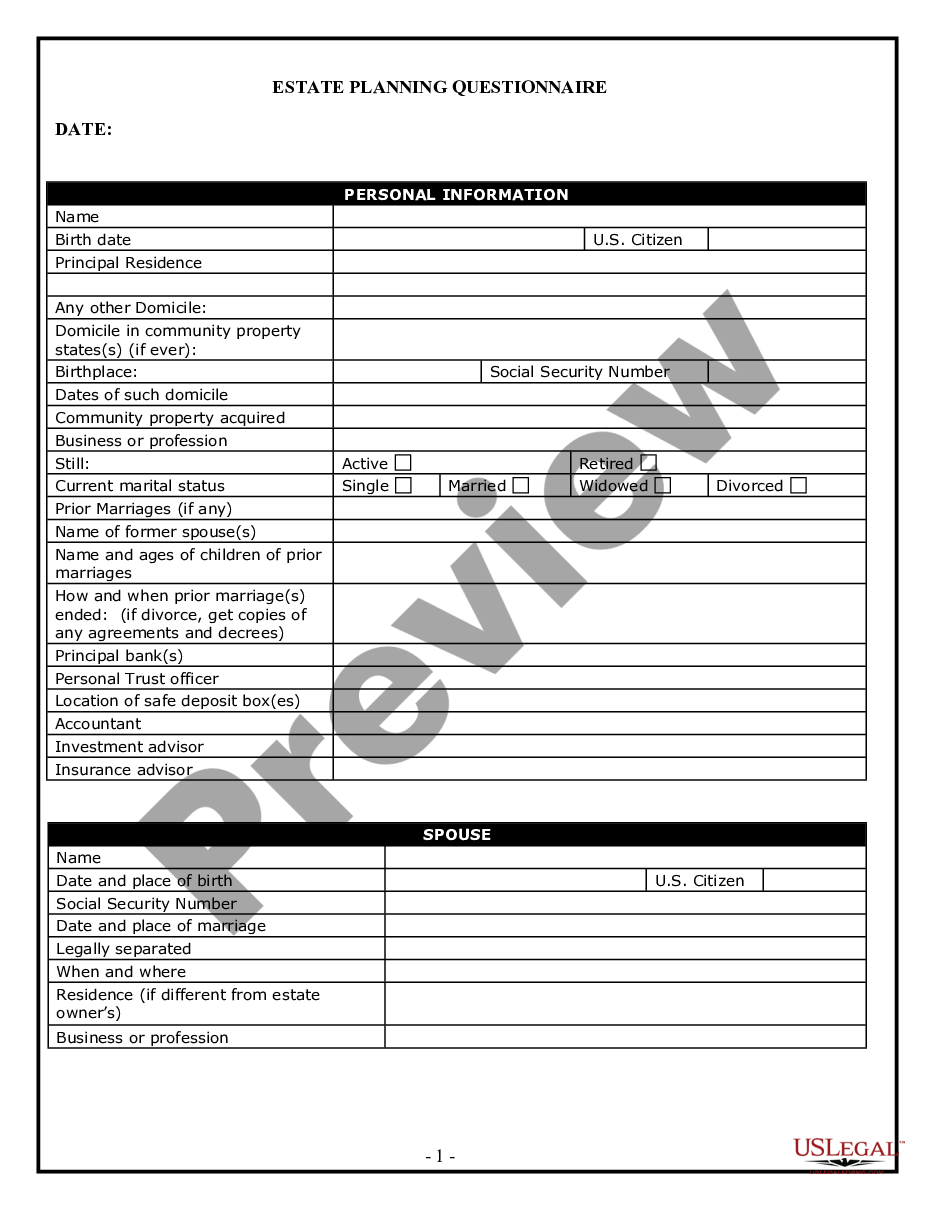


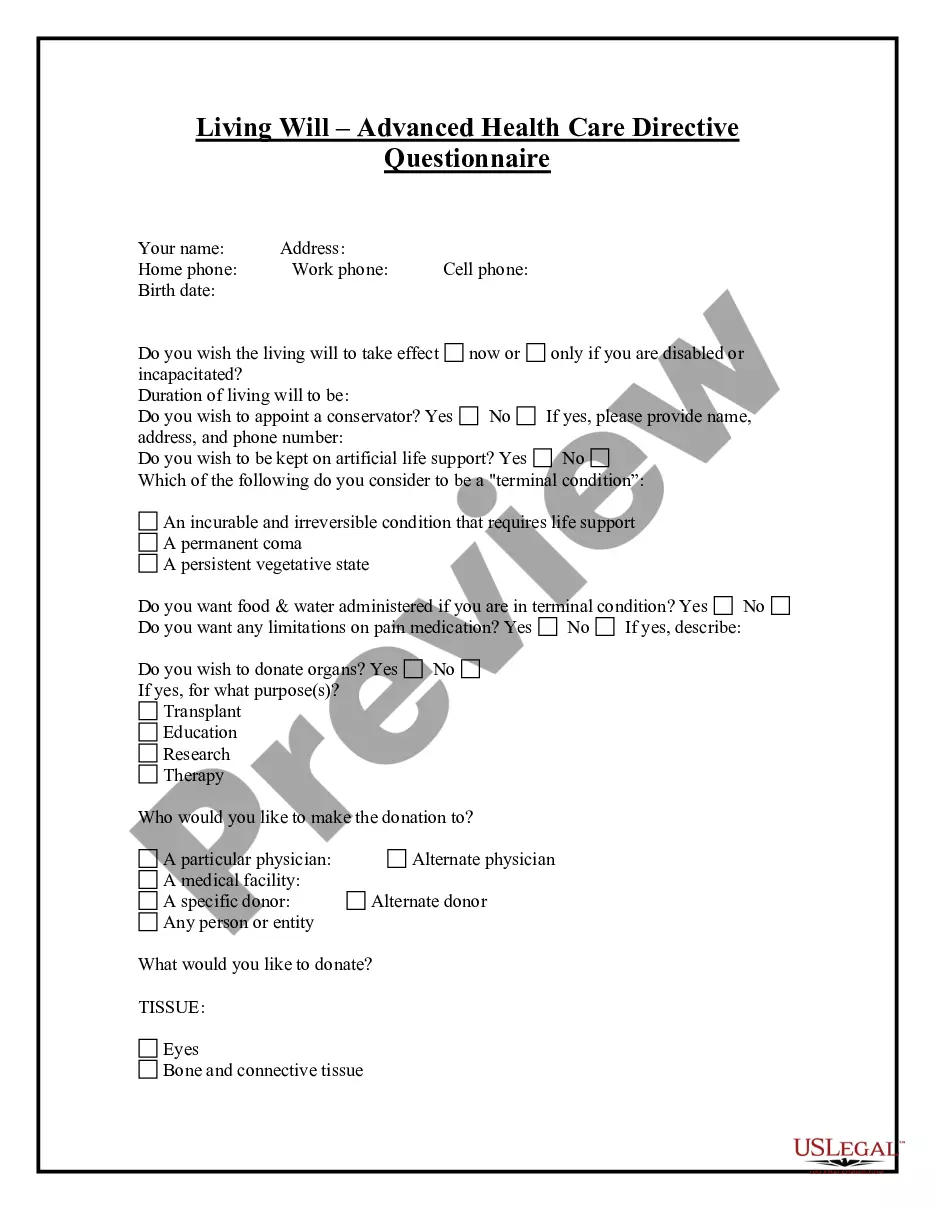

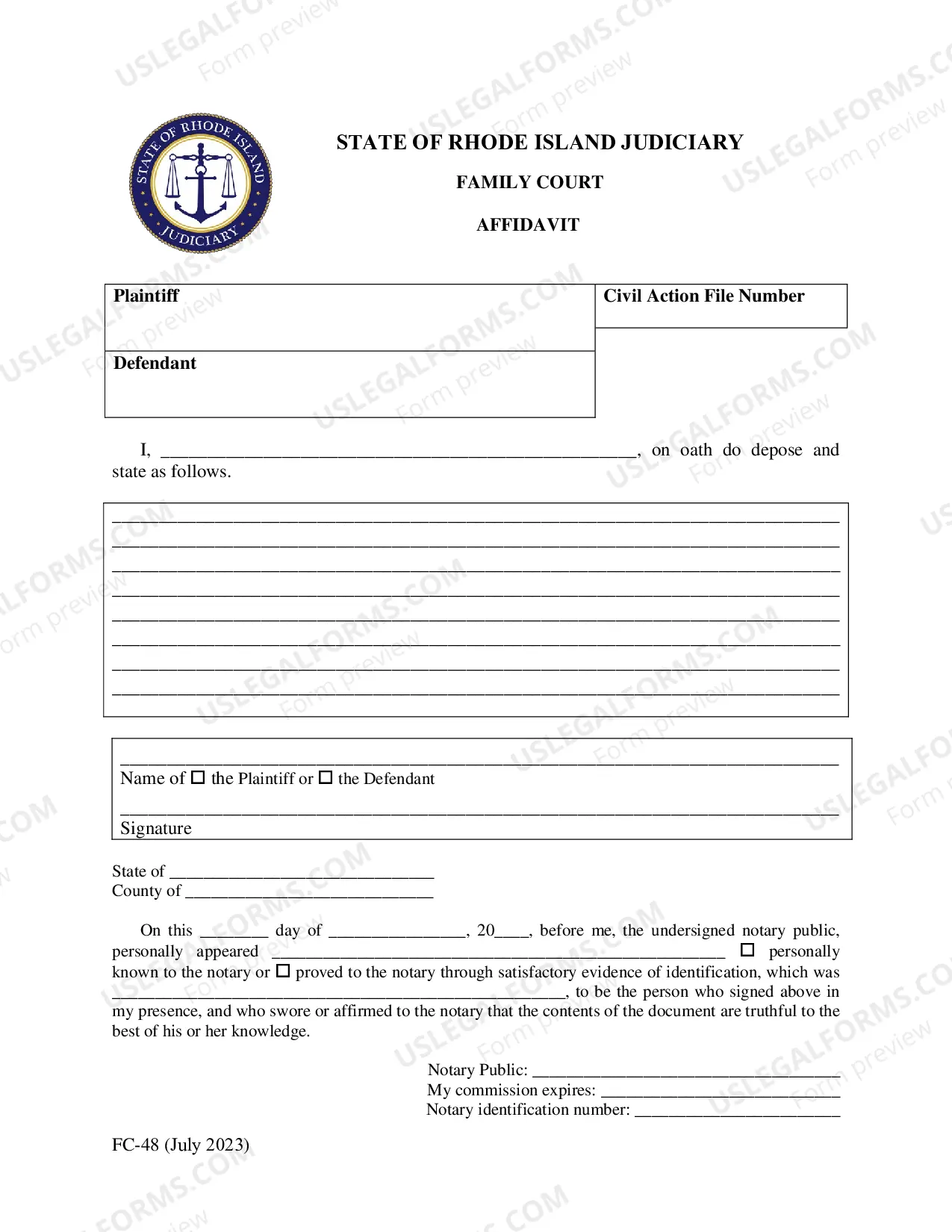
How to fill out Affidavit Of Title Made By Owner Selling Real Property?
Creating legal documents from the ground up can frequently be daunting.
Certain situations may require extensive research and considerable expenses.
If you’re looking for a more straightforward and economical approach to preparing Title With Ownership or any other documents without hassle, US Legal Forms is always accessible to you.
Our digital collection of over 85,000 current legal forms covers nearly every aspect of your financial, legal, and personal affairs.
Review the document previews and descriptions to confirm that you are selecting the correct form. Ensure that the template you opt for adheres to the rules and regulations of your state and county. Select the appropriate subscription plan to purchase the Title With Ownership. Download the document, then complete, sign, and print it. US Legal Forms has a solid reputation and over 25 years of experience. Join us now and simplify the process of document execution!
- With just a few clicks, you can swiftly obtain state- and county-compliant templates meticulously crafted for you by our legal experts.
- Utilize our website whenever you need trustworthy and dependable services through which you can promptly locate and download the Title With Ownership.
- If you’re already acquainted with our services and have previously established an account with us, simply Log In to your account, choose the template, and download it or re-download it anytime later in the My documents section.
- Don't possess an account? No problem. Setting one up takes minimal time, and navigating the library is easy.
- However, before diving into downloading Title With Ownership, consider following these suggestions.
Form popularity
FAQ
To sell your vehicle, you must sign the ?Transfer of Ownership? form, which is attached to the registration certificate. You must also provide the buyer with a Bill of Sale, which includes the date if sale, name of buyer, vehicle description, VIN number, purchase price and contact information of the seller.
Follow these steps if you are the seller transferring ownership of a used vehicle : Purchase a Used Vehicle Inspection Package and provide it to the buyer. Record the name of buyer, signature, purchase price, and sale date on the bill of sale portion of the UVIP. Sign the Application for Transfer portion.
Your vehicle permit also known as the vehicle ownership is the green piece of paper that you get when your vehicle is registered with ServiceOntario. It is proof that you are the registered vehicle owner.
In order to complete the transfer you will need the following items: Proof of auto insurance in Ontario. A valid drivers license for the new owner. The vehicle ownership permit. A safety standard certificate within the last 36 days (please note: this is not required if the transfer is to a spouse) Emissions test completed.
Certificate of Title - Example Document Purchaser(s) Name ? All purchasers' names should be recorded. ... Purchaser(s) Address ? The physical address of the purchaser should be recorded. Date of Sale ? The sale date must be recorded as month, day, and year. ... Model ? Should be recorded.