Citizenship States Form For Employers
Description
Get your form ready online
Our built-in tools help you complete, sign, share, and store your documents in one place.
Make edits, fill in missing information, and update formatting in US Legal Forms—just like you would in MS Word.
Download a copy, print it, send it by email, or mail it via USPS—whatever works best for your next step.
Sign and collect signatures with our SignNow integration. Send to multiple recipients, set reminders, and more. Go Premium to unlock E-Sign.
If this form requires notarization, complete it online through a secure video call—no need to meet a notary in person or wait for an appointment.
We protect your documents and personal data by following strict security and privacy standards.

Make edits, fill in missing information, and update formatting in US Legal Forms—just like you would in MS Word.

Download a copy, print it, send it by email, or mail it via USPS—whatever works best for your next step.

Sign and collect signatures with our SignNow integration. Send to multiple recipients, set reminders, and more. Go Premium to unlock E-Sign.

If this form requires notarization, complete it online through a secure video call—no need to meet a notary in person or wait for an appointment.

We protect your documents and personal data by following strict security and privacy standards.
Looking for another form?
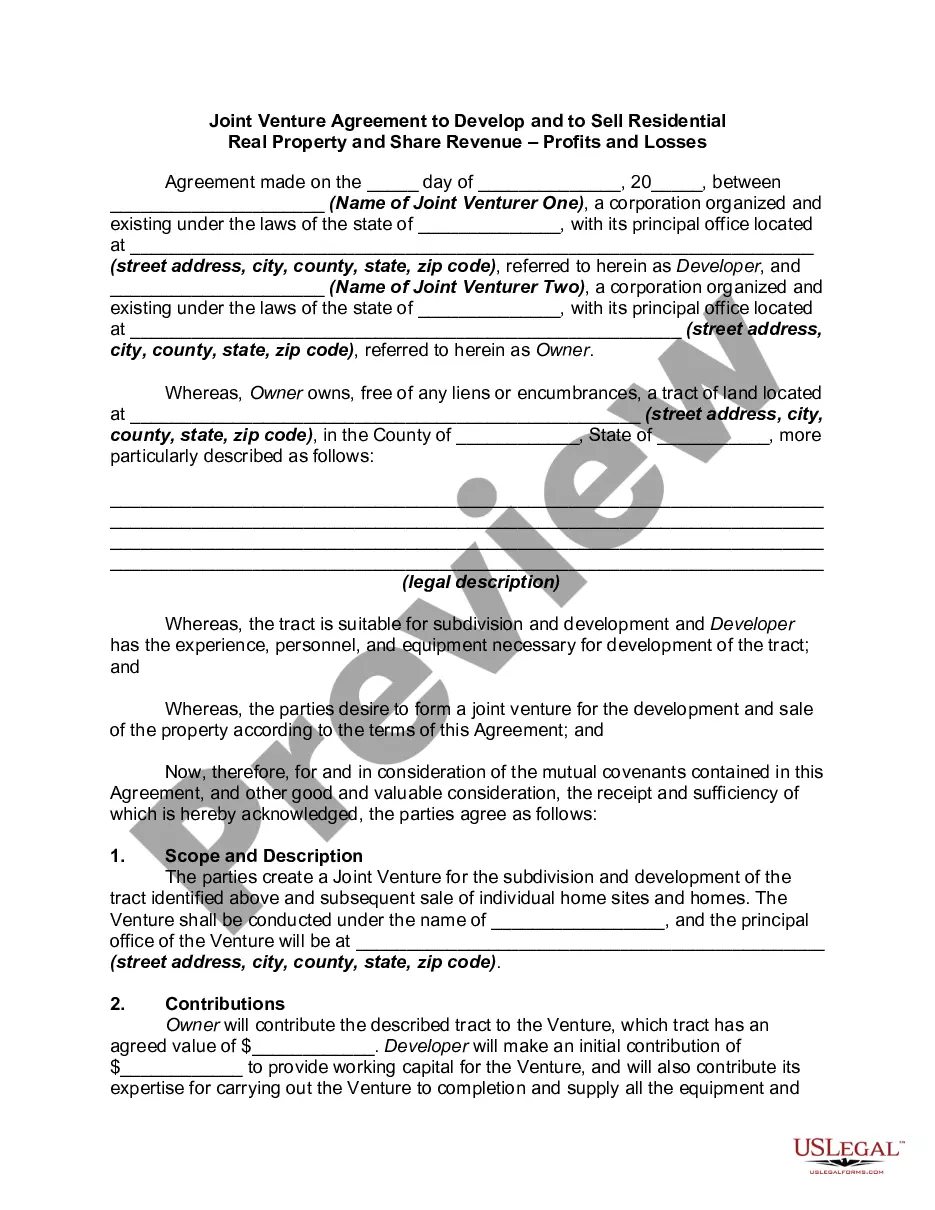






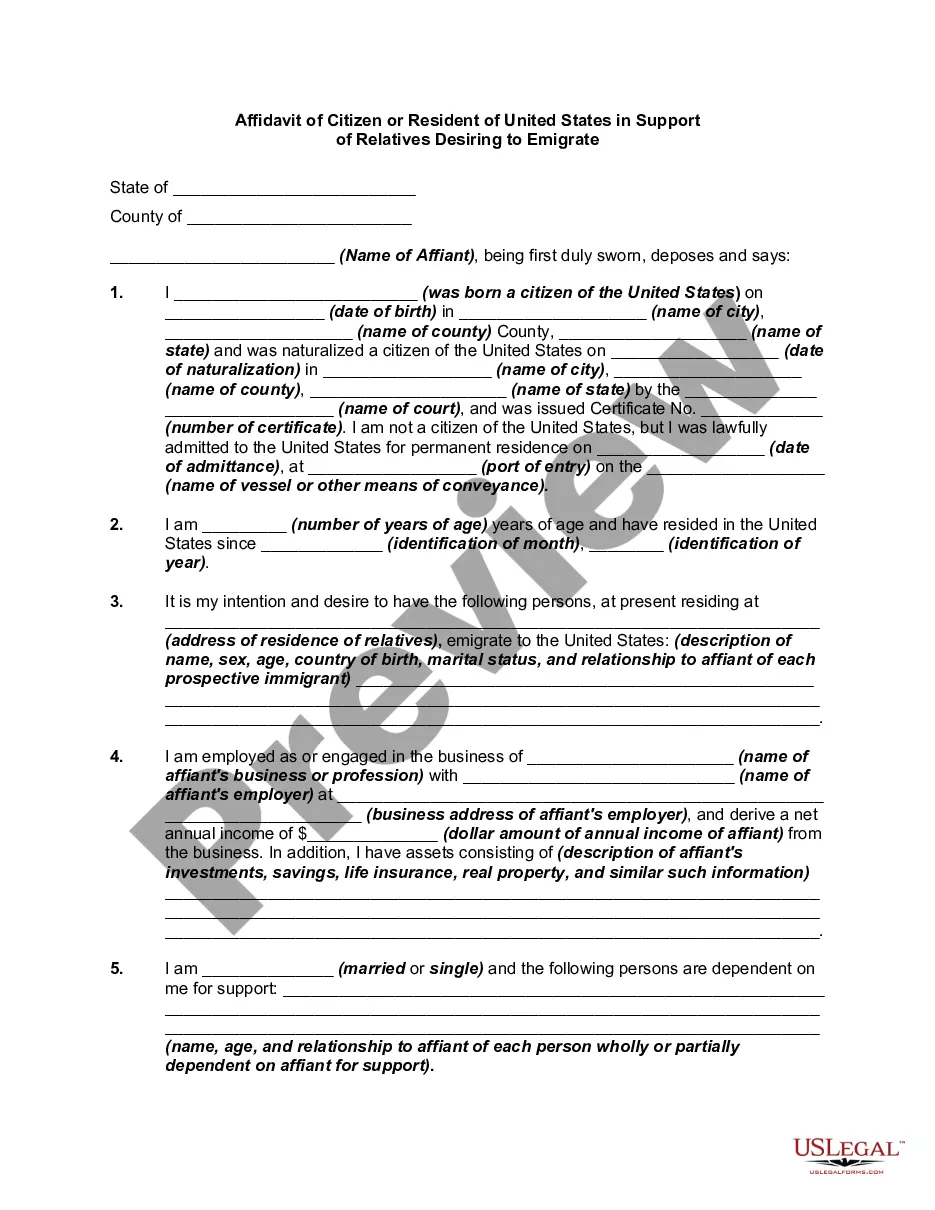
How to fill out Affidavit And Proof Of Citizenship Or Residence Of United States In Support Of Relatives Desiring To Emigrate?
Creating legal documents from the ground up can occasionally be daunting.
Some situations may require extensive research and significant financial investment.
If you’re seeking a simpler and more cost-effective method for preparing the Citizenship States Form For Employers or other forms without unnecessary complications, US Legal Forms is readily available to assist you.
Our online repository of over 85,000 current legal documents encompasses nearly every aspect of your financial, legal, and personal matters.
- With just a few clicks, you can swiftly obtain state and county-specific templates meticulously assembled for you by our legal professionals.
- Utilize our platform whenever you require trusted and dependable services to effortlessly discover and download the Citizenship States Form For Employers.
- If you’re a returning visitor and have previously registered with us, simply Log In to your account, find the template, and download it, or re-download it at any time later via the My documents section.
- Not registered? No worries. It only takes a few minutes to create an account and browse through our catalog.
Form popularity
FAQ
To verify U.S. citizenship, one must review official documents that establish citizenship status, such as passports or birth certificates. Employers should also follow processes outlined by relevant authorities to ensure compliance. A Citizenship states form for employers provides a standardized way to manage this verification efficiently.
The United States Citizenship and Immigration Services (USCIS) is the primary agency that verifies an applicant's U.S. citizenship. They oversee the naturalization process and maintain all citizenship records. Employers may also rely on the Citizenship states form for employers to ensure their verification processes meet federal standards.
Your employer may not: Ask for specific documents because of your national origin, ethnicity, immigration or citizenship status, race, color, religion, age, gender, disability, or genetic information, or because of any other protected characteristic.
Citizenship: Inquiries about an individual's citizenship or county of birth are prohibited and can be perceived as discrimination on the basis the individual's national origin. Applicants cannot be discriminated against based on their citizenship status, except in rare circumstances when required by federal contract.
Verify the identity and employment authorization of each person they hire; Complete and retain a Form I-9, Employment Eligibility Verification, for each employee; and. Refrain from discriminating against individuals on the basis of national origin, citizenship or immigration status.
Use Form I-9 to verify the identity and employment authorization of individuals hired for employment in the United States. All U.S. employers must properly complete Form I-9 for every individual they hire for employment in the United States.
How do I list citizenship on a resume? ?US Citizen? ?No work authorization required? ?No sponsorship required? ?Authorized to work for any US employer?