Real Estate Trust Realty Withdrawal
Description
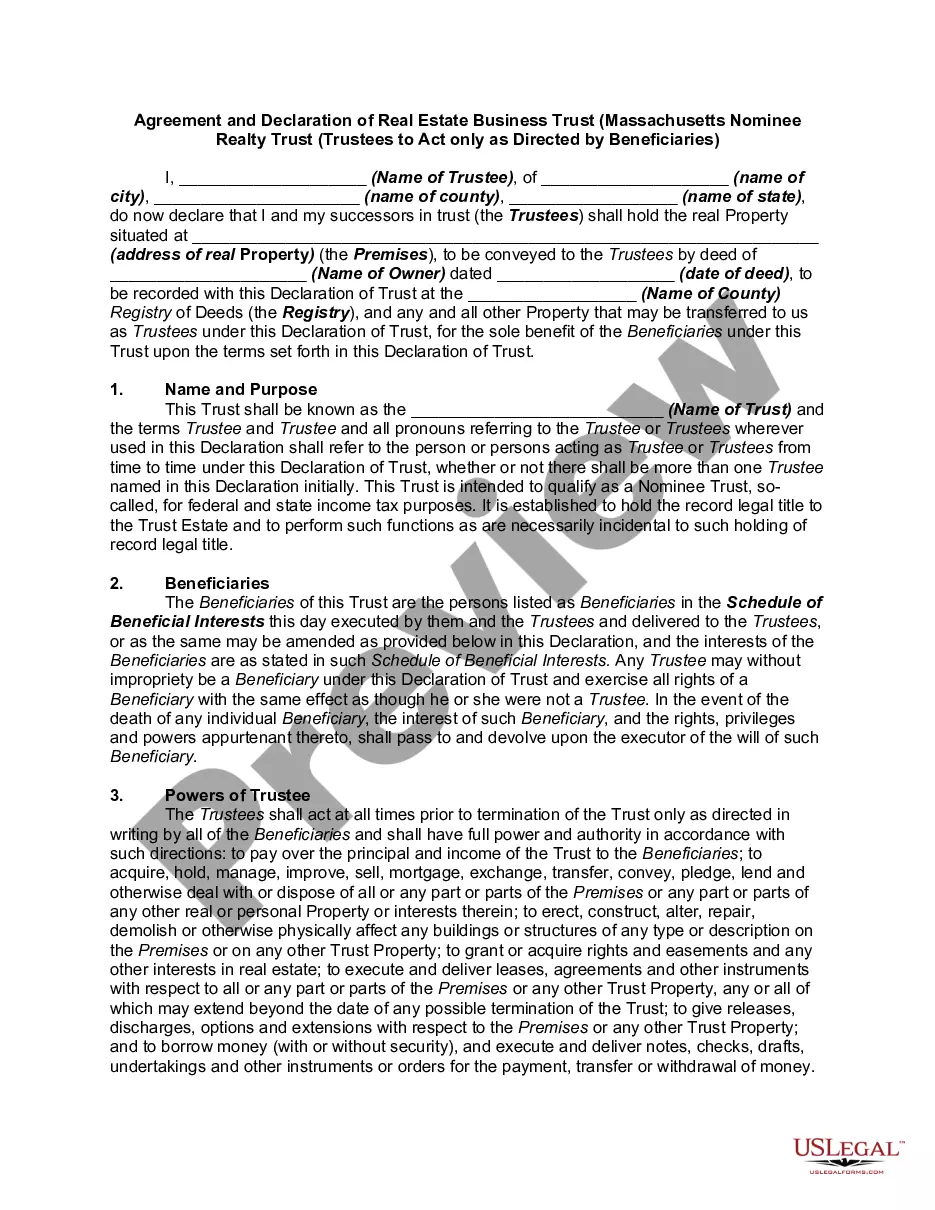
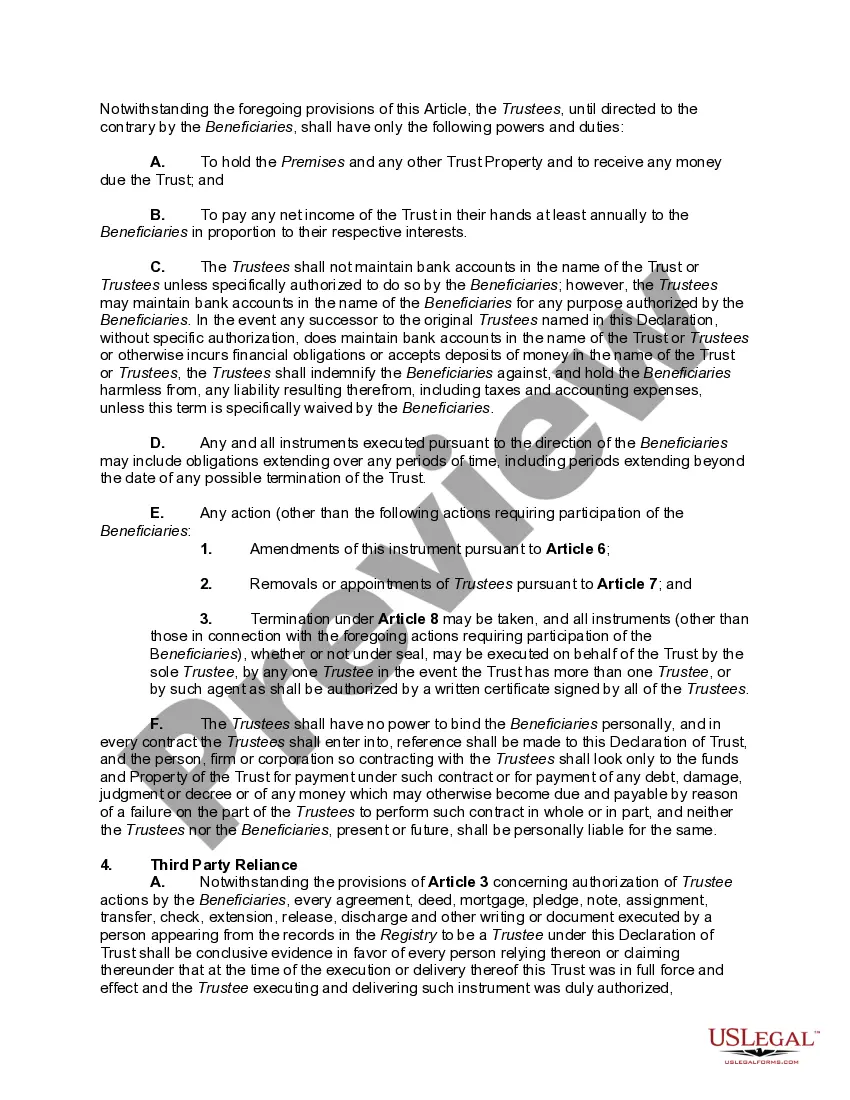
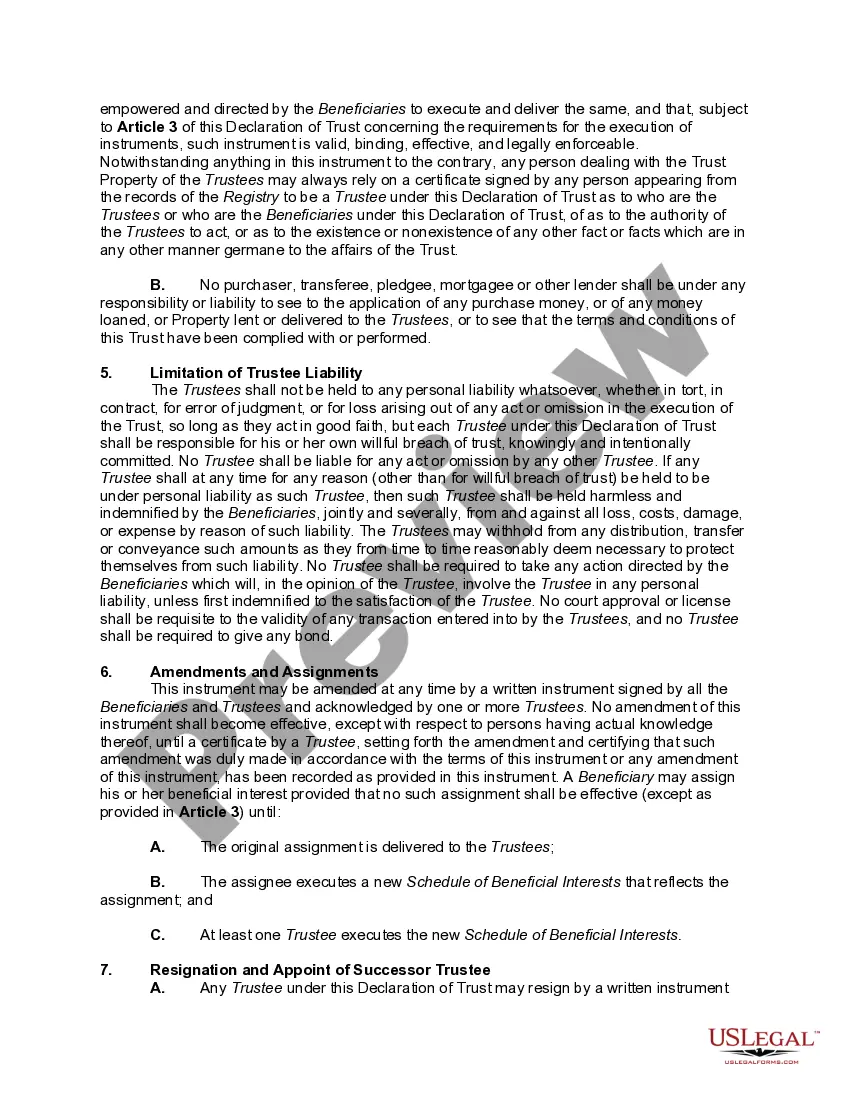
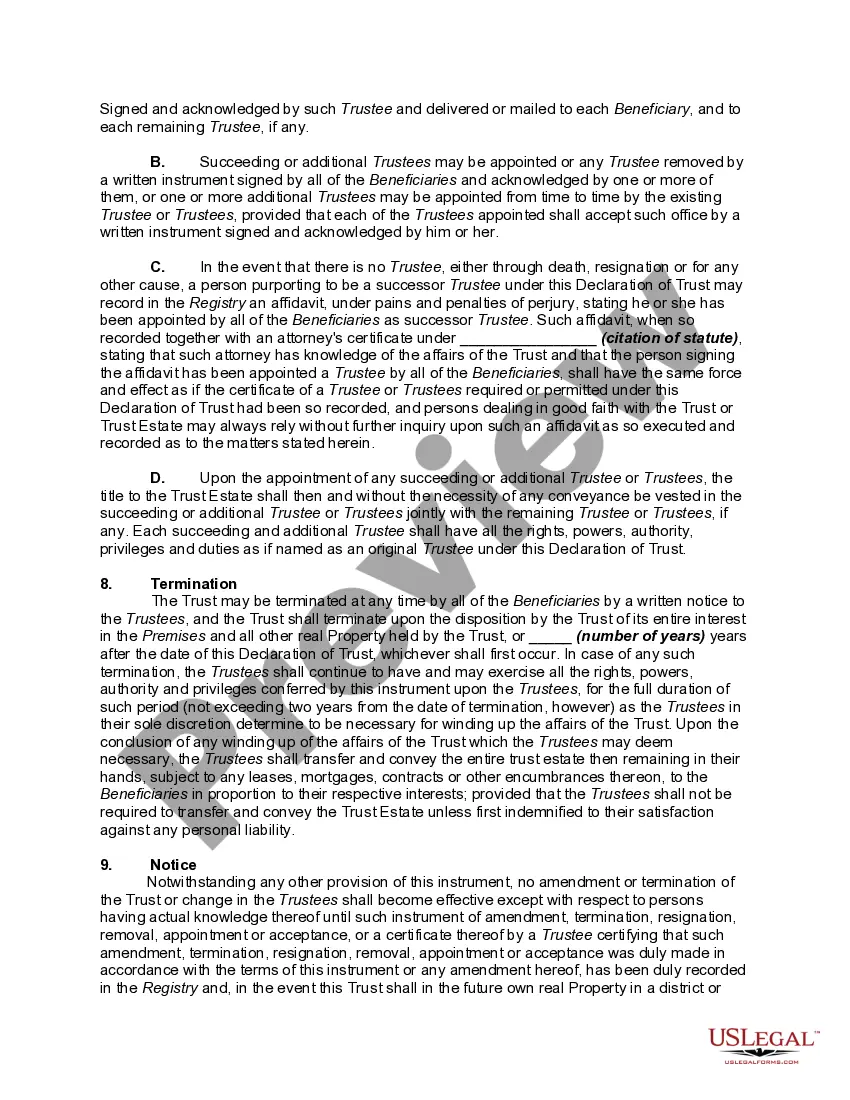
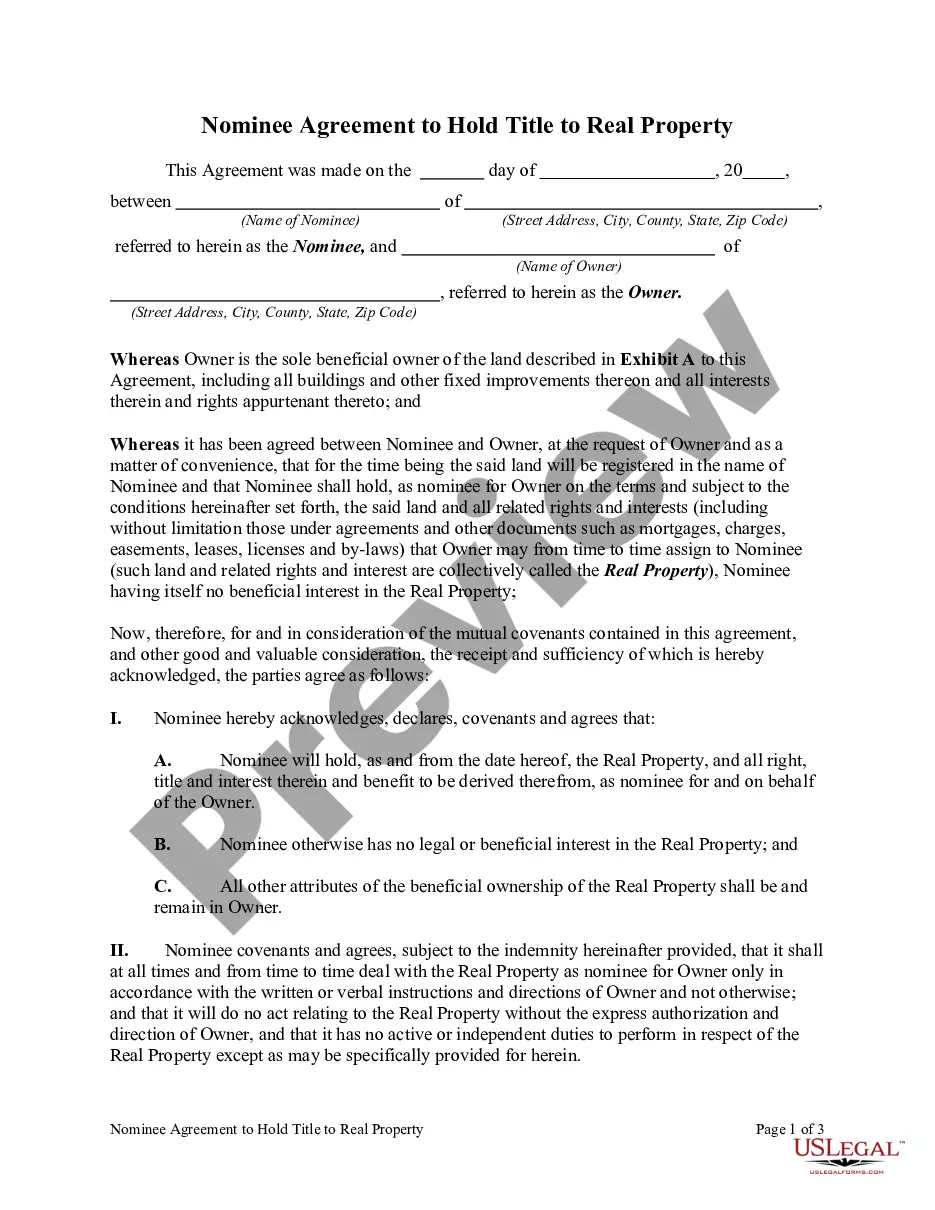
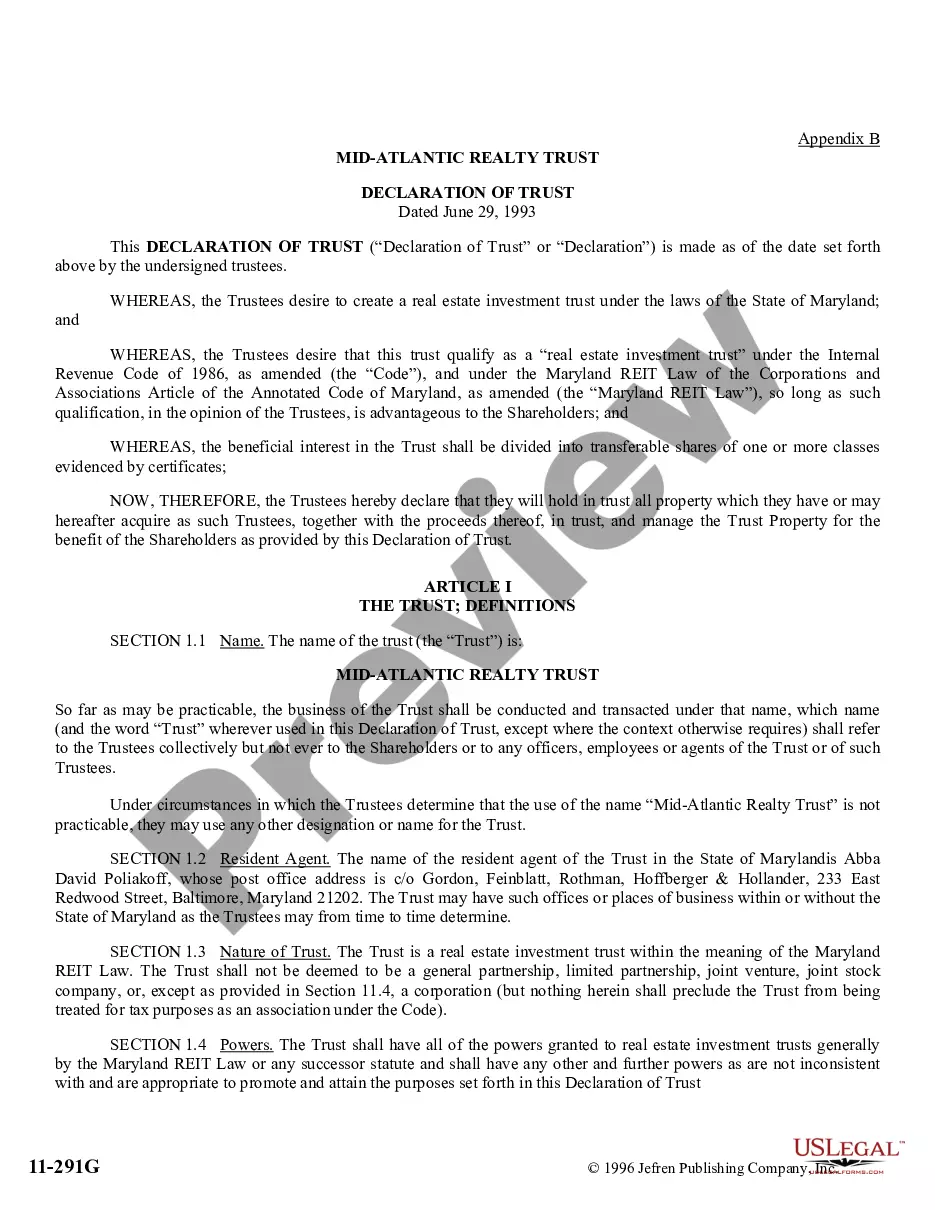
Get your form ready online
Our built-in tools help you complete, sign, share, and store your documents in one place.
Make edits, fill in missing information, and update formatting in US Legal Forms—just like you would in MS Word.
Download a copy, print it, send it by email, or mail it via USPS—whatever works best for your next step.
Sign and collect signatures with our SignNow integration. Send to multiple recipients, set reminders, and more. Go Premium to unlock E-Sign.
If this form requires notarization, complete it online through a secure video call—no need to meet a notary in person or wait for an appointment.
We protect your documents and personal data by following strict security and privacy standards.

Make edits, fill in missing information, and update formatting in US Legal Forms—just like you would in MS Word.

Download a copy, print it, send it by email, or mail it via USPS—whatever works best for your next step.

Sign and collect signatures with our SignNow integration. Send to multiple recipients, set reminders, and more. Go Premium to unlock E-Sign.

If this form requires notarization, complete it online through a secure video call—no need to meet a notary in person or wait for an appointment.

We protect your documents and personal data by following strict security and privacy standards.
Looking for another form?




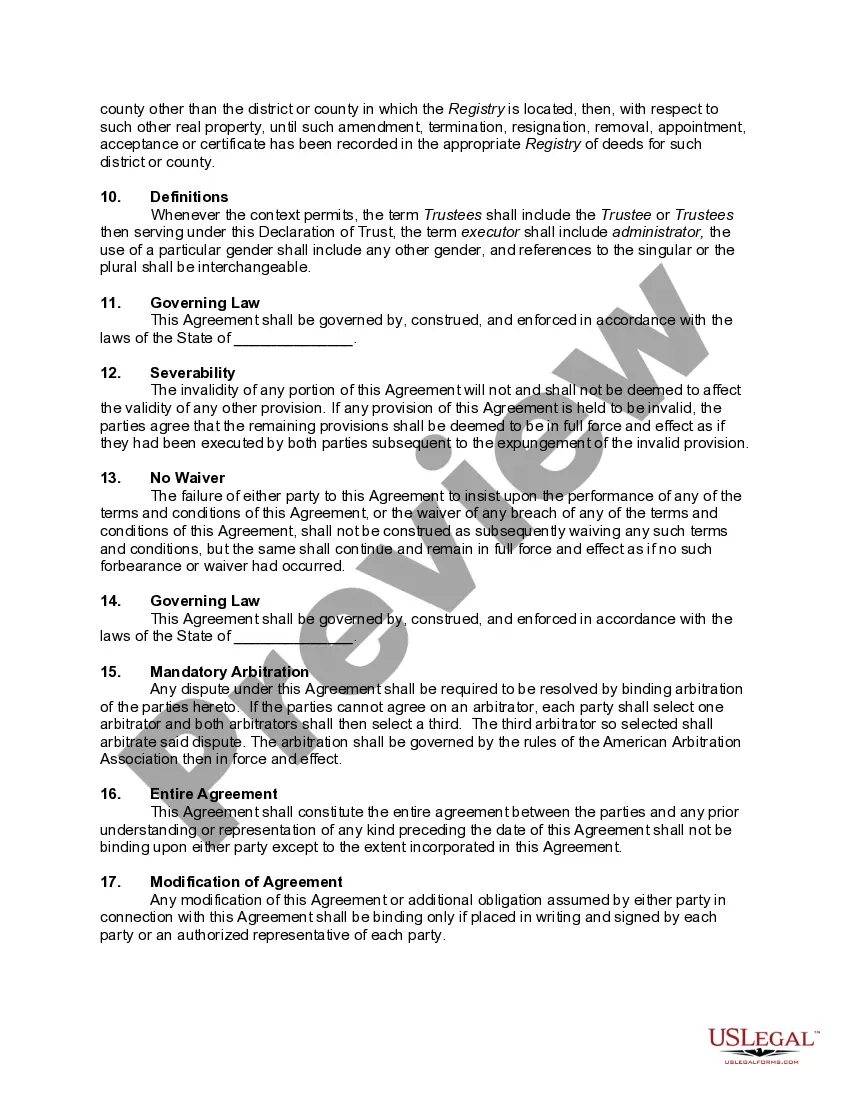
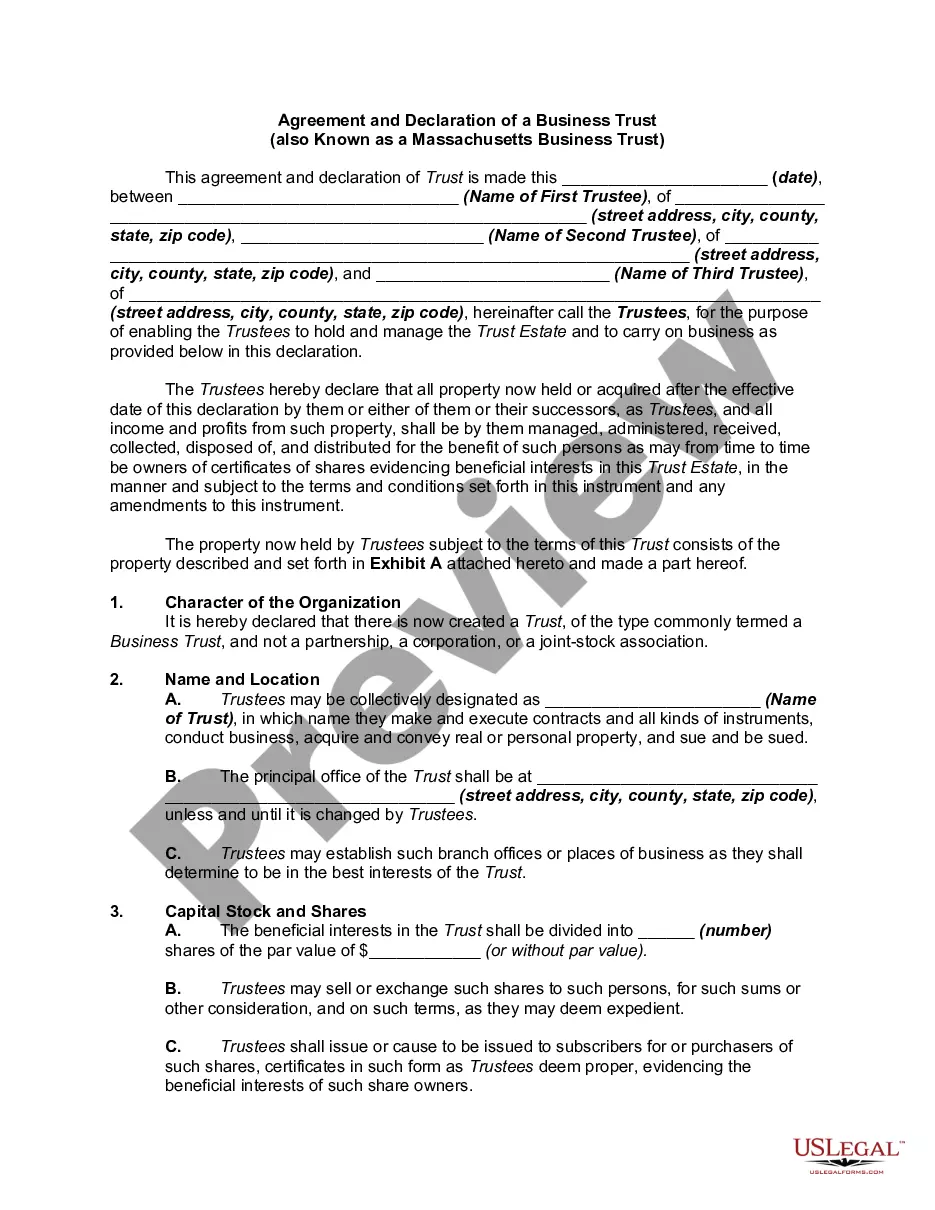
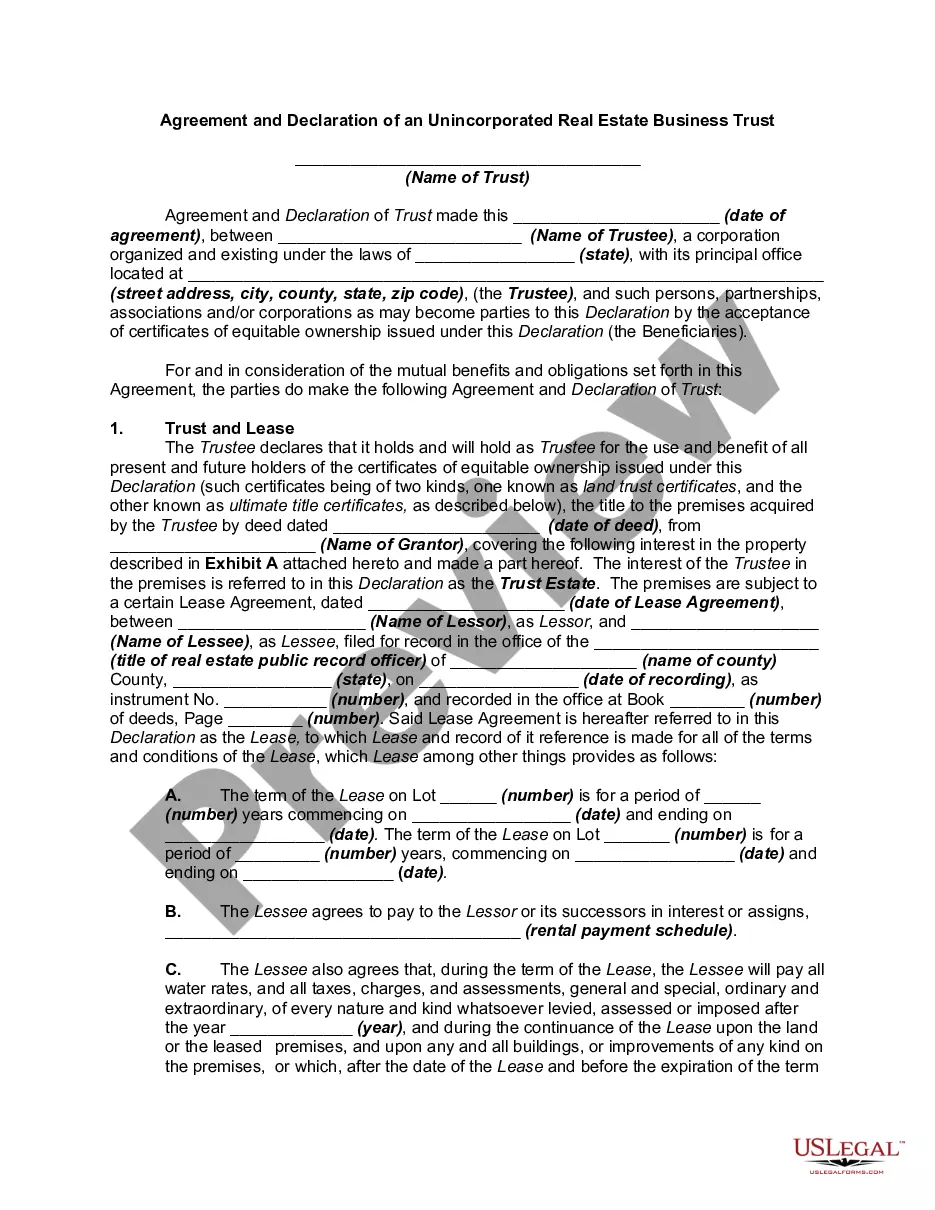
How to fill out Agreement And Declaration Of Real Estate Business Trust - Massachusetts Nominee Realty Trust - Trustees To Act Only As Directed By Beneficiaries?
The Property Trust Realty Cancellation displayed on this webpage is a reusable official template created by experienced attorneys in adherence to national and local laws.
For over 25 years, US Legal Forms has supplied individuals, entities, and legal practitioners with more than 85,000 validated, state-specific documents for any commercial and personal scenario. It is the fastest, simplest, and most reliable method to acquire the papers you require, as the service guarantees bank-level data protection and anti-malware safeguards.
Fill out and sign the document. Print the template to complete it by hand. Alternatively, you can employ an online multi-functional PDF editor to quickly and accurately fill out and sign your form digitally.
- Search for the document you require and examine it.
- Browse through the file you sought and preview it or review the form description to confirm it meets your requirements. If it does not, use the search function to find the correct one. Click Buy Now once you have located the template you want.
- Register and Log In.
- Select the pricing option that fits your needs and create an account. Use PayPal or a credit card for a swift payment. If you already possess an account, Log In and check your subscription to proceed.
- Access the editable template.
- Select the format you desire for your Property Trust Realty Cancellation (PDF, Word, RTF) and download the sample to your device.
Form popularity
FAQ
Separate Record for Each Beneficiary or Transaction The record must show the following in chronological order: date of deposit; amount of deposit; name of payee or payor; check number; date and amount; and balance of the individual account after posting transactions on any date.
The cover page of your statement shows your account information. It includes the date of the statement, the account number, account name, your name and address, and contact information for who to call with questions. Many trusts have more than one investment or underlying accounts that make up their Trust.
Typically, you pay earnest money to an escrow account or trust under a third-party like a legal firm, real estate broker or title company. Acceptable payment methods include personal check, certified check and wire transfer. The funds remain in the trust or escrow account until closing.
It should show in chronological order: all receipts, all disbursements, and the account balance for that individual client. This is the sheet the attorney would consult if asked for a current record of an individual client's funds and/or activity.
Withdrawals may be made by signature of one or more of the following: 1. The broker in whose name the account is maintained; or 2. The designated broker-officer if the account is in the name of a corporate broker; or 3. If specifically authorized in writing by the broker, a salesperson licensed to the broker; or 4.