Virtual Assistant Staffing Agency With Benefits
Description
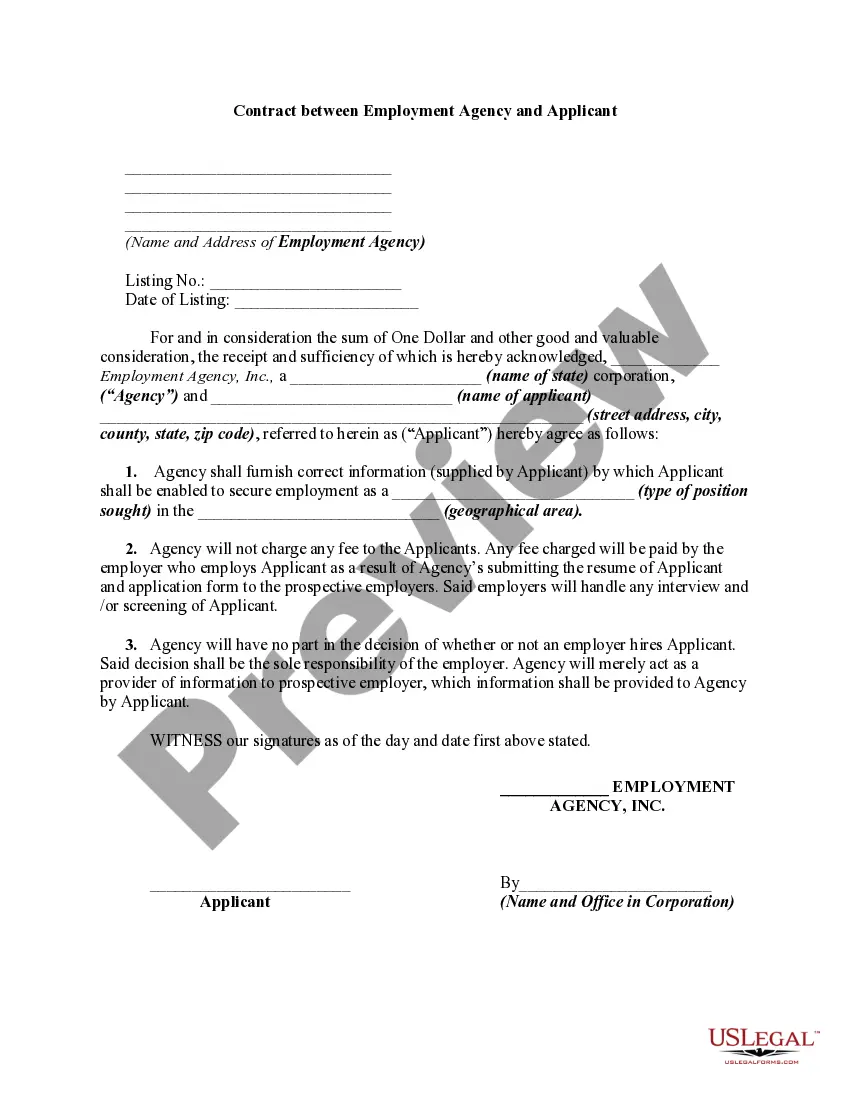
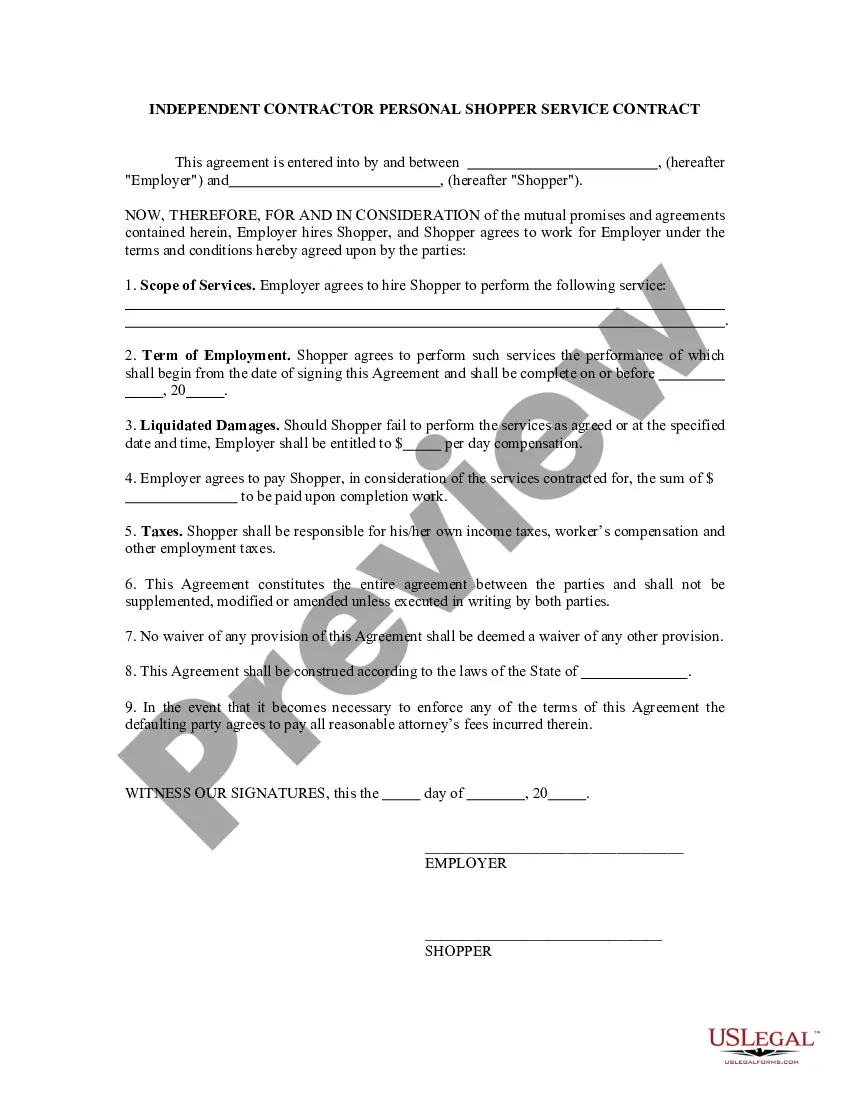
Get your form ready online
Our built-in tools help you complete, sign, share, and store your documents in one place.
Make edits, fill in missing information, and update formatting in US Legal Forms—just like you would in MS Word.
Download a copy, print it, send it by email, or mail it via USPS—whatever works best for your next step.
Sign and collect signatures with our SignNow integration. Send to multiple recipients, set reminders, and more. Go Premium to unlock E-Sign.
If this form requires notarization, complete it online through a secure video call—no need to meet a notary in person or wait for an appointment.
We protect your documents and personal data by following strict security and privacy standards.

Make edits, fill in missing information, and update formatting in US Legal Forms—just like you would in MS Word.

Download a copy, print it, send it by email, or mail it via USPS—whatever works best for your next step.

Sign and collect signatures with our SignNow integration. Send to multiple recipients, set reminders, and more. Go Premium to unlock E-Sign.

If this form requires notarization, complete it online through a secure video call—no need to meet a notary in person or wait for an appointment.

We protect your documents and personal data by following strict security and privacy standards.
Looking for another form?






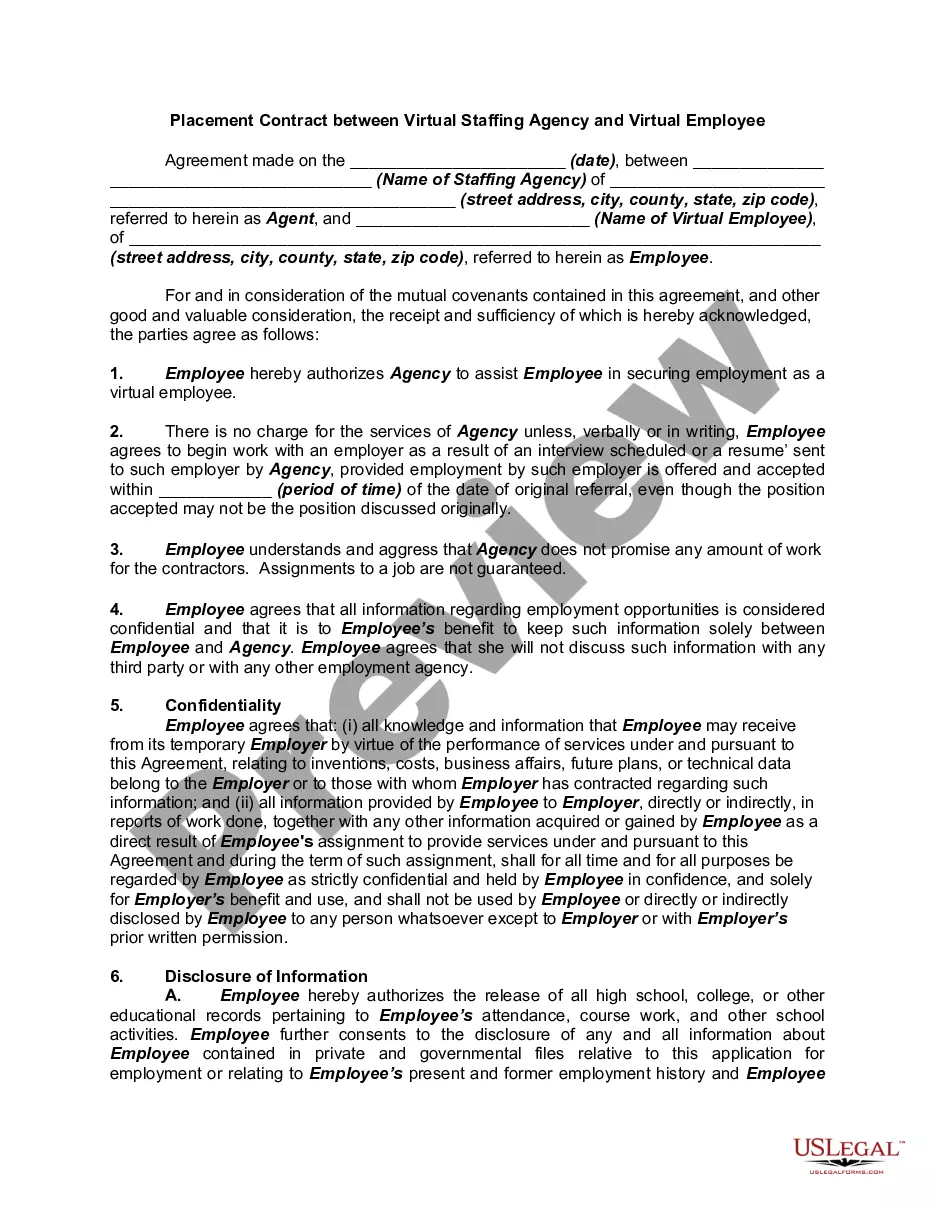
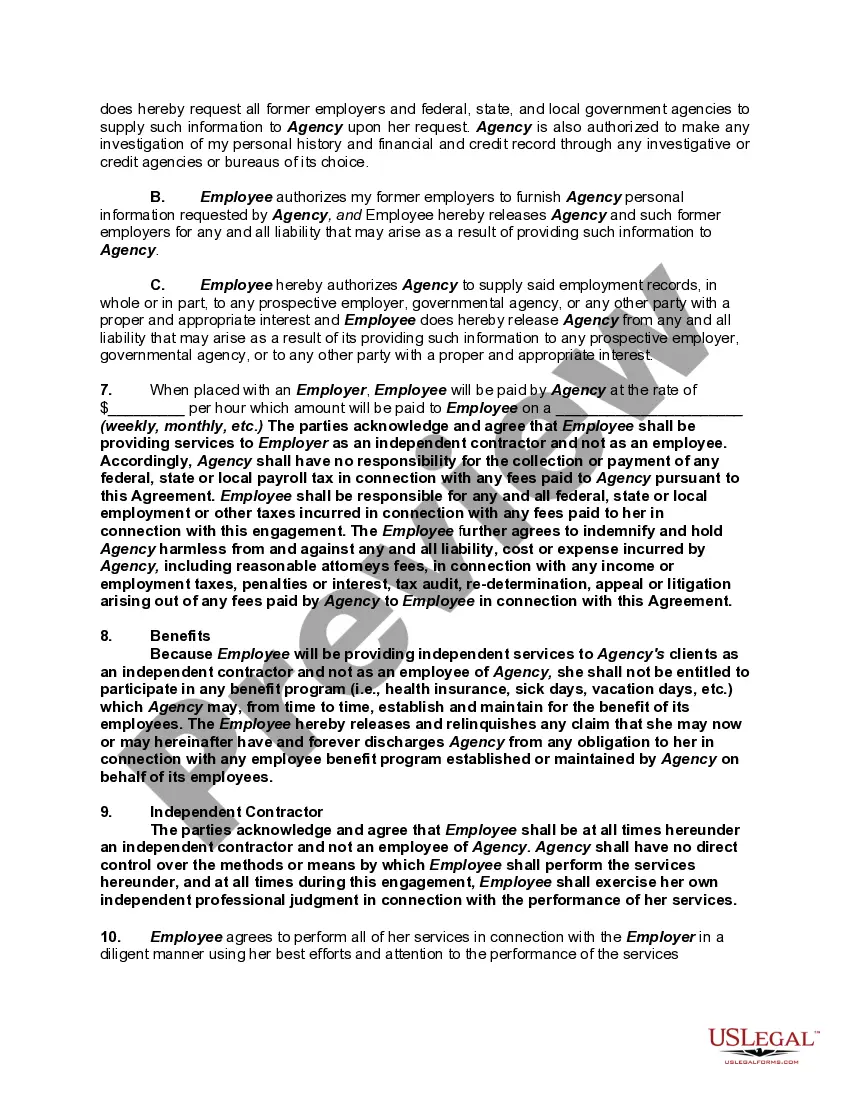
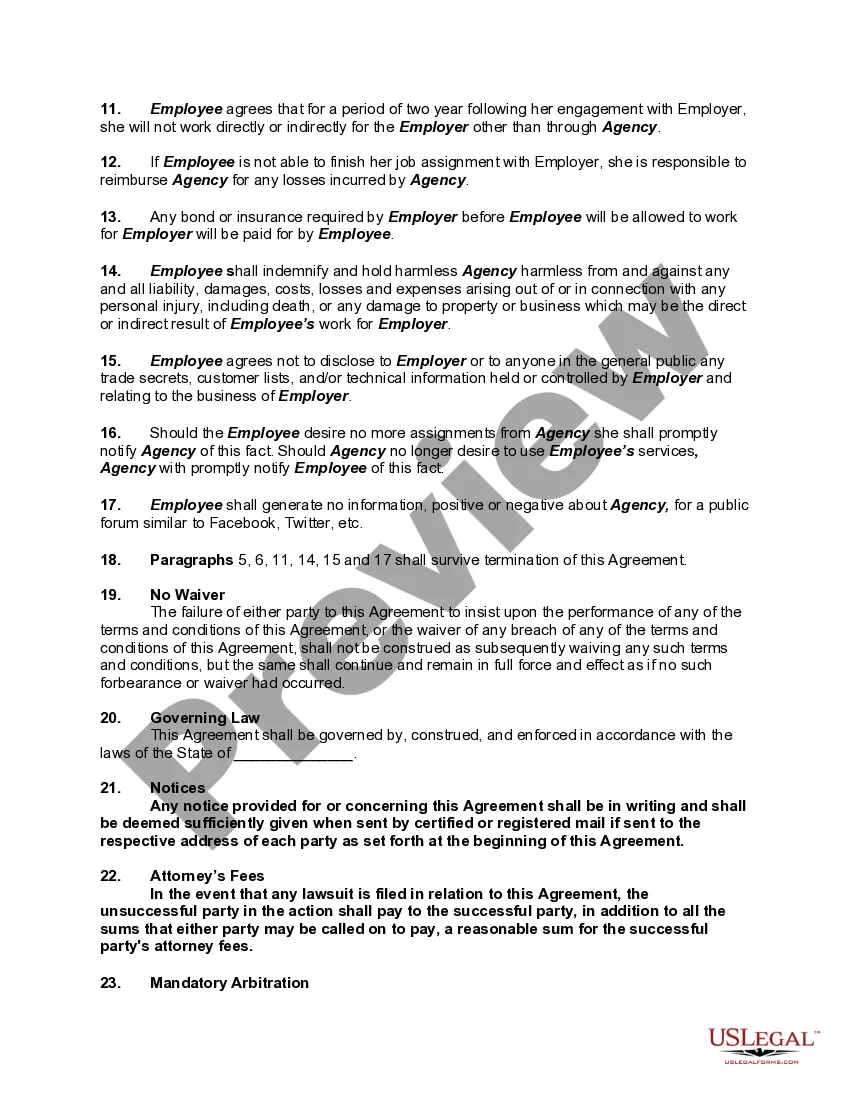
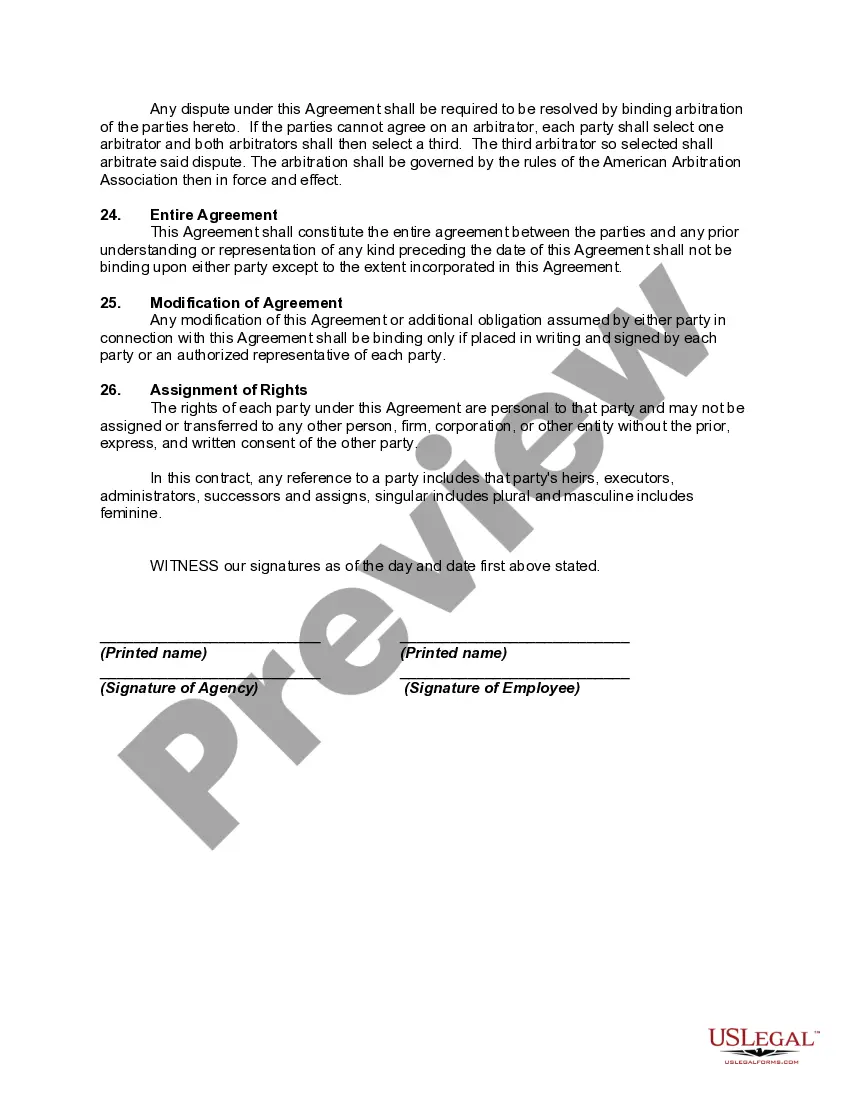
How to fill out Placement Contract Between Virtual Staffing Agency And Virtual Employee?
The Virtual Assistant Staffing Agency With Benefits showcased on this page is a reusable official template created by expert attorneys in accordance with federal and local laws and regulations.
For over 25 years, US Legal Forms has supplied individuals, entities, and legal practitioners with over 85,000 validated, state-specific documents for any business and personal needs. It’s the fastest, simplest, and most trustworthy method to acquire the documentation you require, as the service ensures bank-level data security and anti-malware safeguards.
Register for US Legal Forms to access validated legal templates for every aspect of life whenever you need them.
- Browse for the document you require and examine it.
- Sign up and Log In.
- Obtain the editable template.
- Complete and sign the documents.
- Download your paperwork again.
Form popularity
FAQ
Top Ten Advantages of Hiring a Virtual Assistant They are more affordable than a regular employee. They help you save time. You'll have increased organization and productivity. Fewer hiring hassles. More time for personal life.
8 Steps to Start a Virtual Assistant Business Decide on Your Services. ... Write a Business Plan. ... Know Your Legal Obligations. ... Create an Online Portfolio. ... Determine Your Prices. ... Set Up a Payment System. ... Find Your First Clients. ... Get Working and Adjust as Needed.
How to market your Virtual Assistant business 1) Network your socks off. ... 3) Join Meetup.com. ... 5) Tap your professional network. ... 6) Arrange to meet your online contacts. ... 7) Ask for LinkedIn introductions. ... 8) Run a Google/Bing Adwords campaign. ... 9) Run a Facebook/Insta ad. ... 10) Run a Twitter ad.
There are many options available, such as PayPal, Stripe, FreshBooks, QuickBooks, or Zoho Invoice. These platforms allow you to create, send, and track invoices, accept online payments, and sync with your bank accounts.
Remember, if you want to help everyone, you're helping no one. Create a Professional Website. In the modern era, every business needs an online presence. ... Create a Professional Portfolio. You should have a portfolio on your website as a Virtual Assistant. ... Leverage Social Media. ... Networking and Collaboration. ... Email Marketing.