Virtual Assistant Staffing Agency With Answers
Description
Get your form ready online
Our built-in tools help you complete, sign, share, and store your documents in one place.
Make edits, fill in missing information, and update formatting in US Legal Forms—just like you would in MS Word.
Download a copy, print it, send it by email, or mail it via USPS—whatever works best for your next step.
Sign and collect signatures with our SignNow integration. Send to multiple recipients, set reminders, and more. Go Premium to unlock E-Sign.
If this form requires notarization, complete it online through a secure video call—no need to meet a notary in person or wait for an appointment.
We protect your documents and personal data by following strict security and privacy standards.

Make edits, fill in missing information, and update formatting in US Legal Forms—just like you would in MS Word.

Download a copy, print it, send it by email, or mail it via USPS—whatever works best for your next step.

Sign and collect signatures with our SignNow integration. Send to multiple recipients, set reminders, and more. Go Premium to unlock E-Sign.

If this form requires notarization, complete it online through a secure video call—no need to meet a notary in person or wait for an appointment.

We protect your documents and personal data by following strict security and privacy standards.
Looking for another form?







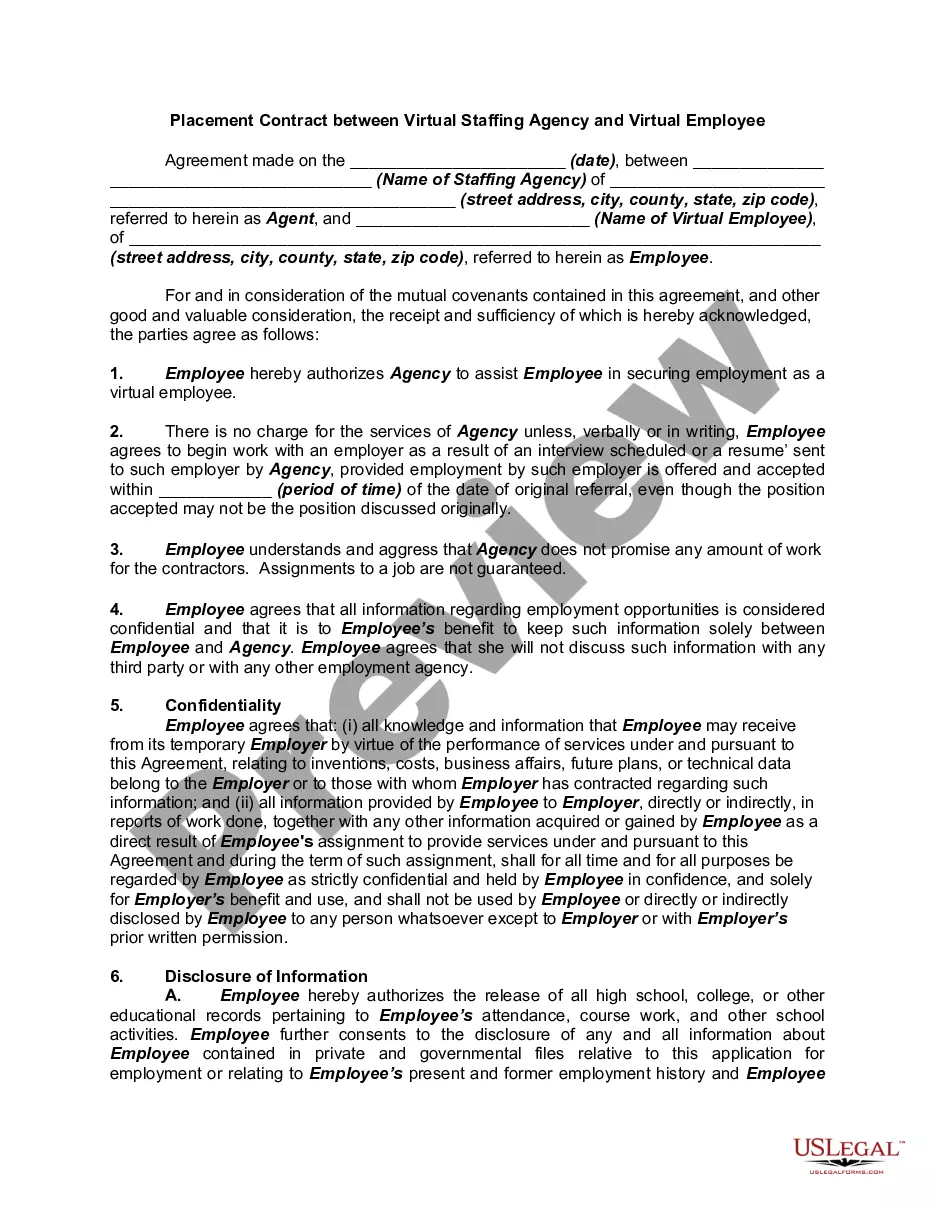
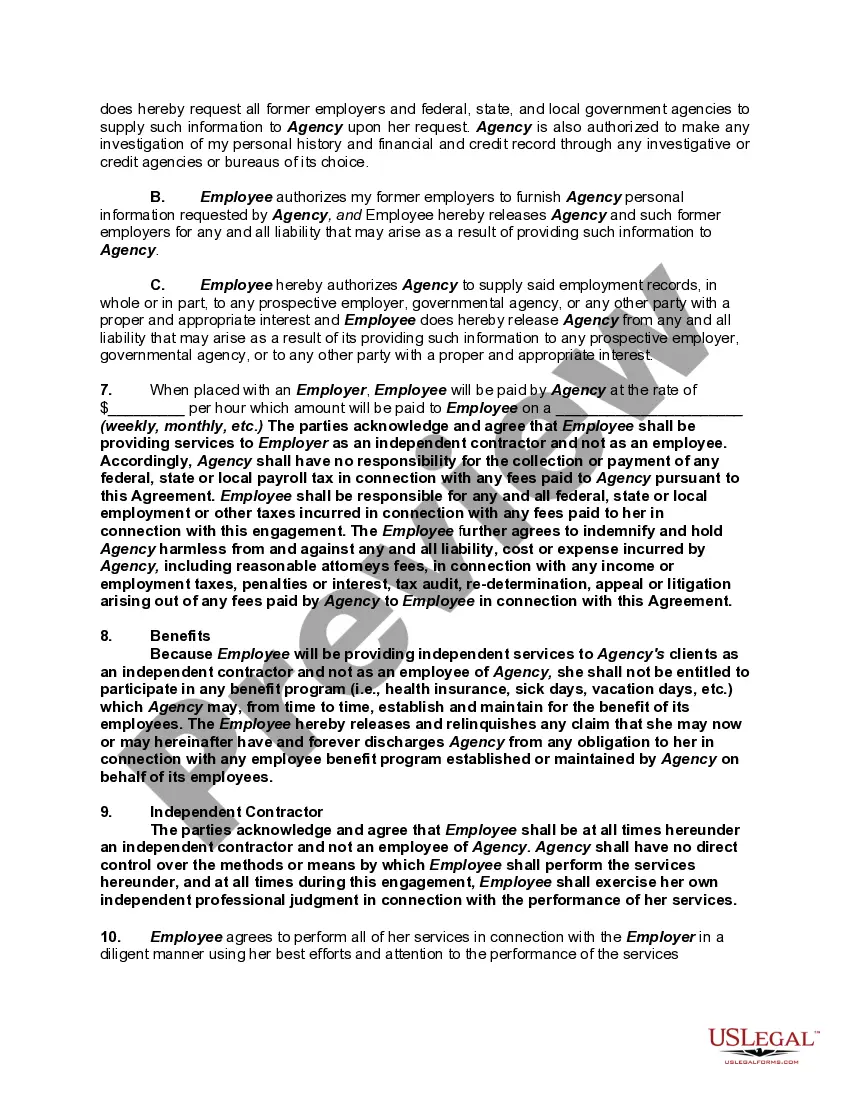
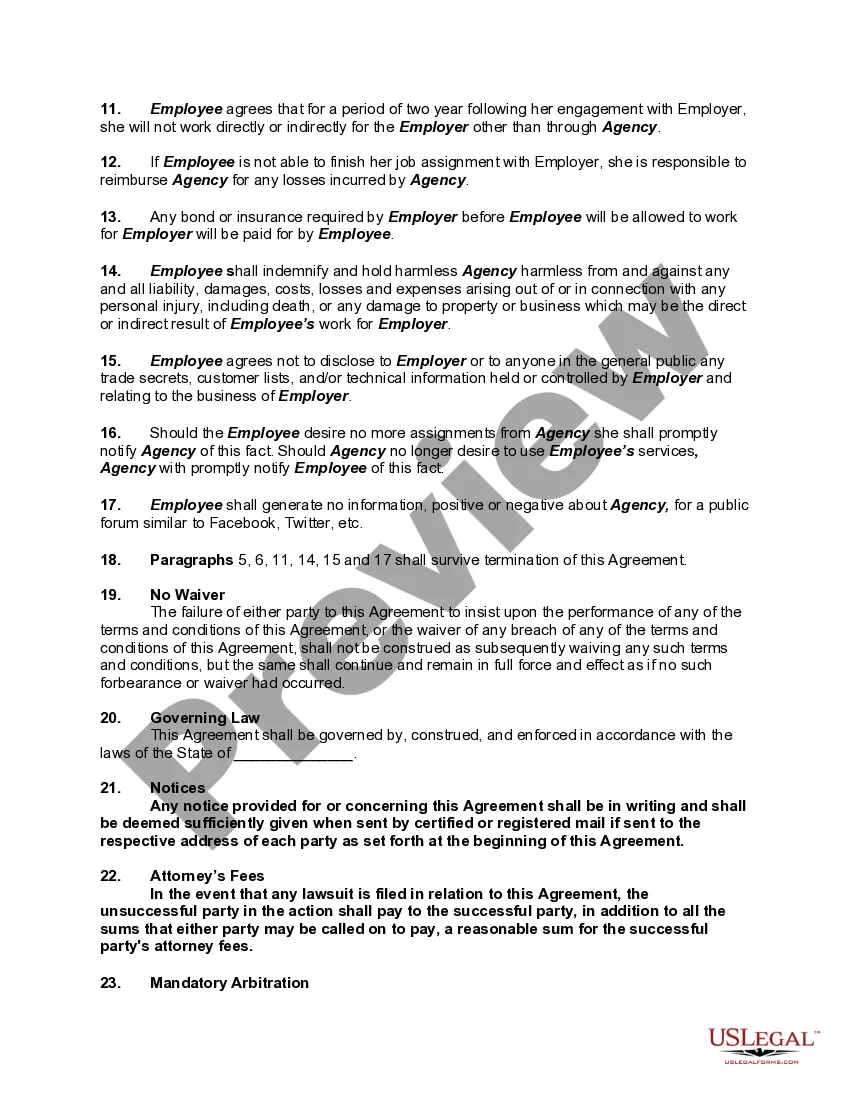
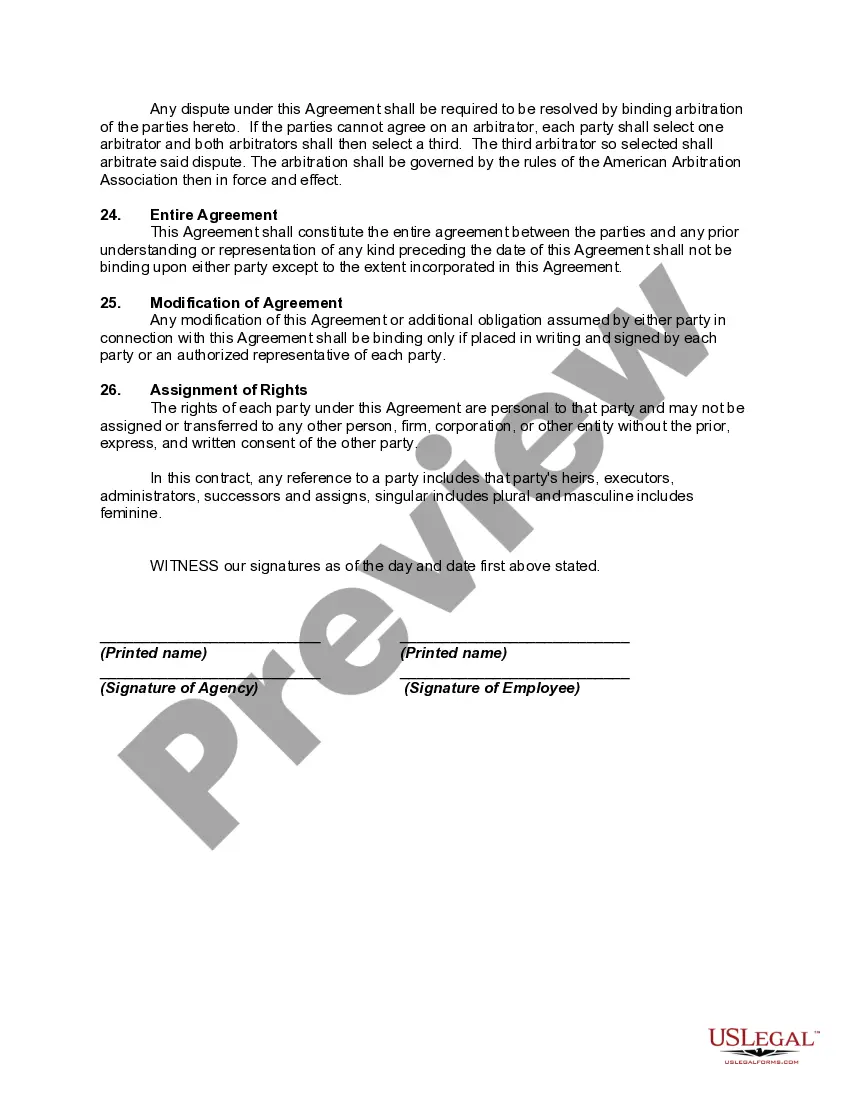
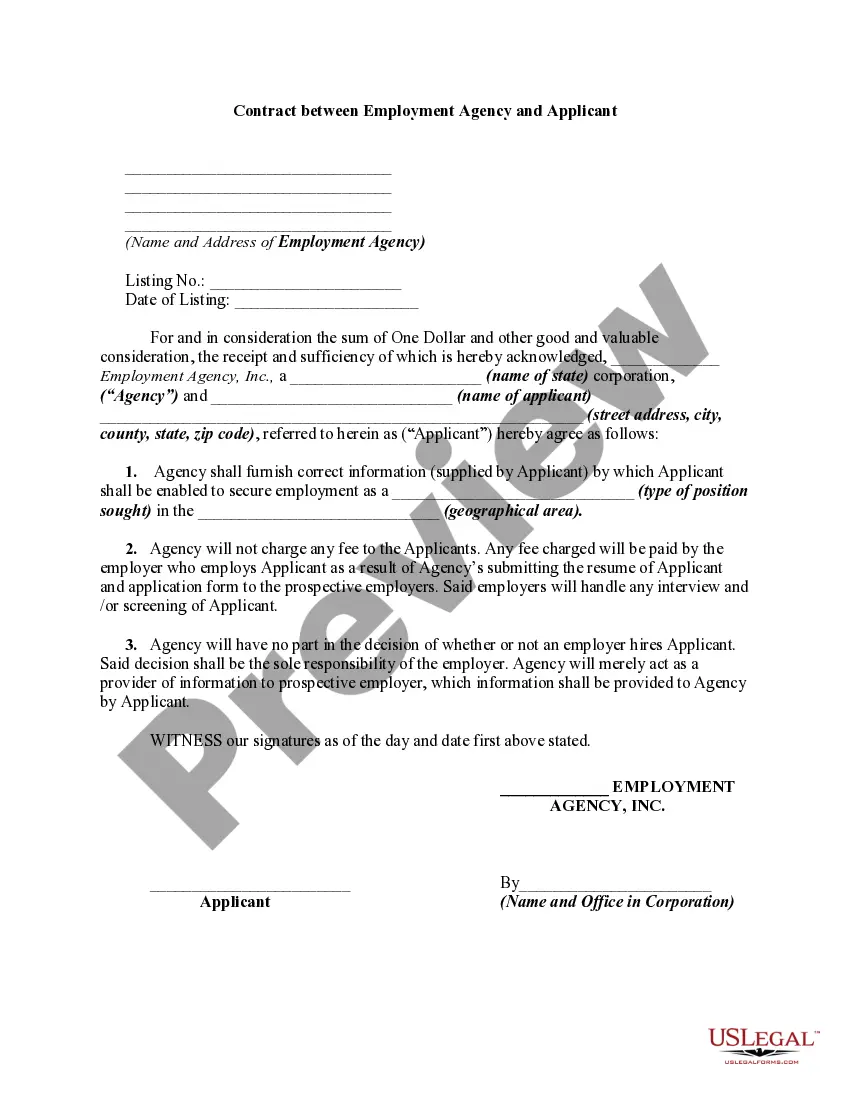
How to fill out Placement Contract Between Virtual Staffing Agency And Virtual Employee?
It’s widely known that you cannot instantly become a legal expert, nor can you rapidly learn how to efficiently create a Virtual Assistant Staffing Agency With Answers without possessing a specialized skill set. Developing legal documents is a lengthy process that necessitates specific training and expertise. So why not entrust the creation of the Virtual Assistant Staffing Agency With Answers to the experts.
With US Legal Forms, one of the most comprehensive libraries of legal templates, you can find everything from court documents to templates for internal communication. We recognize the significance of compliance and adherence to both federal and local laws and regulations. Therefore, all forms on our site are location-specific and current.
Here’s how you can start with our site and obtain the document you need in just a few minutes.
You can regain access to your forms anytime from the My documents tab. If you’re a returning client, you can simply Log In and locate and download the template from the same tab.
Regardless of the purpose of your documents—whether financial, legal, or personal—our website can fulfill your needs. Try US Legal Forms today!
- Locate the form you need using the search bar at the top of the page.
- Preview it (if this feature is available) and read the accompanying description to determine if Virtual Assistant Staffing Agency With Answers is what you’re looking for.
- Initiate another search if you require a different form.
- Create a free account and choose a subscription plan to purchase the form.
- Select Buy now. Once the payment is completed, you can access the Virtual Assistant Staffing Agency With Answers, fill it out, print it, and send it or mail it to the appropriate individuals or organizations.
Form popularity
FAQ
9 Ways to Get More Clients as a Virtual Assistant Network with Other Virtual Assistants. ... Reach Out Locally. ... Give Existing Clients Opportunities to Write Reviews. ... Keep Your LinkedIn Profile Updated. ... Reconnect with Past Clients. ... Join Groups and Advertise Yourself. ... Optimize Your Customer Service. ... Improve Your Payment System.
Virtual Assistants perform various administrative tasks while working remotely. These tasks include scheduling appointments and responding to emails. This position's responsibilities resemble those of an Administrator or Executive Assistant. Virtual Assistants might work from home or an office in a different location.
Sample answer: I am a virtual assistant with an IT background and have worked remotely for five years. I am passionate about software, online tools, and data entry and analysis. I love this job for the opportunity to earn on the side while I work with and learn about the things that interest me.
5 must-ask and additional virtual assistant interview questions with sample answers How would your co-workers describe you? ... Why do you want to be a virtual assistant? ... Why do you want to work for this company? ... What is your ideal work environment? ... What is your preferred salary range for this position?
Some answers may mention: A passion for the industry they are working in. A love for the flexibility the role offers. Remote work opportunities. Their traits match the role. They have suitable skills to be a virtual assistant.