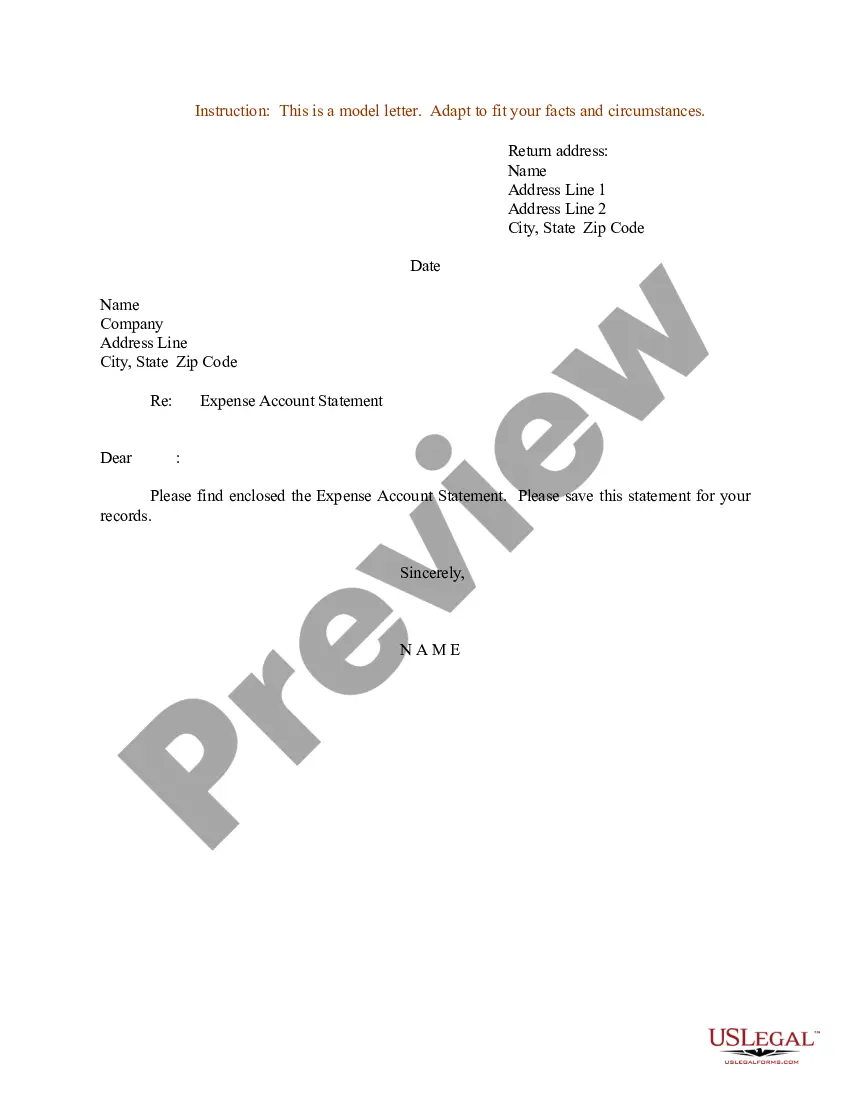
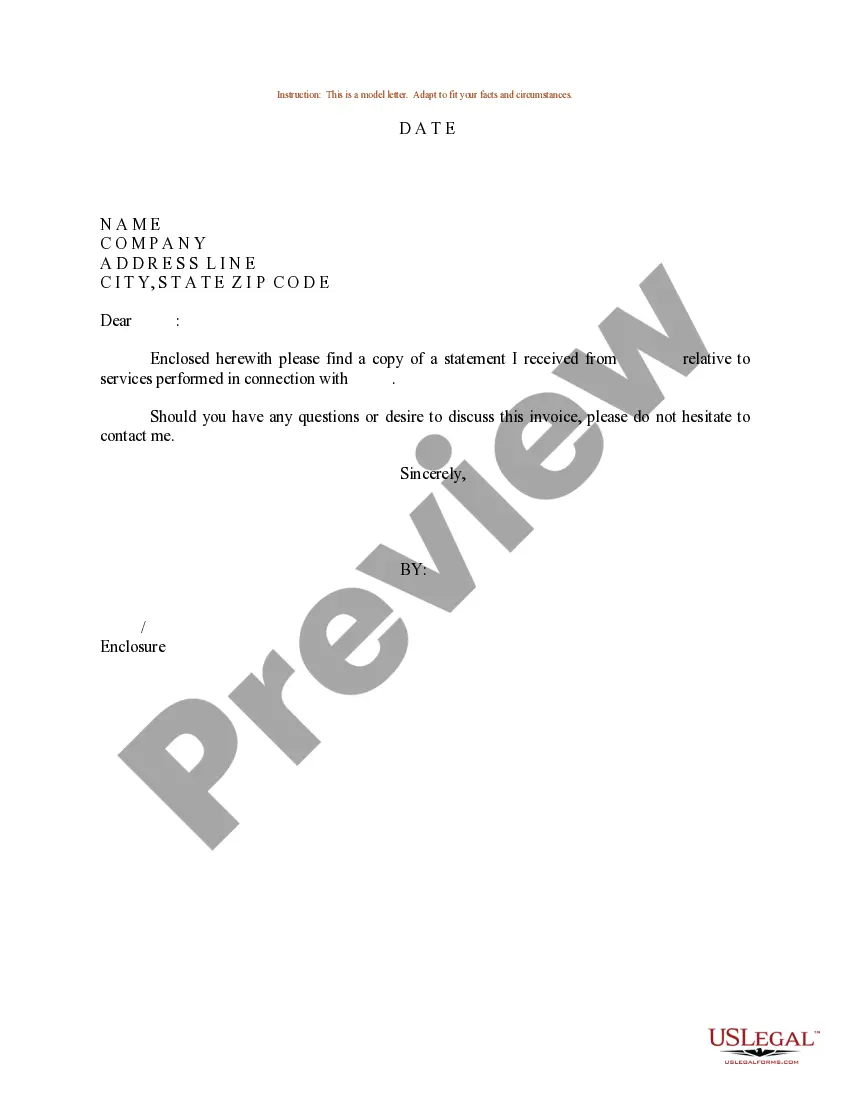
Expense Statement Form For Court
Description

Get your form ready online
Our built-in tools help you complete, sign, share, and store your documents in one place.
Make edits, fill in missing information, and update formatting in US Legal Forms—just like you would in MS Word.
Download a copy, print it, send it by email, or mail it via USPS—whatever works best for your next step.
Sign and collect signatures with our SignNow integration. Send to multiple recipients, set reminders, and more. Go Premium to unlock E-Sign.
If this form requires notarization, complete it online through a secure video call—no need to meet a notary in person or wait for an appointment.
We protect your documents and personal data by following strict security and privacy standards.

Make edits, fill in missing information, and update formatting in US Legal Forms—just like you would in MS Word.

Download a copy, print it, send it by email, or mail it via USPS—whatever works best for your next step.

Sign and collect signatures with our SignNow integration. Send to multiple recipients, set reminders, and more. Go Premium to unlock E-Sign.

If this form requires notarization, complete it online through a secure video call—no need to meet a notary in person or wait for an appointment.

We protect your documents and personal data by following strict security and privacy standards.
Looking for another form?
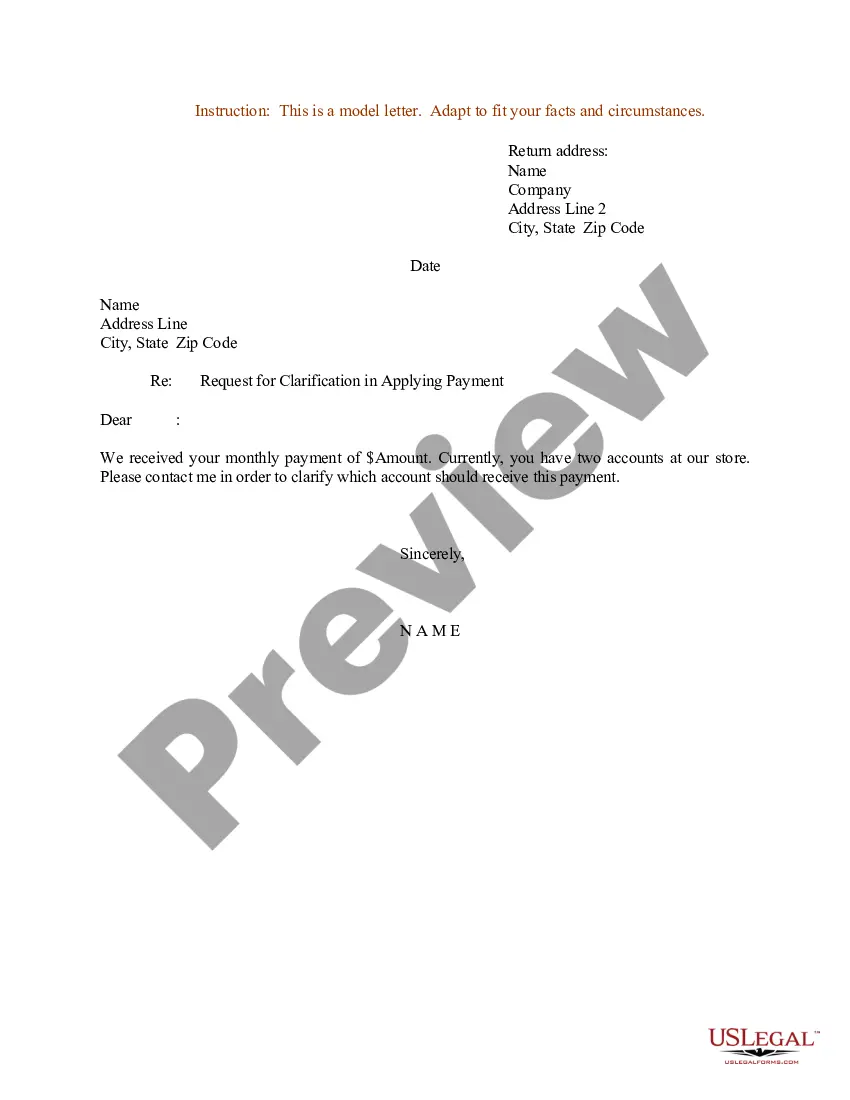
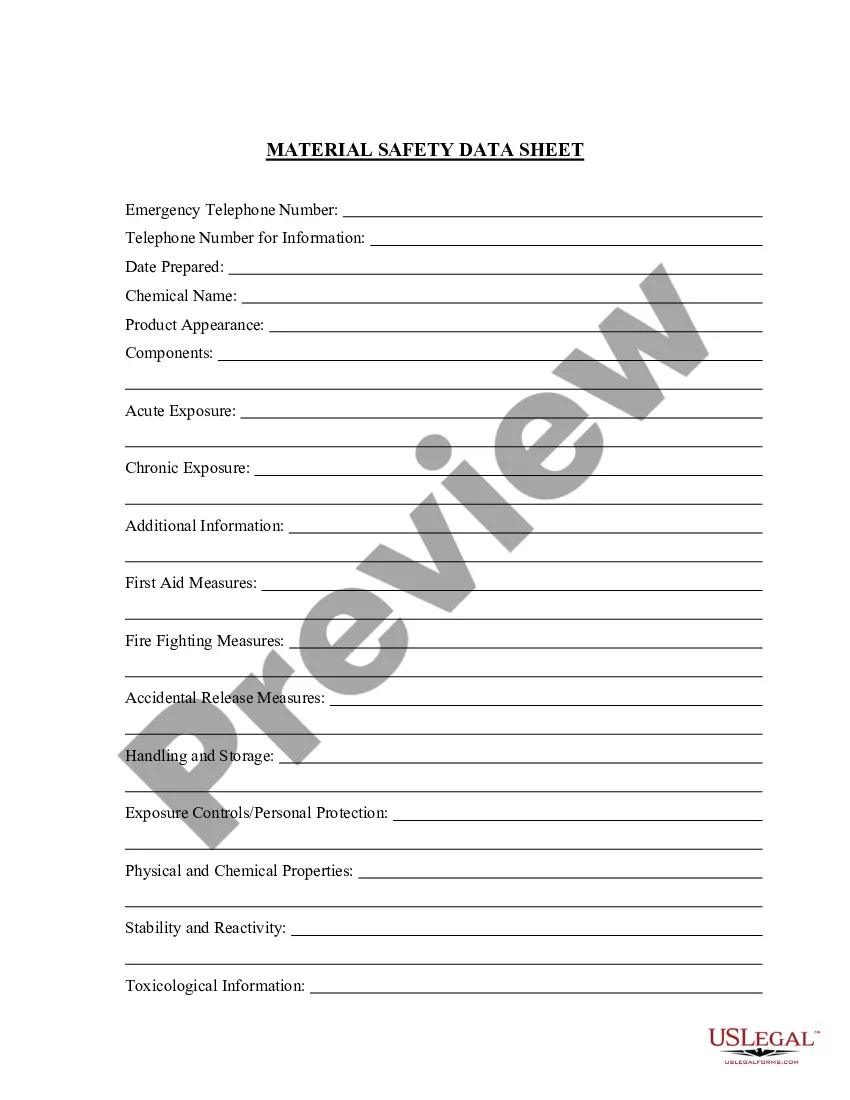

How to fill out Sample Letter For Expense Account Statement?
The Expense Statement Template for Court that you see on this page is a reusable official format created by experienced attorneys in accordance with federal and state laws.
For over 25 years, US Legal Forms has supplied individuals, businesses, and legal experts with more than 85,000 authenticated, state-specific documents for any professional or personal scenario. It’s the fastest, simplest, and most reliable method to secure the documentation you require, as the service ensures bank-level data security and anti-malware safeguards.
Subscribe to US Legal Forms to have verified legal templates for every aspect of life readily available.
- Search for the document you require and review it.
- Browse through the sample you searched and preview it or check the document description to confirm it meets your needs. If it doesn't, use the search function to locate the suitable one. Click 'Buy Now' once you have found the template you need.
- Choose a pricing plan that fits you and create an account. Use PayPal or a credit card to make a quick payment. If you already have an account, Log In and verify your subscription to continue.
- Select the format you want for your Expense Statement Template for Court (PDF, Word, RTF) and save the document on your device.
- Print the template to fill it out by hand. Alternatively, use an online versatile PDF editor to quickly and correctly complete and sign your form with a legally-binding electronic signature.
- Utilize the same document again whenever necessary. Access the 'My documents' section in your profile to redownload any previously downloaded documents.
Form popularity
FAQ
In this article, we'll cover: Choose a Template (or Software) Edit the Columns. Add Itemized Expenses. Add up the Total. Attach Receipts, If Necessary. Print or Send the Report.
Give your financial information to the court and to your spouse or domestic partner. The court uses the information to make orders for support, attorneys fees, and other costs.
Monthly Income and Expense Report As the name suggests, you can use monthly expense reports to keep tabs on income and expenses month-on-month. This report simply reports income and expenses each month which makes it easy to record monthly and annual expenses.
Determine whether you need to complete the Short Form or the Long Form. ... Fill in your Personal Information. ... Identify Your Gross Weekly Income. ... Identify the Deductions from your Gross Weekly Income. ... Identify your Weekly Expenses. ... Identify your Assets. ... Identify your Liabilities. ... The Final Review.
An expense report contains a categorized and itemized list of expenses that were made on behalf of the organization. This report helps the employer or finance team determine what money was spent, what was purchased, and how much of the expenditure is approved for reimbursement.