Agreement Supplier Contract With Customer
Description
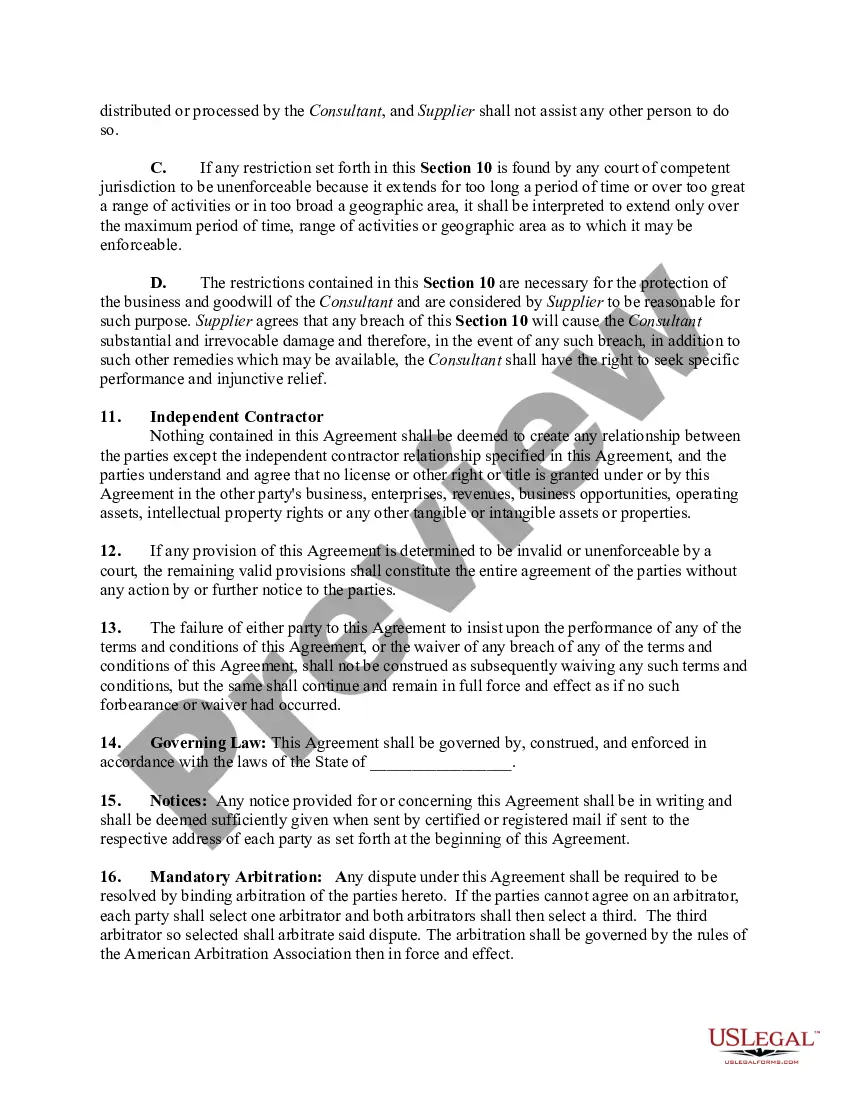
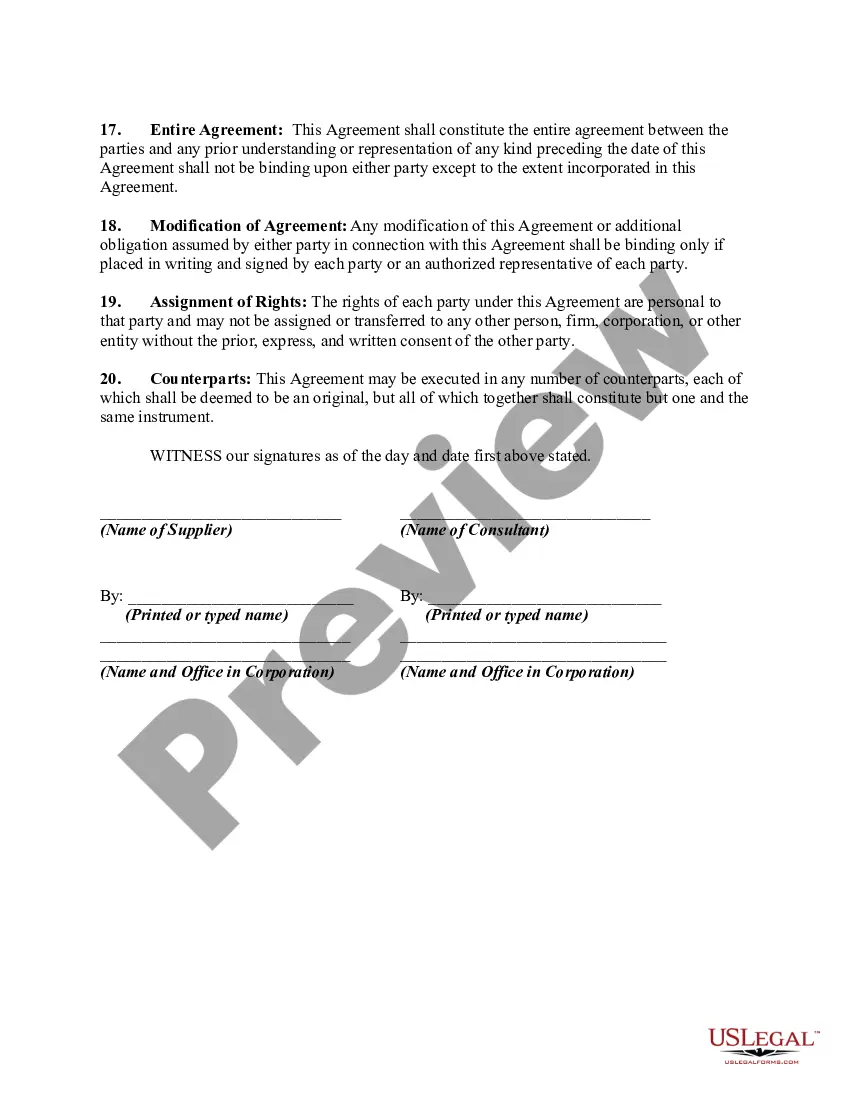
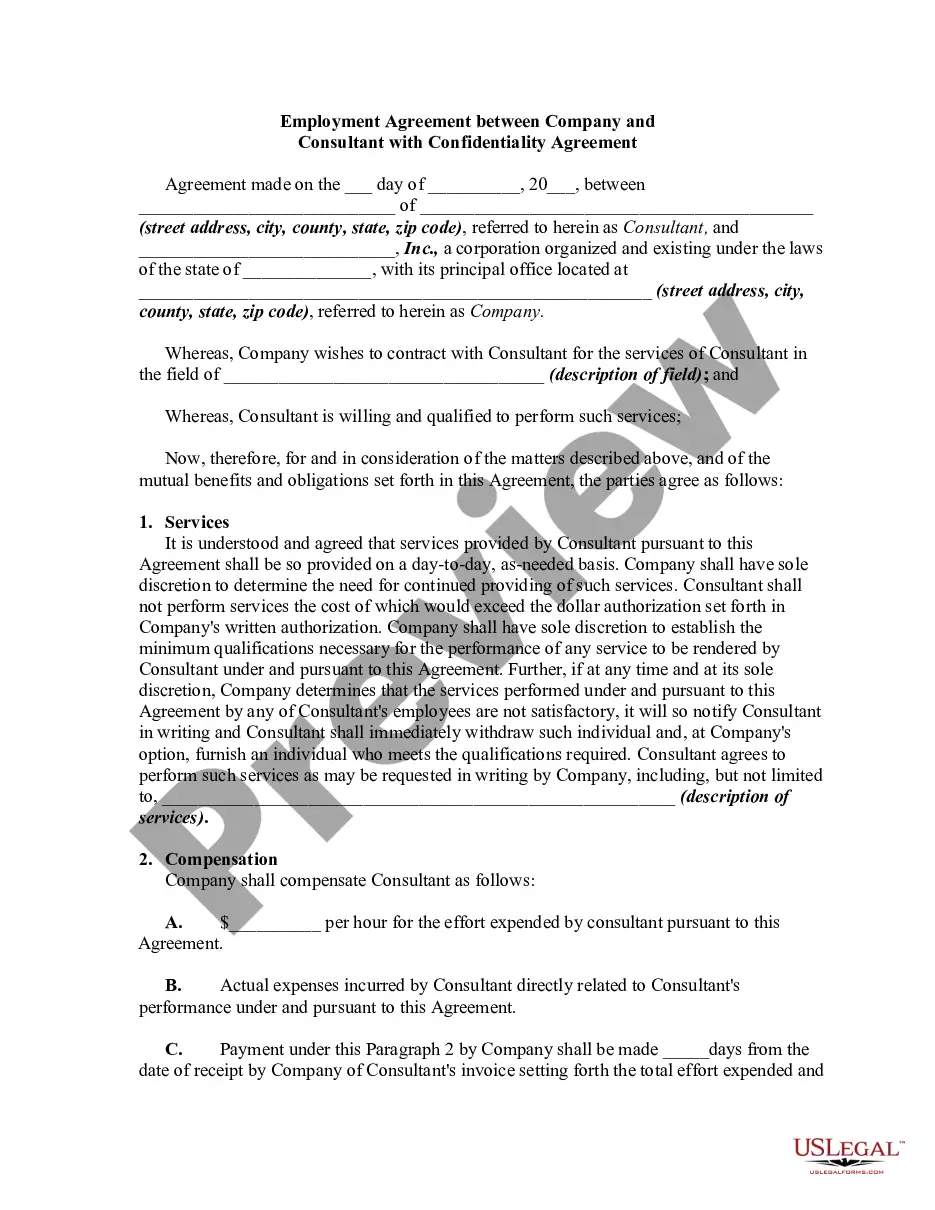
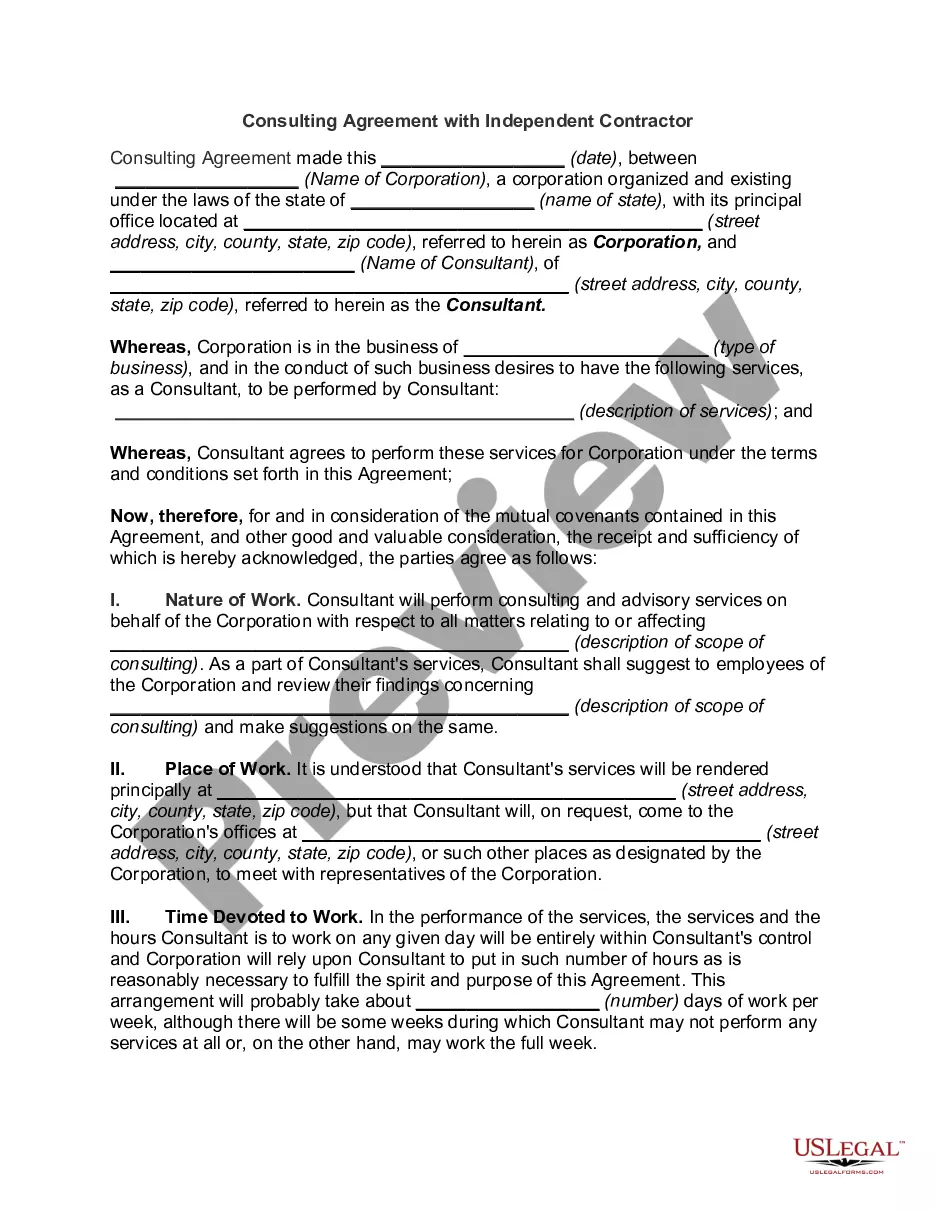
Get your form ready online
Our built-in tools help you complete, sign, share, and store your documents in one place.
Make edits, fill in missing information, and update formatting in US Legal Forms—just like you would in MS Word.
Download a copy, print it, send it by email, or mail it via USPS—whatever works best for your next step.
Sign and collect signatures with our SignNow integration. Send to multiple recipients, set reminders, and more. Go Premium to unlock E-Sign.
If this form requires notarization, complete it online through a secure video call—no need to meet a notary in person or wait for an appointment.
We protect your documents and personal data by following strict security and privacy standards.

Make edits, fill in missing information, and update formatting in US Legal Forms—just like you would in MS Word.

Download a copy, print it, send it by email, or mail it via USPS—whatever works best for your next step.

Sign and collect signatures with our SignNow integration. Send to multiple recipients, set reminders, and more. Go Premium to unlock E-Sign.

If this form requires notarization, complete it online through a secure video call—no need to meet a notary in person or wait for an appointment.

We protect your documents and personal data by following strict security and privacy standards.
Looking for another form?




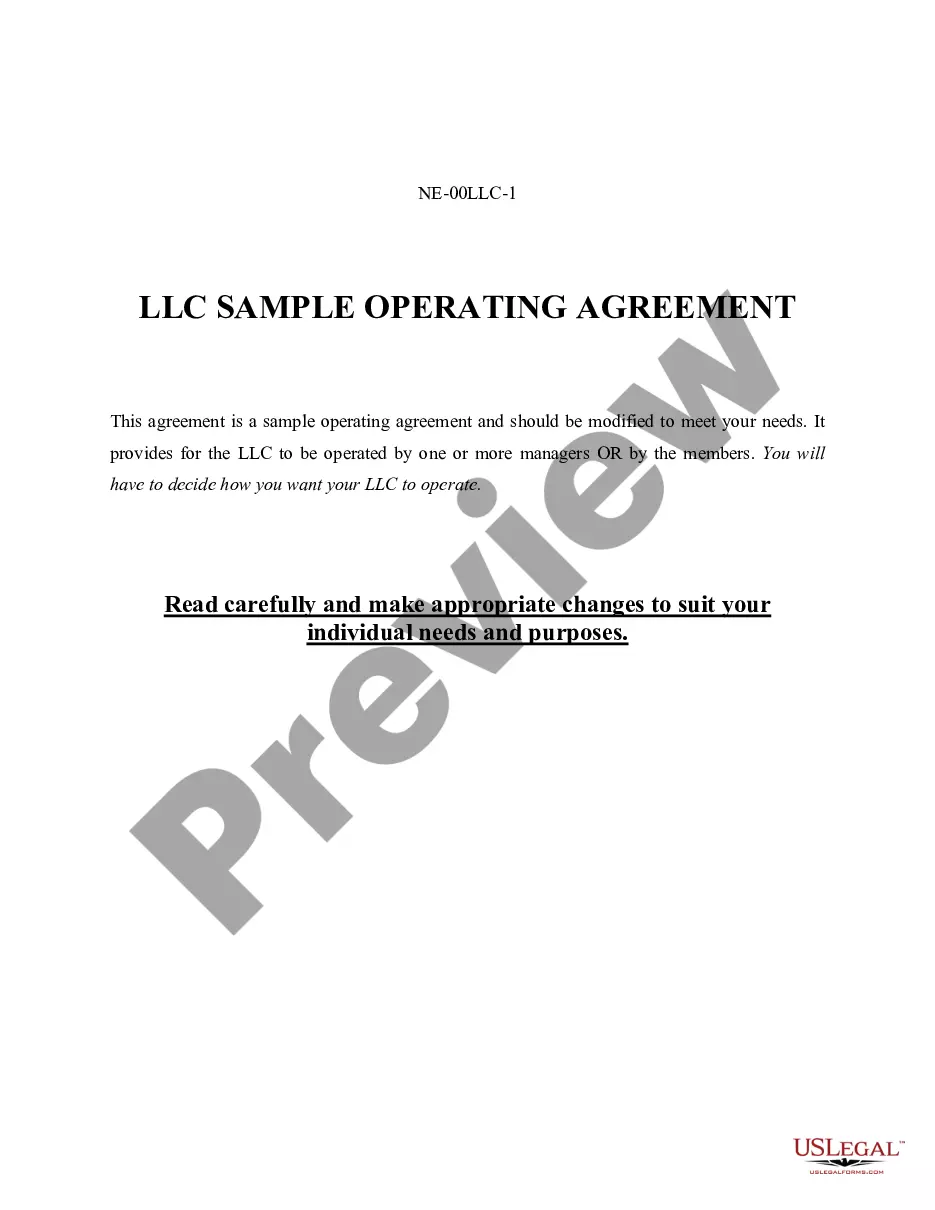





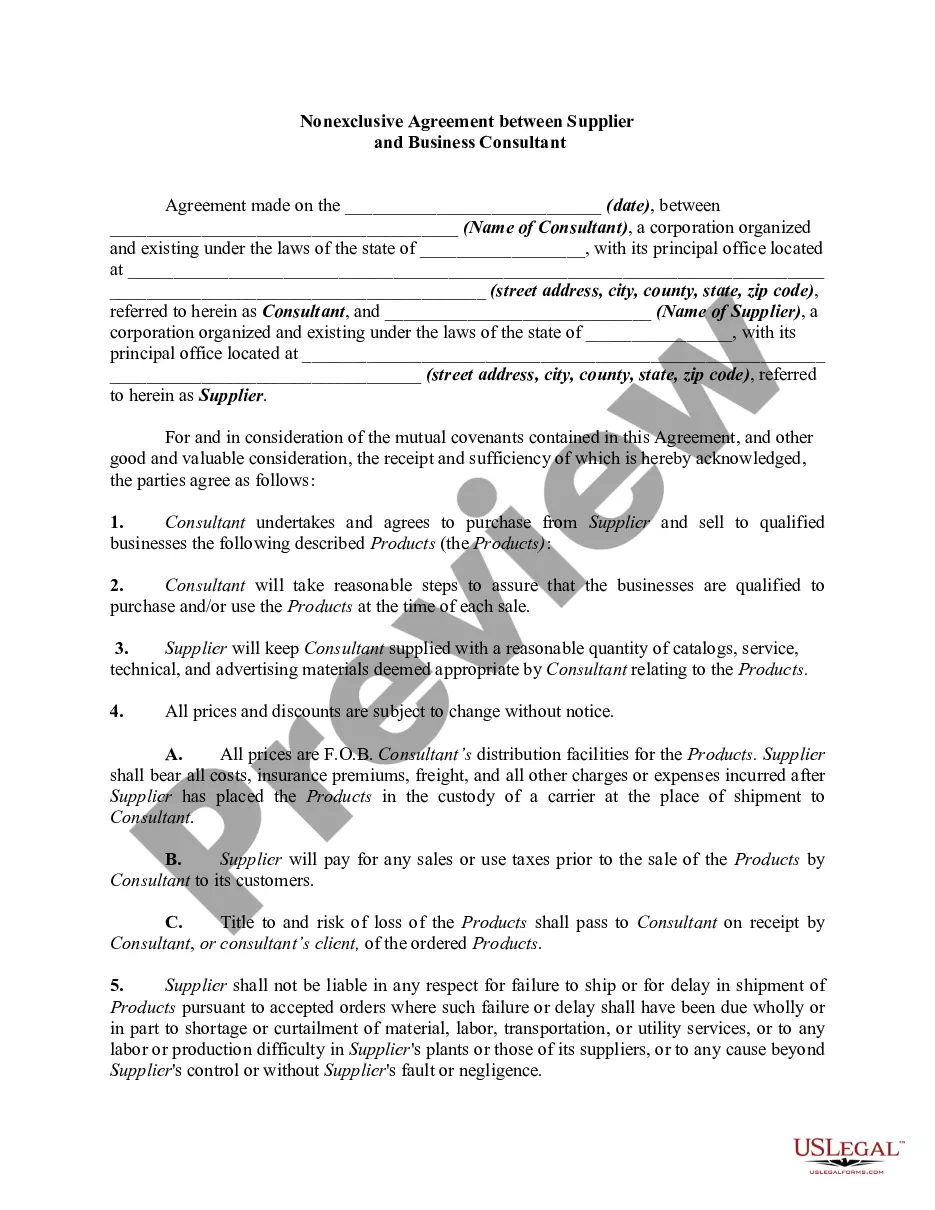
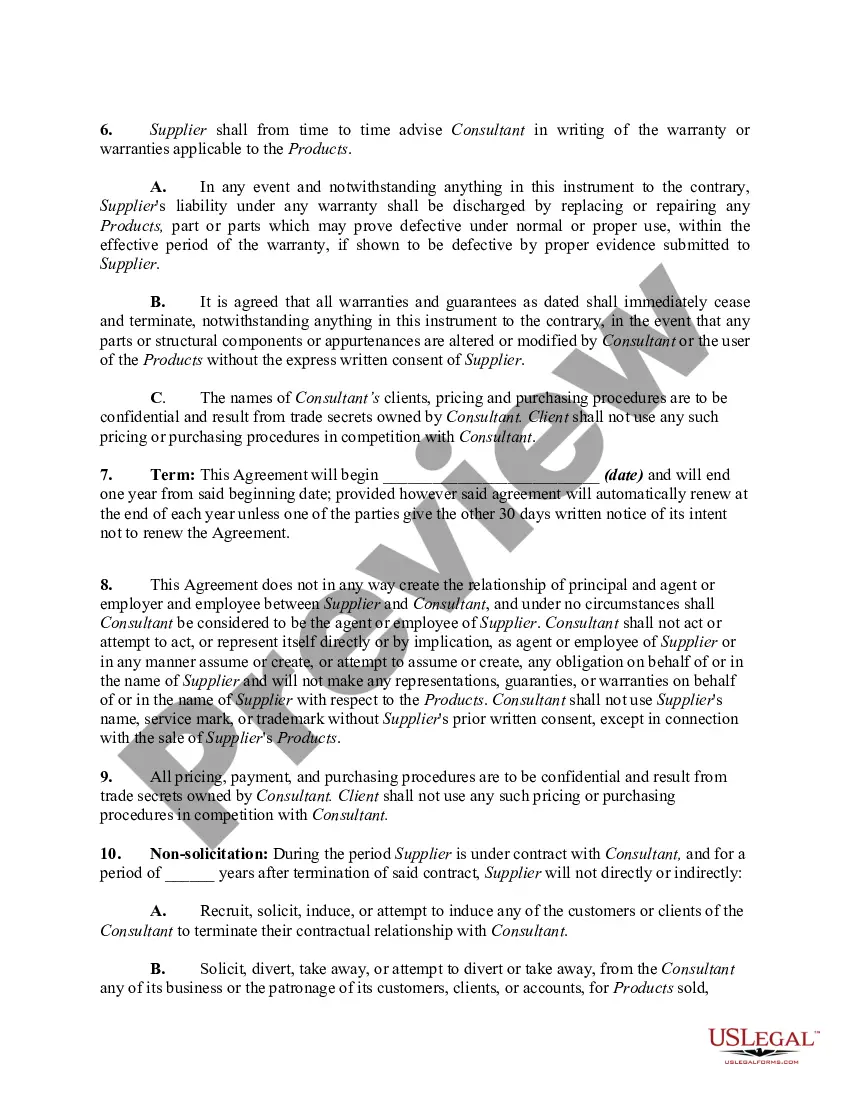
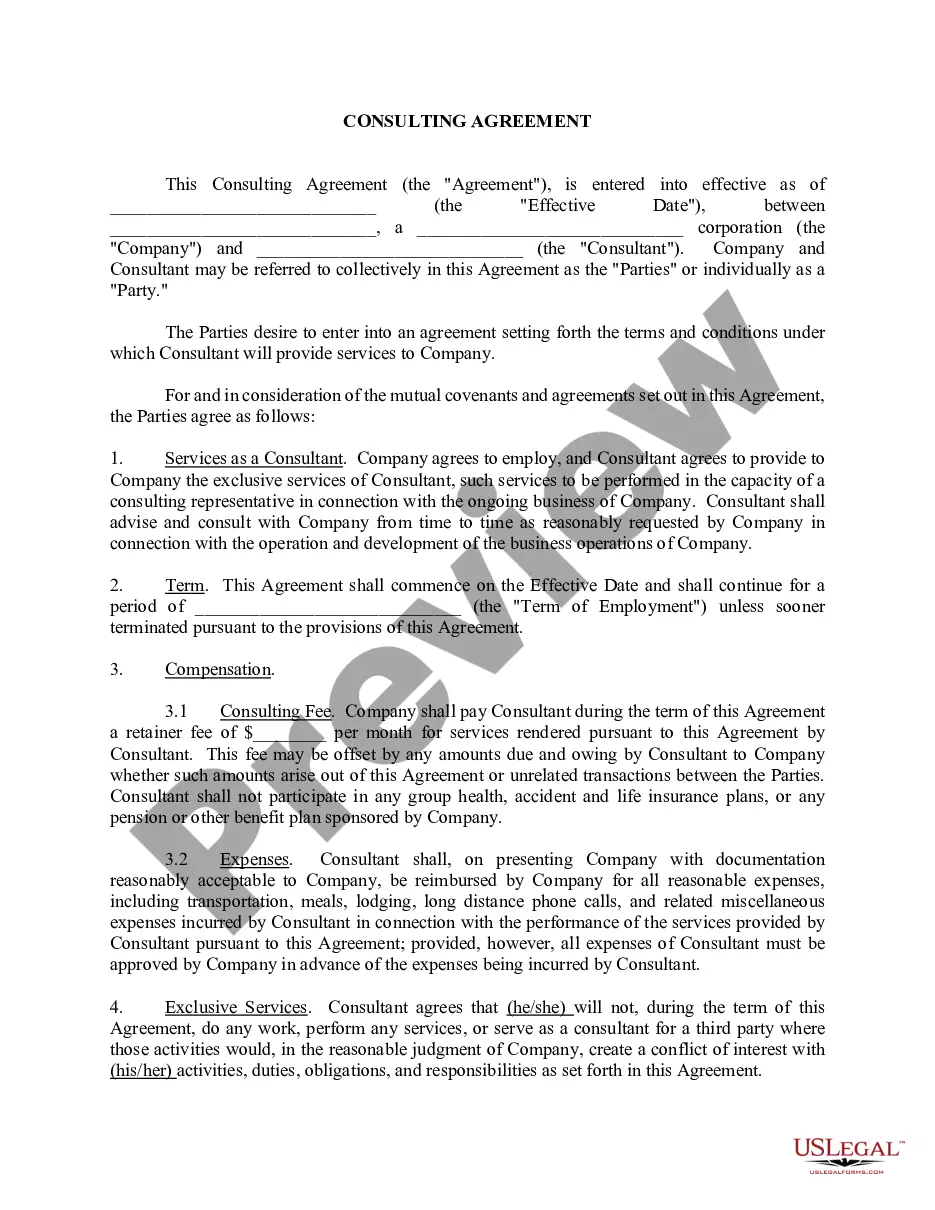
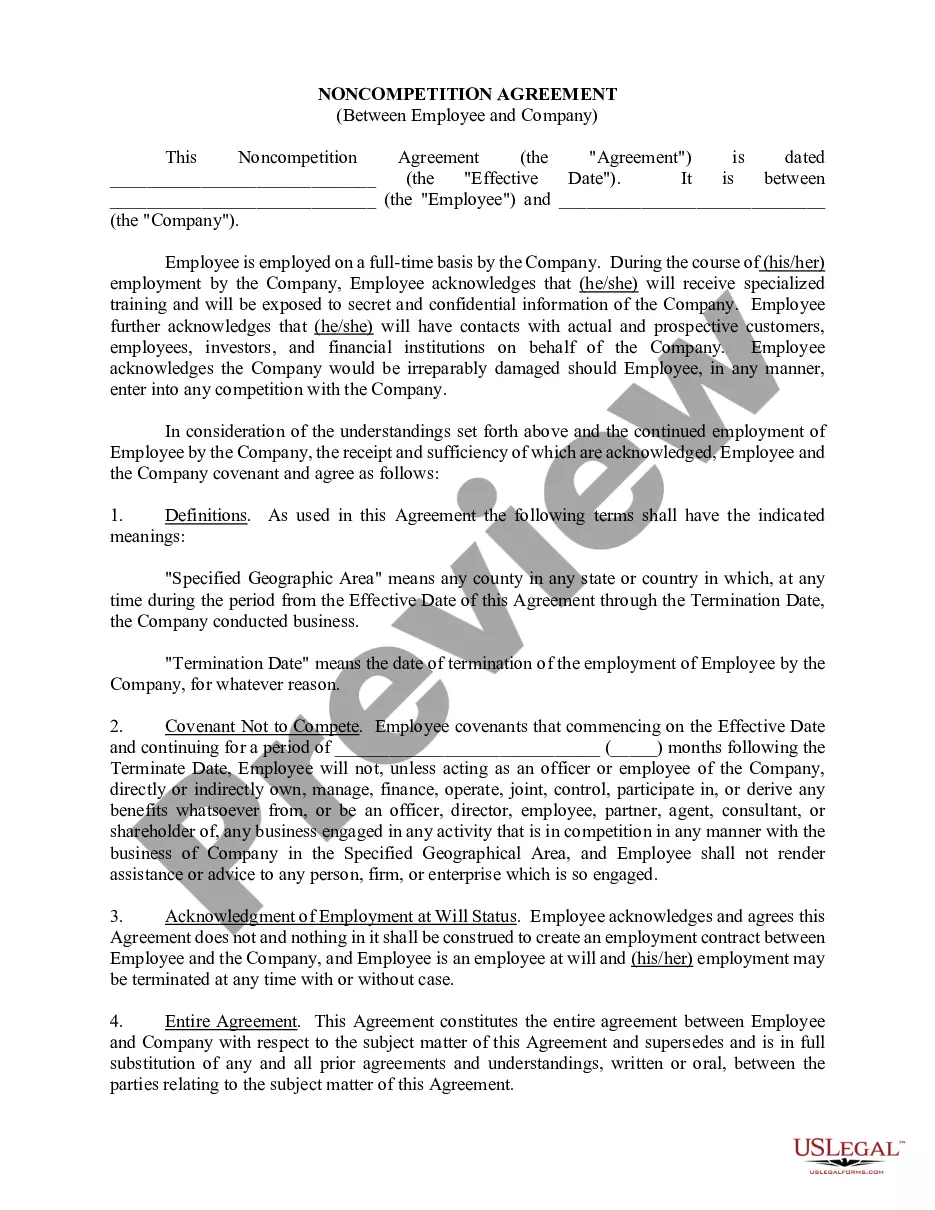
How to fill out Nonexclusive Agreement Between Supplier And Business Consultant?
Precisely composed formal documents are one of the crucial safeguards for preventing issues and legal disputes, yet acquiring them without the support of a lawyer may require some time.
Whether you're looking to swiftly locate an updated Supplier Agreement Contract With Client or any other templates for employment, family, or business circumstances, US Legal Forms is consistently available to assist.
The procedure is even more straightforward for existing users of the US Legal Forms library. If your subscription is active, you simply need to Log In to your account and click the Download button adjacent to the chosen file. Additionally, you can access the Supplier Agreement Contract With Client at any time, as all documents obtained on the platform are retained in the My documents section of your profile. Save time and resources on preparing formal documents. Experience US Legal Forms today!
- Ensure that the document is appropriate for your situation and locality by reviewing the description and preview.
- Search for an alternative example (if necessary) using the Search bar located in the header of the page.
- Hit Buy Now once you find the suitable template.
- Select the payment plan, Log In to your account or set up a new one.
- Choose your preferred payment method to acquire the subscription plan (using a credit card or PayPal).
- Select either PDF or DOCX file format for your Supplier Agreement Contract With Client.
- Press Download, then print the document to complete it or upload it to an online editor.
Form popularity
FAQ
Here's a look at the basic steps you'll need to take to create a simple and effective client contract:Include Contact Information of Both Parties.Specify Project Terms and Scope.Establish Payment Terms.Set the Schedule.Decide What Happens If a Contract Is Terminated.Determine Who Owns Final Copyrights.More items...
Select / confirm the contract due date and/or shoot date.Save the contract!Review your contract.Click the "Send to Client" button in the top right, (if you are using a second signer you can choose to send the document to both or only one of the clients on the contract), edit the email as you wish, and click "Send."
Creating a vendor contractStep 1: Specify business terms. The first part of each vendor contract usually outlines the business terms including:Step 2: Outline legal concepts. This section usually begins with the representations and warranties section.Step 3: Address consequences.
A supplier agreement is a contract between a supplier of goods and the merchant who wants to sell them. We'll help you create a free supplier agreement that records order numbers, quantities, schedules, and everything needed to make sure merchant and supplier are on the same page.
Key elements of a supplier agreement are: The items the supplier must provide. Pricing and payments for all goods and/or services....Some of the names you may hear are:Details of supply.Trade agreements.Service contracts.Management contracts.Schedule of services.Details of service.Other variations of these names.