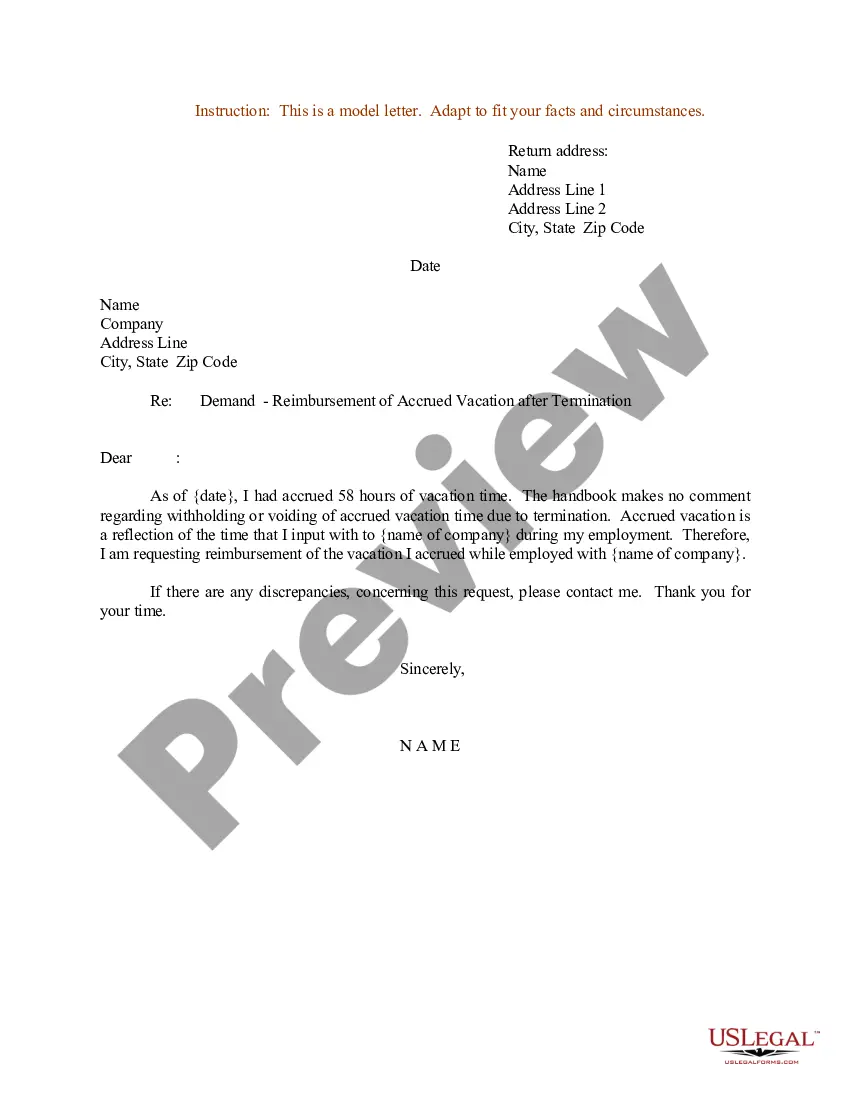
Accrued Vacation Template With Calculator
Description
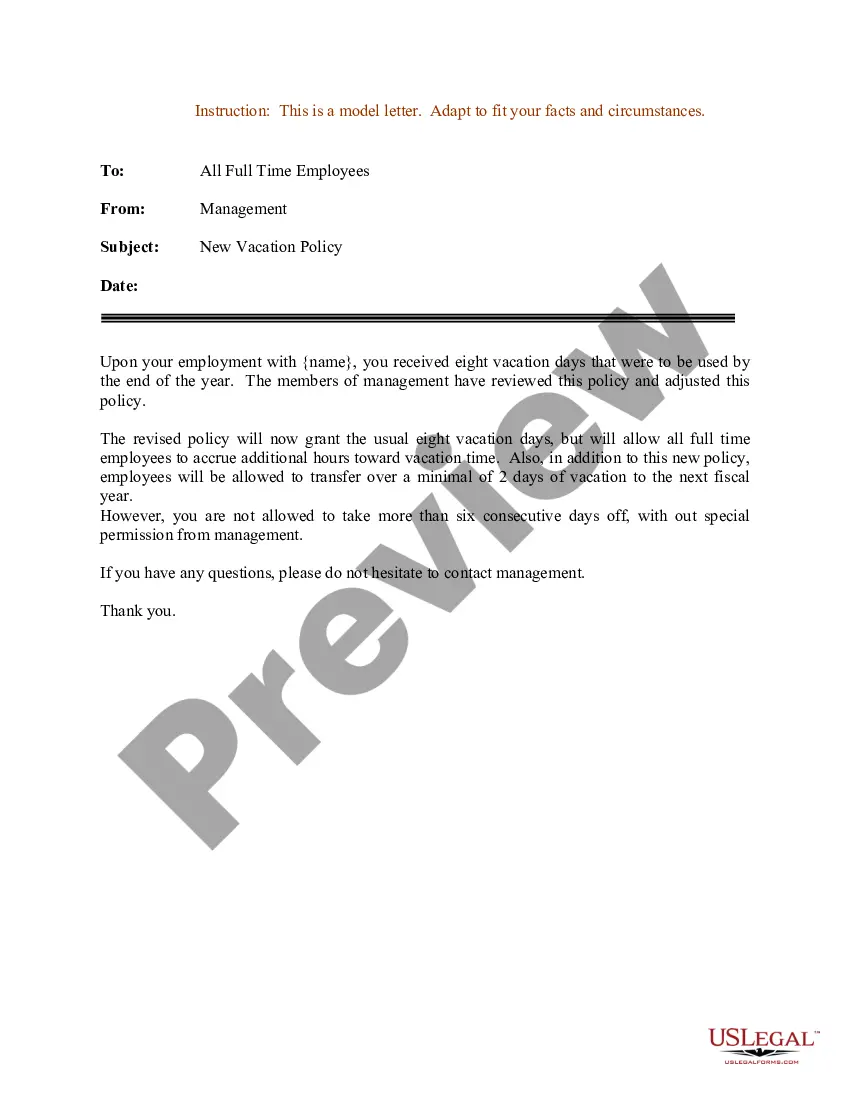
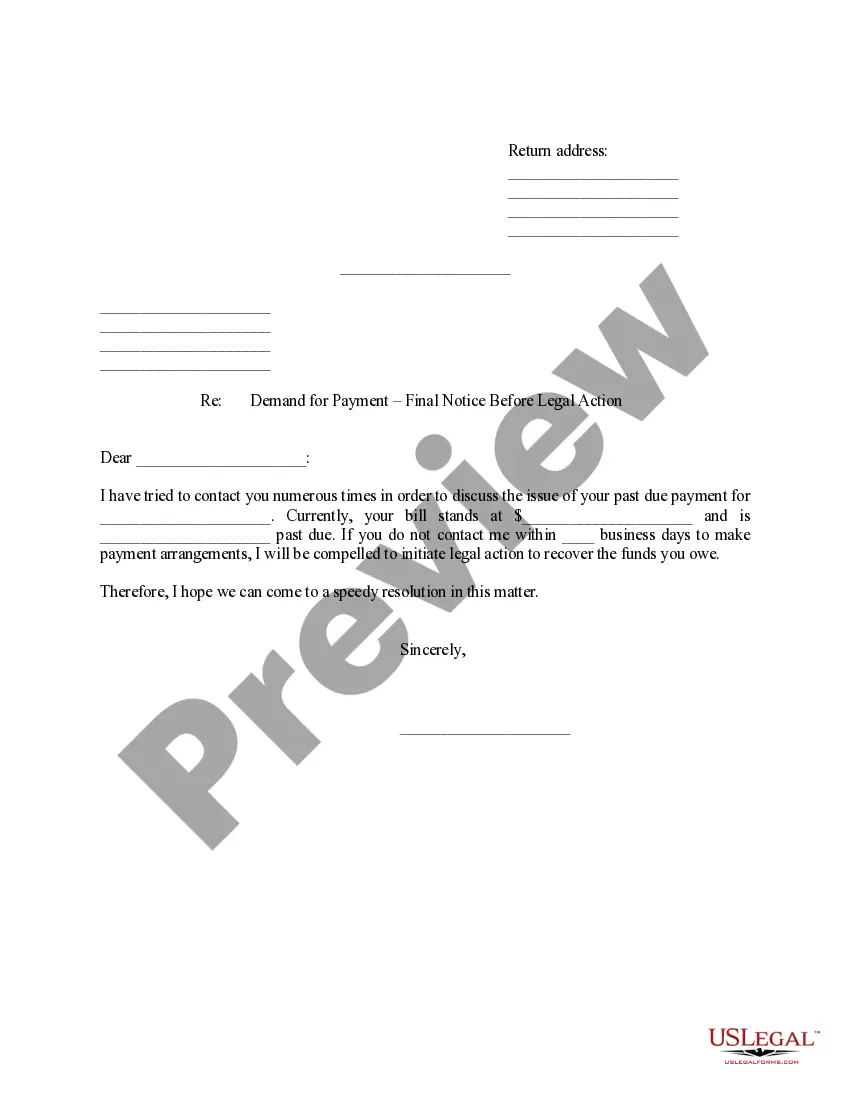
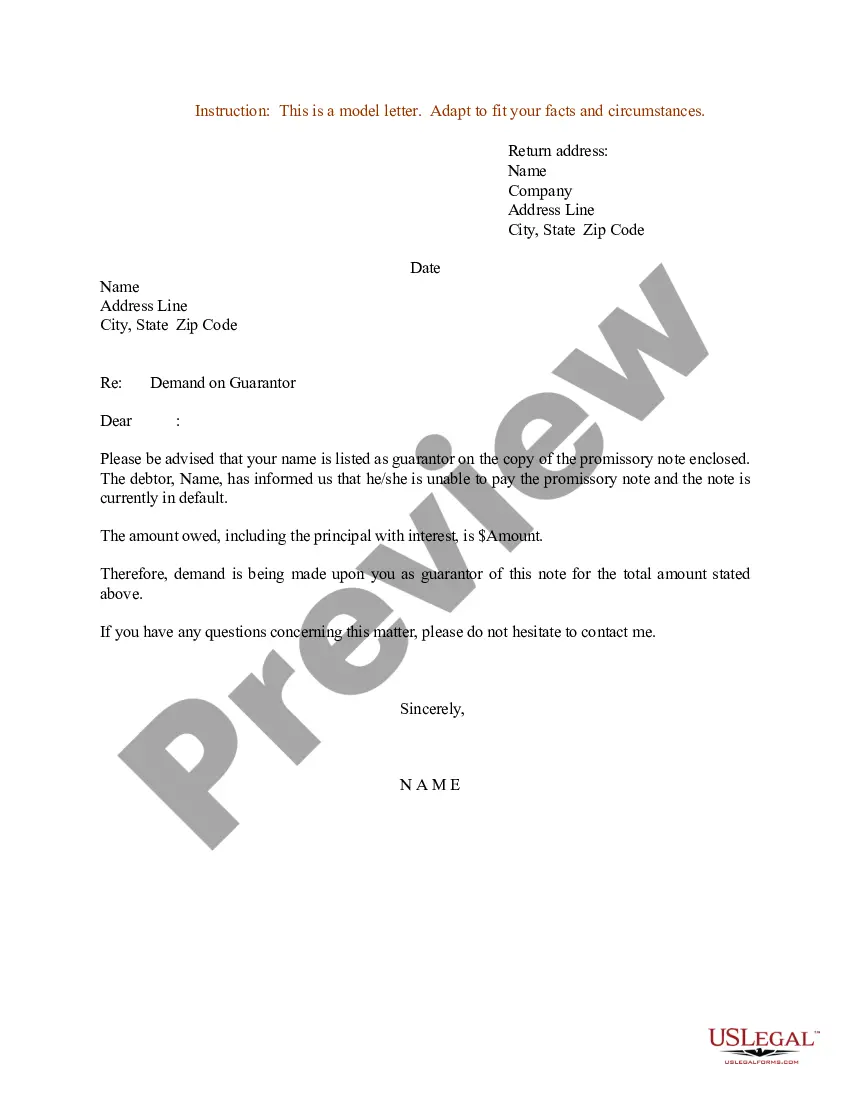
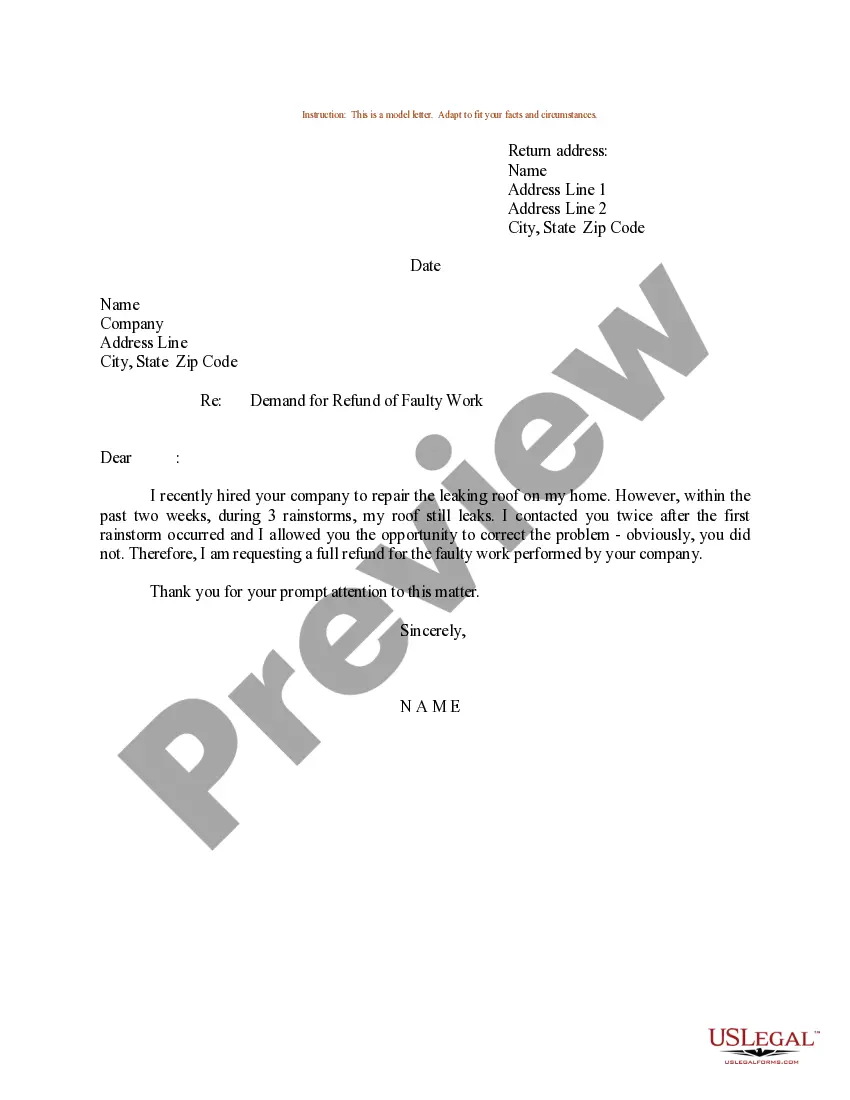
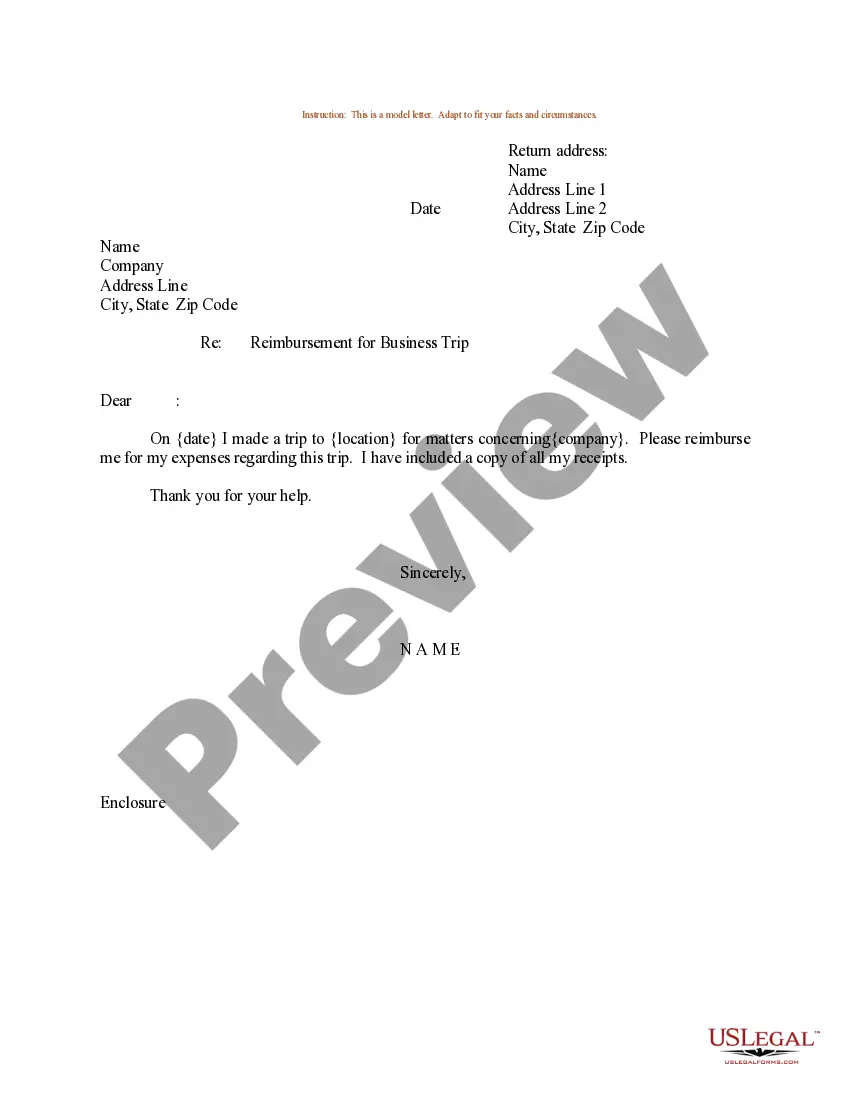
Get your form ready online
Our built-in tools help you complete, sign, share, and store your documents in one place.
Make edits, fill in missing information, and update formatting in US Legal Forms—just like you would in MS Word.
Download a copy, print it, send it by email, or mail it via USPS—whatever works best for your next step.
Sign and collect signatures with our SignNow integration. Send to multiple recipients, set reminders, and more. Go Premium to unlock E-Sign.
If this form requires notarization, complete it online through a secure video call—no need to meet a notary in person or wait for an appointment.
We protect your documents and personal data by following strict security and privacy standards.

Make edits, fill in missing information, and update formatting in US Legal Forms—just like you would in MS Word.

Download a copy, print it, send it by email, or mail it via USPS—whatever works best for your next step.

Sign and collect signatures with our SignNow integration. Send to multiple recipients, set reminders, and more. Go Premium to unlock E-Sign.

If this form requires notarization, complete it online through a secure video call—no need to meet a notary in person or wait for an appointment.

We protect your documents and personal data by following strict security and privacy standards.
Looking for another form?




How to fill out Sample Letter For Demand - Reimbursement Of Accrued Vacation After Termination?
Acquiring legal document samples that comply with national and state regulations is essential, and the internet provides a wealth of choices.
However, what's the benefit of spending time searching for the appropriate Accrued Vacation Template With Calculator example online when the US Legal Forms digital library already consolidates such templates in one location.
US Legal Forms is the largest online legal repository featuring over 85,000 fillable templates crafted by attorneys for any professional and personal situation. They are straightforward to navigate with all documents categorized by state and intended use. Our experts stay updated with legal modifications, ensuring that your form is always current and compliant when acquiring an Accrued Vacation Template With Calculator from our site.
Click Buy Now once you've found the suitable form and select a subscription plan. Sign up for an account or Log In and complete the payment via PayPal or a credit card. Choose the appropriate format for your Accrued Vacation Template With Calculator and download it. All documents you find through US Legal Forms are reusable. To re-download and complete previously purchased forms, access the My documents tab in your account. Take advantage of the most extensive and user-friendly legal paperwork service!
- Obtaining an Accrued Vacation Template With Calculator is straightforward and quick for both existing and new users.
- If you already possess an account with an active subscription, Log In and store the document sample you need in your desired format.
- If you are unfamiliar with our website, follow the steps outlined below.
- Examine the template using the Preview feature or through the text outline to ensure it meets your needs.
- If necessary, search for an alternative sample using the search function at the top of the page.
Form popularity
FAQ
How to calculate Vacation Entitlement in Excel - YouTube YouTube Start of suggested clip End of suggested clip So that would be your end date. Now you press ENTER. And there there's your end date for witness.MoreSo that would be your end date. Now you press ENTER. And there there's your end date for witness. This individual is available to have holidays. So let's drag that down.
All you have to do is: Determine the number of days that an average employee works during a given time. Divide that number by the number of total days in that period. Multiply it by their accrual rate.
For example, if your company offers two weeks of paid vacation per year plus 10 paid holidays and closes for a week every summer, your calculation will look like this: 80 hours of PTO / 1,960 working hours (40 hours per week for 49 weeks) = 0.04 hours of vacation time accrued per hour worked.
How to calculate PTO Determine the number of hours you accrue annually. First, determine the number of hours that you accumulate during the course of the year. ... Divide your annual hours by 12 or 24. Next, you need to calculate the number of hours you accumulate during each pay period. ... Multiply pay period PTO by time worked.