Line Credit Note With Payment
Description
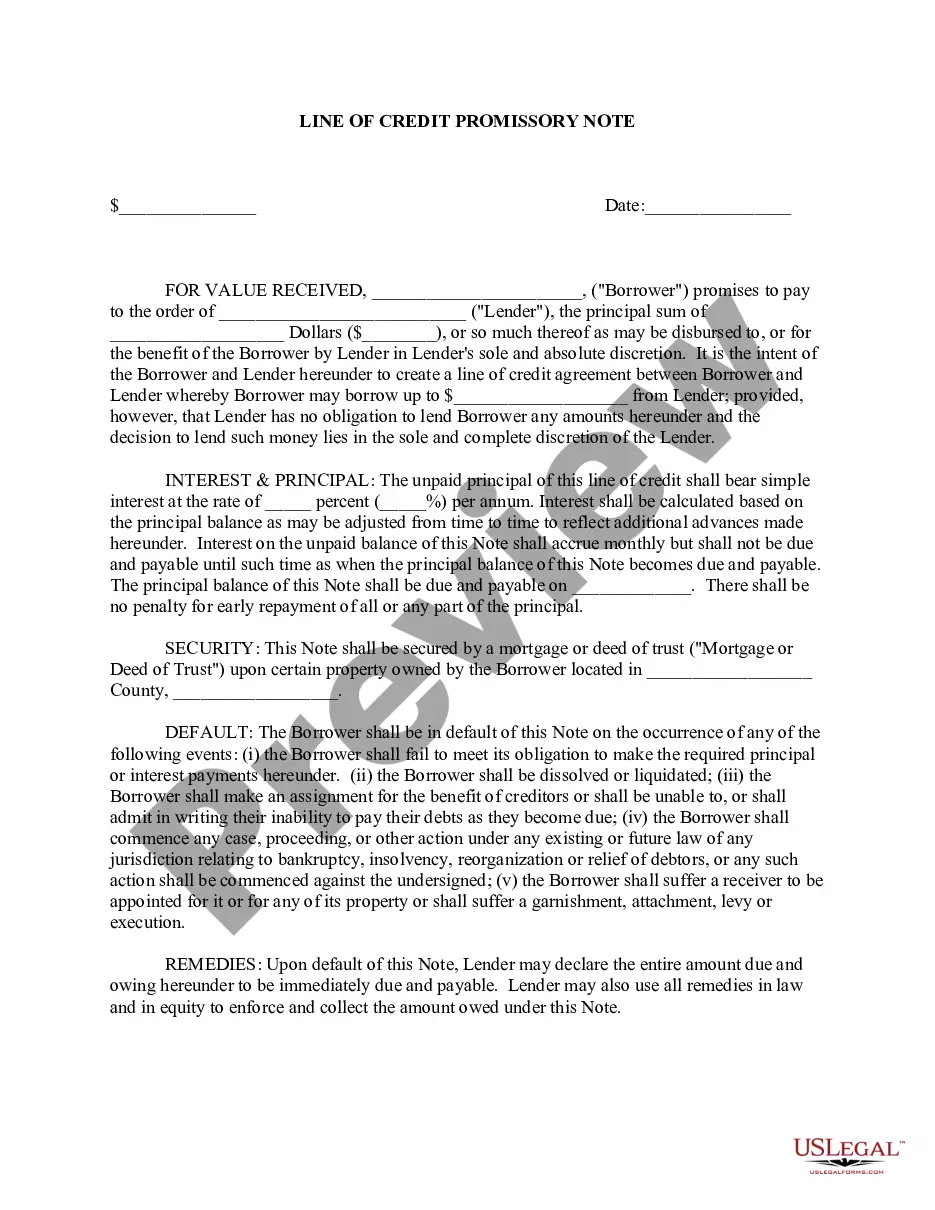

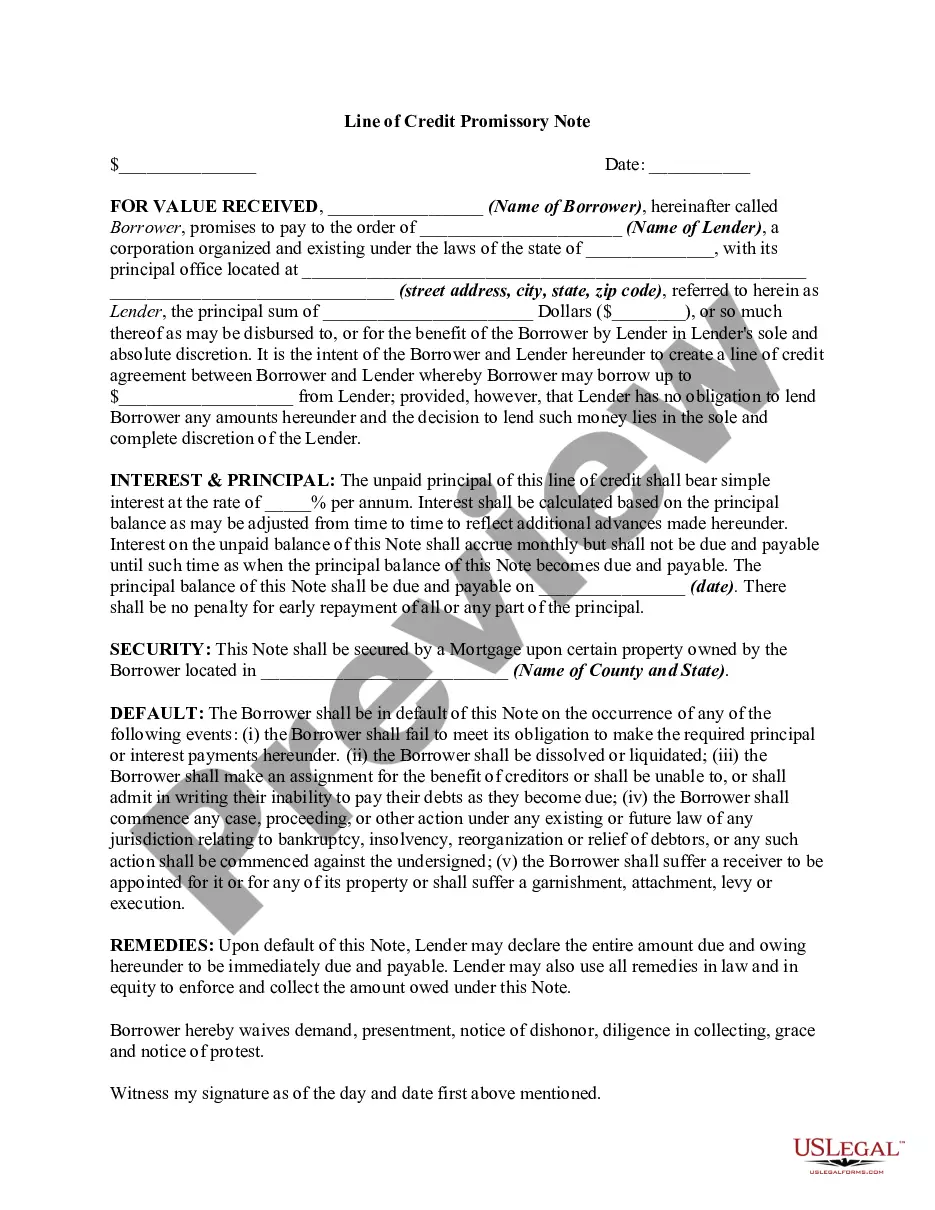




How to fill out Line Of Credit Promissory Note?
Regardless of whether it's for corporate needs or personal matters, everyone encounters legal situations at some stage in their life. Completing legal paperwork requires meticulous consideration, starting from selecting the correct form template. For example, if you select an incorrect variant of a Line Credit Note With Payment, it will be rejected upon submission. Thus, it’s vital to obtain a reliable source of legal documents such as US Legal Forms.
If you wish to acquire a Line Credit Note With Payment template, adhere to these straightforward steps: Locate the sample you require by utilizing the search bar or catalog navigation. Review the form’s description to ensure it aligns with your circumstance, state, and county. Click on the form’s preview to examine it. If it turns out to be the wrong form, return to the search function to find the Line Credit Note With Payment template you need. Download the template once it suits your requirements.
- If you possess a US Legal Forms account, simply click Log in to access previously saved documents in My documents.
- Should you not have an account yet, you can download the form by clicking Buy now.
- Select the appropriate pricing option.
- Fill out the profile registration form.
- Choose your payment method: you may use a credit card or PayPal account.
- Select the file format you desire and download the Line Credit Note With Payment.
- Once it is saved, you can complete the form using editing software or print it out and finish it by hand.
- With a comprehensive US Legal Forms catalog available, you never need to waste time searching for the right sample across the internet.
- Utilize the library’s user-friendly navigation to find the suitable form for any circumstance.
Form popularity
FAQ
Adding a payment to the Bank Register: Click Accounting in the left-hand menu. Select Chart of accounts. Find your loan in the list of accounts. Click View register on the right. Click Add journal entry and add an entry for the interest: ... Click Add journal entry and add an entry for the loan payment:
Here's the essential information to include on all credit notes: The words ?credit note? at the top. Customer information. Your business information. Date issued. Credit note number. Original invoice reference number. Item descriptions, quantities, and prices. Total amount credited.
Under Vendors, select Check. In the Payee field, select or enter the name of the financial institution. Select the bank from the dropdown list in the Bank Account field. Select Line of Credit from the CATEGORY field and enter the amount you want to pay down the principal.
Select Receive payment. From the Customer dropdown, select the customer. From the Outstanding Transactions section, select the open invoice you want to apply the credit note to. From the Credits section, select the credit notes you want to apply.
Definition of credit note A credit note is effectively a negative invoice - it's a way of showing a customer that they don't have to pay the full amount of an invoice. A credit note might either cancel an invoice out completely if it's for the same amount as the invoice, or it might be for less than the invoice.