Assignment All Interest Withholding
Description





Get your form ready online
Our built-in tools help you complete, sign, share, and store your documents in one place.
Make edits, fill in missing information, and update formatting in US Legal Forms—just like you would in MS Word.
Download a copy, print it, send it by email, or mail it via USPS—whatever works best for your next step.
Sign and collect signatures with our SignNow integration. Send to multiple recipients, set reminders, and more. Go Premium to unlock E-Sign.
If this form requires notarization, complete it online through a secure video call—no need to meet a notary in person or wait for an appointment.
We protect your documents and personal data by following strict security and privacy standards.

Make edits, fill in missing information, and update formatting in US Legal Forms—just like you would in MS Word.

Download a copy, print it, send it by email, or mail it via USPS—whatever works best for your next step.

Sign and collect signatures with our SignNow integration. Send to multiple recipients, set reminders, and more. Go Premium to unlock E-Sign.

If this form requires notarization, complete it online through a secure video call—no need to meet a notary in person or wait for an appointment.

We protect your documents and personal data by following strict security and privacy standards.
Looking for another form?


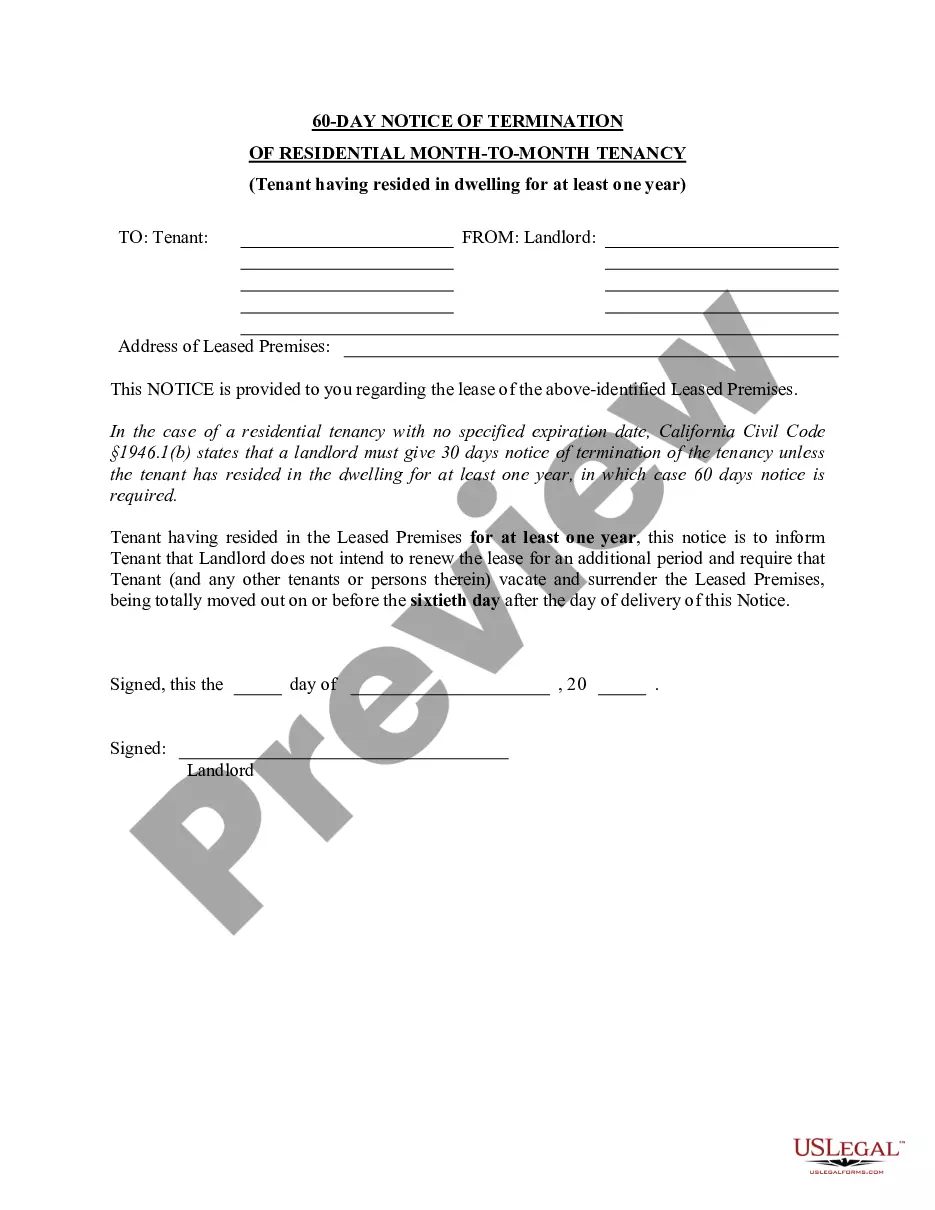





How to fill out Assignment Of All Of Expected Interest In Estate In Order To Pay Indebtedness?
Locating a preferred source for the latest and suitable legal templates is a significant part of navigating bureaucracy.
Identifying the correct legal documents requires precision and careful attention, which is why it's essential to obtain samples of Assignment All Interest Withholding exclusively from trustworthy sources, such as US Legal Forms. A faulty template can lead to wasted time and delay your current situation.
Once you have the form on your device, you can modify it with the editor or print it out to fill it manually. Eliminate the stress associated with your legal documents. Explore the vast US Legal Forms library to locate legal templates, assess their applicability to your situation, and download them immediately.
- Utilize the catalog navigation or search feature to find your template.
- Examine the form's description to verify if it satisfies the demands of your state and region.
- View the form preview, if available, to confirm the form is what you are looking for.
- If the Assignment All Interest Withholding does not meet your needs, continue searching for the appropriate document.
- Once you are confident in the form's relevance, download it.
- If you are a registered user, click Log in to verify and access your chosen templates in My documents.
- If you do not yet have an account, click Buy now to acquire the template.
- Select the pricing option that accommodates your needs.
- Proceed with registration to complete your purchase.
- Finalize your purchase by selecting a payment method (credit card or PayPal).
- Choose the document format for downloading Assignment All Interest Withholding.
Form popularity
FAQ
The Form W-4 in Depth Step 1: Provide Your Information. Provide your name, address, filing status, and Social Security number. ... Step 2: Indicate Multiple Jobs or a Working Spouse. ... Step 3: Add Dependents. ... Step 4: Add Other Adjustments. ... Step 5: Sign and Date Form W-4.
Claiming 1 on Your Taxes Claiming 1 reduces the amount of taxes that are withheld, which means you will get more money each paycheck instead of waiting until your tax refund. You could also still get a small refund while having a larger paycheck if you claim 1.
By placing a ?0? on line 5, you are indicating that you want the most amount of tax taken out of your pay each pay period. If you wish to claim 1 for yourself instead, then less tax is taken out of your pay each pay period. 2. You can choose to have no taxes taken out of your tax and claim Exemption (see Example 2).
Claiming 1 on your tax return reduces withholdings with each paycheck, which means you make more money on a week-to-week basis. When you claim 0 allowances, the IRS withholds more money each paycheck but you get a larger tax return.
To figure out how much you should add, first think about how much of a refund you'd like to see after doing your taxes. Once you know your desired amount: Divide that by the number of paychecks you get in a year. Take the result and add that number to what the calculator told you to put on line 4(c)