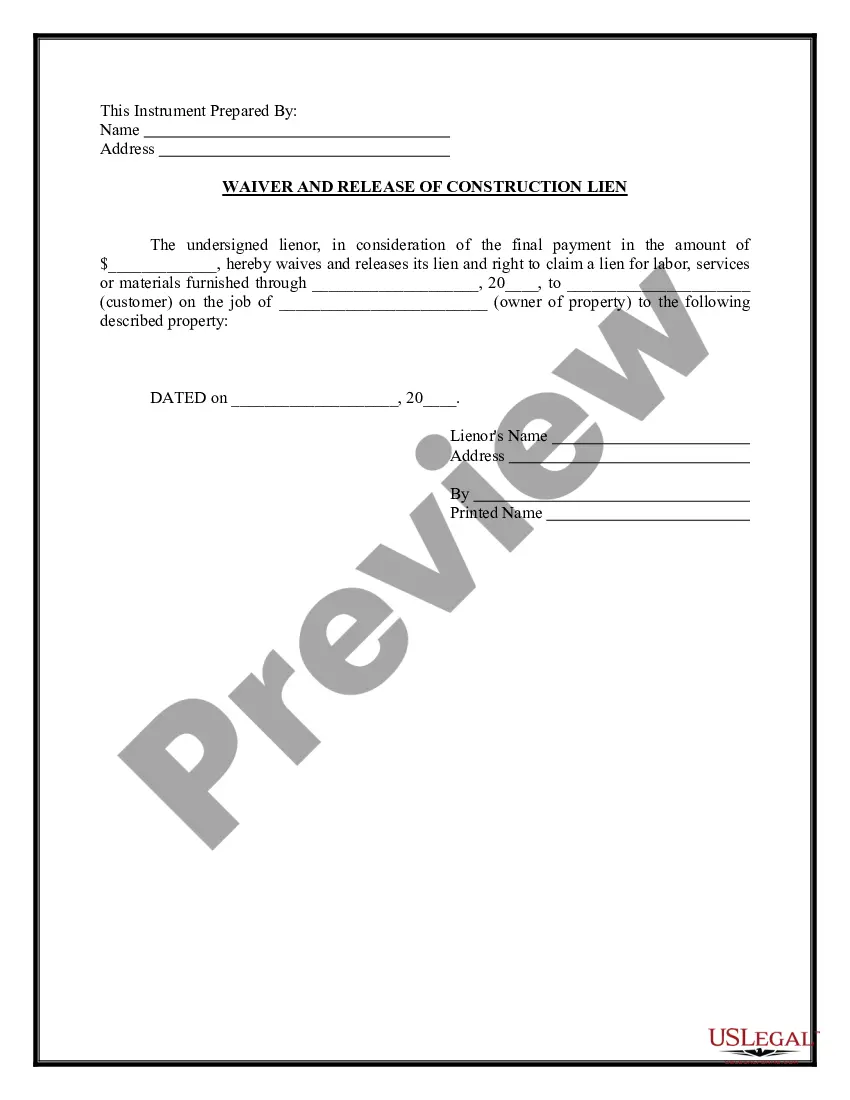
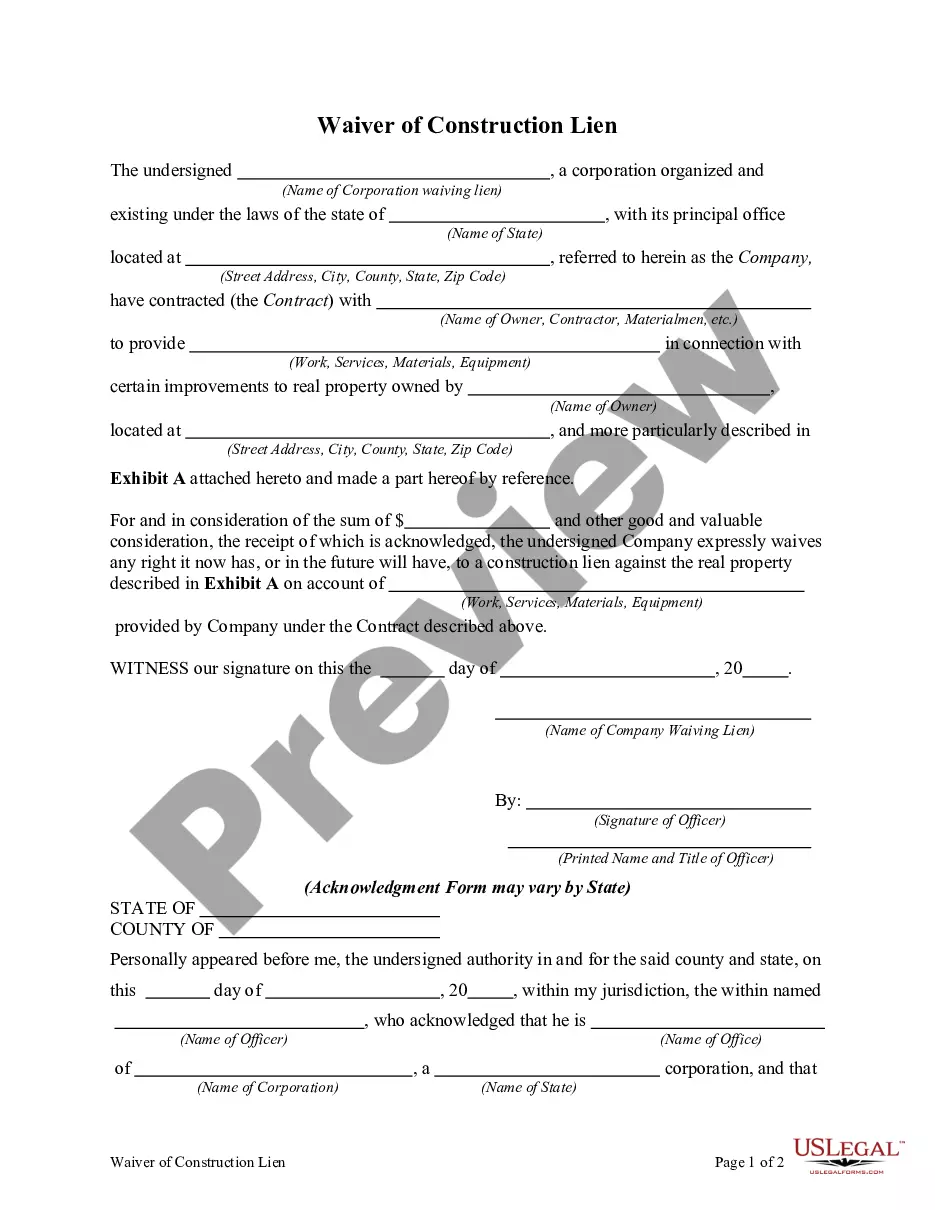
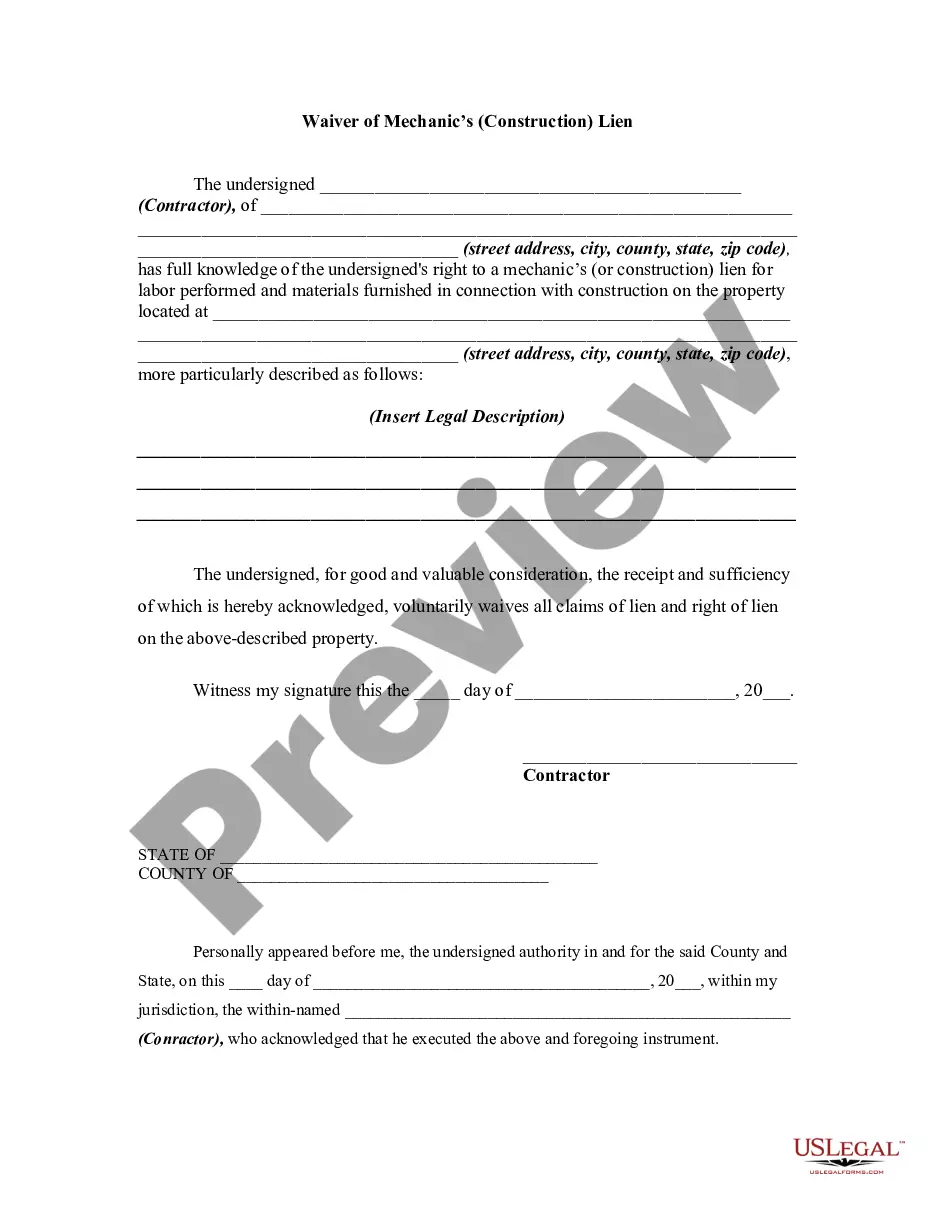
Construction Lien Form Alberta
Description
Get your form ready online
Our built-in tools help you complete, sign, share, and store your documents in one place.
Make edits, fill in missing information, and update formatting in US Legal Forms—just like you would in MS Word.
Download a copy, print it, send it by email, or mail it via USPS—whatever works best for your next step.
Sign and collect signatures with our SignNow integration. Send to multiple recipients, set reminders, and more. Go Premium to unlock E-Sign.
If this form requires notarization, complete it online through a secure video call—no need to meet a notary in person or wait for an appointment.
We protect your documents and personal data by following strict security and privacy standards.

Make edits, fill in missing information, and update formatting in US Legal Forms—just like you would in MS Word.

Download a copy, print it, send it by email, or mail it via USPS—whatever works best for your next step.

Sign and collect signatures with our SignNow integration. Send to multiple recipients, set reminders, and more. Go Premium to unlock E-Sign.

If this form requires notarization, complete it online through a secure video call—no need to meet a notary in person or wait for an appointment.

We protect your documents and personal data by following strict security and privacy standards.
Looking for another form?
How to fill out Waiver And Release Of Lien By Contractor?
It’s obvious that you can’t become a legal expert immediately, nor can you grasp how to quickly draft Construction Lien Form Alberta without having a specialized background. Creating legal forms is a long venture requiring a specific education and skills. So why not leave the preparation of the Construction Lien Form Alberta to the pros?
With US Legal Forms, one of the most extensive legal document libraries, you can access anything from court papers to templates for in-office communication. We know how important compliance and adherence to federal and local laws and regulations are. That’s why, on our platform, all forms are location specific and up to date.
Here’s how you can get started with our platform and obtain the form you need in mere minutes:
- Discover the document you need by using the search bar at the top of the page.
- Preview it (if this option available) and read the supporting description to figure out whether Construction Lien Form Alberta is what you’re looking for.
- Begin your search again if you need any other form.
- Register for a free account and select a subscription option to buy the template.
- Pick Buy now. As soon as the payment is complete, you can get the Construction Lien Form Alberta, complete it, print it, and send or mail it to the necessary people or entities.
You can re-gain access to your documents from the My Forms tab at any time. If you’re an existing customer, you can simply log in, and locate and download the template from the same tab.
No matter the purpose of your forms-whether it’s financial and legal, or personal-our platform has you covered. Try US Legal Forms now!
Form popularity
FAQ
Subject to some exceptions, a lien for materials, services, or wages may be registered any time up to 45 days from the day the last materials, services, or wages were provided, or since the contract was abandoned. After those 45 days elapse, the lien expires.
Cancelling a lien: Use Cancellation of Builders' Lien Form. You or your agent (if someone else filed your lien for you) may cancel your lien. You or your agent must have a witness to your signature.
A lien for materials, services or wages can be registered at any time up to 45 days from the date the last materials, services or wages were provided or the contract was abandoned. Failing to do so leads to the expiration of the liens.
1. The lien MUST be filed at Land Titles within the following calendar (not business) days: a. 45 days for a regular lien, OR b. 90 days for an oil and gas lien *From the date the work was completed, or the last materials supplied.
Posting either a lien bond or cash as security to discharge a builders' lien is standard practice in Alberta.