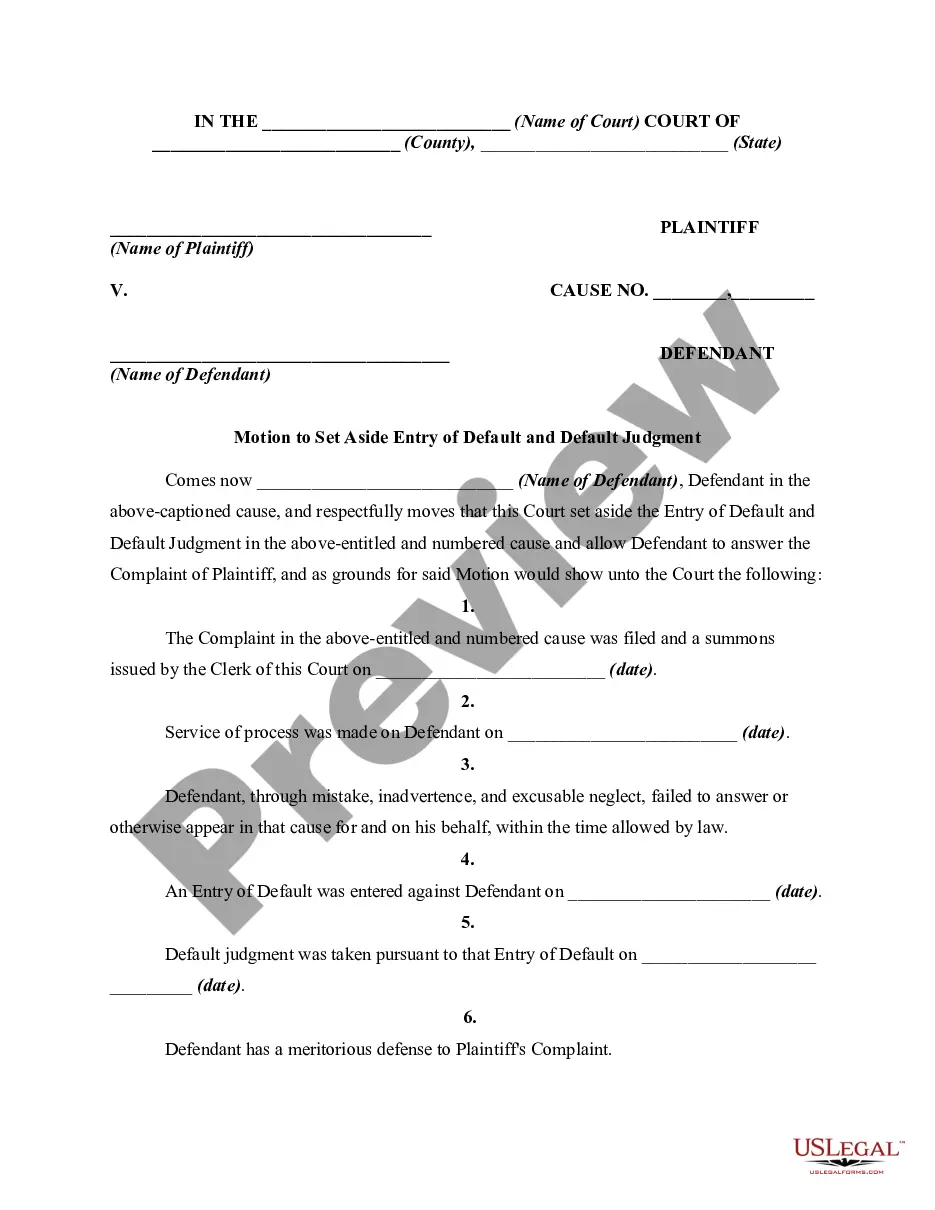
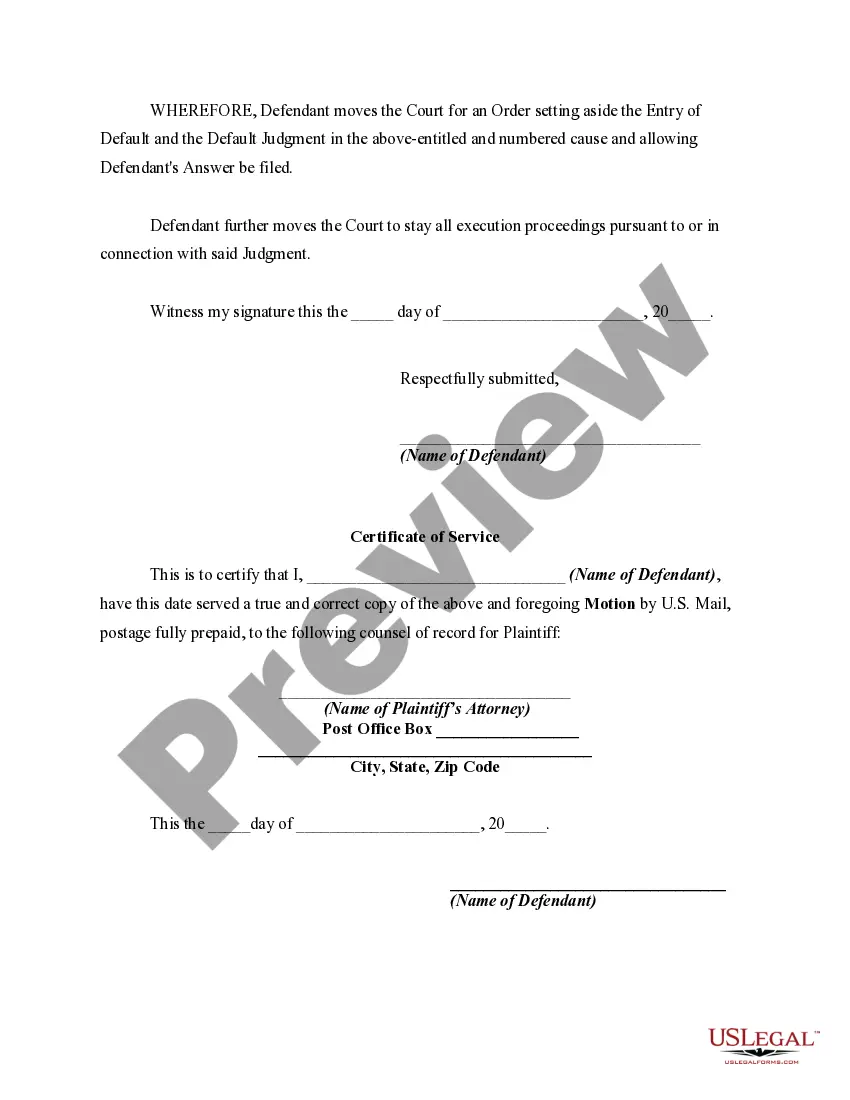
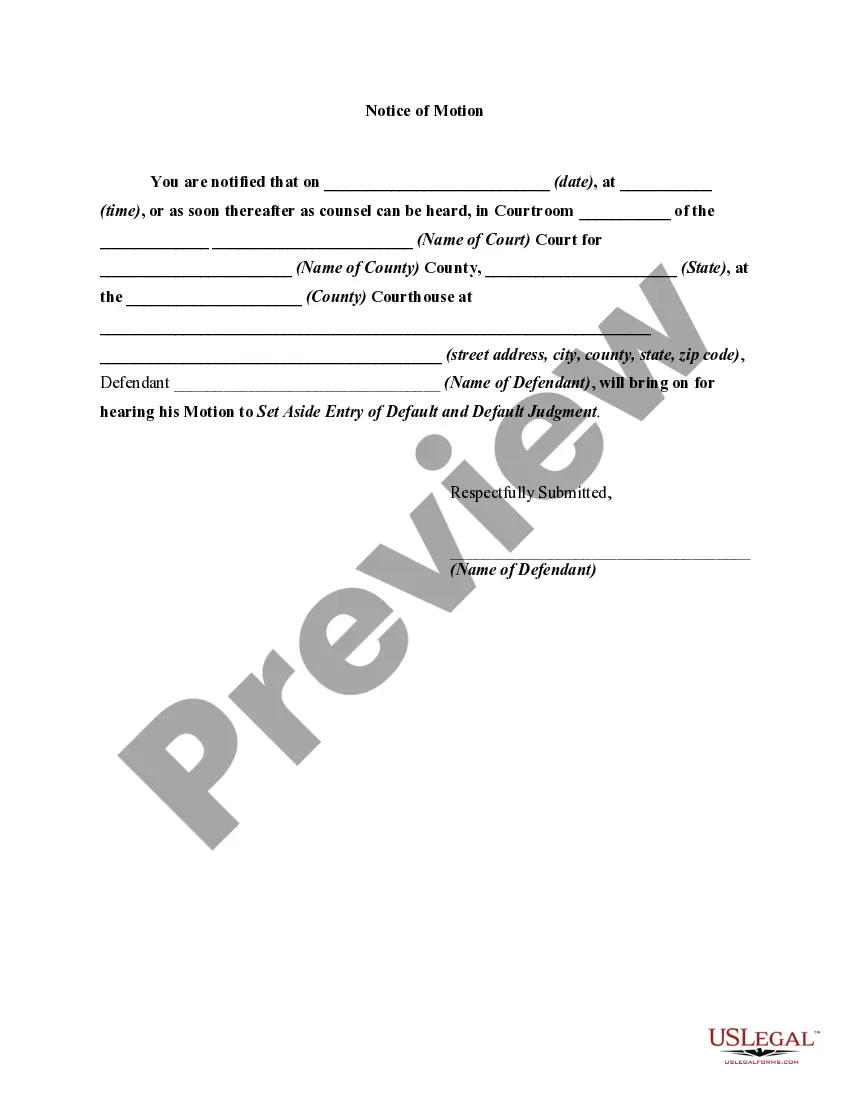
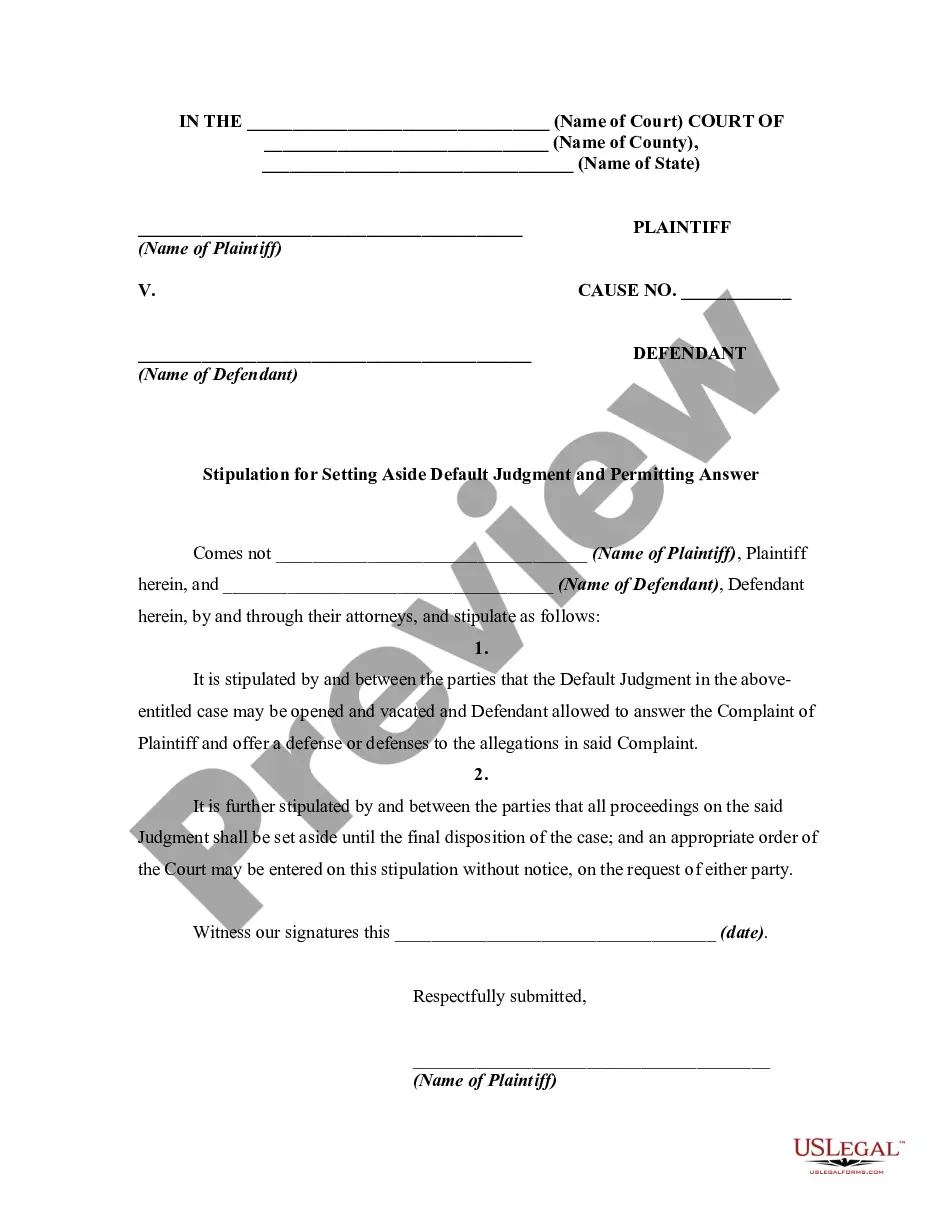
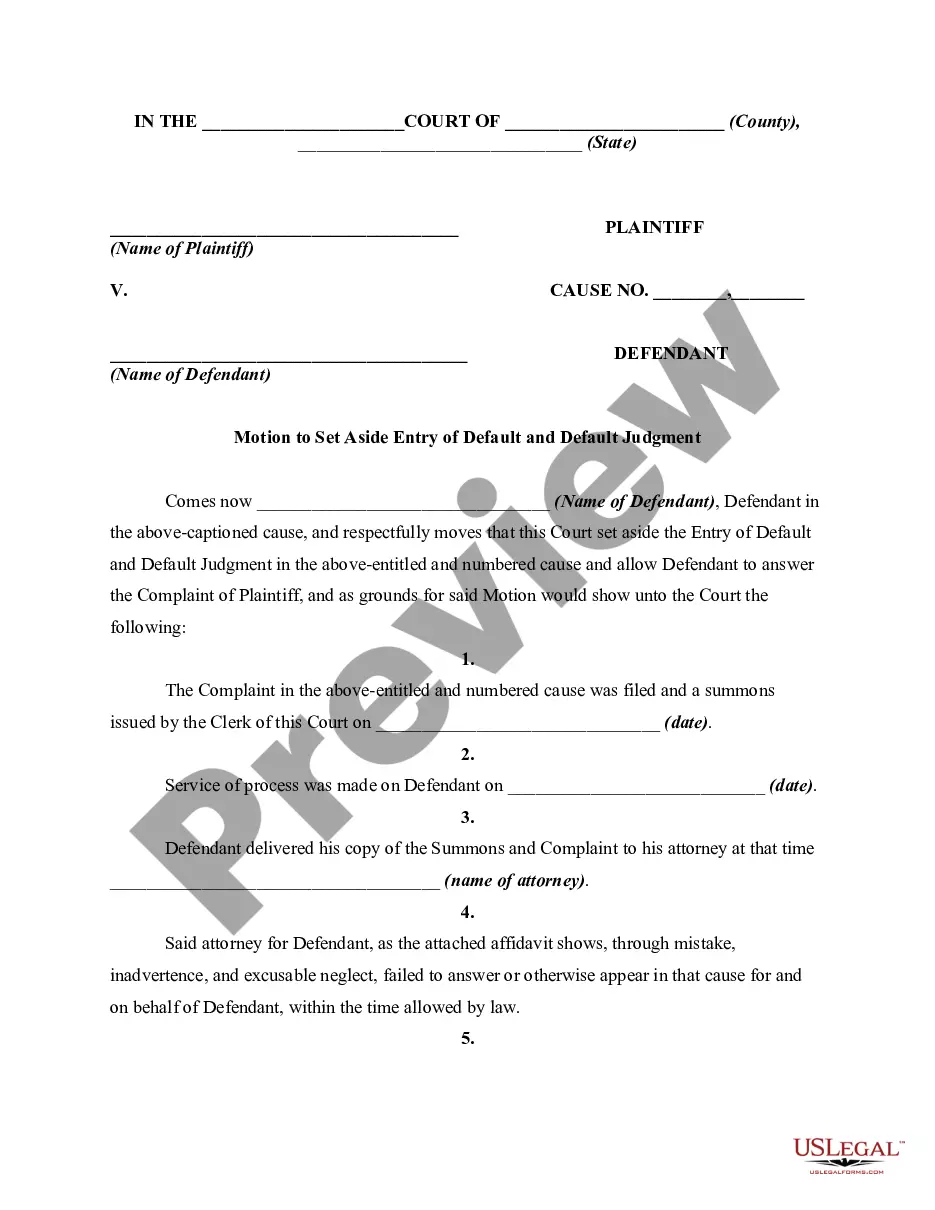
Motion For Default Judgment Form For Set Aside
Description
Get your form ready online
Our built-in tools help you complete, sign, share, and store your documents in one place.
Make edits, fill in missing information, and update formatting in US Legal Forms—just like you would in MS Word.
Download a copy, print it, send it by email, or mail it via USPS—whatever works best for your next step.
Sign and collect signatures with our SignNow integration. Send to multiple recipients, set reminders, and more. Go Premium to unlock E-Sign.
If this form requires notarization, complete it online through a secure video call—no need to meet a notary in person or wait for an appointment.
We protect your documents and personal data by following strict security and privacy standards.

Make edits, fill in missing information, and update formatting in US Legal Forms—just like you would in MS Word.

Download a copy, print it, send it by email, or mail it via USPS—whatever works best for your next step.

Sign and collect signatures with our SignNow integration. Send to multiple recipients, set reminders, and more. Go Premium to unlock E-Sign.

If this form requires notarization, complete it online through a secure video call—no need to meet a notary in person or wait for an appointment.

We protect your documents and personal data by following strict security and privacy standards.
Looking for another form?
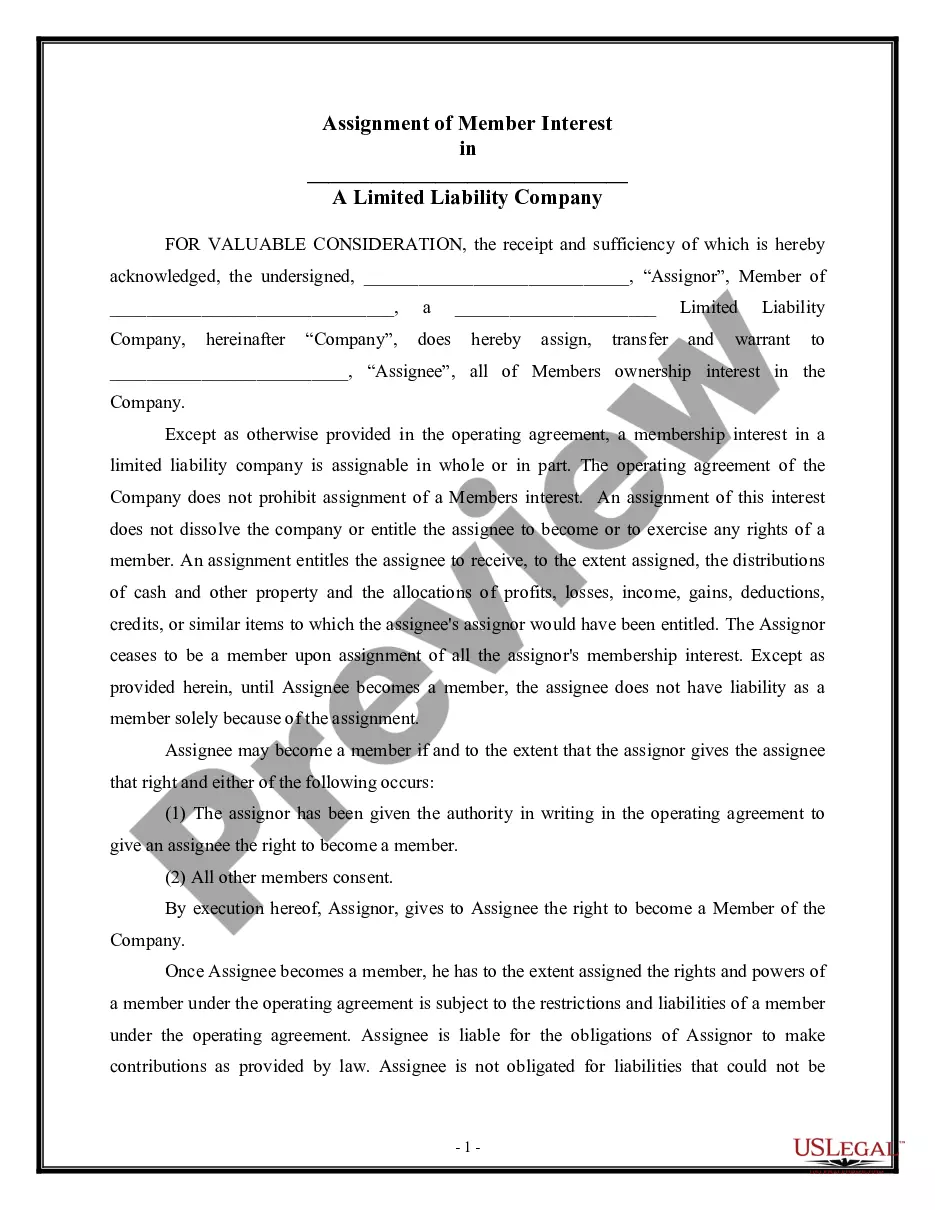

How to fill out Motion To Set Aside Entry Of Default And Default Judgment?
It's clear that you cannot become a legal specialist instantly, nor can you quickly grasp how to prepare the Motion For Default Judgment Form For Set Aside without possessing a specific skill set.
Generating legal documents is a lengthy process that demands particular training and expertise. So why not entrust the drafting of the Motion For Default Judgment Form For Set Aside to the experts.
With US Legal Forms, one of the most extensive libraries of legal templates, you can discover everything from court papers to templates for internal corporate correspondence. We understand the significance of compliance with federal and state laws and regulations. That's why, on our platform, all documents are location-specific and current.
You can access your documents again from the My documents tab at any time. If you are a current client, you can simply Log In, and find and download the template from the same tab.
Regardless of the purpose of your forms—be it financial and legal, or personal—our platform has you covered. Give US Legal Forms a try now!
- Locate the form you require by utilizing the search bar at the top of the webpage.
- Preview it (if this option is available) and review the accompanying description to decide if the Motion For Default Judgment Form For Set Aside is what you need.
- If you need a different form, restart your search.
- Create a free account and select a subscription plan to acquire the template.
- Click Buy now. After the payment is finalized, you can download the Motion For Default Judgment Form For Set Aside, complete it, print it, and send it by post to the specified individuals or organizations.
Form popularity
FAQ
File a Motion to Set Aside the Default Judgment Stick to the Deadline. ... Explain Your Reasoning. ... Make a Solid Defense. ... Schedule a Hearing. ... Turn in the Motion Form. ... Send a File-Stamped Copy. ... Attend the Hearing.
To ask a court to set aside (cancel) a court order or judgment, you have to file a ?request for order to set aside,? sometimes called a ?motion to set aside? or ?motion to vacate.? The terms ?set aside? or ?vacate? a court order basically mean to ?cancel? or undo that order to start over on a particular issue.
The process for setting aside default judgment You will need to make an application to the court regardless of whether consent is obtained, but seeking consent may mean that the claimant does not oppose the application, potentially reducing the costs of the application.
To have the default judgment set aside the defendant must show the court that: ????there is a good reason why they did not file a defence within 28 days. they have a bona fide (genuine) defence. they applied to set aside default judgment as soon as they became aware of it.
You file a motion by completing the form and filing it with the same court that signed the default entry or default judgment. There is a $20 motion fee for filing a motion to set aside default.