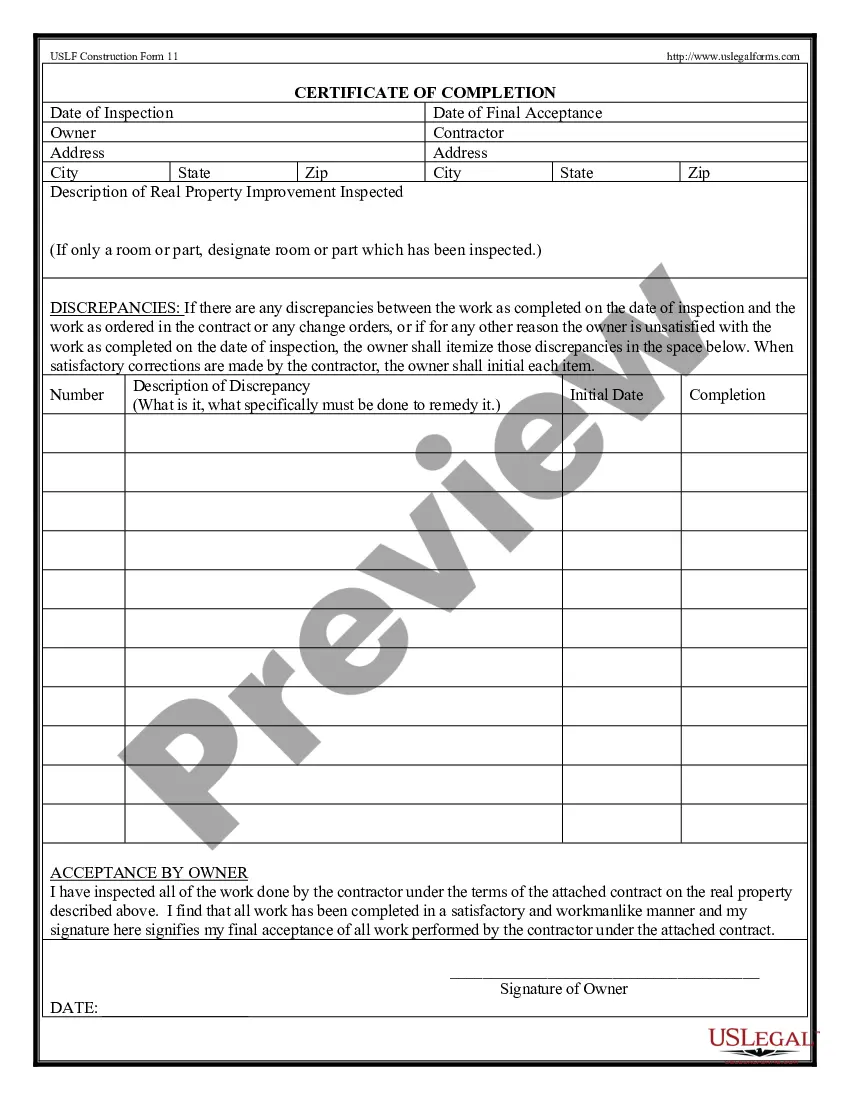
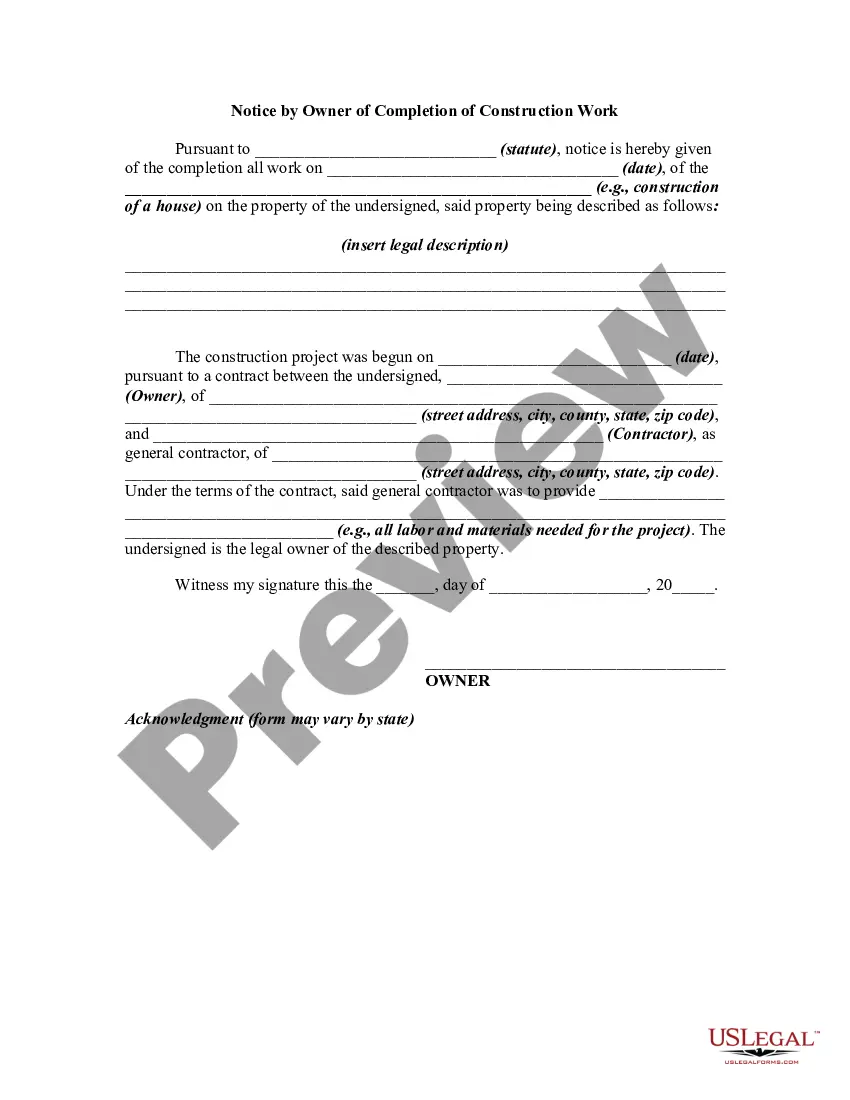
Certificate Of Completion Wording Examples
Description
Get your form ready online
Our built-in tools help you complete, sign, share, and store your documents in one place.
Make edits, fill in missing information, and update formatting in US Legal Forms—just like you would in MS Word.
Download a copy, print it, send it by email, or mail it via USPS—whatever works best for your next step.
Sign and collect signatures with our SignNow integration. Send to multiple recipients, set reminders, and more. Go Premium to unlock E-Sign.
If this form requires notarization, complete it online through a secure video call—no need to meet a notary in person or wait for an appointment.
We protect your documents and personal data by following strict security and privacy standards.

Make edits, fill in missing information, and update formatting in US Legal Forms—just like you would in MS Word.

Download a copy, print it, send it by email, or mail it via USPS—whatever works best for your next step.

Sign and collect signatures with our SignNow integration. Send to multiple recipients, set reminders, and more. Go Premium to unlock E-Sign.

If this form requires notarization, complete it online through a secure video call—no need to meet a notary in person or wait for an appointment.

We protect your documents and personal data by following strict security and privacy standards.
Looking for another form?






How to fill out Certification Of Completion By Contractor?
Obtaining legal templates that comply with federal and state laws is essential, and the internet provides a plethora of choices.
However, why spend time searching for the right Certificate Of Completion Wording Examples sample online when the US Legal Forms online library has already compiled such templates in one location.
US Legal Forms is the largest online legal repository featuring over 85,000 editable templates created by attorneys for any professional or personal situation.
Review the template using the Preview function or via the text outline to confirm it suits your requirements.
- These templates are simple to navigate, with all documents organized by state and intended use.
- Our specialists keep up with legal updates, ensuring that your form is always current and compliant when acquiring a Certificate Of Completion Wording Examples from our site.
- Getting a Certificate Of Completion Wording Examples is straightforward and fast for both existing and new users.
- If you already possess an account with an active subscription, Log In and save the document sample you require in your preferred format.
- If you are a newcomer to our site, follow the guidelines below.
Form popularity
FAQ
Your certificate will need a ton of text boxes for various elements, such as title, message, participant name, date, signature, etc. To add a text box, under the Insert tab of the main menu, click on Text Box and select Simple Text Box.
Certificate of Appreciation The message should be written in a way that makes them feel special. This certificate is proudly presented to [recipient name]. Thank you for your dedication to the academic community. You have become an exceptional member of [university] whose deeds will forever leave a beautiful mark.
Certificate of Appreciation ?This certificate is awarded to [Name/Organization] in appreciation of their invaluable services and contributions to [Cause/Community/Organization] on [Date]. Your dedication, hard work, and generosity have made a significant impact, and we are grateful for your support.?
WHAT ELEMENTS ARE REQUIRED TO BE INCLUDED ON THE CERTIFICATE OF COMPLETION? Sponsor name and address. Participant's name. Program title. Field(s) of study for the program. Date program offered/completed. Location of program. Instructional delivery method. Amount of CPE credit earned.
What should you include in a certificate of appreciation? Issuer's logo to add authority. Title - usually 'Certificate of Appreciation' Recipient's full name with a picture (adding a picture is optional, but recommended to personalize the certificate) A word of thanks for event attendees/speakers/donors, etc. (