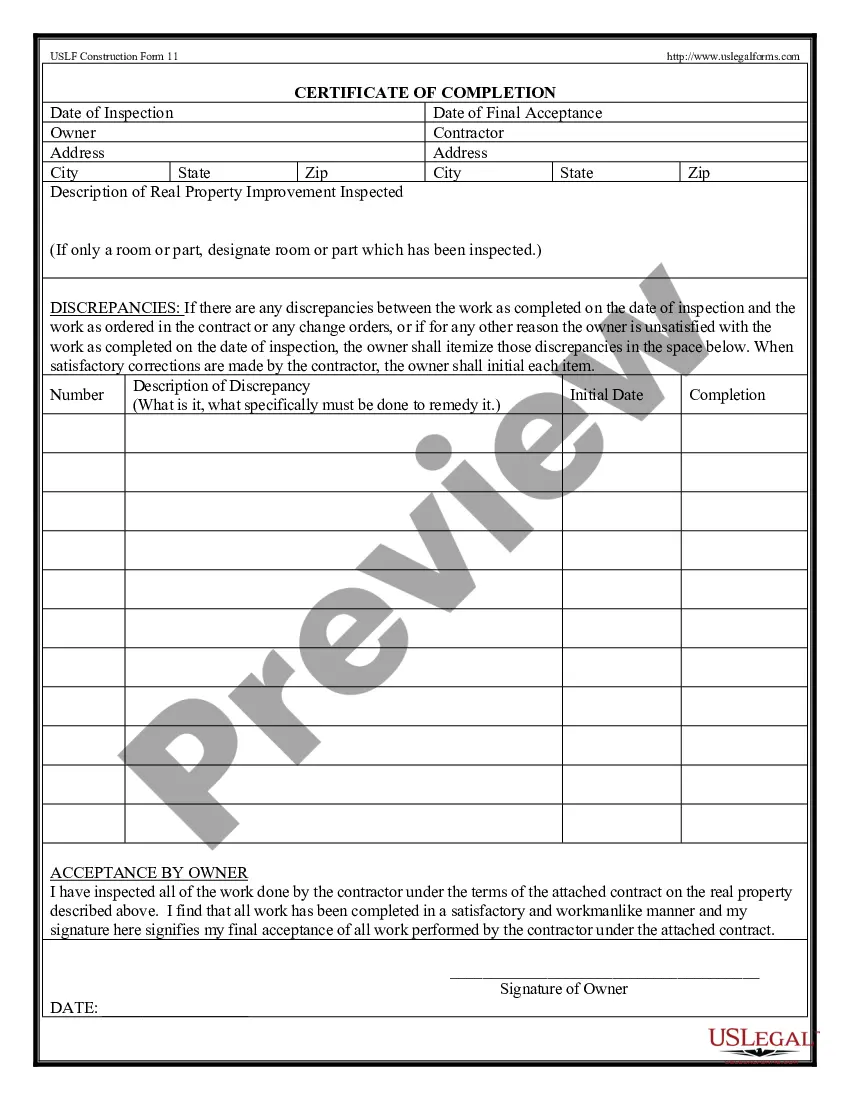
Certificate Completion Printable Without Name
Description
Get your form ready online
Our built-in tools help you complete, sign, share, and store your documents in one place.
Make edits, fill in missing information, and update formatting in US Legal Forms—just like you would in MS Word.
Download a copy, print it, send it by email, or mail it via USPS—whatever works best for your next step.
Sign and collect signatures with our SignNow integration. Send to multiple recipients, set reminders, and more. Go Premium to unlock E-Sign.
If this form requires notarization, complete it online through a secure video call—no need to meet a notary in person or wait for an appointment.
We protect your documents and personal data by following strict security and privacy standards.

Make edits, fill in missing information, and update formatting in US Legal Forms—just like you would in MS Word.

Download a copy, print it, send it by email, or mail it via USPS—whatever works best for your next step.

Sign and collect signatures with our SignNow integration. Send to multiple recipients, set reminders, and more. Go Premium to unlock E-Sign.

If this form requires notarization, complete it online through a secure video call—no need to meet a notary in person or wait for an appointment.

We protect your documents and personal data by following strict security and privacy standards.
Looking for another form?

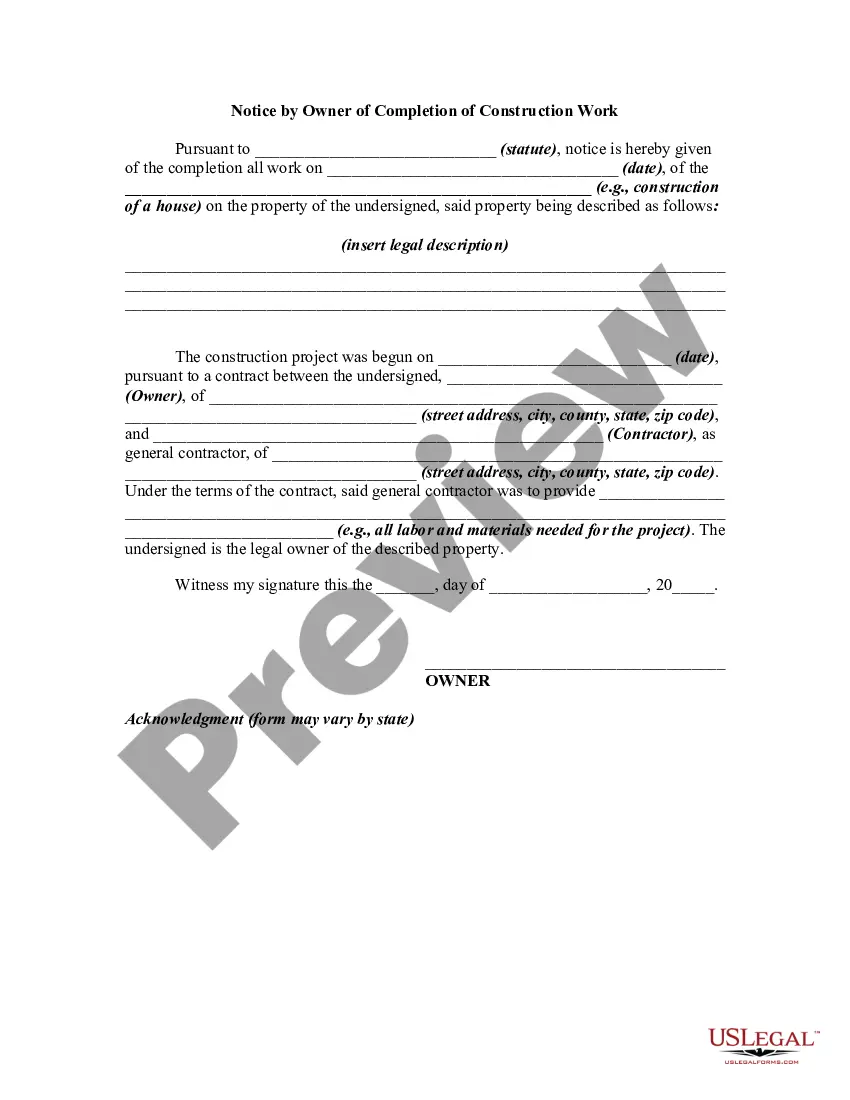
How to fill out Certification Of Completion By Contractor?
The Certificate Completion Printable Without Name showcased on this page is a reusable legal document created by professional attorneys in accordance with federal and local laws.
For over 25 years, US Legal Forms has supplied individuals, organizations, and lawyers with more than 85,000 authenticated, state-specific documents for any business and personal occasion. It’s the fastest, simplest, and most reliable method to acquire the paperwork you require, as the service assures bank-level data security and anti-malware safeguards.
Register for US Legal Forms to have authenticated legal templates for all of life’s circumstances readily available.
- Search for the document you need and review it.
- Select the pricing plan that works for you and set up an account. Use PayPal or a credit card for a swift payment.
- Choose the format you prefer for your Certificate Completion Printable Without Name (PDF, Word, RTF) and save the sample to your device.
- Print the template to fill it out by hand. Alternatively, utilize an online versatile PDF editor to quickly and accurately complete and sign your form with a valid signature.
- Re-download the same document anytime you need it. Access the My documents section in your account to retrieve any previously downloaded documents.
Form popularity
FAQ
A certificate of completion should include the provider name, address, phone number and approval number; course title and approval number; class beginning and ending dates, complete address (including zip code) where class is conducted; number of credit hours approved and a statement that "submitting a false or ...
?This certificate is awarded to [Name] in recognition of their successful completion of [Course/Program/Training Name] on [Date]. Your hard work, dedication, and commitment to learning have enabled you to achieve this milestone, and we are proud to recognize your accomplishment.?
Launch Canva and search for "Certificates" to start making your own certificates. Select a template. Browse different styles and themes of certificate designs for your needs. ... Personalize your design. ... Add more design elements. ... Order your prints.
CC means Completion Certificate in real estate terms. It shows whether the project has been constructed in ance with the building plans and the standards specified by the local municipal authorities, including, among other things, the distance from the road and the spacing between neighbouring structures.
Use drag-and-drop editing tools to easily create an official certificate that can be printed or shared digitally. With Adobe Express, your certifications can be ready for printing in just a few minutes.