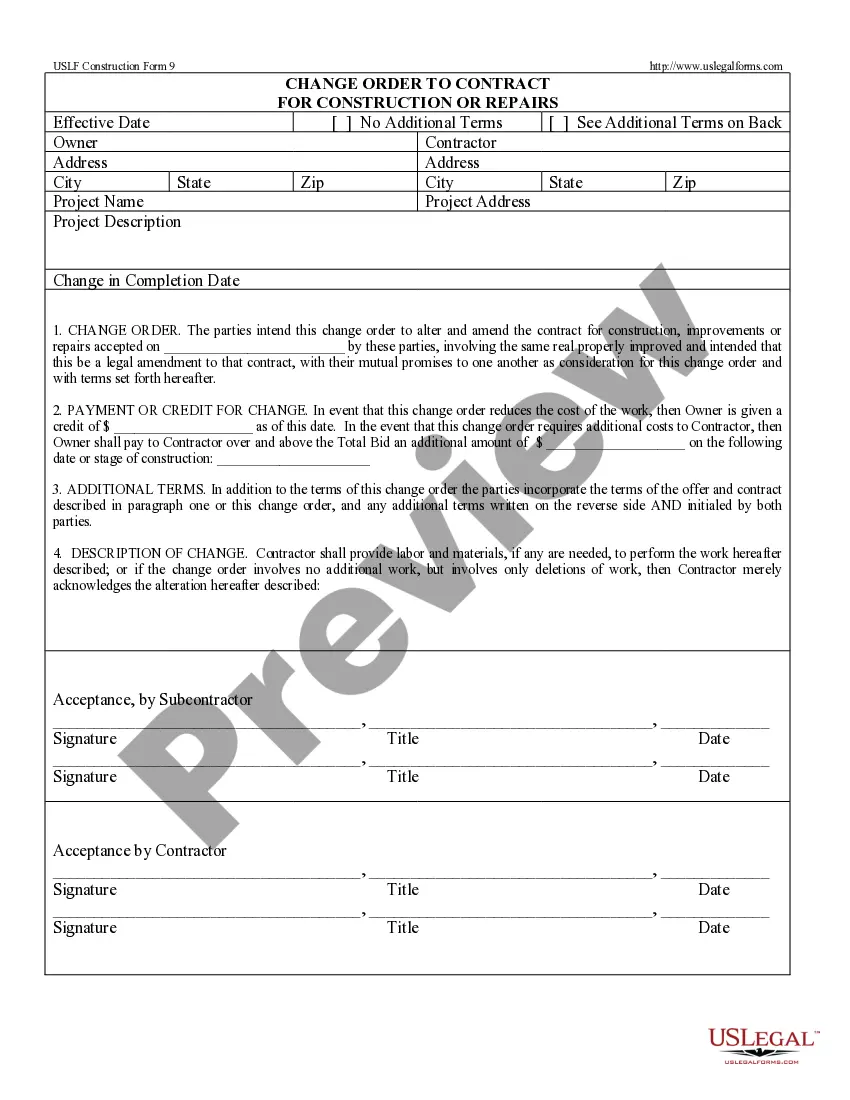
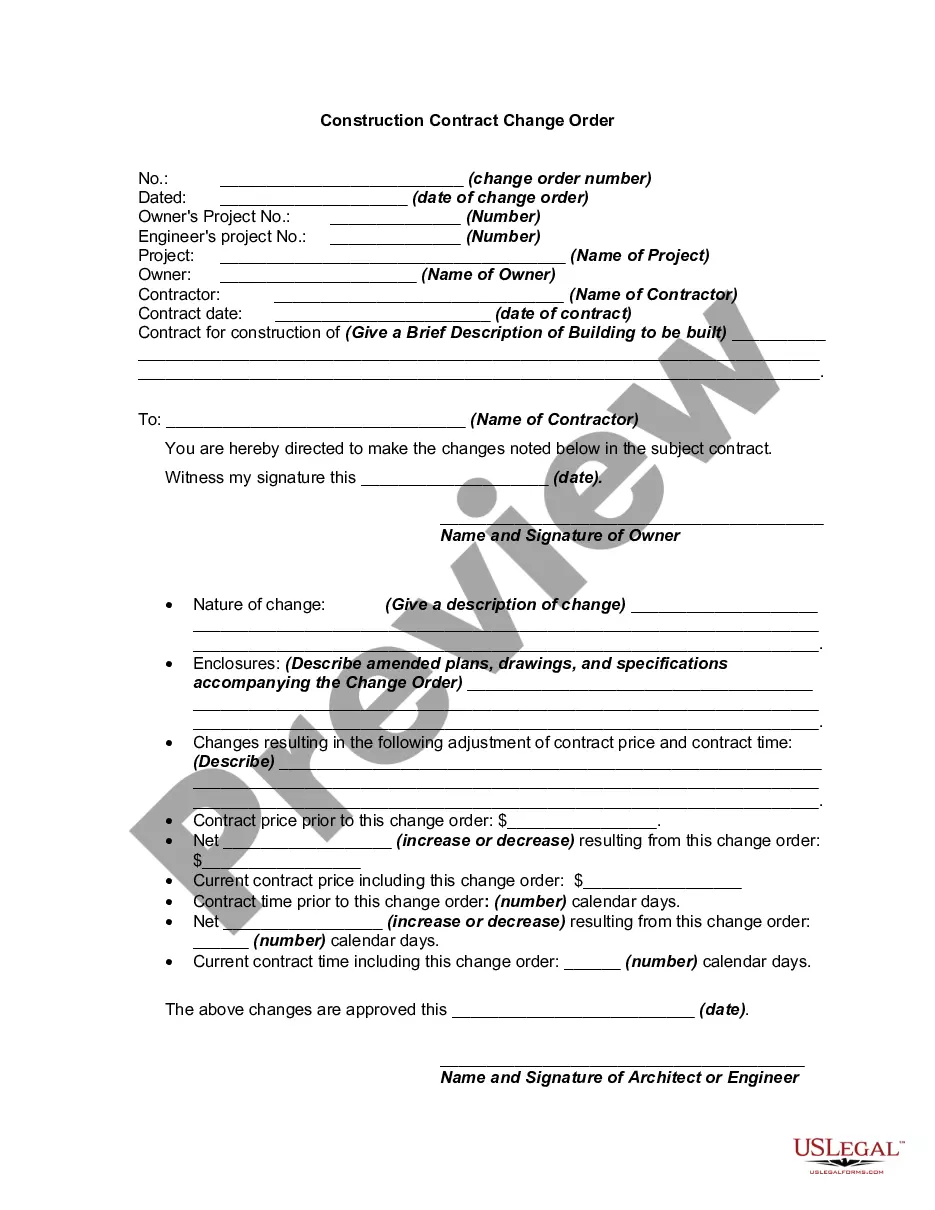
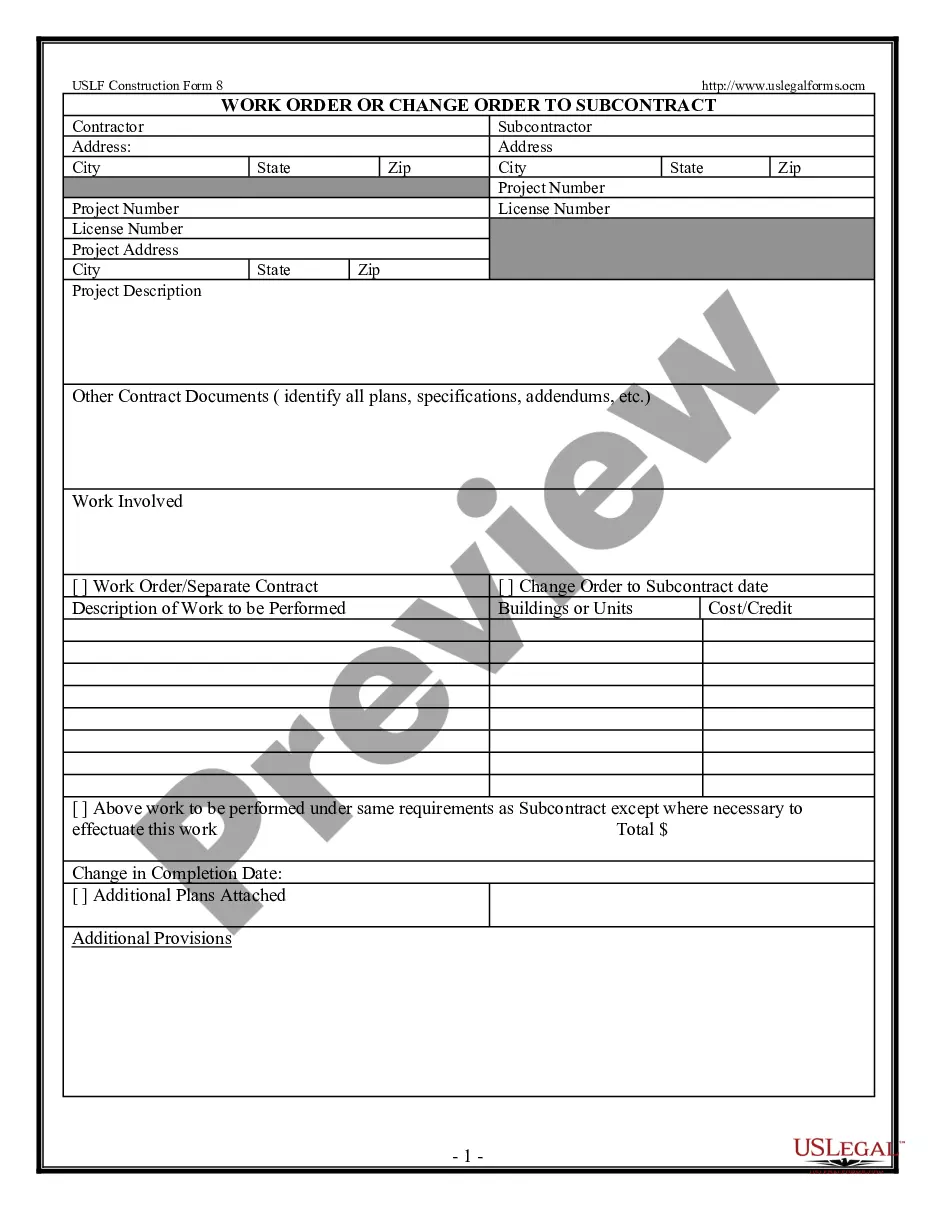
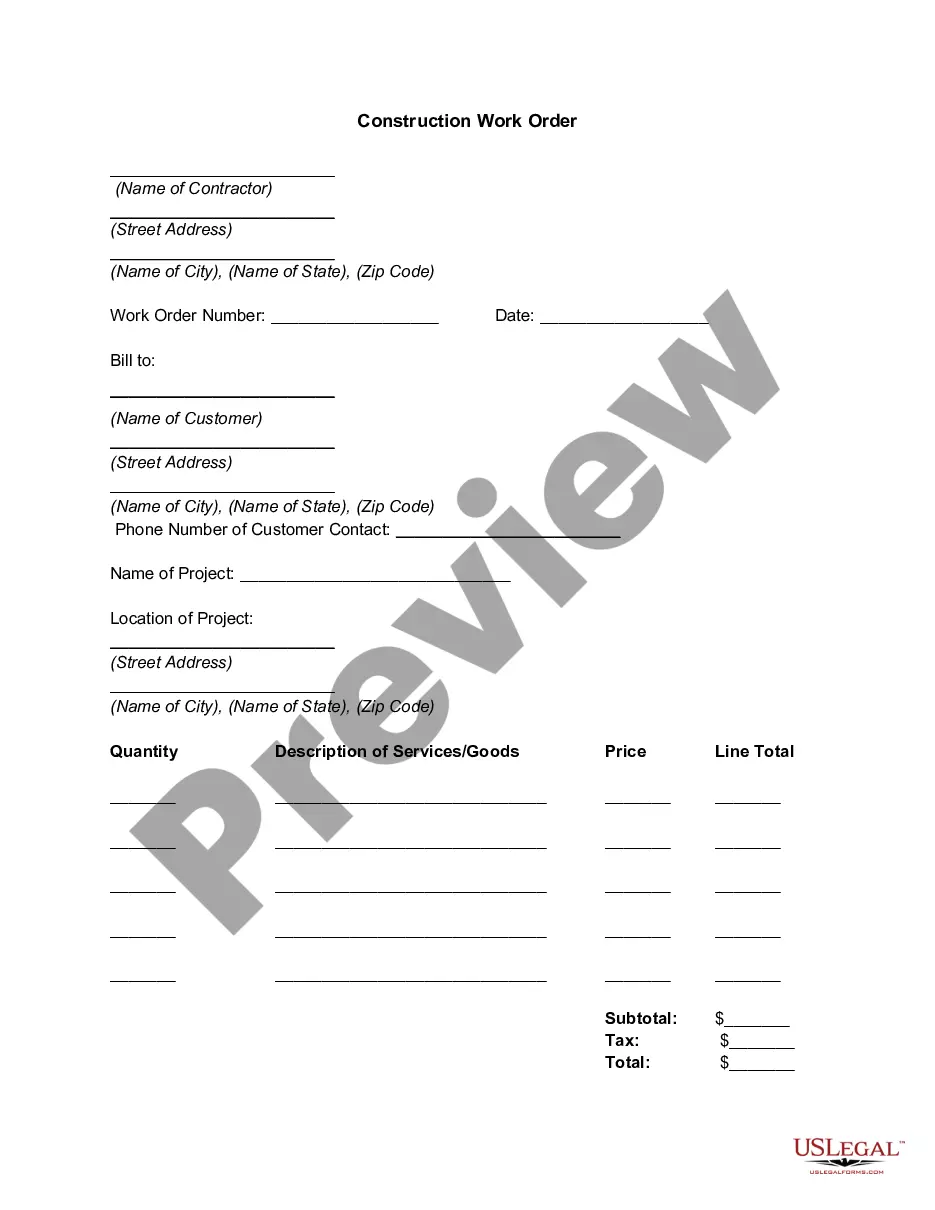
Change Order Form Contract
Description
Get your form ready online
Our built-in tools help you complete, sign, share, and store your documents in one place.
Make edits, fill in missing information, and update formatting in US Legal Forms—just like you would in MS Word.
Download a copy, print it, send it by email, or mail it via USPS—whatever works best for your next step.
Sign and collect signatures with our SignNow integration. Send to multiple recipients, set reminders, and more. Go Premium to unlock E-Sign.
If this form requires notarization, complete it online through a secure video call—no need to meet a notary in person or wait for an appointment.
We protect your documents and personal data by following strict security and privacy standards.

Make edits, fill in missing information, and update formatting in US Legal Forms—just like you would in MS Word.

Download a copy, print it, send it by email, or mail it via USPS—whatever works best for your next step.

Sign and collect signatures with our SignNow integration. Send to multiple recipients, set reminders, and more. Go Premium to unlock E-Sign.

If this form requires notarization, complete it online through a secure video call—no need to meet a notary in person or wait for an appointment.

We protect your documents and personal data by following strict security and privacy standards.
Looking for another form?





How to fill out Change Order For Construction Or Repairs By Contractor?
It’s a well-known fact that you cannot become a legal expert instantly, nor can you learn to swiftly create a Change Order Form Contract without a specialized skill set.
Drafting legal documents is an extensive procedure that demands specific education and expertise. So why not entrust the creation of the Change Order Form Contract to the experts.
With US Legal Forms, one of the most extensive legal template repositories, you can discover anything from court documents to templates for in-office correspondence. We recognize how vital compliance and adherence to federal and local regulations are.
You can regain access to your documents from the My documents section at any time. If you’re a returning customer, you can easily Log In and find and download the template from the same section.
Regardless of the nature of your paperwork—be it financial and legal, or personal—our website has you covered. Explore US Legal Forms today!
- Find the form you need by utilizing the search feature at the top of the page.
- View it (if this option is available) and examine the accompanying description to determine if the Change Order Form Contract is what you’re looking for.
- Initiate your search again if you require any other form.
- Create a free account and choose a subscription plan to acquire the template.
- Select Buy now. Once the payment is processed, you can download the Change Order Form Contract, complete it, print it, and send it by mail to the necessary parties or organizations.
Form popularity
FAQ
What Is Included in a Change Order? A description of the requested change and a comparison to what the original agreement contains. ... An itemized summary of all contractor and, if required, subcontractor costs resulting from the change. A tally of the total cost of the change.
6 things every change order should include Project and contact information. The change order form should include: ... Dates of the change. The change order form should include the date that you complete the change order. ... Details of the work. ... Updated schedule. ... Cost of the change. ... Updated contract value.
Classic examples of change orders include the owner's desire to move the location of a wall to accommodate some other design element, adding a window where there was none in the original plans, or changing the finish of the floors from tile to terrazzo.
Change orders need to have a breakdown of the scope with ideally labor and materials broken out. In some cases, the client wants to see backup of the costs as well and even labor rates. Be prepared to provide the support documentation that will be needed to justify the change order.
The contractor prepares a "change order proposal" quoting a price for the extra work. Once the owner and contractor have agreed on scope, price, and schedule, a formal, written change order is prepared and signed by all parties. Then, the contractor proceeds to perform the changed work.