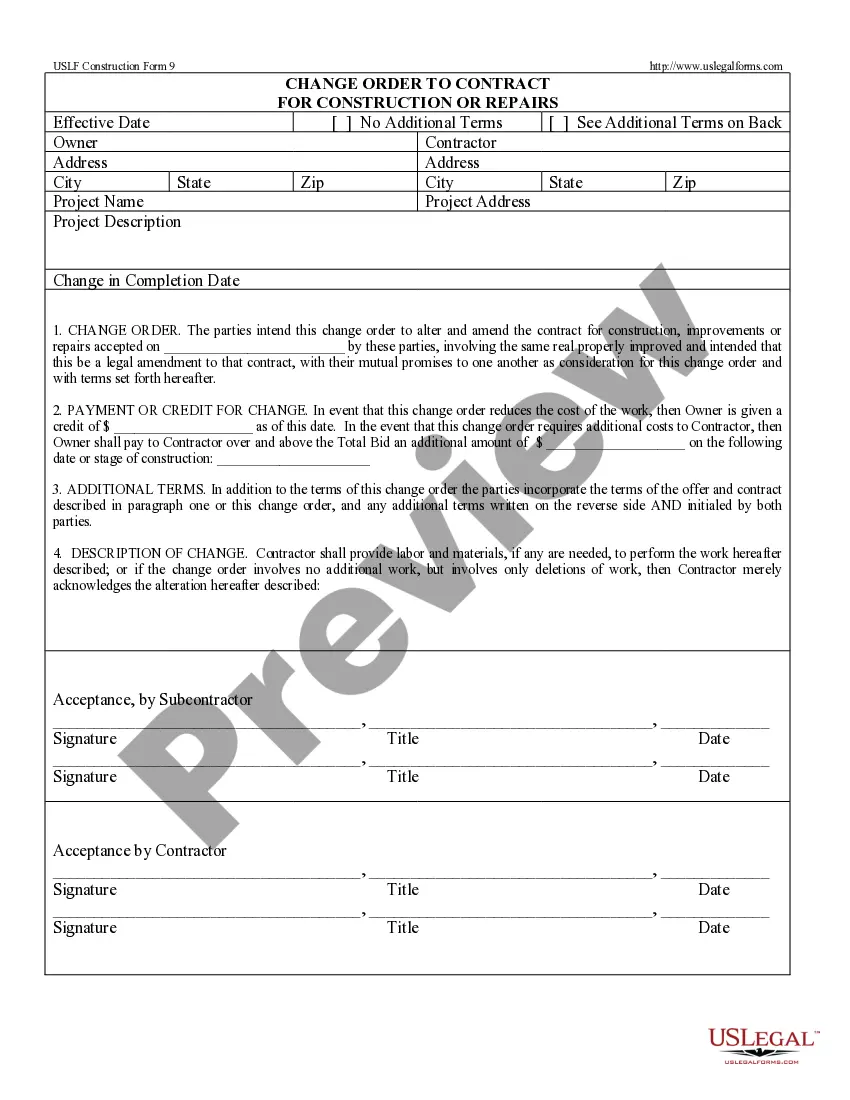
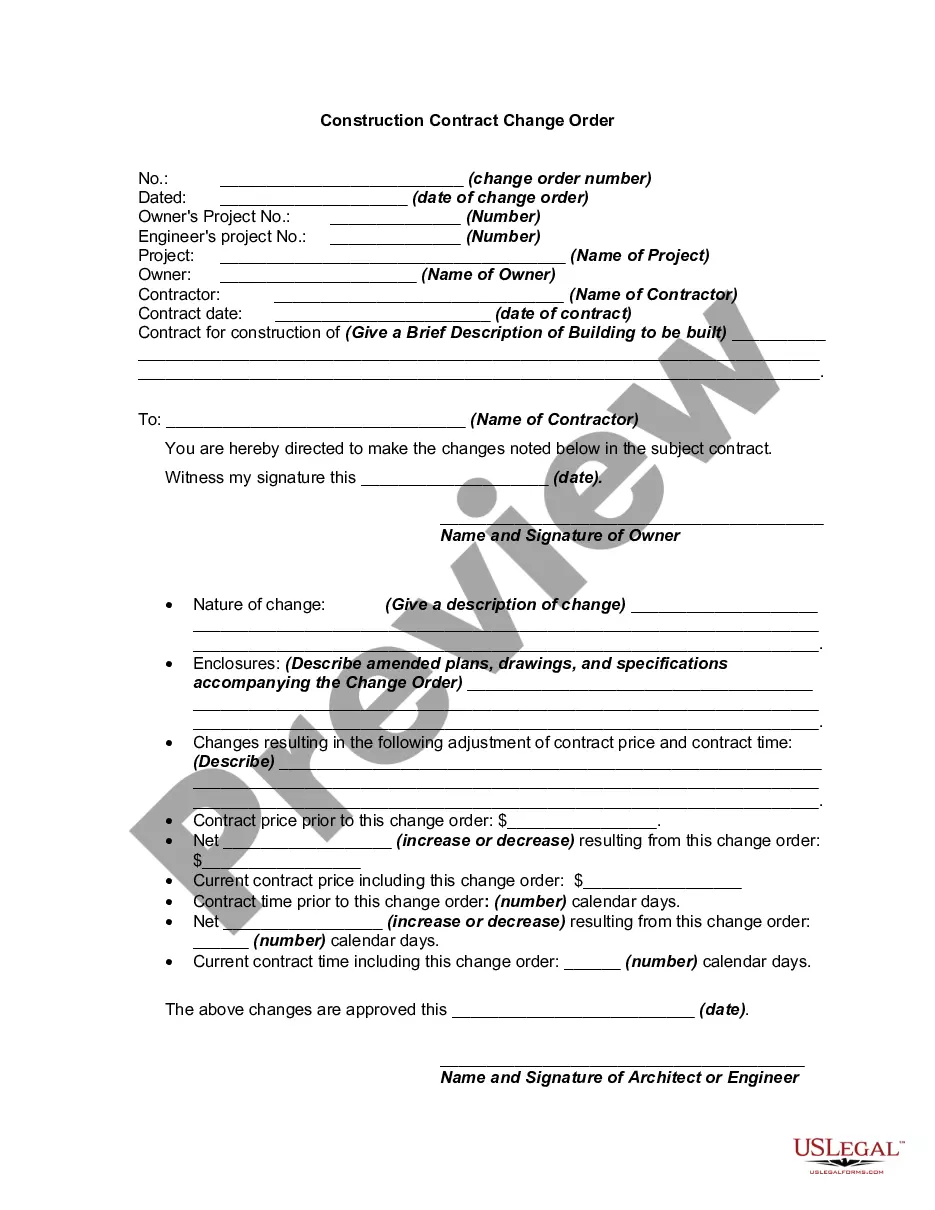
Change In Construction Projects
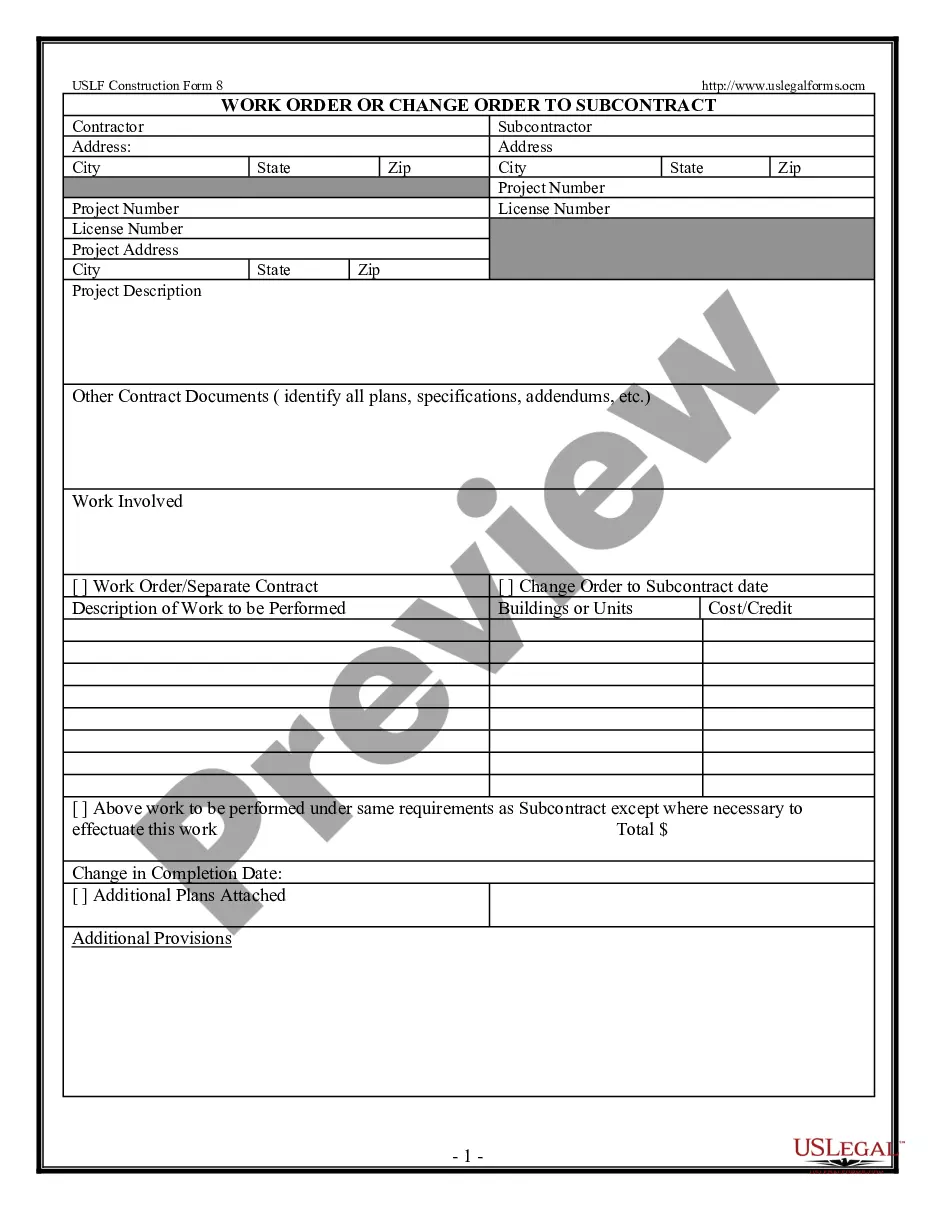
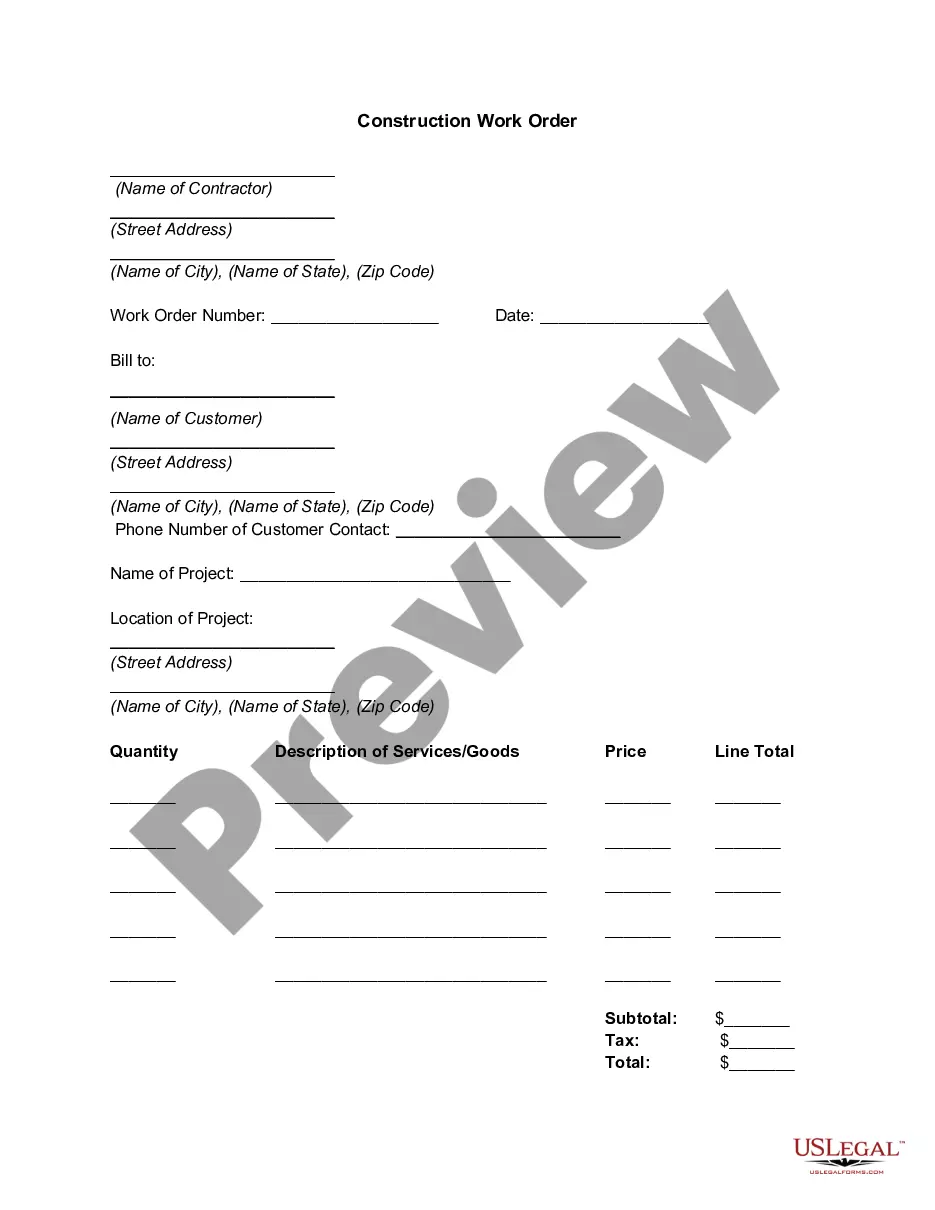
Description
Get your form ready online
Our built-in tools help you complete, sign, share, and store your documents in one place.
Make edits, fill in missing information, and update formatting in US Legal Forms—just like you would in MS Word.
Download a copy, print it, send it by email, or mail it via USPS—whatever works best for your next step.
Sign and collect signatures with our SignNow integration. Send to multiple recipients, set reminders, and more. Go Premium to unlock E-Sign.
If this form requires notarization, complete it online through a secure video call—no need to meet a notary in person or wait for an appointment.
We protect your documents and personal data by following strict security and privacy standards.

Make edits, fill in missing information, and update formatting in US Legal Forms—just like you would in MS Word.

Download a copy, print it, send it by email, or mail it via USPS—whatever works best for your next step.

Sign and collect signatures with our SignNow integration. Send to multiple recipients, set reminders, and more. Go Premium to unlock E-Sign.

If this form requires notarization, complete it online through a secure video call—no need to meet a notary in person or wait for an appointment.

We protect your documents and personal data by following strict security and privacy standards.
Looking for another form?




How to fill out Change Order For Construction Or Repairs By Contractor?
Whether for business purposes or for personal affairs, everybody has to deal with legal situations sooner or later in their life. Filling out legal paperwork demands careful attention, starting with choosing the appropriate form template. For instance, when you pick a wrong edition of the Change In Construction Projects, it will be declined once you submit it. It is therefore crucial to get a reliable source of legal documents like US Legal Forms.
If you have to get a Change In Construction Projects template, follow these simple steps:
- Get the template you need using the search field or catalog navigation.
- Examine the form’s information to make sure it matches your case, state, and region.
- Click on the form’s preview to see it.
- If it is the incorrect form, get back to the search function to find the Change In Construction Projects sample you require.
- Download the file when it matches your needs.
- If you already have a US Legal Forms account, just click Log in to gain access to previously saved templates in My Forms.
- In the event you do not have an account yet, you may download the form by clicking Buy now.
- Choose the proper pricing option.
- Complete the account registration form.
- Pick your transaction method: use a bank card or PayPal account.
- Choose the document format you want and download the Change In Construction Projects.
- After it is downloaded, you are able to fill out the form by using editing software or print it and complete it manually.
With a vast US Legal Forms catalog at hand, you never have to spend time looking for the right template across the internet. Use the library’s simple navigation to get the correct template for any situation.
Form popularity
FAQ
Here are 4 steps for effective change management in construction projects. Plan for Change at Each Stage of the Project Life Cycle. ... Set Expectations by Building a Change Culture. ... Have an Effective Change Order Policy. ... Leverage Construction Technology.
Classic examples of change orders include the owner's desire to move the location of a wall to accommodate some other design element, adding a window where there was none in the original plans, or changing the finish of the floors from tile to terrazzo.
In construction, this term is sometimes used to refer to the change management process where changes to a project's scope are assessed and approved. Construction change management is essential because changes can cost firms time, money, and client satisfaction if project changes are not managed effectively.
That means: Maintaining a consistent construction chain of command. Having a process for assessing the implications and knock-on effects of a significant change. Developing contract language that clearly and establishes the initial scope of work explicitly and sets a process for future changes.
A Quick Guide to Managing Change Orders in Construction Get Clarity on Scope of Work. ... Review the Construction Contract. ... Get Written Approval for All Change Orders. ... Communicate With Stakeholders. ... Understand the Impact of Change Orders. ... Final Thoughts on Change Orders.