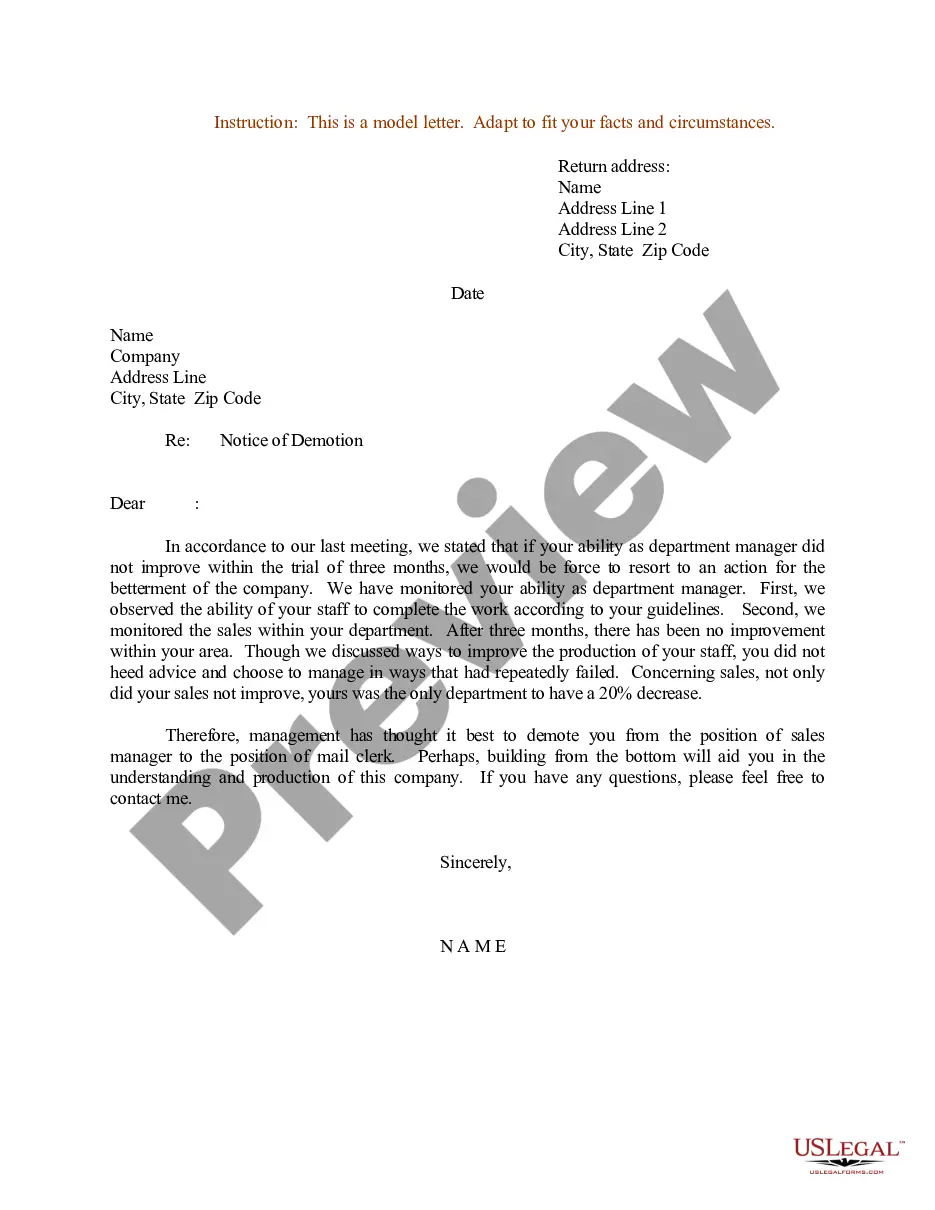
Sample Employee Position Change Letter
Description
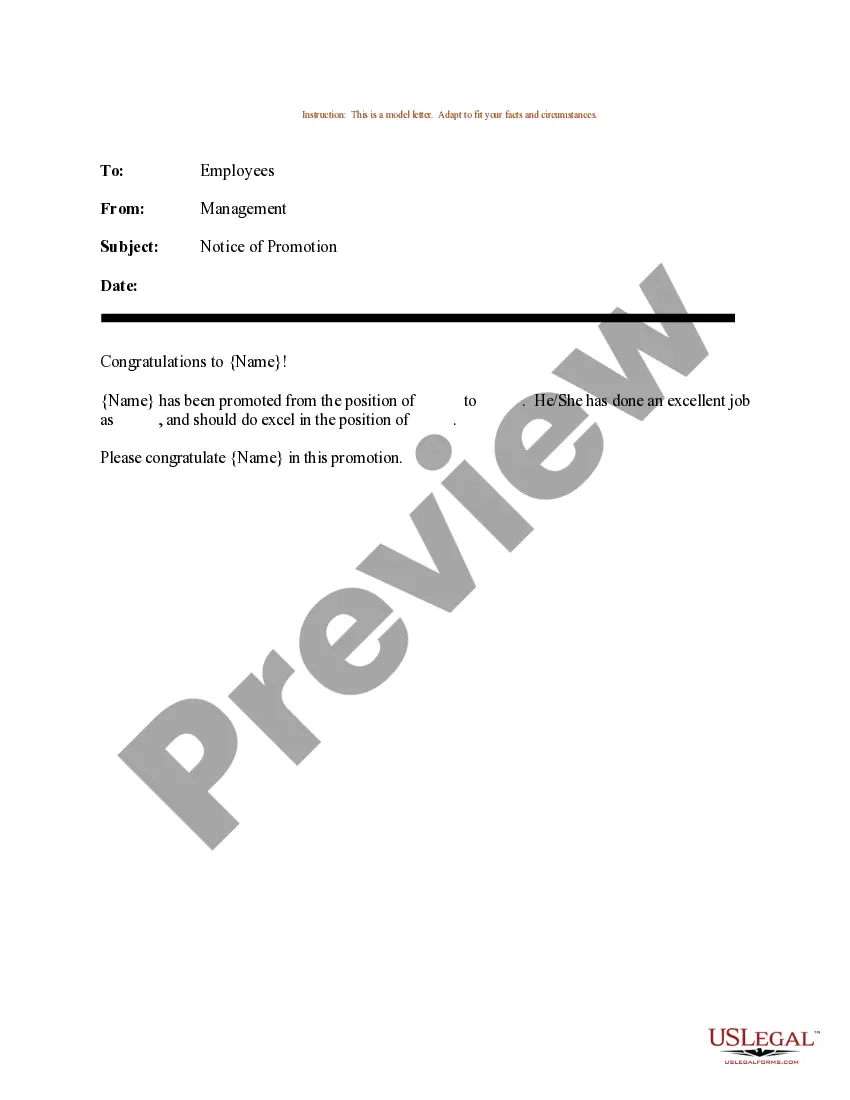
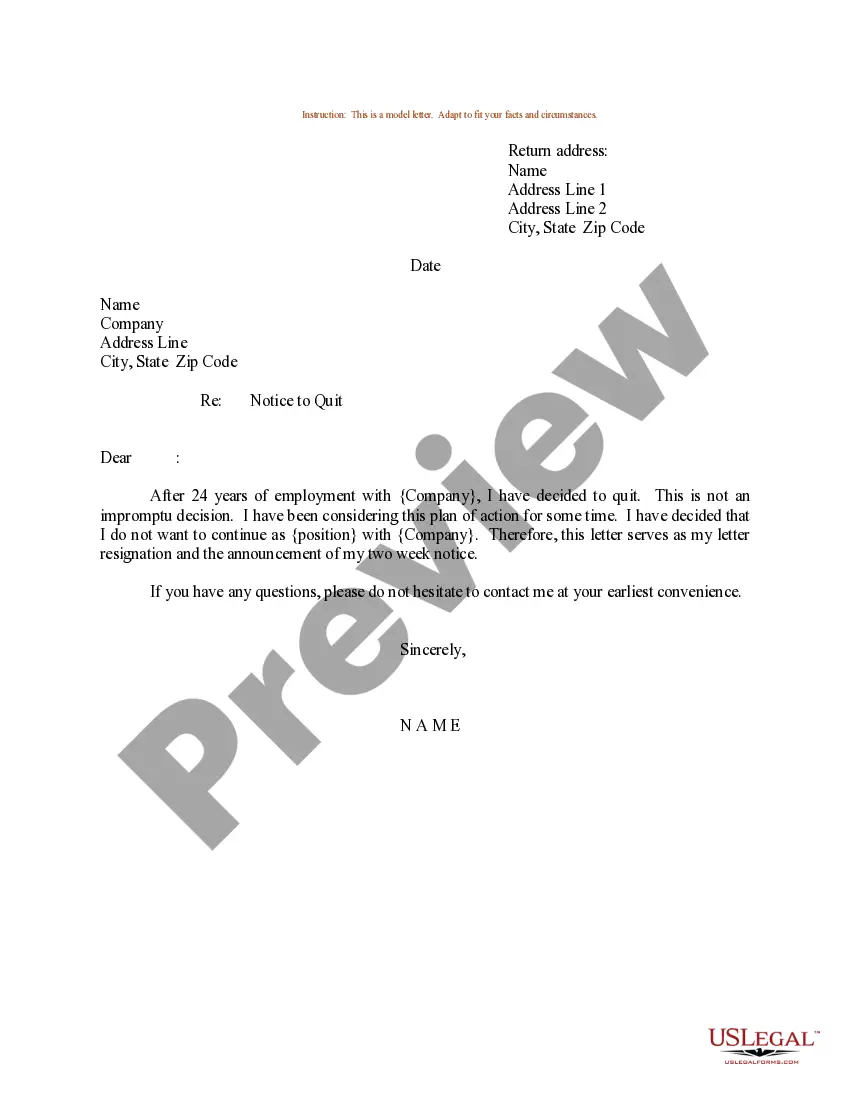
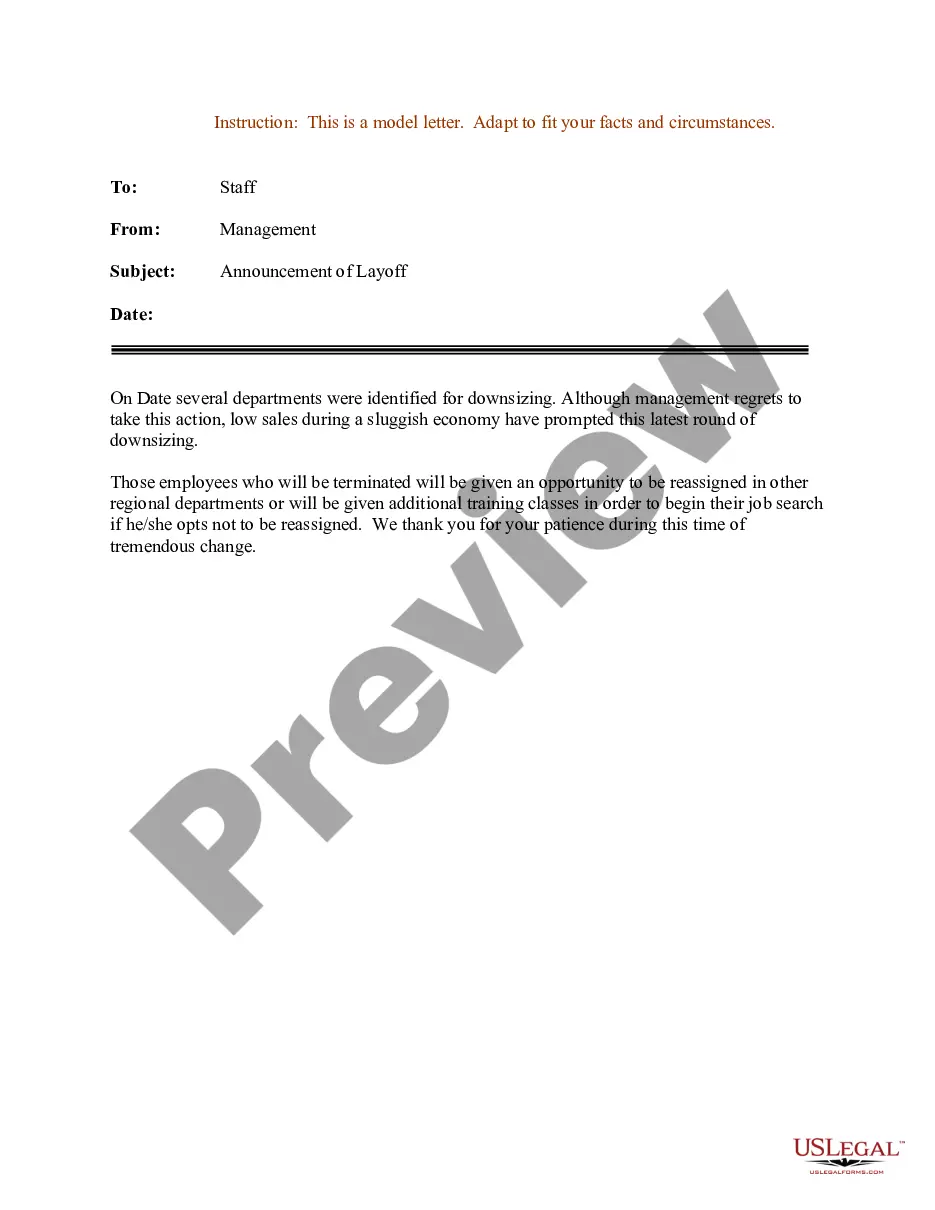
Get your form ready online
Our built-in tools help you complete, sign, share, and store your documents in one place.
Make edits, fill in missing information, and update formatting in US Legal Forms—just like you would in MS Word.
Download a copy, print it, send it by email, or mail it via USPS—whatever works best for your next step.
Sign and collect signatures with our SignNow integration. Send to multiple recipients, set reminders, and more. Go Premium to unlock E-Sign.
If this form requires notarization, complete it online through a secure video call—no need to meet a notary in person or wait for an appointment.
We protect your documents and personal data by following strict security and privacy standards.

Make edits, fill in missing information, and update formatting in US Legal Forms—just like you would in MS Word.

Download a copy, print it, send it by email, or mail it via USPS—whatever works best for your next step.

Sign and collect signatures with our SignNow integration. Send to multiple recipients, set reminders, and more. Go Premium to unlock E-Sign.

If this form requires notarization, complete it online through a secure video call—no need to meet a notary in person or wait for an appointment.

We protect your documents and personal data by following strict security and privacy standards.
Looking for another form?
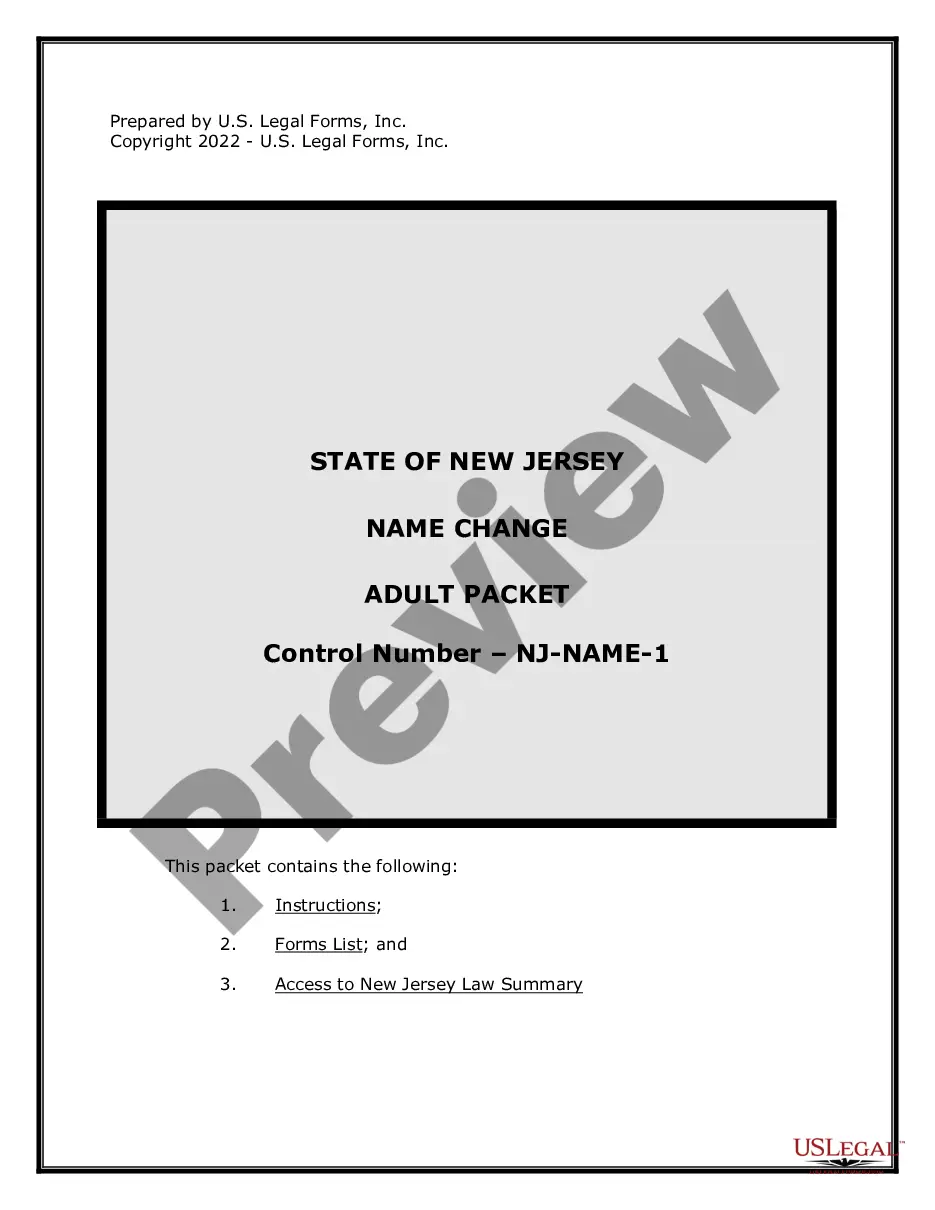
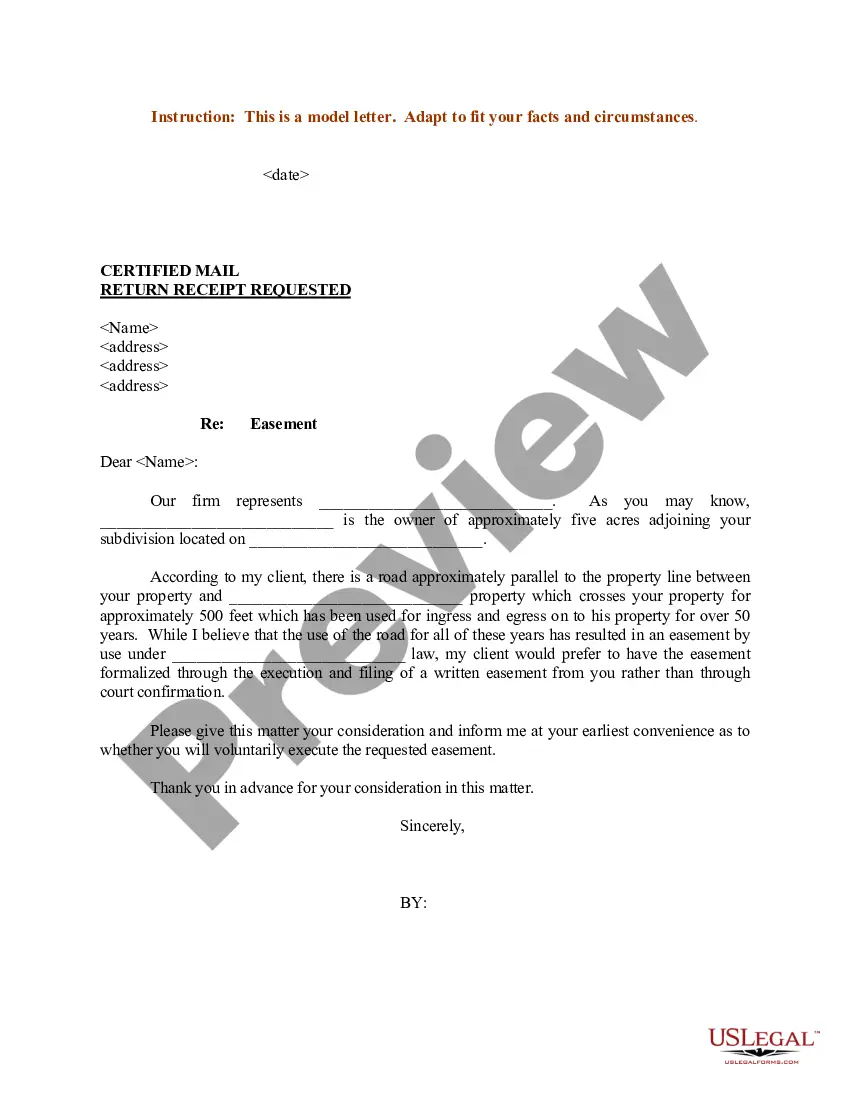
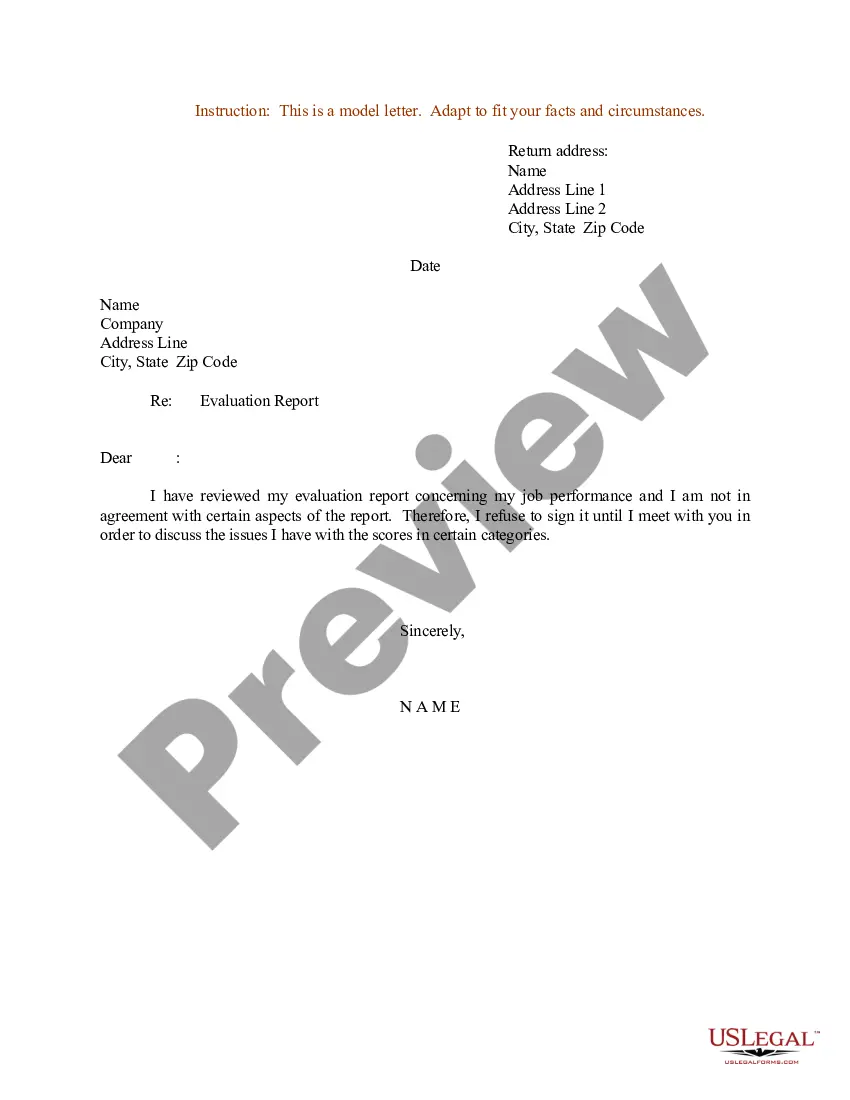
How to fill out Sample Letter For Notice Of Demotion?
Acquiring a reliable location to obtain the latest and pertinent legal templates is a significant part of dealing with administrative tasks.
Selecting the appropriate legal documents requires precision and carefulness, which is why it is crucial to obtain samples of Sample Employee Position Change Letter solely from credible sources, such as US Legal Forms.
Once you have the form on your device, you can edit it using the editor or print it and fill it out manually. Remove the hassle associated with your legal paperwork. Browse the vast US Legal Forms collection to find legal templates, assess their relevance to your situation, and download them instantly.
- Employ the catalog navigation or search bar to find your sample.
- Review the form’s description to ensure it meets the criteria of your state and county.
- Examine the form preview, if available, to confirm the form matches your interests.
- Return to the search and find the correct document if the Sample Employee Position Change Letter does not meet your needs.
- If you are certain about the form’s appropriateness, proceed to download it.
- As a registered user, click Log in to verify and access your selected templates in My documents.
- If you do not have an account yet, click Buy now to acquire the form.
- Select the pricing plan that suits your requirements.
- Continue to the registration to finalize your purchase.
- Complete your transaction by choosing a payment method (credit card or PayPal).
- Choose the document format for downloading Sample Employee Position Change Letter.
Form popularity
FAQ
Dear (first name of candidate), As part of (COMPANY NAME) initiative to standard job titles across departments, we have revised your job title. Effective (DATE), your new job title will be (NEW JOB TITLE). (ATTACH JOB DESCRIPTION IF ANY CHANGES).
When Applying For a Posted Position ? Writing a Job Transfer Request State straight off your purpose for writing. Highlight your abilities and experience. Clearly praise the company (without overdoing it) Tell why you want to move up in the company.
Dear (Insert Name): We are pleased to offer you a (transfer/promotion) to the position of (Insert Name of Job Title) at the (insert location) office at a (monthly/hourly) rate of ($$$) with an anticipated start date of (DATE). Your benefits will remain unchanged with this transfer.
Internal Transfer Announcement Email Best Practices Be positive and enthusiastic. Use a warm yet professional tone. Keep the email brief and straightforward. Mention the person's new title and responsibilities. Highlight their accomplishments and strengths. Welcome them to the new role and express confidence in their success.