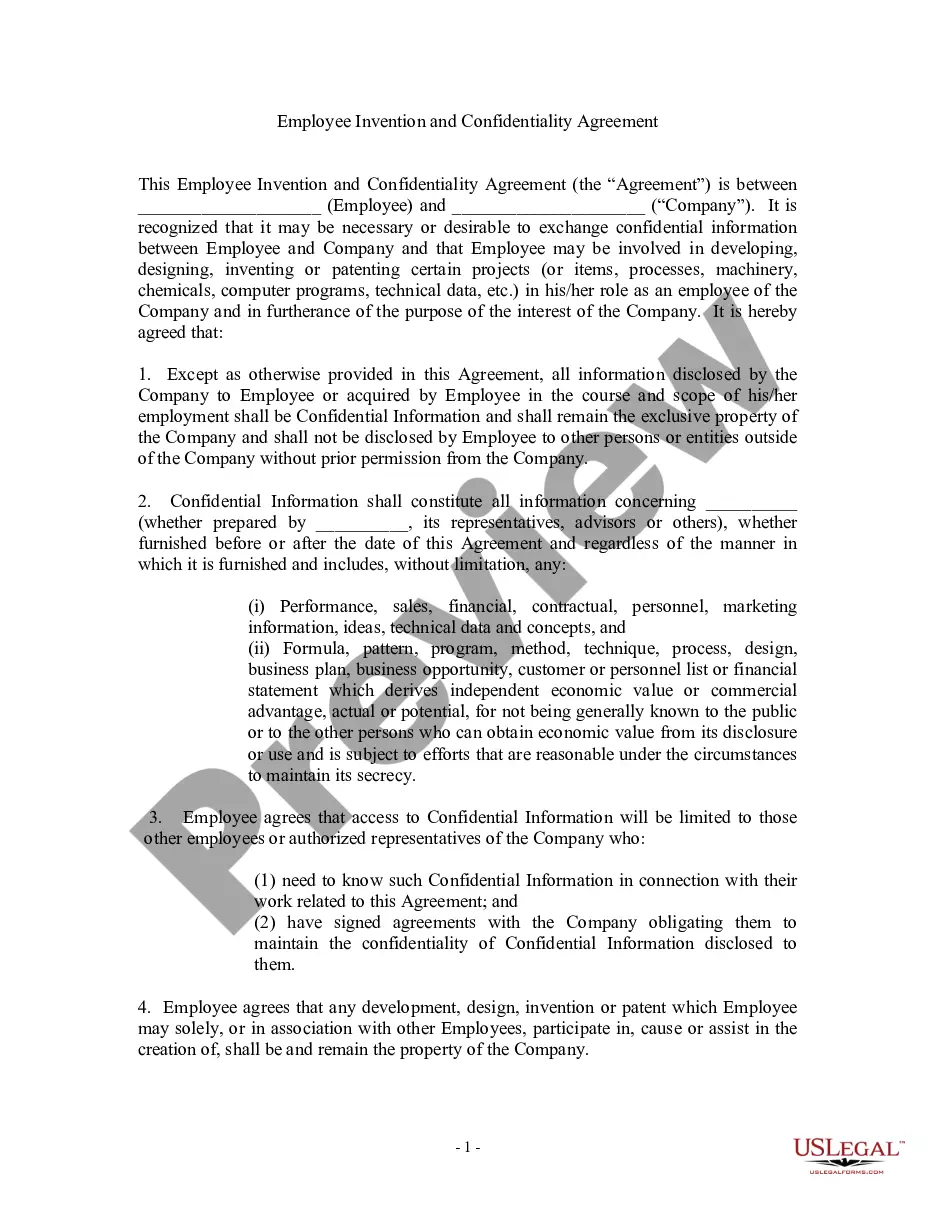
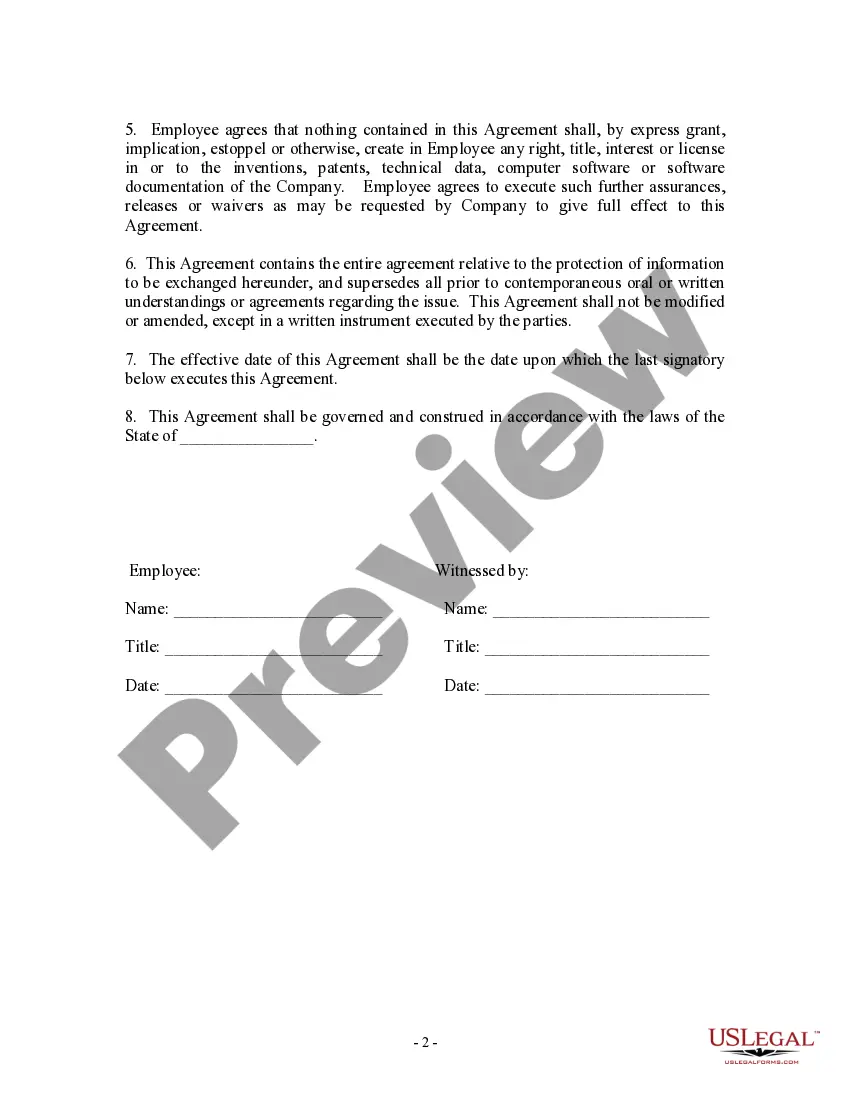
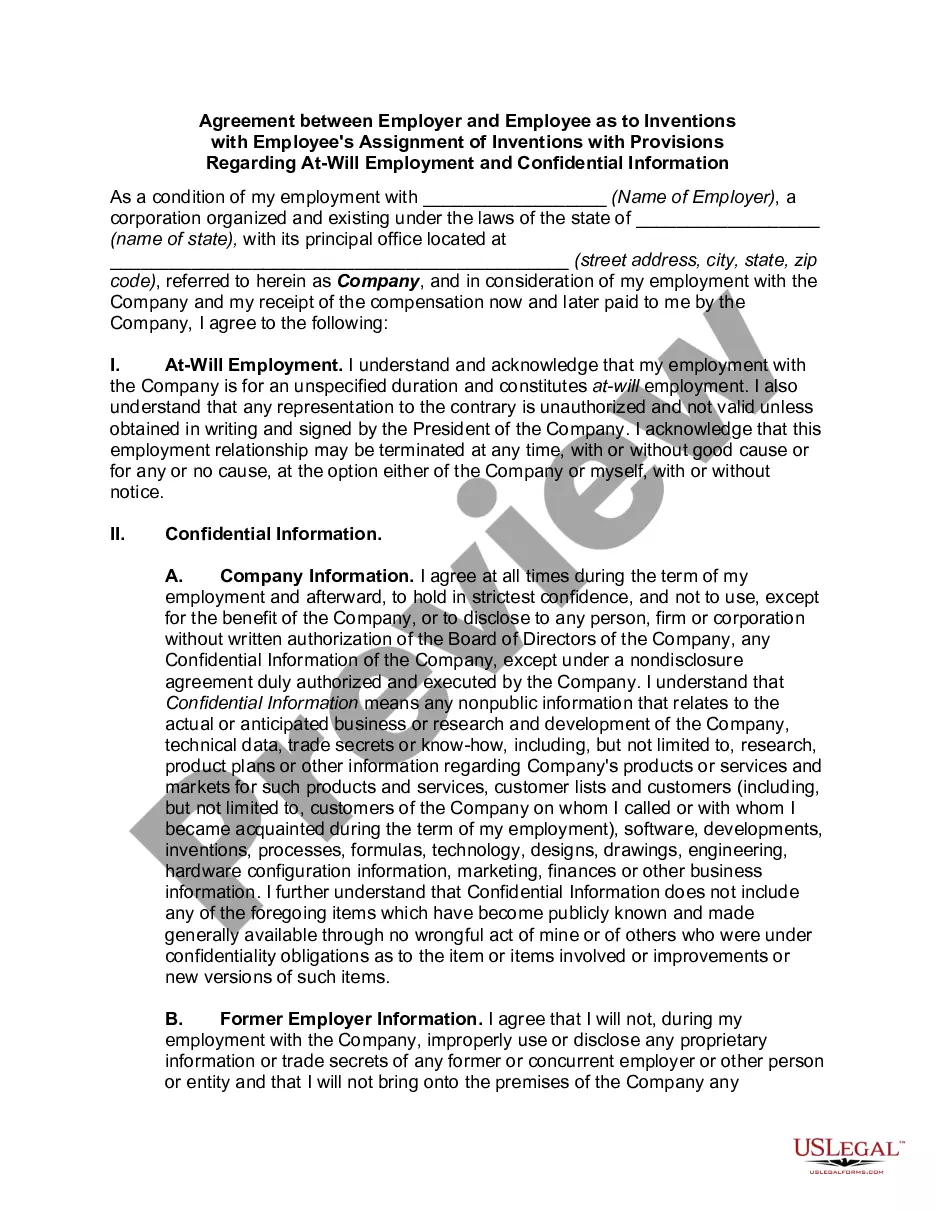
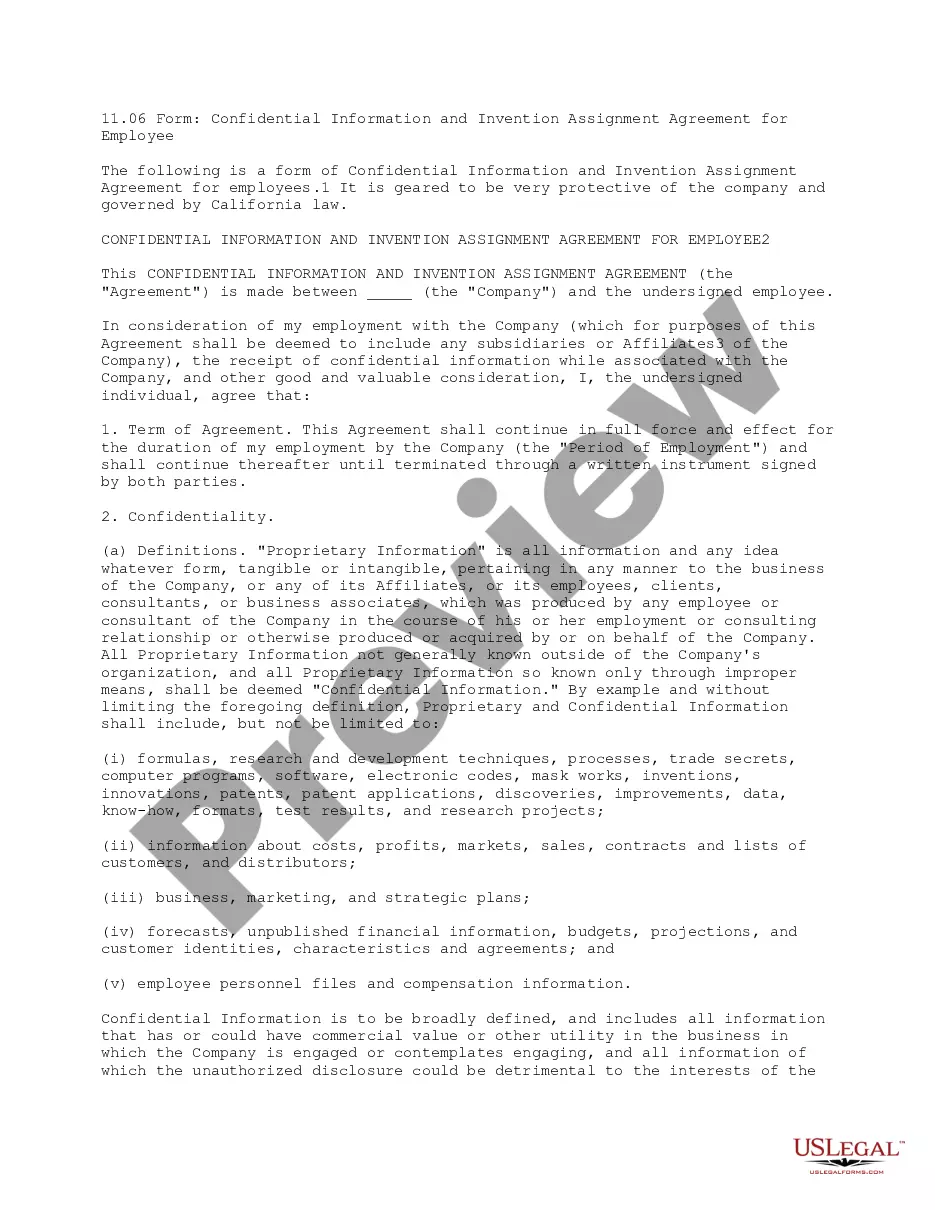
Employee Agreement Form For Company Property
Description
Get your form ready online
Our built-in tools help you complete, sign, share, and store your documents in one place.
Make edits, fill in missing information, and update formatting in US Legal Forms—just like you would in MS Word.
Download a copy, print it, send it by email, or mail it via USPS—whatever works best for your next step.
Sign and collect signatures with our SignNow integration. Send to multiple recipients, set reminders, and more. Go Premium to unlock E-Sign.
If this form requires notarization, complete it online through a secure video call—no need to meet a notary in person or wait for an appointment.
We protect your documents and personal data by following strict security and privacy standards.

Make edits, fill in missing information, and update formatting in US Legal Forms—just like you would in MS Word.

Download a copy, print it, send it by email, or mail it via USPS—whatever works best for your next step.

Sign and collect signatures with our SignNow integration. Send to multiple recipients, set reminders, and more. Go Premium to unlock E-Sign.

If this form requires notarization, complete it online through a secure video call—no need to meet a notary in person or wait for an appointment.

We protect your documents and personal data by following strict security and privacy standards.
Looking for another form?




How to fill out Employee Invention Agreement?
Individuals often link legal documentation with complexity that only an expert can manage.
In a sense, this is accurate, as creating an Employee Agreement Form For Company Property requires a thorough knowledge of the relevant criteria, including state and local statutes.
However, with the US Legal Forms, everything has become simpler: pre-made legal templates for any personal and business circumstance pertinent to state laws are collected in a single online directory and are now accessible to everyone.
Generate an account or Log In to move to the payment page. Complete your subscription payment via PayPal or with your credit card. Choose the format for your document and click Download. You may print your document or upload it to an online editor for quicker completion. All templates in our collection are reusable: once purchased, they remain stored in your account. You can access them whenever necessary through the My documents tab. Discover all the benefits of utilizing the US Legal Forms platform. Subscribe today!
- US Legal Forms provides over 85,000 current forms categorized by state and area of use, making it easy to locate the Employee Agreement Form For Company Property or any other specific template in just minutes.
- Existing users with a valid subscription must Log In to their account and click Download to receive the form.
- New users of the platform must first create an account and subscribe before downloading any documentation.
- Here’s the step-by-step guide on how to obtain the Employee Agreement Form For Company Property.
- Carefully review the page content to confirm it meets your requirements.
- Examine the form description or check it via the Preview option.
- If the previous example does not fit your needs, find another sample using the Search field above.
- Once you locate the appropriate Employee Agreement Form For Company Property, click Buy Now.
- Select a subscription plan that aligns with your needs and financial considerations.
Form popularity
FAQ
An employee equipment agreement allows an employee to use and take company equipment out into the field or to their home. The employee will be fully responsible for the equipment, except for normal wear-and-tear.
7 things you need to include in an employment contractLegal disclaimer.Job information.Compensation and benefits.Time off, sick days and vacation policy.Employee classification.The schedule and employment period.Confidentiality, privacy and responsibility.Termination, severance and survival.More items...?
An employment agreement is a binding document between an employer and an employee, freelancer, independent contractor, or subcontractor. The agreement should include the terms of employment and ensure that parties to the agreement understand what is expected of them.
You can start this off by saying: "Per company policy, employees must return all property back to the organization in insert number of days after a termination/layoff/etc." This gets right to the point. Like all communication like this, you need to jump right in.
Dear Name, According to Company Name policy, employees are required to return all company equipment upon termination. As of the writing of this letter, there is no record of your returning describe missing items.