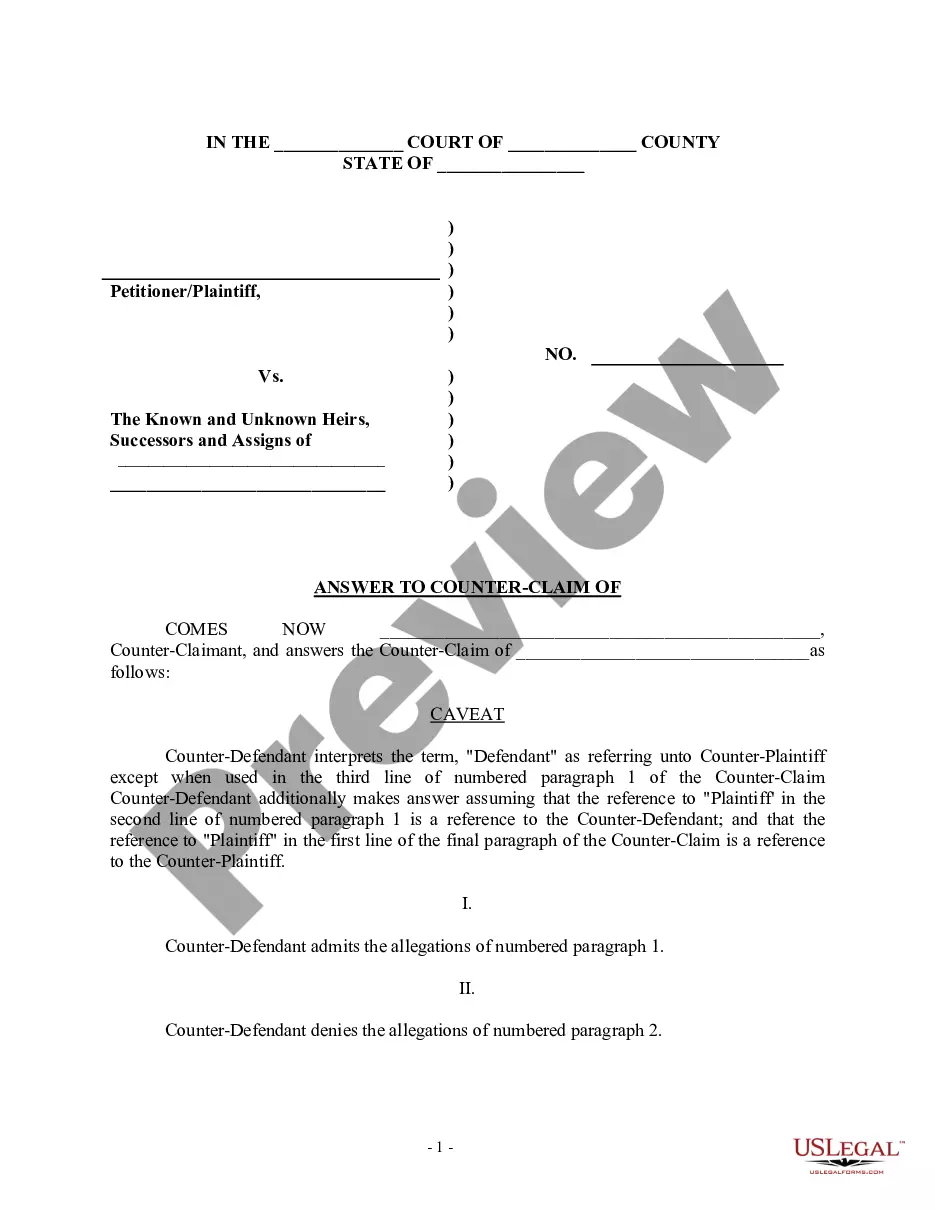
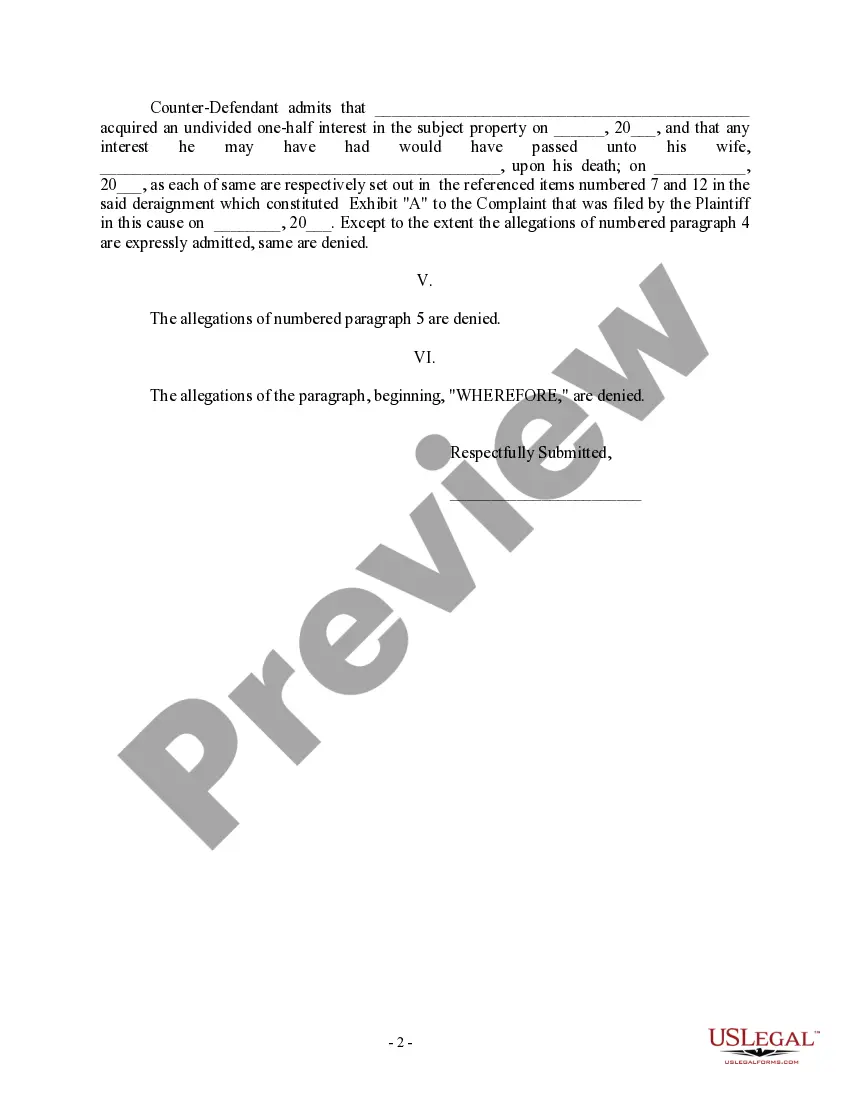
Counterclaim Example Sentence
Description
Get your form ready online
Our built-in tools help you complete, sign, share, and store your documents in one place.
Make edits, fill in missing information, and update formatting in US Legal Forms—just like you would in MS Word.
Download a copy, print it, send it by email, or mail it via USPS—whatever works best for your next step.
Sign and collect signatures with our SignNow integration. Send to multiple recipients, set reminders, and more. Go Premium to unlock E-Sign.
If this form requires notarization, complete it online through a secure video call—no need to meet a notary in person or wait for an appointment.
We protect your documents and personal data by following strict security and privacy standards.

Make edits, fill in missing information, and update formatting in US Legal Forms—just like you would in MS Word.

Download a copy, print it, send it by email, or mail it via USPS—whatever works best for your next step.

Sign and collect signatures with our SignNow integration. Send to multiple recipients, set reminders, and more. Go Premium to unlock E-Sign.

If this form requires notarization, complete it online through a secure video call—no need to meet a notary in person or wait for an appointment.

We protect your documents and personal data by following strict security and privacy standards.
Looking for another form?
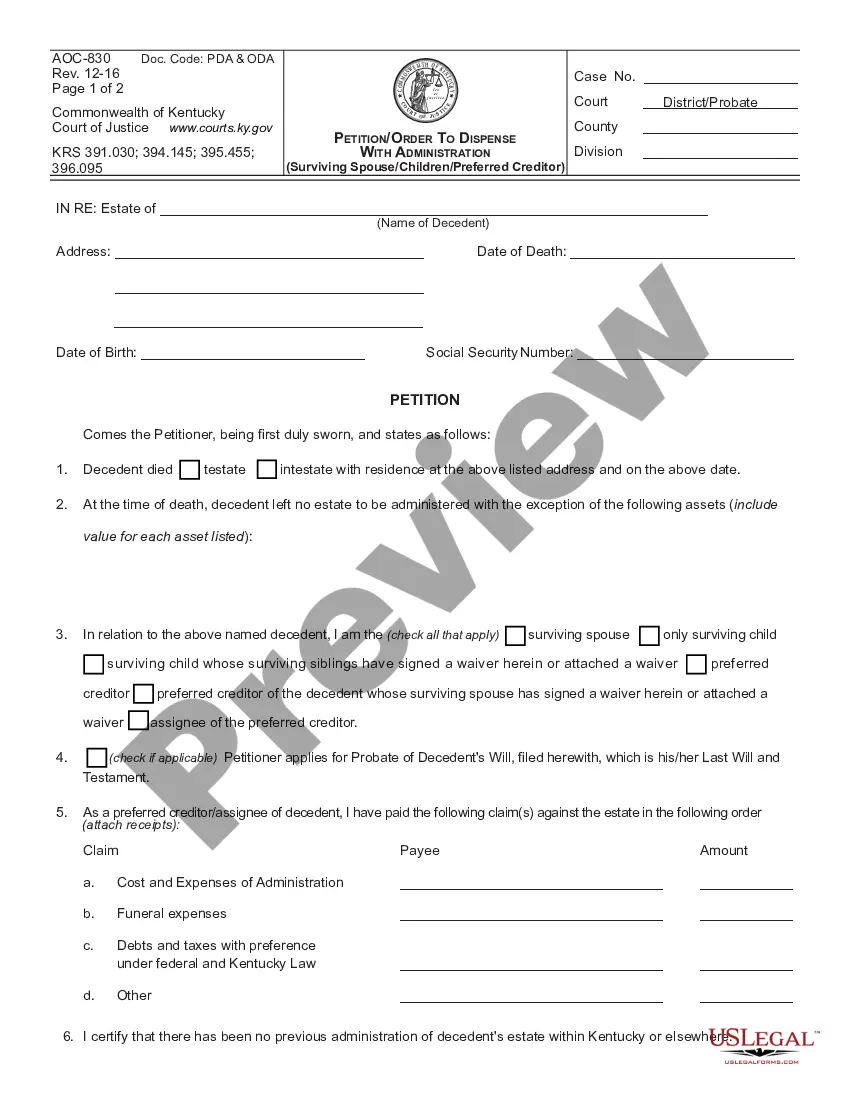
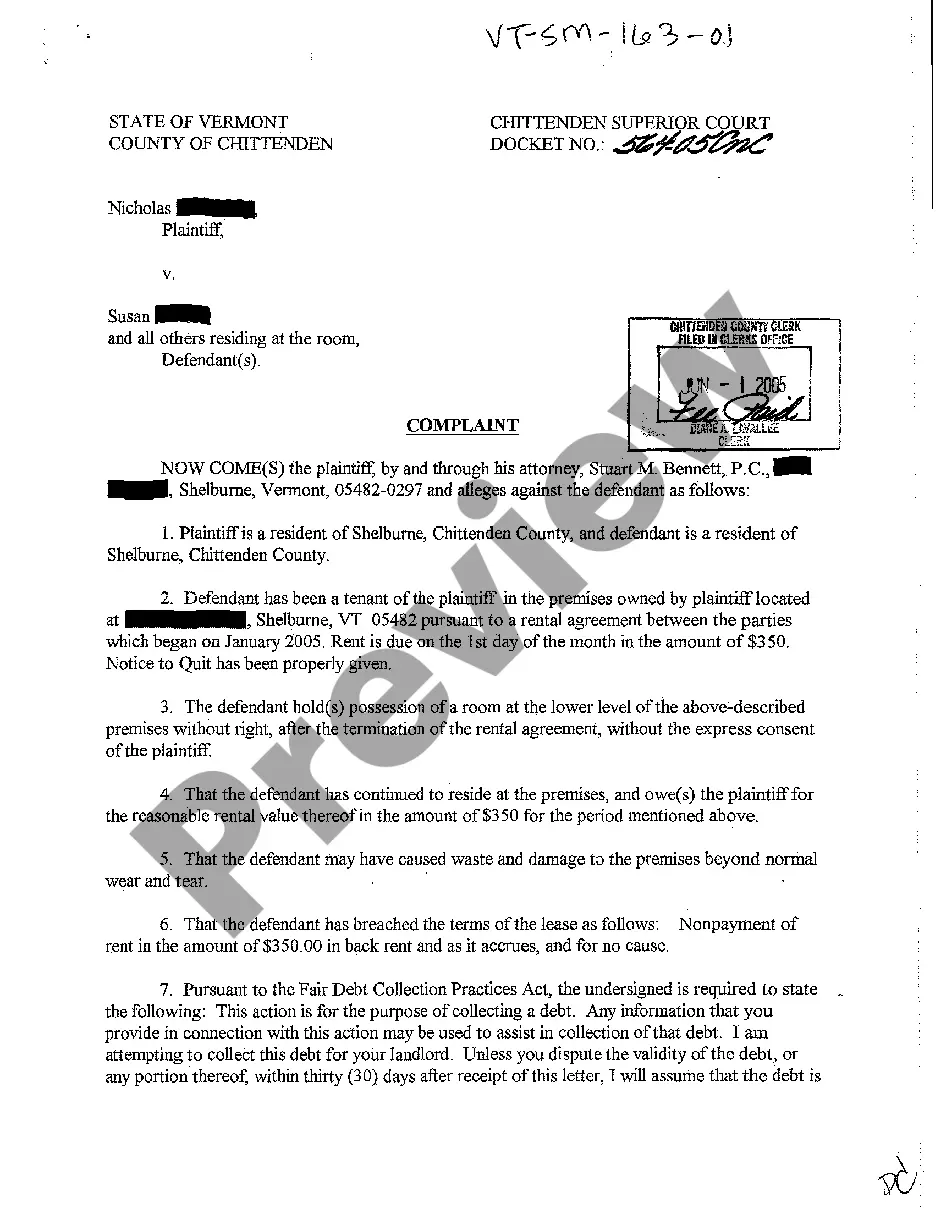
How to fill out Answer To Counterclaim?
The Counterclaim Sample Sentence visible on this site is a versatile formal template created by experienced attorneys adhering to federal and state regulations.
For over 25 years, US Legal Forms has assisted individuals, organizations, and lawyers with more than 85,000 validated, state-specific documents for various professional and personal needs. It’s the quickest, easiest, and most trustworthy way to acquire the forms you require, as the service ensures bank-level data security and anti-virus protection.
Select the format you prefer for your Counterclaim Sample Sentence (PDF, Word, RTF) and download the template onto your device. Fill out and sign the documents. Print the template to complete it manually. Alternatively, use an online multifunctional PDF editor to quickly and accurately fill out and sign your form with a legally-binding electronic signature.
- Search for the document you require and verify it.
- Review the sample you looked for and examine it or assess the form description to confirm it meets your needs. If it does not, use the search feature to find the correct one. Click Buy Now when you have found the template you want.
- Register and Log In.
- Choose the pricing option that works for you and set up an account. Use PayPal or a credit card for a swift transaction. If you already have an account, Log In and verify your subscription to proceed.
- Obtain the fillable template.
Form popularity
FAQ
While a trust does not need to be notarized in California to be valid, there are a few reasons why you may want to consider having it notarized. Notarizing a trust can increase its authenticity, reduce the risk of fraud, and make it easier to transfer assets to the trust.
How to create a living trust in California Take stock of your assets. ... Choose a trustee. ... Choose your beneficiaries. ... Draw up your Declaration of Trust. ... Consider signing your trust document in front of a notary public. ... Transfer your property to the trust.
There's no single standardized Declaration of Trust document in California. As long as your document includes the correct legal language and is properly executed, it's considered valid by the State of California. To create a living trust document in California, you have a few options: Use an online platform.
Generally, the legal fees for setting up a living trust in California will often fall between $2,000 and $5,000.
Limitations: Requires adherence to trust document's instructions on asset assignments. Joint assets, including certain IRAs and retirement plans, cannot be placed into a one-person trust. No complete tax avoidance: Total avoidance of taxes is rarely possible with living trusts, though there may be ways to reduce them.
Gather together documentation pertaining to your assets. This should include the titles and deeds to real property, bank account information, investment accounts, stock certificates, life insurance policies, and other assets you will be using to ?fund the trust?.
Creating a living trust in California is not terribly difficult, but it takes some planning. You might find it helpful to work with a financial advisor or another professional when drafting up your living trust. However, you can also download the forms online and then take them to a notary public yourself.
Creating a Handwritten Living Trust in California When you make a living trust that can manage your assets during your lifetime and afterward, the law calls you the ?settlor.? Whether your living trust is typed or handwritten, you, as the settlor, must sign the document.