Aside Judgment With Intent
Description

Get your form ready online
Our built-in tools help you complete, sign, share, and store your documents in one place.
Make edits, fill in missing information, and update formatting in US Legal Forms—just like you would in MS Word.
Download a copy, print it, send it by email, or mail it via USPS—whatever works best for your next step.
Sign and collect signatures with our SignNow integration. Send to multiple recipients, set reminders, and more. Go Premium to unlock E-Sign.
If this form requires notarization, complete it online through a secure video call—no need to meet a notary in person or wait for an appointment.
We protect your documents and personal data by following strict security and privacy standards.

Make edits, fill in missing information, and update formatting in US Legal Forms—just like you would in MS Word.

Download a copy, print it, send it by email, or mail it via USPS—whatever works best for your next step.

Sign and collect signatures with our SignNow integration. Send to multiple recipients, set reminders, and more. Go Premium to unlock E-Sign.

If this form requires notarization, complete it online through a secure video call—no need to meet a notary in person or wait for an appointment.

We protect your documents and personal data by following strict security and privacy standards.
Looking for another form?
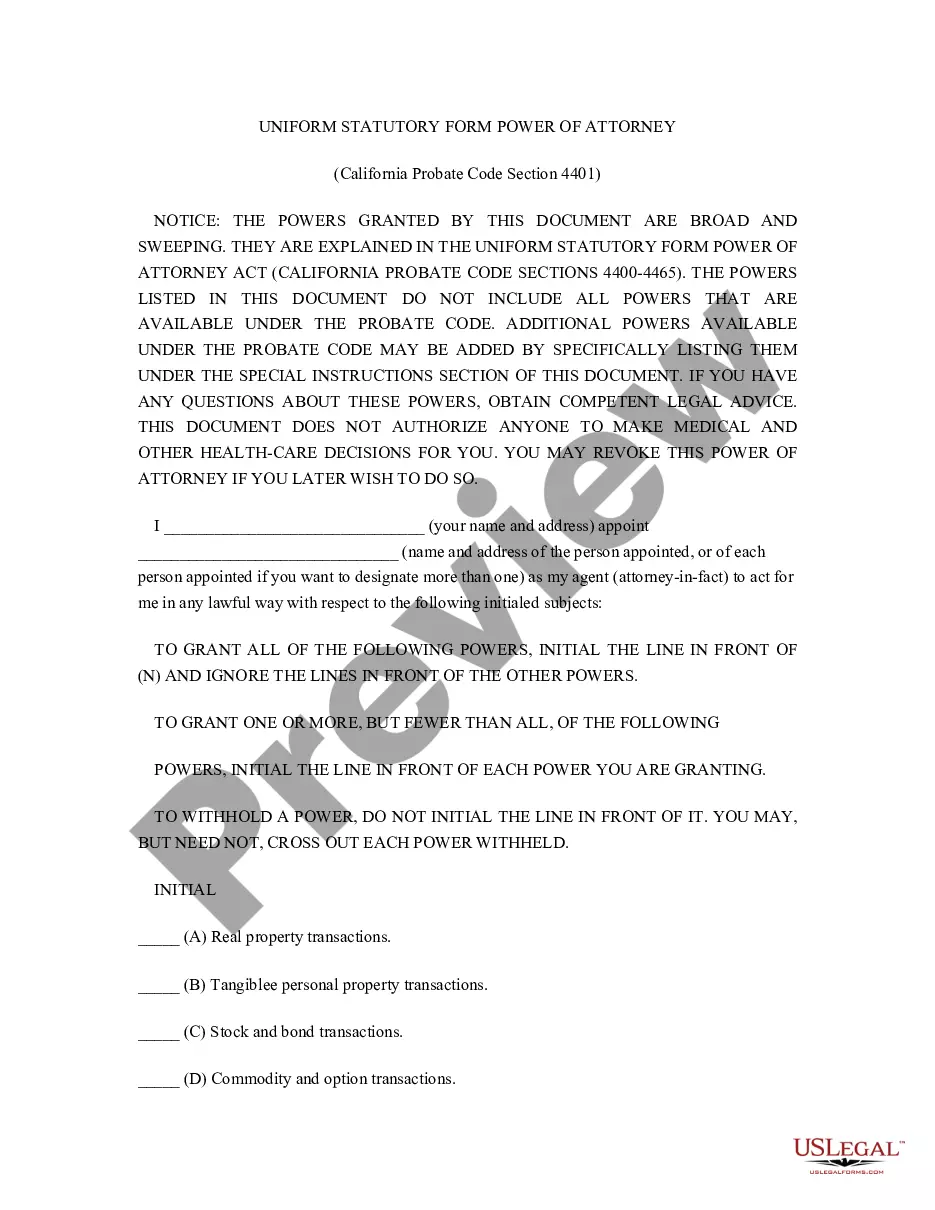
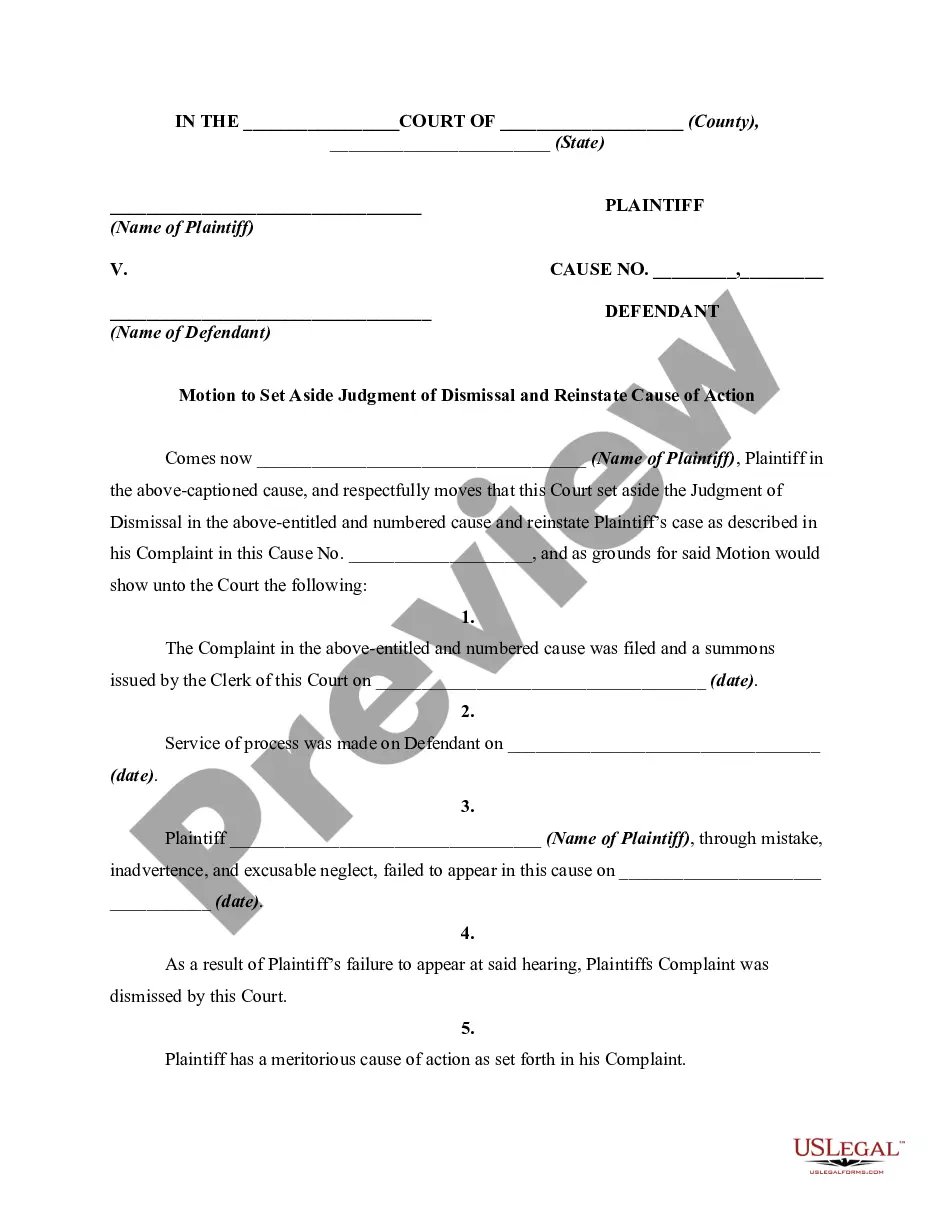
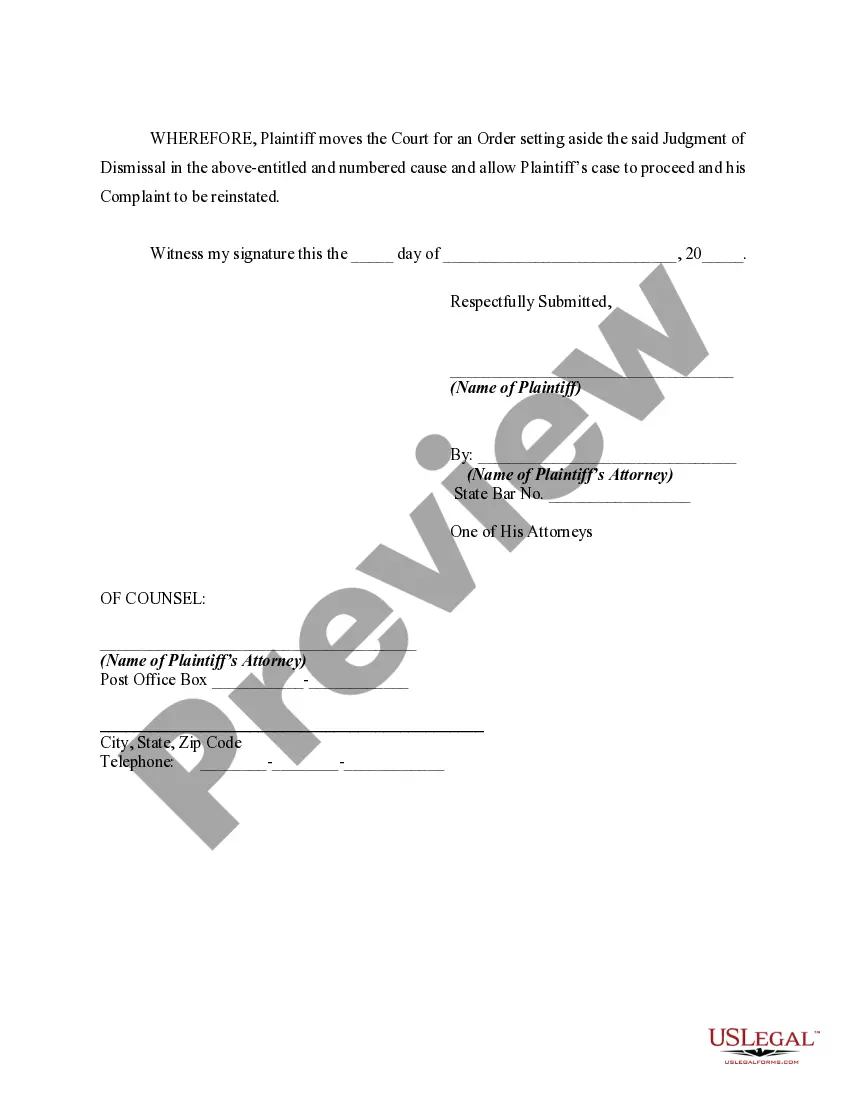
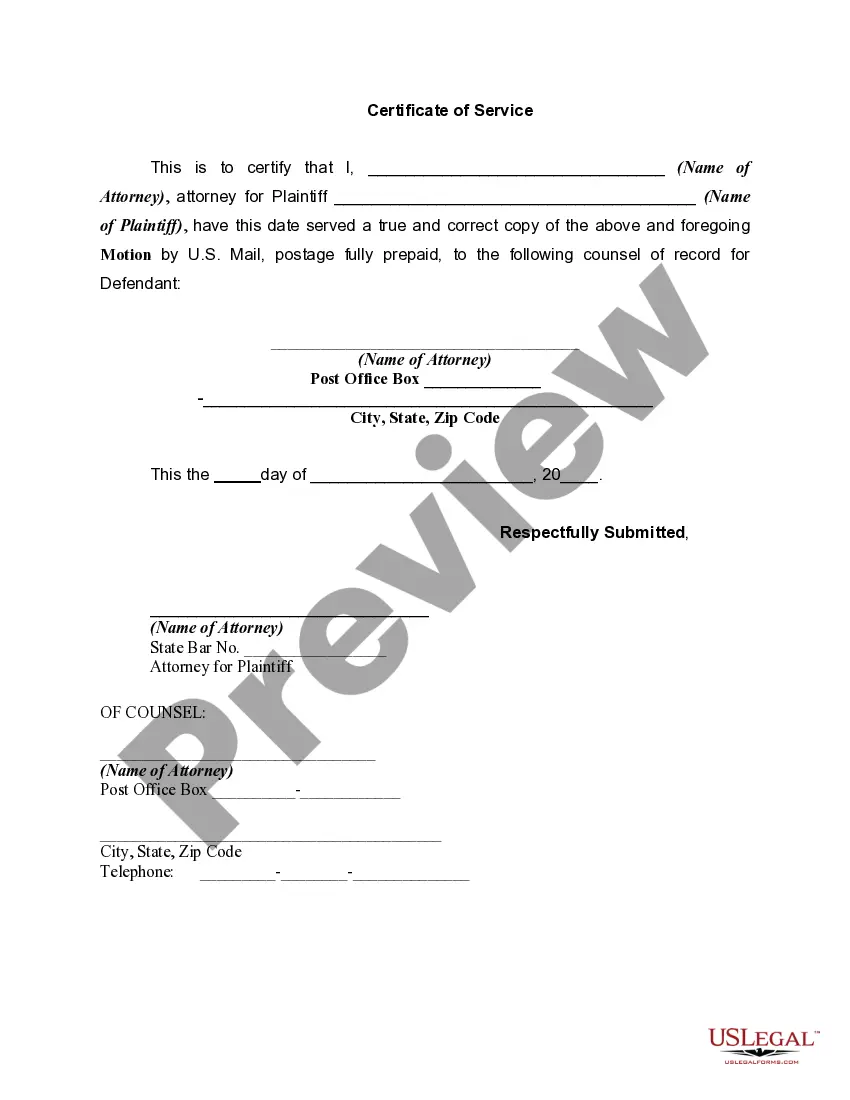
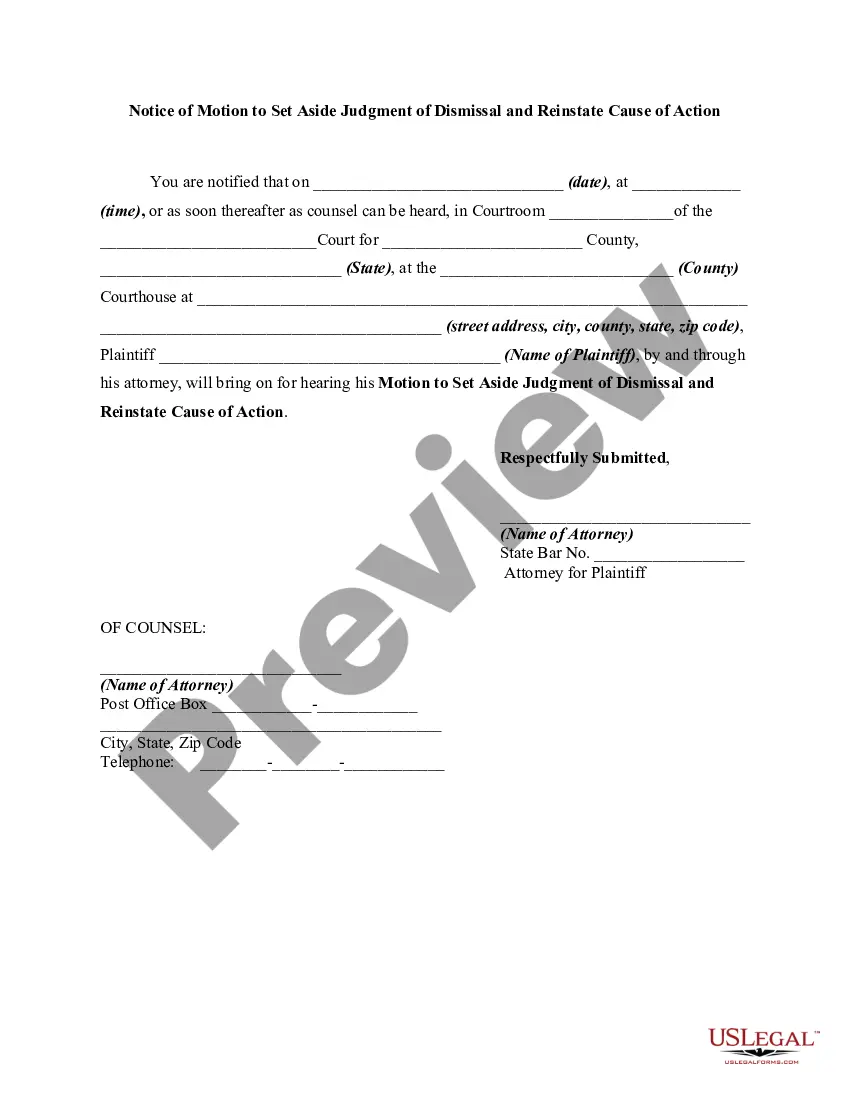
How to fill out Motion To Vacate Or Set Aside Judgment Of Dismissal Due To Mistake, Inadvertence, Or Excusable Neglect And To Reinstate Cause Of Action?
Creating legal documents from the ground up can frequently be intimidating.
Certain situations may require extensive research and significant financial investment.
If you seek a simpler and more economical method of preparing Aside Judgment With Intent or any other documents without unnecessary complications, US Legal Forms is always available to assist.
Our online repository of over 85,000 current legal documents encompasses nearly every element of your financial, legal, and personal situations. With just a few clicks, you can promptly obtain state- and county-specific forms meticulously prepared for you by our legal experts.
US Legal Forms has an excellent reputation and over 25 years of expertise. Join us today and simplify the document completion process!
- Utilize our platform whenever you require dependable and trustworthy services that enable you to effortlessly find and download the Aside Judgment With Intent.
- If you are already familiar with our services and have previously registered an account with us, simply sign in to your account, choose the template, and download it or re-download it at any point from the My documents section.
- Not yet signed up? No worries. It requires minimal effort to establish an account and navigate through the catalog.
- However, prior to immediately downloading Aside Judgment With Intent, consider these recommendations.
- Examine the form preview and descriptions to confirm that you have located the correct form.
Form popularity
FAQ
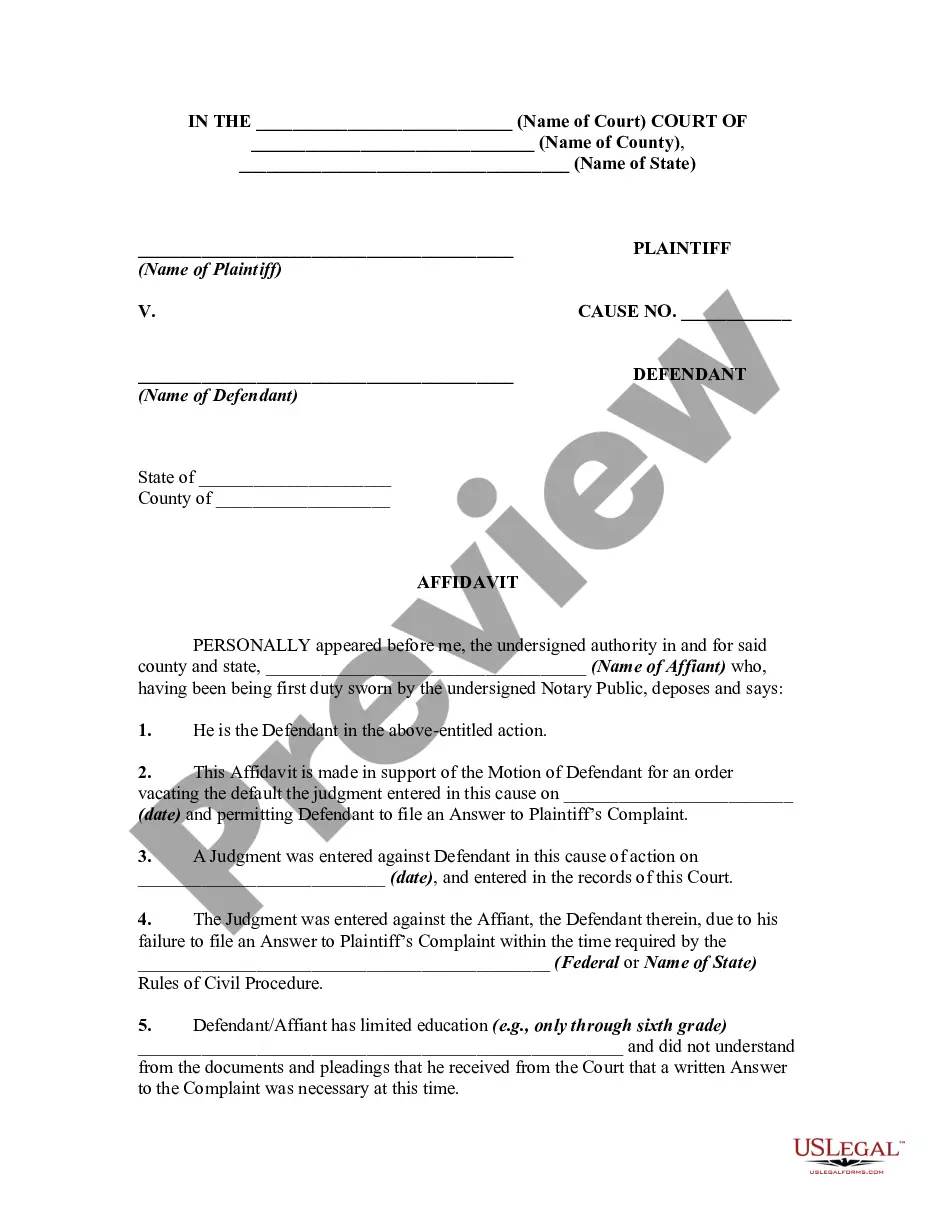
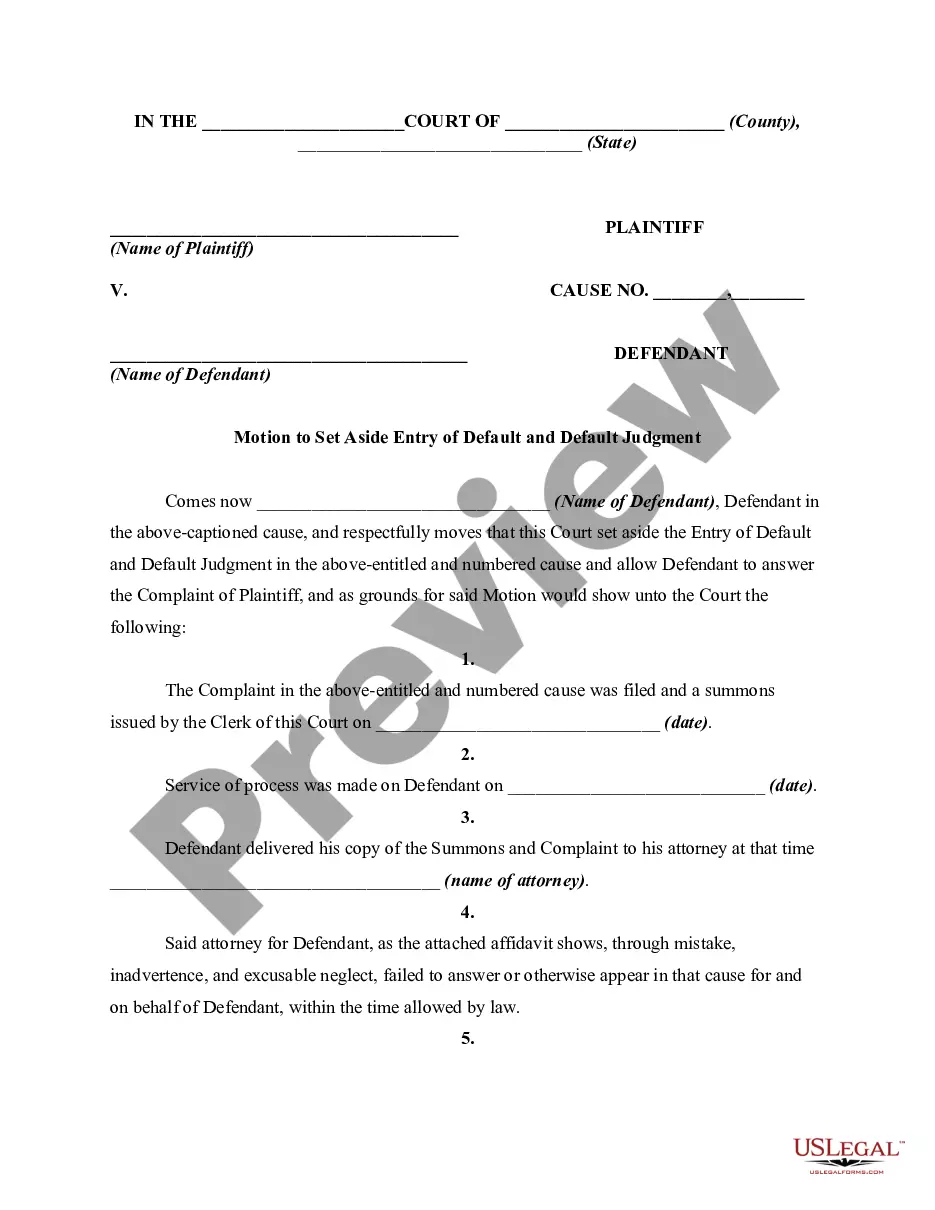
To set aside a judgment means to invalidate a court’s earlier decision, allowing for a fresh examination of the case. This process can serve as a crucial lifeline if new evidence or legal errors emerge. An aside judgment with intent demonstrates a commitment to ensuring justice and fair outcomes in legal matters. Utilizing platforms like USLegalForms can assist individuals in understanding how to file for this action effectively.
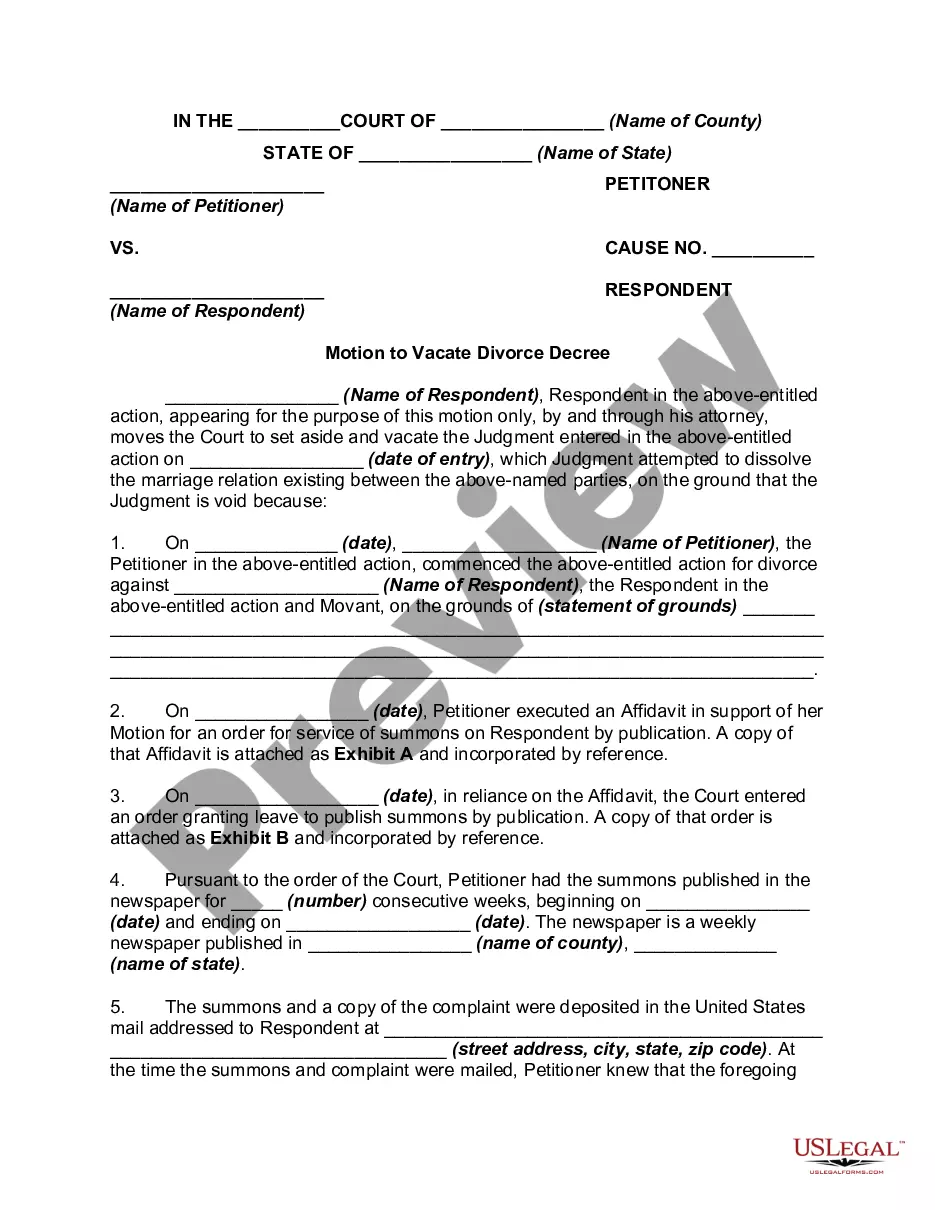
To ask a court to set aside (cancel) a court order or judgment, you have to file a ?request for order to set aside,? sometimes called a ?motion to set aside? or ?motion to vacate.? The terms ?set aside? or ?vacate? a court order basically mean to ?cancel? or undo that order to start over on a particular issue.
When a court renders a decision of another court to be invalid, that verdict or decision is set aside; see also annul or vacate. The phrase is often used in the context of appeals, when an appellate court invalidates the judgment of a lower court.
Generally, a Motion to Set Aside a Default Judgment and Notice of Hearing must be filed within 30 days of the date the default judgment was signed by the judge. Lastly, if you were served notice of the default judgment by publication, you have two years from the date of the default judgment to ask for a new trial.
§ 9-11-60(f) states that a motion to set aside must be brought within three years of a judgment, not within three years of a party's knowledge of a reason to attack that judgment.
A Motion to Set Aside Default or Judgment is used to ask the court to set aside or "undo" a default or judgment or final order in a case, and to allow the case to move ahead as if the default or judgment had not been made.