Employment Medical Form Template
Description
Get your form ready online
Our built-in tools help you complete, sign, share, and store your documents in one place.
Make edits, fill in missing information, and update formatting in US Legal Forms—just like you would in MS Word.
Download a copy, print it, send it by email, or mail it via USPS—whatever works best for your next step.
Sign and collect signatures with our SignNow integration. Send to multiple recipients, set reminders, and more. Go Premium to unlock E-Sign.
If this form requires notarization, complete it online through a secure video call—no need to meet a notary in person or wait for an appointment.
We protect your documents and personal data by following strict security and privacy standards.

Make edits, fill in missing information, and update formatting in US Legal Forms—just like you would in MS Word.

Download a copy, print it, send it by email, or mail it via USPS—whatever works best for your next step.

Sign and collect signatures with our SignNow integration. Send to multiple recipients, set reminders, and more. Go Premium to unlock E-Sign.

If this form requires notarization, complete it online through a secure video call—no need to meet a notary in person or wait for an appointment.

We protect your documents and personal data by following strict security and privacy standards.
Looking for another form?
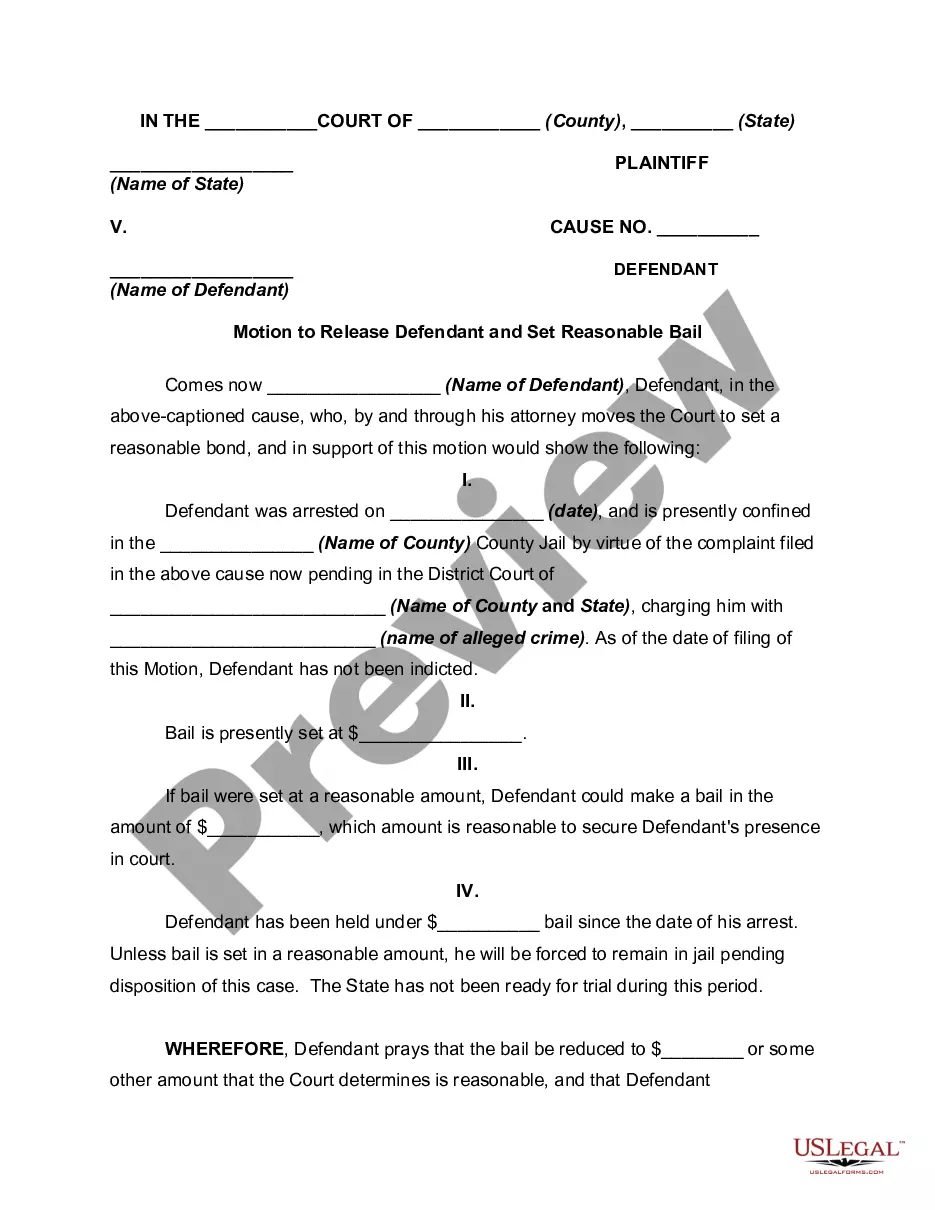


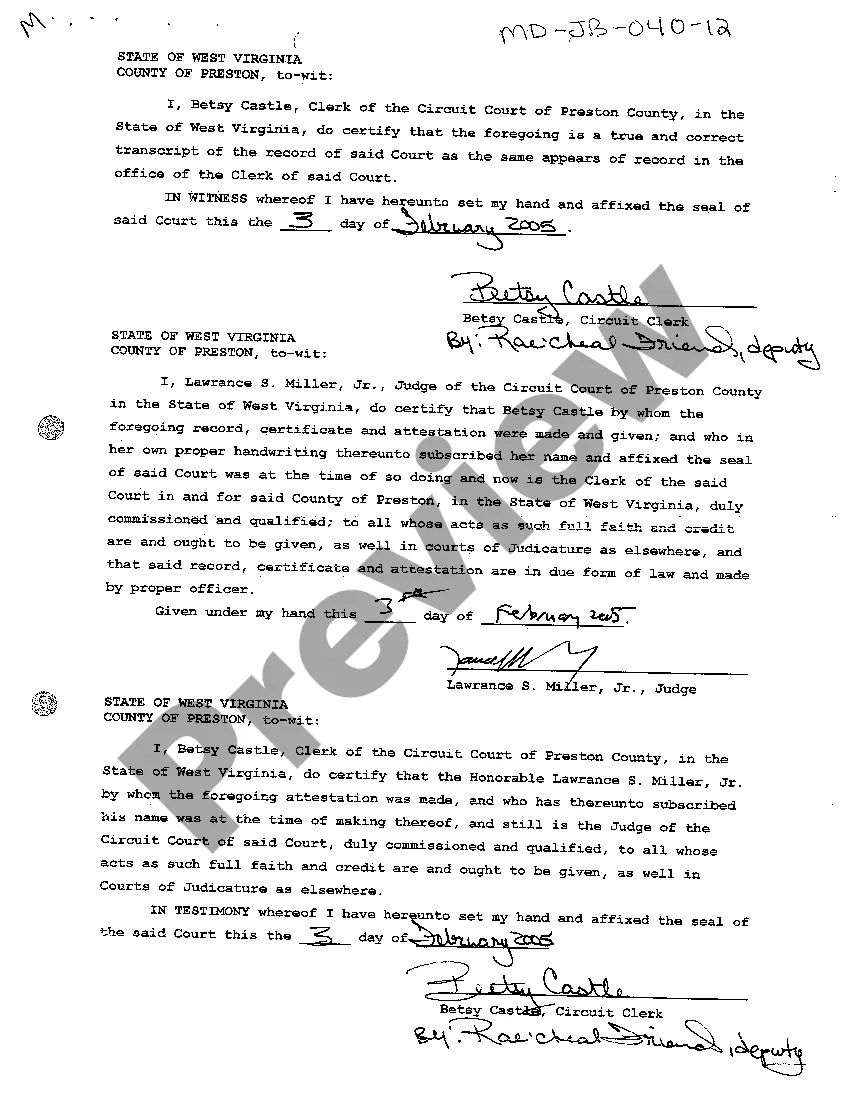


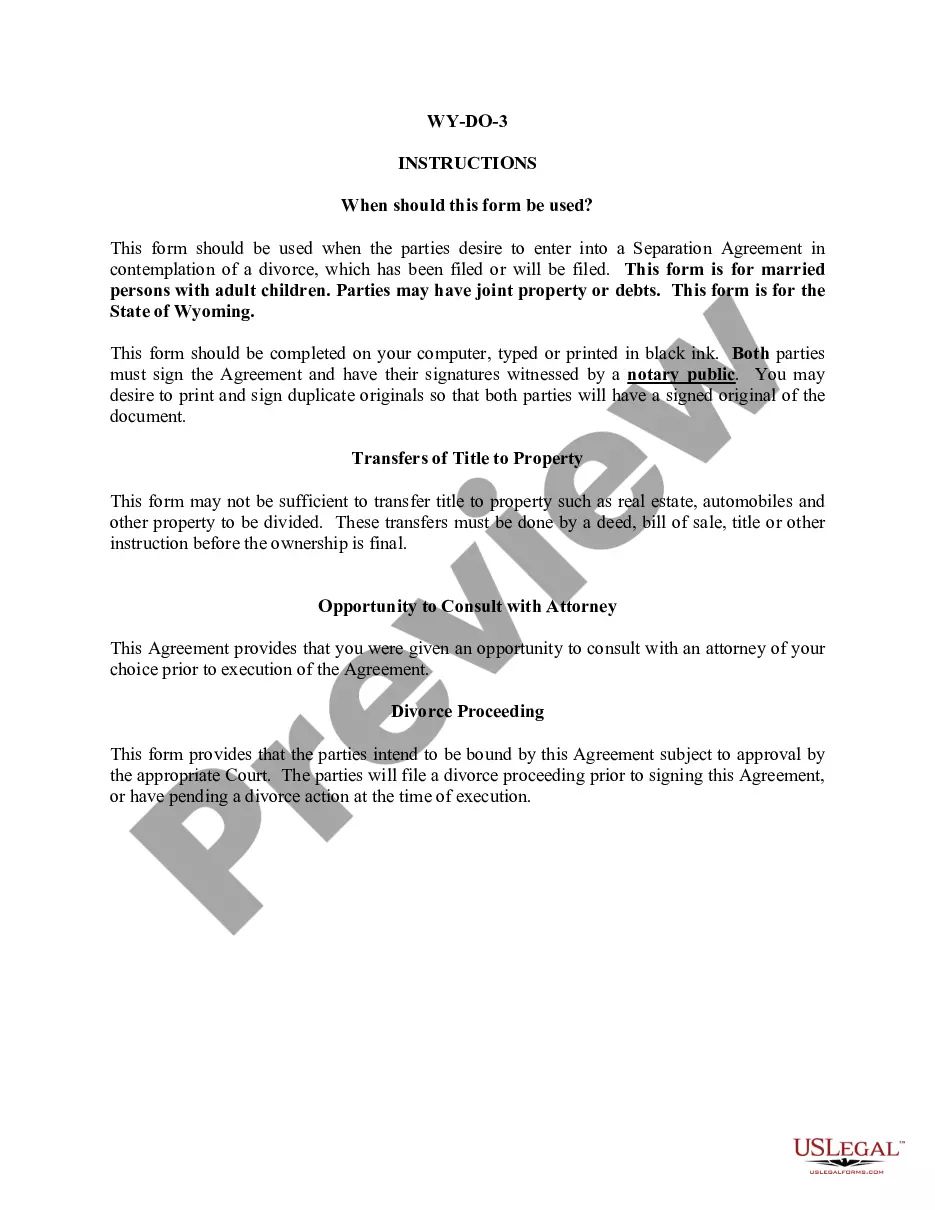

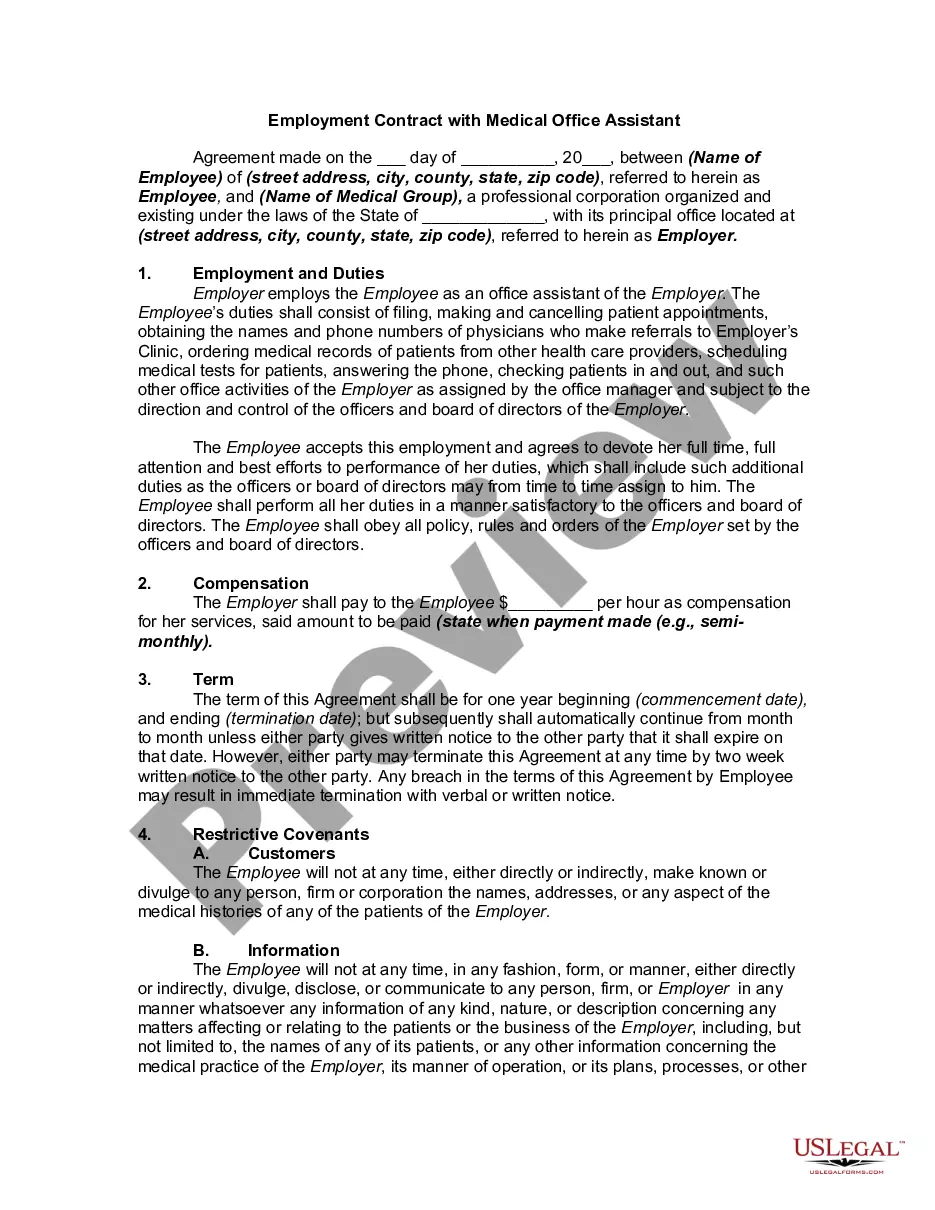
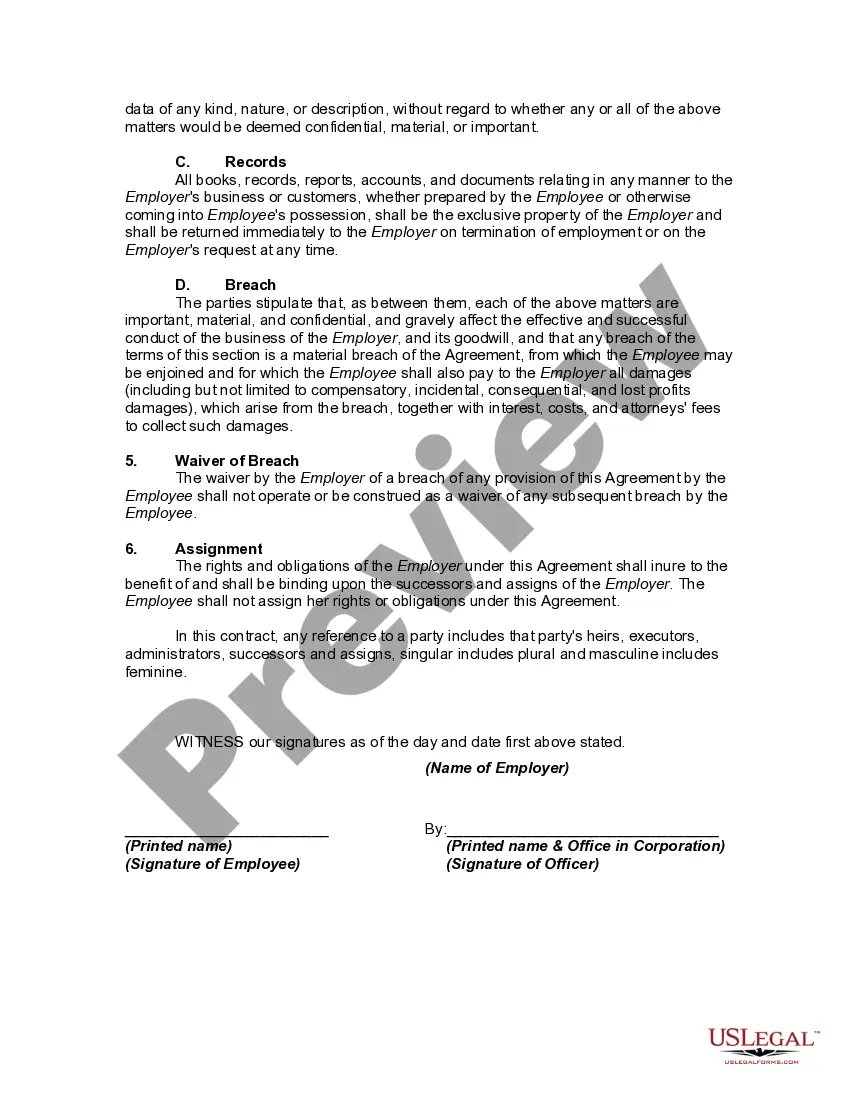
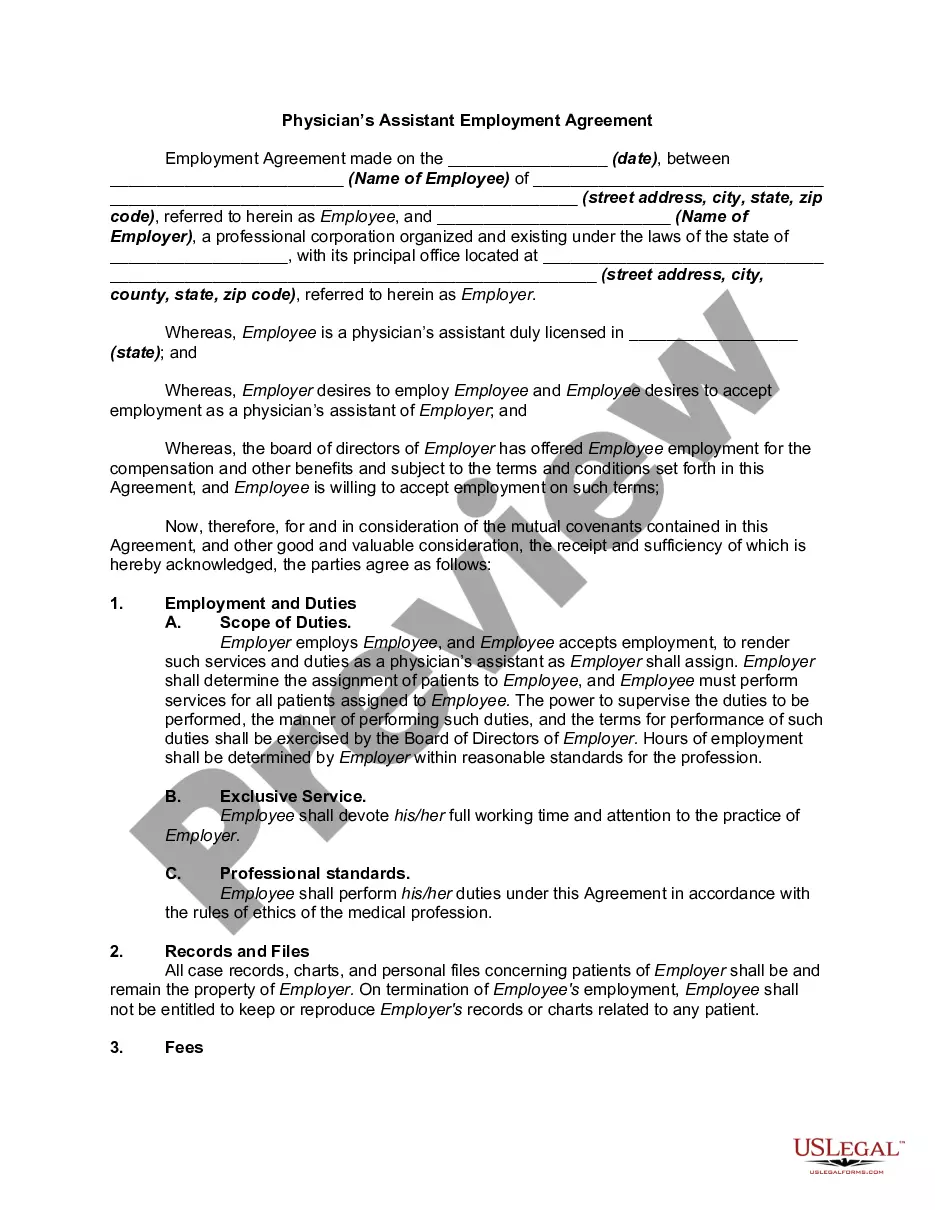
How to fill out Employment Contract With Medical Office Assistant?
Drafting legal documents from scratch can often be intimidating. Certain scenarios might involve hours of research and hundreds of dollars invested. If you’re searching for an easier and more affordable way of creating Employment Medical Form Template or any other paperwork without the need of jumping through hoops, US Legal Forms is always at your disposal.
Our virtual library of more than 85,000 up-to-date legal documents addresses almost every element of your financial, legal, and personal affairs. With just a few clicks, you can quickly get state- and county-specific forms carefully put together for you by our legal specialists.
Use our website whenever you need a trustworthy and reliable services through which you can quickly find and download the Employment Medical Form Template. If you’re not new to our services and have previously set up an account with us, simply log in to your account, select the template and download it away or re-download it at any time in the My Forms tab.
Not registered yet? No worries. It takes minutes to register it and explore the catalog. But before jumping directly to downloading Employment Medical Form Template, follow these recommendations:
- Check the document preview and descriptions to make sure you are on the the form you are searching for.
- Check if form you select complies with the requirements of your state and county.
- Choose the right subscription option to get the Employment Medical Form Template.
- Download the file. Then complete, sign, and print it out.
US Legal Forms has a good reputation and over 25 years of expertise. Join us now and transform document completion into something simple and streamlined!
Form popularity
FAQ
Medical history forms typically include information such as previous medications, treatments, surgeries, allergies, visits, referrals, and other notes. It should cover any previous details that practitioners should know when evaluating the patient and guiding their treatment, and should be comprehensive in nature.
A Medical Record Form is a piece of paper or card on which a formal arrangement of information is designated usually with spaces for the entry of additional data. Each hospital has the responsibility to develop medical record forms to fit its needs.
A medical report form is a document used by medical professionals for documenting a patient's medical treatment.
Health and Medical History Medications the patient is currently taking or has recently stopped. Allergies (food, medication, material, etc.) Previous or existing health or medical conditions. If currently under care of a physician. Previous injuries. Past hospitalizations or operations. Substance or tobacco use.
THINGS YOU MIGHT NEED TO KNOW: Home address. Date of birth. Emergency contact information. Phone number and email address.