Irrevogável Quitação
Description

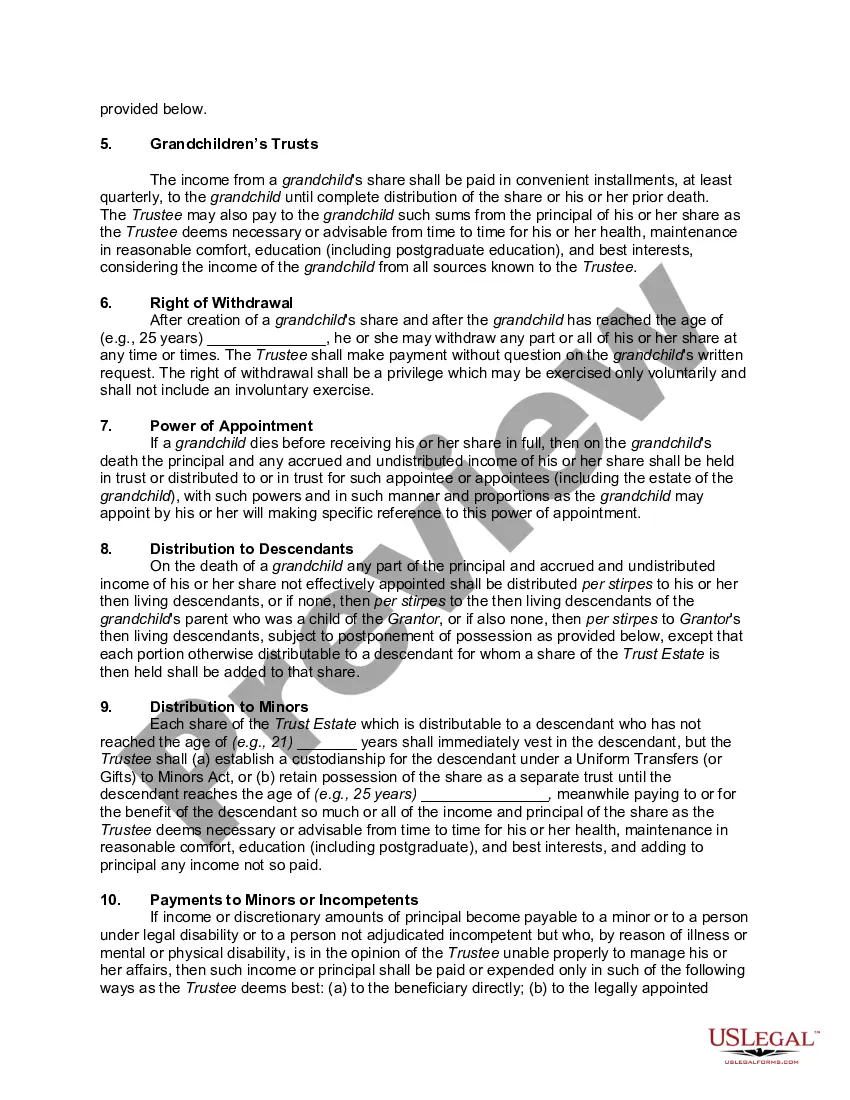
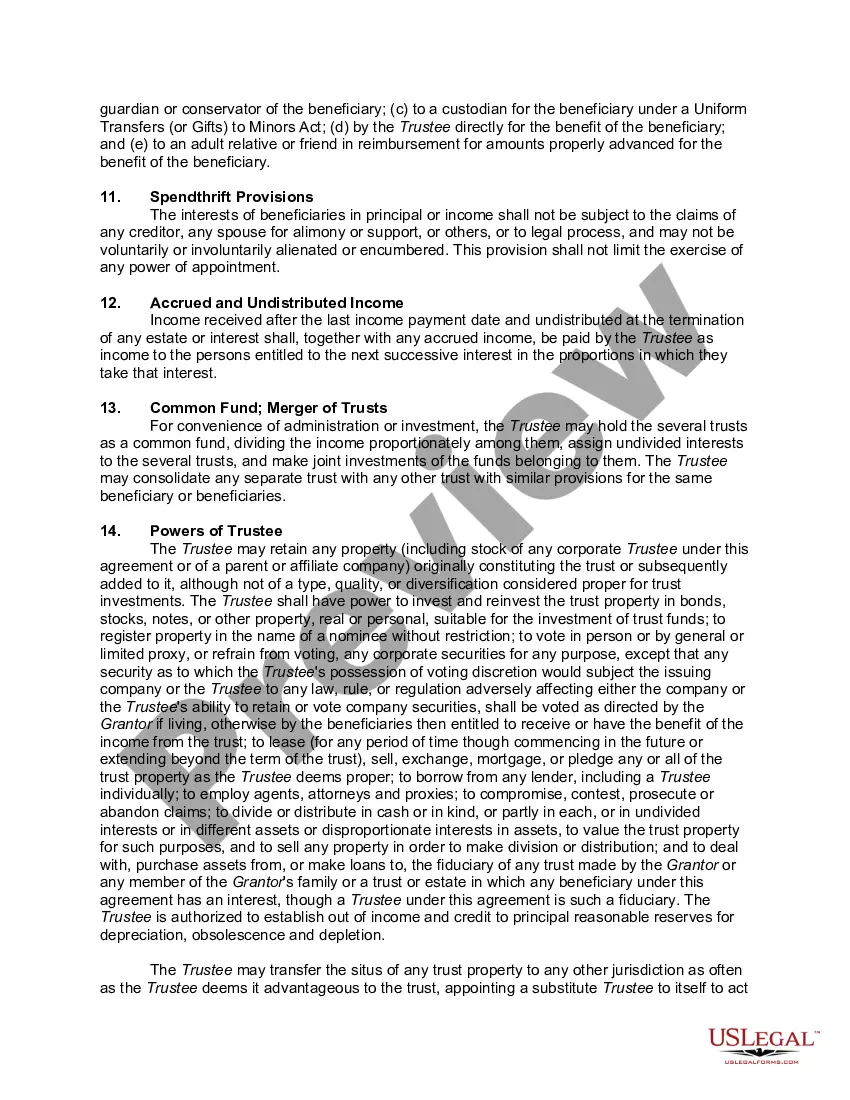
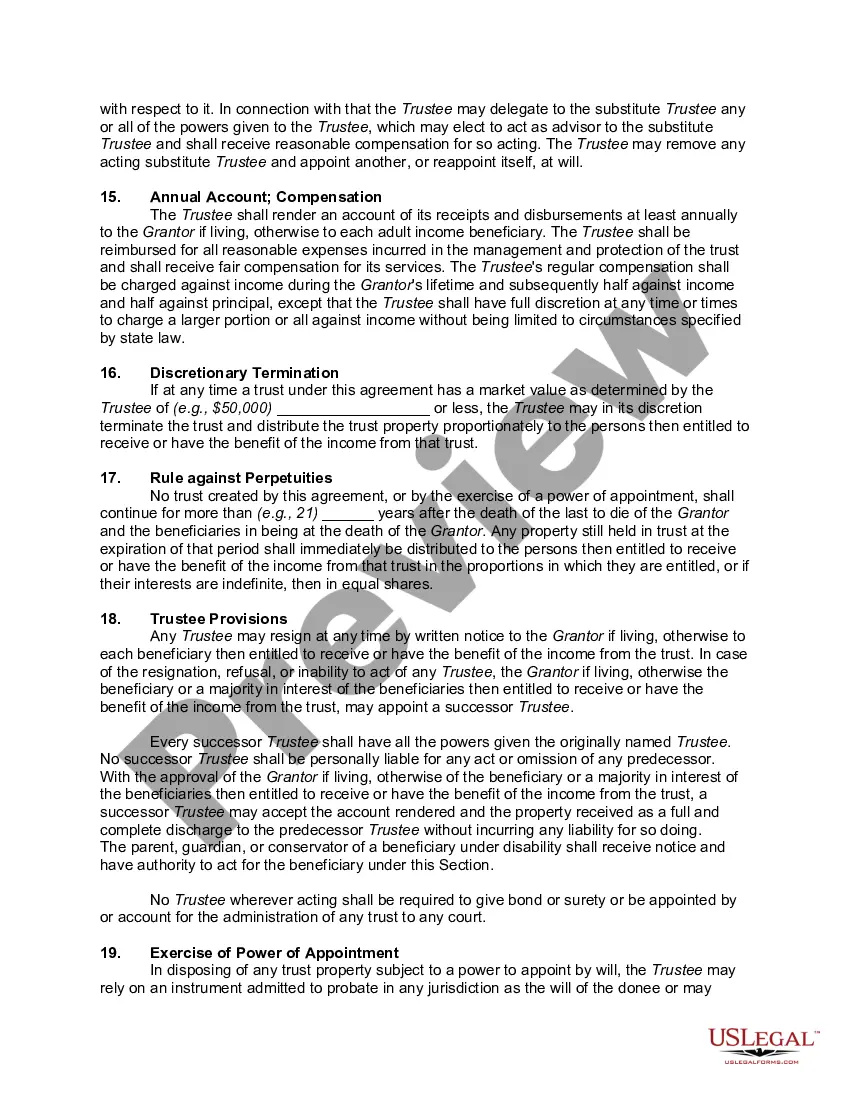
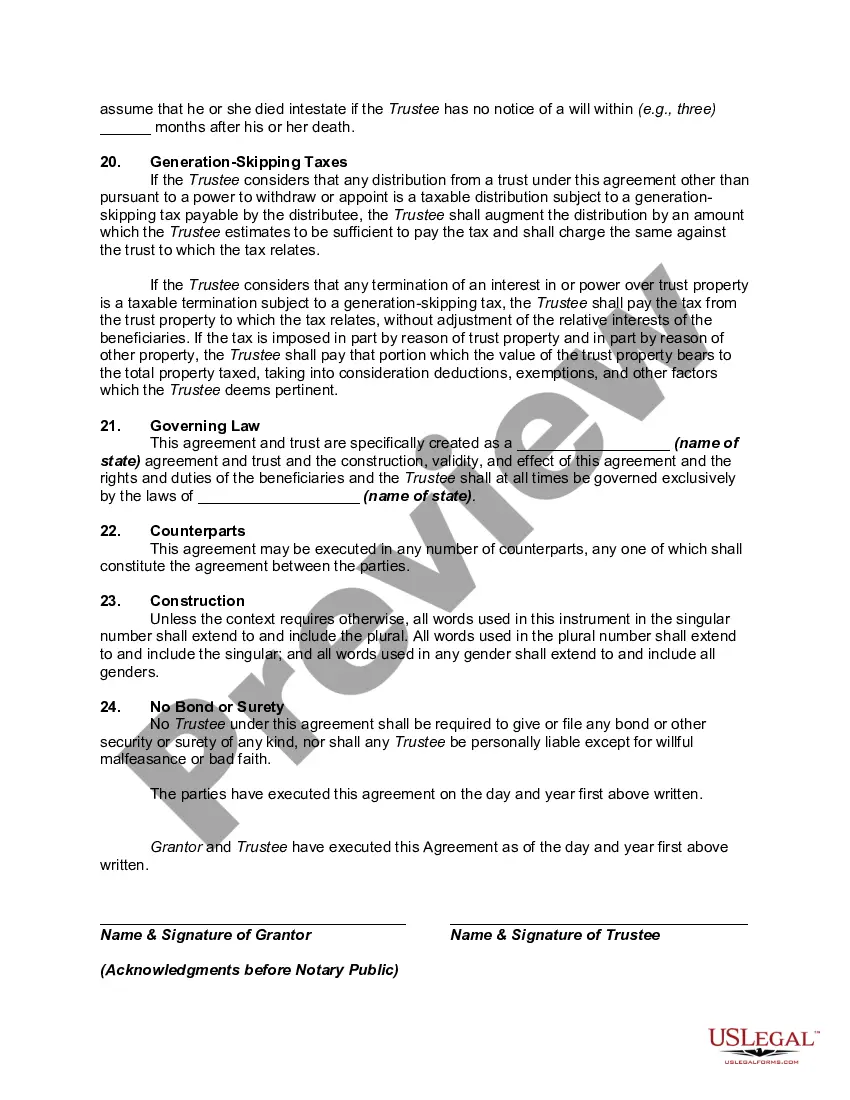




Get your form ready online
Our built-in tools help you complete, sign, share, and store your documents in one place.
Make edits, fill in missing information, and update formatting in US Legal Forms—just like you would in MS Word.
Download a copy, print it, send it by email, or mail it via USPS—whatever works best for your next step.
Sign and collect signatures with our SignNow integration. Send to multiple recipients, set reminders, and more. Go Premium to unlock E-Sign.
If this form requires notarization, complete it online through a secure video call—no need to meet a notary in person or wait for an appointment.
We protect your documents and personal data by following strict security and privacy standards.

Make edits, fill in missing information, and update formatting in US Legal Forms—just like you would in MS Word.

Download a copy, print it, send it by email, or mail it via USPS—whatever works best for your next step.

Sign and collect signatures with our SignNow integration. Send to multiple recipients, set reminders, and more. Go Premium to unlock E-Sign.

If this form requires notarization, complete it online through a secure video call—no need to meet a notary in person or wait for an appointment.

We protect your documents and personal data by following strict security and privacy standards.
Looking for another form?
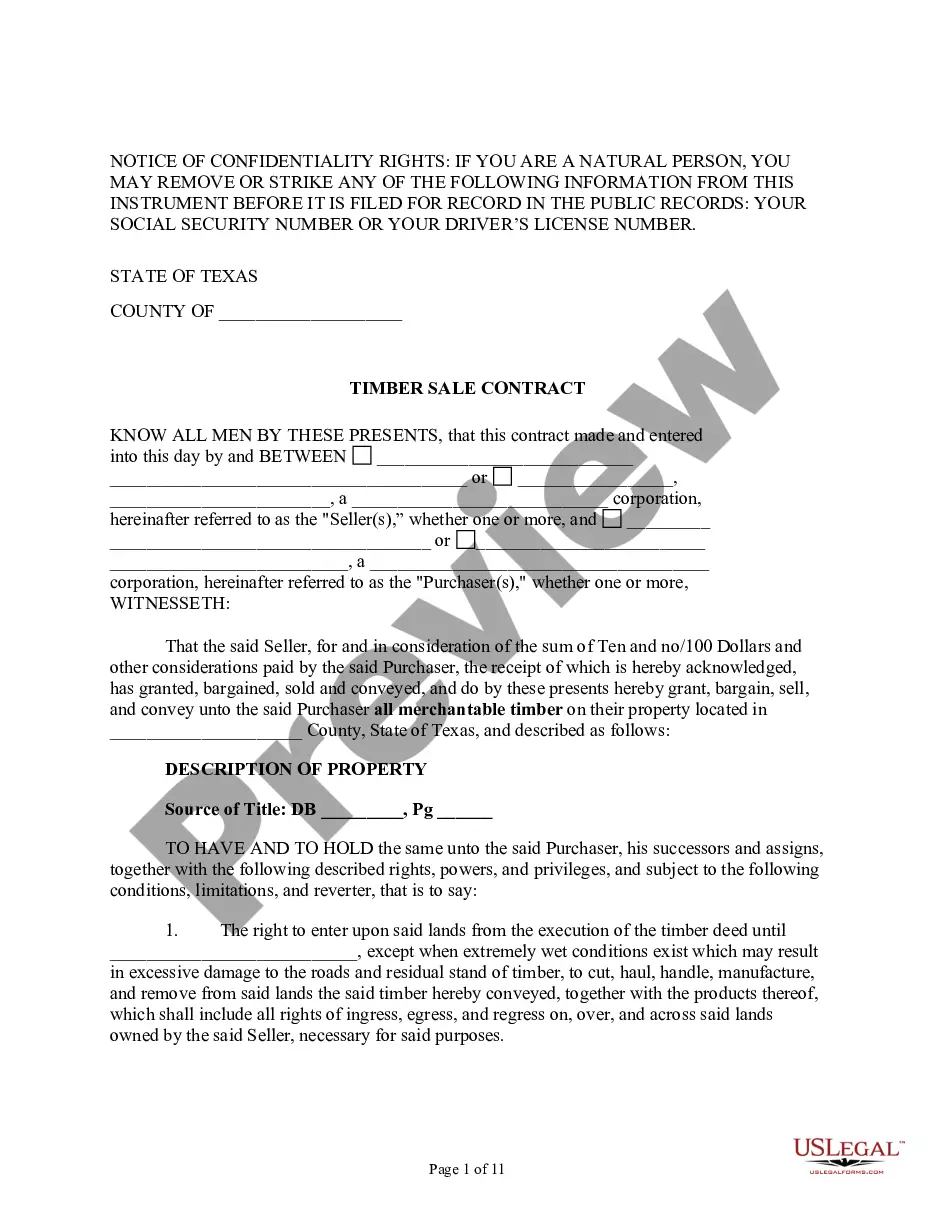




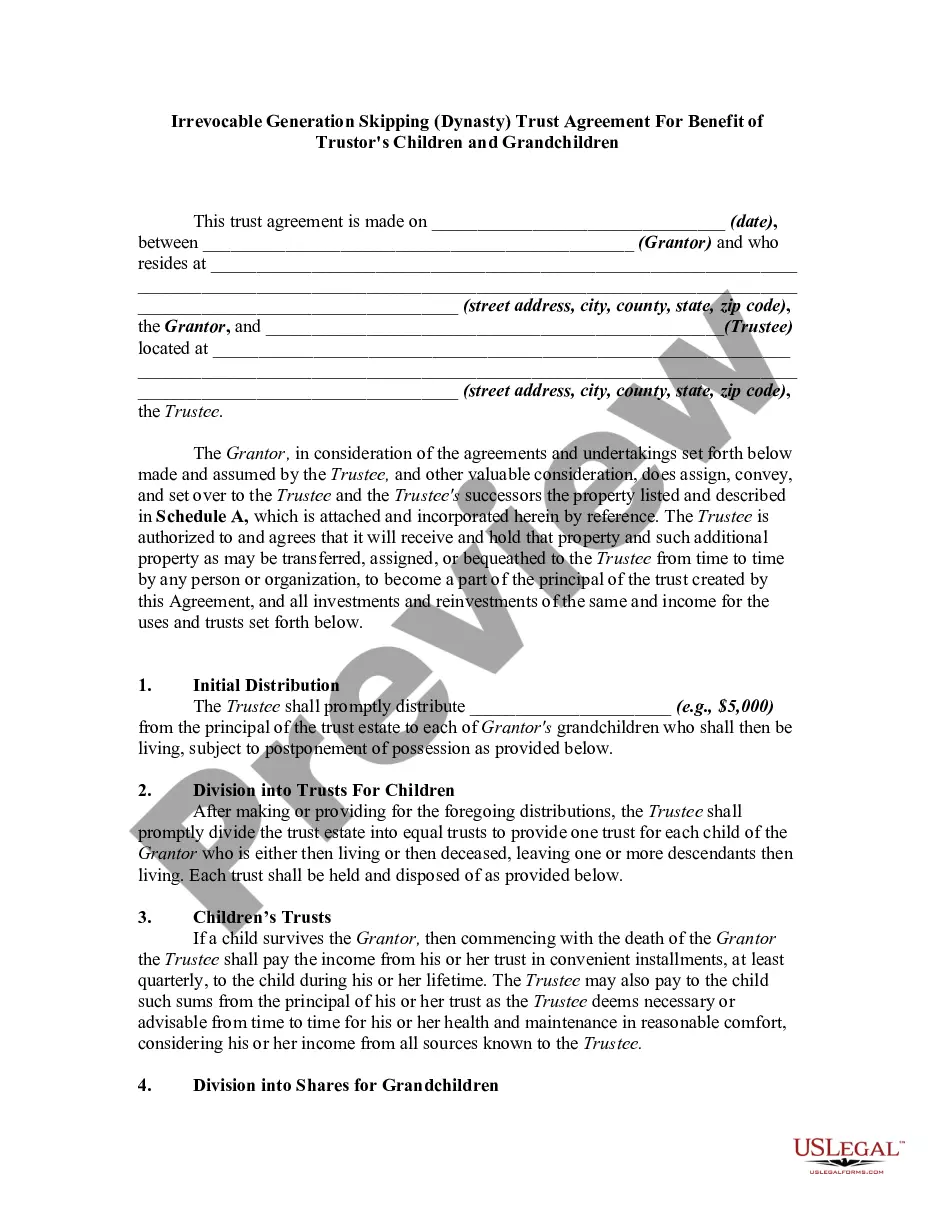
How to fill out Irrevocable Trust Agreement For Benefit Of Trustor's Children And Grandchildren?
- If you're an existing user, log into your account and locate the desired form template. Click the Download button to save it on your device. Ensure your subscription is active, or renew it as per your payment plan if needed.
- For new users, start by browsing the Preview mode and reading the form description. Confirm that it fits your requirements and adheres to your local jurisdiction's standards.
- If you need a different template, utilize the Search tab to find the appropriate one. If it meets your criteria, proceed to the next step.
- To purchase the document, click the Buy Now button, select a subscription plan that suits you, and create an account to access the legal library.
- Complete your purchase by entering your credit card details or using your PayPal account for payment.
- Finally, download your form and save it on your device. For easy future access, find it in the My documents section of your profile.
In conclusion, US Legal Forms not only simplifies the legal form process but also provides access to over 85,000 editable templates. With premium expert support, you can ensure that your legal documents are completed accurately and efficiently.
Start your legal journey today by visiting US Legal Forms and empower yourself with the right tools!
Form popularity
FAQ
Writing Unicode characters in a text file starts by using a capable text editor that supports such formats. After entering the characters, ensure that you save the document with a Unicode-compatible encoding. This approach guarantees that essential phrases like 'Irrevogável quitação' are accurately reflected in your legal documentation.
Converting text to Unicode involves using conversion tools or online services designed for this purpose. You can also manually enter characters into a compatible text editor that supports Unicode. This is essential for maintaining the integrity of terms such as 'Irrevogável quitação' in your documents.
To write Unicode in a text file, select a text editor that supports Unicode encoding. As you write, make sure to choose UTF-8 encoding when saving your file. This practice is especially beneficial for legal documents that involve concepts like 'Irrevogável quitação', ensuring that all characters are preserved correctly.
Inserting Unicode in text can be accomplished by using character maps available on most operating systems. You can also copy and paste Unicode characters directly into your document. When working on legal documents about 'Irrevogável quitação', make sure these characters are properly utilized to maintain clarity.
Converting a text file to Unicode can be done using various text editing software. Simply open your text file, and then save it with a new encoding option, selecting UTF-8 or another Unicode option. This method ensures compatibility with documents that discuss important terms like 'Irrevogável quitação', allowing for broader accessibility.
To encode Unicode characters, you typically use a text editor or a programming language that supports Unicode. Many modern text editors automatically encode characters in UTF-8 format. For specific tasks related to 'Irrevogável quitação', you can utilize tools that support Unicode to ensure that all characters are accurately represented.
To resolve an indentation error in Python, check your code for consistent use of tabs or spaces. Maintaining a uniform indentation style is crucial since Python relies on these structures for code block definitions. By keeping your code neat and properly indented, you can efficiently work with strings like 'Irrevogável quitação' in your applications.
UTF-8 encoding is a popular character encoding system that supports all Unicode characters. In Python, this encoding allows you to handle various character sets seamlessly, making it essential for handling internationalized text including terms like 'Irrevogável quitação'. Ensure your files are saved with UTF-8 encoding for compatibility and consistency.
Escaping Unicode in Python can be accomplished by using Unicode escape sequences, like '', where 'XXXX' is the code point for the character. This technique allows you to include special characters vividly in strings, including legal terms such as 'Irrevogável quitação'. Always ensure your environment supports the display of these Unicode characters to avoid rendering issues.
To address Unicode errors in pandas, you can specify the 'encoding' parameter when reading files, such as 'utf-8' or 'latin-1'. This approach allows pandas to properly interpret the characters, including terms like 'Irrevogável quitação'. Additionally, consider using the 'errors' handling option to manage problematic characters that cannot be decoded.