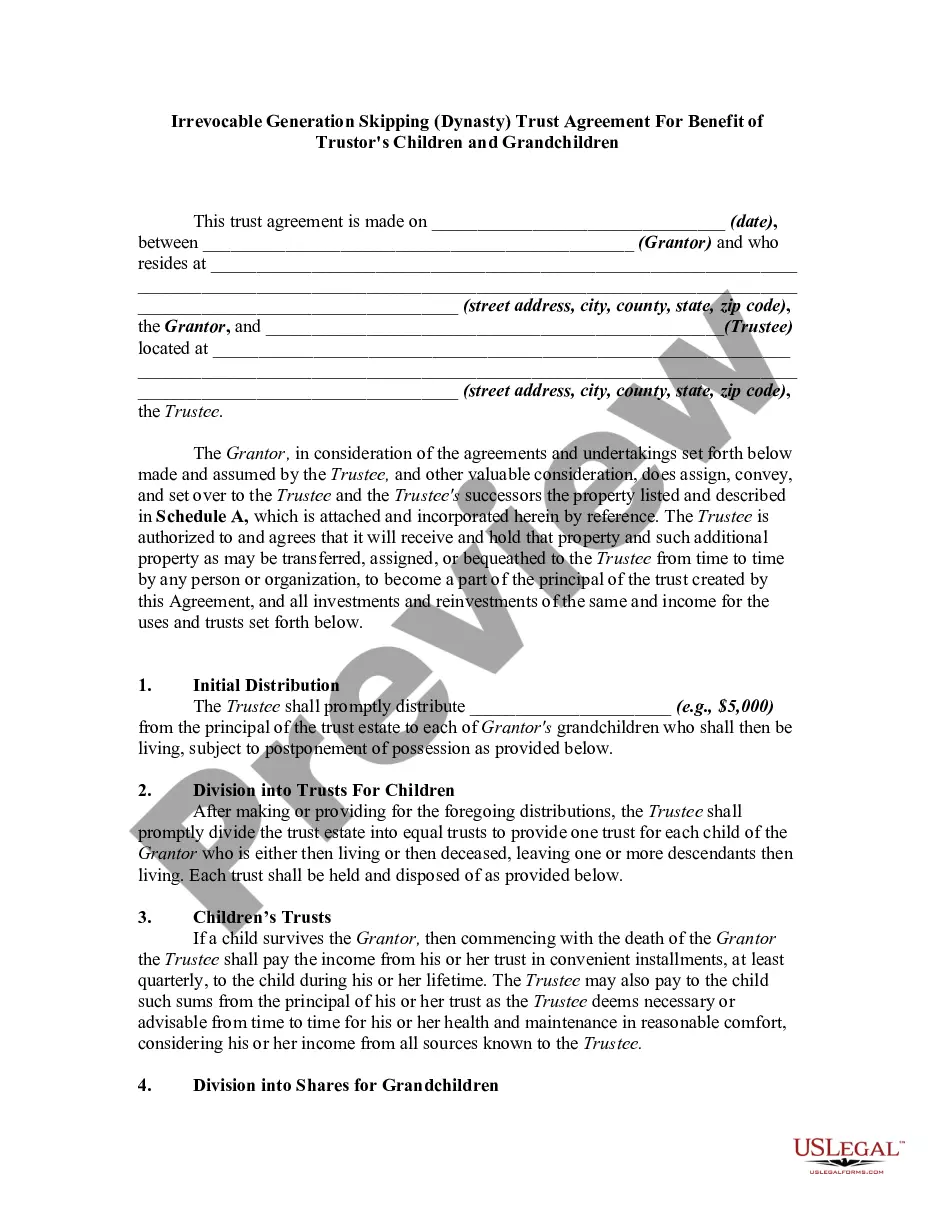
Form Irrevocable Trust Withdrawal
Description





Get your form ready online
Our built-in tools help you complete, sign, share, and store your documents in one place.
Make edits, fill in missing information, and update formatting in US Legal Forms—just like you would in MS Word.
Download a copy, print it, send it by email, or mail it via USPS—whatever works best for your next step.
Sign and collect signatures with our SignNow integration. Send to multiple recipients, set reminders, and more. Go Premium to unlock E-Sign.
If this form requires notarization, complete it online through a secure video call—no need to meet a notary in person or wait for an appointment.
We protect your documents and personal data by following strict security and privacy standards.

Make edits, fill in missing information, and update formatting in US Legal Forms—just like you would in MS Word.

Download a copy, print it, send it by email, or mail it via USPS—whatever works best for your next step.

Sign and collect signatures with our SignNow integration. Send to multiple recipients, set reminders, and more. Go Premium to unlock E-Sign.

If this form requires notarization, complete it online through a secure video call—no need to meet a notary in person or wait for an appointment.

We protect your documents and personal data by following strict security and privacy standards.
Looking for another form?




How to fill out Irrevocable Trust Agreement For Benefit Of Trustor's Children And Grandchildren?
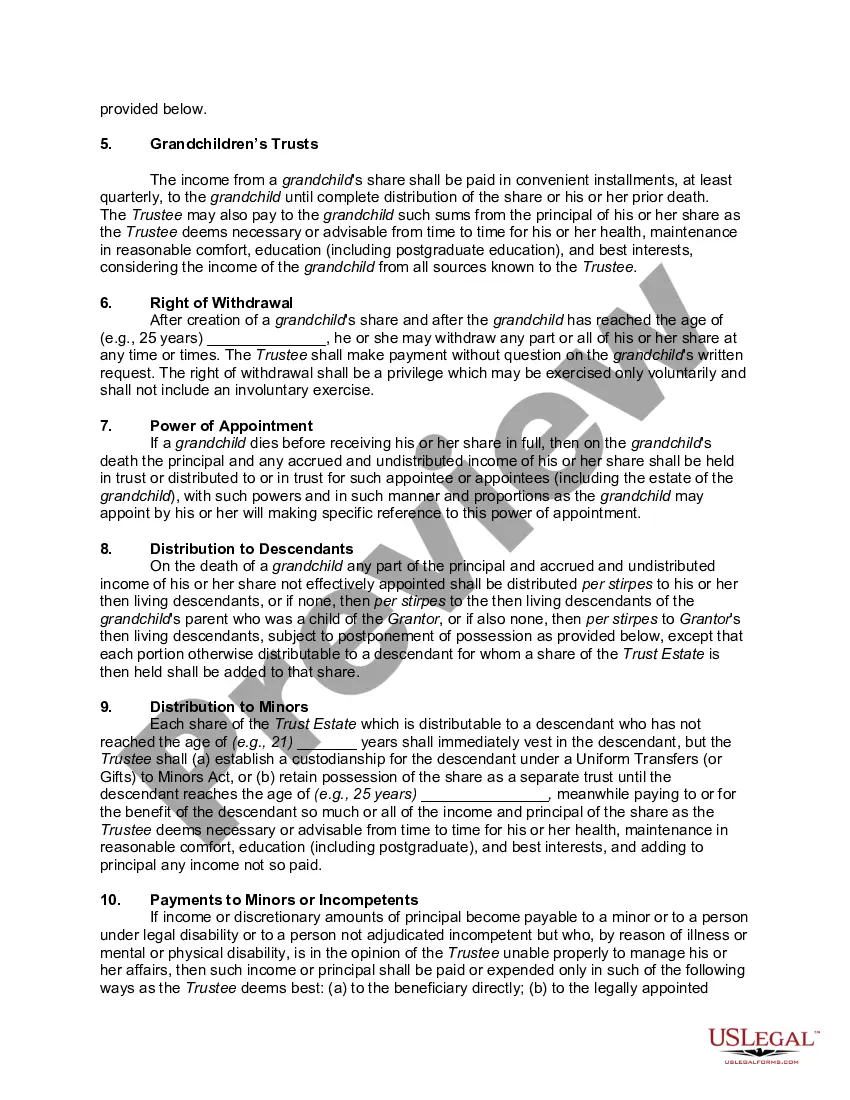
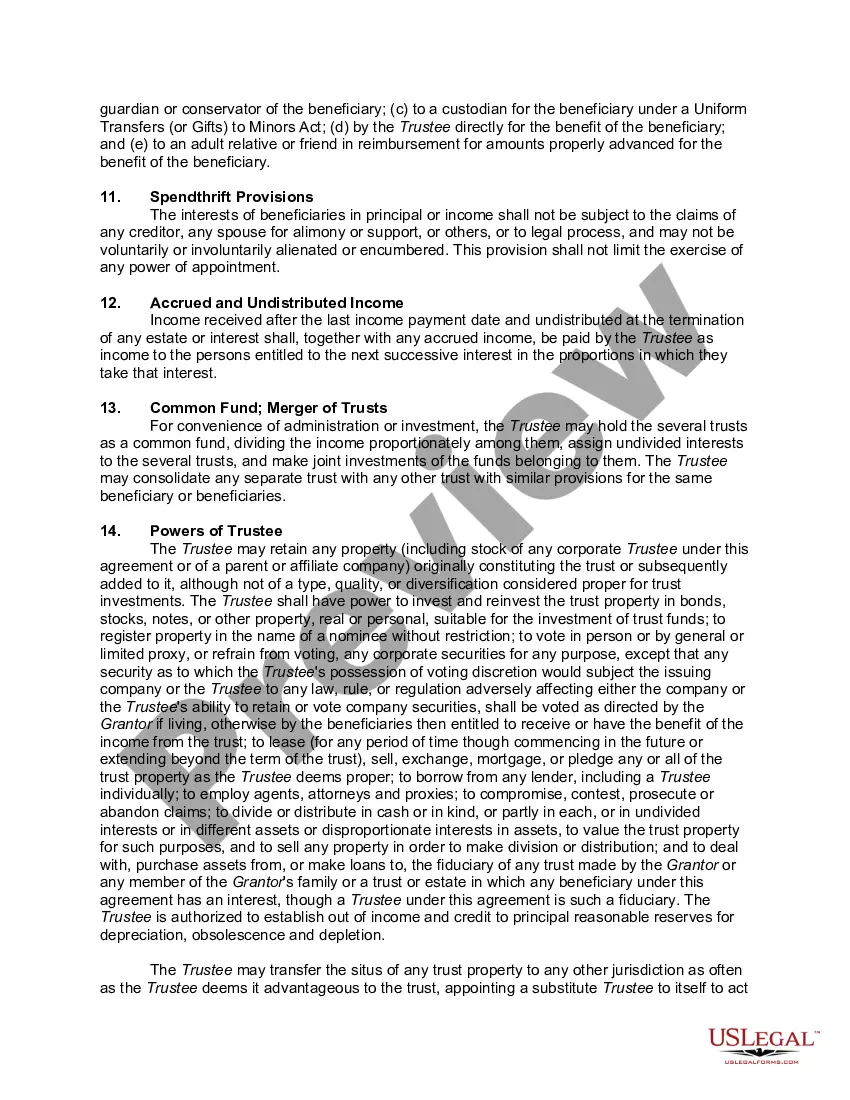
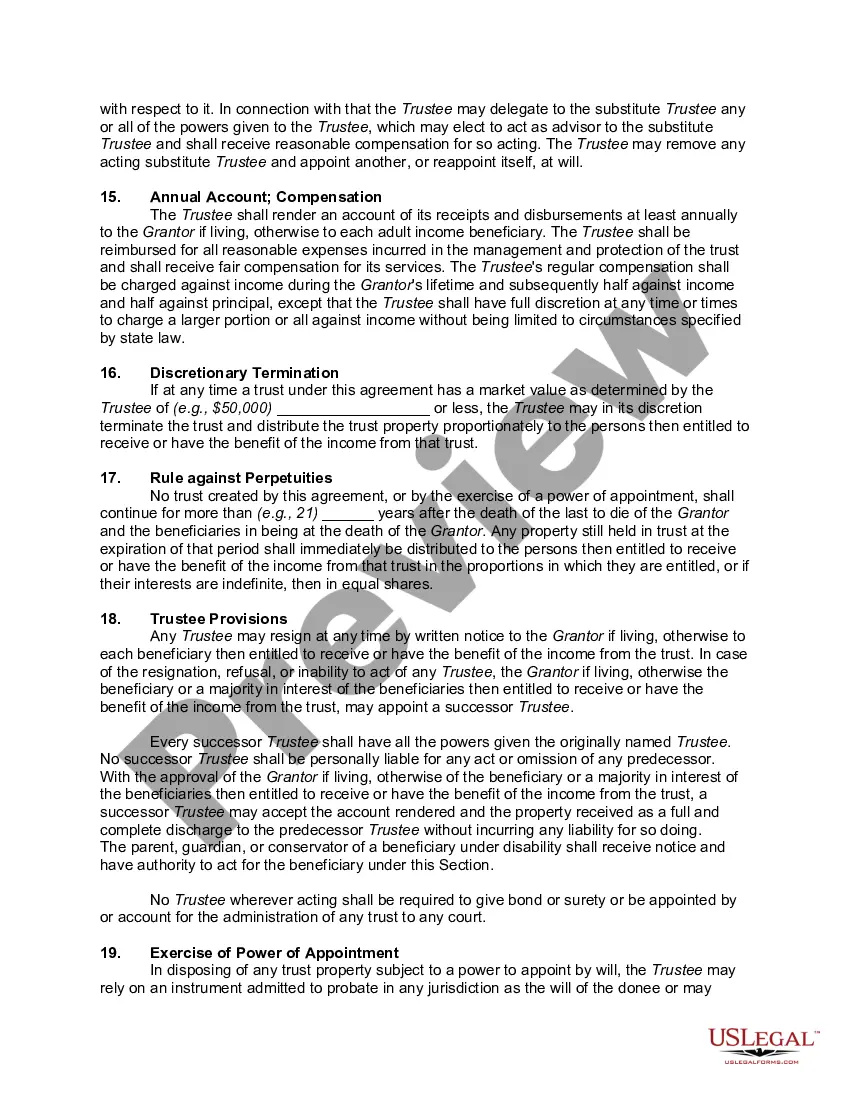
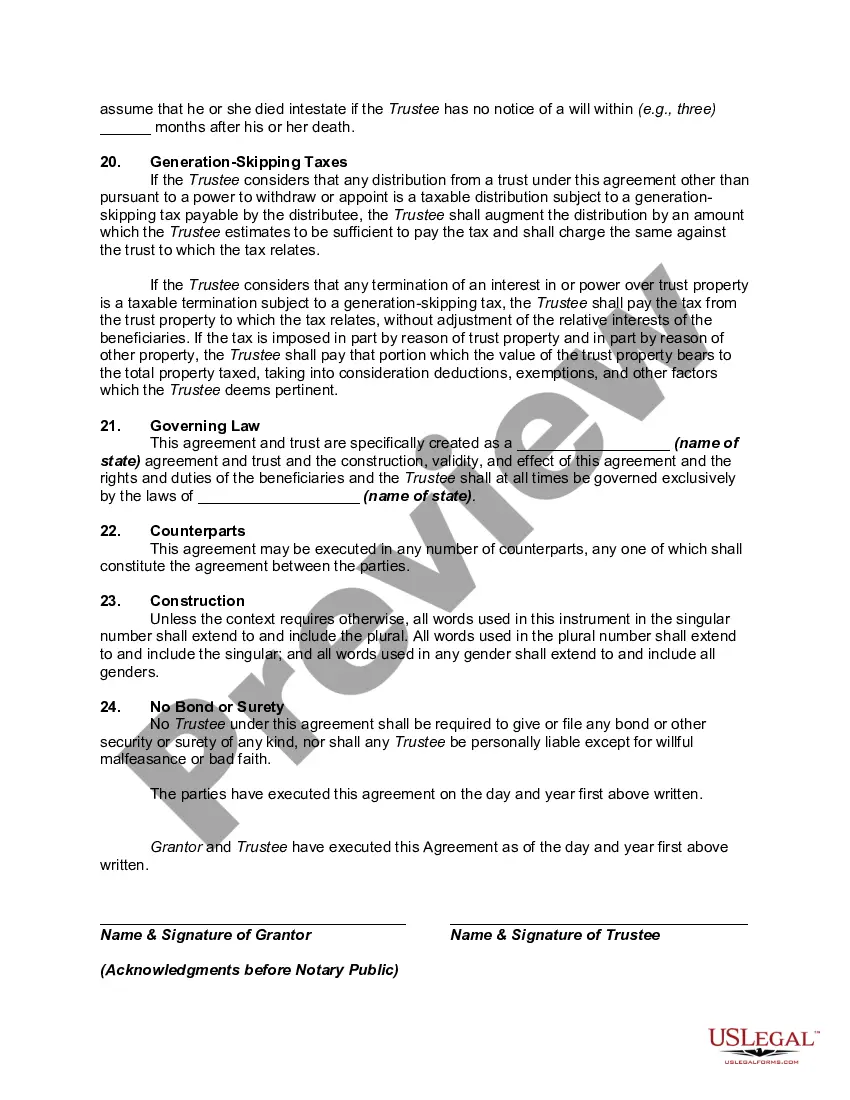
The Form Irrevocable Trust Withdrawal displayed on this page is a versatile legal template created by experienced attorneys in accordance with federal and state laws.
For over 25 years, US Legal Forms has supplied individuals, companies, and legal practitioners with more than 85,000 authenticated, state-specific documents for any business and personal situations. It’s the quickest, simplest, and most dependable method to obtain the paperwork you require, as the service ensures bank-level data security and protection against malware.
Select the format you prefer for your Form Irrevocable Trust Withdrawal (PDF, DOCX, RTF) and store the document on your device.
- Search for the document you require and examine it.
- Browse through the example you searched for and view it or check the form description to confirm it meets your needs. If it doesn't, use the search function to locate the proper one. Click Buy Now when you have identified the template you want.
- Register and Log In.
- Select the pricing plan that works for you and create an account. Use PayPal or a credit card for a swift payment. If you already possess an account, Log In and review your subscription to continue.
- Acquire the editable template.
Form popularity
FAQ
Removing a beneficiary from an irrevocable trust can be quite complex. Typically, this process requires a formal amendment or even seeking a court order, as irrevocable trusts do not allow changes easily. It's essential to consult with a legal expert to ensure that you follow the proper procedures. You may also find that using the Form irrevocable trust withdrawal can help clarify the process, providing the necessary documentation to support your decision.
Irrevocable Trust Tax Return The trustee will report estate taxes using Form 1041, U.S. Income Tax Return for Estates and Trusts. On this form, you'll disclose any interest income, deductions, gains and losses for the trust. You'll also report any distributions on this form.
Just choose your preferred account on the ATM screen. If you use the credit card function on your Trust card at an ATM, this means you are taking a cash advance. Note that supplementary cardholders cannot take out a cash advance. If you use the debit card function, you are withdrawing cash from your savings account.
The trustee can write the beneficiary a check, give them cash, and transfer real estate by drawing up a new deed or selling the house and giving them the proceeds.
With an irrevocable trust, the transfer of assets is permanent. So once the trust is created and assets are transferred, they generally can't be taken out again. You can still act as the trustee but you'd be limited to withdrawing money only on an as-needed basis to cover necessary expenses.
If the trust holds the income and does not disburse it to the beneficiary by year-end, then the trust is liable for the taxes. However, if funds are distributed to one or more beneficiaries, the income is taxable to the person who receives it. The taxable amount depends on the interest vs. principal allocation.