Construction Change Order Form Template Excel
Description




How to fill out Construction Contract Change Order?
Finding a reliable source to obtain the latest and suitable legal templates is half the challenge of dealing with red tape.
Selecting the correct legal documents requires accuracy and attention, which is why sourcing Construction Change Order Form Template Excel exclusively from reputable providers, such as US Legal Forms, is crucial. An incorrect template can squander your time and postpone your situation.
Once the form is saved on your device, you can edit it using the editor or print it out and complete it manually. Eliminate the complications that come with your legal paperwork. Explore the extensive US Legal Forms collection to locate legal samples, verify their applicability to your circumstances, and download them right away.
- Utilize the library navigation or search bar to find your template.
- Review the form’s description to ensure it meets the requirements of your state and locality.
- Preview the form, if available, to confirm that the template is indeed what you need.
- Return to the search and find the appropriate document if the Construction Change Order Form Template Excel does not suit your requirements.
- Once you are confident about the form’s applicability, download it.
- If you are a registered user, click Log in to verify and access your selected forms in My documents.
- If you haven't created an account yet, click Buy now to acquire the form.
- Choose the pricing plan that suits your needs.
- Proceed with the registration to finalize your purchase.
- Complete your transaction by selecting a payment method (credit card or PayPal).
- Choose the file format for downloading Construction Change Order Form Template Excel.
Form popularity
FAQ
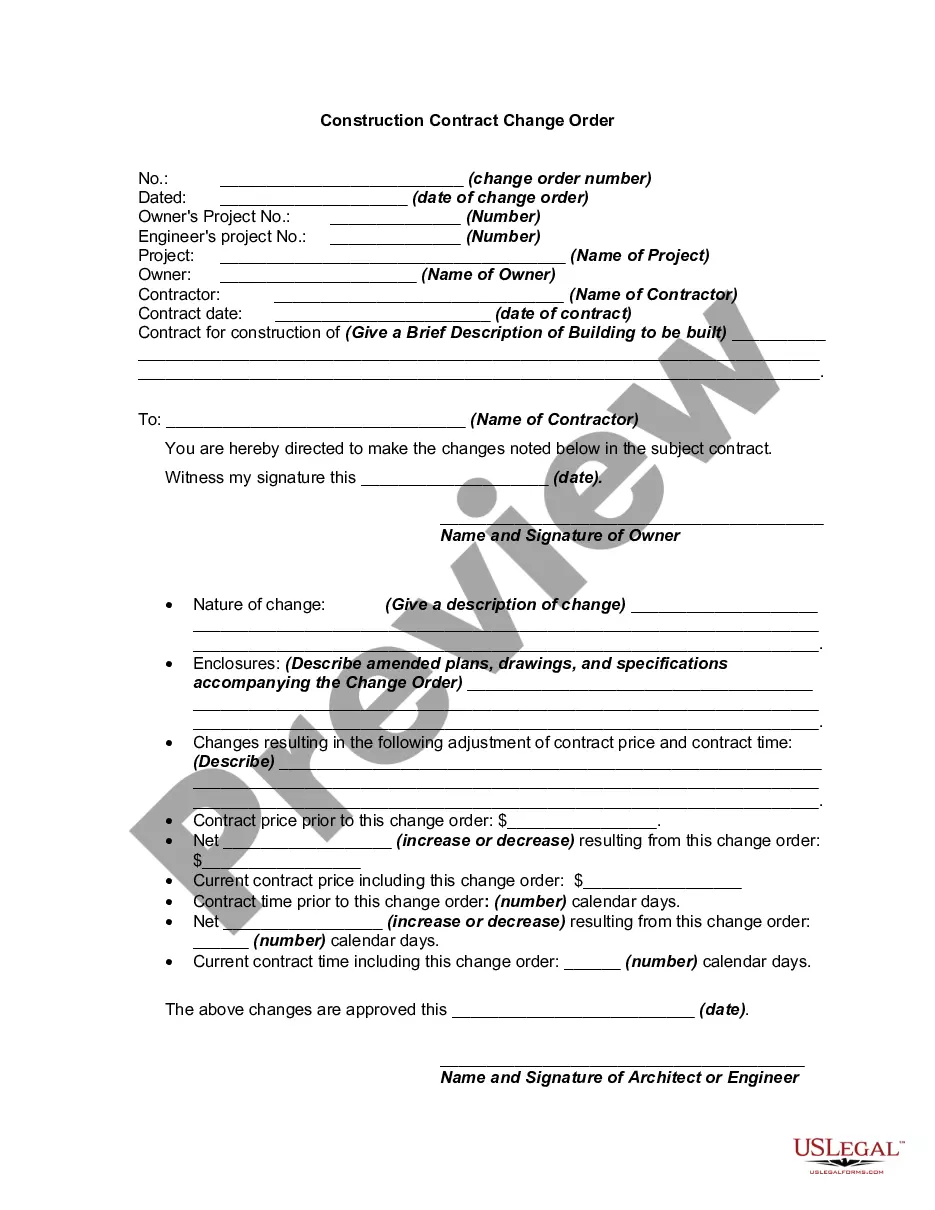
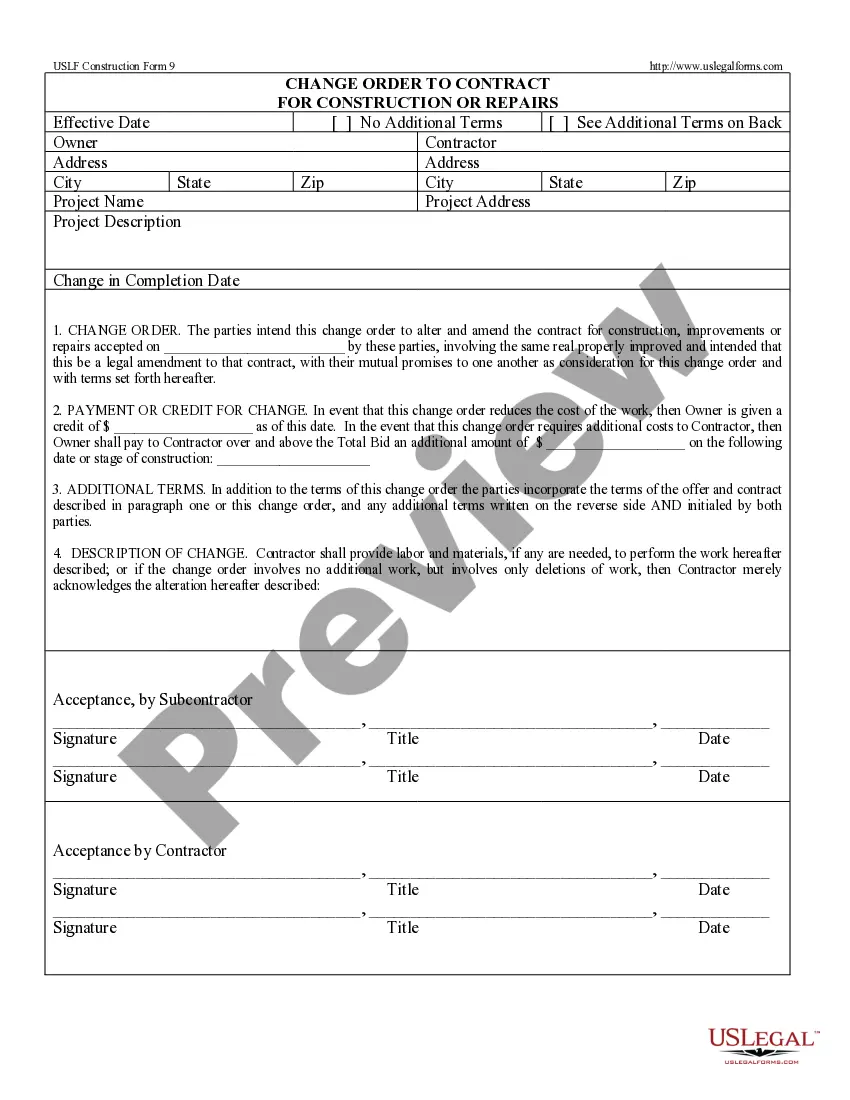
6 things every change order should include Project and contact information. The change order form should include: ... Dates of the change. The change order form should include the date that you complete the change order. ... Details of the work. ... Updated schedule. ... Cost of the change. ... Updated contract value.
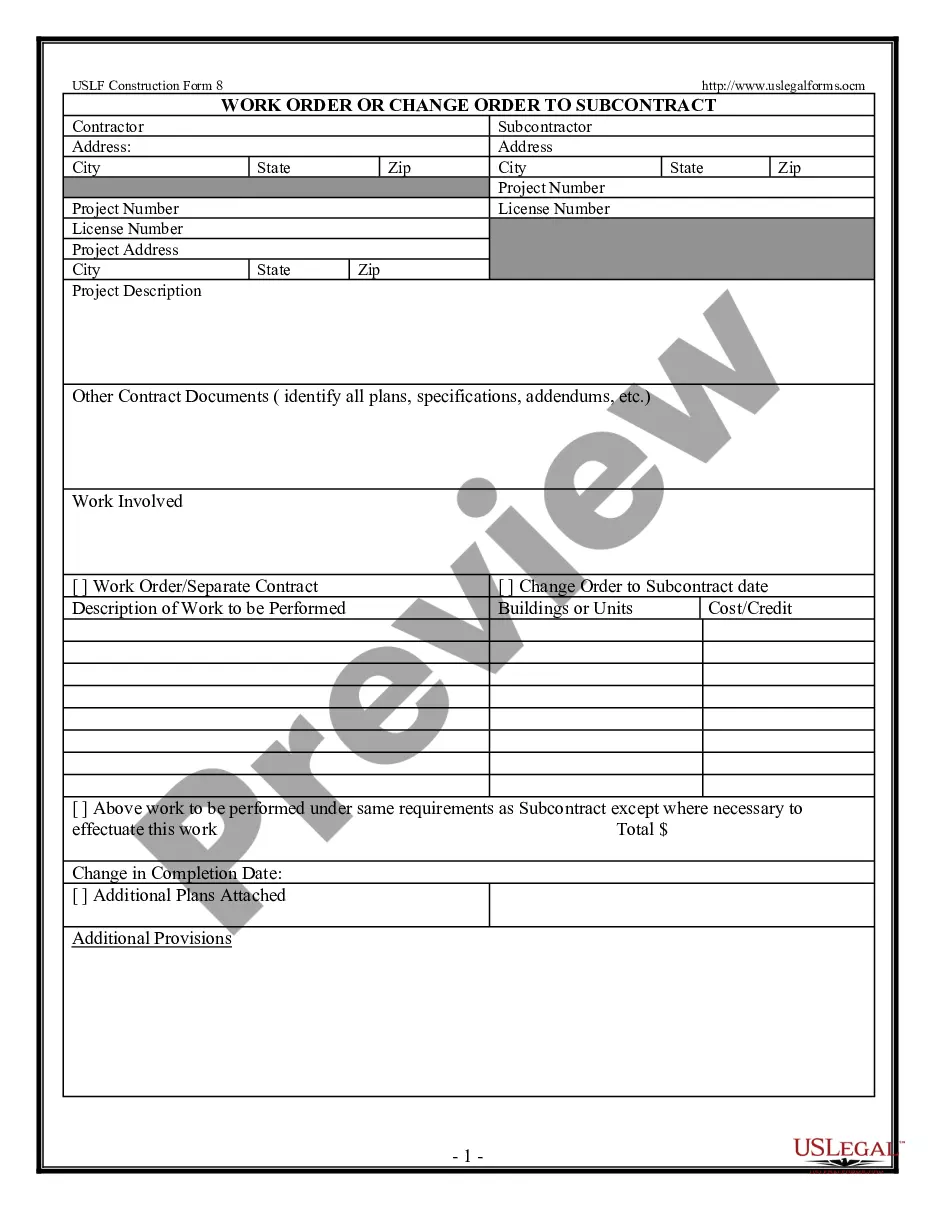
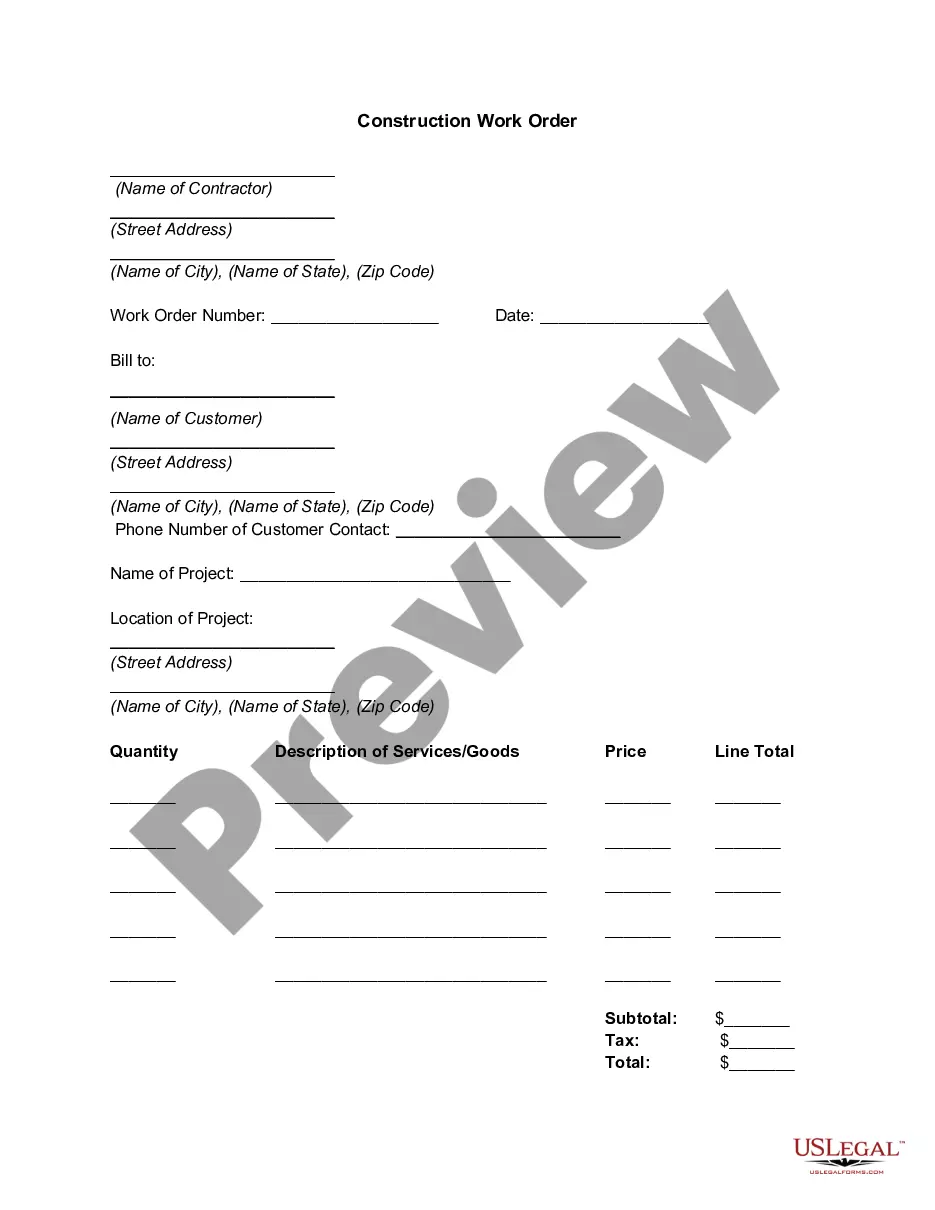
What Should a Construction Change Order Form Include? The name and address of the project. The owner's name. The name and phone number of the person requesting the change. A complete description of the planned work. The price of the change (including a breakdown of the costs as well as the total)
Open a blank Excel spreadsheet. Click on the "New" tab in the top left corner of the software. Select the "Purchase orders" option from the list that appears. Click on the template that matches the type of PO you plan to create.
Tips on how to fill PO template: At the top right corner, fill in the Purchase order number. Enter order date as the date you order items and the delivery date as the expected date of delivery. In the item details table, include details like item description, quantity, and rate. The amount column gets auto-filled.
A Quick Guide to Managing Change Orders in Construction Get Clarity on Scope of Work. ... Review the Construction Contract. ... Get Written Approval for All Change Orders. ... Communicate With Stakeholders. ... Understand the Impact of Change Orders. ... Final Thoughts on Change Orders.