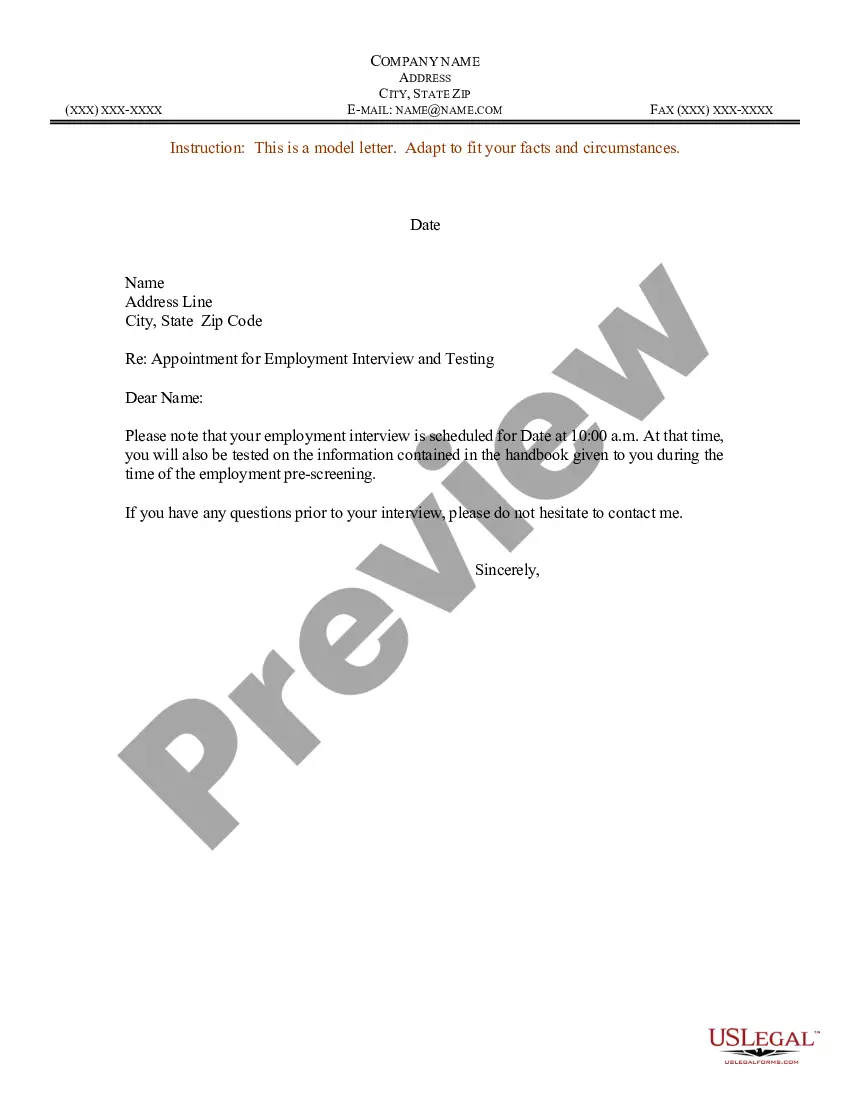
Letter Seeking Appointment With Governor
Description
Get your form ready online
Our built-in tools help you complete, sign, share, and store your documents in one place.
Make edits, fill in missing information, and update formatting in US Legal Forms—just like you would in MS Word.
Download a copy, print it, send it by email, or mail it via USPS—whatever works best for your next step.
Sign and collect signatures with our SignNow integration. Send to multiple recipients, set reminders, and more. Go Premium to unlock E-Sign.
If this form requires notarization, complete it online through a secure video call—no need to meet a notary in person or wait for an appointment.
We protect your documents and personal data by following strict security and privacy standards.

Make edits, fill in missing information, and update formatting in US Legal Forms—just like you would in MS Word.

Download a copy, print it, send it by email, or mail it via USPS—whatever works best for your next step.

Sign and collect signatures with our SignNow integration. Send to multiple recipients, set reminders, and more. Go Premium to unlock E-Sign.

If this form requires notarization, complete it online through a secure video call—no need to meet a notary in person or wait for an appointment.

We protect your documents and personal data by following strict security and privacy standards.
Looking for another form?
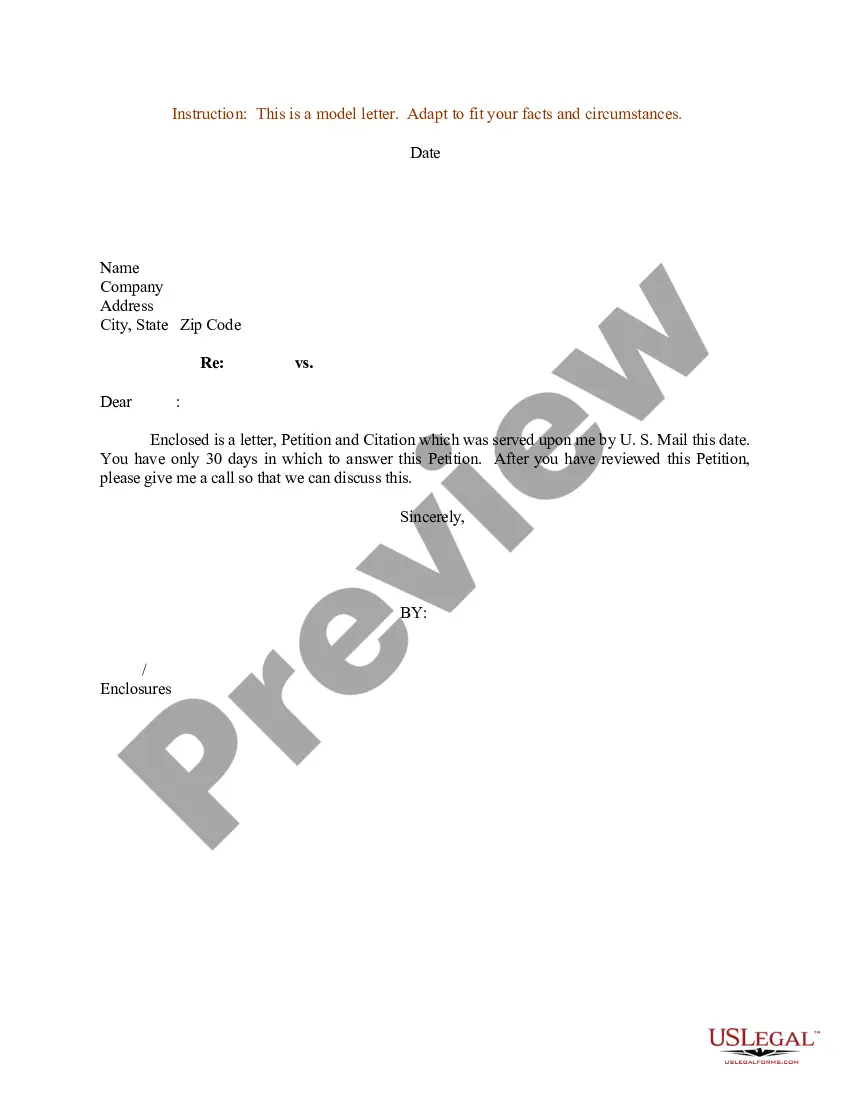
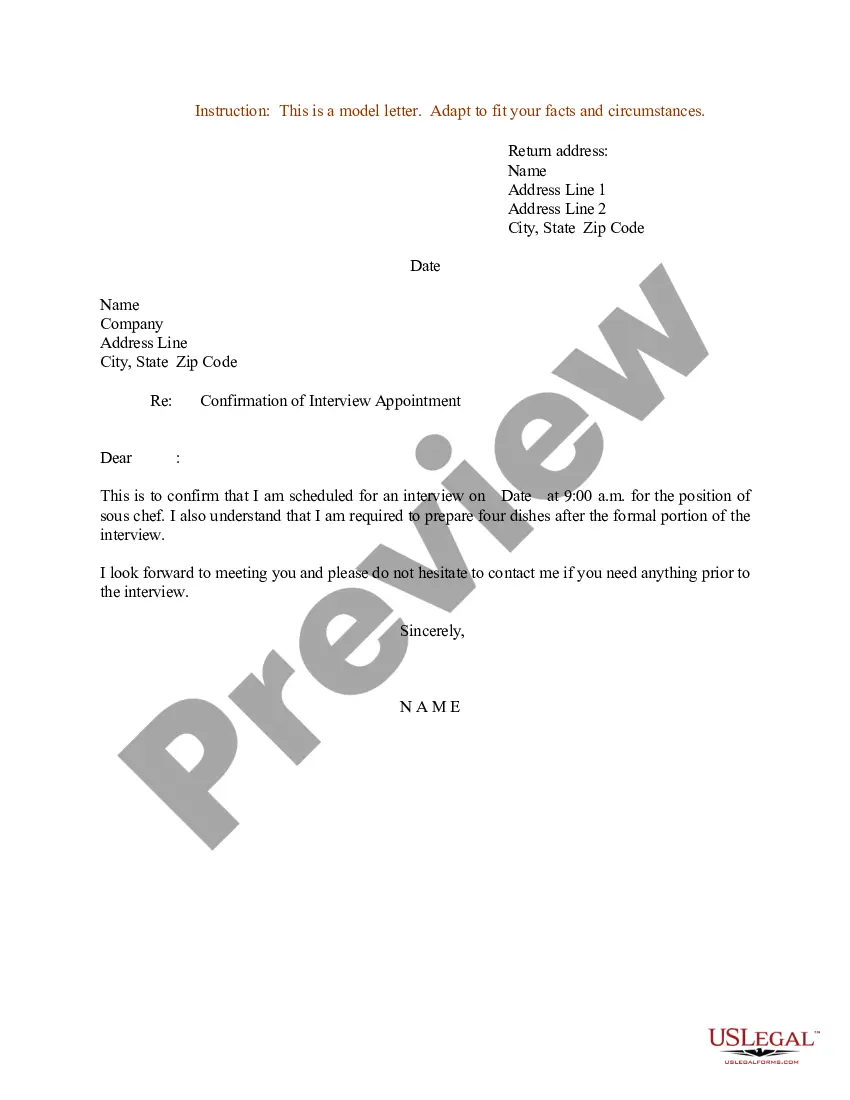
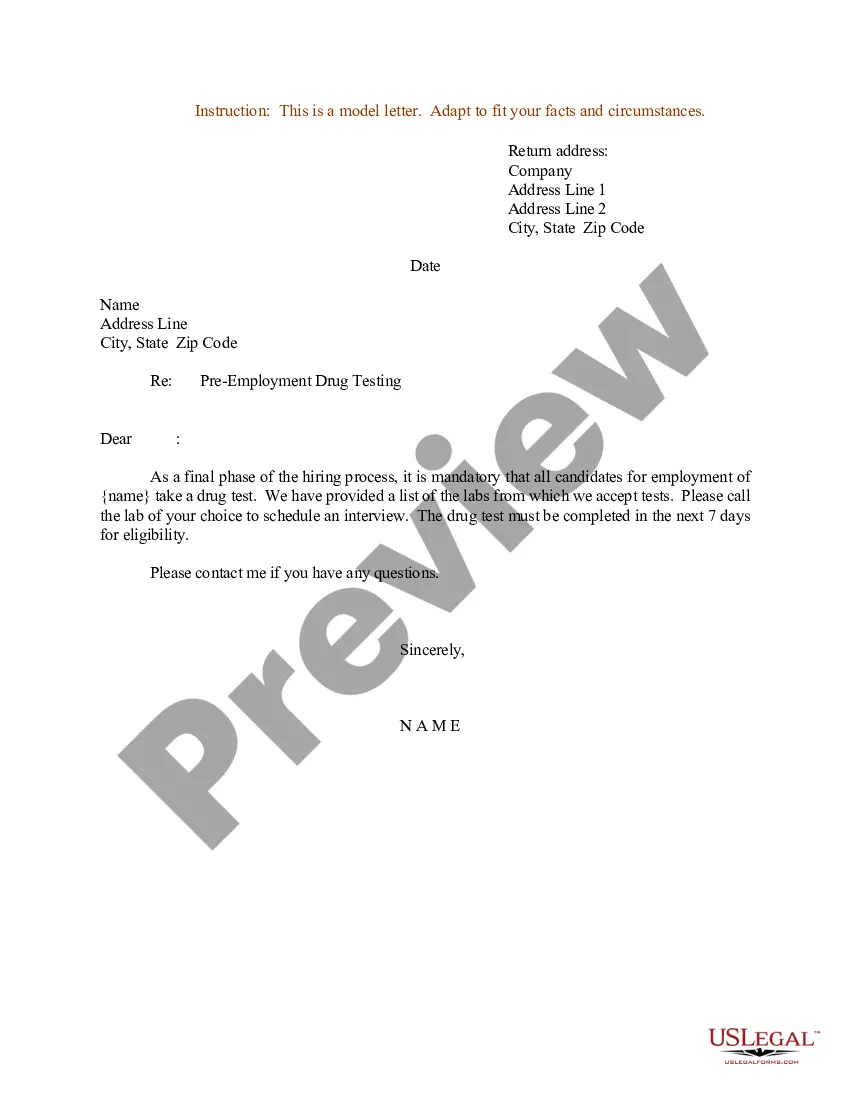
How to fill out Sample Letter For Appointment For Employment Interview And Testing?
Regulatory oversight can be overwhelming, even for seasoned professionals.
When you are looking for a Letter Requesting Meeting With Governor and don’t have the opportunity to spend searching for the appropriate and updated edition, the process can be demanding.
Access legal and organizational documents specific to your state or county.
US Legal Forms addresses any requirements you might have, from personal to business documentation, all in one place.
If it’s your first time using US Legal Forms, create an account and enjoy unlimited access to all the platform’s advantages. Here are the steps to follow after accessing the form you need.
Ensure this is the correct document by previewing it and reviewing its details.
Confirm that the template is acceptable in your state or county.
- Employ advanced features to prepare and manage your Letter Requesting Meeting With Governor.
- Tap into a resource repository of articles, guides, and materials pertinent to your circumstances and needs.
- Conserve time and energy searching for the documents you require, and use US Legal Forms' advanced search and Review feature to find Letter Requesting Meeting With Governor and acquire it.
- If you hold a subscription, Log In to your US Legal Forms account, search for the form, and download it.
- Visit the My documents section to review the documents you have previously saved and to manage your folders as you wish.
Click Buy Now when you are ready.
Select a monthly subscription option.
Choose the format you prefer and Download, fill out, sign, print, and send your documents.
Take advantage of the US Legal Forms online library, backed by 25 years of experience and reliability. Transform your everyday document management into a seamless and user-friendly experience today.
- Utilize a robust online document repository, which can be transformative for anyone looking to navigate these circumstances efficiently.
- US Legal Forms is a frontrunner in online legal documents, offering over 85,000 specific legal forms for your state available at any time.
- With US Legal Forms, you may.
Form popularity
FAQ
To determine how to write a meeting request email, follow these steps: Start with an explanatory subject line. ... Use a professional salutation. ... Introduce yourself. ... State the purpose of the meeting. ... Suggest a possible date and time. ... Request for a reply. ... Proofread before sending. ... Follow up and remind.
Address your letter to ?The Honorable (Full Name), Governor of (State).? The outside of your letter should be addressed with the governor's full title. This includes their title of ?The Honorable? followed by their first and last name, as well as mentioning which state or territory that they govern.
Dear [First name/last name], I am writing to schedule a meeting to [write what the purpose of your meeting is]. If you're available, I'd like to meet at [time] on [date] at [place]. Please confirm whether that works for you or if another time and place is better.
Here are all of the steps: Write a clear subject line. An email should have ?glance-value?. ... Use a salutation. ... Introduce yourself (if necessary). ... Explain why you want to meet. ... Be flexible about time and place. ... Request a reply or confirmation. ... Send a reminder.
Dear [Name], I hope this email finds you well. I wanted to schedule a meeting to discuss [specific topic] and how I can improve my performance and contribute to the team. Please let me know your availability and we can arrange a meeting that works for you.