Judgment Mistake For A Previous Year
Description
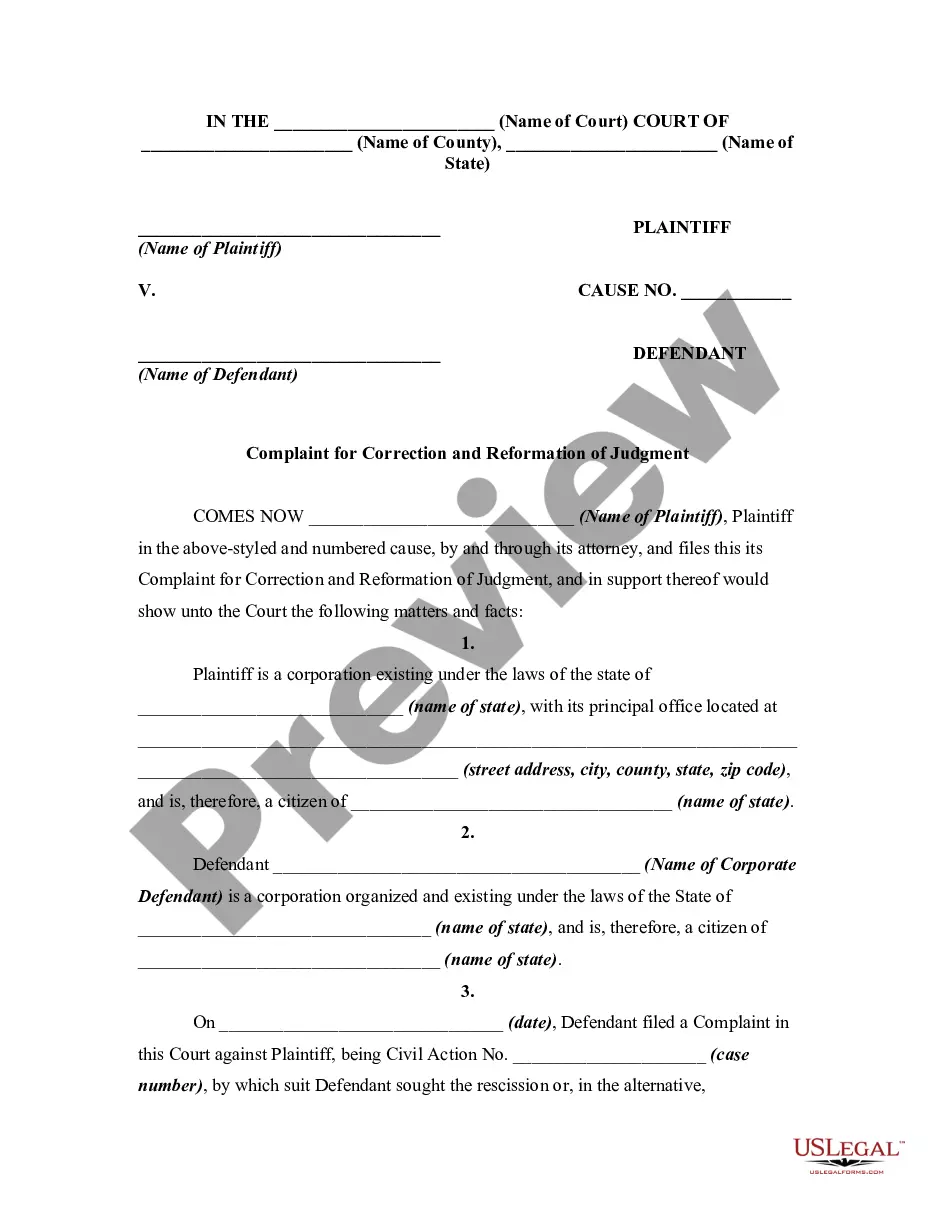
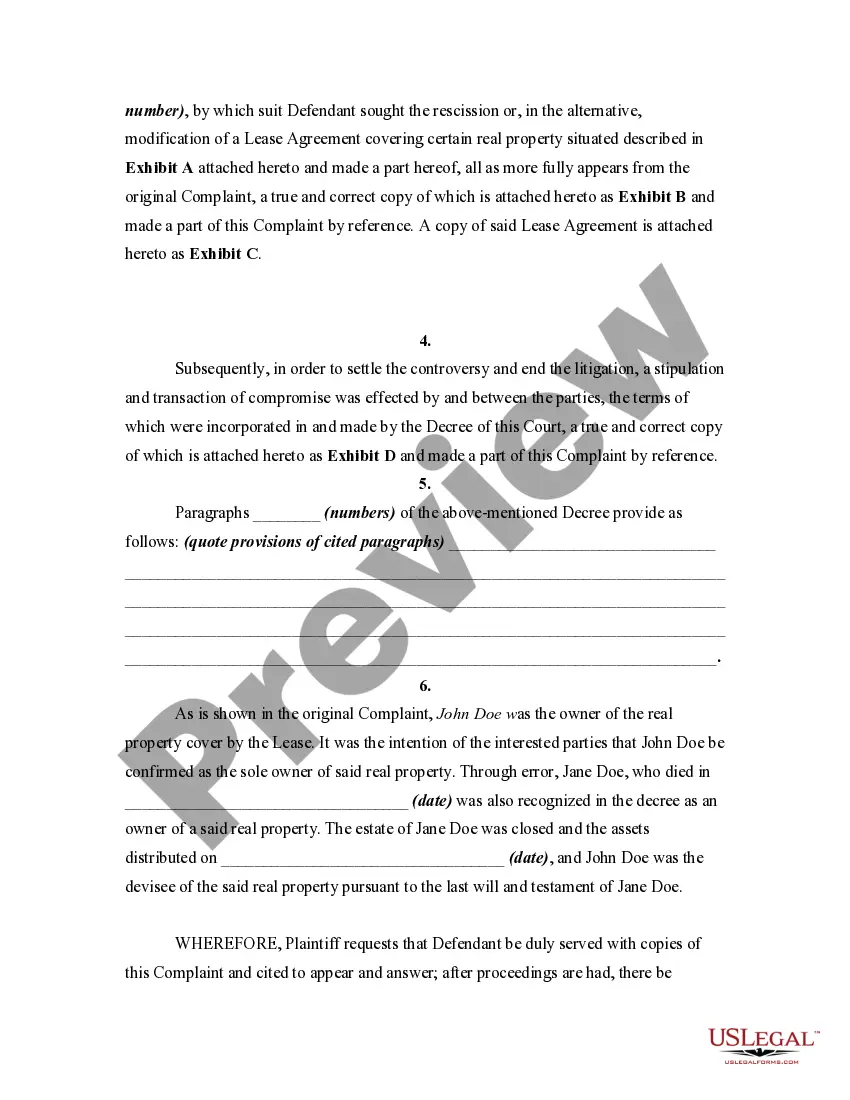
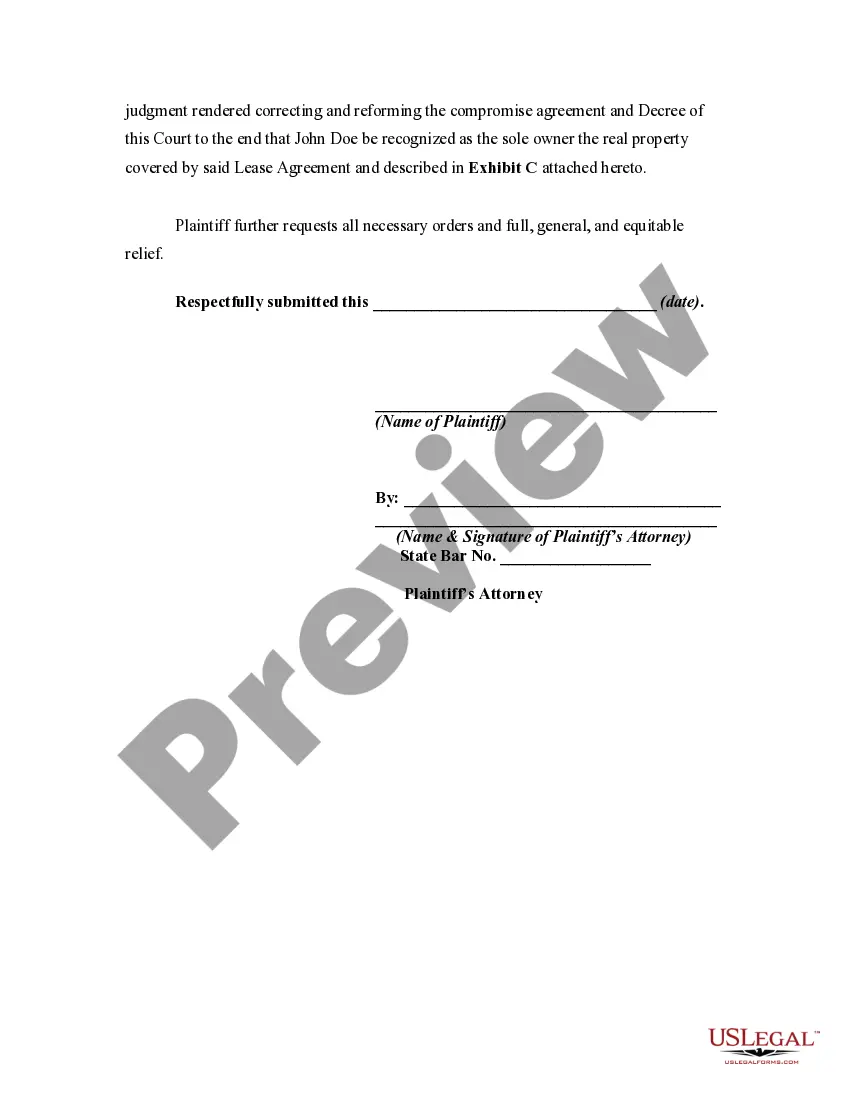
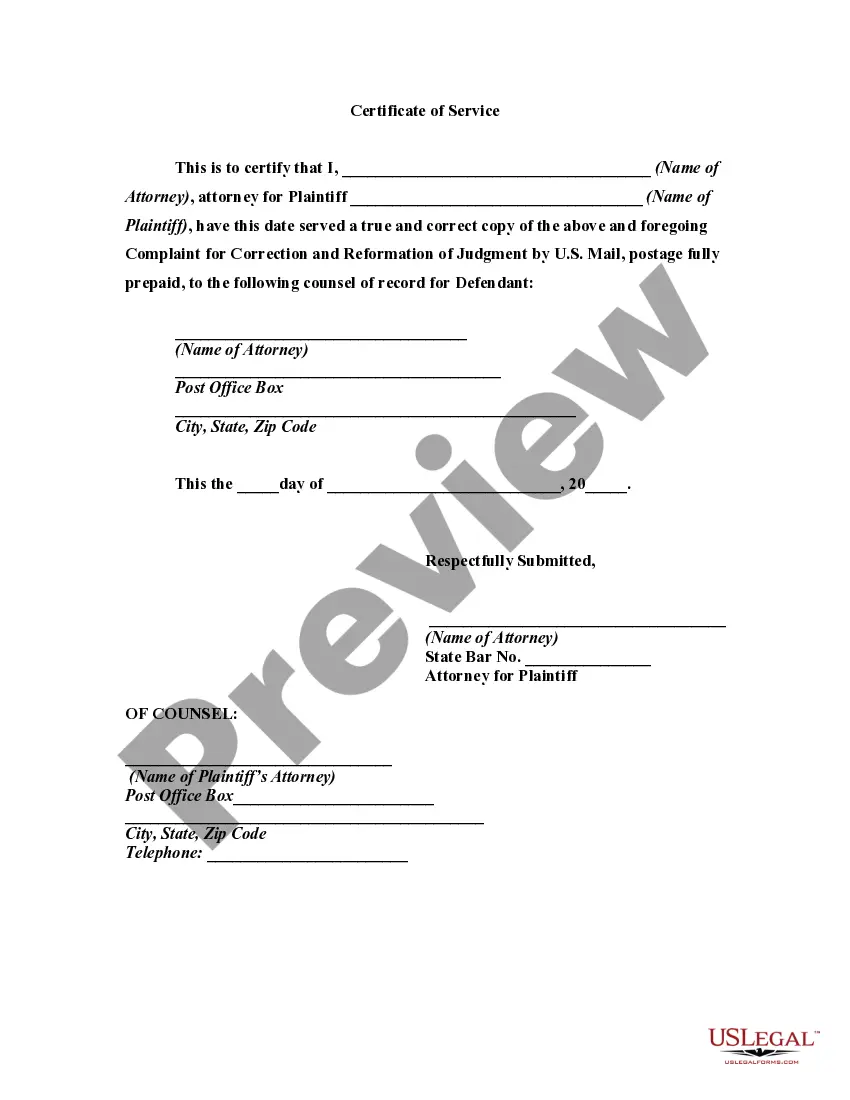
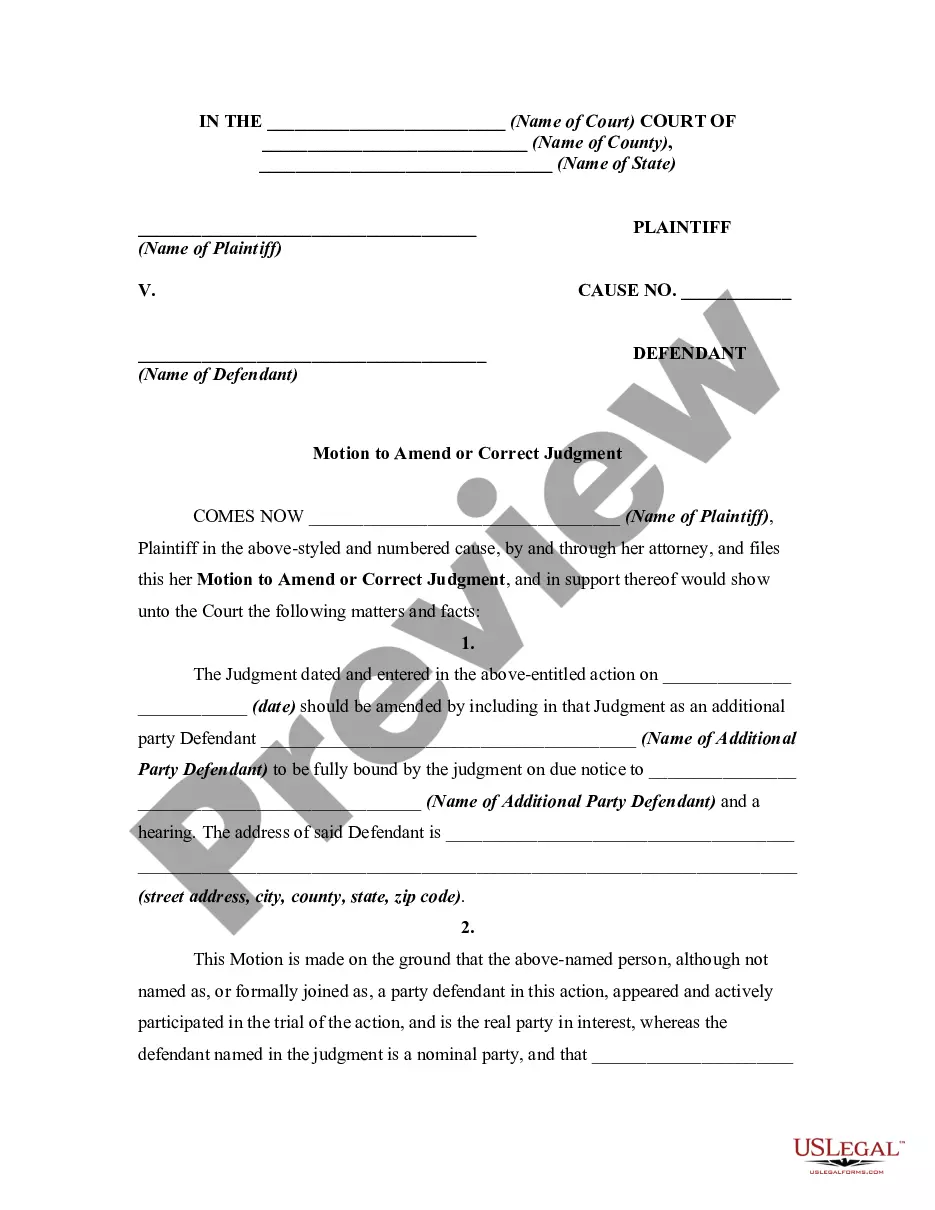
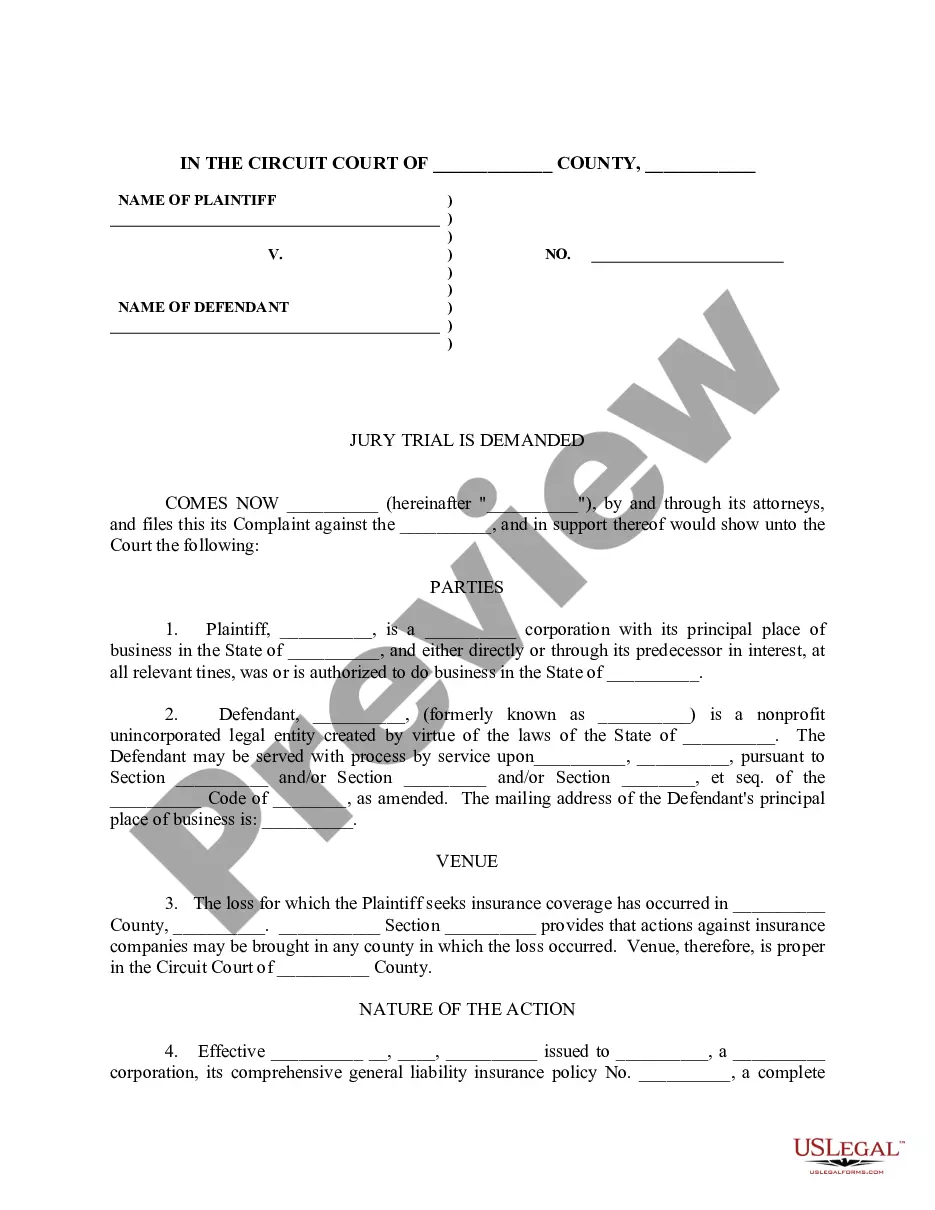
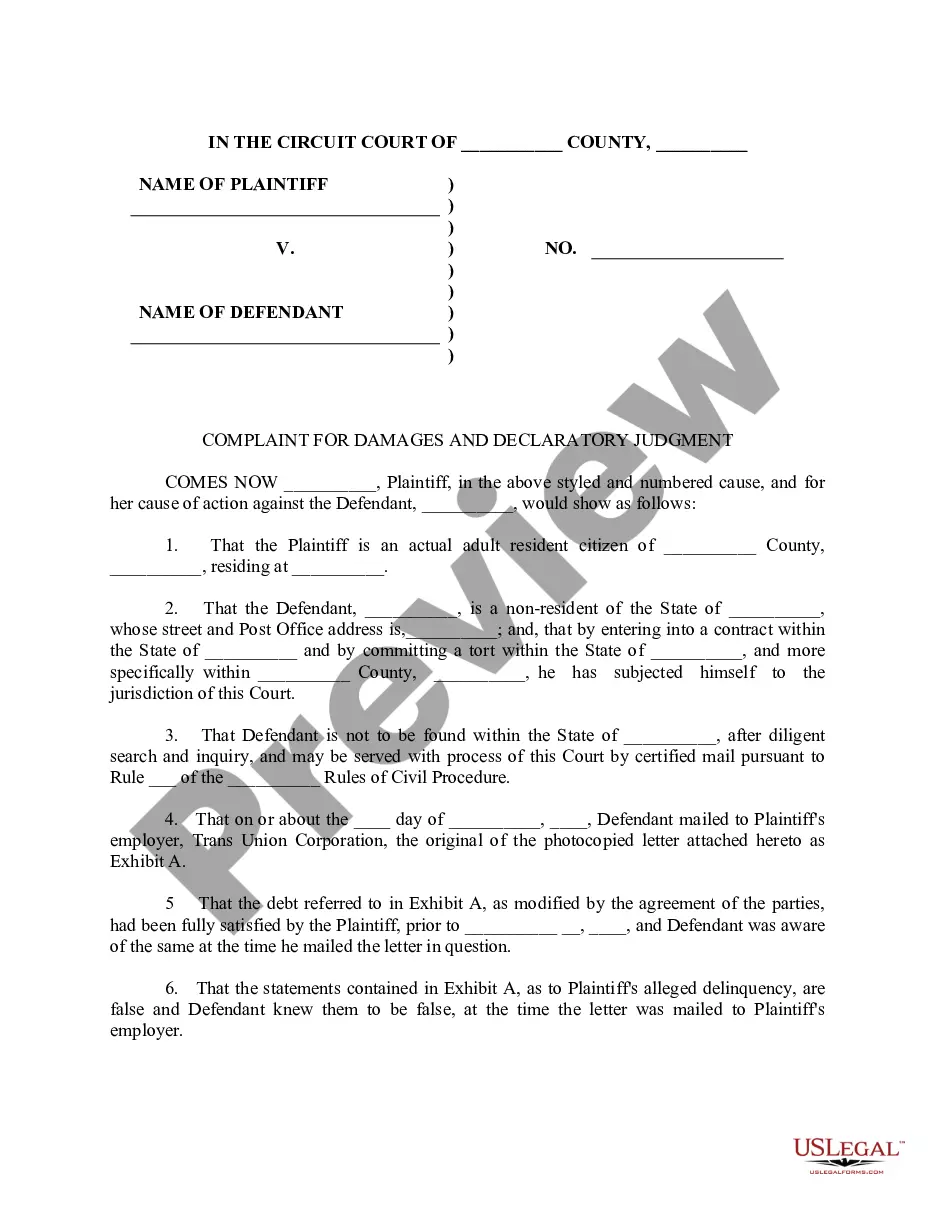
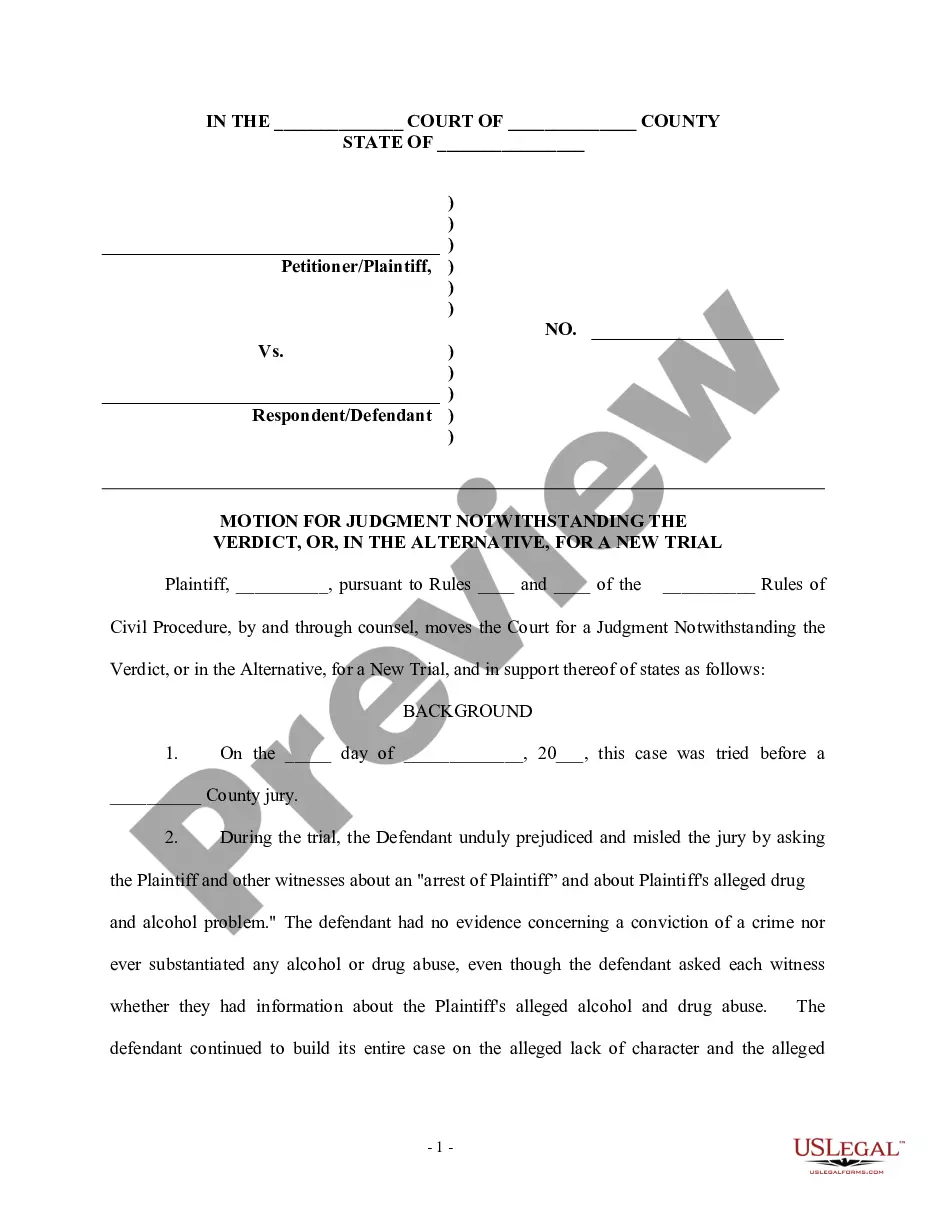

Get your form ready online
Our built-in tools help you complete, sign, share, and store your documents in one place.
Make edits, fill in missing information, and update formatting in US Legal Forms—just like you would in MS Word.
Download a copy, print it, send it by email, or mail it via USPS—whatever works best for your next step.
Sign and collect signatures with our SignNow integration. Send to multiple recipients, set reminders, and more. Go Premium to unlock E-Sign.
If this form requires notarization, complete it online through a secure video call—no need to meet a notary in person or wait for an appointment.
We protect your documents and personal data by following strict security and privacy standards.

Make edits, fill in missing information, and update formatting in US Legal Forms—just like you would in MS Word.

Download a copy, print it, send it by email, or mail it via USPS—whatever works best for your next step.

Sign and collect signatures with our SignNow integration. Send to multiple recipients, set reminders, and more. Go Premium to unlock E-Sign.

If this form requires notarization, complete it online through a secure video call—no need to meet a notary in person or wait for an appointment.

We protect your documents and personal data by following strict security and privacy standards.
Looking for another form?


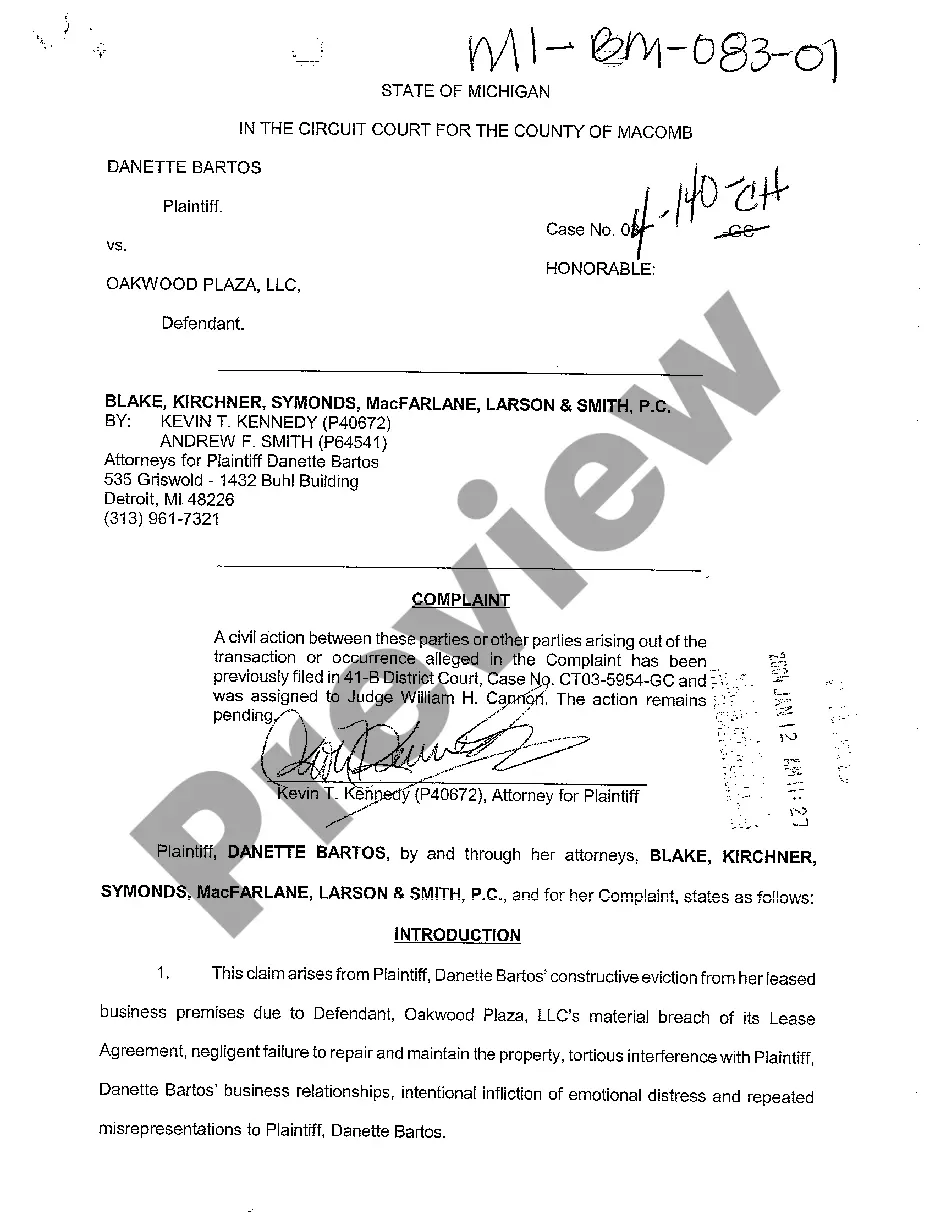

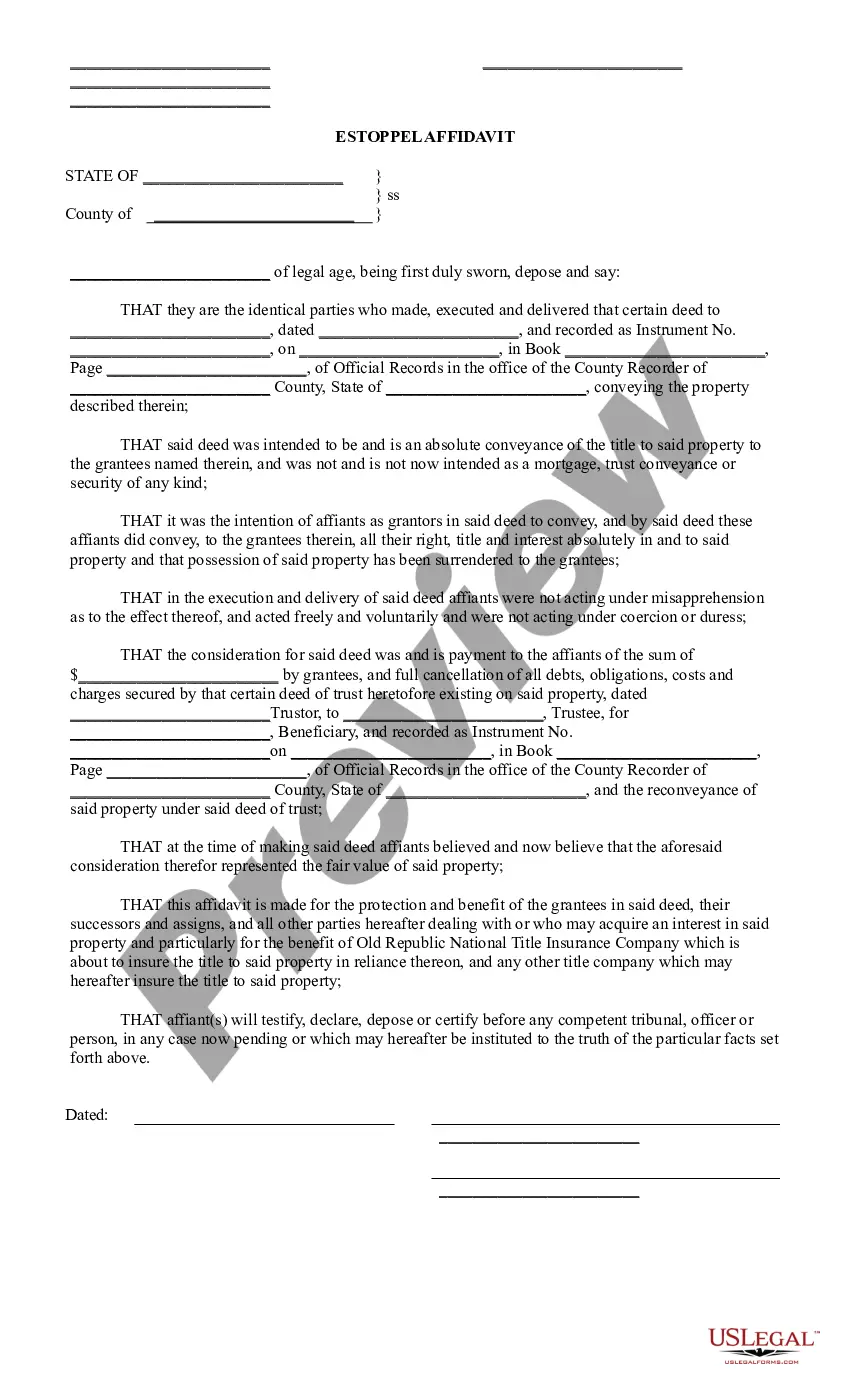
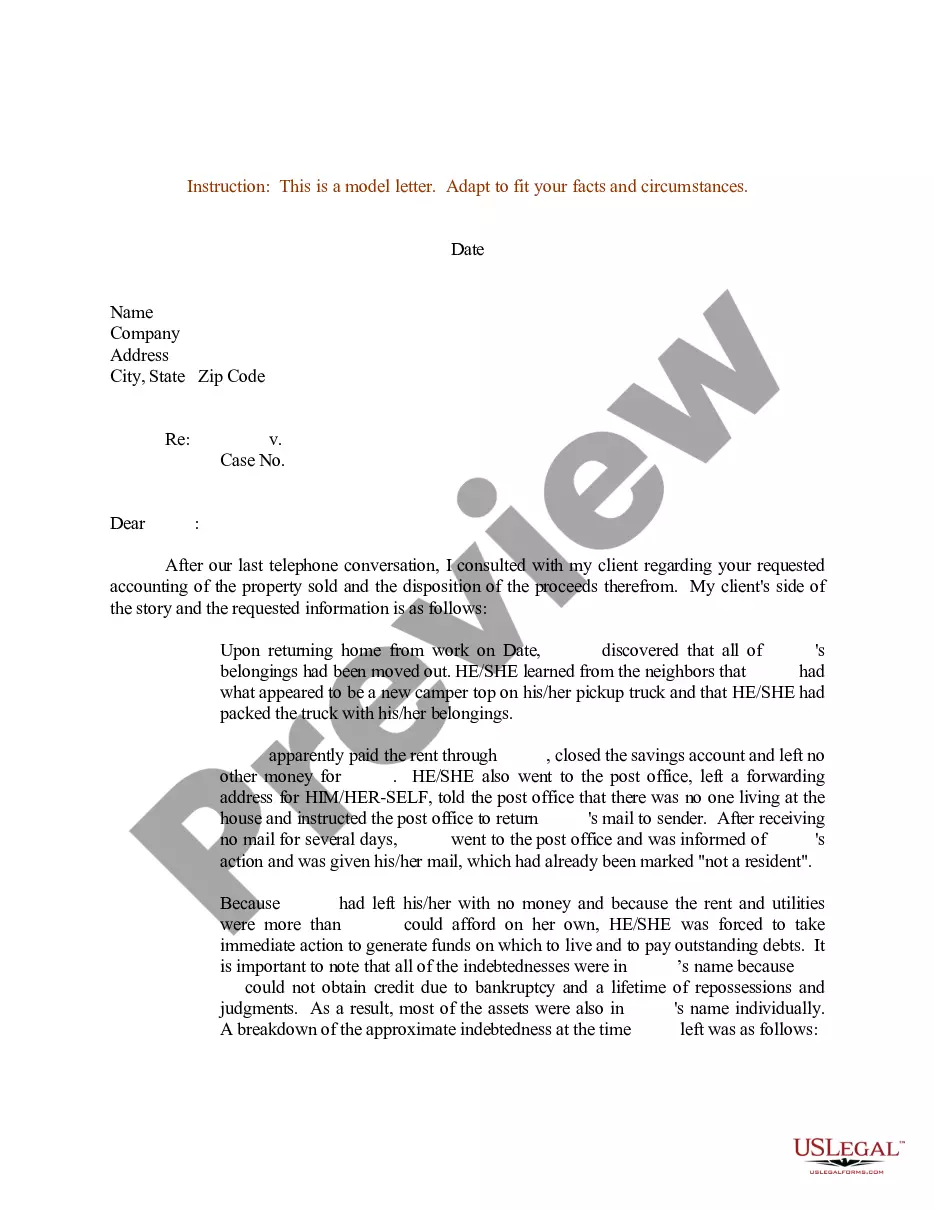

How to fill out Complaint For Correction And Reformation Of Judgment On The Ground Of Mistake?
Whether for commercial reasons or for personal matters, everyone must deal with legal issues at some stage in their life. Filling out legal documents requires meticulous care, starting with selecting the correct form template. For instance, if you choose an incorrect version of a Judgment Error For A Prior Year, it will be rejected upon submission. Thus, it is crucial to have a reliable source of legal documents such as US Legal Forms.
If you wish to acquire a Judgment Error For A Prior Year template, adhere to these straightforward steps: Obtain the template you require by using the search box or catalog navigation. Review the document’s details to confirm it aligns with your case, state, and locality. Click on the document’s preview to inspect it. If it is the incorrect form, return to the search function to locate the Judgment Error For A Prior Year sample you need. Download the file if it satisfies your requirements. If you already possess a US Legal Forms account, simply click Log in to access previously saved documents in My documents. If you do not have an account yet, you can download the form by clicking Buy now. Choose the appropriate pricing option. Complete the account registration form. Choose your payment method: use a credit card or PayPal account. Choose the document format you prefer and download the Judgment Error For A Prior Year. Once it is downloaded, you can fill in the form using editing software or print it and complete it manually.
- With a vast US Legal Forms catalog available, you never have to waste time searching the internet for the correct template.
- Utilize the library’s straightforward navigation to find the suitable form for any situation.
Form popularity
FAQ
Yes, a court can reopen a judgment for a mistake, especially if the mistake led to an unjust outcome. This process usually requires filing a motion to set aside the judgment, citing the specific error and supporting evidence. If you believe a judgment mistake for a previous year unfairly impacts your case, consider seeking legal assistance. US Legal Forms provides templates and resources to help you navigate this complex process effectively.
A judgment can be deemed invalid for several reasons, such as lack of jurisdiction, improper service of process, or violation of due process rights. If a judgment mistake for a previous year occurred, it may also be a factor in its invalidity. Understanding these grounds is crucial for anyone looking to challenge a judgment. You can find resources on US Legal Forms that outline the criteria for invalid judgments and offer guidance on how to proceed.
When you encounter a judgment mistake for a previous year, the remedy typically involves filing a motion with the court to correct the error. This process allows you to present evidence supporting your claim. Additionally, seeking legal advice can help clarify your options and ensure you follow the correct procedures. Utilizing platforms like US Legal Forms can guide you in drafting the necessary documents for this motion.
To remove a judgment from your record, you typically need to file for a satisfaction of judgment or a motion to vacate the judgment. If there was a judgment mistake for a previous year, this could serve as a basis for your motion. It is beneficial to gather any relevant paperwork that supports your case. Using platforms like US Legal Forms can simplify the process, providing you with the necessary forms and guidance.
To get a judgment reversed, you need to file a motion in the court where the judgment was issued. This motion should clearly outline the reasons for your request, particularly if there was a judgment mistake for a previous year. You may need to present evidence or documentation supporting your claim. Consulting with a legal professional can also strengthen your case and guide you through the process.
Clerical errors in judgments, orders, or other parts of the record may be corrected by the court at any time on the court's own motion or on motion of any party and may be entered nunc pro tunc.
Judgment is a void judgment if court that rendered judgment lacked jurisdiction of the subject matter, or of the parties, or acted in a manner inconsistent with due process, Fed.
Several reasons can render a judgment void as a matter of law including, (1) lack of subject matter jurisdiction, (2) lack of personal jurisdiction, (3) lack of or improper service of summons, (4) default improperly entered, and (5) a default judgment exceeding the amount demanded in the complaint.
Prejudicial error: This kind of error is a mistake about the law or court procedures that causes substantial harm to the appellant. Prejudicial error can include things like mistakes made by the judge about the law, incorrect instructions given to the jury, and errors or misconduct by the lawyers or by the jury.
Code of Civil Procedure § 473.5). Examples of mistake, inadvertence, surprise, or excusable neglect include: ? Illness of defendant. Attorney's abandonment of client. Fraud of the plaintiff.